Smartphone v1.0
- By
Capture d'écran 2026-11-20 145408.png
Capture d'écran 2026-11-20 145349.png
Capture d'écran 2026-11-20 145310.png
Capture d'écran 2026-11-20 145300.png
Capture d'écran 2026-11-20 145237.png
Description
📱 Smartphone — Text, Call & Explore
Give your Minecraft world a smartphone. Keep in touch with friends by using in-game phone numbers, take selfies during your adventures, and settle up after a trade with Quartz Bank. Smartphone is designed for multiplayer worlds, SMPs, and roleplay servers where a little everyday technology makes the world feel more alive.
💬 Messages & Contacts
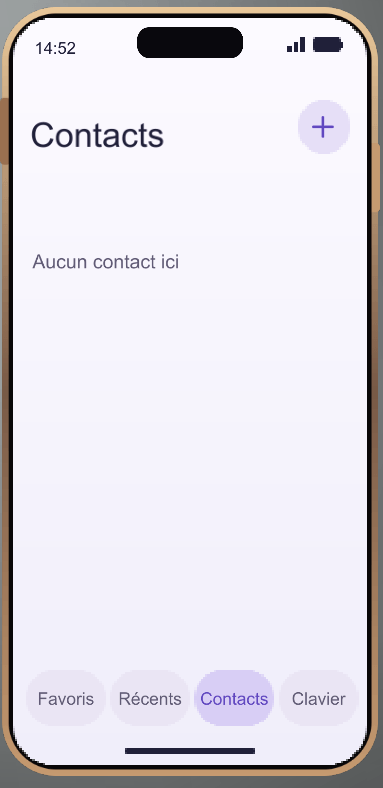
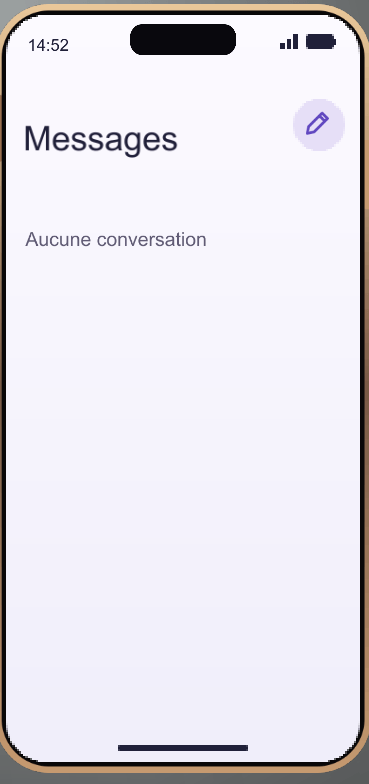
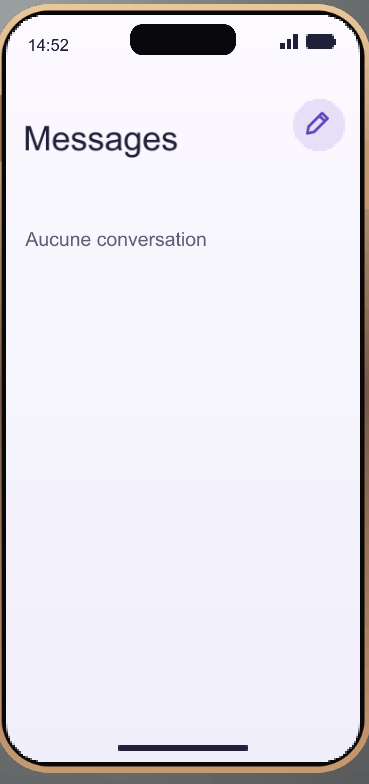
Every player gets an in-game phone number. Save your friends in your contacts and start a conversation right from your phone. The Messages app shows a preview of each conversation, and you can send a text while your friend is offline. When a new message arrives while you’re playing, the phone can slide into view with a notification.
📞 Voice & Video Calls
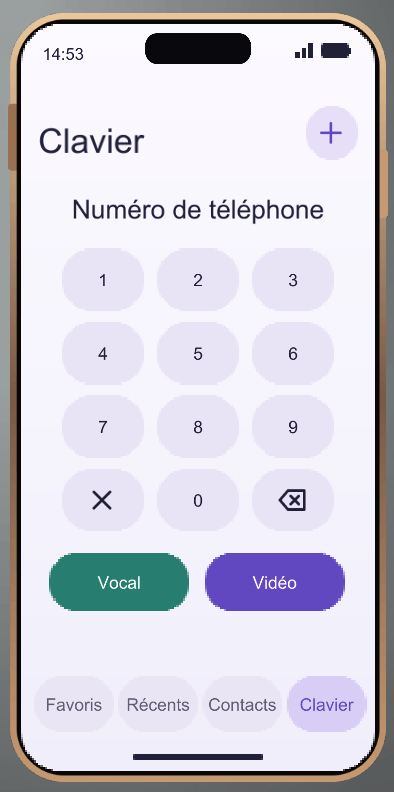
Dial a number, call a saved contact, or call someone back from your recent calls. During a call, you can mute your microphone, adjust the speaker volume, or switch to video. Video calls share a live view from the in-game camera, so you can show a friend what you’re seeing in Minecraft. No separate voice chat mod is required.
📸 Camera, Selfies & Gallery
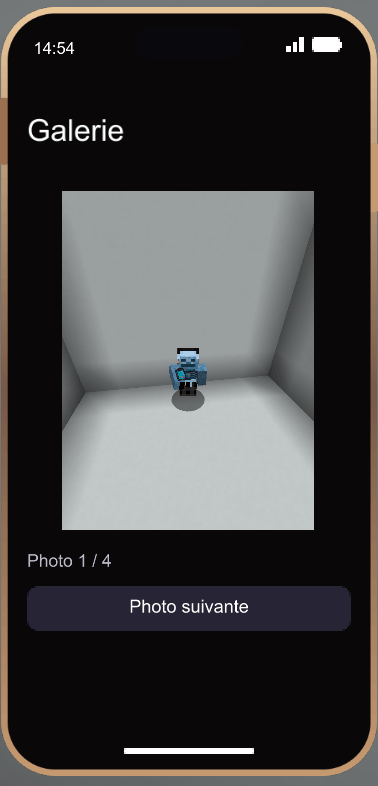
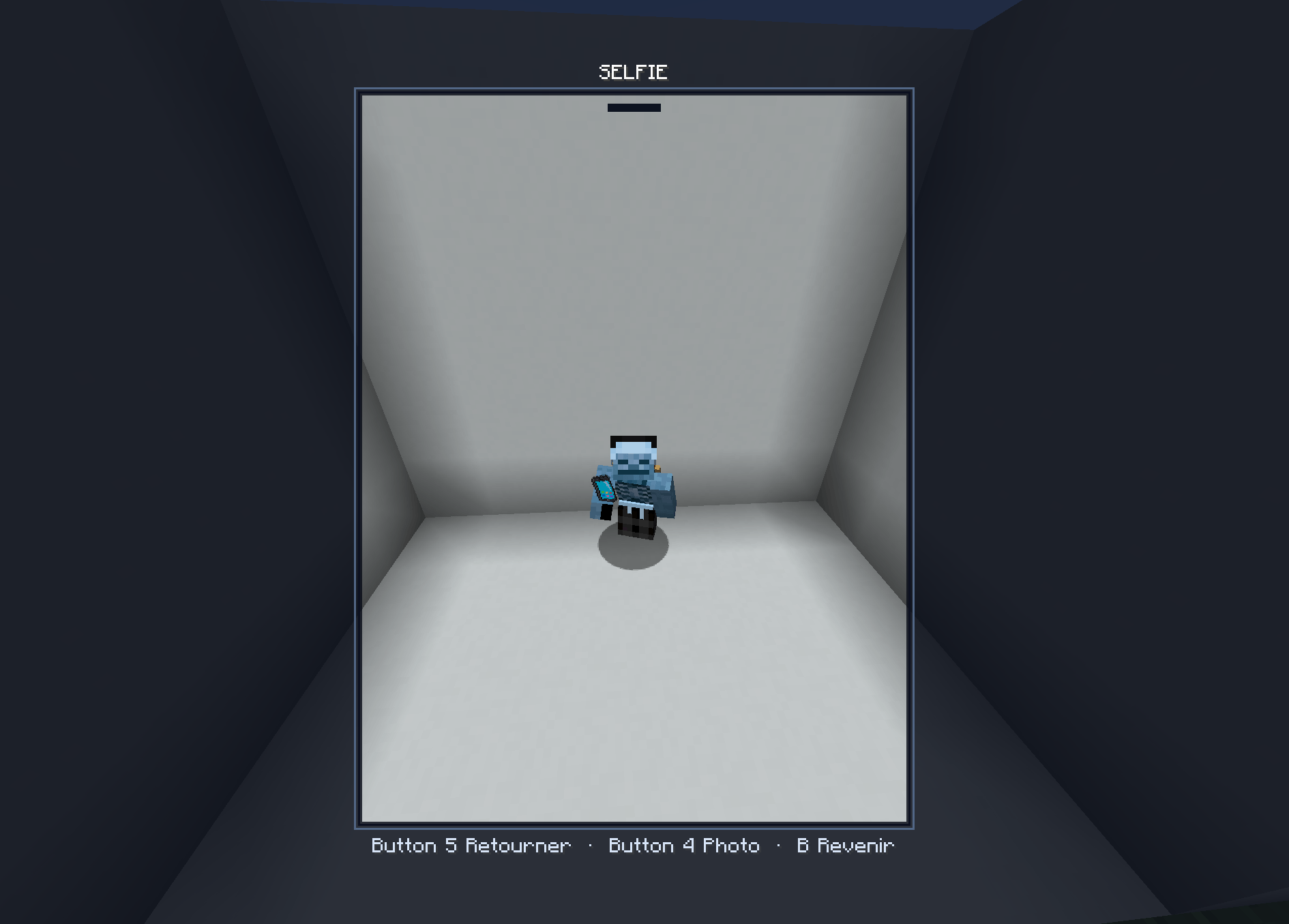
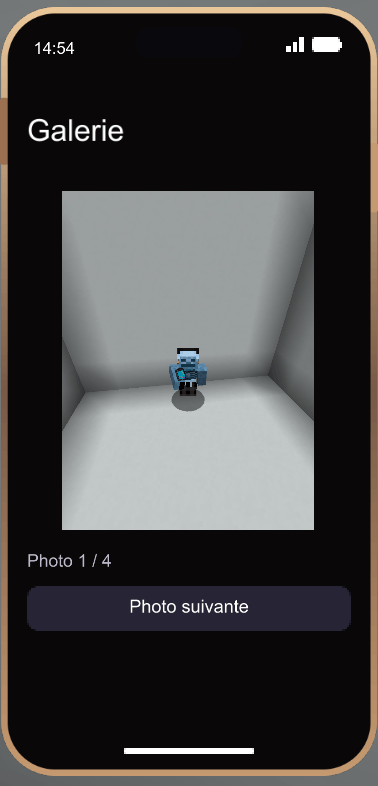
Open the viewfinder and keep moving while you frame your shot. Switch between the rear view and selfie mode to capture a build, a landscape, or a moment with friends. Photos save the portrait area shown in the viewfinder, without the Minecraft HUD. Open the Gallery app to browse your shots.
💳 Quartz Bank
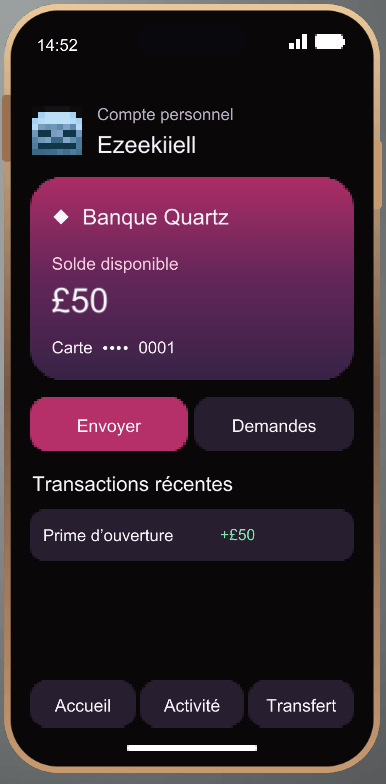
Open a bank account to get a virtual card with a unique number and a £50 starting balance. Your account is tied to your player profile in that world, so you keep your card and balance if you replace your phone.
Send money, request a payment, or check your transaction history. The other player can accept or decline payment requests. Quartz Bank uses its own in-game currency, independent of emeralds and other Minecraft items.
🔒 Make It Your Phone
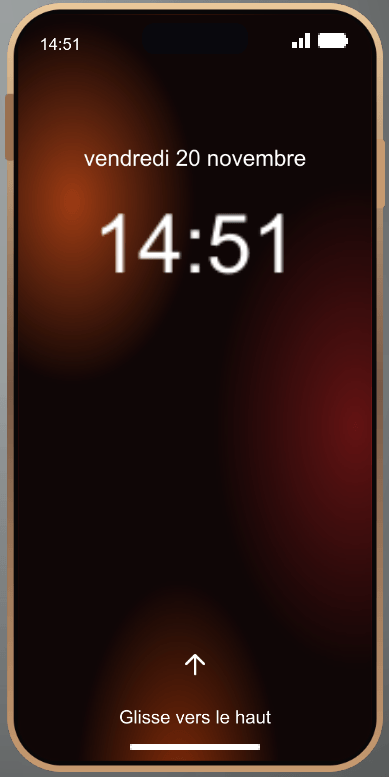
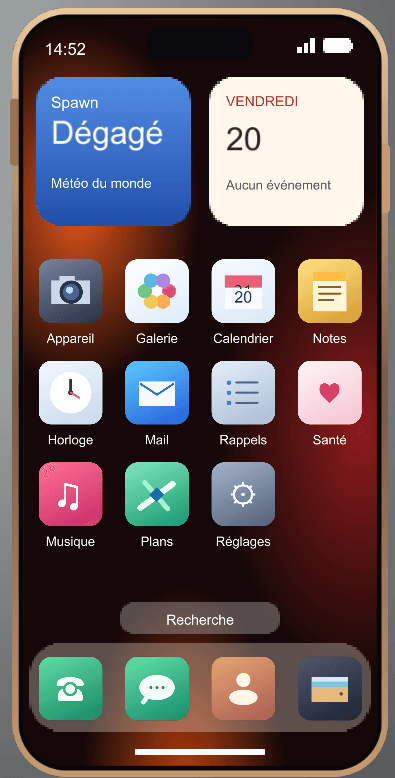
Swipe up to unlock your phone and set an optional four-digit PIN in Settings. You can also take notes, add calendar events, set reminders, check your player stats, and save coordinates for places you want to revisit.
🛠️ Installation & Getting Started
- Minecraft version: 1.21.1
- Mod loader: Fabric
- Required dependency: Fabric API
- Multiplayer: Install the same version of Smartphone on the server and on each player’s client.
Find the Smartphone in the Creative inventory under Tools & Utilities, or use /give @s smartphone:phone if you have command permissions. Hold the phone, right-click, and swipe up to get started.
Smartphone v1.0 Team