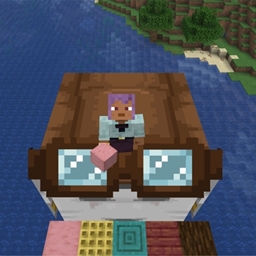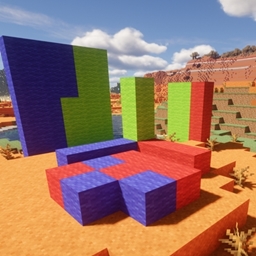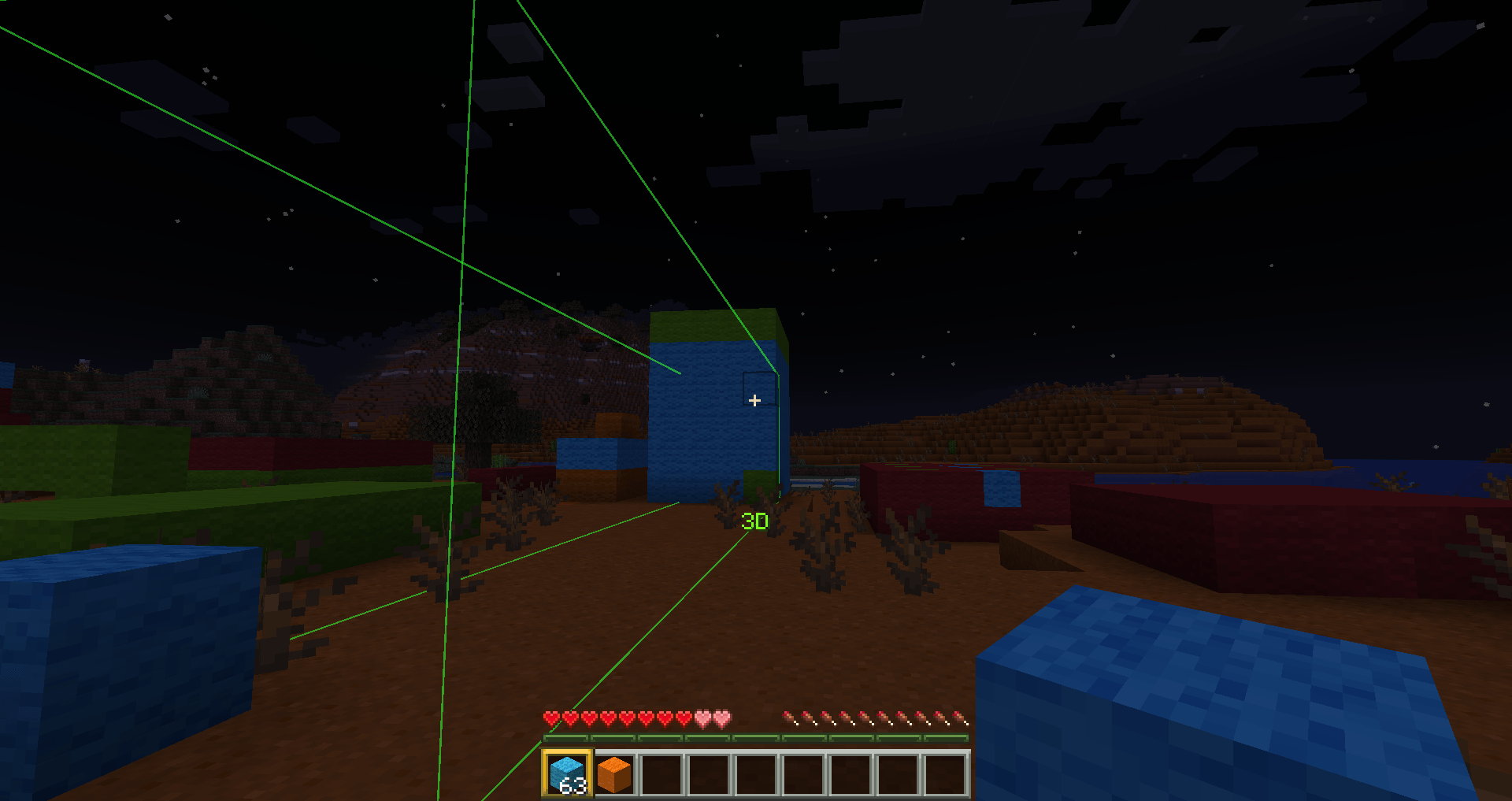
2026-02-02_01.28.05.png
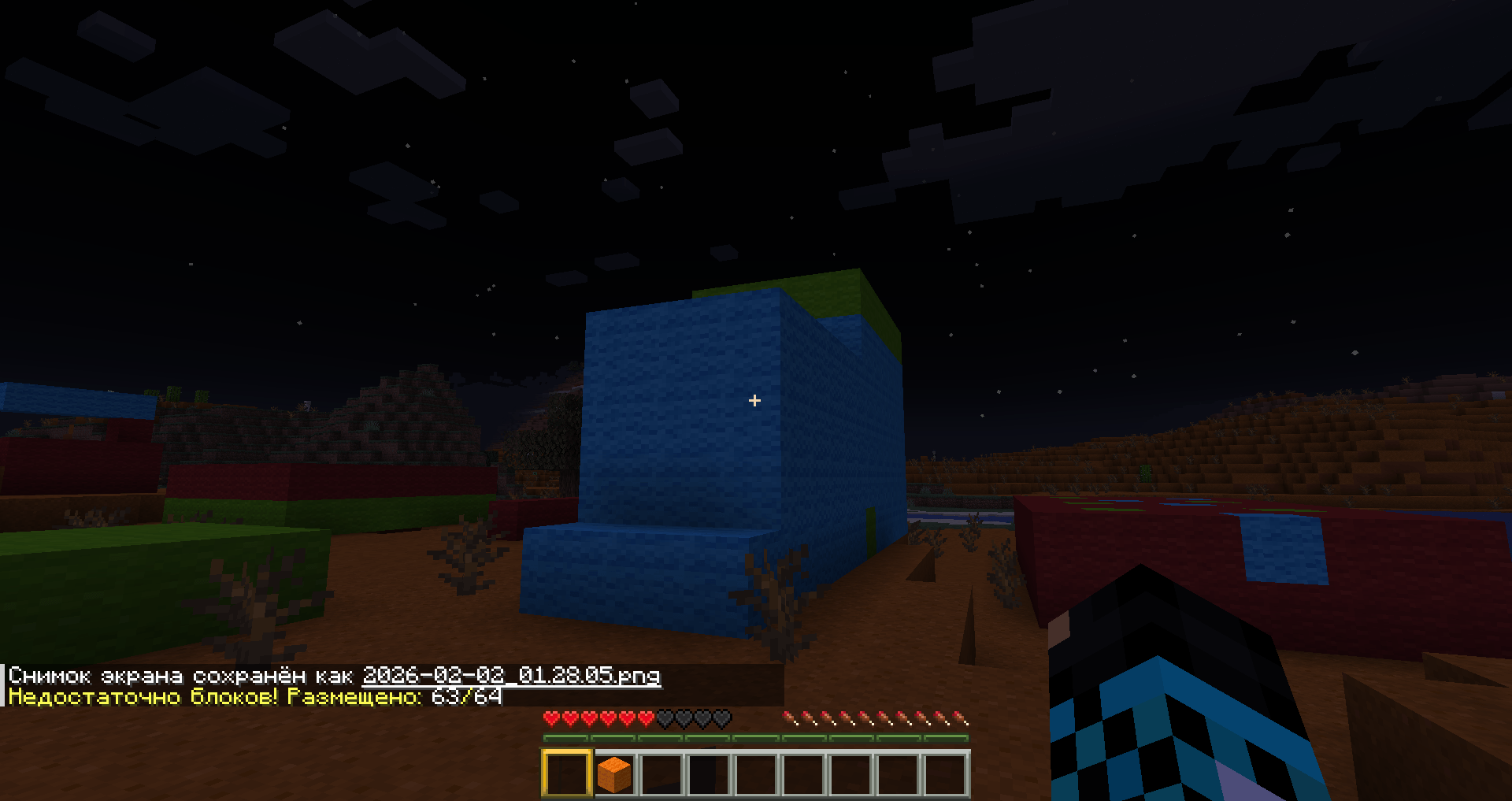
2026-02-02_01.28.09.png
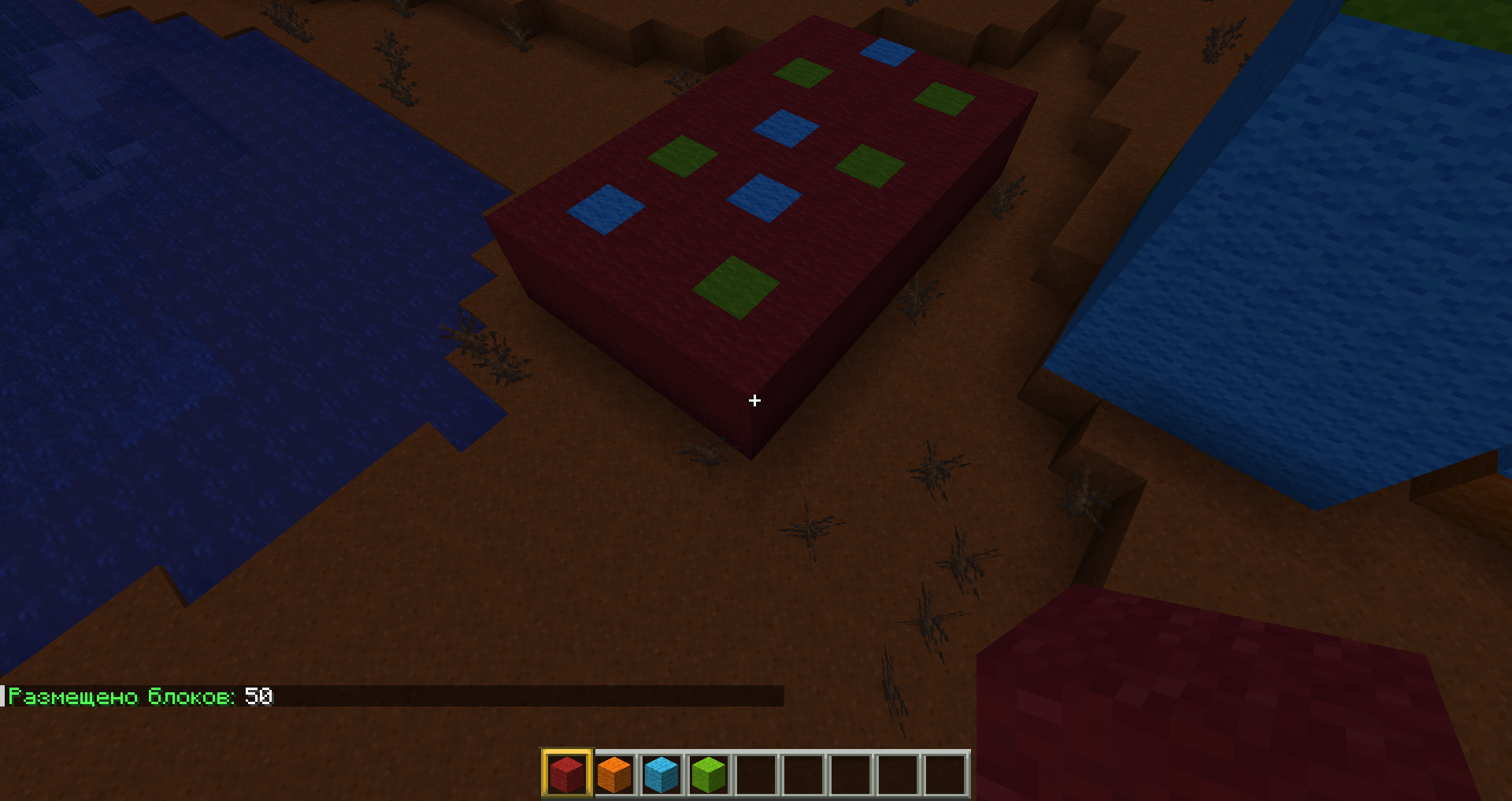
2026-02-02_01.25.44.png
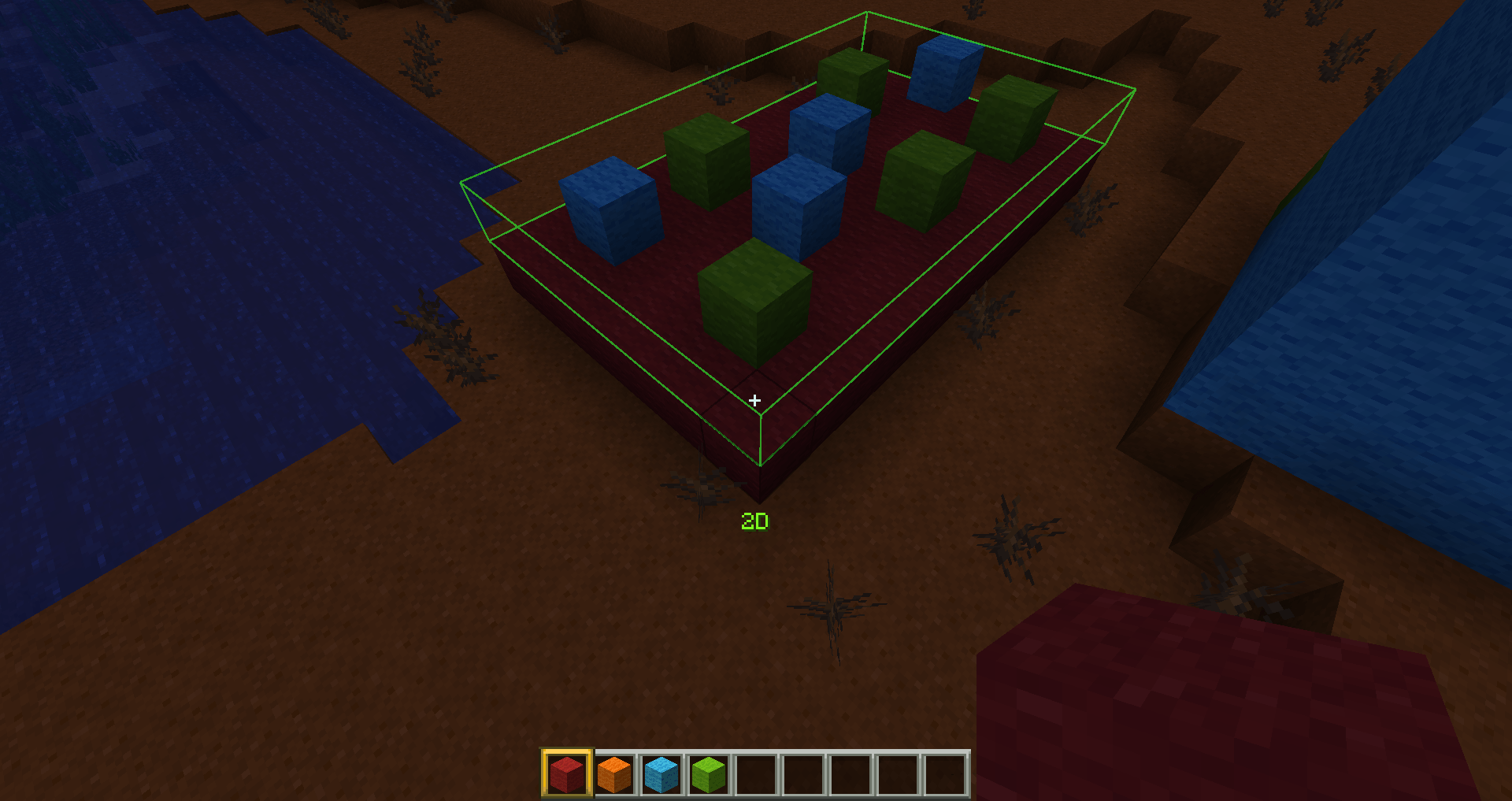
2026-02-02_01.25.24.png
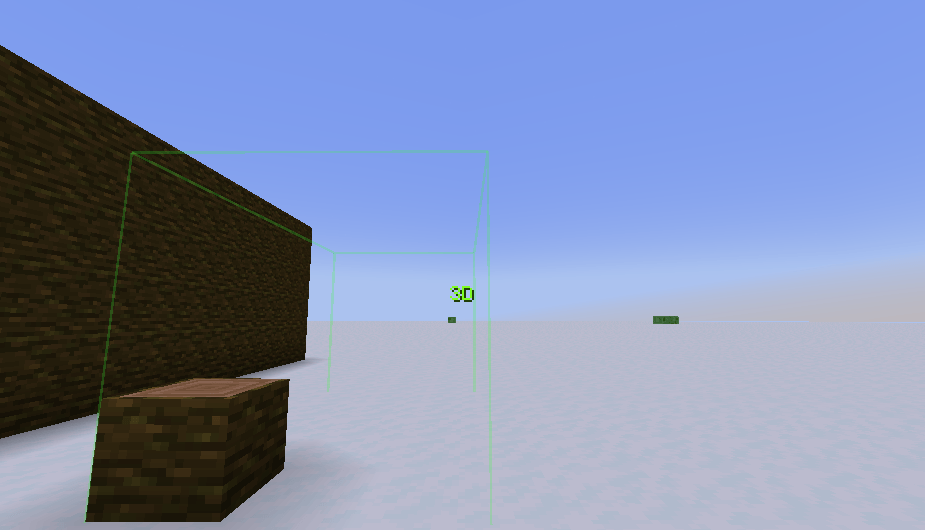
2026-02-15_22.45.25.png
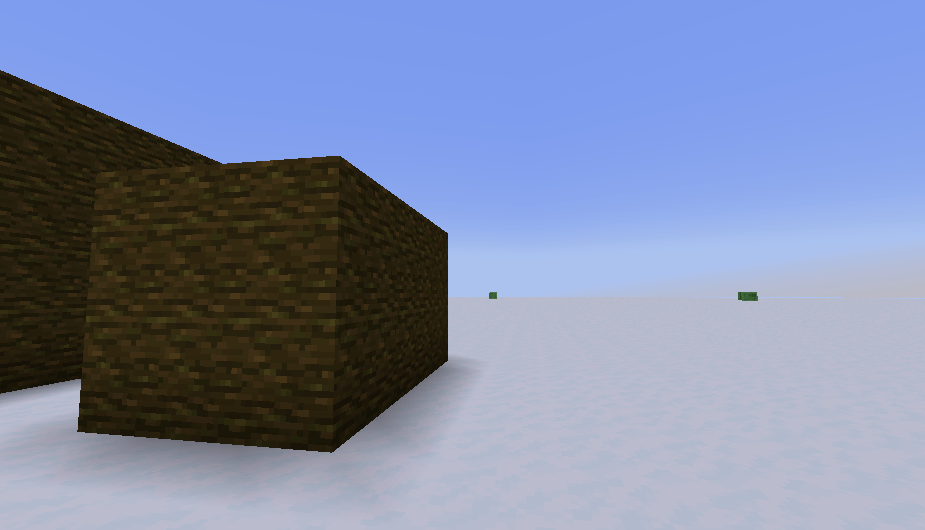
2026-02-15_22.45.32.png
ModsOverlord | Smartbuild
Create a server, get 25% off your first month

Description
Hello, everyone. First of all, I strongly recommend that you download projects through the official curseforge and modrinth launchers—this will increase the reward for the creators. Thank you all very much for your support!!!


It will save you from the routine of creating large structures of the same type. Simply turn on selection mode, place the first block, then the second block, and the entire selected area will be filled with the same blocks as the first.
Go to settings. Set the key to activate selection mode. There are 3 modes in total:
First mode - "1D"
Second mode - 2D
Third mode - 3D.
After that, set the first block, move to the other side and set the second block, after which the selected area will be filled with the same blocks as the first one in exactly the same position.
In addition, when switching to selection mode, the range of interaction with blocks increases to 20. This can be configured in the configuration file.
Please note that the creation of structures depends on the position of the first and last blocks you click. If you click on the first block and move in a direction where there are no blocks, pay attention to the position of the mouse pointer. If you move the cursor slightly below or slightly to the side, instead of creating a single line, you'll create a wall or floor.



Dependence: smartbuildLib
Usage
Set the block in the desired position, then press the button (by default, the left Shift key), right-click on the block, and then drag it in the direction in which you want to build a line or other structure. The size and shape of the structure will be adjusted depending on where you are looking.
Please note that the creation of structures depends on the position of the first and last blocks you click. If you click on the first block and move in a direction where there are no blocks, pay attention to the position of the mouse pointer. If you move the cursor slightly below or slightly to the side, instead of creating a single line, you'll create a wall or floor.
In addition, when squatting, the range of interaction with the blocks increases to 20. This can be configured in the configuration file.
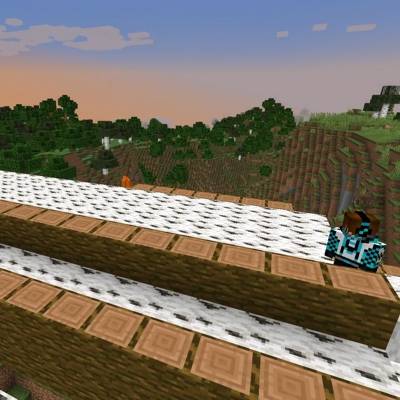
Configuration

The Smartbuild Team