SlashRails
- By
Smooth curves for vanilla rails: minecarts glide through corners and loops instead of snapping 90° at each turn.
loop.png
riding.png
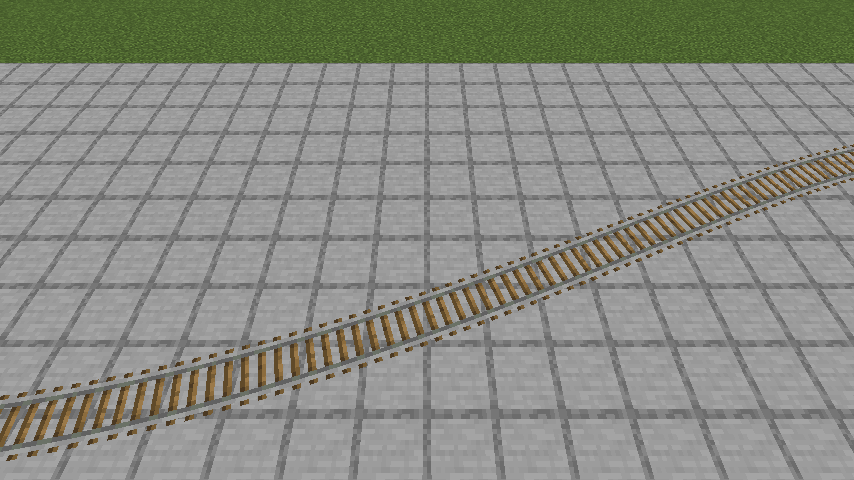
smoothed-closeup.png
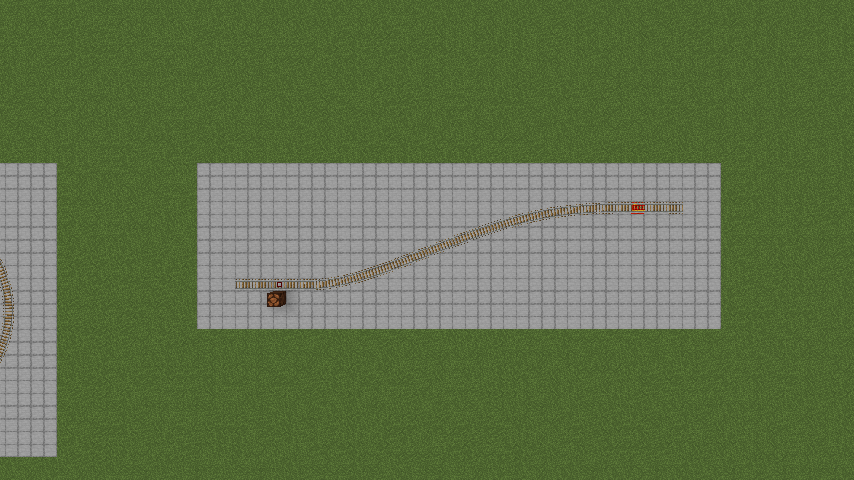
staircase-smoothed.png
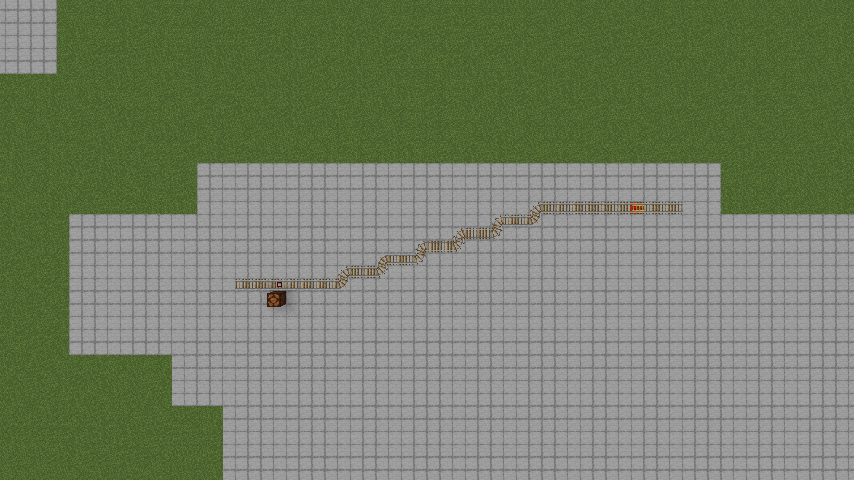
staircase-vanilla.png
Description
SlashRails
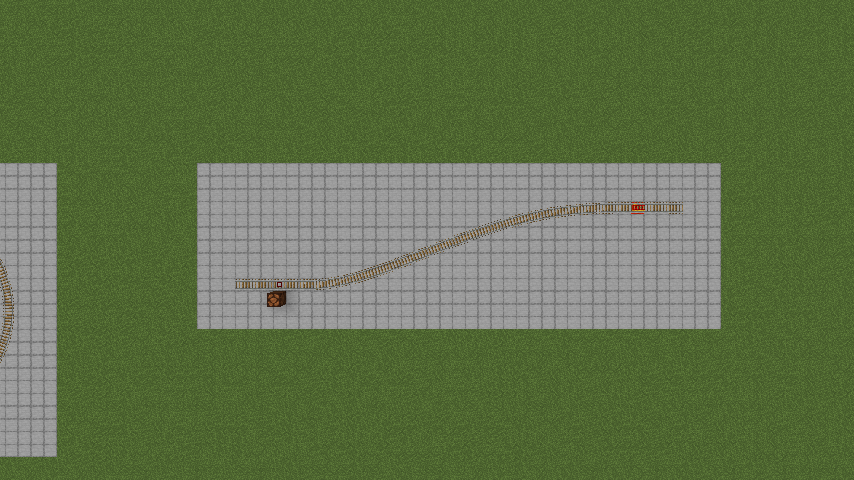
Rail curves that are actually curves. Build a gentle staircase of rails, use the Track Smoother, and it becomes one real curve: drawn smooth and ridden smooth, in a vanilla minecart, on the rails you already built.
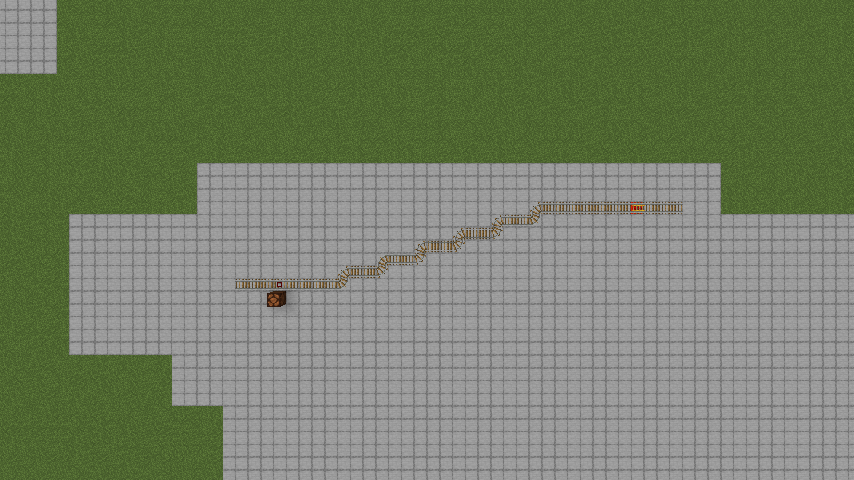
Players have been asking for this for over a decade. A long, gentle curve built from vanilla rails comes out as a zigzag of corner rails. It looks jagged, and the ride over it wiggles left and right, snapping the cart's heading at every step.
Other fixes tackle one half. Resource packs make 45° runs look straight, but the ride still zigzags. Ride tweaks smooth the cart, but the track still looks like a staircase. Curve mods give you smooth track, but with their own track blocks. SlashRails does both halves on the rails you already have:
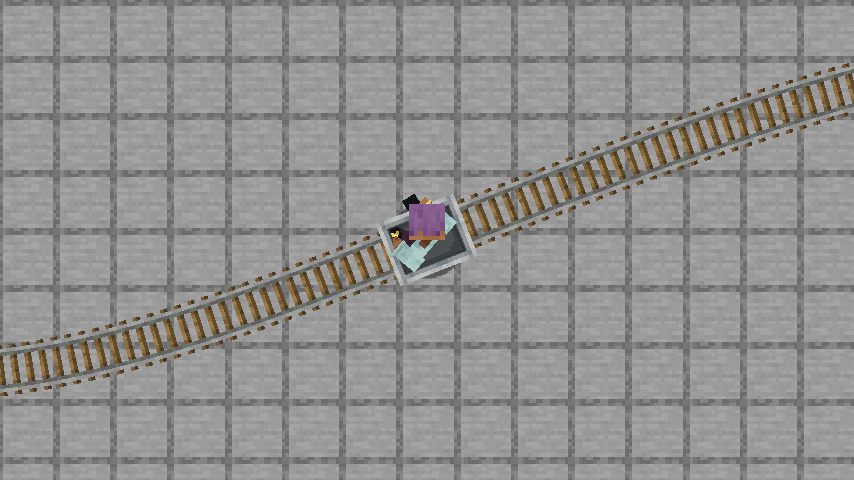
- Looks smooth. The staircase is drawn as one continuous curve, with each rail's own texture.
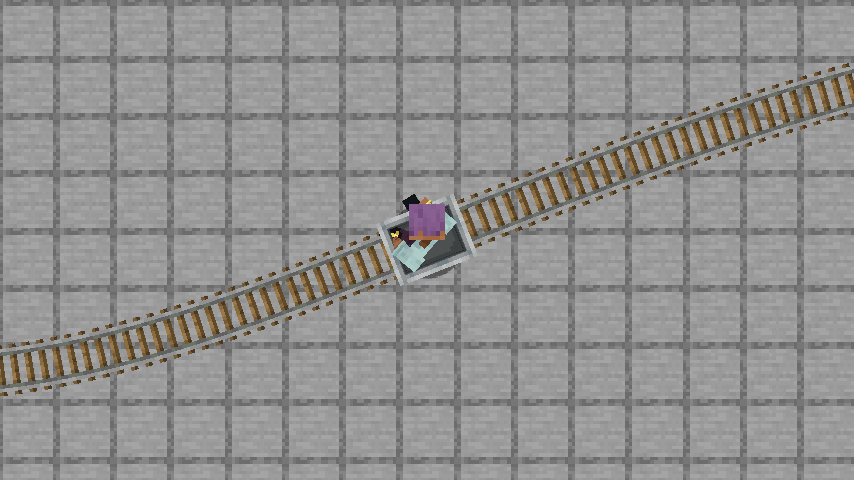
- Rides smooth. Vanilla minecarts follow the curve instead of the zigzag.
- Any gentle angle, not just 45°. A 1:2, 1:3, 1:8 staircase, a wide arc, an S-bend or a full loop all smooth.
- No new blocks, no special carts, no experimental toggles. Your rails stay vanilla rails. Remove the mod and the world is exactly as you built it.
- Minecraft 1.20.1 to 26.3 — Fabric on every version, plus NeoForge and Forge (see Compatibility).
How to use it
- Craft a Track Smoother: rail, iron ingot and stick on a diagonal, with the stick at the bottom left. It's also in the Tools & Utilities creative tab.
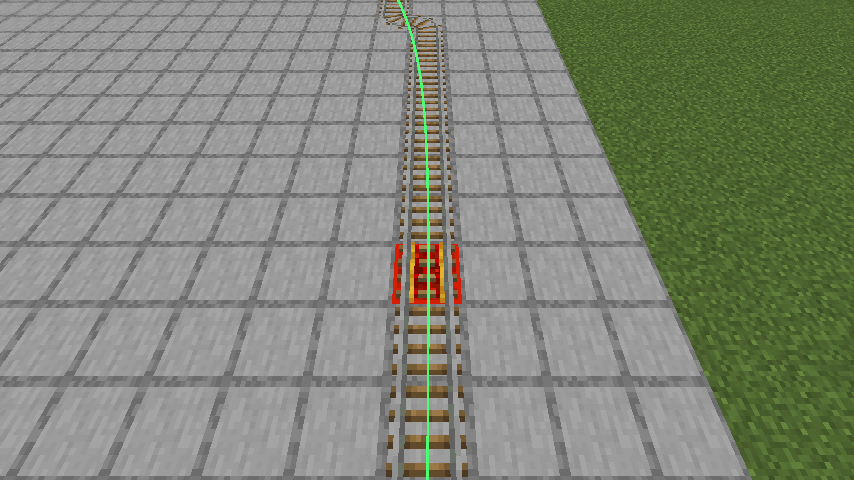
- Hold it and look at a rail. A green line previews the curve it would make.
- Use it on the rail. The whole connected run of flat rails becomes one smooth curve.
- Use it again on a smoothed rail to turn the run back into vanilla rails.
Lay the route with ordinary rails first — a gentle staircase for a gentle curve. SlashRails follows what you built; it doesn't invent a new route. Already have a zigzag railway? Walk up to it and smooth it.
Still vanilla underneath
- The rails are real vanilla rails. Powered, detector and activator rails inside a smoothed run keep working. Remove the mod and your world is exactly as you built it.
- The carts are ordinary minecarts. No special cart, nothing extra to craft. Vanilla speed, friction, powered-rail boost and braking all apply along the curve.
- Tight spots stay safe. Where blocks sit right beside the track (a tunnel, a wall, a lamp), the curve keeps to the vanilla line so carts don't scrape.
- Breaking any rail in a smoothed run turns that run back into vanilla rails.
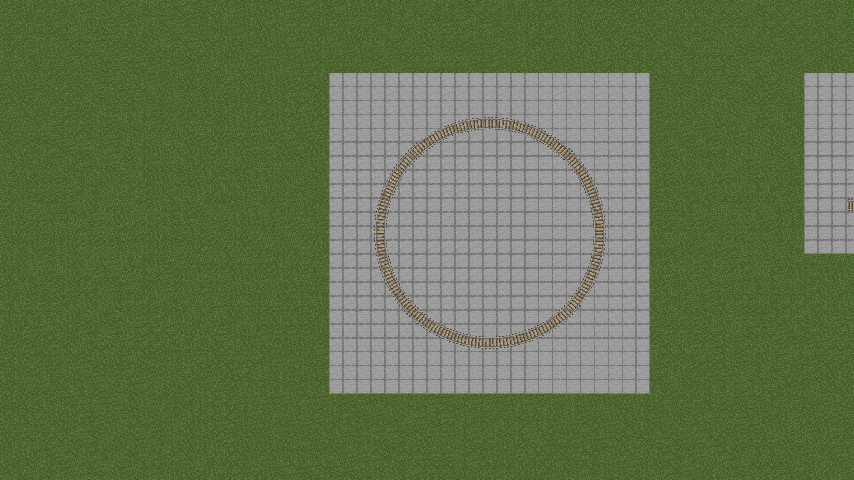
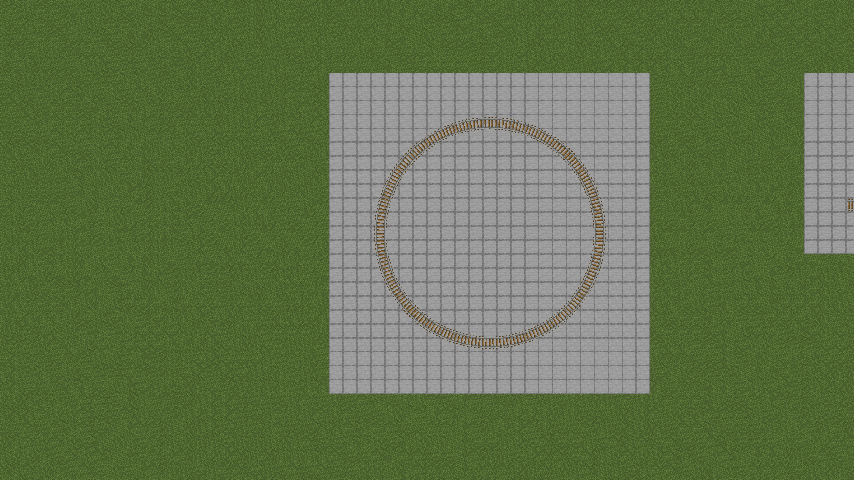
- Loops work. A closed circle of rails smooths into one continuous loop.
- Saved with the world and synced to every player on the server.
How much smoother?
The built-in self-test rides a cart over each track shape, first on vanilla rails and then smoothed, and records the sharpest change of direction the cart makes in a single tick:
| Track | Vanilla | Smoothed |
|---|---|---|
| Staircase 1:2 | 79.5° | 2.1° |
| Staircase 1:4 | 73.0° | 1.6° |
| Staircase 1:8 | 79.5° | 1.7° |
| Quarter circle, radius 16 | 78.9° | 1.3° |
| S-bend, radius 10 | 79.8° | 2.5° |
| Loop, radius 10 | 78.6° | 1.7° |
Installation
SlashRails is needed on both the server and every client.
- Drop the JAR matching your Minecraft version and loader into
mods/:-fabric,-neoforgeor-forge. - On Fabric, add Fabric API. NeoForge and Forge need nothing extra.
- Start the game or server.
Compatibility
- Fabric (with Fabric API) — every Minecraft version from 1.20.1 to 26.3.
- NeoForge — 1.20.4, and every version from 1.20.6 to 26.3 (26.3 as beta, like NeoForge 26.3 itself).
- Forge — 1.20.1. The same file also runs on NeoForge 1.20.1.
- Sodium — tested with 0.6.13 on 1.21.1, both loaders.
- Iris — tested with 1.8.8 and a shader pack on 1.21.1 Fabric.
Configuration
config/slashrails.properties is created on first launch:
| Key | Side | Default | Meaning |
|---|---|---|---|
maxRunLength |
server | 512 | Longest run the Track Smoother will smooth, in rails |
opOnlyTool |
server | false | Only operators can use the Track Smoother |
toolPreview |
client | true | Show the green preview line while holding the tool |
debugOverlay |
client | false | Draw every smoothed run's centre line |
Operator commands
| Command | Effect |
|---|---|
/slashrails list |
Count the smoothed runs and rails in the current dimension |
/slashrails testtrack <kind> [size] [smooth] |
Build a test track shape |
/slashrails probe |
Measure the ride you're on |
/slashrails selftest |
Ride every test shape vanilla and smoothed, and report pass/fail |
Known limitations
- Flat track only for now. A run stops where the track goes up or down a slope.
- A single sharp 90° corner can only be rounded a little — it stays a tight turn.
- Furnace minecarts haven't been tested on curves yet. Ridden minecarts and hopper minecarts have.
Source & links
- GitHub (source, issues): https://github.com/slashdaemon/SlashRails
- License: CC-BY-4.0.
The SlashRails Team