


Simple Teams
2026-07-13_03.43.58.png
2026-07-13_03.44.04.png
Description
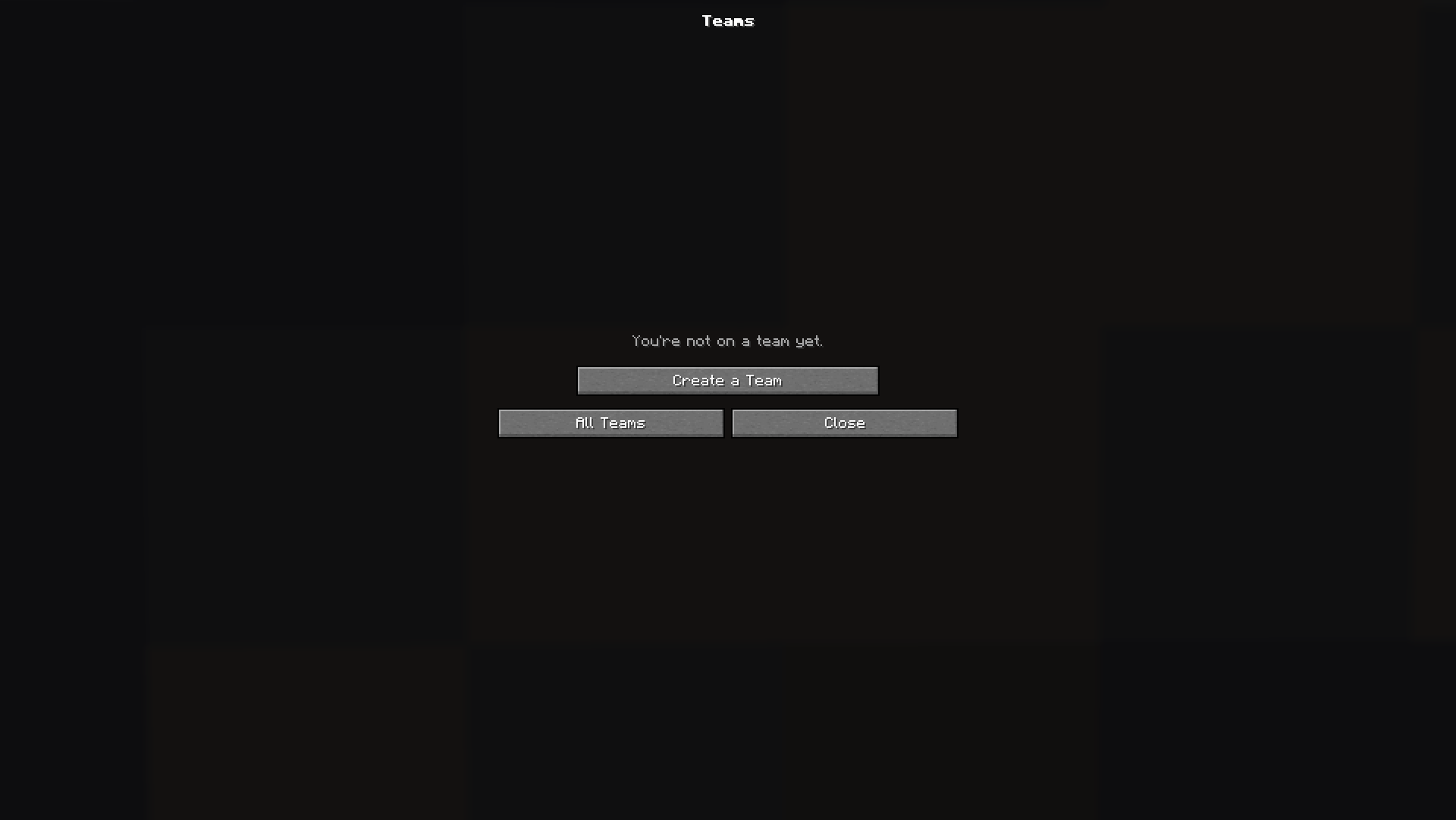
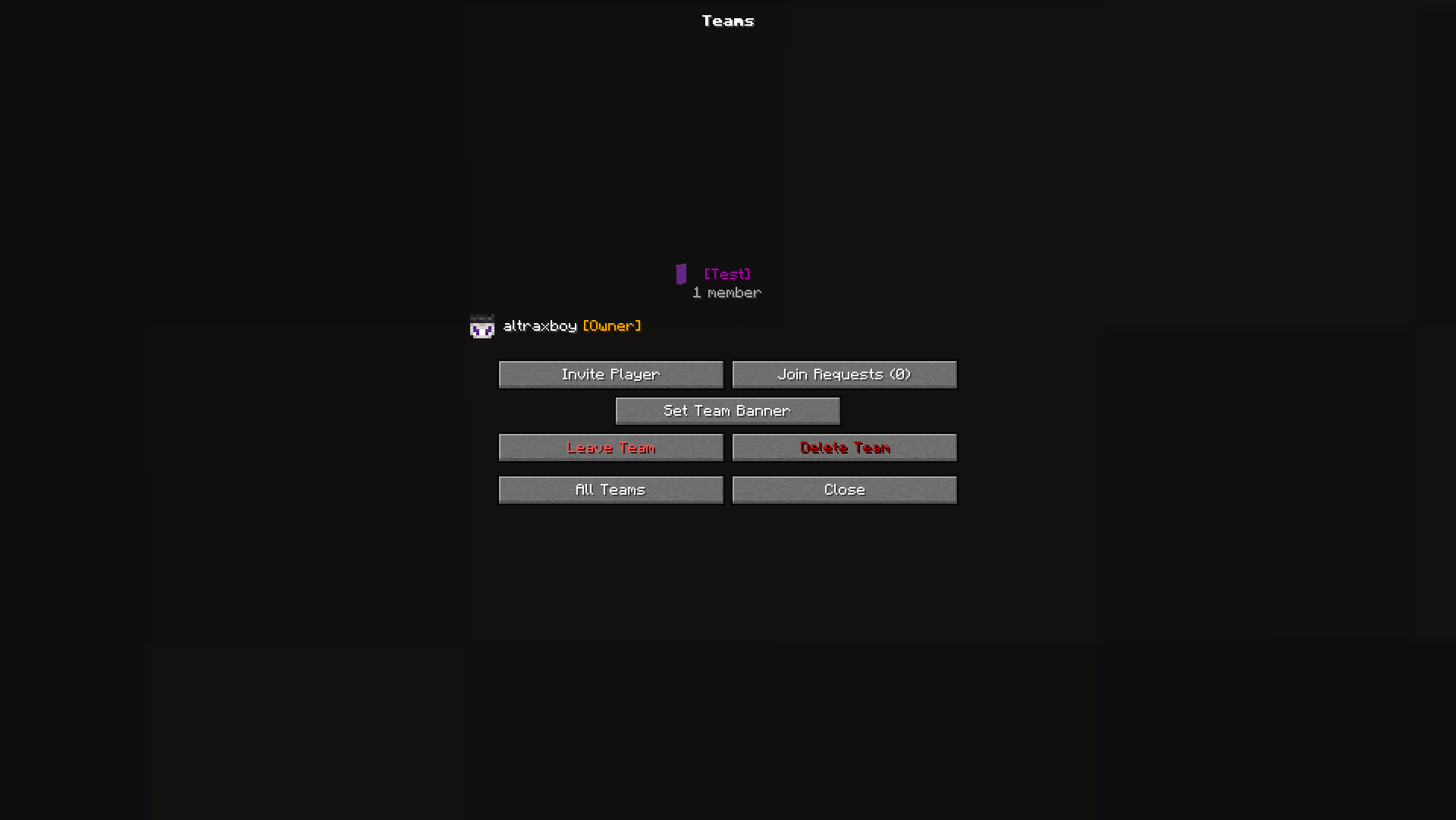
Create and manage player teams entirely through an in-game interface — one command (/steams) or one keybind (Y) opens the hub, and everything else happens with buttons. Teams get a colored [Name] tag in front of members' names (the name itself stays uncolored), friendly fire is automatically disabled within a team, and every team has its own banner.
For players: create a team with a name and one of 16 colors and become its owner; browse every team on the server with member counts and banners; request to join any team, or accept/decline invites from a dedicated invites screen (you can hold several at once, with chat notifications that never interrupt gameplay by force-opening the GUI).
For team owners and co-owners: view the full roster with player heads, online status, and role tags; invite players (anyone already on a team is filtered out automatically); approve or deny join requests; promote members to co-owner, transfer ownership, and kick members (owners can kick anyone, co-owners only regular members). Owners can also set a custom team banner — hold any banner you've crafted, patterns and all, and one click makes it the team's official banner, visible to everyone on the server. Leaving as owner hands ownership to a co-owner (or whoever's left), and both leaving and deleting a team sit behind are-you-sure confirmations.
For server admins: /steams toggle freezes the whole system without deleting anything, and /steams admin commands let ops rename, recolor, or delete any team, and join any team without an invite — all with tab-completion, and all working even while the system is frozen.
Owner and co-owner roles persist with the world. Built on top of vanilla's scoreboard teams, so tags and friendly-fire behavior work exactly like vanilla everywhere — chat, tab list, and nametags.
The Simple Teams Team
