


Simple Schematics
- By

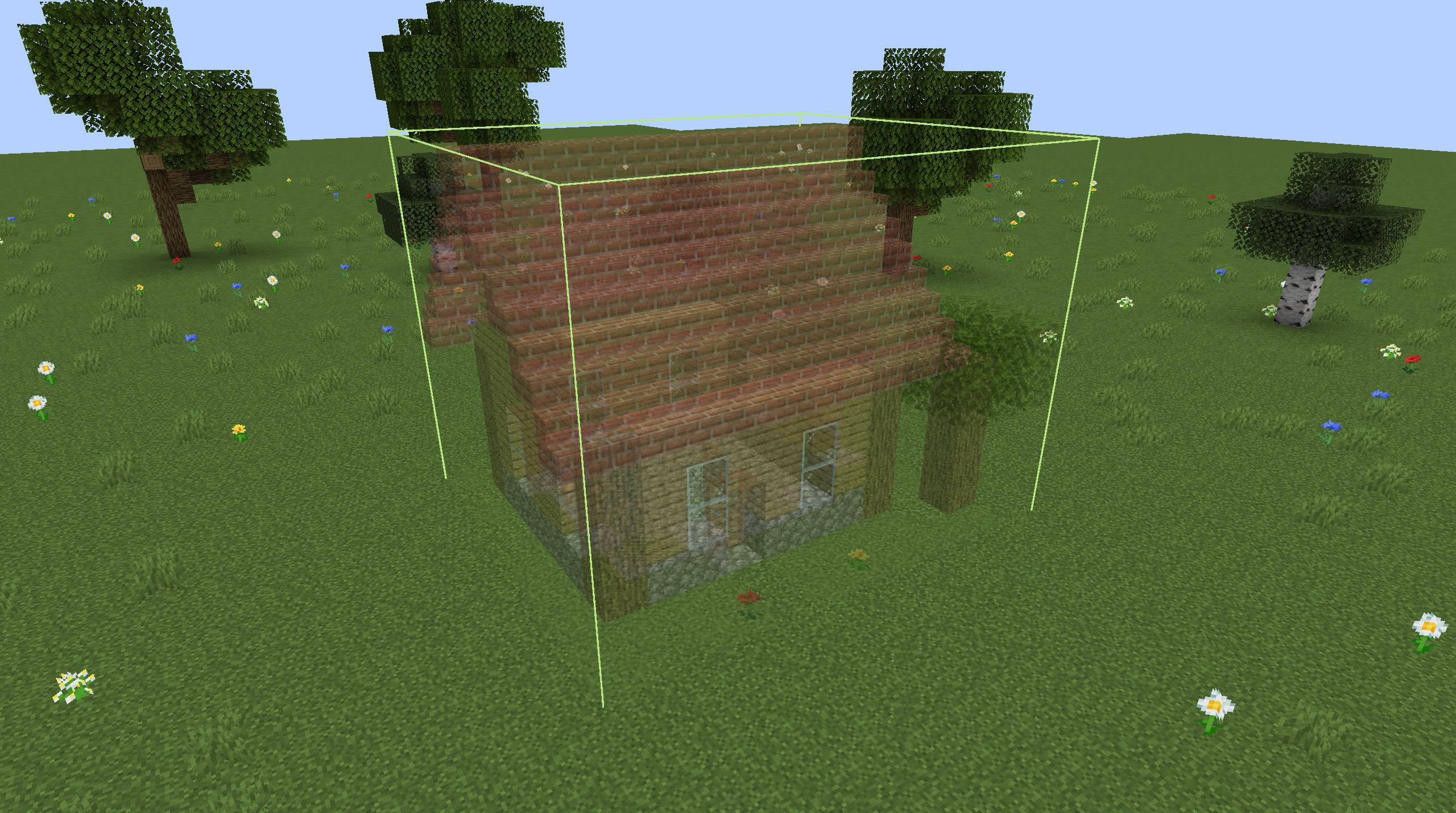
A schematic shown in the world as a see-through preview, exactly where every block will go.
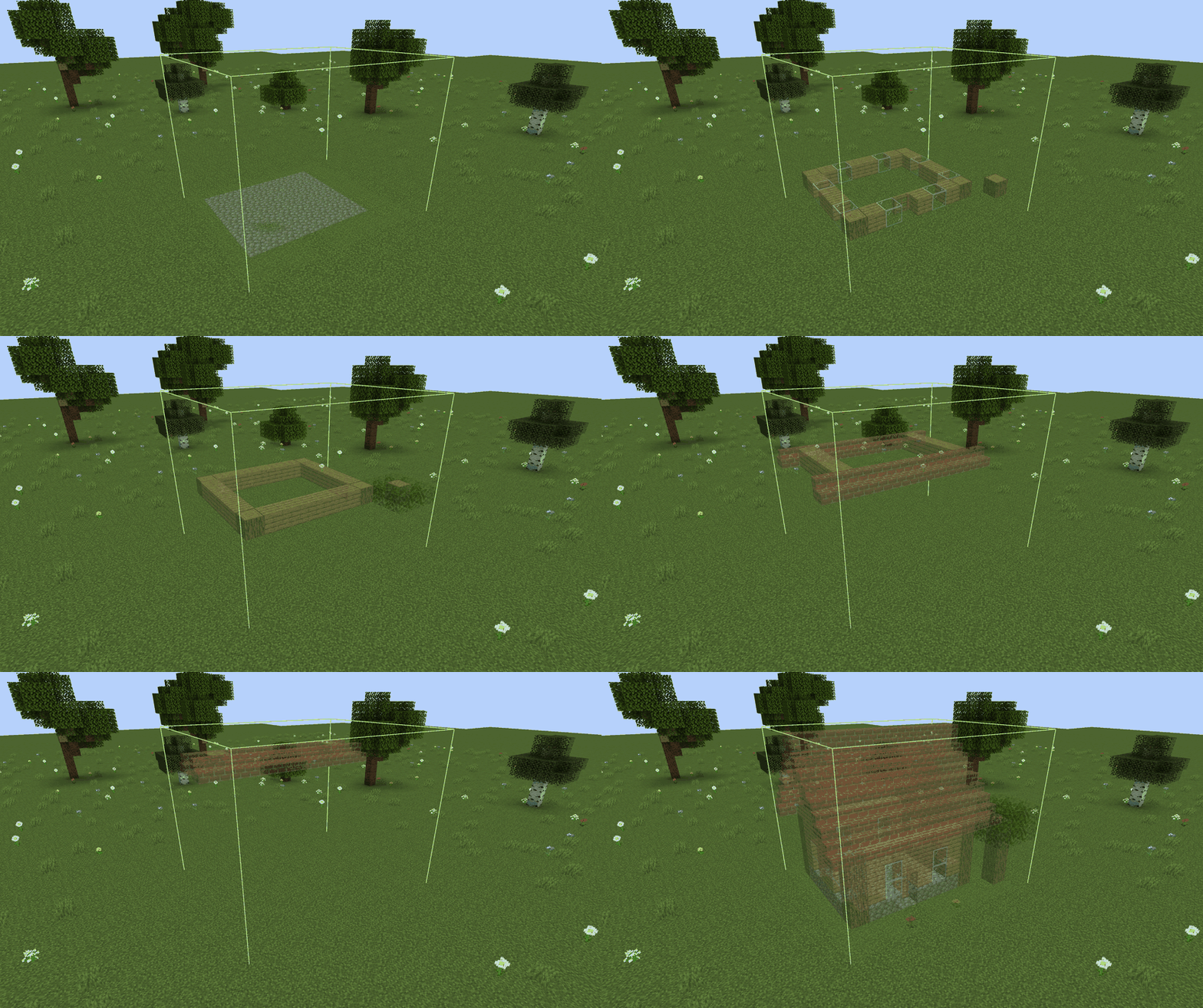
The preview can show a single layer, which makes the inside of a build easy to follow.
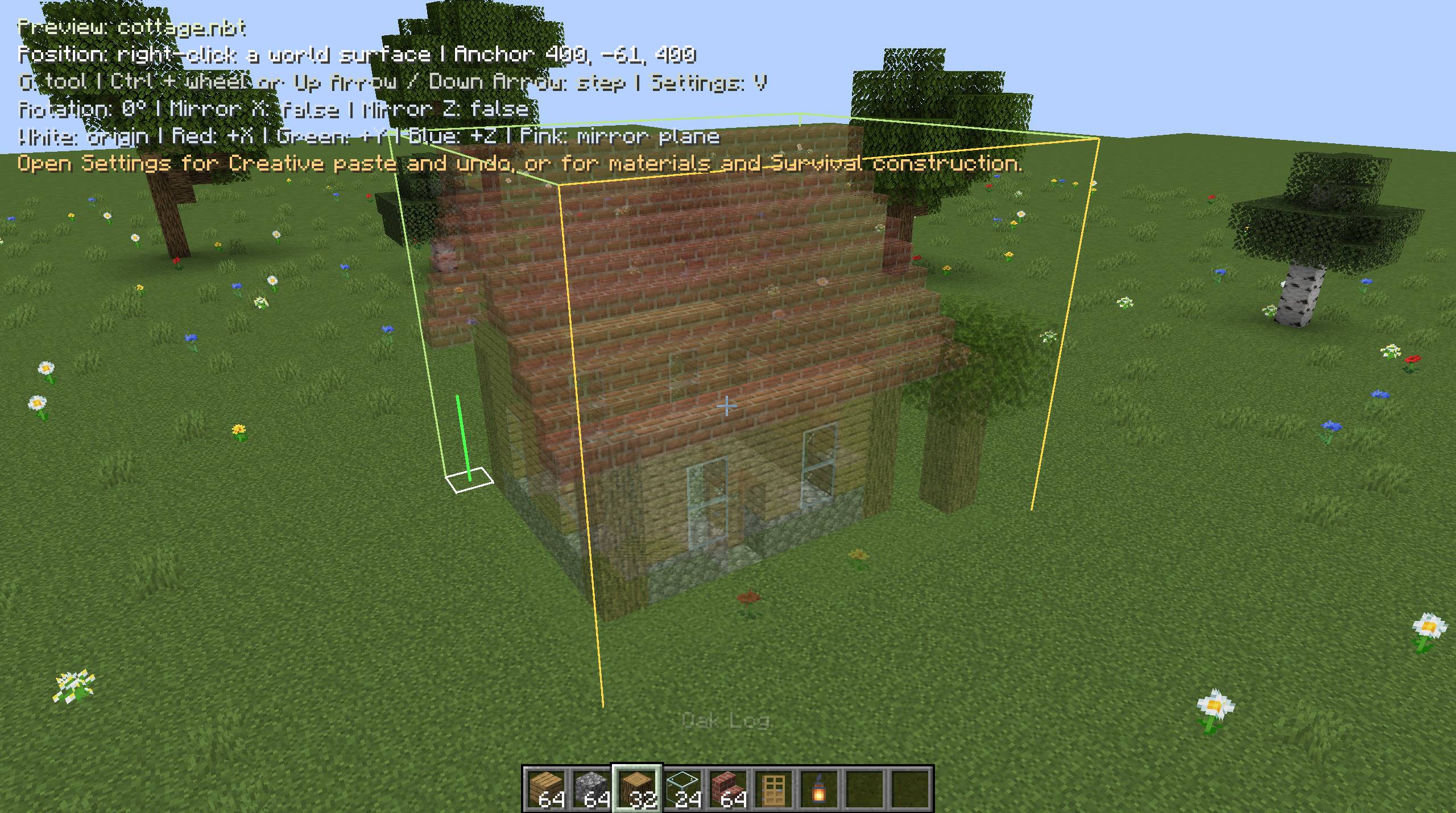
Move, raise, rotate and mirror the preview in the world. The on-screen readout shows the current tool and position.
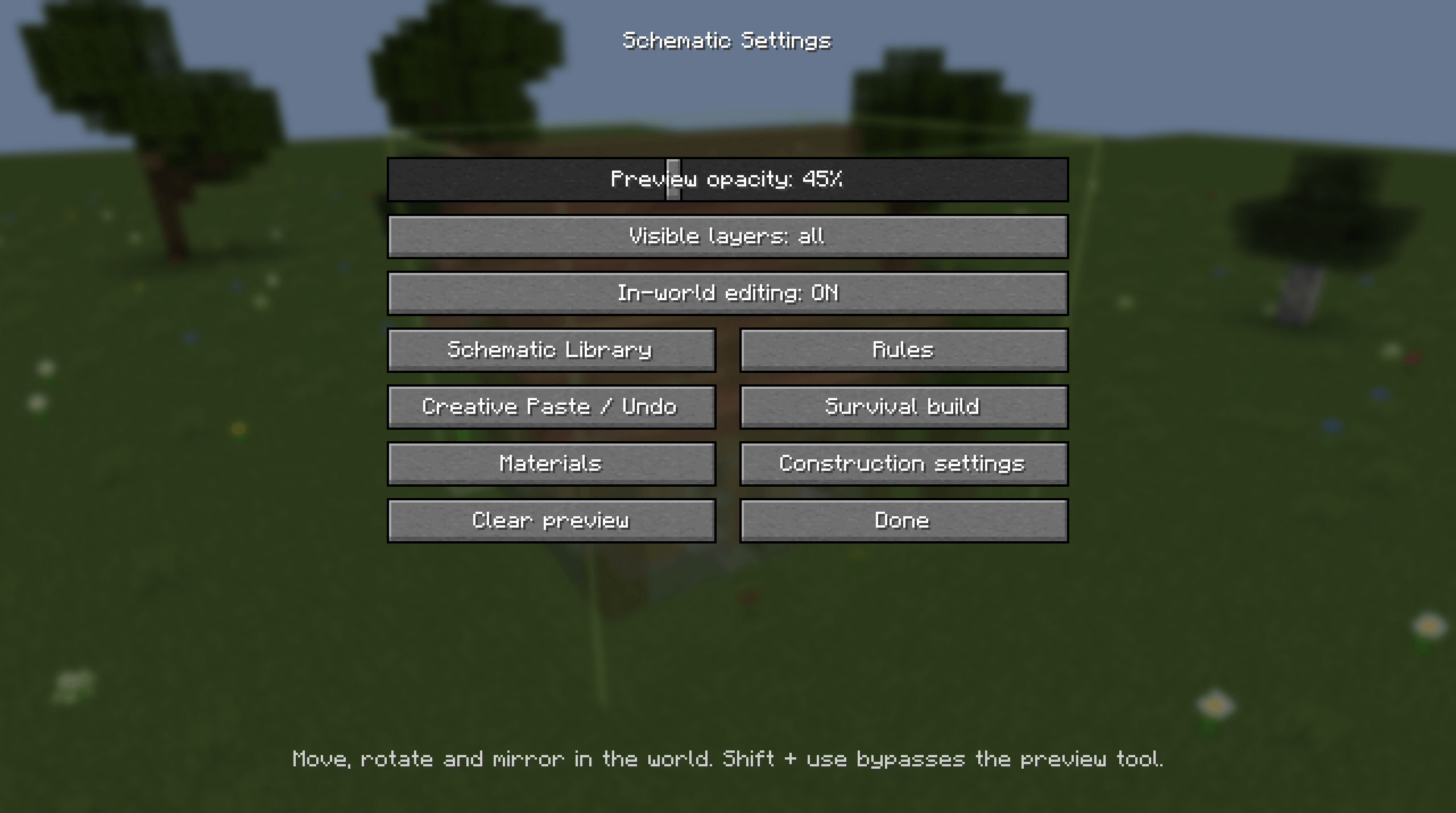
Opacity, visible layers and in-world editing, with links to every other screen.
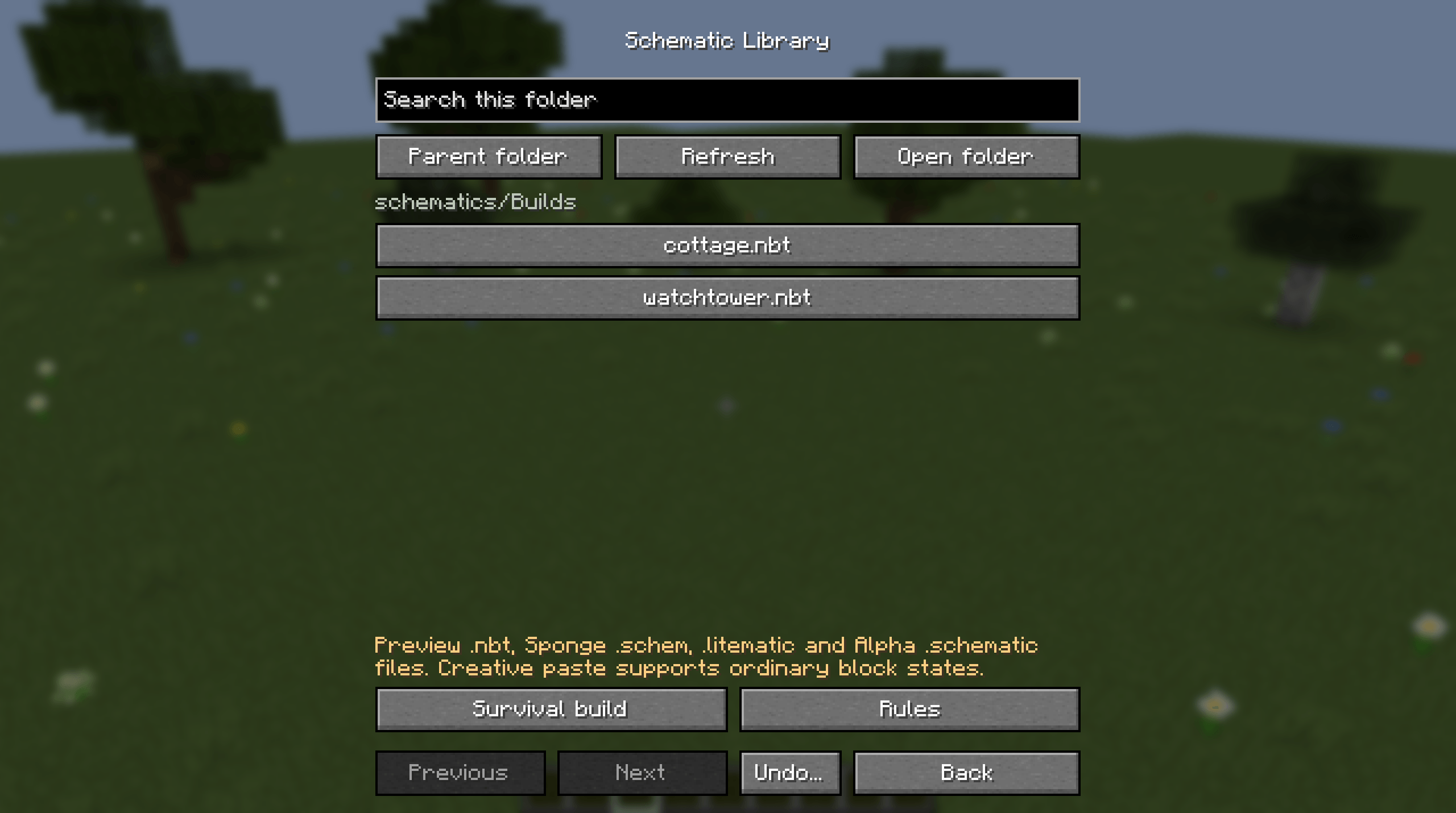
Browse the schematics folder, including subfolders, and pick a file to preview.
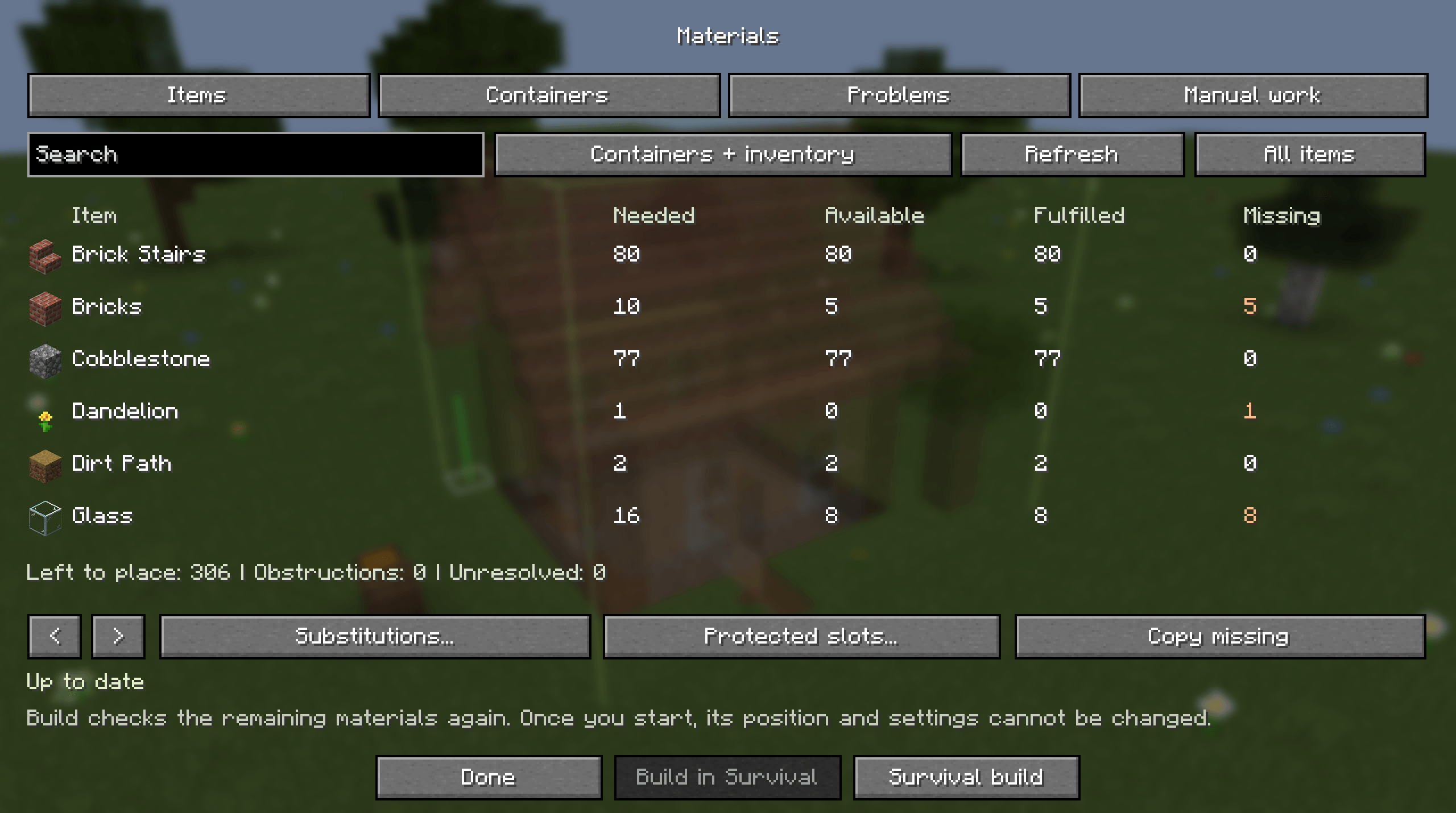
What the build needs, what nearby containers hold, and what is still missing.
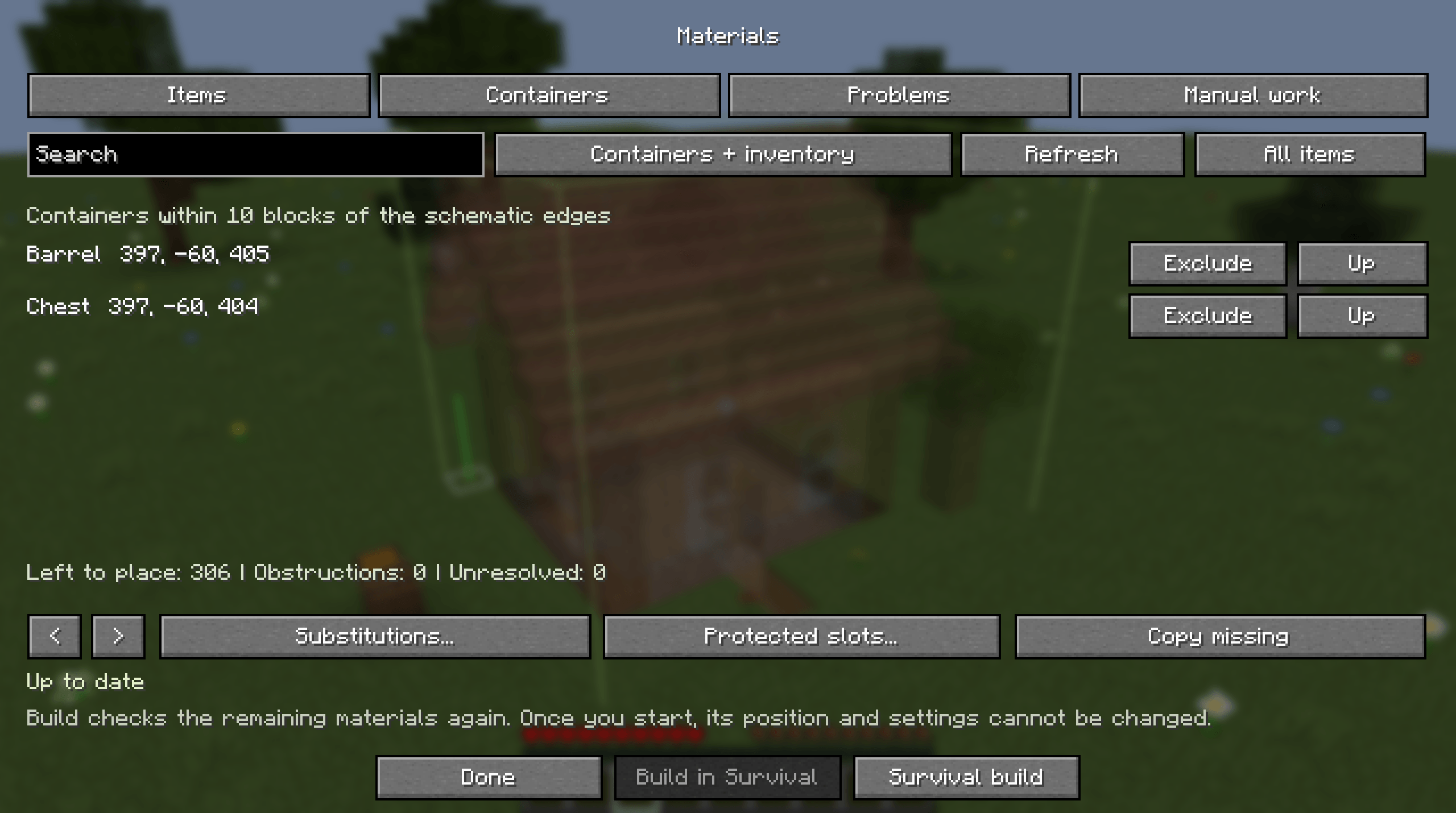
The containers within 10 blocks of the build. Any of them can be excluded.
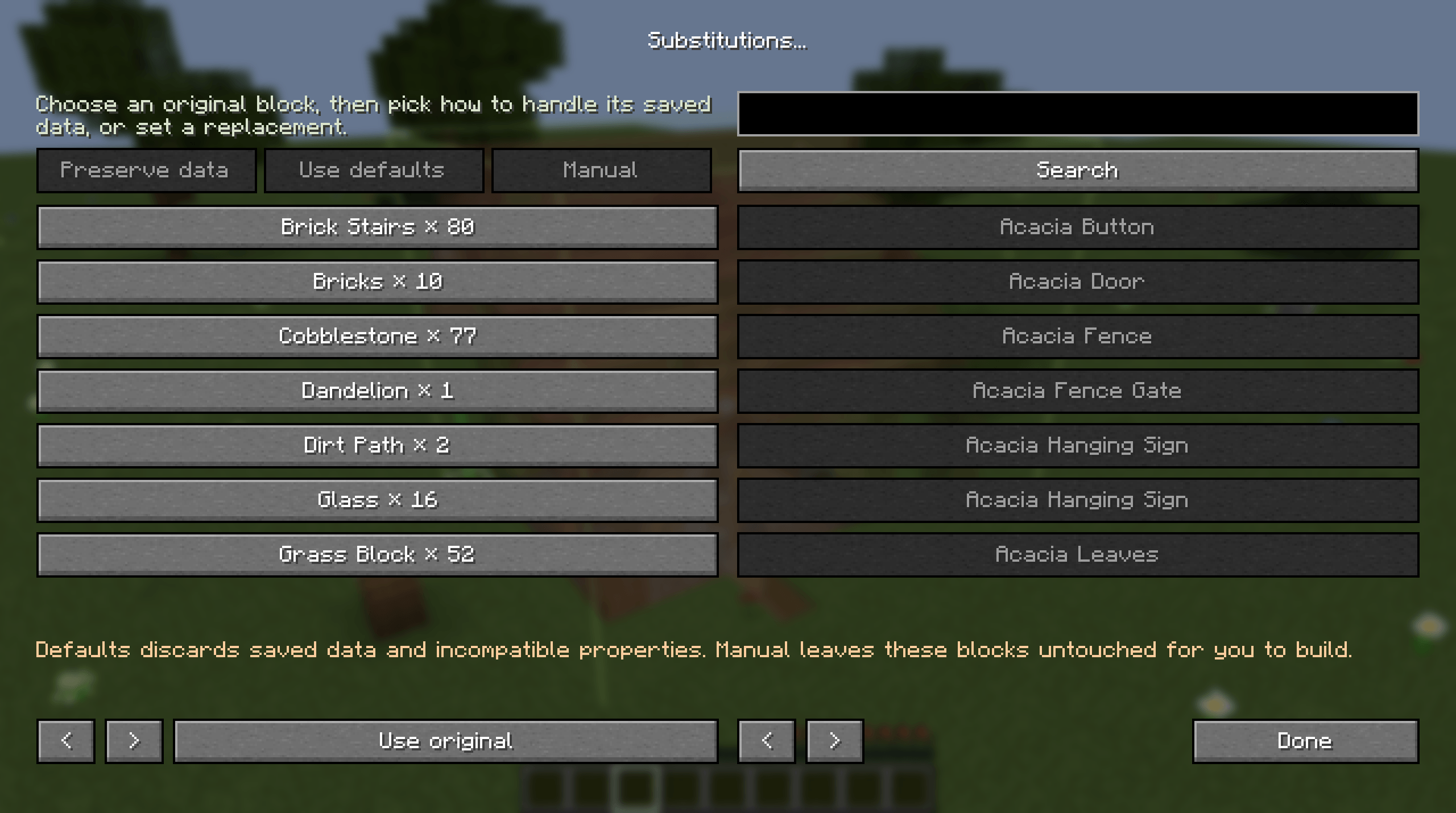
Swap a block you do not have for one you do.
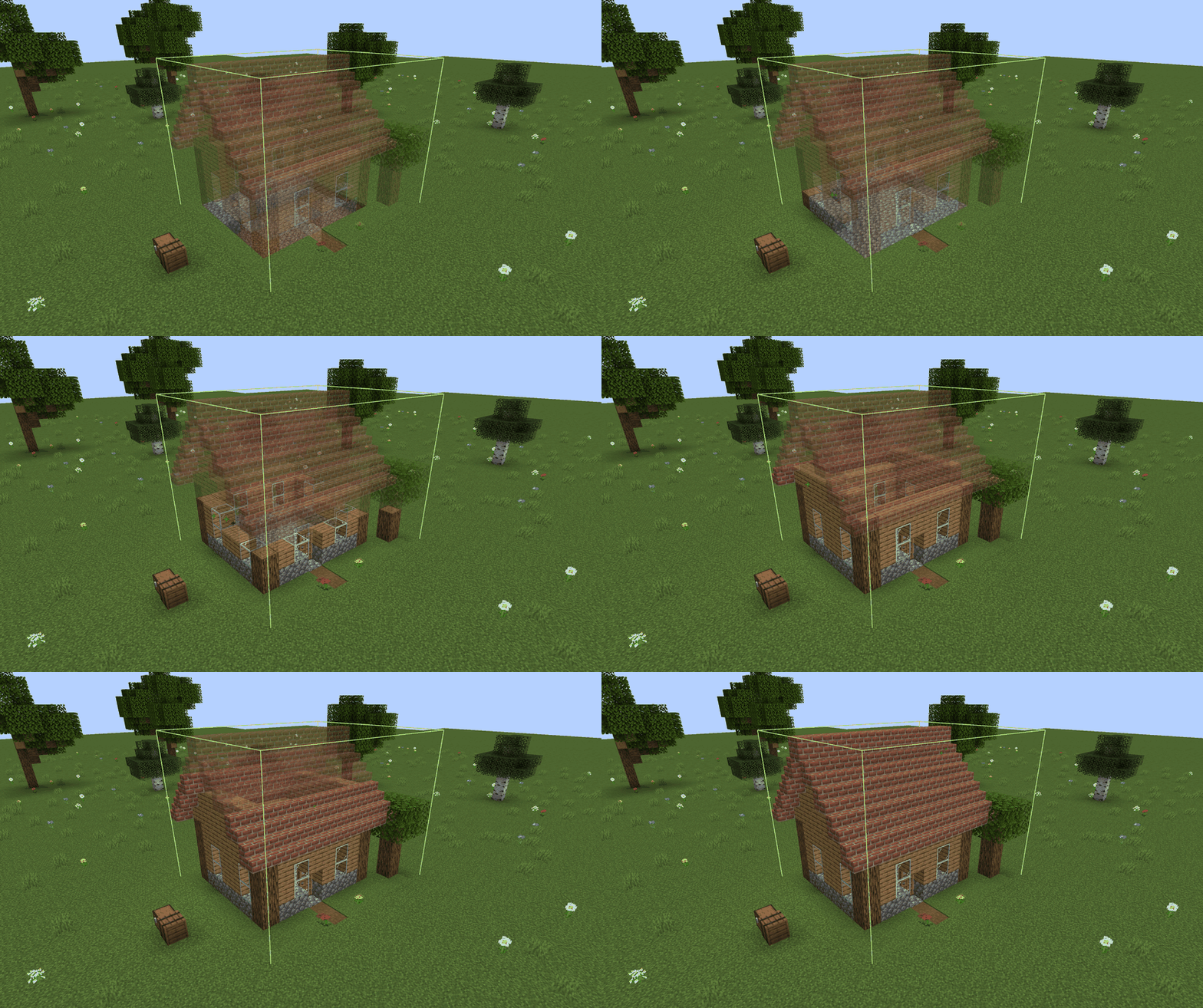
The build goes up block by block from the materials in a nearby chest and barrel.
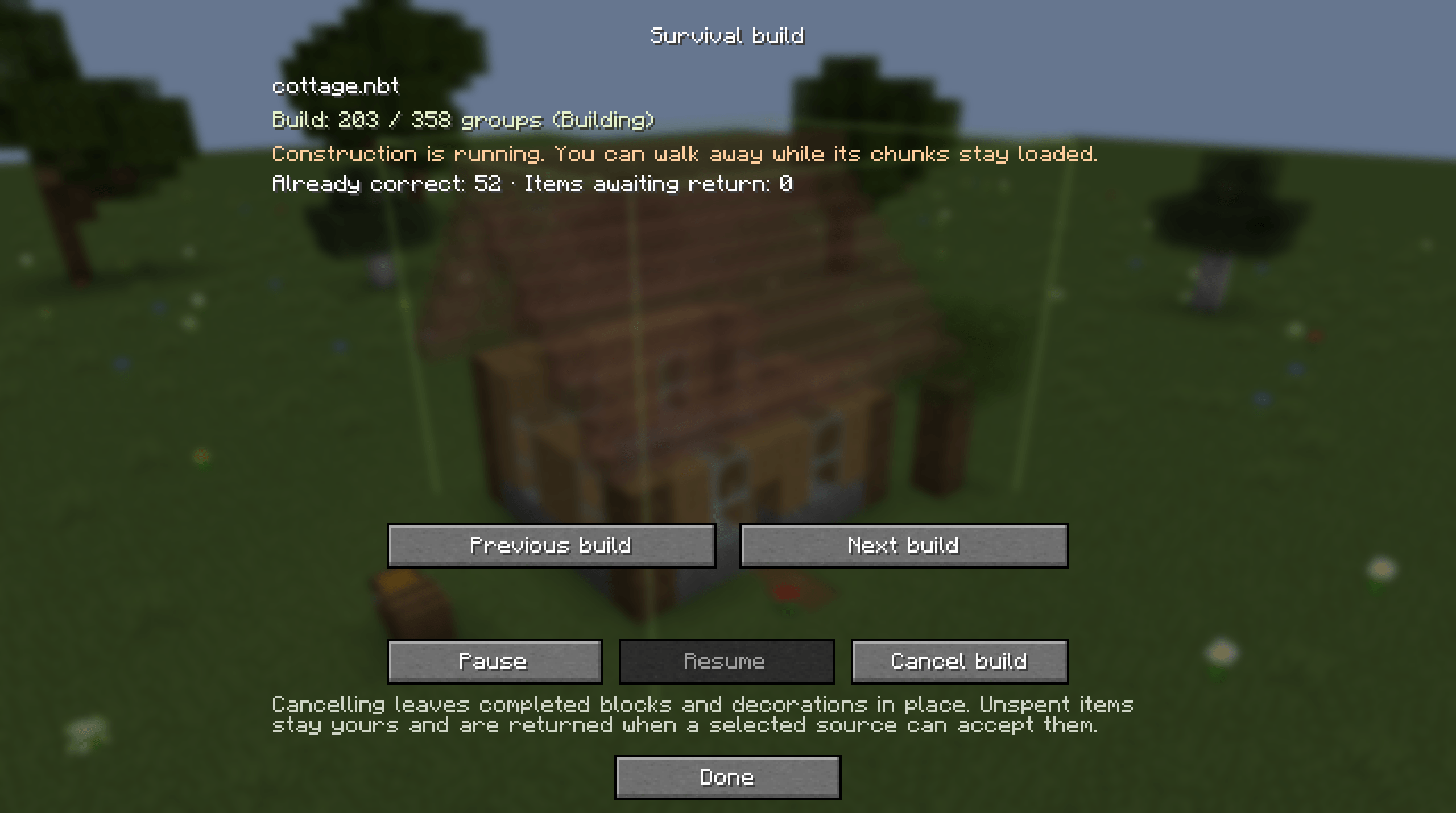
Progress while the build runs, with pause, resume and cancel.
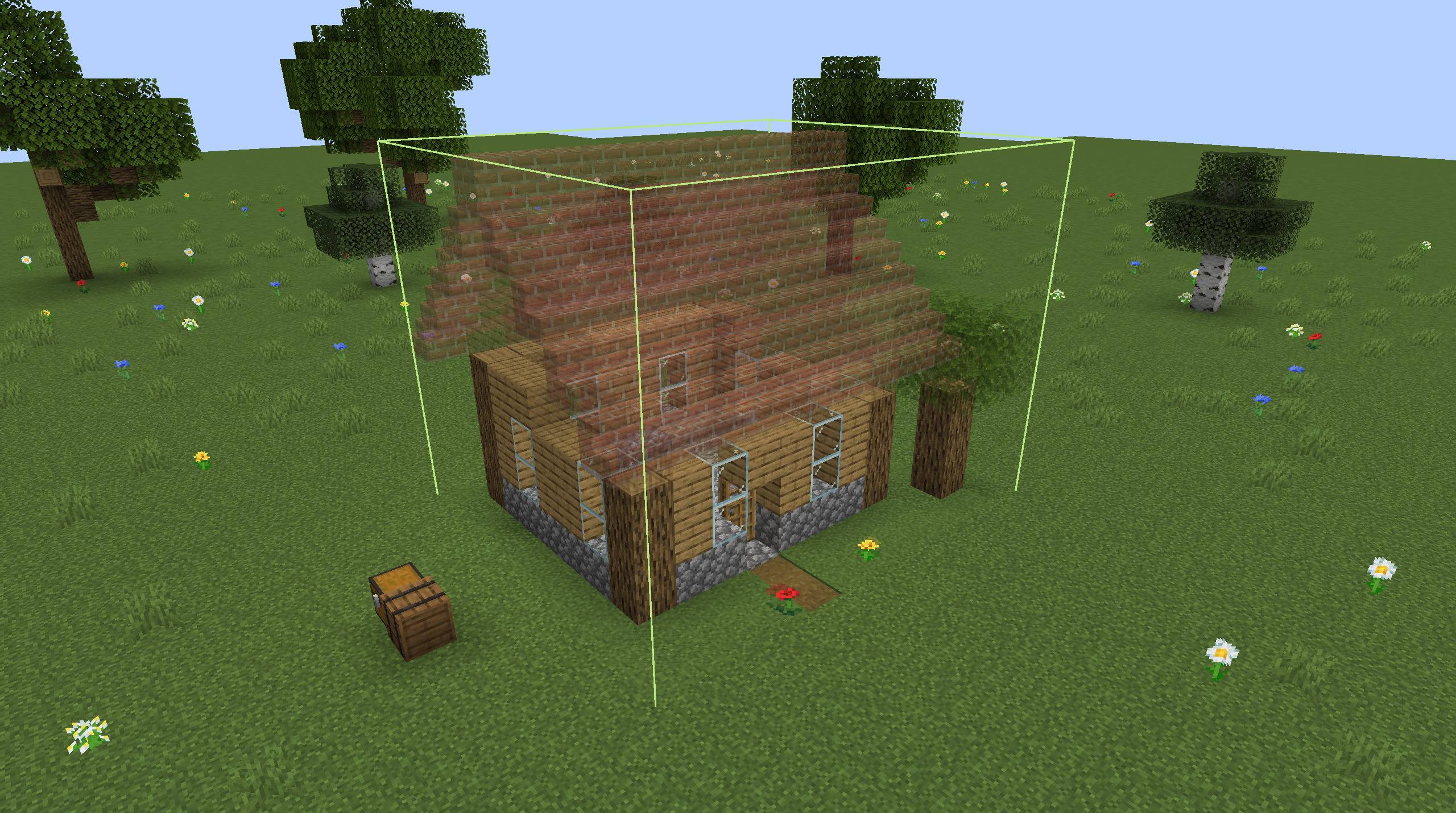
Placed blocks are solid and the rest is still shown as a preview.
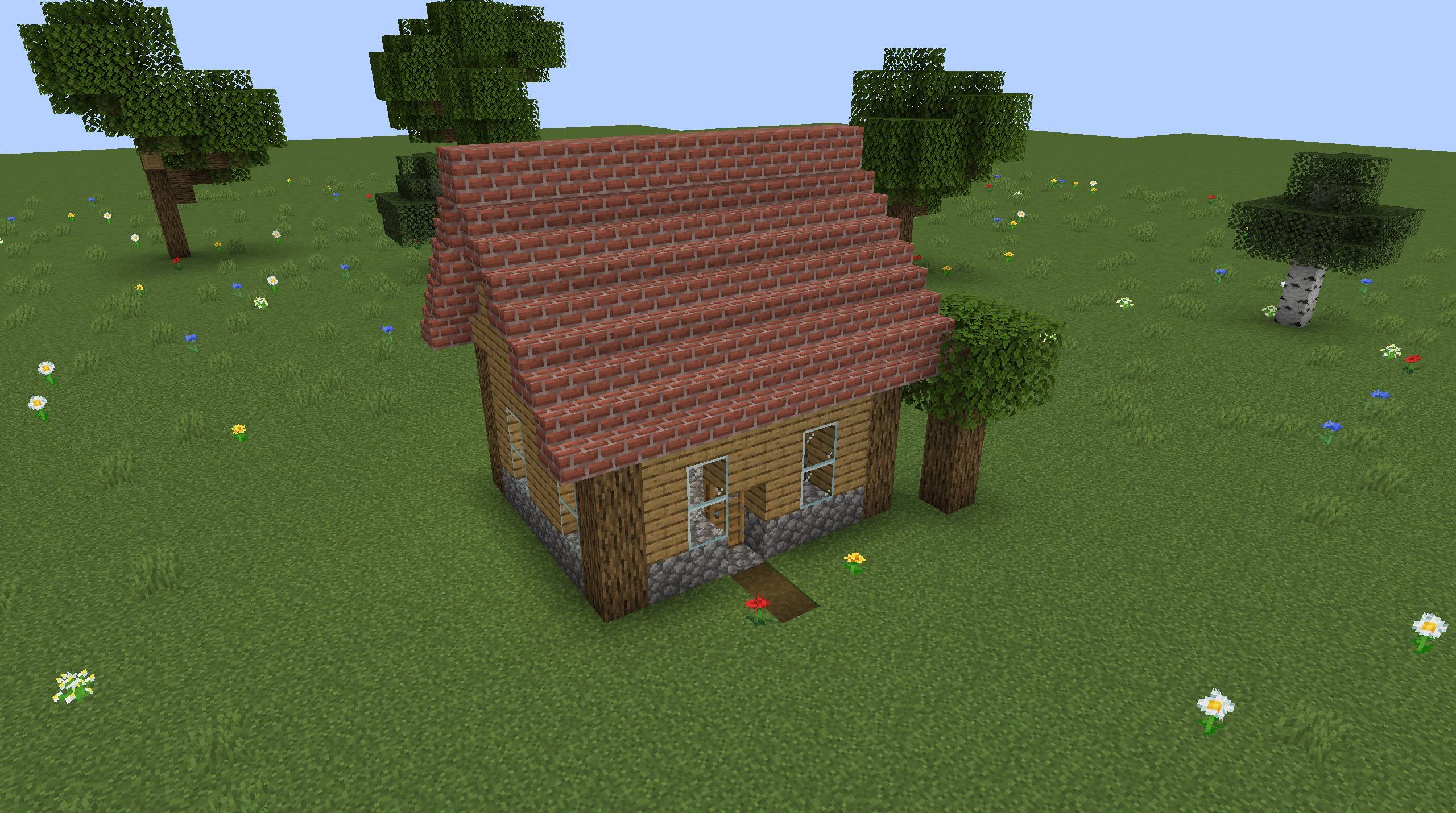
The finished cottage, from the same angle as the first preview.
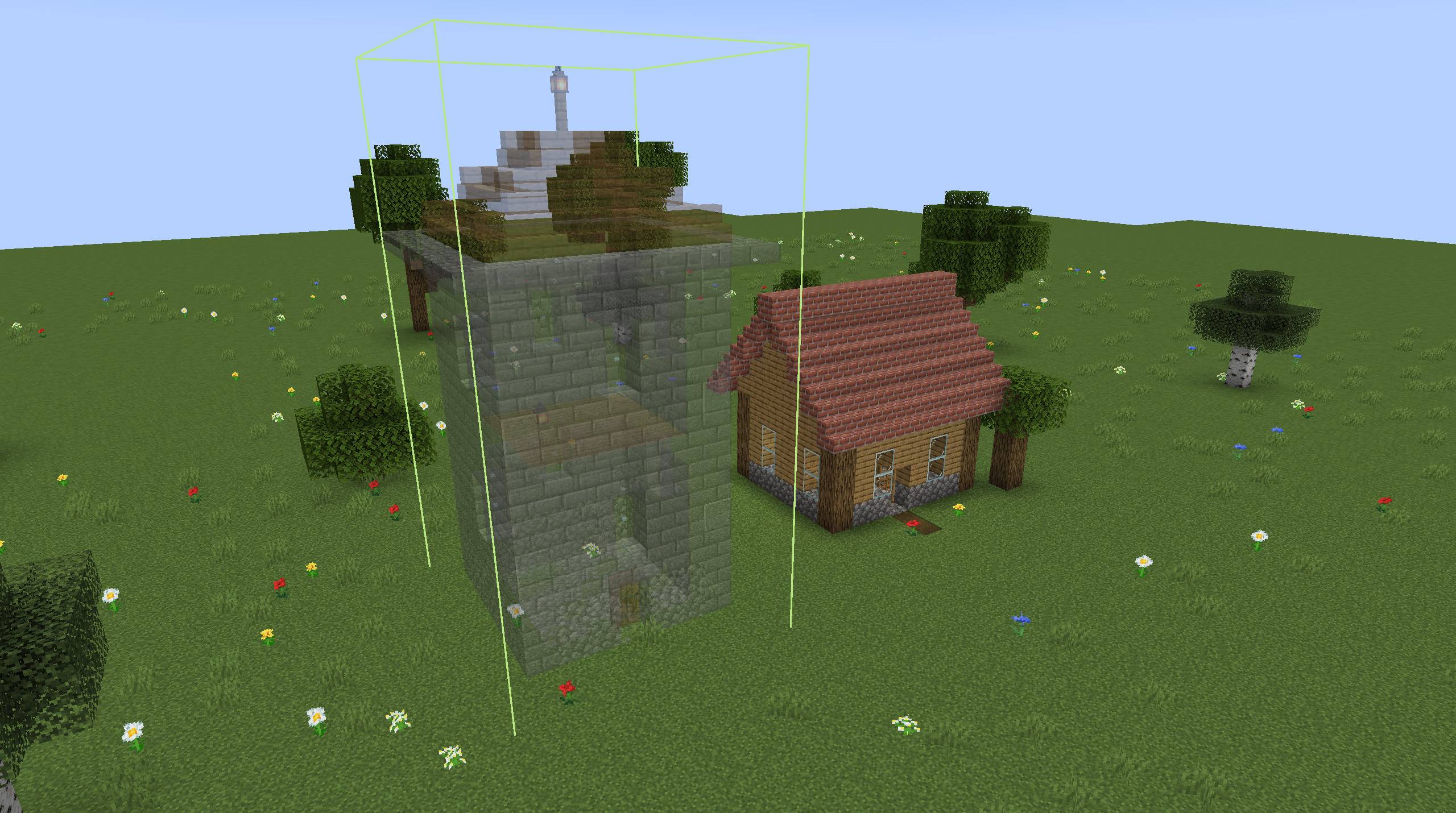
A watchtower preview next to the finished cottage.
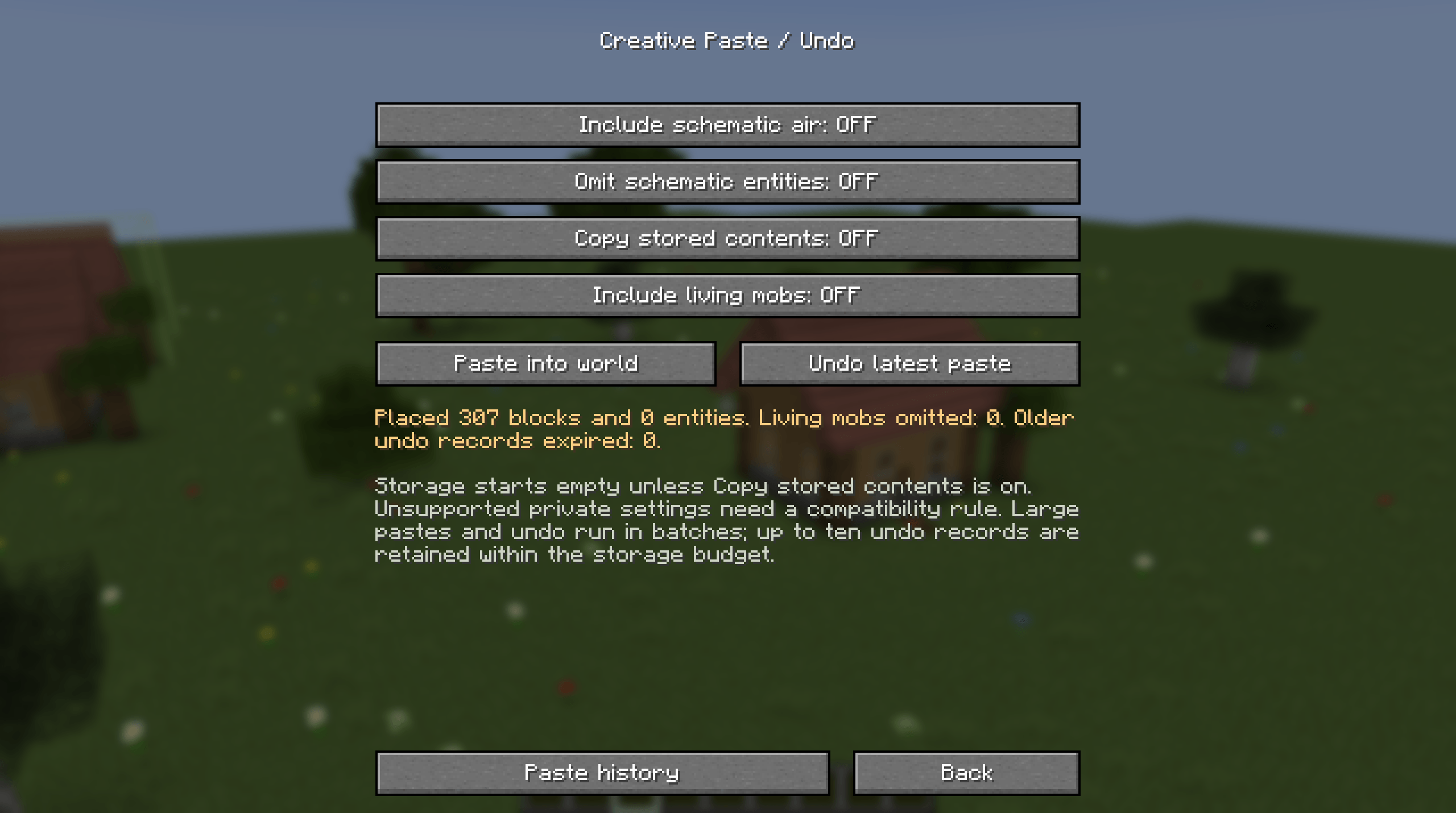
Paste the whole build at once, with options for air, entities, mobs and container contents.
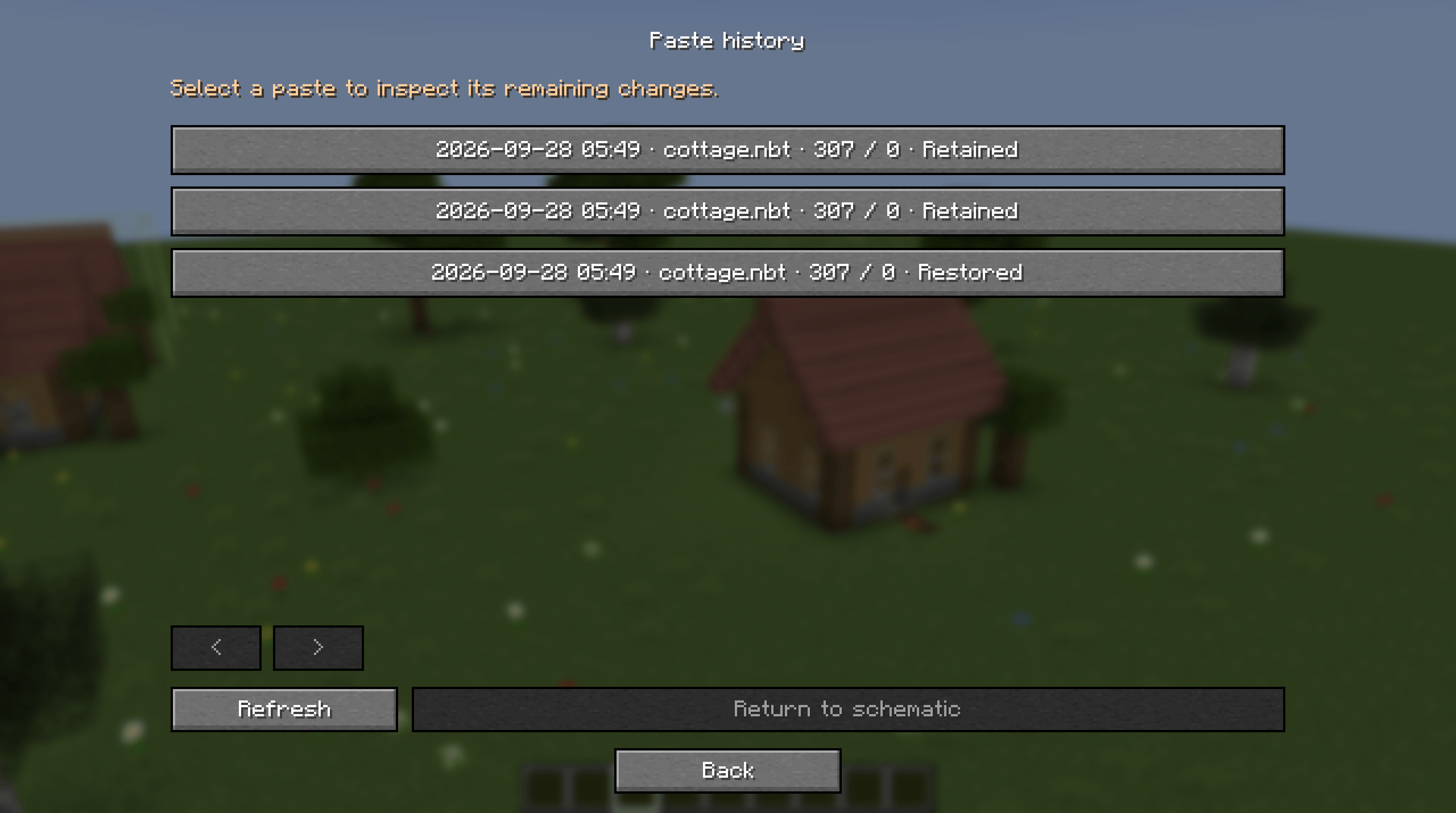
The last ten pastes, each still in place or undone.
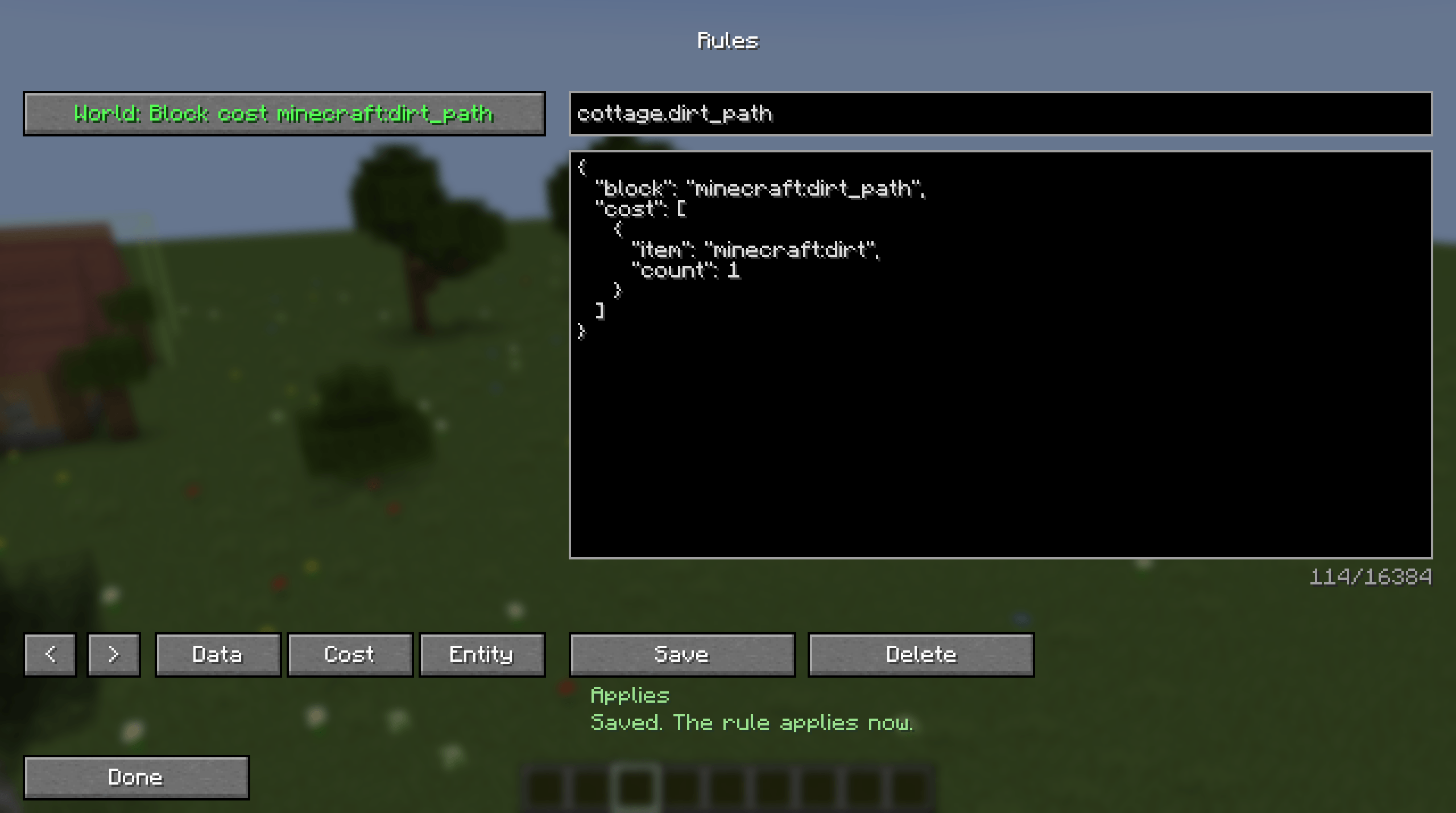
Operators can write rules in game for modded blocks the mod cannot copy on its own.