A closeup displaying the mod's HUD, showing off the highlight colors as well
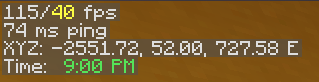
A closeup displaying the HUD once again, on a server to show the ping indicator
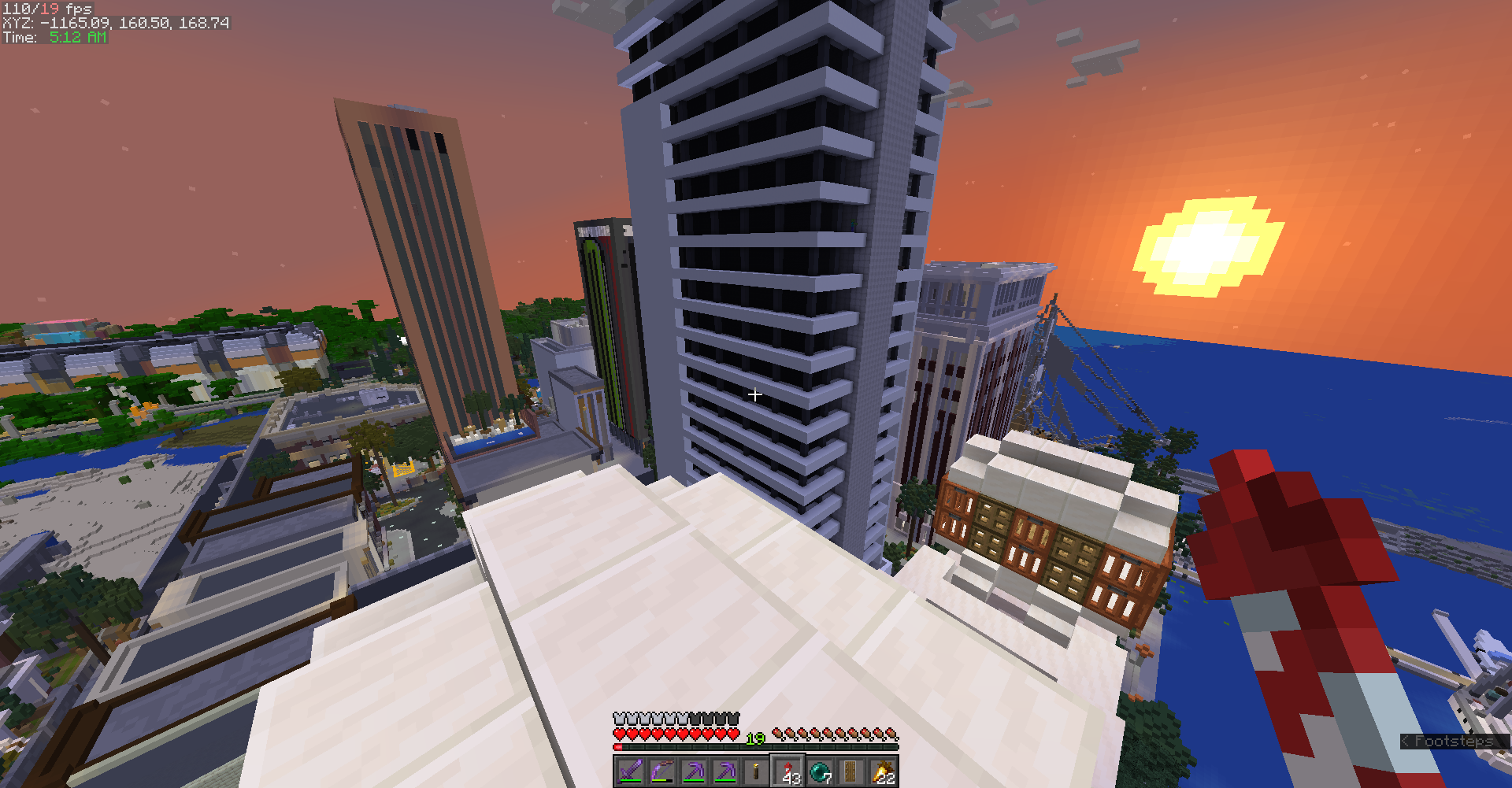
Zoomed out screenshot of the HUD during gameplay (Map is HermitCraft 7)
Description
SimpleHUD
SimpleHUD is a mod for 1.17-1.19 that adds a minimal, informational display to Minecraft's in game HUD, as a supplement to the F3 Menu. It eliminates the need to have it open to check coordinates and fps, and displays other useful information.
The HUD

Displays:
- Average FPS/Minimum FPS (over last second)
- Server ping (1.19.3 only as of now)
- Coordinates
- A clock
All at the top left of the screen.
SimpleHUD uses color as an indicator; yellow indicates fps below 60, and red indicates fps below 30. Similarly, yellow indicates ping above 100 ms, and red above 400 ms.
A green clock means that either it's nighttime or it's thundering and the player can sleep.
I will use similar color coding if/when I add new displays to the mod's HUD.
SimpleHUD also lets you choose whether you want to respect a server's decision to enforce reduced debug info, and will hide information that isn't visible in the reduced F3 menu if the server has the gamerule toggled and you consent.
The color coding, coordinate decimal places, and time format can all be changed in the config within ModMenu.
Compatibility:
This mod only adds a render call to Minecraft's code, so it is highly unlikely to break the game or another mod. Most notably, it works with mods like Sodium, Iris, and BetterF3, which change/add to the game's rendering.
However, this mod's HUD may end up covering or being covered by another mod's HUD. If this happens, report it on the issue tracker, and I'll make a list of broken mods.
Goals for the Future:
Because this mod is so simple, it's feasible to make it backwards compatible fairly easily, and I want to do so at some point, with support for Fabric 1.14-1.16.
As well, I'd like to keep at least mostly supporting 1.17-1.18 by porting changes made to the newer versions.
I also want to fix the HUD overlap issue mentioned above at some point by allowing the user to move the HUD around to their liking.
The ModMenu dependancy isn't strictly necessary, but inbuilt into the code and I'd like to fix this. Fixed!
For now, I won't consider making a Forge port but may do so in the future if I have the time.
Simple HUD Team