

告示牌电梯|Signlift
- By

1ffa7e3220ac680bcbd36607cd8ccd5.jpg
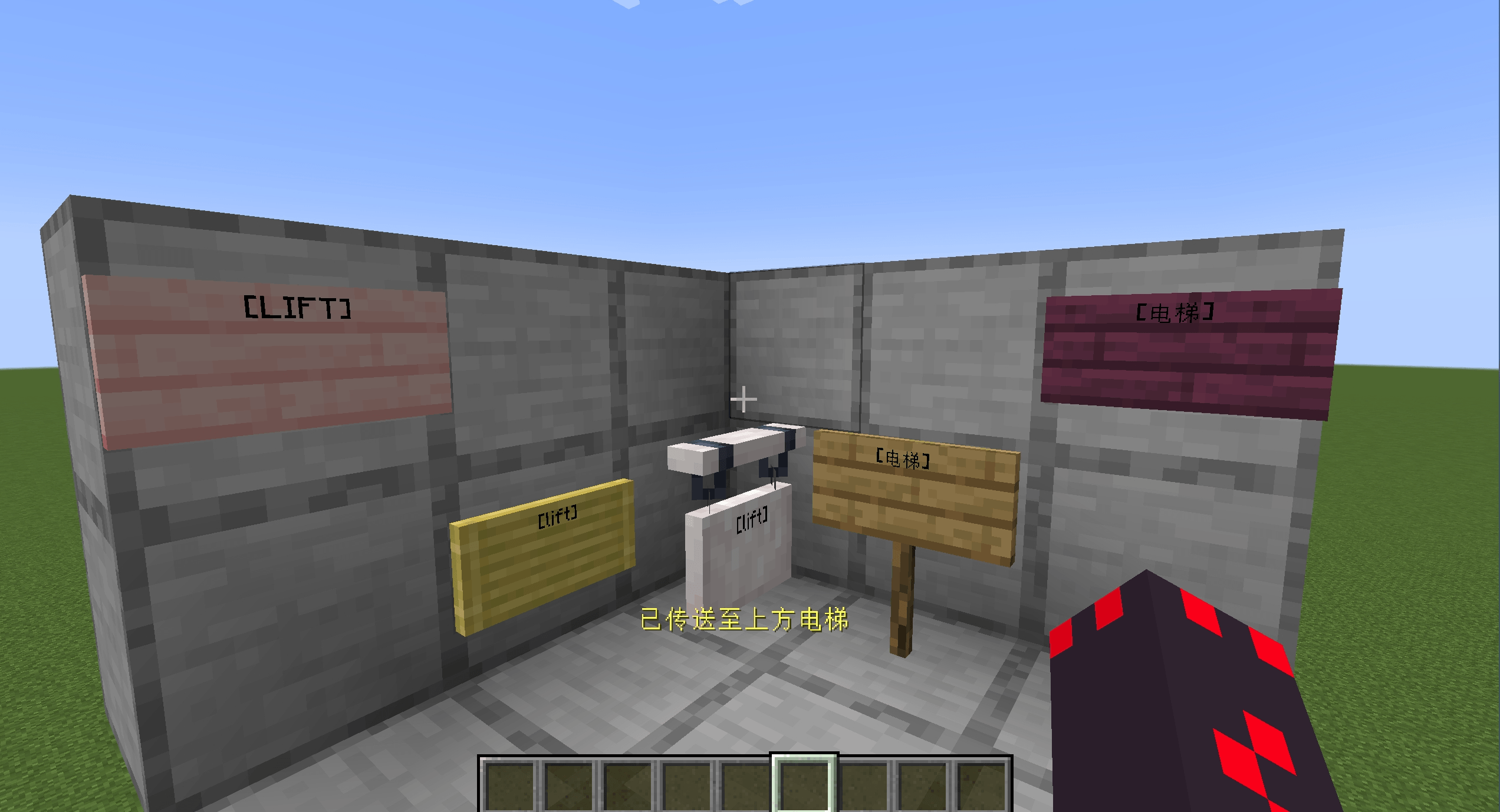
2.png
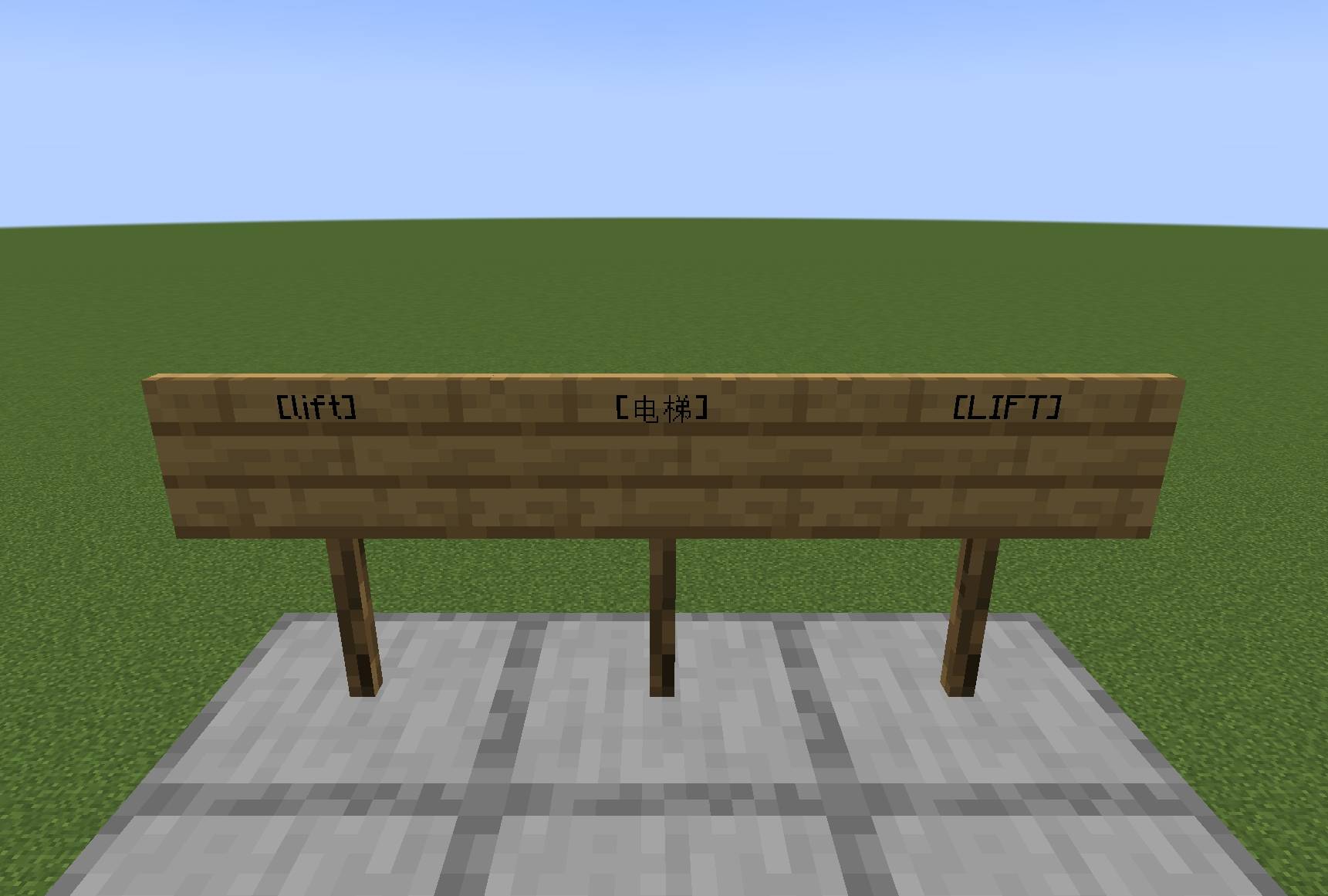
çµæ¢¯.jpg
Description
# **SignLift - Sign Elevator**
SignLift is a lightweight sign-based elevator mod for Minecraft Java Edition Fabric. Players can quickly travel between different floors without complicated redstone mechanisms or commands. Simply place signs with the designated identifier to create an elevator system.
## Features
### Sign-Based Elevator System
By placing signs with the same identifier at different heights, you can create a vertical elevator system.
The elevator automatically searches for other valid elevator floors located at the same X/Z coordinates and selects the nearest available destination.
### Smart Floor Teleportation
* Right-click an elevator sign to travel to the nearest elevator floor above.
* Sneak + right-click an elevator sign to travel to the nearest elevator floor below.
* Intermediate floors will not be skipped.
* Teleportation only works within the same dimension.
* The player's X/Z coordinates remain unchanged; only the Y coordinate is changed.
### Safe Position Detection
Before teleporting, the mod automatically checks whether the destination is safe, helping prevent players from being teleported into:
* Solid blocks
* Dangerous terrain
* Areas without enough space to stand safely
If the destination is unsafe, the teleportation will not be performed.
### Riding Restrictions
The elevator cannot be used while the player is riding an entity, including:
* Minecarts
* Boats
* Horses and other rideable entities
This helps prevent unexpected entity position issues or other potential problems.
### Vanilla-Friendly Experience
The elevator is designed to provide a vanilla-friendly teleportation experience and plays appropriate teleportation sounds, allowing the feature to blend naturally into Minecraft.
## How to Use
### Creating an Elevator
1. Place signs at the same X/Z coordinates on different floors.
2. Enter the designated elevator identifier on the signs.
3. Make sure the signs on different floors are vertically aligned.
4. Stand within 4 blocks of the sign to use the elevator.
### Using the Elevator
#### Travel Up
Right-click an elevator sign.
The system will automatically search for the nearest valid elevator floor above the current position.
#### Travel Down
Hold the Sneak key (Shift by default) and right-click an elevator sign.
The system will automatically search for the nearest valid elevator floor below the current position.
## Important Notes
* Elevator signs on different floors must share the same X/Z coordinates.
* Elevators only work within the same dimension and cannot teleport across dimensions.
* The system always selects the nearest valid floor and will not skip intermediate floors.
* The destination must provide a safe standing position; otherwise, teleportation may be canceled.
* The elevator cannot be used while riding minecarts, boats, or other entities.
* Avoid placing elevator exits in dangerous or extremely narrow areas.
* Make sure each floor provides enough space for players to stand safely.
## Design Philosophy
SignLift is designed to provide a simple, lightweight, and vanilla-friendly vertical transportation solution for Minecraft.
No complicated redstone circuits, command blocks, or additional structures are required. With only a few signs, players can easily create a convenient elevator system for multi-floor buildings.
Whether you are building houses, skyscrapers, underground facilities, or large server structures, SignLift provides a clean and practical way to travel between floors.
The 告示牌电梯|Signlift Team
