


Signed & Sealed
- By
04_visa_stamps.png
01_passport_cover.png
02_passport_spread.png
03_uv_check.png
05_document.png
Description
Signed & Sealed
I made this for our RP server because we wanted actual paperwork: city hall orders, stamped certificates, passports you get checked at the border. Books and signs weren't cutting it, so here we are.
You write a document, sign it with the mouse, stamp it, and the server remembers it. If someone edits the NBT or copies it from another world, the check will catch it.
Everything here is in-game only. Every page has an "IN-GAME DOCUMENT" mark on it that you can't remove, and the country passport templates are just stylised versions, not copies of real ones.
What's in it
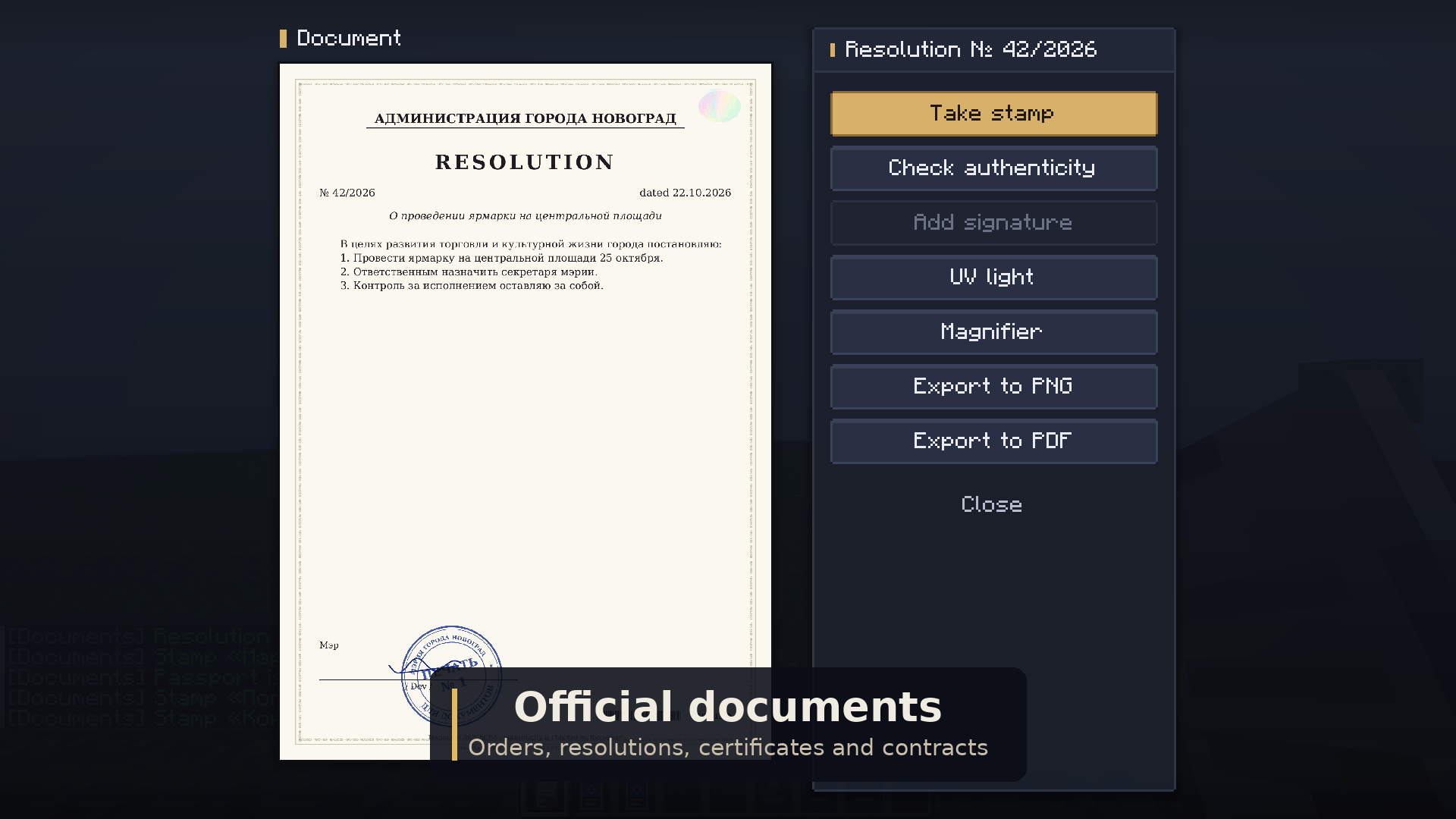
Documents. There are four types: resolution, order, certificate and contract. You fill in the organisation, position and text, and a preview shows what you'll get. To issue a document you have to sign it. After that it's locked and goes into the server registry. Other people can add their signatures (up to 4), and you can put up to 6 stamps on one document. You can save it as PNG or as a PDF in A4.
Signatures. You draw these yourself, and you get a few pens to choose from: ballpoint, a fountain pen where the line gets thinner the faster you move, a calligraphy nib, a marker and a pencil. There are four ink colours and five thicknesses.
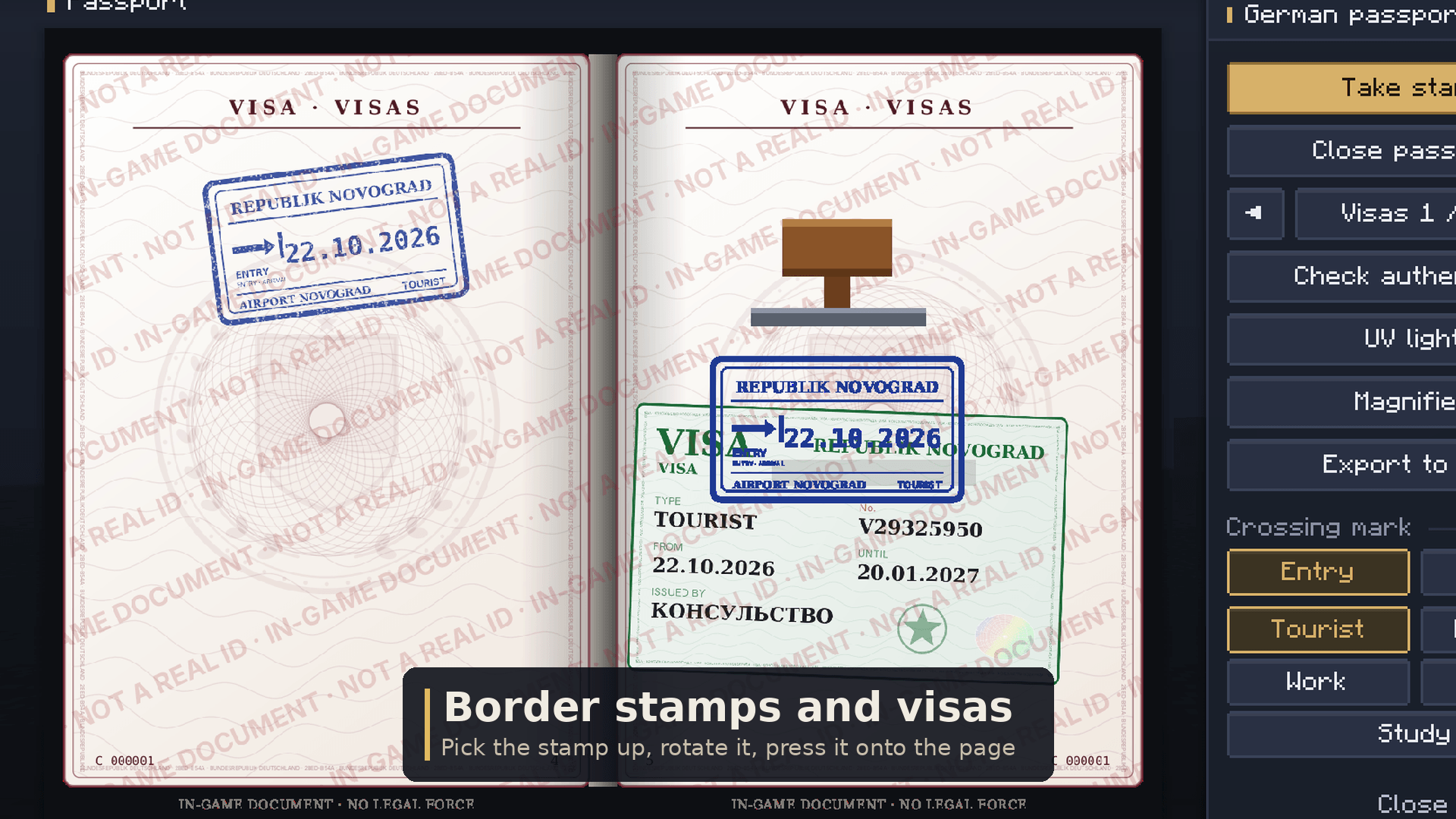
Stamps. In the designer you can make a regular stamp, a border stamp or a visa. Round, oval, rectangular, or just your own picture (from a file, dragged into the window, or from a link). It can cut out the background and turn the image into a single ink colour. Staff have to approve a new stamp before it can be handed out.
To use one, you pick it up with the mouse. Scroll to rotate it, Ctrl+scroll to resize, left click to press it onto the page.
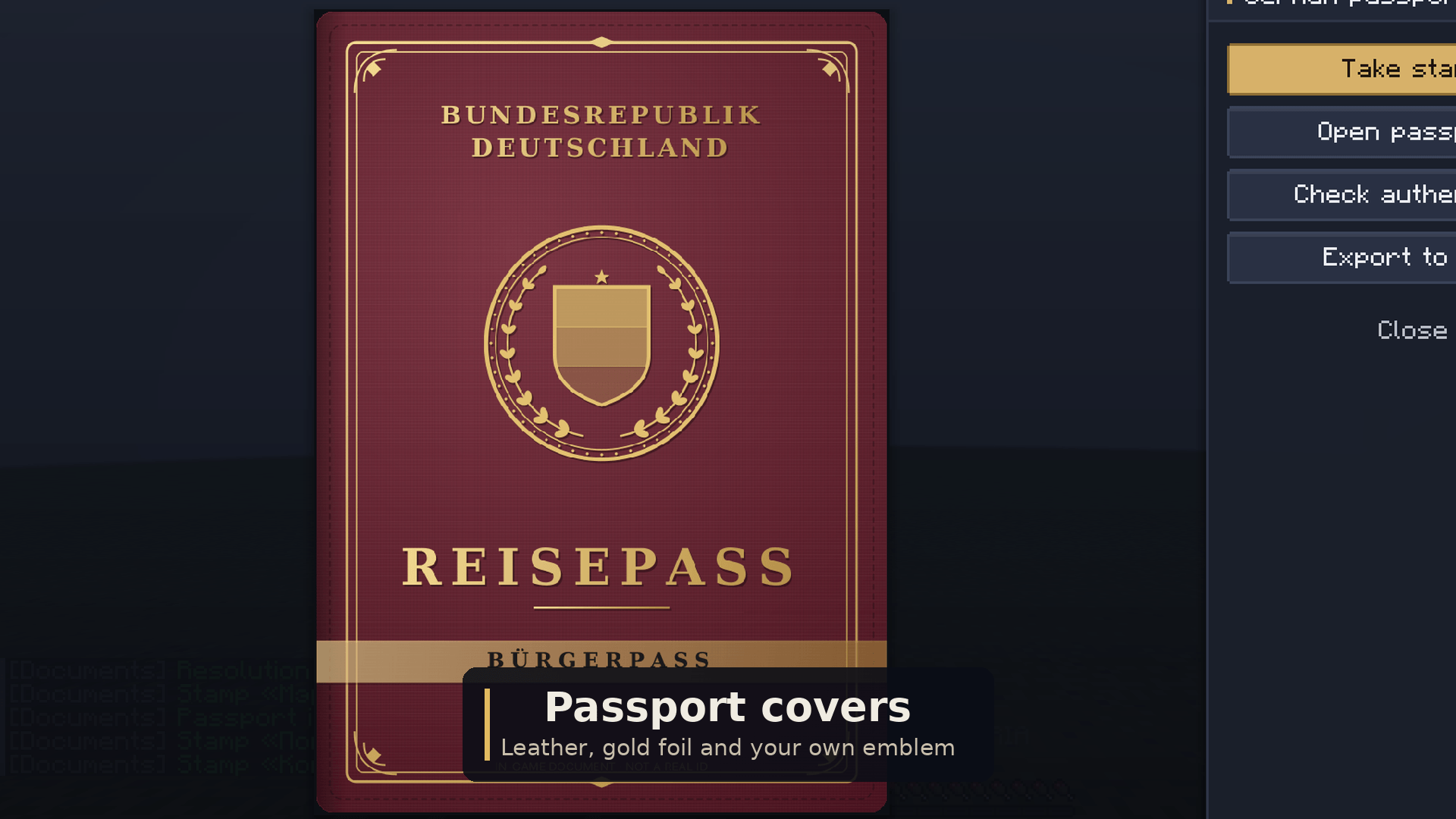
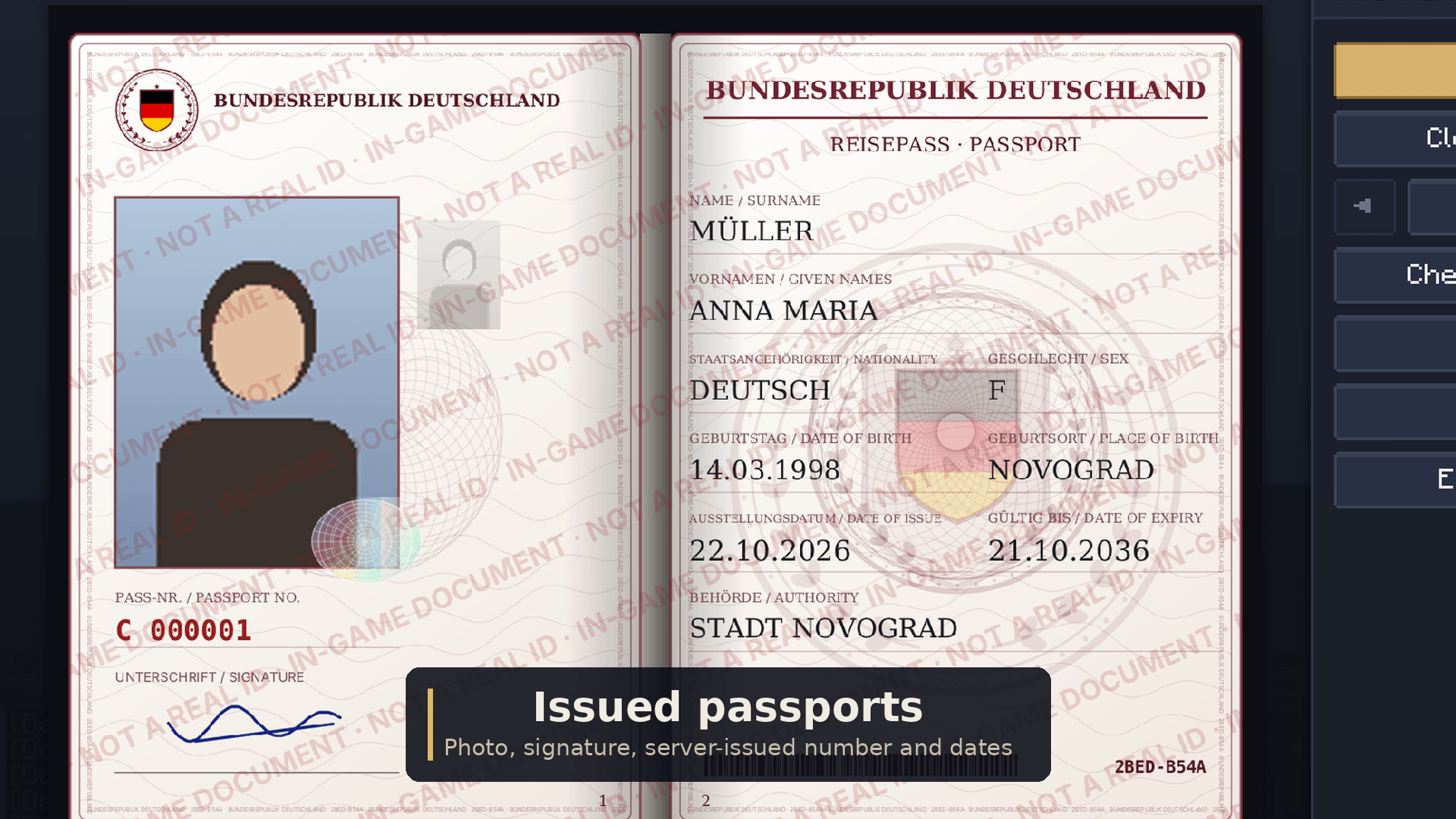
Passports. Staff build a template: titles, colours, background pattern, emblem, and whatever fields they want, which you drag around the page. The cover has its own editor with leather, smooth or cloth texture, gold frames, and text, emblems and lines you can place anywhere. Each element can be printed in colour, gold or silver foil, or blind-embossed. Staff hand out blank passports, players fill them in, add a photo and sign. Issue and expiry dates are filled in by the server.
There are ready-made templates for Germany, France, Italy, Spain, Poland, UK, Netherlands, Sweden, Norway, Finland, Ukraine, Czechia, Greece, Portugal, Switzerland, Austria and Turkey. Use them as they are or as a starting point.
Visas and borders. Passports have visa pages. A border stamp records entry or exit plus a reason (tourist, business, work, transit, study). A visa is a sticker with its number, a type and valid dates (7 to 365 days). When you check a passport you'll see the whole list, and expired visas are marked.
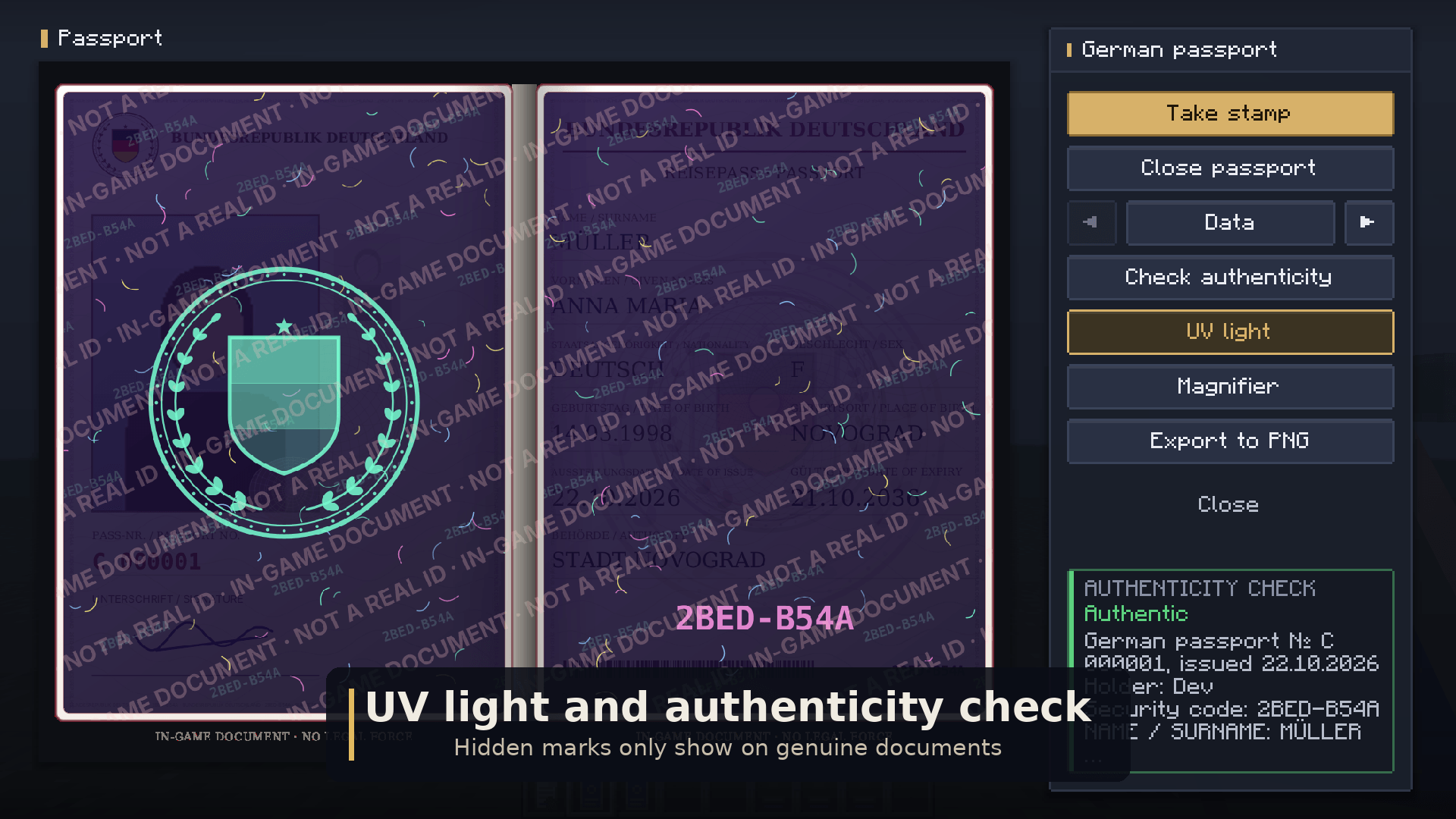
Catching fakes. Issued documents carry a security code, microtext you can read with the magnifier, a hologram, and marks that only show up under UV light. /seal verify tells you whether a document is genuine, forged, revoked, unknown to this server, or an outdated copy (when someone duplicated a document before it got another stamp).
Admin panel. Press K. From there you can approve or reject stamps and passport templates, give stamps and blank passports to online players, search the registry and annul things. No commands needed.
Languages: English, Deutsch, Русский. Each player sees their own game language.
Commands
/seal admin |
admin panel (or K) |
/seal verify |
check the document in your hand |
/seal show <player> |
show your document/passport to someone nearby |
/seal stamp designer |
stamp designer |
/seal passport designer [country] |
passport template editor |
/seal passport template preset <country> |
install a ready-made template |
/seal passport give <template> <players> |
give out blank passports |
/signedsealed does the same as /seal.
Permissions
The mod uses the Forge permission API, so LuckPerms works.
By default everyone has signedsealed.document.create, document.sign, document.verify, stamp.apply, stamp.design, passport.fill and show.
Only OPs have signedsealed.stamp.issue, passport.issue and admin.
Example: /lp group mayor permission set signedsealed.stamp.issue true
Good to know
- Forge 1.20.1 (47.3.0 or newer). The mod has to be installed on the server and on every player's client.
- Back up
data/signedsealed.datin your world folder. Without it the server can't confirm that old documents are genuine. - Images from links are downloaded by the player's own game, not the server. Only http/https, max 6 MB, no local network addresses. Nothing except the image is downloaded.
Found a bug or have an idea? Leave a comment.
Signed & Sealed Team
