Shrinkin Zone
- By
Configurable shrinking battle-zone system with randomized inner zones, outside-zone damage, live phase control, and a translucent non-colliding boundary wall.
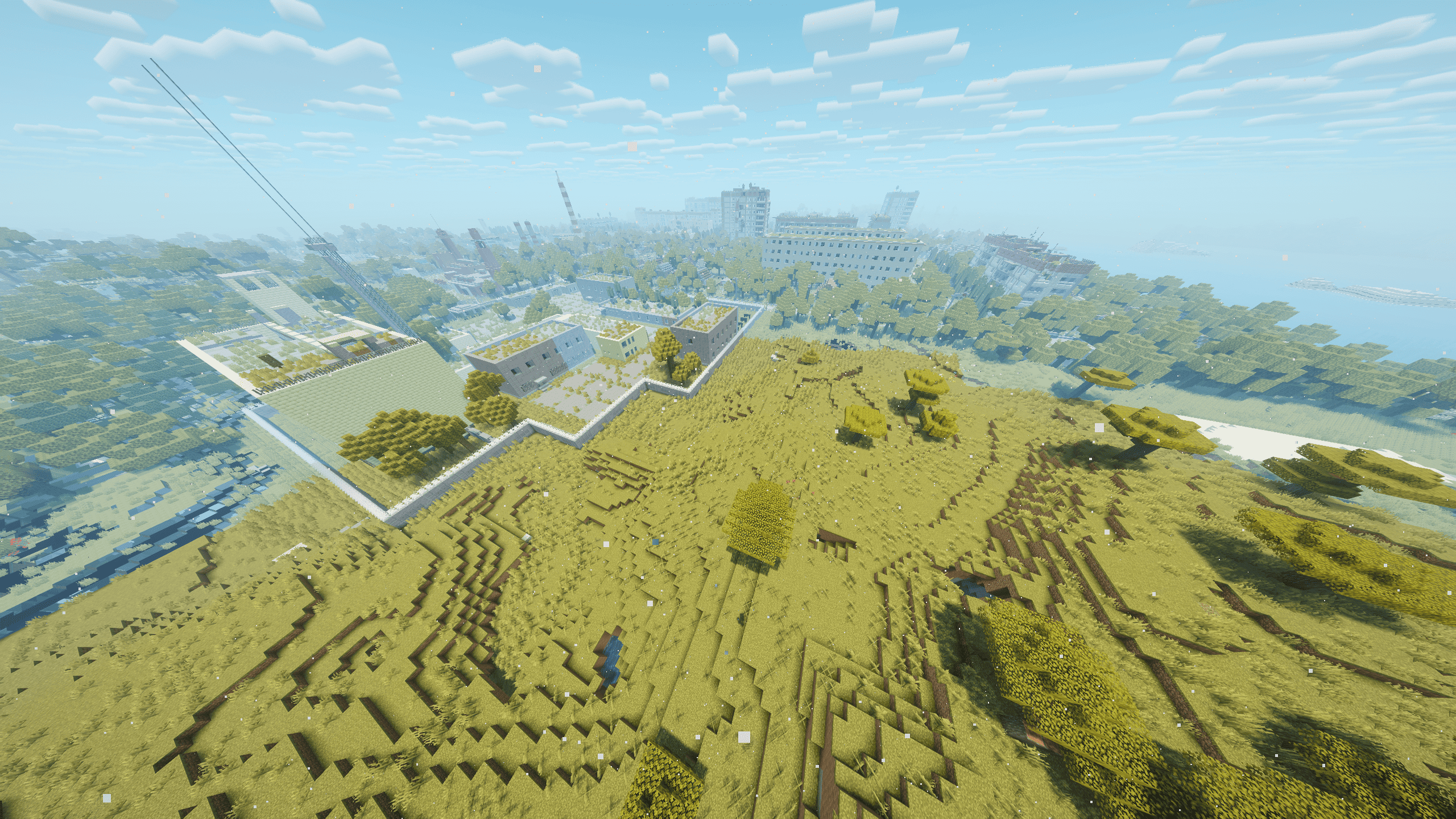
2026-08-25_01.30.17.png
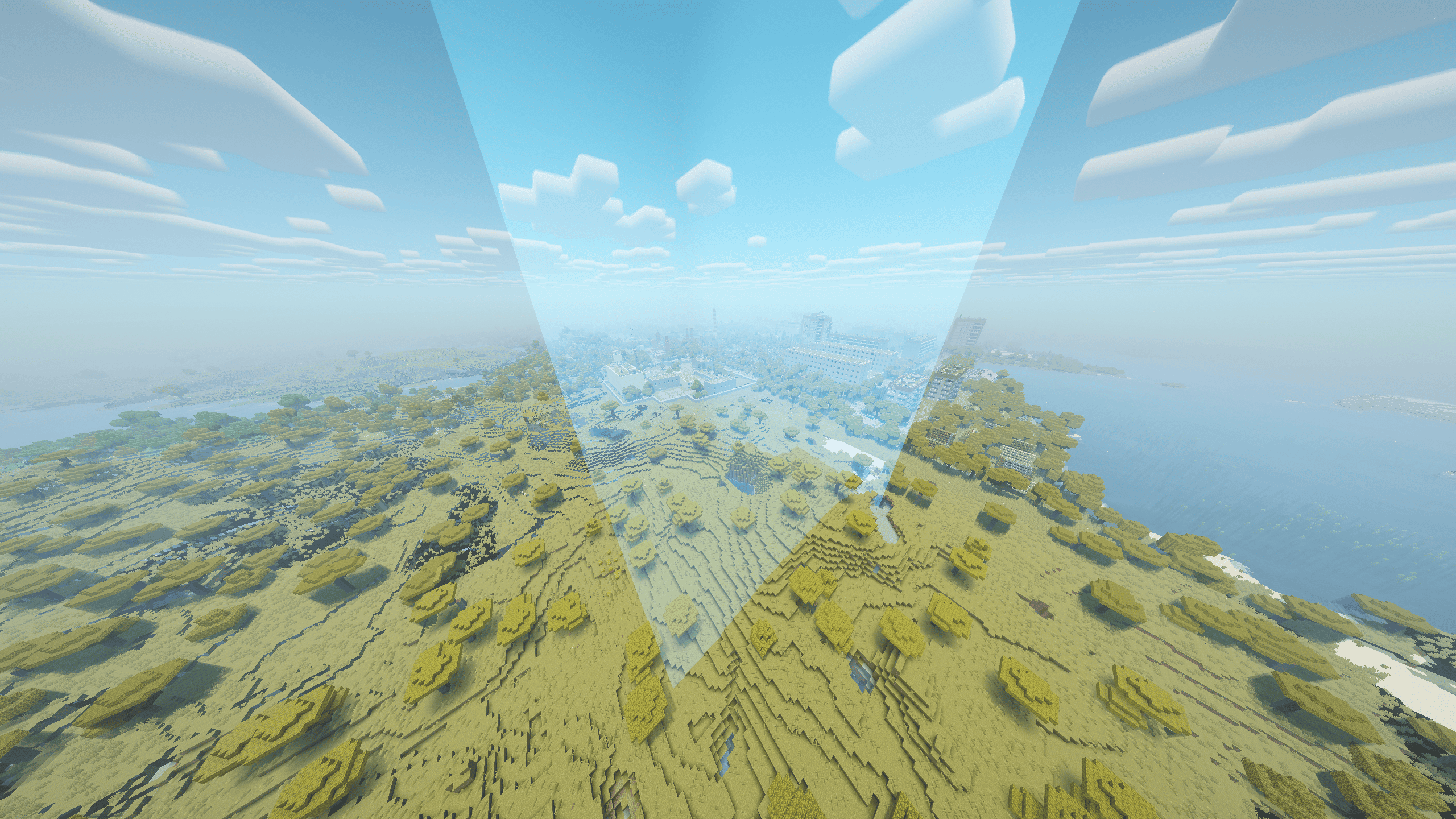
2026-08-25_01.30.39.png
Description
Shrinkin Zone
Version: 1.0.0
Minecraft: 1.21.1
Loader: NeoForge 21.1.243+
Java: 21
Author: Sl0n1kNash
License: MIT
Configurable shrinking battle-zone system with randomized inner zones, outside-zone damage, live phase control, and a translucent non-colliding boundary wall.
Purpose
Shrinkin Zone adds a server-controlled battle area that gradually contracts through a configurable sequence of phases. The initial zone is defined by the common configuration, while each following phase selects a new target area inside the current zone.
The mod is intended for survival events, PvP matches, extraction scenarios, and other game modes where players must stay inside a progressively smaller playable area.
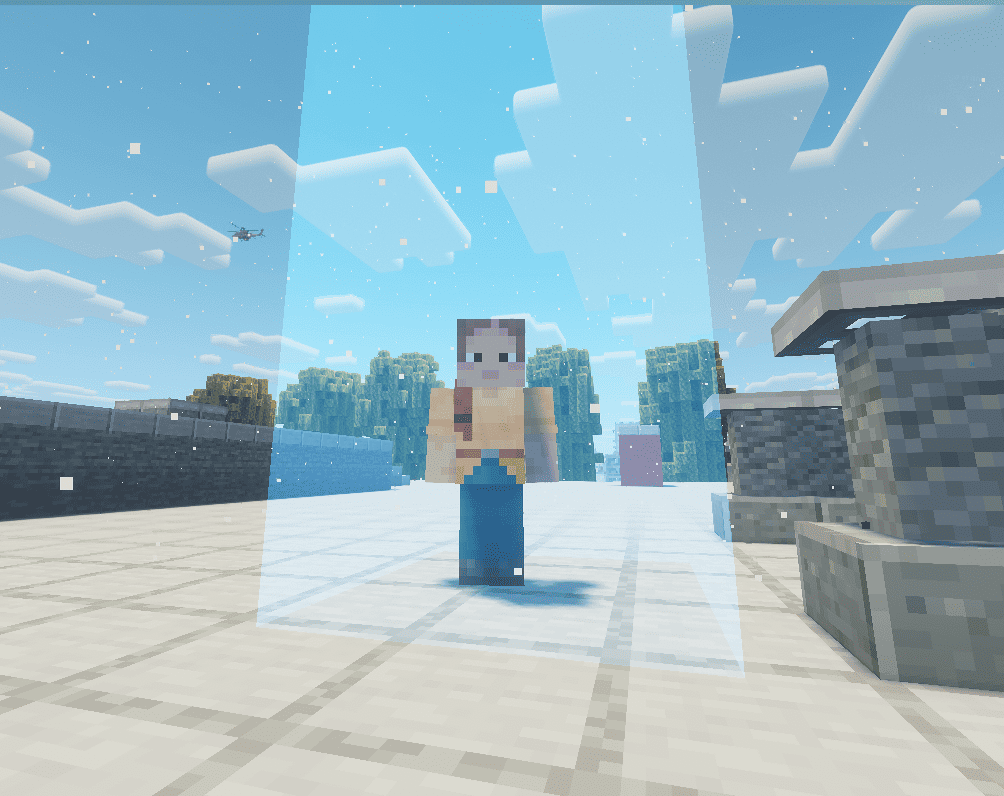
The zone is implemented independently from Minecraft's vanilla world border. Its visual wall does not block movement, and the server applies configurable damage to players who remain outside the current boundaries.
The optional Shrinkin Zone - Xaero's World Map add-on can display the live zone on Xaero's World Map.
How it works
The initial square is created from the configured center coordinates and initial radius.
If shrinking phases are configured, the first phase begins and moves the four current borders toward a smaller target area.
For every following phase, Shrinkin Zone chooses a random point inside the previous zone.
A nominal target area with half of the previous width and half of the previous depth is built around that point.
Any target side that would extend outside the previous zone is clamped to the previous border. This means an inner phase can become rectangular when its random target point is close to an edge.
All four borders interpolate during the same phase duration. Opposite sides can travel different distances but still reach their target positions at the same time.
Players outside the current live rectangle receive configurable periodic damage.
After the last configured phase, the final zone remains active and keeps applying outside-zone damage until it is stopped or reset.
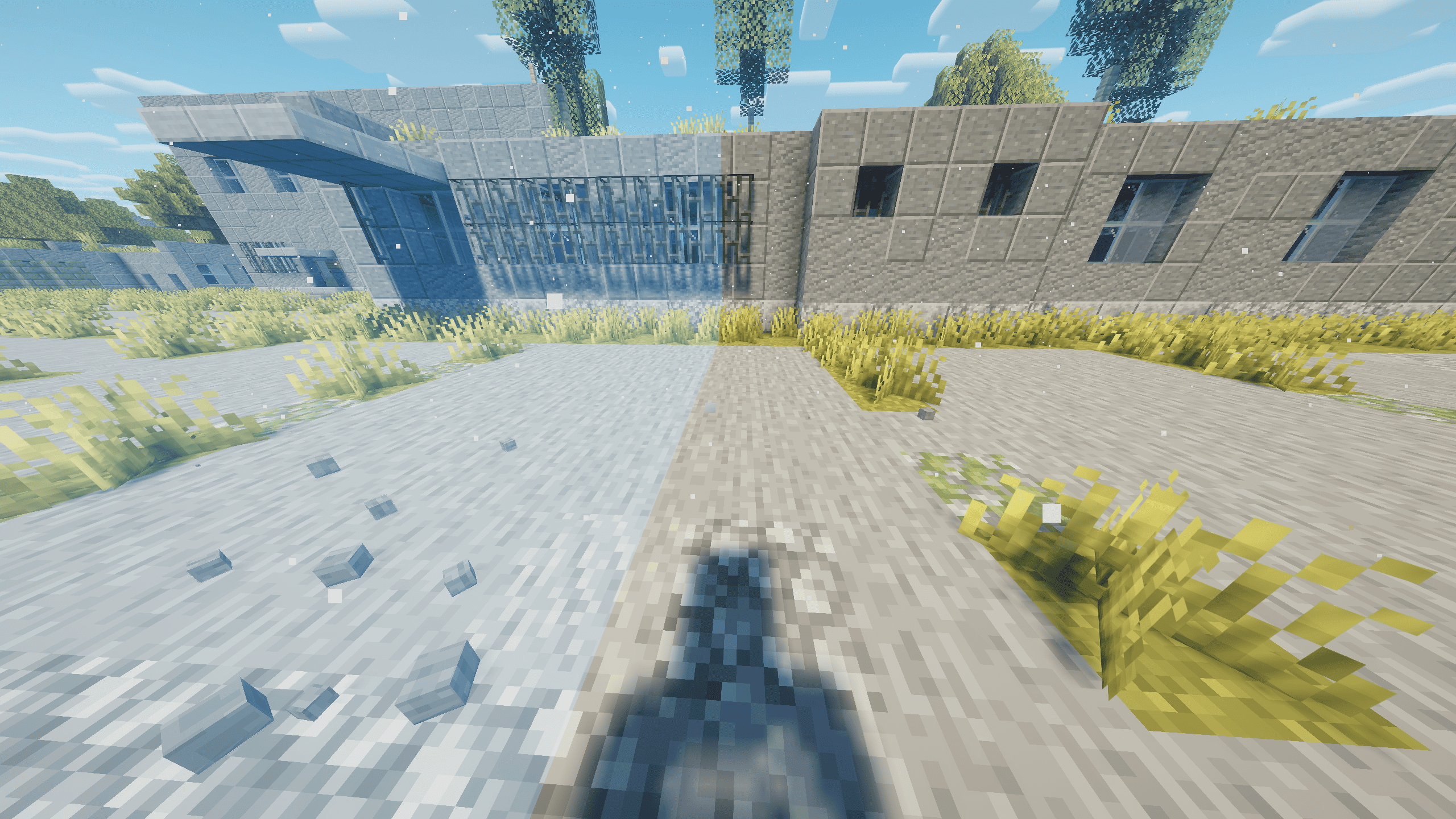
The client renders a translucent blue vertical wall along the live zone borders.
Outside-zone damage
| Field | Default | Description |
|---|---|---|
intervalTicks |
20 |
How often players outside the current zone take damage. 20 ticks = 1 second. |
amount |
2.0 |
Damage dealt per interval. 2.0 damage units = 1 heart. |
damageCreative |
false |
Whether Creative-mode players can take zone damage. |
damageSpectators |
false |
Whether Spectator-mode players can take zone damage. |
Phase list
phases = [600, 300, 180, 120, 60, 30, 10]
Each number is one phase duration in seconds.
Zone settings
| Field | Default | Description |
|---|---|---|
autoStart |
true |
Automatically starts a fresh zone when appropriate for the world state. |
dimension |
minecraft:overworld |
Dimension in which the zone is active. |
centerX |
0 |
Initial zone center X coordinate. |
centerZ |
0 |
Initial zone center Z coordinate. |
initialRadius |
1000 |
Initial half-size in blocks. Full initial side length is initialRadius × 2. |
announcePhases |
true |
Broadcasts phase start and final-zone messages. |
The configuration format is unchanged by version 1.0.0.
Commands
The /zone command requires permission level 2.
| Command | Description |
|---|---|
/zone start |
Starts a fresh zone from the configured initial values. |
/zone stop |
Disables the active zone, its wall, and zone damage. |
/zone reset |
Restores the configured initial bounds and leaves the zone disabled. |
/zone next |
Immediately completes the current phase and advances to the next target. |
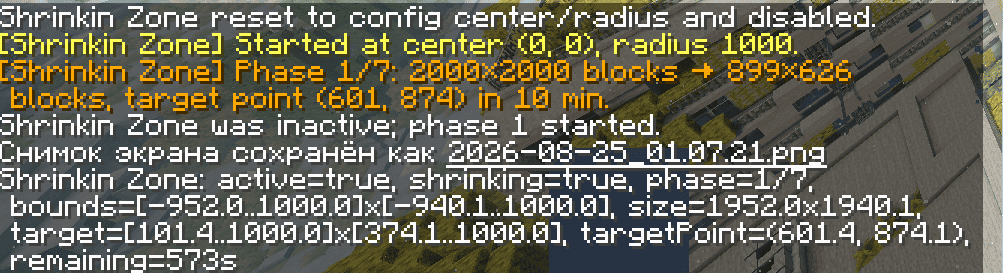
/zone status |
Prints the current phase, live bounds, target bounds, target point, size, and remaining phase time. |
Multiplayer and persistence
The server is authoritative for zone state, phase timing, target generation, and damage. Clients receive synchronized zone data for visual rendering.
Zone state is stored with the world so an active match can survive a server restart. Client and server should use the same Shrinkin Zone version.
Compatibility
- Minecraft 1.21.1
- NeoForge 21.1.243 or newer within the 1.21.1 branch
- Java 21
- Dedicated servers and integrated servers
- Client-side long-distance rendering mods can coexist with the zone wall; the wall uses its own distance fade and does not extend the vanilla camera clipping distance.
- The optional Shrinkin Zone - Xaero's World Map add-on can display the live zone on Xaero's World Map.
The Shrinkin Zone Team