Shovel JS
- By
Visual in-game editor for modpacks: recipes, items, mobs, loot tables, tags, trades and world generation. Writes datapack files and KubeJS scripts. No coding needed.
captura-05.png
captura-08.png
captura-10.png
Description
Shovel JS

Shovel JS is an in-game visual editor for building modpacks. Change recipes, items, blocks, mobs, loot tables, tags, villager trades, structures and world generation from inside Minecraft. No coding needed.
Every change is saved as plain files you can open, read and edit by hand. When the pack is finished you can remove the editor, and everything you made keeps working with Shovel API.

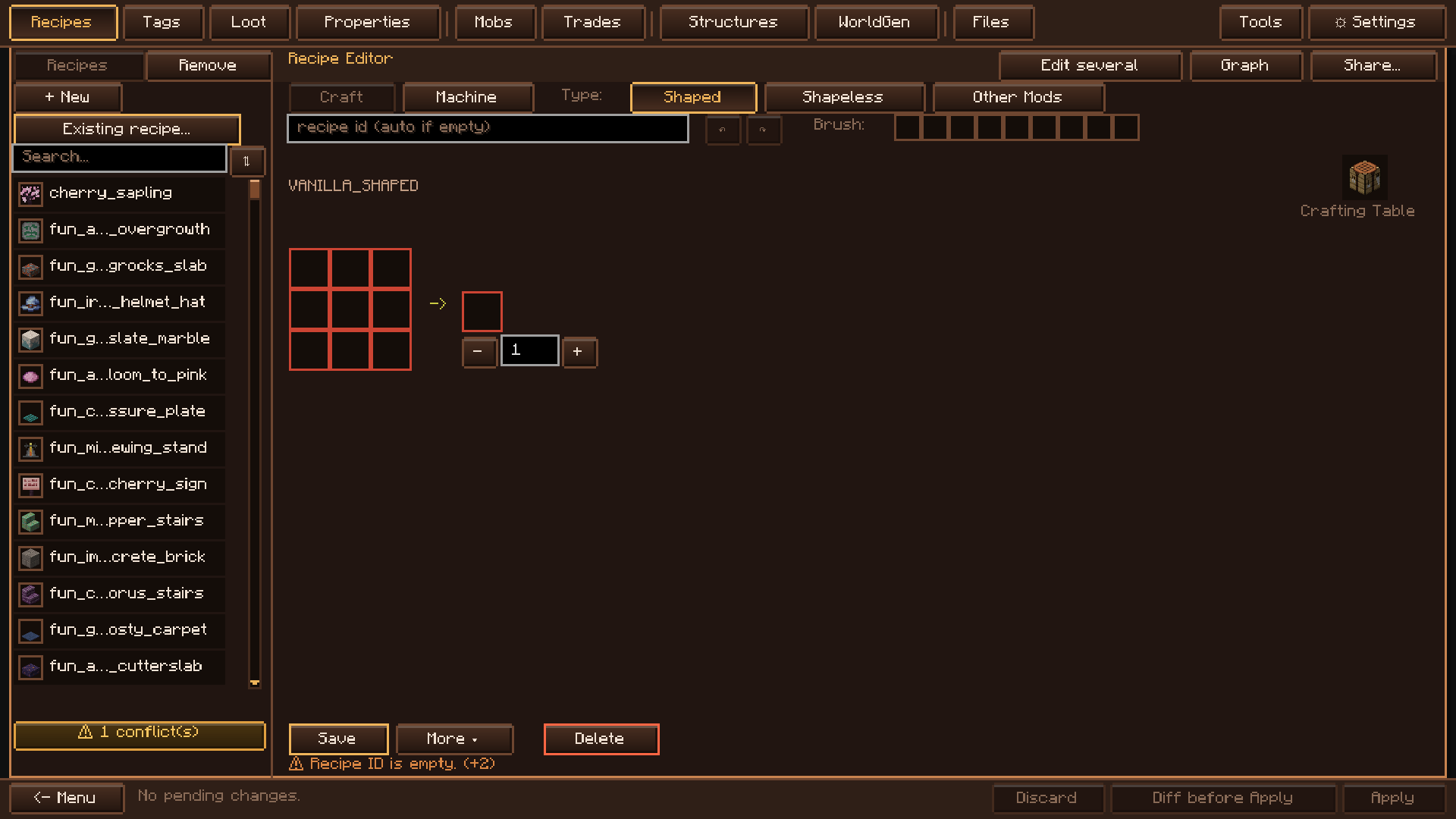
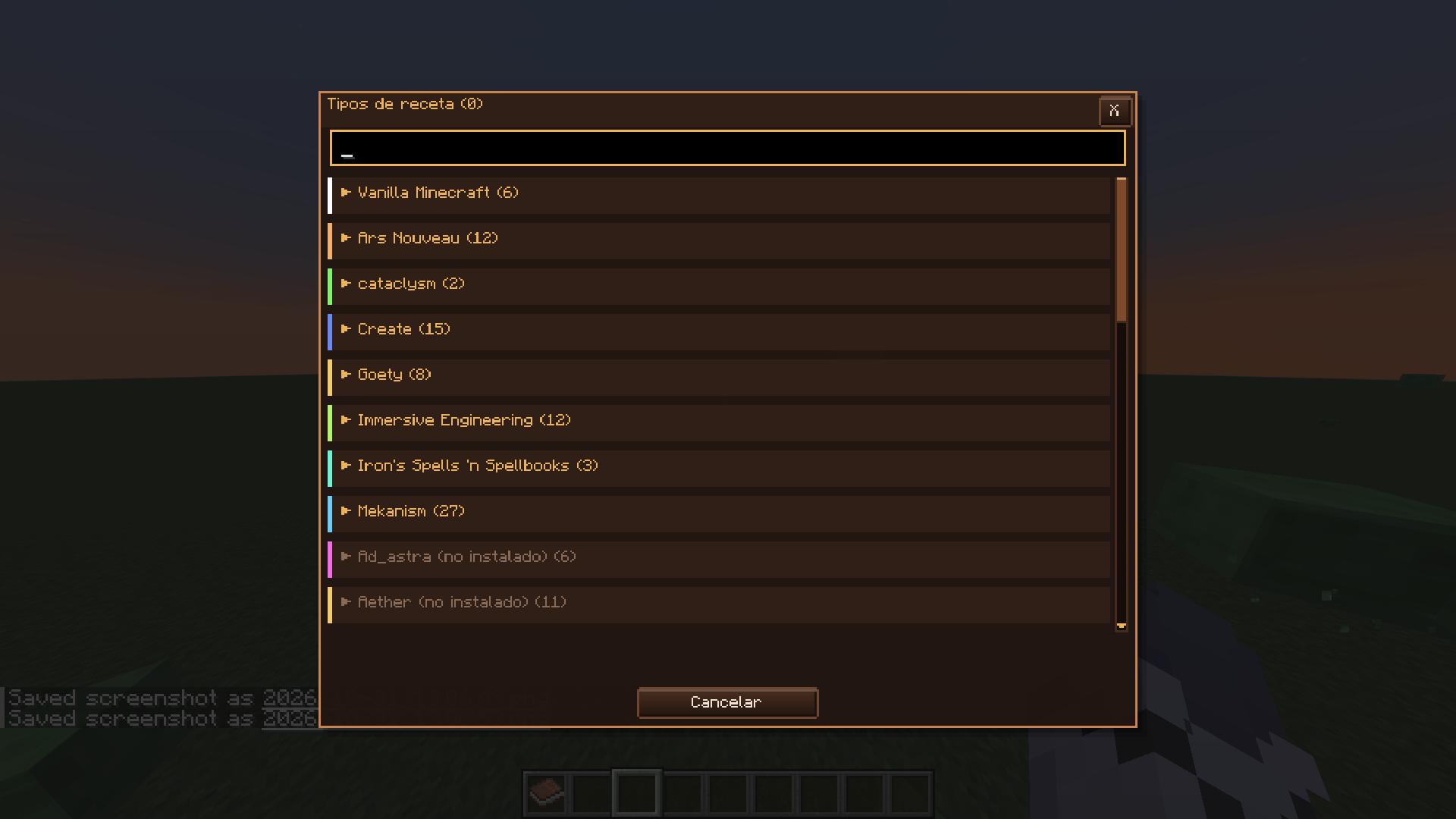
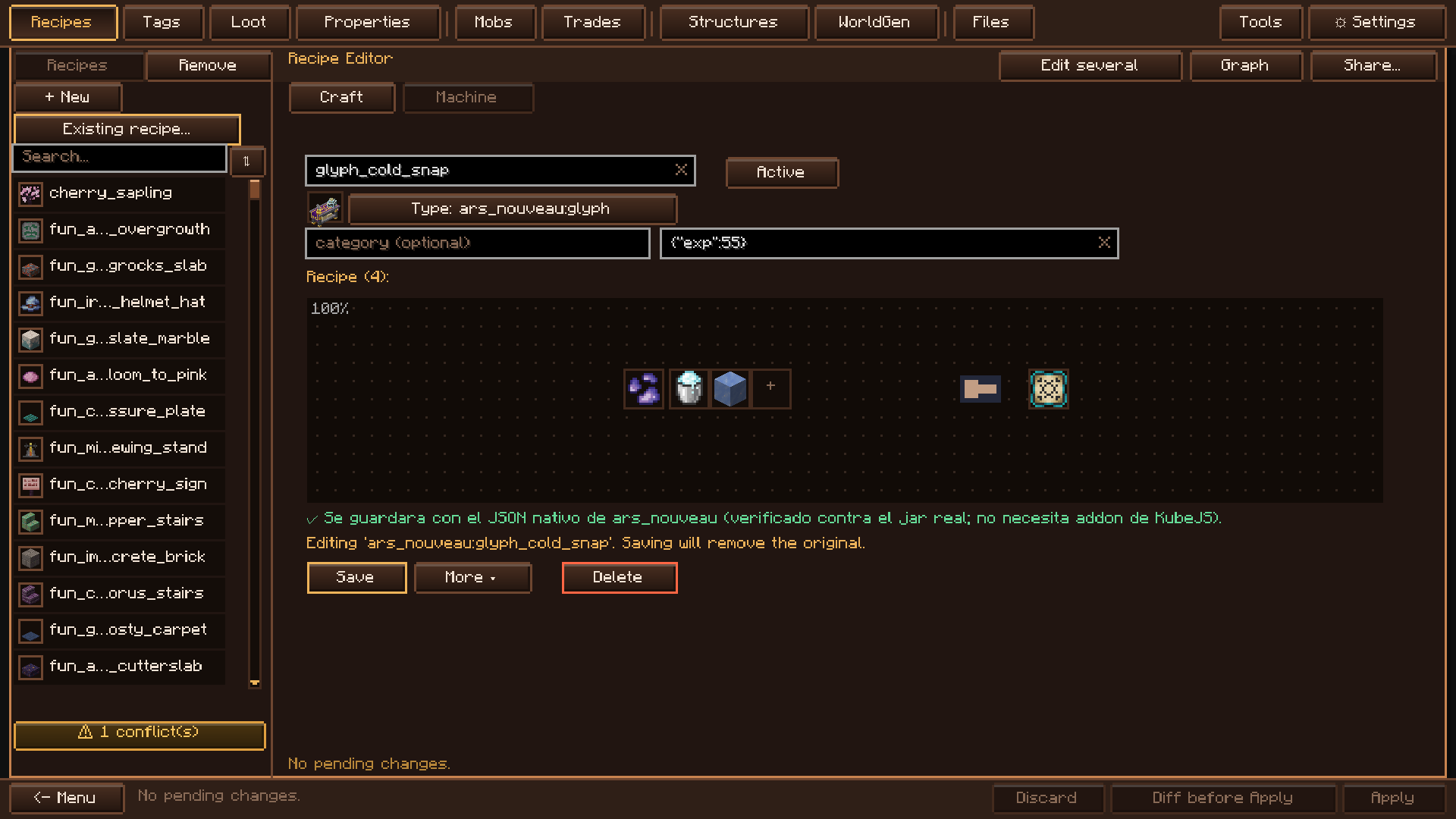
- Crafting and machines: edit vanilla recipes and the recipes of modded machines, each saved in its mod's own format (see the list of supported mods below).
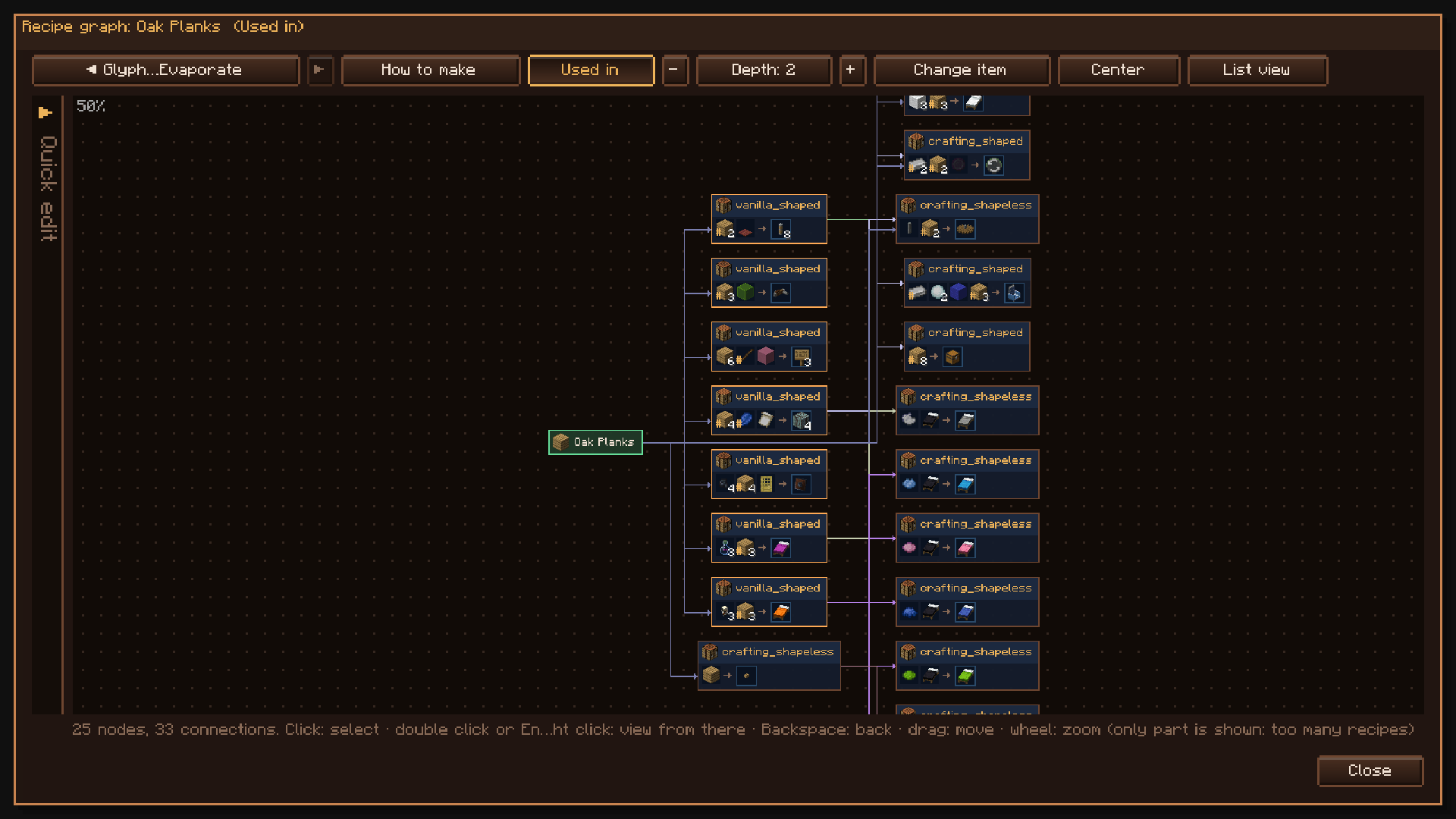
- Recipe graph: see how any item is made and what it is used for. Open any recipe from the graph to edit it.
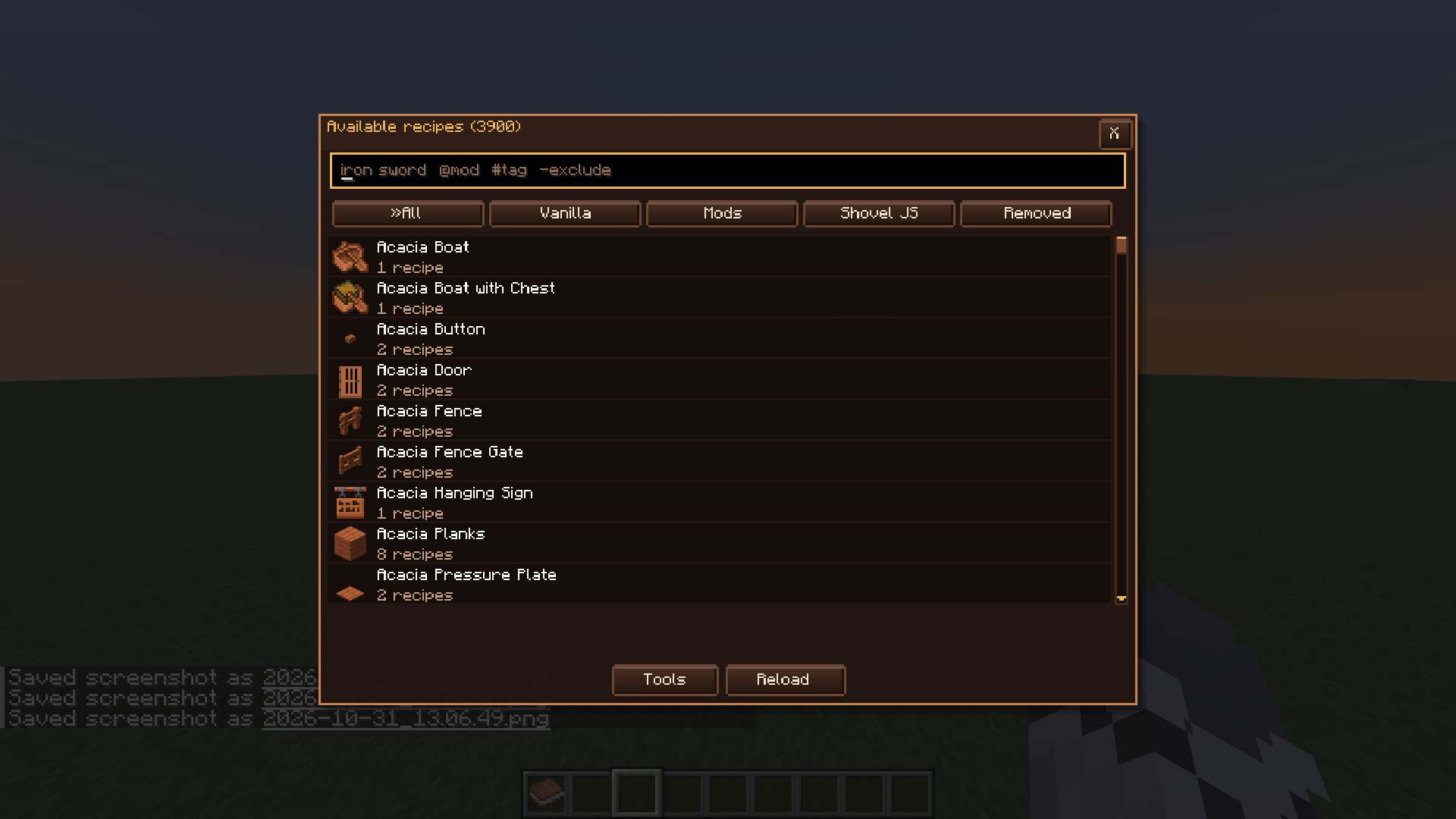
- Recipe browser: search every recipe in the game by id or by the item it makes.
- Multi-edit: change several recipes at once, and replace an ingredient across all of them.
- Recipe tools: global replace, tag unification, bulk removal and uncraftable items.

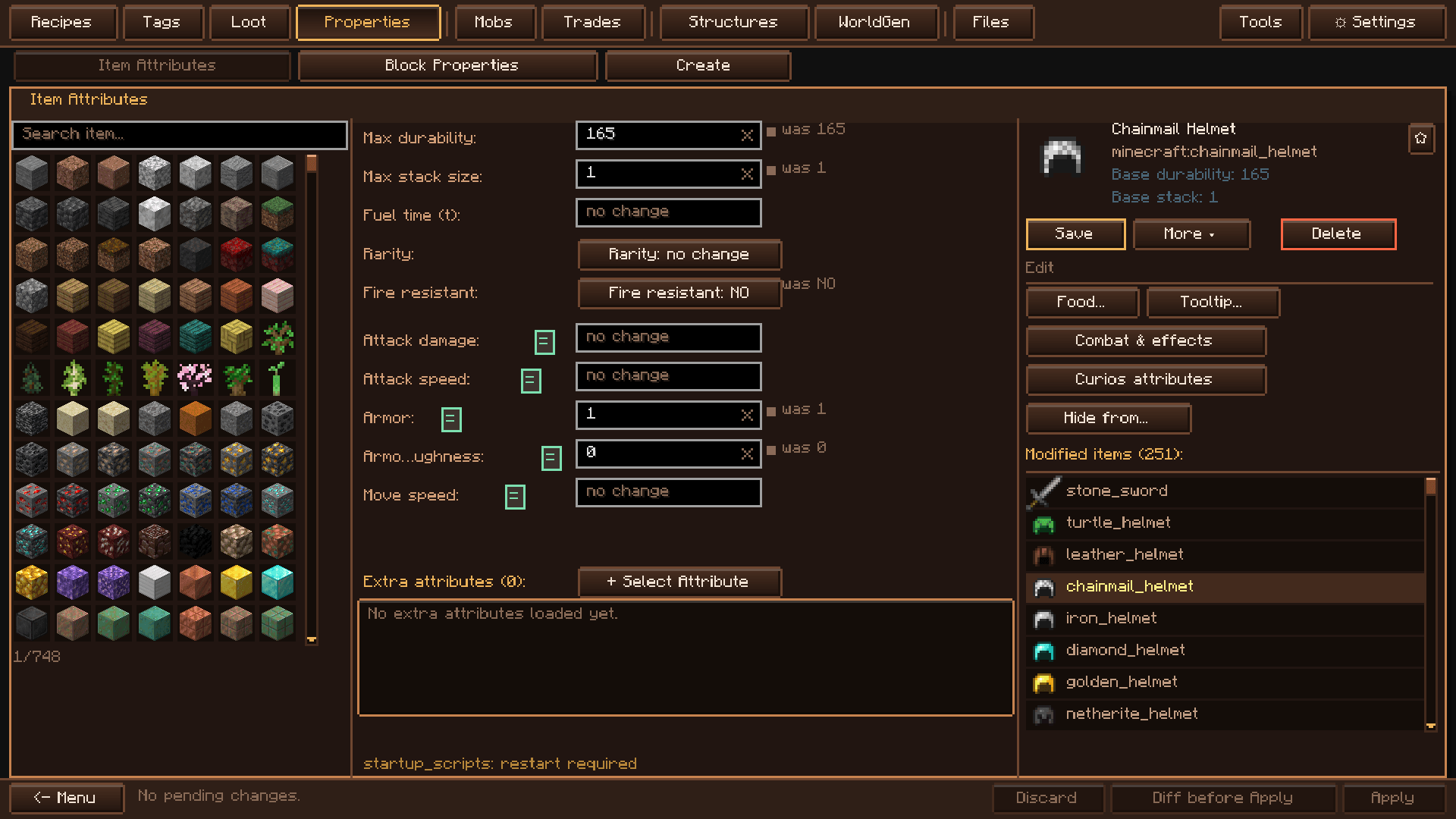
- Items: attributes, food (hunger, saturation, always edible, eaten fast), combat (stats and on-hit effects) and curio attributes.
- Blocks: hardness, sound, the tool and level that mine it, light, see-through, slipperiness and speed.
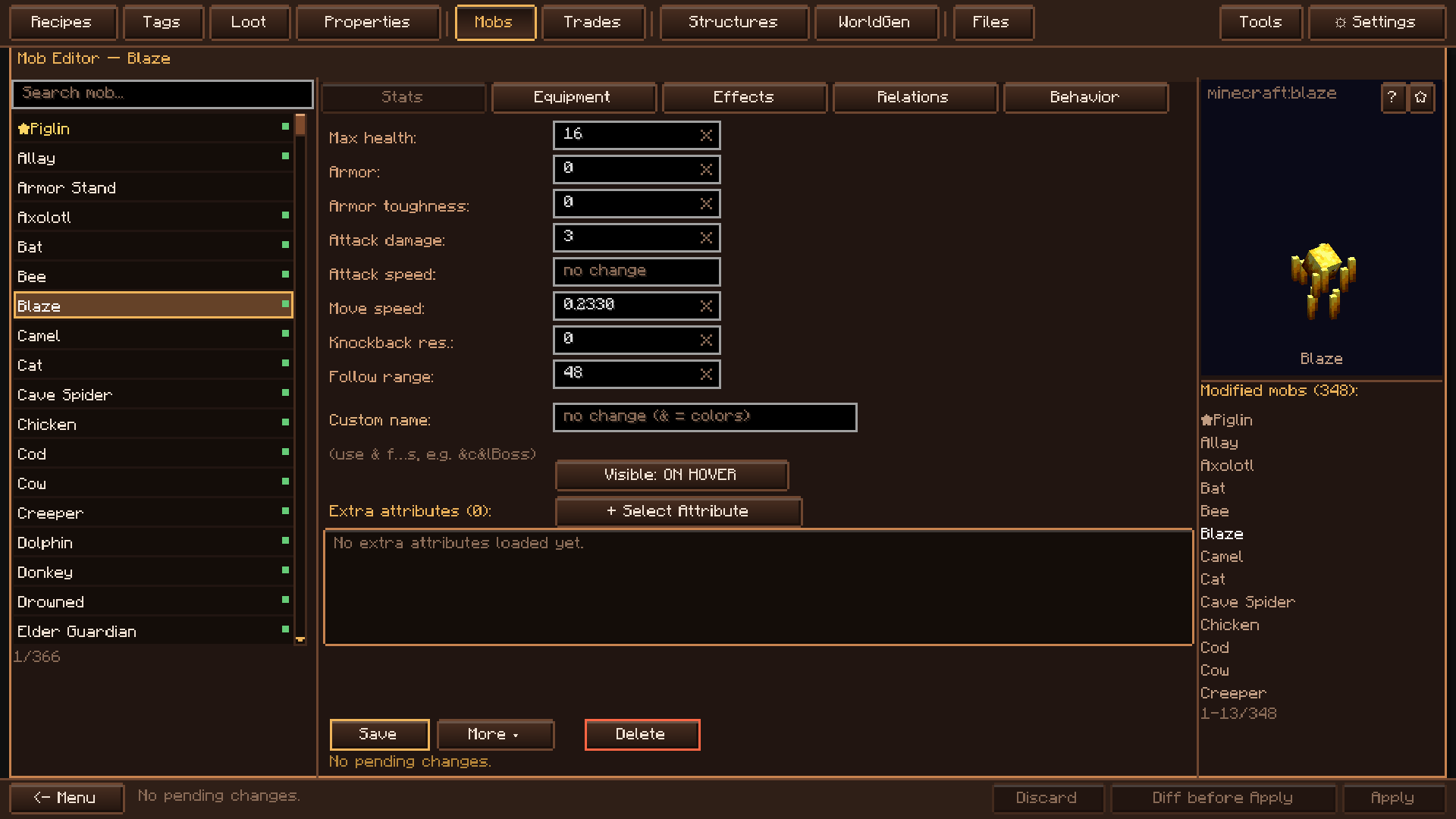
- Mobs: stats, equipment, effects, allies and enemies, and behavior.
- Creators: make new items (tools, food, fuel), blocks and fluids, each with its own texture.

- Loot tables: pools, entries and conditions, a simulator to test drops, and reusable templates.
- Tags: add or remove members with a searchable picker. Star your favorites to keep them at the top.
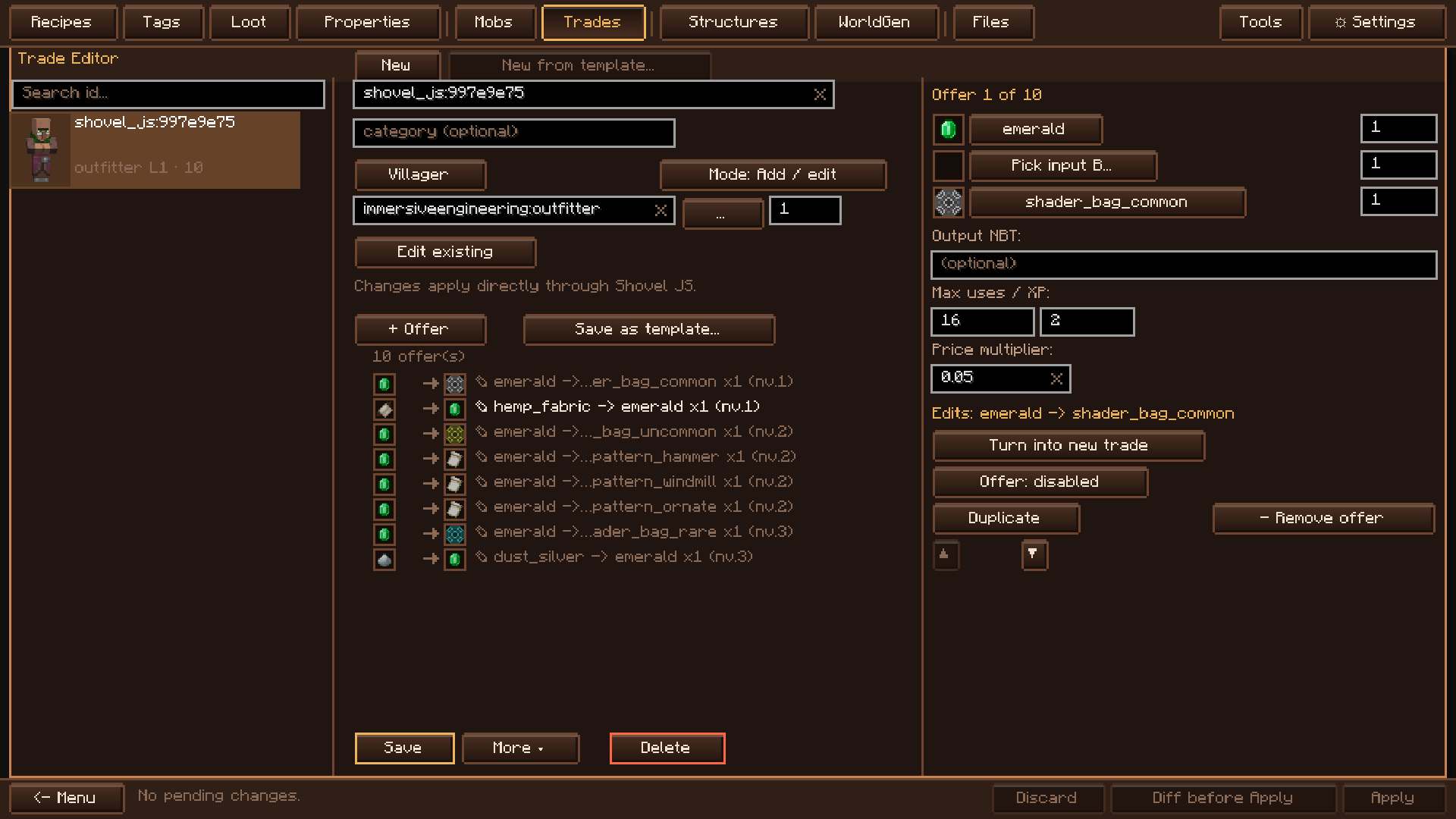
- Villager trades: set the trades of each profession and level, with a preview of the villager.

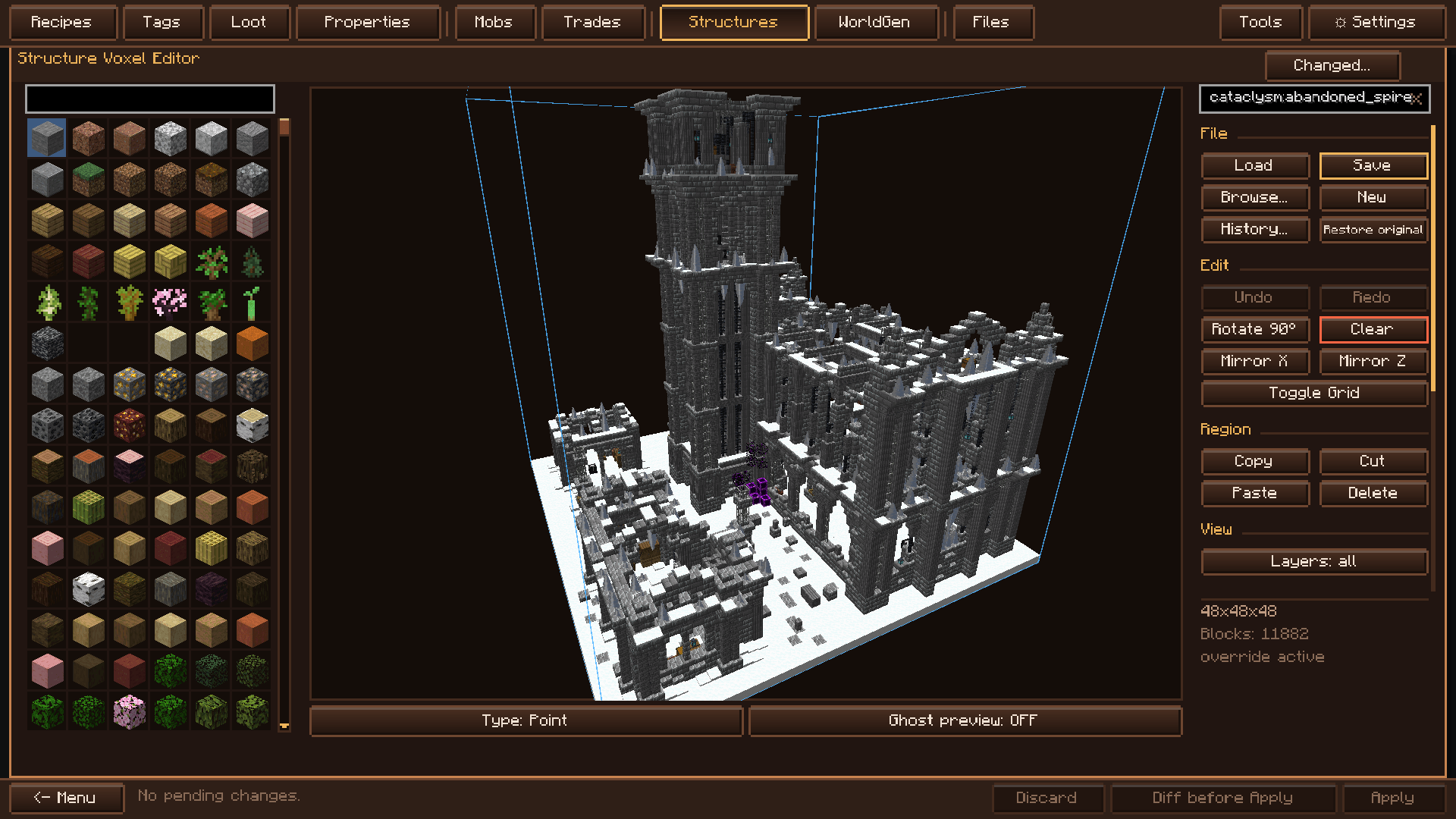
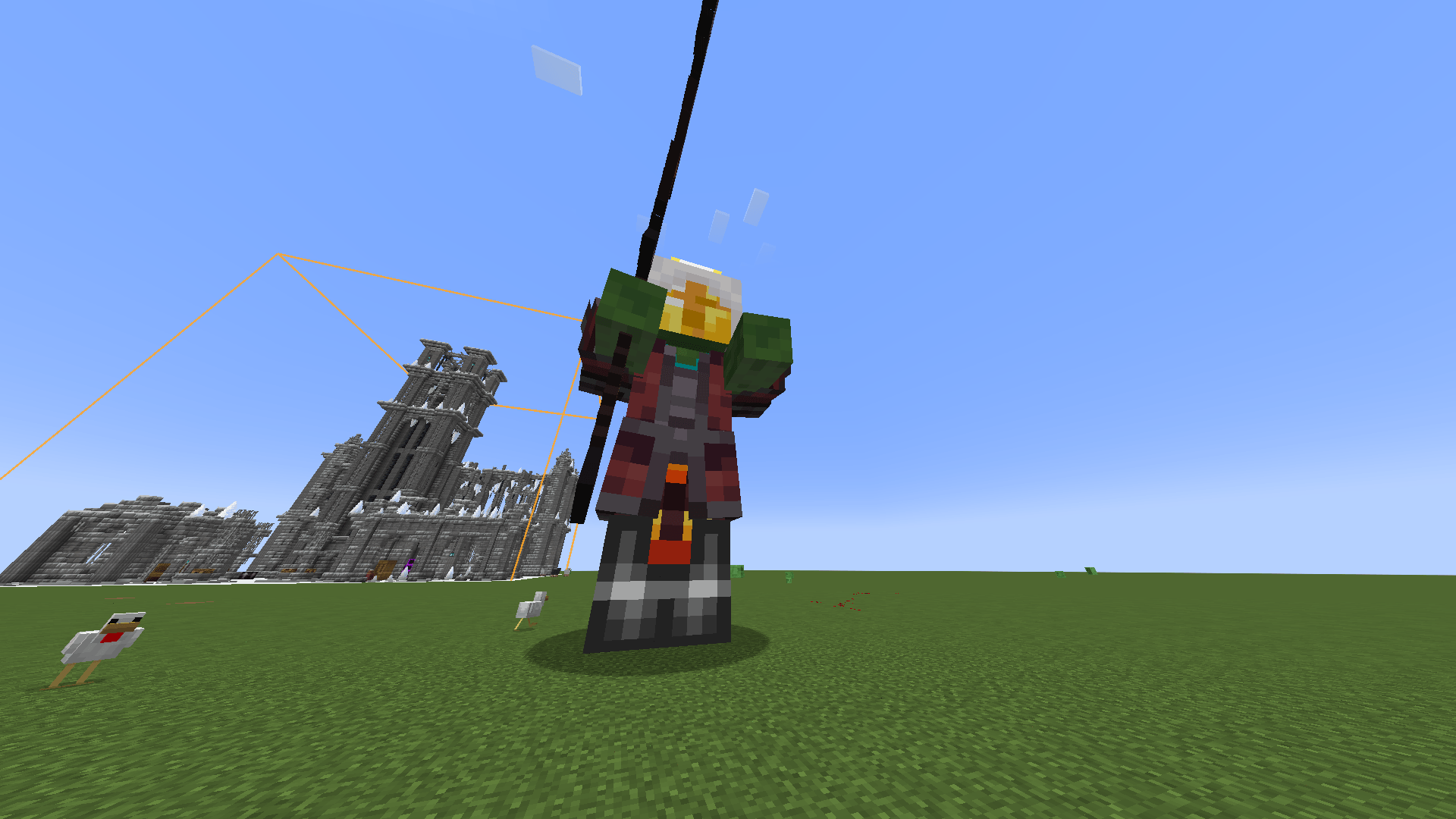
- Structures: a voxel editor with an in-world ghost preview, a materials list where you can replace a block everywhere, and spawn frequency per structure set.
- Ore veins: block, height range, size and frequency, with a live height sketch. Start from vanilla templates and scale them up or down.
- Spawns, surface patches and biome extras per biome.
- Terrain presets (mountainous, amplified, oceanic and more) and a test dimension: teleport in, try your changes on fresh terrain and come back.

- Pack test: script syntax, broken datapack JSON, KubeJS errors from the last reload and IDs that no longer exist.
- Conflict detector: recipes with the same ingredients and a different result, and duplicate recipes.
- Balance review: recipe loops that duplicate items, and stats above what the game allows.
- Where is this ID used?: every recipe, tag, loot table or trade that references an item.
- Files: browse and edit the pack's script files, with validation, find and replace, and snippets.
- Snapshots and compare: full backups of the pack, and a line-by-line diff between any two.
- Release notes: Markdown pages with everything the pack adds and changes.
- Permissions: on servers, choose which players can edit which parts of the pack.

Nothing touches your pack until you apply it. Every change goes into a pending list where you can read the diff, undo it or discard it.
When you apply, Shovel JS tells you exactly what happens: applied live, needs /reload, or needs a restart. On servers, changes are checked and written on the server, and only the roles you allow can edit.
Supported mods
Recipe editor. Each of these mods has its own recipe format in Shovel JS:
Create · Mekanism · Ars Nouveau · Immersive Engineering · Botania · Thermal · Tinkers' Construct · Iron's Spellbooks · Goety · Industrial Foregoing · Draconic Evolution · Powah · Blood Magic · Cataclysm · Farmer's Delight · Botany Pots · Apotheosis · Twilight Forest · Aether · Deep Aether · Ad Astra · ProjectE · Garnished · Refurbished Furniture · Simple Planes · Totemic · Vinery · Celestisynth · Vanilla
Works with:
- KubeJS: the editor writes its scripts, and the Files editor validates them.
- JEI and EMI: an extra button opens any recipe in the editor.
- Curios and Accessories: item attributes that apply when worn.
- TerraBlender, Lithostitched and Terralith: world generation presets build on the terrain they set.
What makes Shovel JS different
- One editor for the whole pack. Recipes, items, blocks, mobs, loot, tags, trades, structures and world generation, with the same workflow.
- The recipe graph. See how an item is made and what it is used for, and edit any recipe from there.
- Nothing applies by surprise. A pending list with diffs, undo, and a clear answer to "do I need to reload?".
- Checks before you ship. Pack test, conflict detector and "where is this ID used?" catch problems before players do.
- Your pack stays yours. Plain, readable files, and an editor you can remove from the finished pack.
Requirements
- Shovel API (installed automatically with Shovel JS).
- Forge 1.20.1 or NeoForge 1.21.1. Both versions have the same features.
Found a bug? Report it on the issue tracker with your log.
Shovel JS Team