
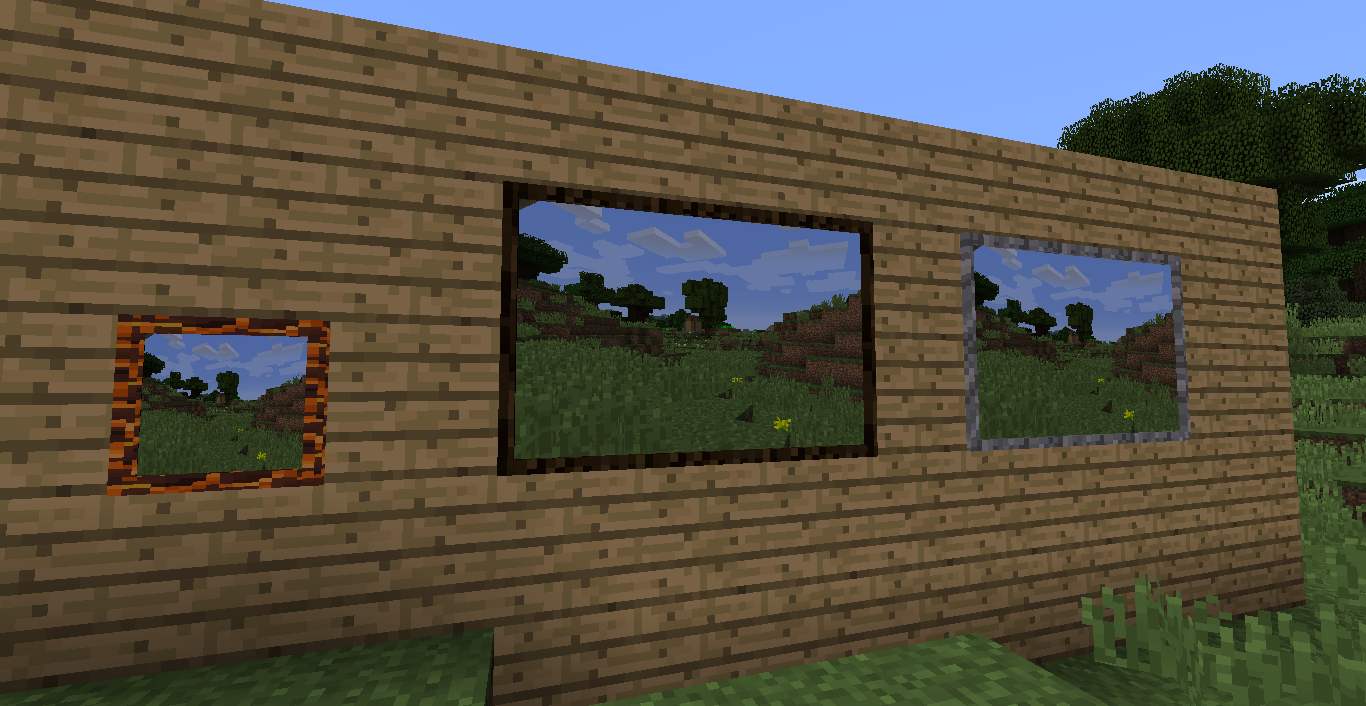
You can now add custom frames to photos
Description
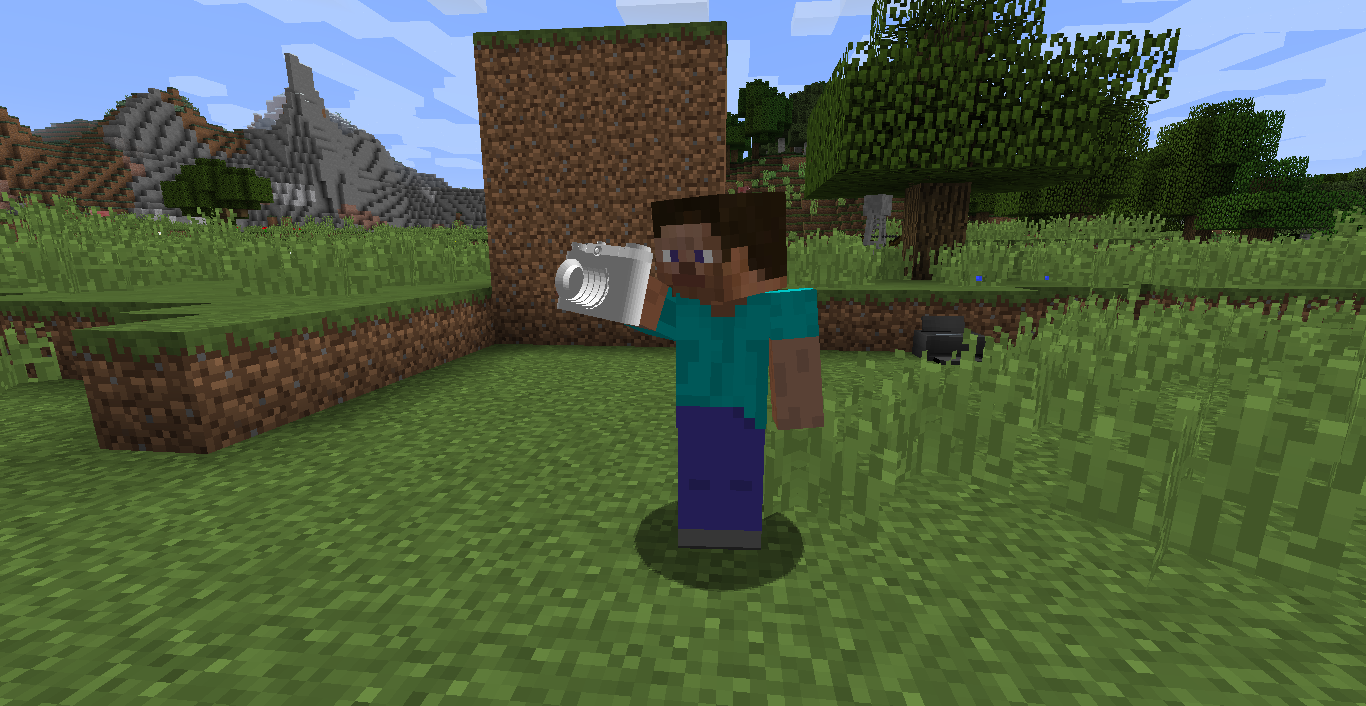
ShootIt is a mod which allows you to make your own in-game photos. It works in singleplayer and multiplayer.


Getting started
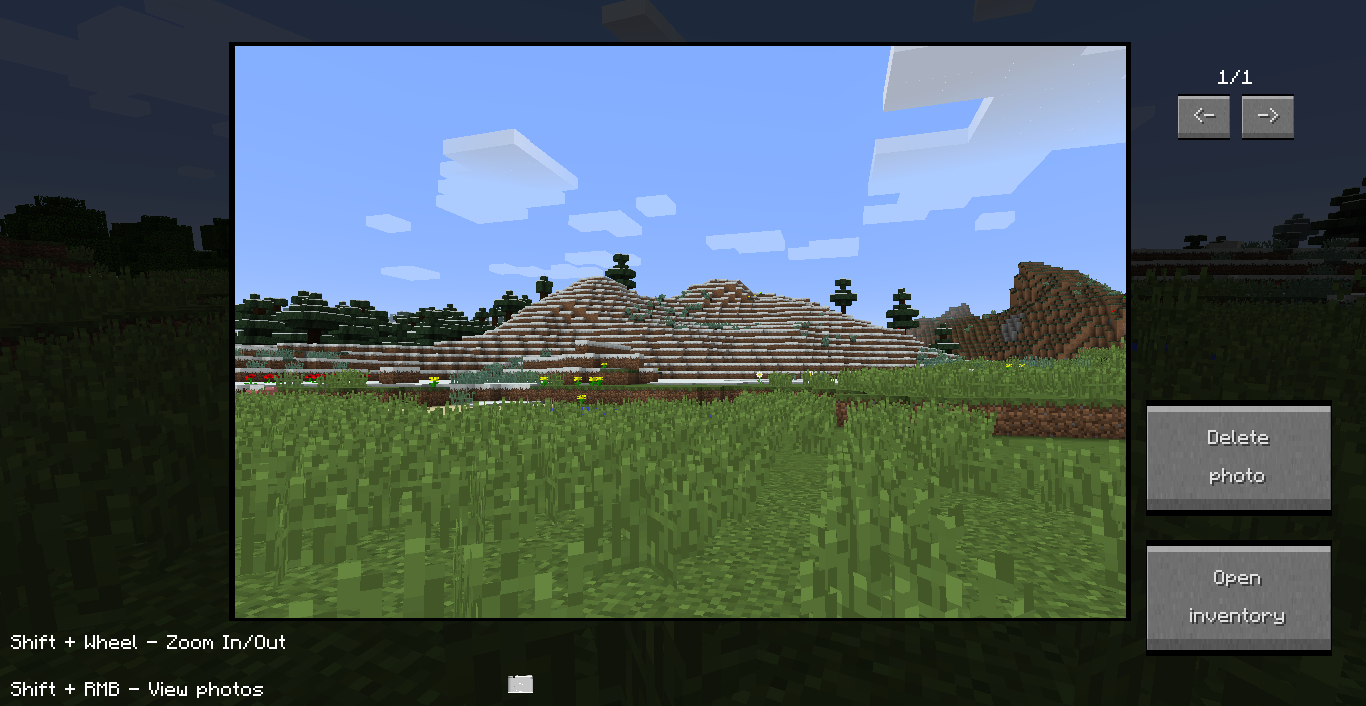
To get started you need to craft a camera and insert into it a memory card (shift + right click with camera in hands). Now you can make your first photo (right click). To view photos just open a camera inventory.
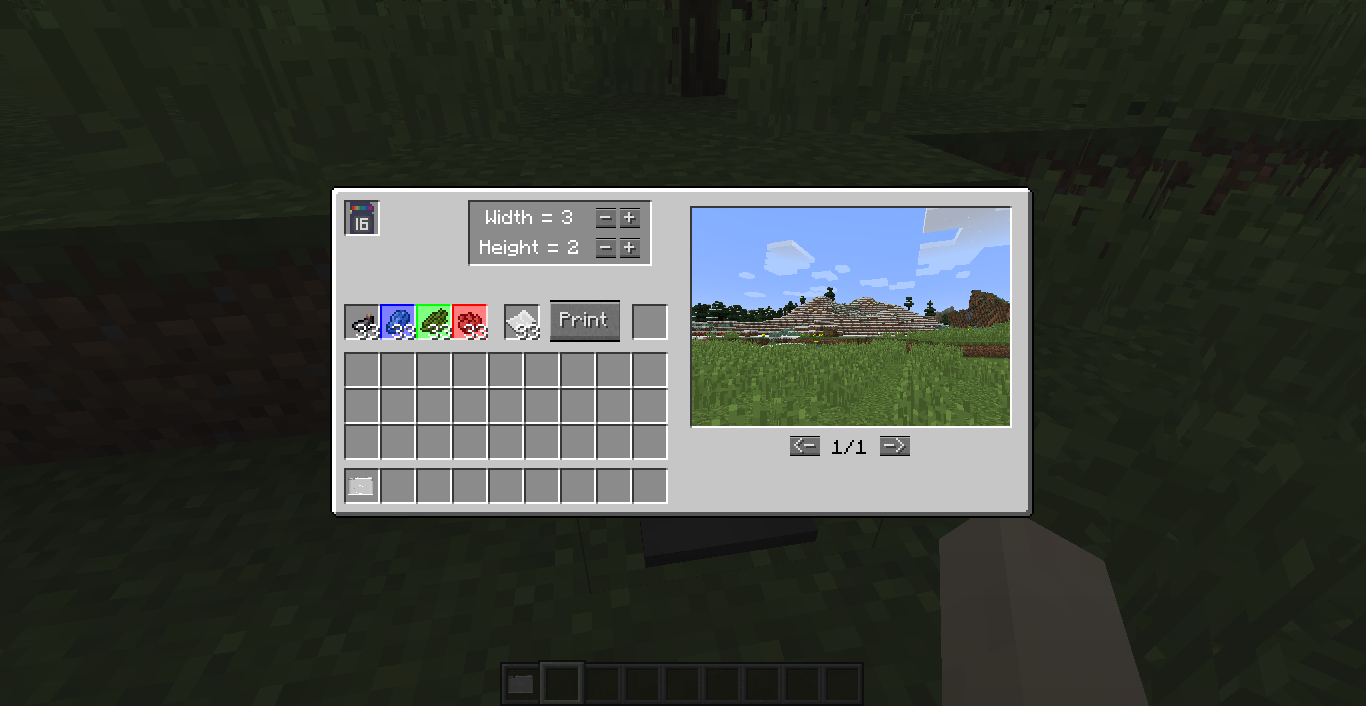
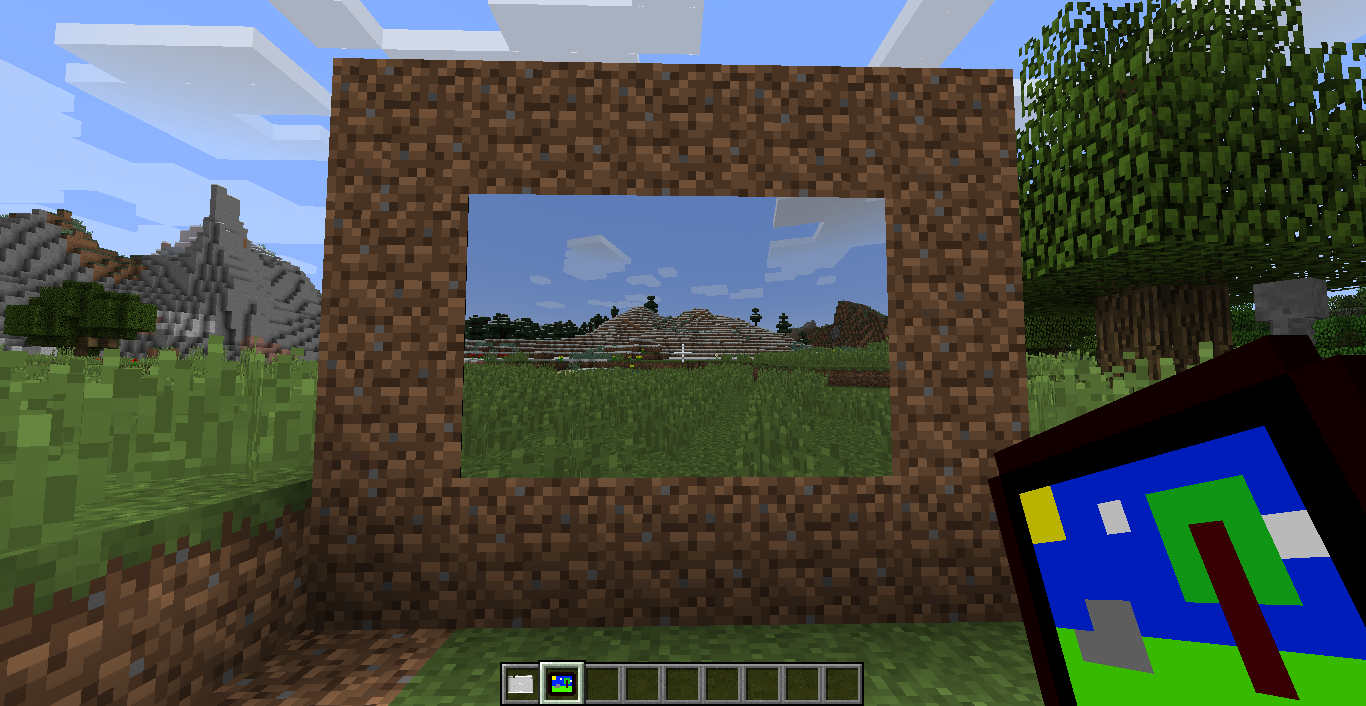
If you want to print a photo you need to extract a memory card from the camera and place it into the printer. Add some materials (dyes and paper) and get the photo item, which you can place in the world.
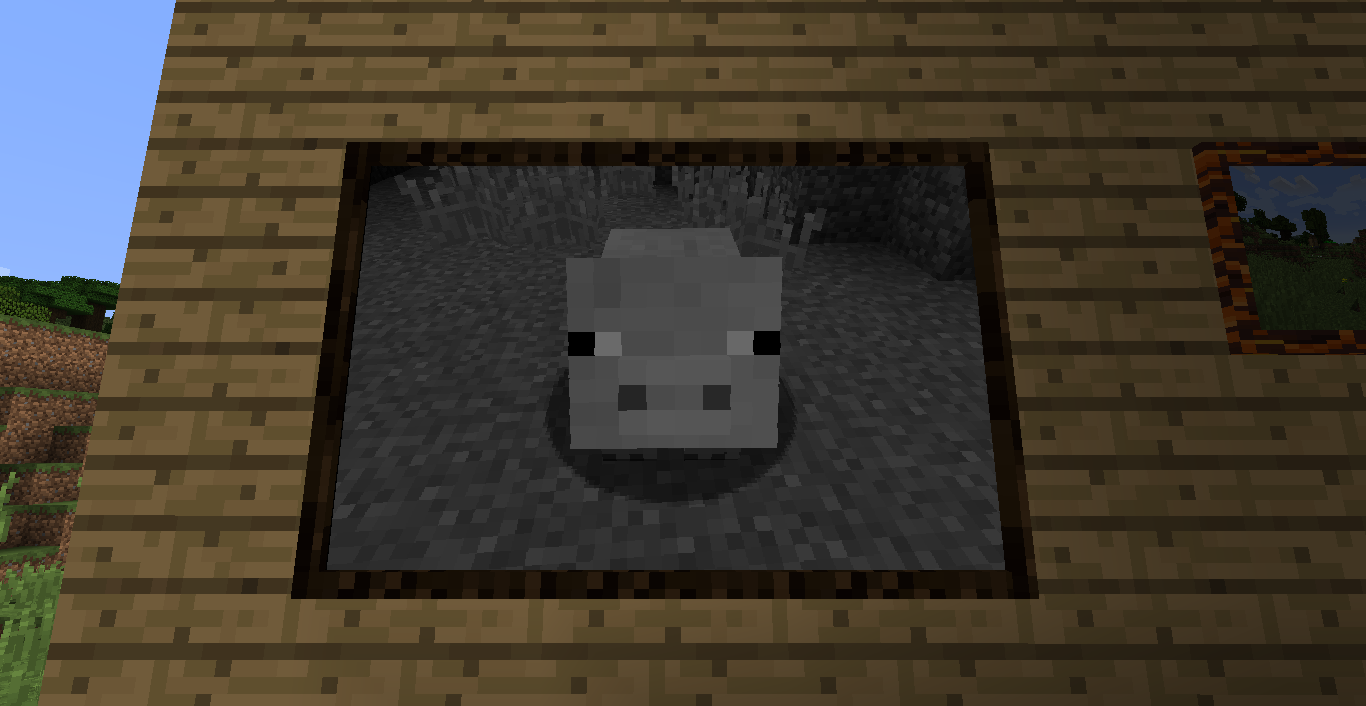
You can add to photos some filters. For this open camera inventory, press filters button, and select from the list.
To delete photos open camera gui and press delete button - with Ctrl button to remove only from memory card in this camera; with Ctrl + Alt buttons to remove from everywhere
Previous versions:
1.10.2 version
v0.4
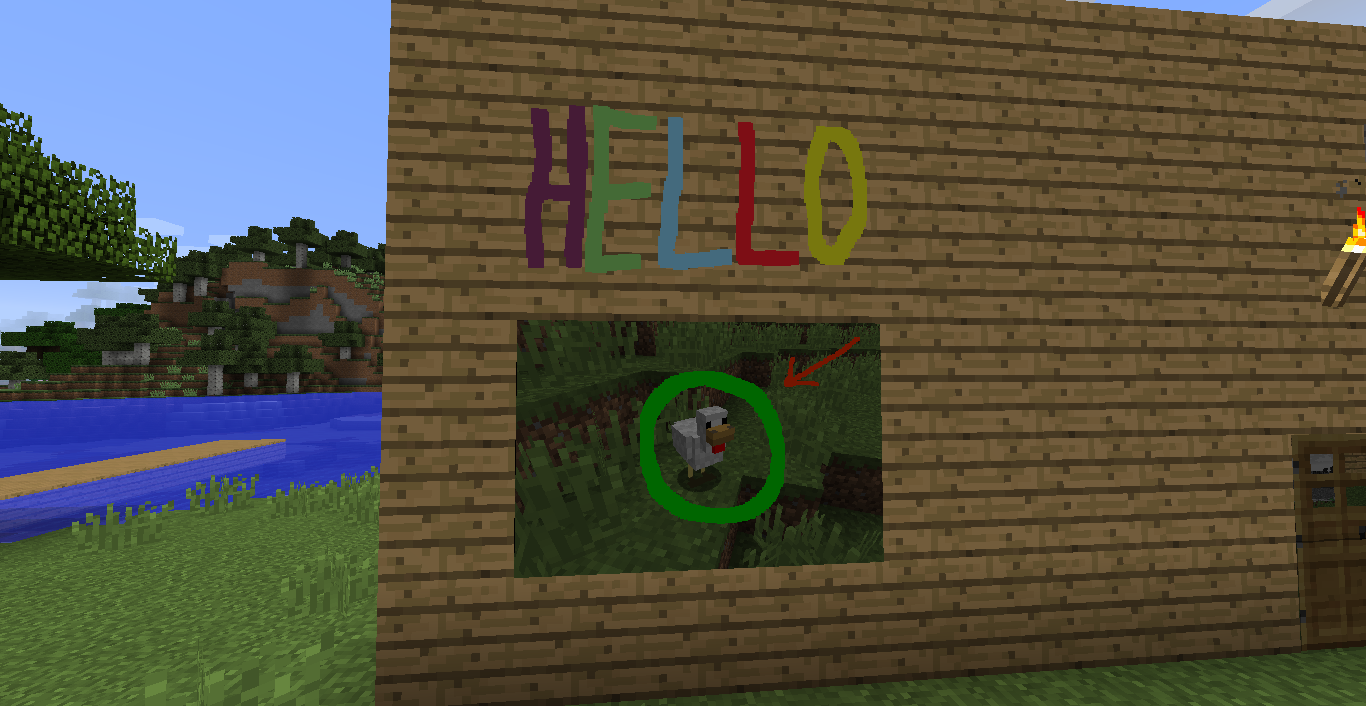
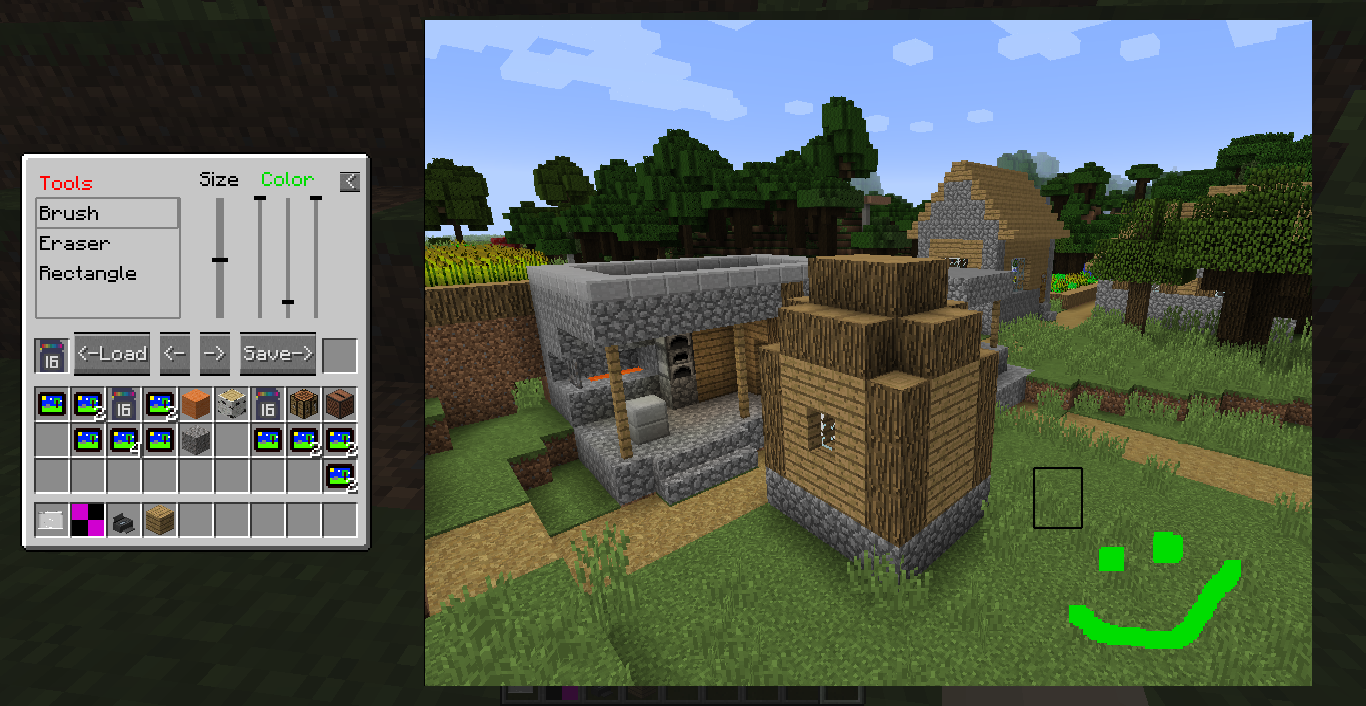
- Added a photo editor
v0.3
- Filters (I will add more later)
- You can now choose what part of photo will be printed (toggle a checkbox "Custom" in the printer's gui; then move a grid and change its size)
v0.2
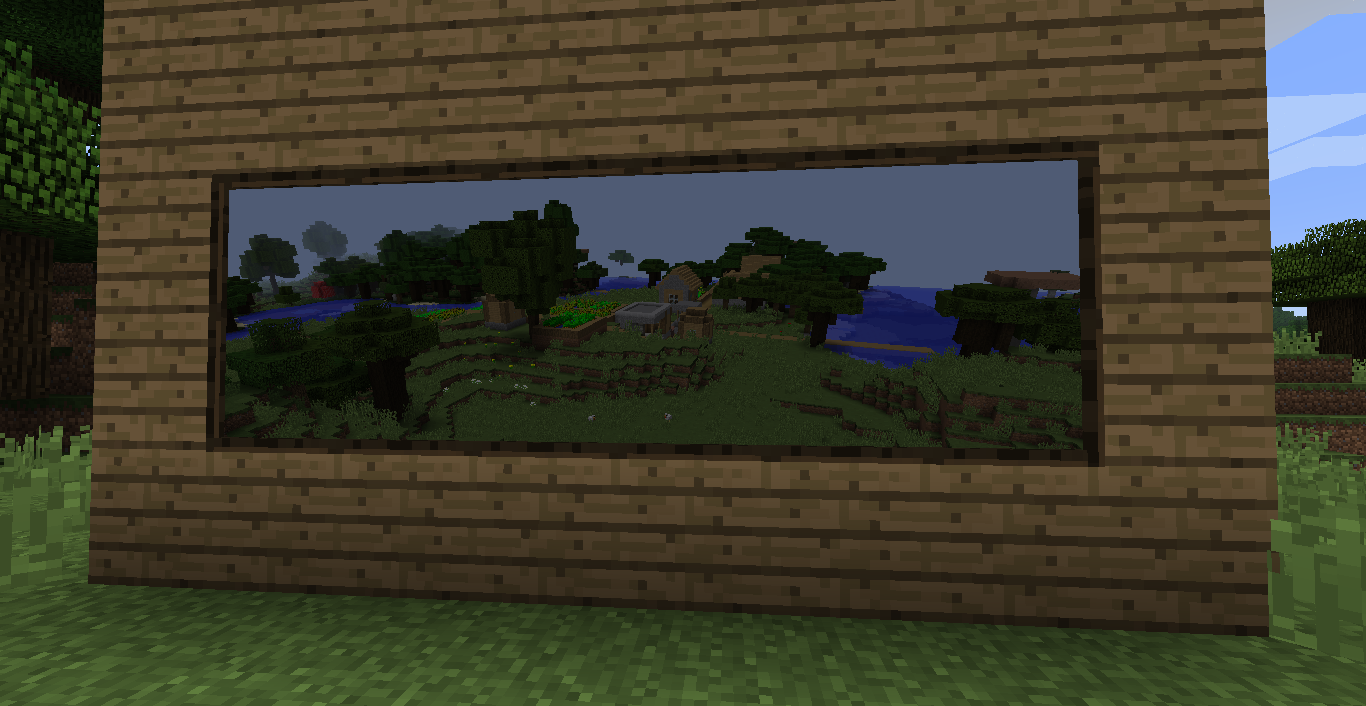
- You can now add custom frames to photos
- Placing photos on top/bottom of blocks
v0.1.1
- Fix for multiplayer
v0.1
- The begining
Information:
1) Photos location: minecraftFolder/photos/assets/photos
2) In multiplayer photos are loaded from the server only when a player needs it (e.g. when he looks at pictures). After restarting the client loaded photos are removed
3) You can load your own pictures in the game (png format)
What's planned:
- Selfie mode
- Painter reworking
- Filters combining
Issues
If you detect some problems with the mod, please tell me about it by the opening an issue on github
ShootIt Team
