schems matica
Load .schem files in Minecraft Forge, select them from an in-game book, preview them with a projector, and place them directly into your world.
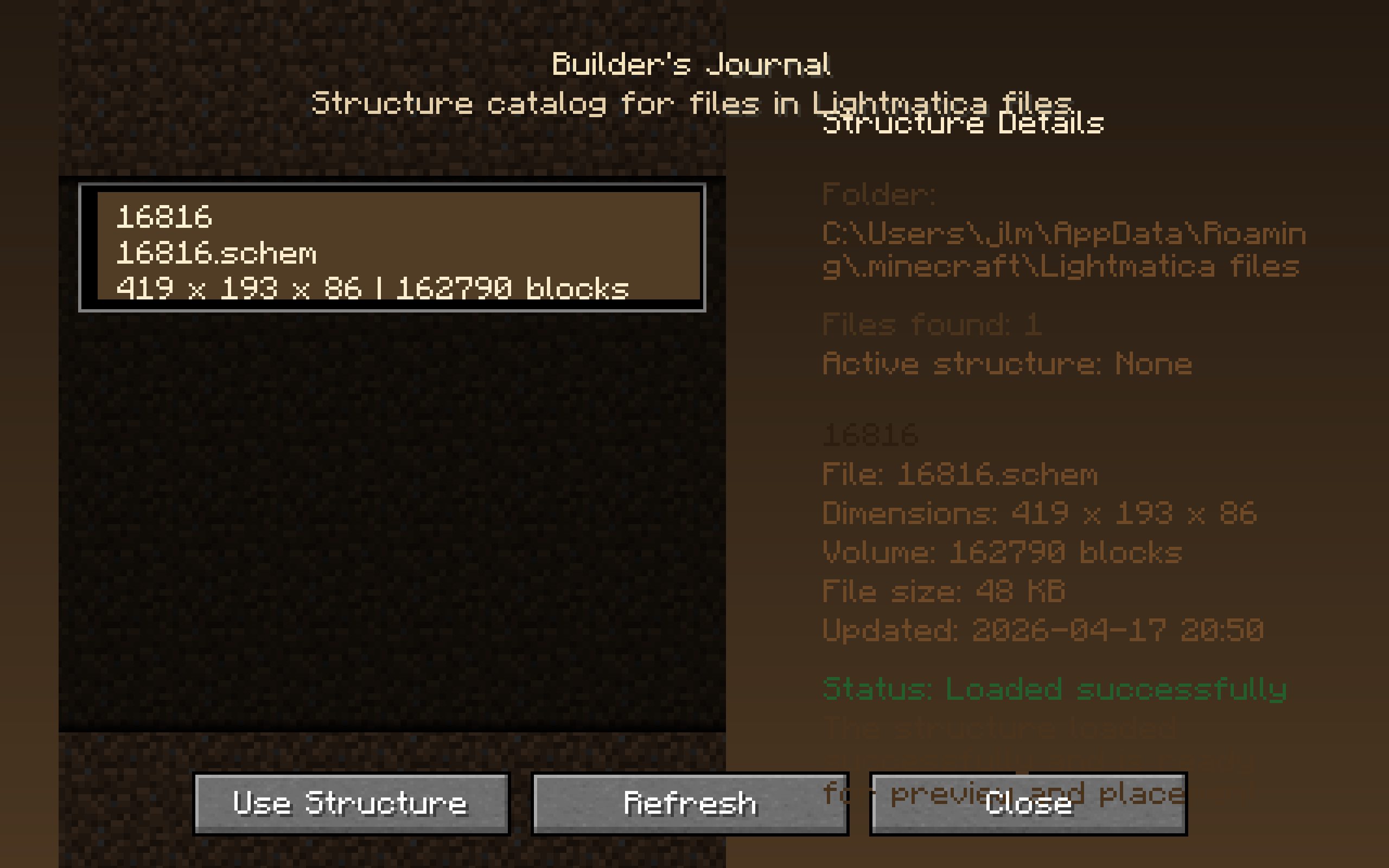
2026-04-17_22.39.28.png
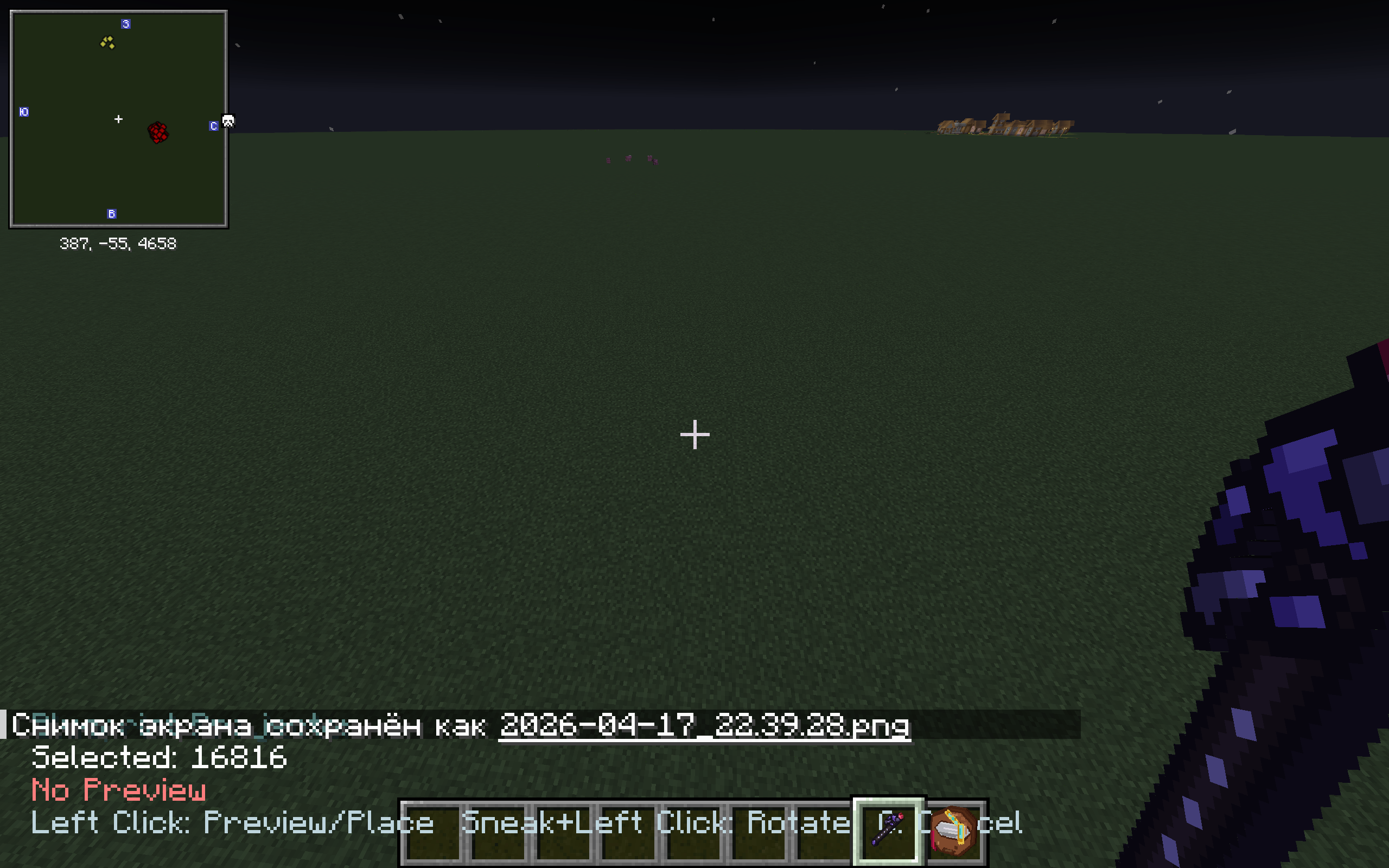
2026-04-17_22.39.37.png
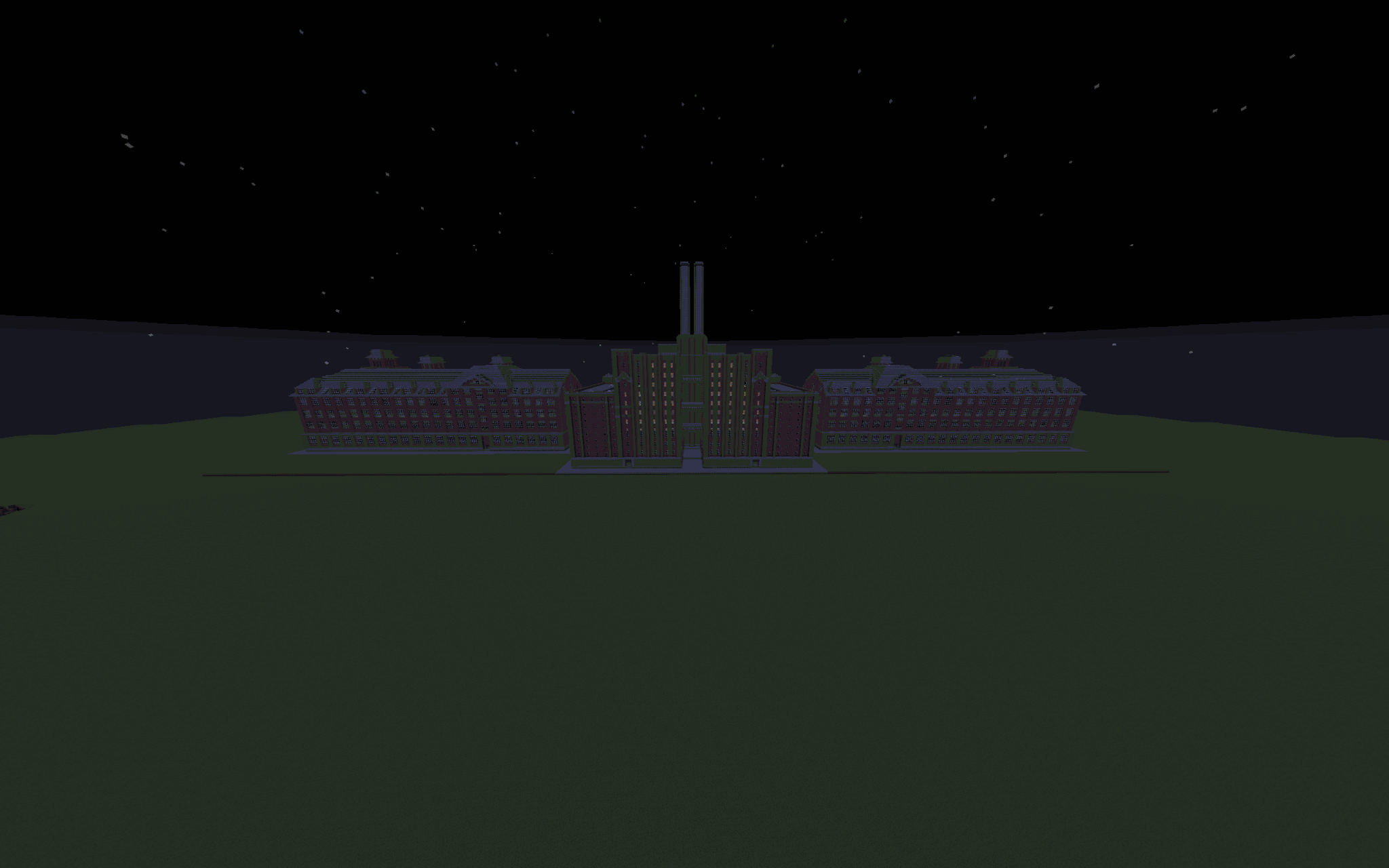
factory_screenshot_256c.png
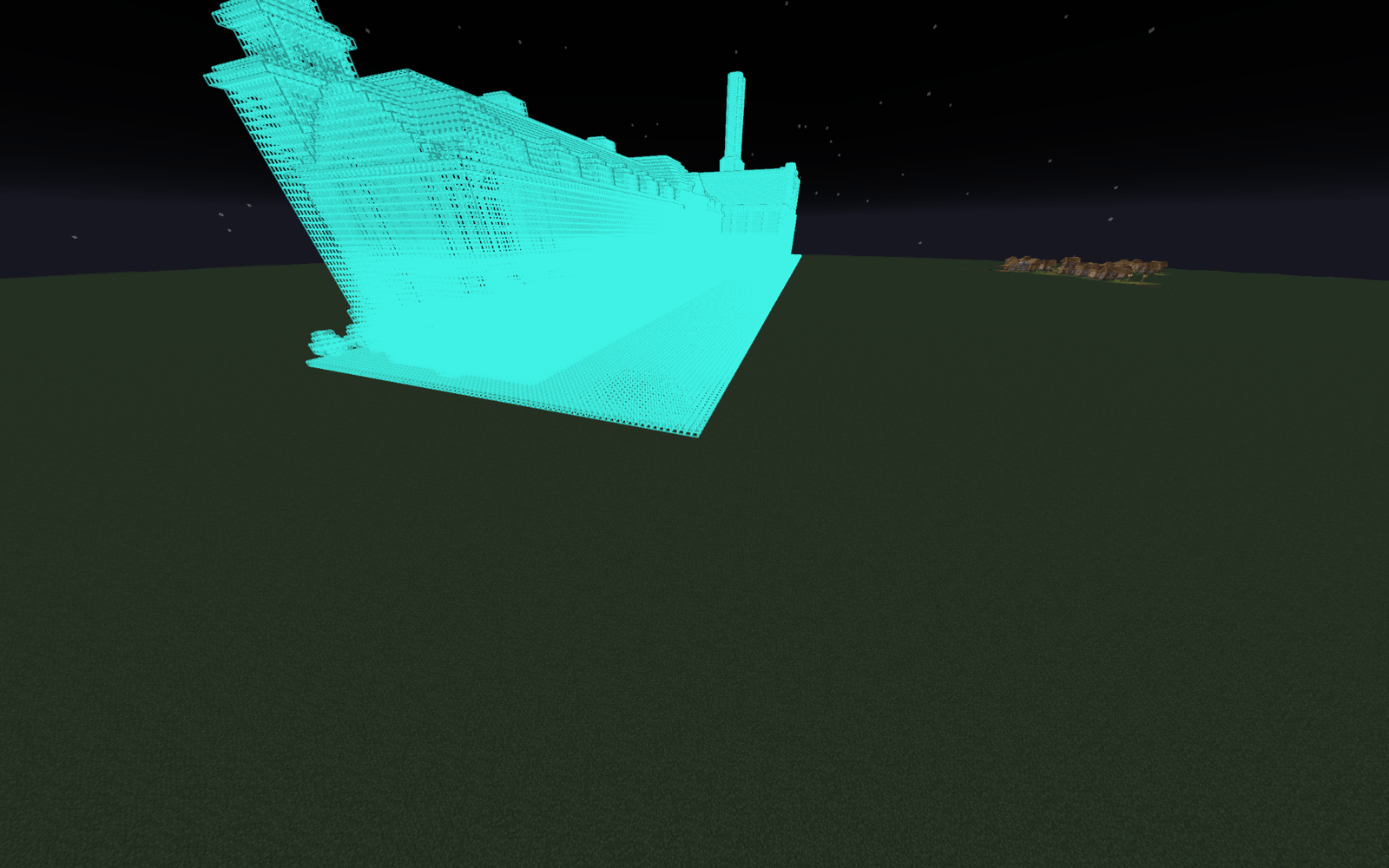
screenshot_under_1_5mb.png
Description
Litematica for Forge
Litematica for Forge is a Minecraft Forge 1.20.1 mod that lets you load supported .schem files directly into the game, select them from an in-game journal, preview them with a projector tool, and place them into your world with a simple and practical workflow.
This mod is made for players who want an easier way to work with schematics in survival planning, creative building, city building, industrial areas, factories, warehouses, and large structure placement.
Features
- Load supported
.schemfiles directly from your Minecraft directory - Automatically create the mod folder for schematics
- Browse available schematics inside the game
- Select structures using the Builder’s Journal
- Preview structures before placement with the Blueprint Projector
- Move the live preview using your crosshair
- Place the structure directly into the world after previewing
- Designed for practical use with both small and large schematics
- Supports real-world Sponge
.schemfiles used by common tools
How to Use
1. Add your schematic files
Put your supported .schem files into the folder:
Lightmatica files
This folder is created automatically inside your Minecraft game directory after launching the mod.
2. Open the Builder’s Journal
Use the Builder’s Journal item in-game.
The journal will automatically scan the Lightmatica files folder and list the supported schematics it finds.
3. Select a structure
Choose the structure you want to use from the journal.
The selected structure becomes the active schematic for preview and placement.
4. Use the Blueprint Projector
Take the Blueprint Projector item.
- First Left Click: show the live preview
- Move your crosshair to reposition the schematic preview
- Second Left Click: place the structure into the world
The preview is meant to help you see where the structure will go before final placement.
Supported Format
Official v1 support:
- Sponge
.schemversion 2 - Sponge
.schemversion 3
The mod also supports common wrapped and nested schematic layouts generated by tools such as WorldEdit and FAWE.
Compatibility Notes
This mod is focused on loading and placing structure blocks correctly, while handling compatibility safely when possible.
Supported with warnings
Some schematics may still load successfully but show warnings.
This usually means:
- some unsupported block-state properties were ignored
- extra schematic metadata was accepted and ignored safely
- some optional data could not be restored exactly
Known limitations
Current v1 limitations include:
- entities are not placed
- unknown block IDs from newer versions or missing mods may fall back safely instead of loading exactly
- some block-state properties may be ignored if they are not compatible with Minecraft Forge 1.20.1
- some block entity data may be skipped if it cannot be restored safely
This means most structures can still load, preview, and place correctly, but certain advanced or version-specific details may not be preserved perfectly.
In-Game Workflow
Simple usage flow:
- Put
.schemfiles intoLightmatica files - Launch the game
- Open the Builder’s Journal
- Select a structure
- Hold the Blueprint Projector
- Left click once to start the preview
- Move your crosshair to position it
- Left click again to place it
Why Use This Mod
This mod is useful if you want a straightforward in-game schematic placement tool for Forge without a complicated setup.
It is especially helpful for:
- city building
- factory and industrial builds
- creative planning
- importing external structures
- testing large builds before permanent placement
- working with real
.schemfiles directly inside Minecraft
Important Notes
- Only supported
.schemfiles should be placed in the folder - The folder is created automatically by the mod
- Large schematics may still load with warnings depending on compatibility
- Best results come from properly exported Sponge
.schemfiles - Some special data may be skipped for safety, but the structure itself can still load and place successfully
Version Information
- Minecraft: Forge 1.20.1
- Format support:
.schem - Type: Structure loading, preview, and placement mod
Summary
Litematica for Forge gives you a simple way to bring supported .schem structures into Minecraft Forge, browse them in an in-game journal, preview them before placement, and place them directly into your world.
schems matica Team