Seven Moons
- By
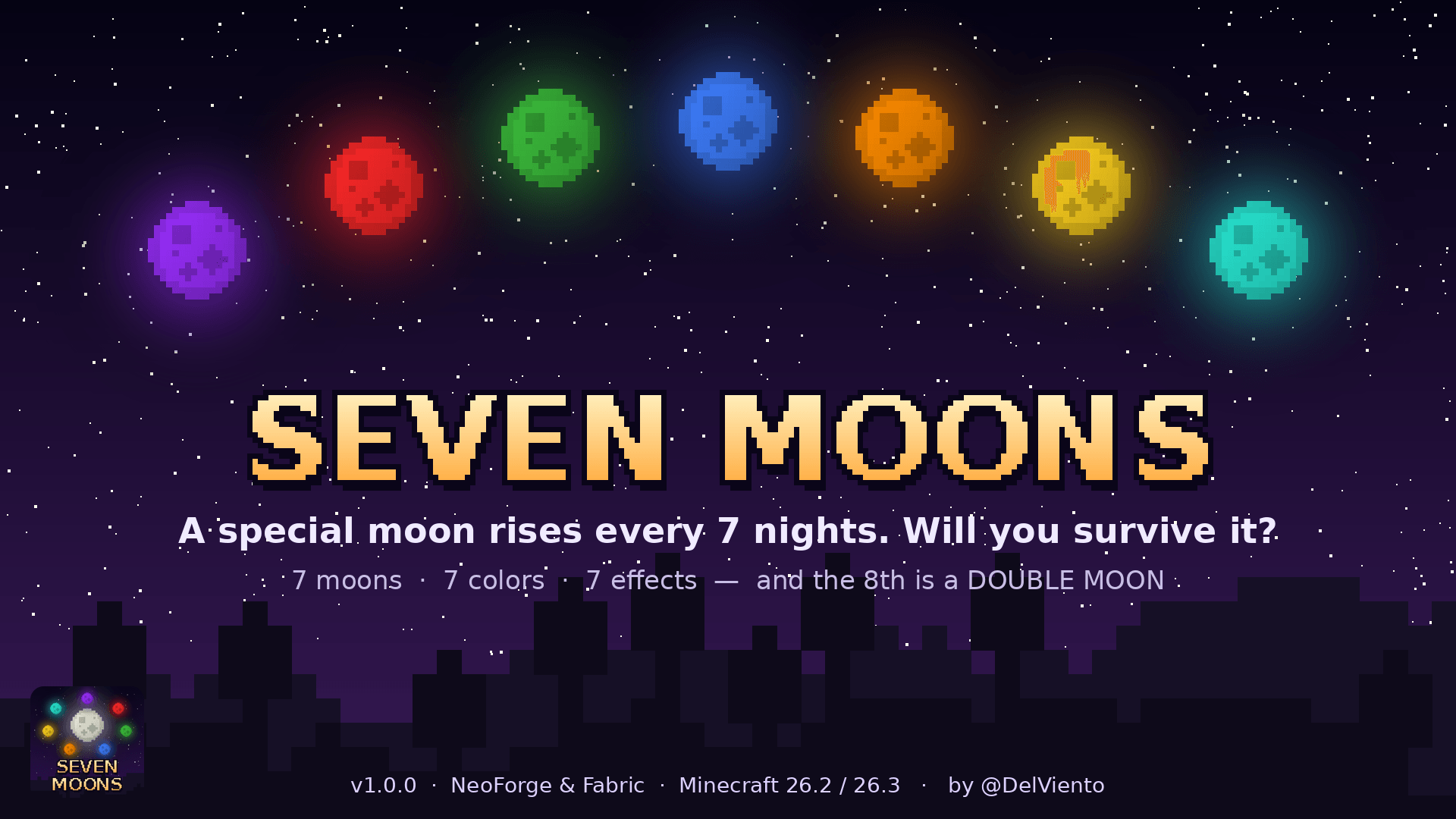
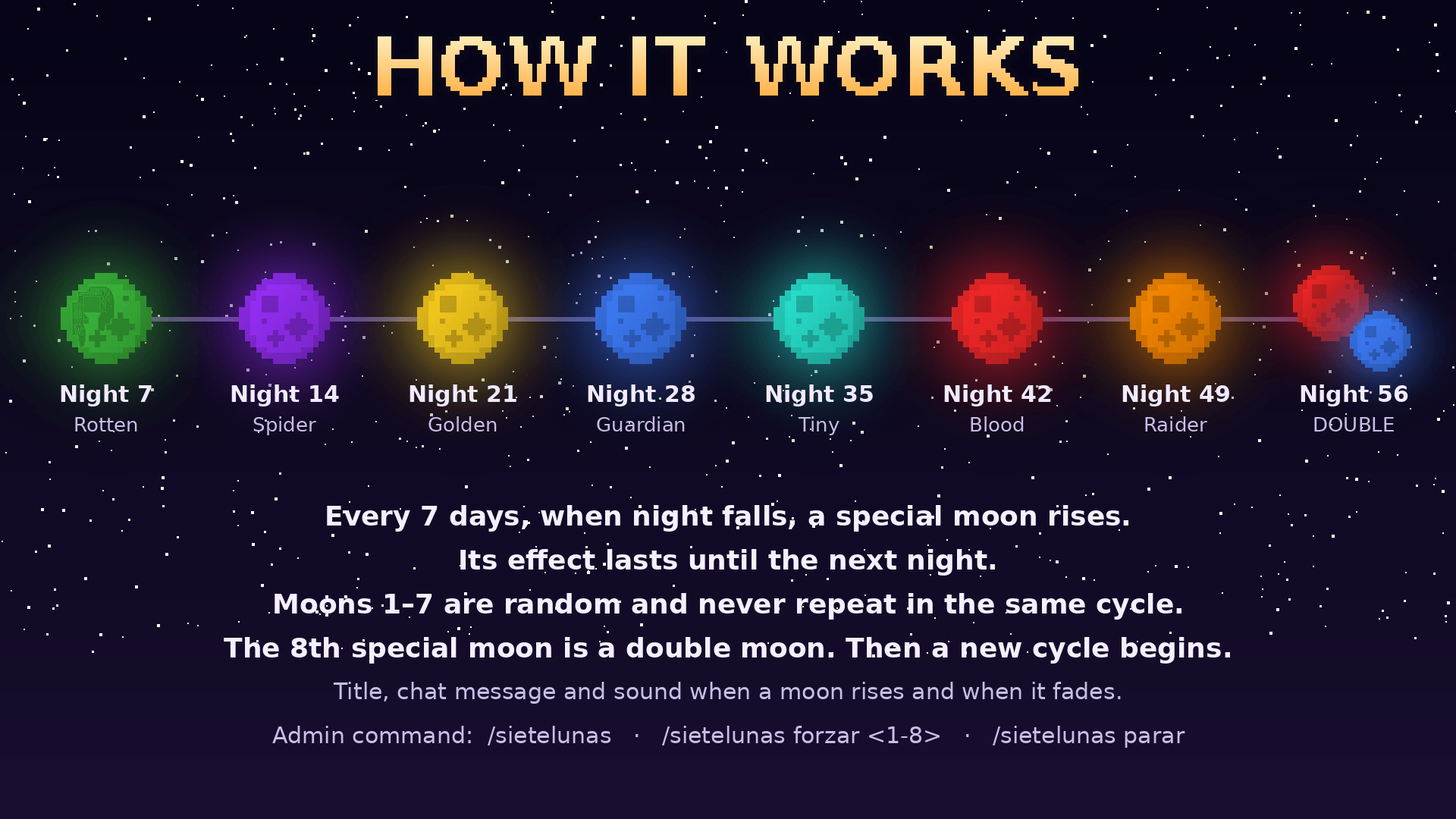
A special colored moon rises every 7 nights: spider, zombie, pillager or mini-zombie invasions, stronger hits, extra protection or triple ore drops. Every 8th moon is a Double Moon with two effects at once!
Description
# 🌙 Seven Moons
Every 7 nights, a special moon rises over your world. Each one has its own color and changes the rules until the next night falls. Will you be ready?
## The 7 Moons
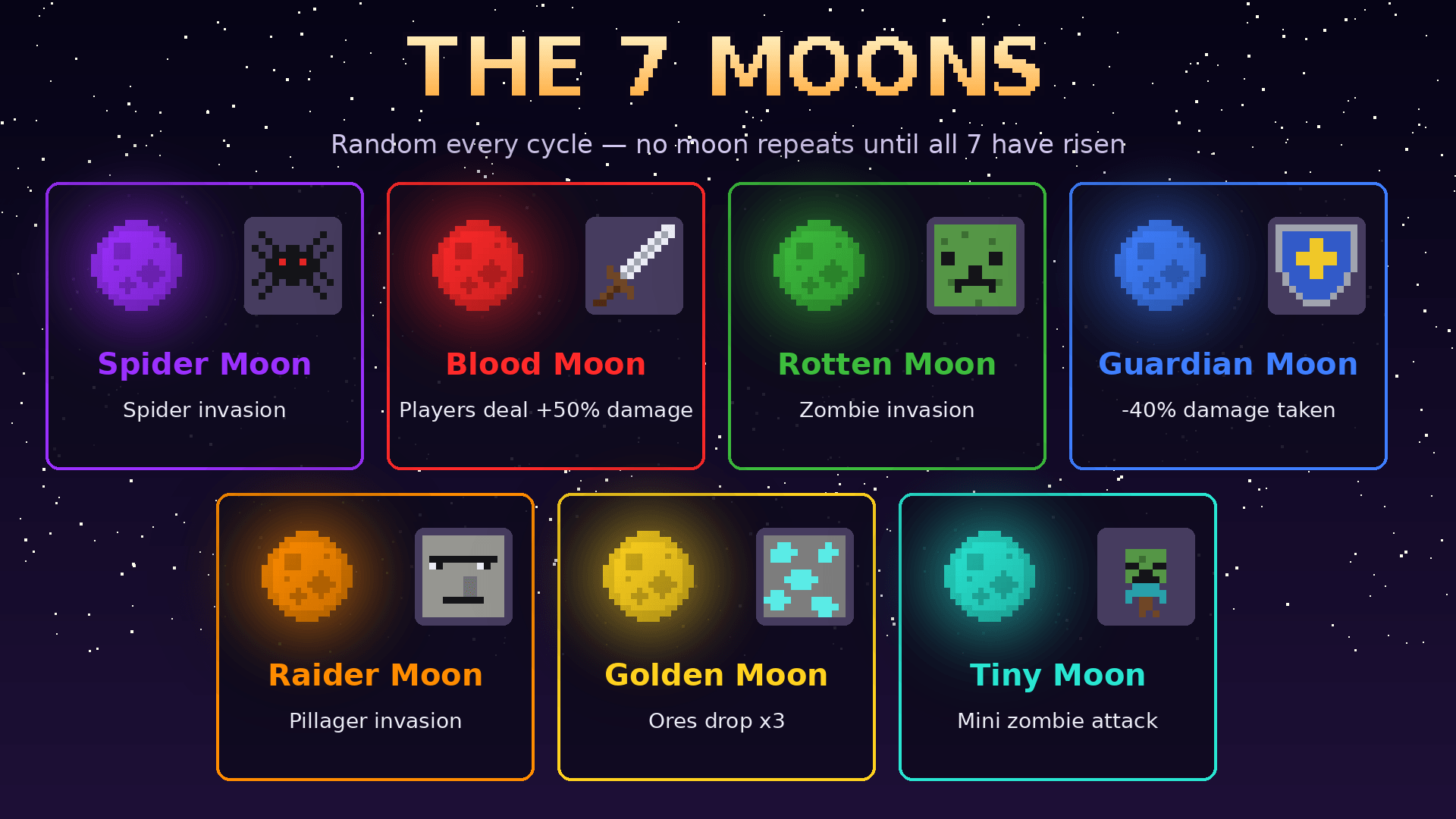
- 🟣 **Spider Moon** – Waves of spiders and cave spiders hunt you down.
- 🔴 **Blood Moon** – Players deal **+50% damage**.
- 🟢 **Rotten Moon** – A zombie invasion surrounds you.
- 🔵 **Guardian Moon** – You take **40% less damage** from everything.
- 🟠 **Raider Moon** – Pillager squads attack, led by a captain carrying a banner.
- 🟡 **Golden Moon** – Ores drop **x3** when mined.
- 🩵 **Tiny Moon** – Swarms of fast mini zombies attack.
## The Double Moon
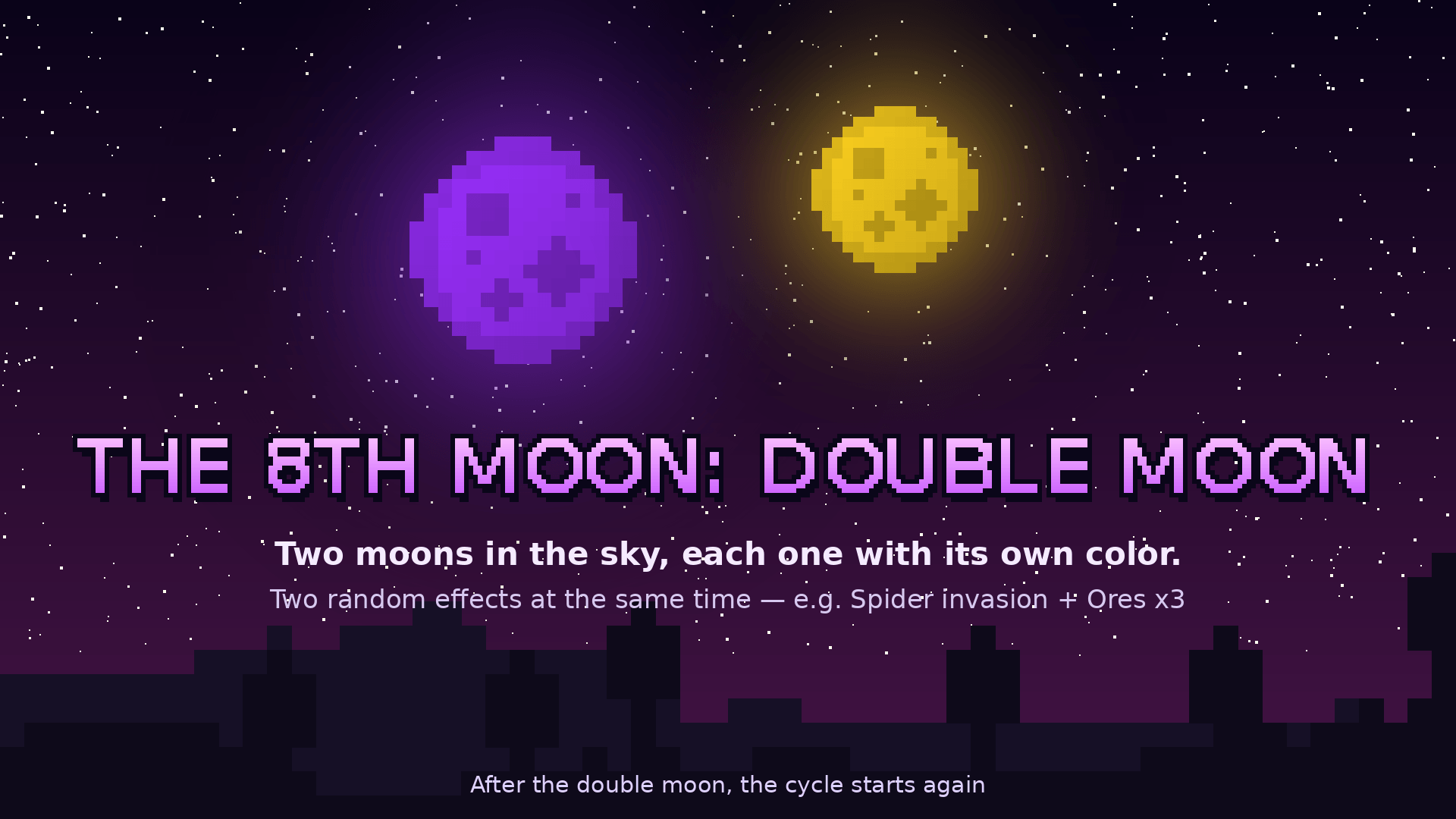
Every **8th special moon** is a **Double Moon**: two moons appear in the sky, each with its own color, and their effects combine. Spiders and triple ores? Blood Moon and pillagers? Anything can happen.
## Features
- 🌕 The moon in the sky changes color to match the active moon.
- 🎲 Moons are random and never repeat until all 7 have risen. Then the Double Moon arrives and a new cycle begins.
- ⏳ Each moon lasts from nightfall until the next night.
- 📢 On-screen title, chat message and sound when a moon rises and when it fades.
- ⚔️ Invasions come in waves around every player, with a mob cap to keep the server running smoothly.
- 💾 Cycle progress is saved per world.
- 🛠️ Admin commands to check, force or stop moons:
- `/sietelunas` – current day, active moon and time until the next one
- `/sietelunas forzar <1-8>` – start a moon now (8 = random Double Moon)
- `/sietelunas parar` – stop the active moon
Compatibility
- **NeoForge** and **Fabric** (Fabric API required)
- **Minecraft 26.2** and **26.3**
- Install on **both server and client**. The client draws the colored moons.
## 🌙 Using shaders?
Some shader packs replace Minecraft's moon with their own, so the colored moons (and the Double Moon) won't show up. The fix is to make the shader draw the vanilla moon instead.
**Complementary Unbound:**
1. Go to Options → Video Settings → Shader Packs → Complementary Unbound → **Shader Pack Settings**.
2. Open **Atmosphere** → **Sun / Moon**.
3. Set **Sun/Moon Style** to **Reimagined**.
4. Click **Apply**.
**Complementary Reimagined** uses this style by default, so it should work without changes.
**Other shader packs:** look for a Sun/Moon style option and pick the one that uses the vanilla (texture-based) moon.
💡 Tip: at night, use `/sevenmoons force 8` to bring up a Double Moon and check that both colored moons are visible.
*Made by @DelViento*
Seven Moons Team