ServerBuddy
- By
Screenshot_2.png
Description
ServerBuddy

What ServerBuddy adds
- Server essentials — homes, warps, teleport requests, private messages, staff commands, AFK tags, notifications, cooldowns, and configurable chat, MOTD, and player-list displays.
- Menus, kits, and rewards — custom in-game menus, kits, shops, crates with configurable keys and animations, redeem codes, reward storage, and displayable player tags.
- Events and progression — scheduled events, announcements, a calendar, personal and server-wide missions, battle passes, trivia, leaderboards, and item showcases in chat.
- Moderation and server rules — chat anti-spam and restrictions, command and recipe blocking, per-chunk limits, entity cleanup, server and player logs, and configurable game rules.
- Worlds and interactions — custom portals, items that trigger configurable actions, additional dimensions, and optional Flan claim access rules based on permissions or tags.
- Optional Cobblemon tools — Pokémon hunts and bosses, catch areas and combos, Pokédex rewards, move restrictions, Pokémon missions and battle-pass objectives, GTS, Wonder Trade, daycare, STS, Astral Trader, PokéSnacks, party and PC viewing, Pokémon editing, healing, shiny odds, special tokens, and Pokémon showcases and crate rewards.
- Optional web dashboard — monitor server activity, read logs, and browse configurations. Paid plans add configuration editing, player management, a remote console, live logs, and LuckPerms controls.
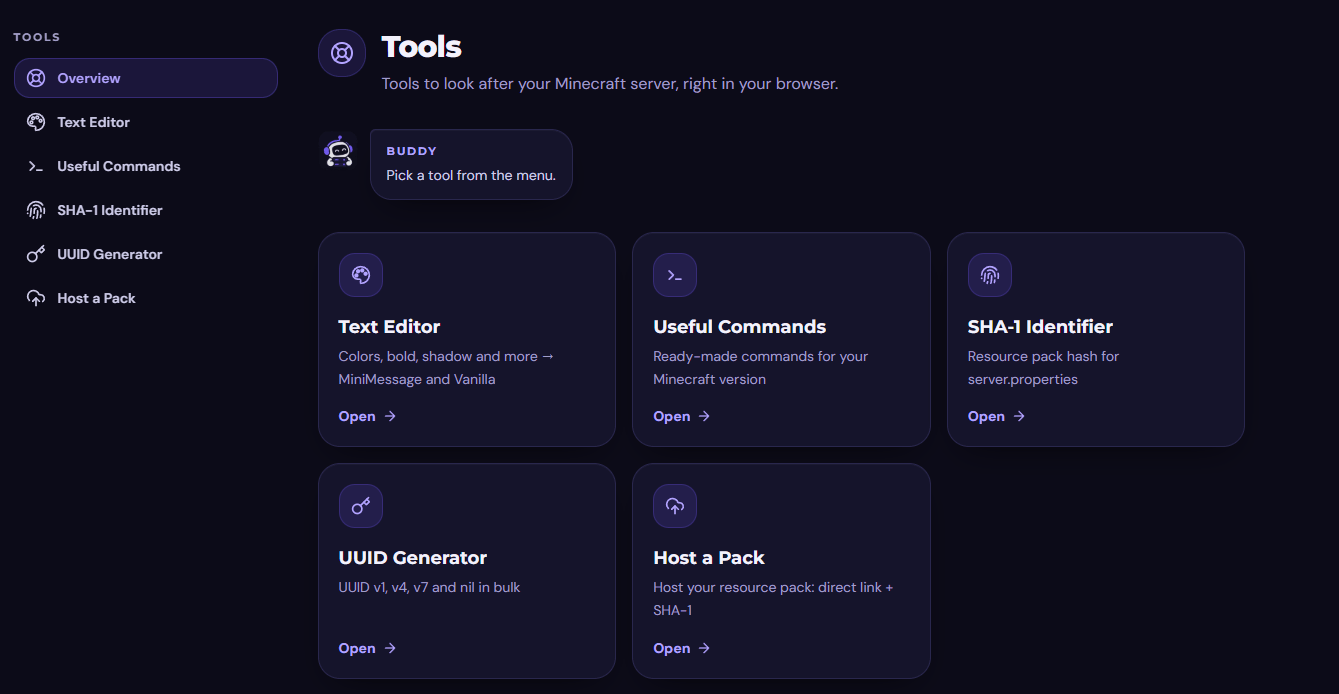
- Resource pack hosting — upload a resource pack on the website and get a direct link and SHA-1 for your server configuration.
Use /sb modules to see which modules are active. Find their settings in config/ServerBuddy/.
ServeBuddy.site is the home of ServerBuddy. Open the web dashboard to check on your Minecraft server, or explore the site’s tools for hosting resource packs and preparing them for your server.
Visit the website · Open the dashboard · Browse the source
Minecraft 1.21.1 · Fabric · Java 21 · Server-side
Manage your server from a browser

The optional ServerBuddy Dashboard gives staff a place to check server activity, read recent logs, and browse configurations. Paid plans add tools such as configuration editing, player management, and a remote console.
Run /sb dashboard sync as a server administrator and enter the one-time code on the website. Pairing sends the installation ID, server name, and requesting administrator’s name to ServerBuddy. During a linked session, the website can receive server telemetry and data requested through the dashboard. Set enabled to false in config/ServerBuddy/Dashboard/config.json to disable pairing.
Installation
- Set up a Minecraft 1.21.1 server with Java 21, Fabric Loader 0.18.3 or newer, and Fabric API.
- Download ServerBuddy from the project’s file list and put the JAR in your server’s
mods/folder. - Start the server and review the generated settings in
config/ServerBuddy/. - For Pokémon features, install Cobblemon 1.8.0–1.8.4.
Players can join without installing ServerBuddy on their clients. The in-game modules work without a dashboard account.
Optional integrations
Crate holograms with HoloDisplays
Want floating labels above your reward crates? Install HoloDisplays 0.4.8 for Fabric alongside ServerBuddy in your server’s mods/ folder, then restart the server. HoloDisplays is required for the holograms. You can use crates without it.
Cobblemon
Install Cobblemon 1.8.0–1.8.4 on Minecraft 1.21.1 to enable ServerBuddy’s Pokémon modules.
- Hunts and bosses. Give players Pokémon to track down and bosses to challenge.
- Catch areas and combos. Set up dedicated catching zones and reward players for building catch streaks.
- Pokédex rewards and missions. Reward collection milestones and add Cobblemon objectives to server missions.
- Trading and daycare. Add a GTS marketplace, surprise trades with Wonder Trade, and Pokémon daycare.
- Pokémon tools. Inspect parties and PC boxes, build or edit Pokémon, and configure shiny odds.
- Special rewards. Offer Shiny and gender-change tokens, Shiny Balls, and Pokémon rewards through crates.
ServerBuddy Team