Server text translator
- By
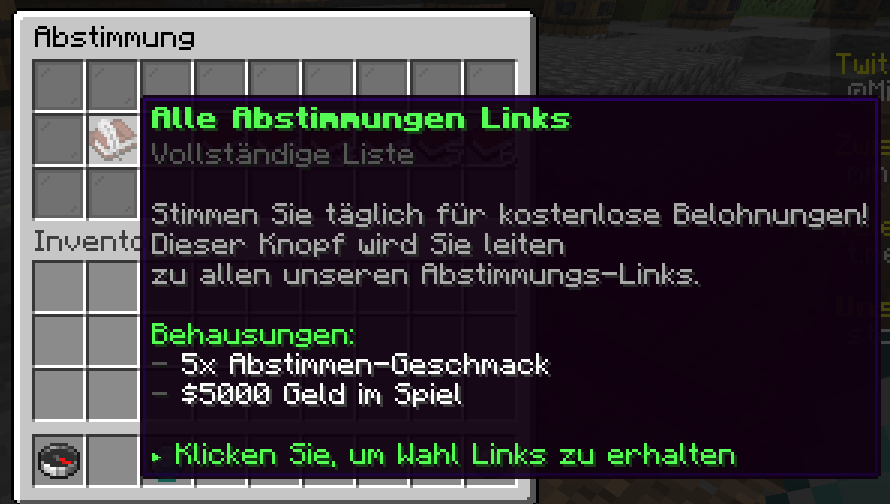
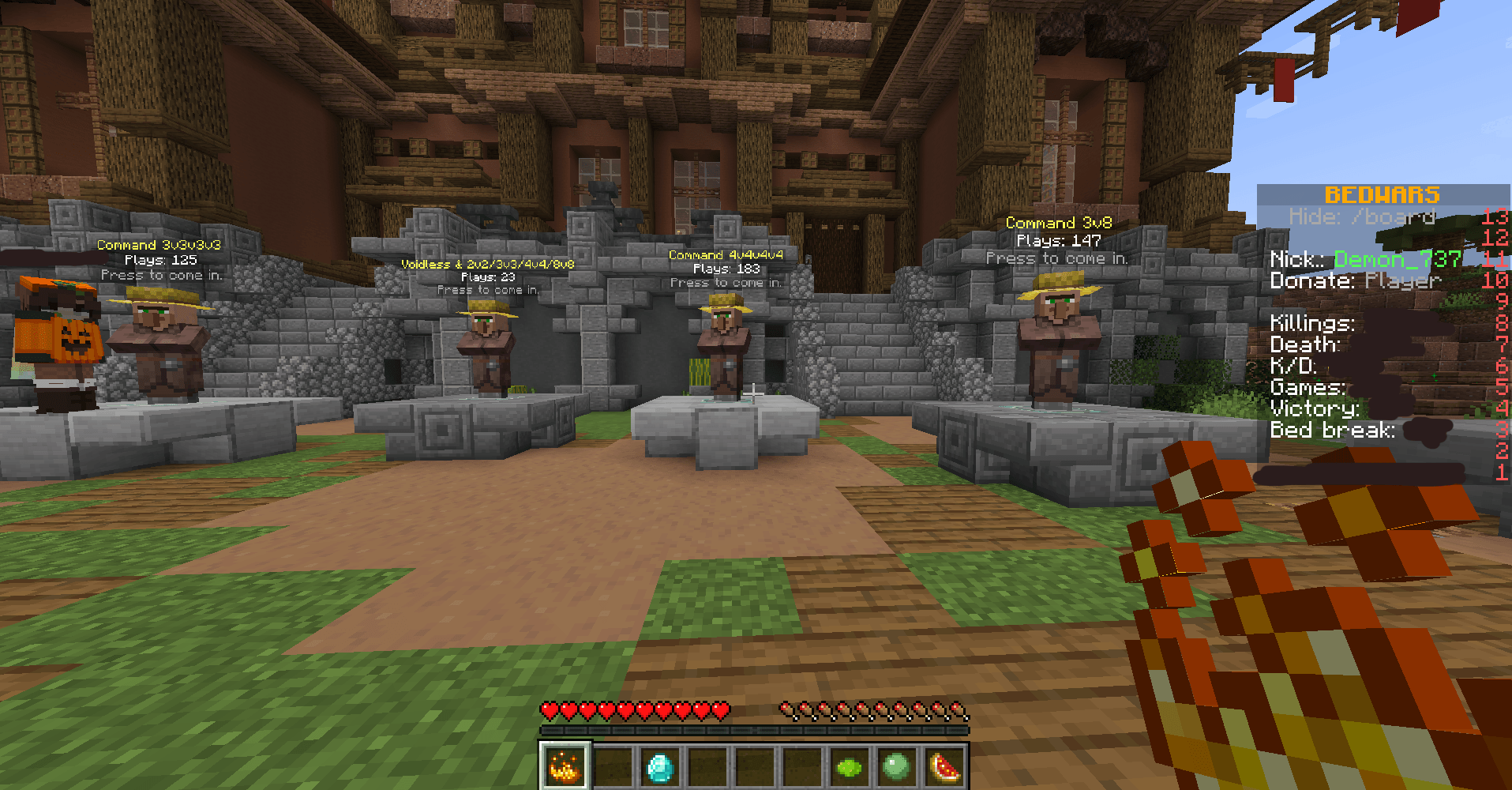
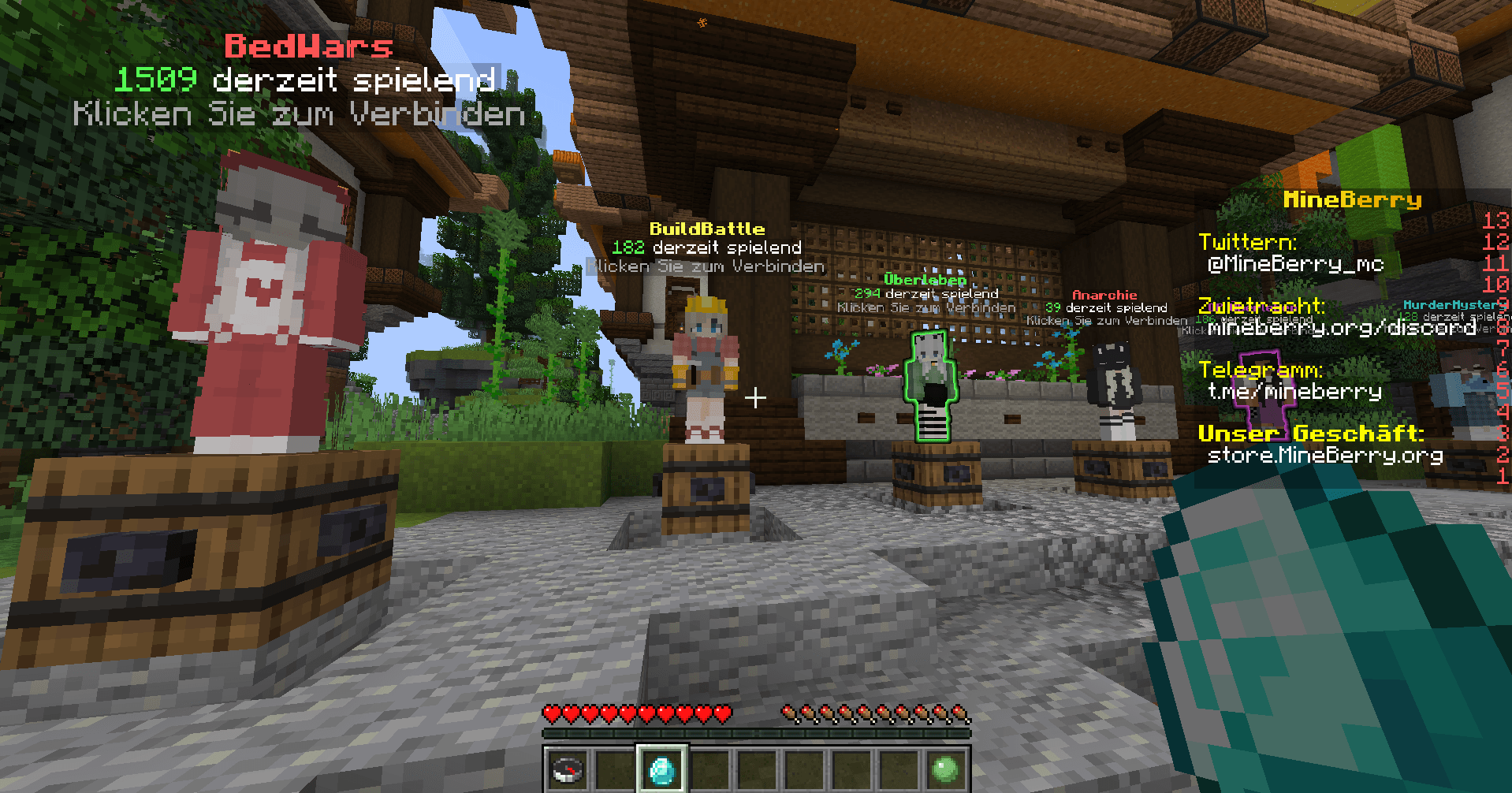
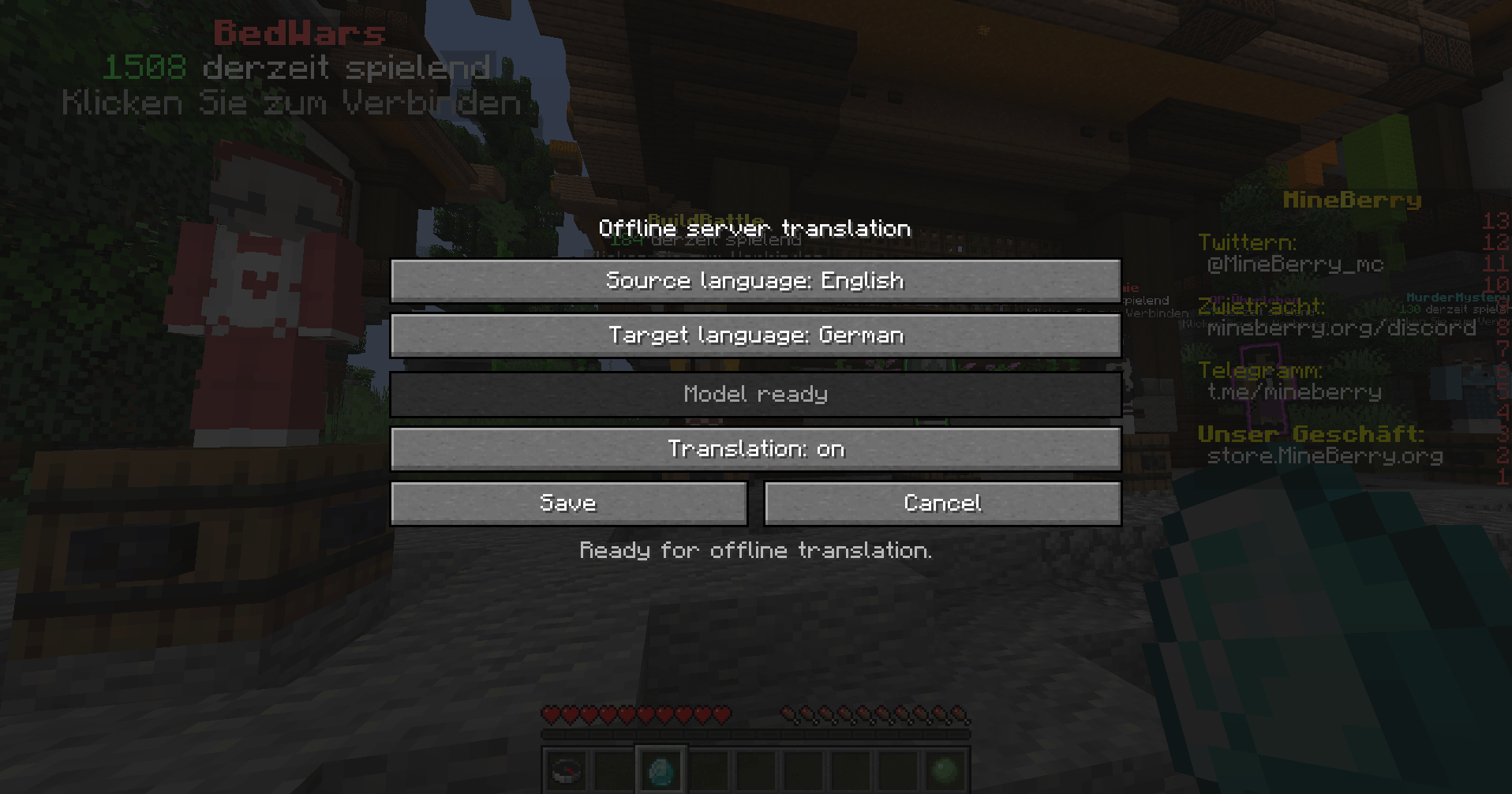
Translate Minecraft server chat, scoreboards, menus, signs, and books into your language. Runs offline after you download a language model
Screenshot_16.png
Screenshot_17 копÑÑ.png
Screenshot_18.png
Screenshot_14.png
Description
Server Text Translator is a client-side mod for Minecraft Java . It translates incoming chat, server announcements, scoreboards, menus, tooltips, signs, and books. It also translates supported interfaces from other mods, including parts of ReplayMod.
Translates other mods, too
Server Text Translator also works in singleplayer. It can translate hardcoded text and text missing a translation in other mods, including menus, buttons, tooltips, and on-screen labels. This works with interfaces that use Minecraft’s standard text rendering, including parts of ReplayMod.
Supported languages
English, Ukrainian, Russian, German, French, Spanish, Italian, Portuguese, Polish, Turkish, Dutch, Czech, Simplified Chinese, Japanese, Arabic, and Hindi.
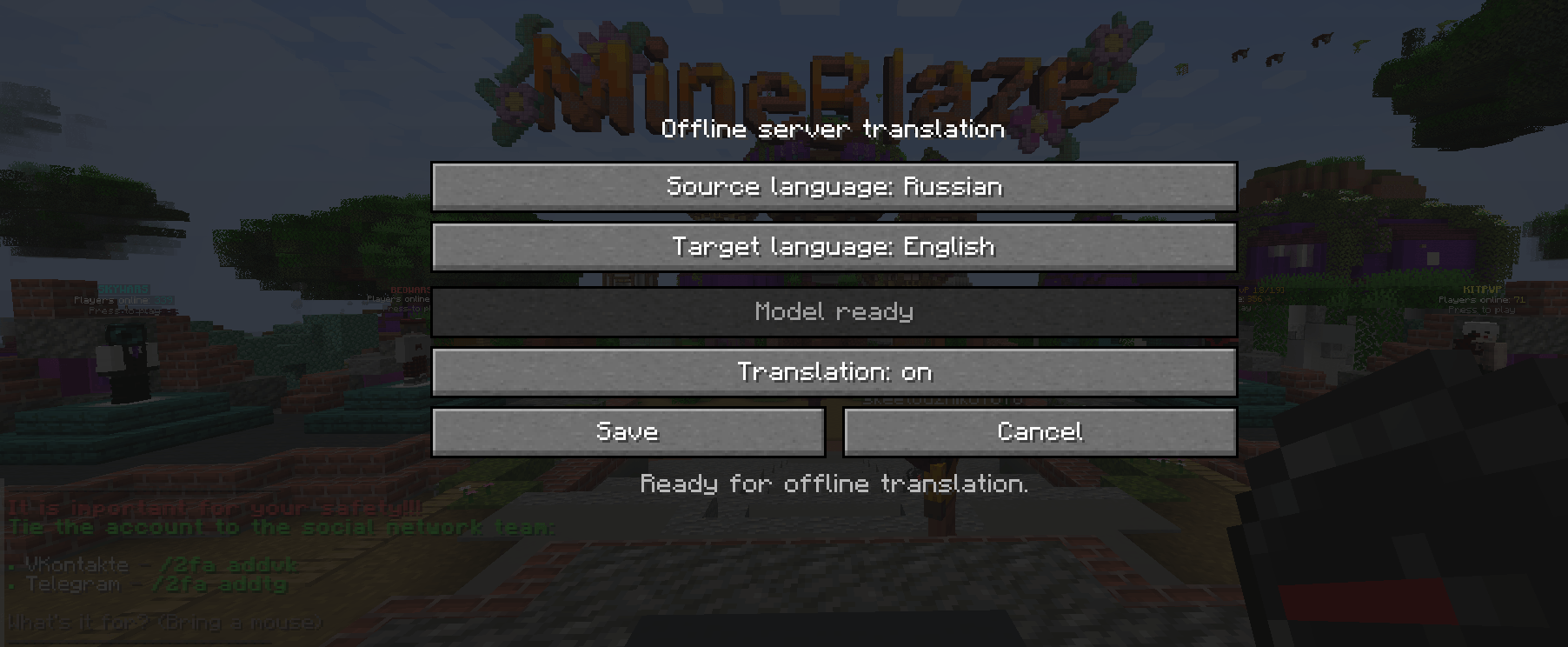
Choose your source and target languages in the F8 menu. Some language pairs translate through English and require two model downloads.
Getting started
Install the mod and Fabric API, then press F8 in-game. Enable translation, select the source and target languages, click Download model, and save your settings when the model is ready.
Where the models are installed
The mod downloads OPUS-MT models from Hugging Face and stores them in your Minecraft profile’s game folder at .server-text-translator/models/<language-pair>/<revision>/. Some language pairs use English as an intermediate language and need two models. Once downloaded, translation runs on your PC. Chat, book, and menu text stays on your device.
Compatibility
Install it on your client only.
Multiplayer warning
This is a client-side mod. Check your server’s rules before using it. Servers that restrict client-side mods may suspend or ban your account for using them. Hypixel has not confirmed that this mod is allowed. If you’re unsure, join without the mod installed.
Server text translator Team