


Server Presence
- By

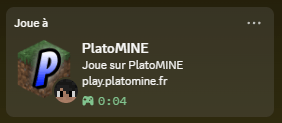
"Playing PlatoMINE" with the server logo, its address, your skin's head and a session timer, updated automatically when you join.

A small Discord icon under each server's ping bars: blue = shown on Discord, grey = hidden. Click it to turn the presence on or off for that server.

Vanished on a server? It disappears from your Discord status automatically (or shows a generic "Multiplayer"). Works with SuperVanish, PremiumVanish, EssentialsX, CMI and more.
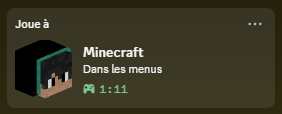
Outside of servers the status switches to "Minecraft – In the menus" (or singleplayer), with your 3D skin head.
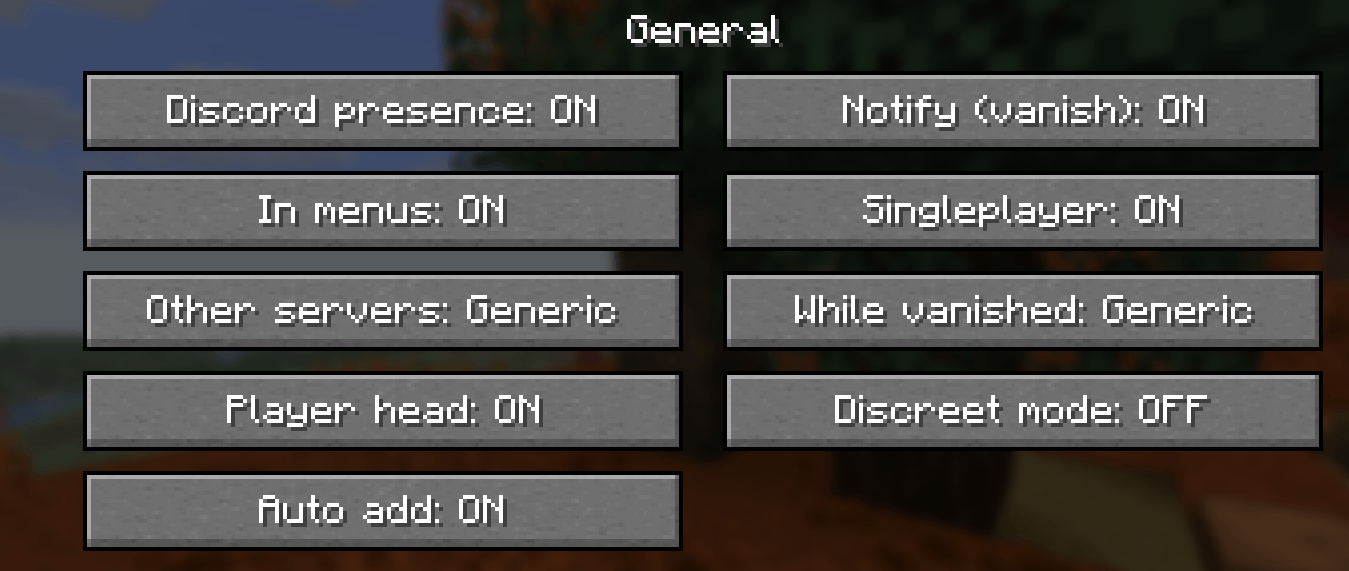
Turn the presence on or off, choose what is shown in menus, singleplayer, on unlisted servers and while vanished, and enable auto add or discreet mode.
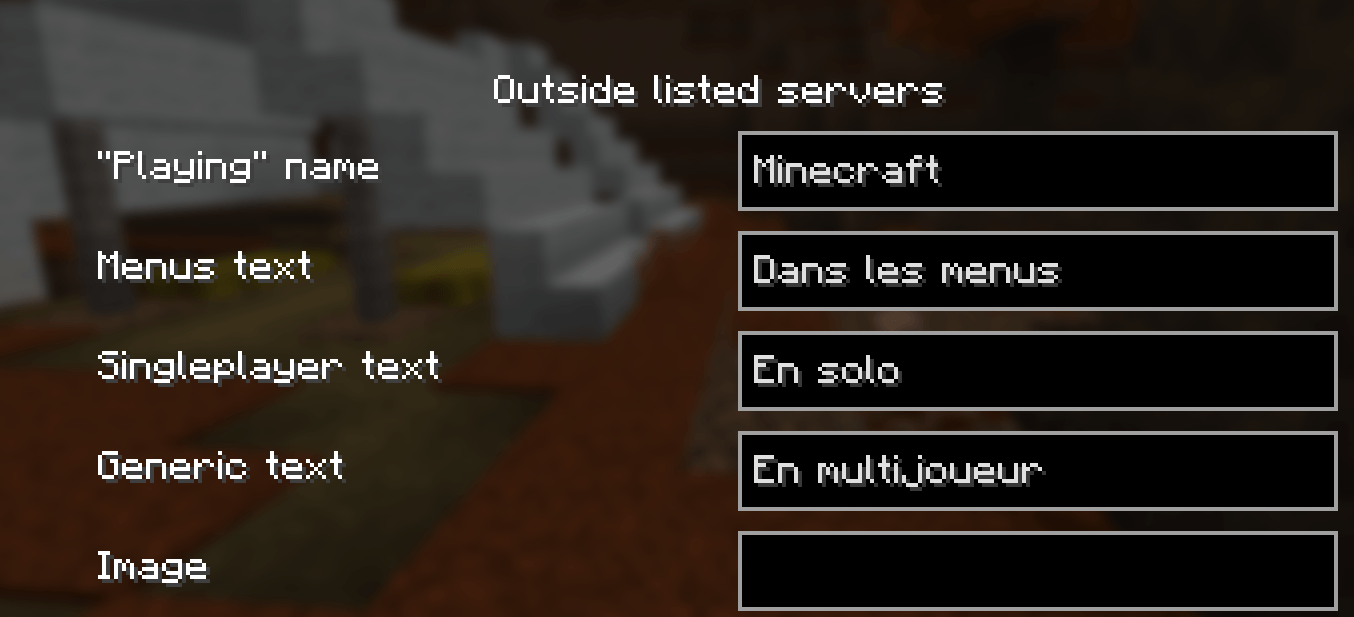
Customize the "Playing" name and the texts shown in the menus, in singleplayer and on other servers.
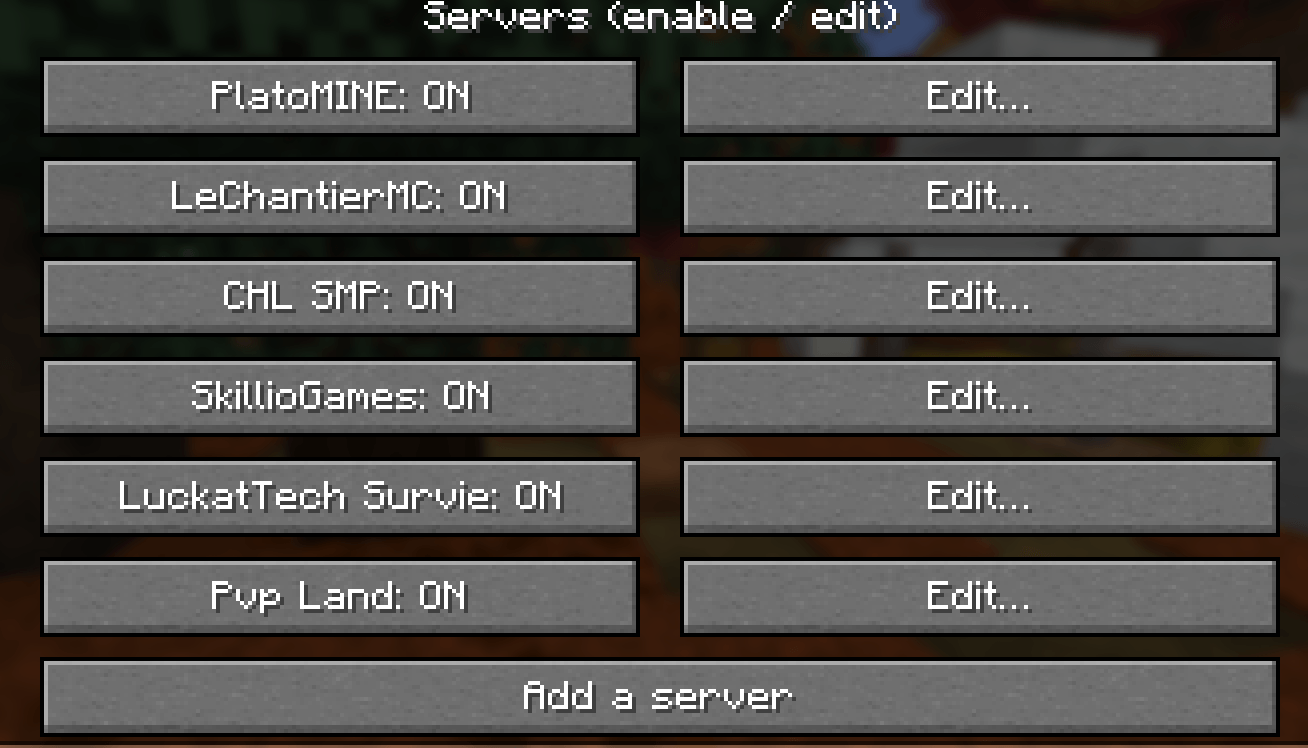
Capture d'écran 2026-10-26 040646.png
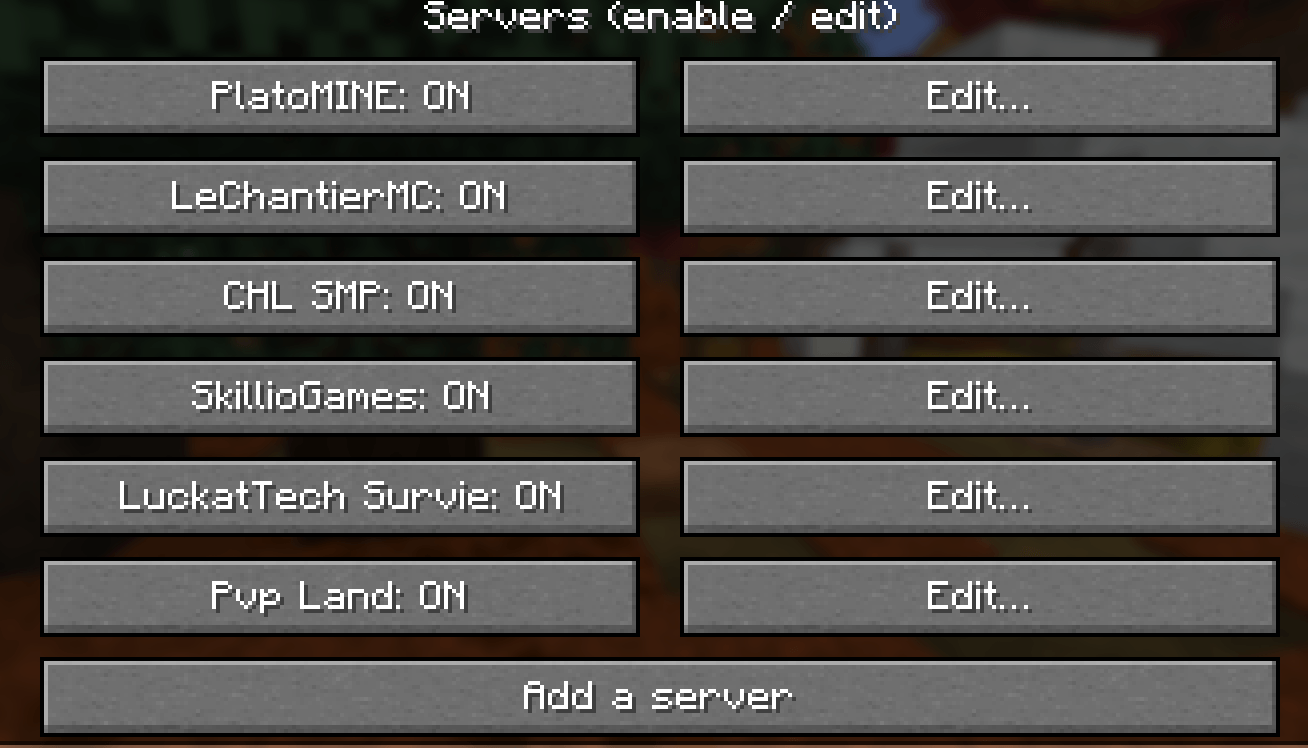
Every server can be enabled, disabled or edited: "Playing" name, text lines, logo, button and vanish detection. New servers are added automatically.