Separation Box
- By
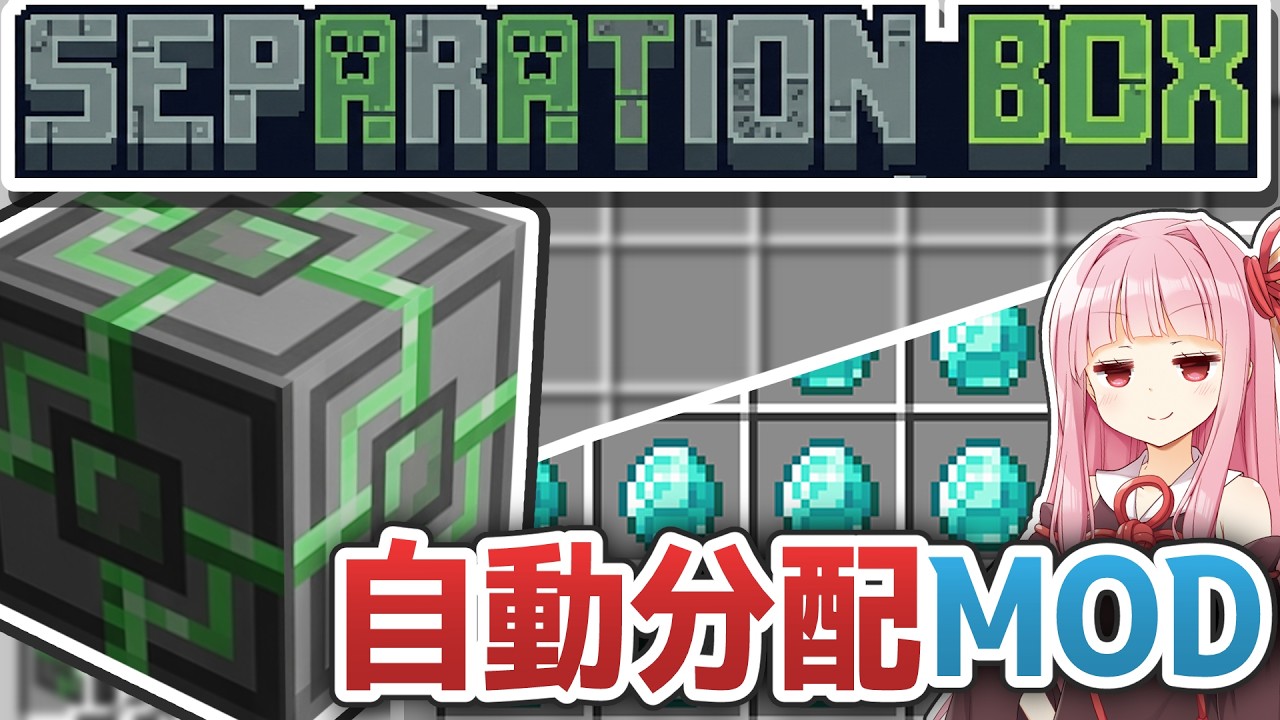
Adds a SeparationBox, a block that distributes items with equal probability.
Description
Introduction
日本語の解説はこちらで行っています。
When playing Minecraft, especially the Java Edition, you often find yourself thinking: I want to divide items evenly!
In other words, if you have 64 of some item, you might want to use 32 of them for one purpose and the remaining 32 for another. This need becomes particularly pressing when working with tech mods. For example, if you have a certain amount of sand, you might want to turn part of it into glass and another part into dirt. 
However, you'll notice that default Minecraft offers surprisingly few approaches to achieve this. At best, you can sort items manually or use basic bins to achieve pseudo-sorting. And of course, tech mods like Mekanism rarely have blocks with this kind of functionality.
So, to meet this demand, I created a block that automatically and evenly distributes items from an inventory and outputs them: the "SeparationBox." I believe it pairs particularly well with tech mods.
Usage
Rather than reading through text, a quick look at a video might be faster. Here you go: Sample Video
Here, diamonds are used as the input. You can see that the diamonds enter the SeparationBox, and then the output—three chests—each receive roughly the same number of diamonds. This is the effect of the SeparationBox: distributing items with equal probability.
This probability changes based on the number of outputs. That is, when there are three outputs as in this case, the probability of an item going to each is 1/3, and when there are N outputs, the probability for each is 1/N.

Recipe
Crafting the SeparationBox is surprisingly simple. Here's the recipe: 4 Iron Ingots, 1 Chest, and 1 Hopper.

Input and Output
Given the characteristics described above, the SeparationBox won't work without inputs and outputs. There are several blocks that handle item input and output. A typical example is the Hopper.
However, the downside is that it's not explicit whether each Hopper is an input or an output, making input/output control difficult. It would be preferable to have blocks where it's clear whether each one is an input or an output.
That's why this mod recommends the logistical transporter from the representative tech mod—Mekanism. For reasons explained later, this mod does not require Mekanism as a prerequisite, but I believe it pairs very well with tech mods like Mekanism. If you don't have it, it would be convenient to install it alongside: Mekanism
Once you craft Mekanism's Configurator and hold it in your hand, sneak-right-click the end of the logistical cable. This allows you to toggle between input and output.  Similarly, you can toggle input/output on the chest side as well. By doing this for each direction, you can define which directions are inputs and which are outputs.
 When you place items in the chest on the input side, you'll see the items get distributed to the output side.
UI
Additionally, right-clicking the SeparationBox opens its UI.
 As you can see, the SeparationBox itself has a single-slot inventory. It works by temporarily storing input items inside the block and then releasing them from the inventory when an output destination is available. Needless to say, it can store up to 64 items of the same type.
Mod-Specific Input/Output
Earlier, I explained item input/output using Mekanism, but in fact, this mod also has its own item input/output system. Therefore, even without relying on external mods, you can still verify that this mod works on its own.
The key to this lies in the "Input Port," the "Output Port," and the "Relay Port," which is solely for transporting items. I'll skip the details here, but for more in-depth information, please see the following: https://lemon-slime.com/minecraft/separation-box/


In short, items are taken out of the chest, brought into the Separation Box, then taken out of the Separation Box and brought back into the chest, right?
Practical Example
I've introduced the "SeparationBox" here, and after trying it out in practice, it turned out to be surprisingly useful, so let me share that:
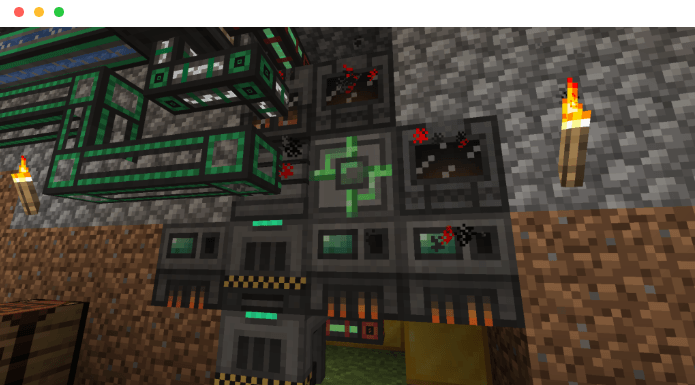 Here, multiple tech mod machines are used to craft Botany Pots, but in the process, there was a point where clay had to be split into clay balls and terracotta. This is where the SeparationBox truly shines. That is, you input a certain amount of clay, split it into two groups—one for clay balls and the other for processing into terracotta.
This is the appeal of this mod: it excels when combined with tech mods.
So, I've explained the "SeparationBox," a block primarily intended for tech mods that evenly distributes items in an inventory. Blocks like this are surprisingly rare despite seeming like they should exist. If you're interested, why not download it and give it a try? You might find it surprisingly handy.
Also, please see here for more information.
The Separation Box Team