Sealed Time Capsule
- By
Seal items and notes in a capsule that won't open until real-world or in-game days have passed. Lightweight and server-friendly, for Fabric, Forge and NeoForge.
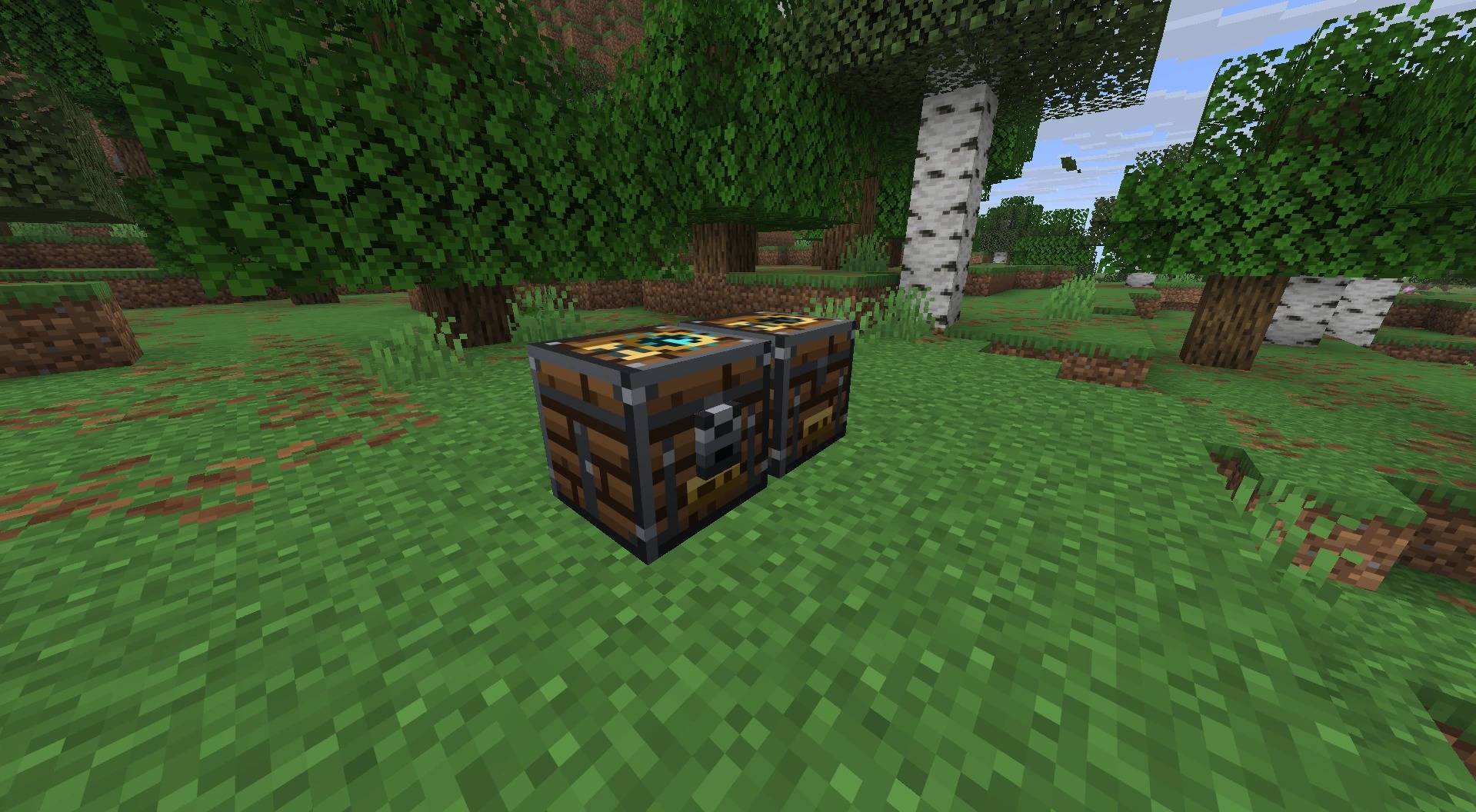
1-sealed-and-opened.jpg
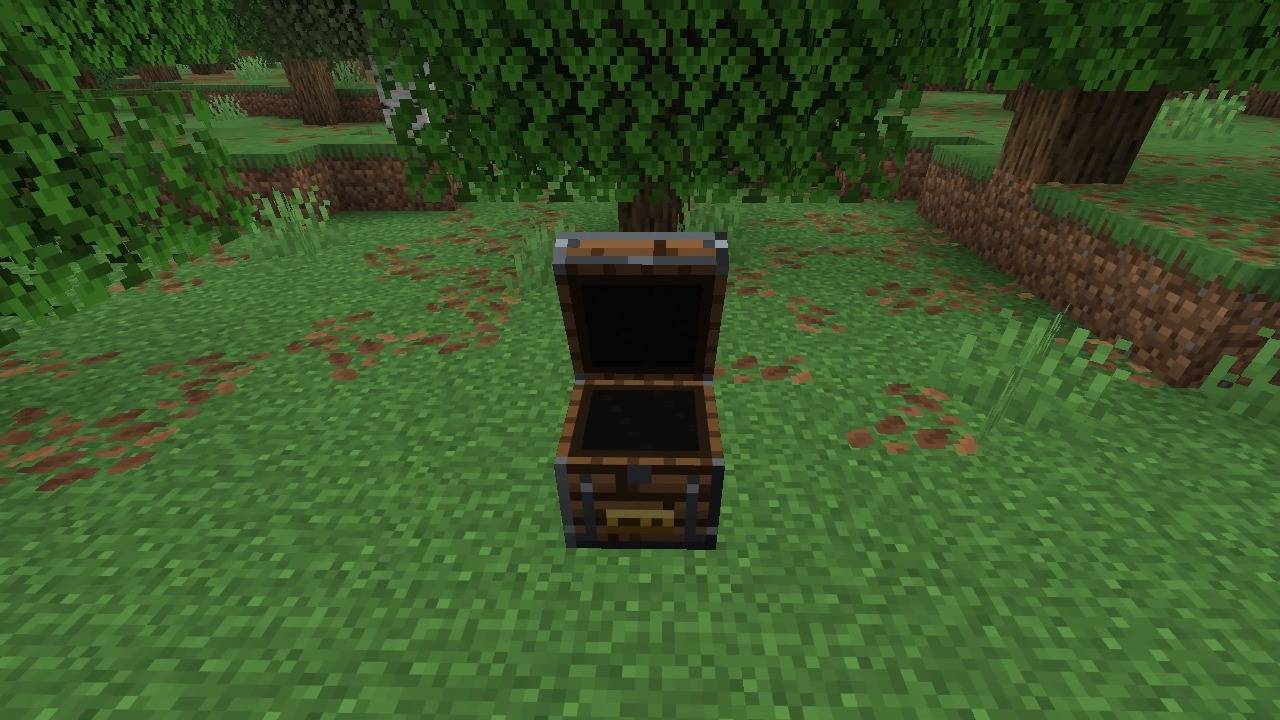
2-lid-open.jpg
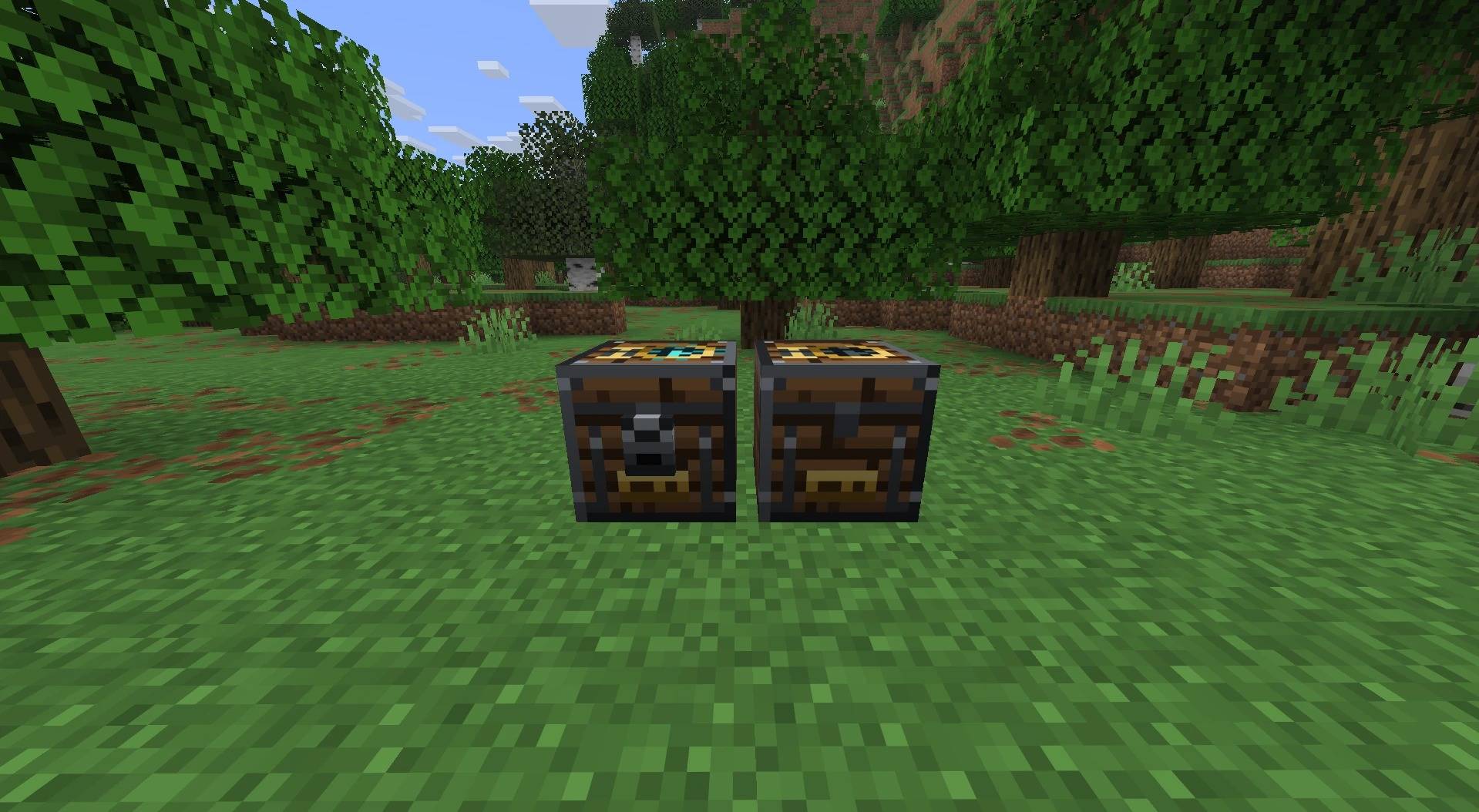
3-front.jpg
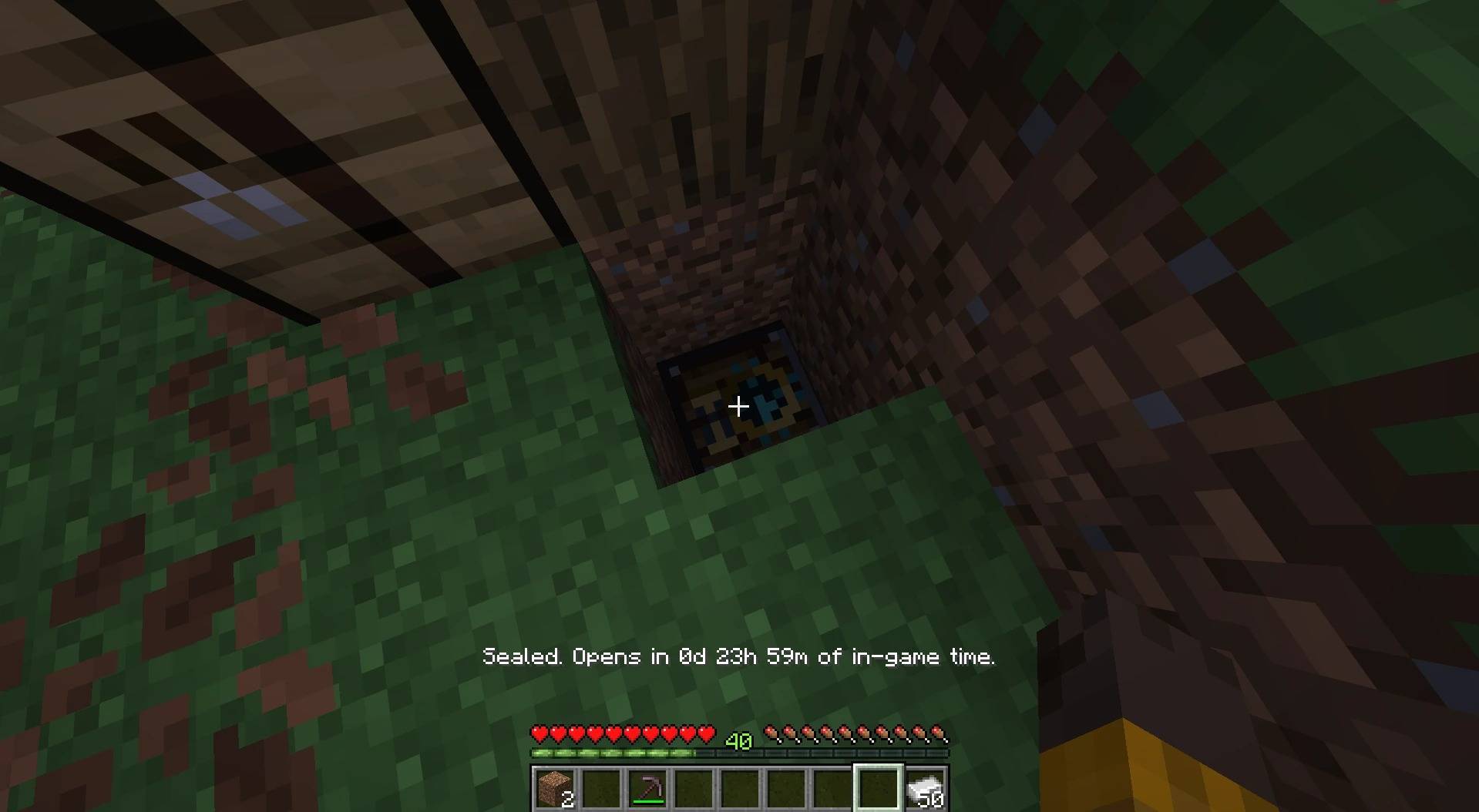
5-buried-capsule.jpg
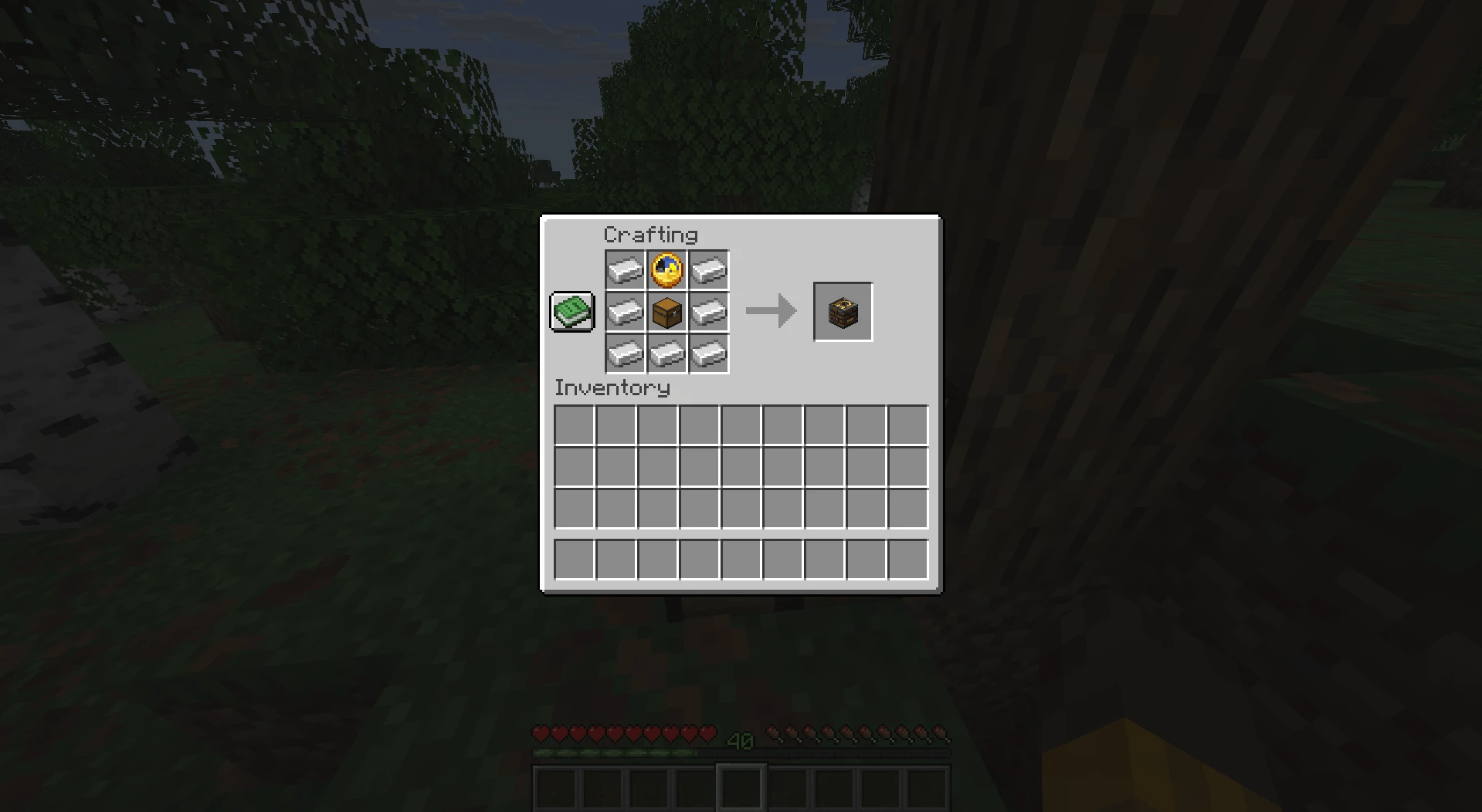
6-recipe.png
Description
Time Capsule
Leave something for your future self, or for everyone on your server.
How it works
- Craft a Time Capsule and place it.
- Choose how it keeps time: real-world days or in-game days.
- Pick how long it stays sealed, from 1 to 365 days.
- Put in your items and written books, then seal it.
- Until time runs out, the capsule stays shut and can't be broken open. Right-click it to see how long is left.
- When the time is up, open it and find what you left behind.
Great for
- SMP servers: bury capsules at the start of a season and open them together at the end.
- Long survival worlds: write a note to yourself and read it 100 days later.
- Creators: "opening our one-year time capsule" episodes.
Lightweight by design
- Capsules never tick. Time is only checked when someone interacts with one.
- Plain block model, no custom renderers or shaders.
- No extra libraries (Fabric only needs Fabric API).
Real-world or in-game days?
- Real-world days use the real clock, so they keep counting while the game or server is off.
- In-game days count Minecraft days, so they only pass while the world is running.
Configuration
Edit config/timecapsule.properties to set the default time mode, the default and maximum number of days, and whether the whole server is told when a capsule opens.
Supported versions
| Minecraft | Fabric | Forge | NeoForge |
|---|---|---|---|
| 1.20.1 | Yes | Yes | Use the Forge version |
| 1.21.1 | Yes | Yes | Yes |
| 26.1.2 | Yes | Yes | Yes |
| 26.2 | Yes | Yes | Yes |
| 26.3 | Yes | Yes | Yes |
Install it on both the client and the server.
Sealed Time Capsule Team