Sculk Readout
- By
Look at a Sculk Sensor or Calibrated Sculk Sensor to see the last vibration frequency, what it usually means, and the frequency a calibrated sensor is listening for.
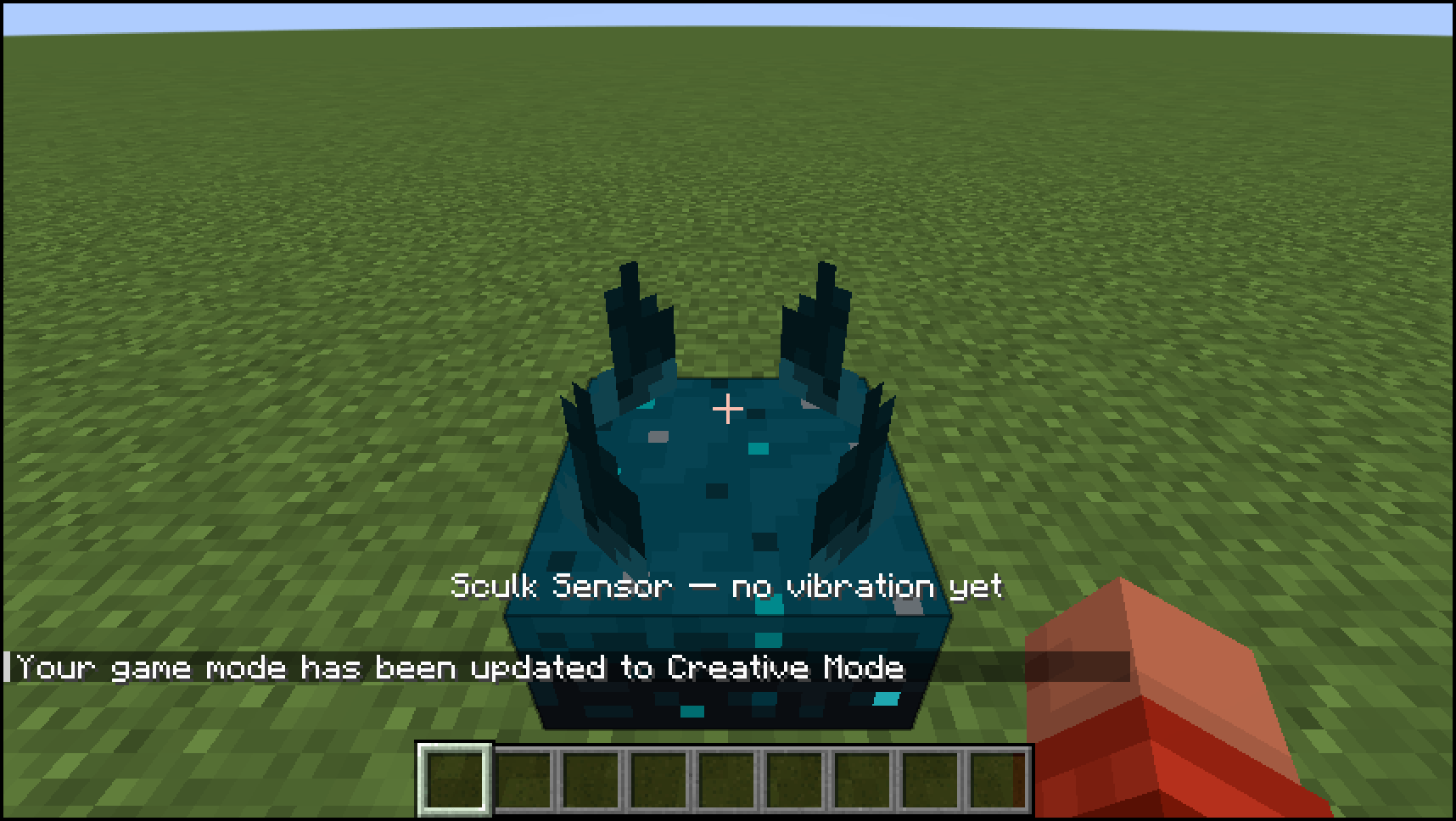
A Sculk Sensor is in view with the Sculk Readout overlay showing its last vibration frequency.
Description
Sculk Readout
A tiny client-only HUD for Sculk Sensors and Calibrated Sculk Sensors. Look at one and you'll see the last vibration frequency, the vanilla event names that use that frequency, and - on a calibrated sensor - the frequency it is currently listening for.
How it works
Just look at the sensor. A one-line overlay appears, for example:
Last 8 · eat, drinkListening for 15 · death, explode | Last 1 · step, swim, flap
Frequencies follow vanilla's sculk vibration chart (1–15). If a calibrated sensor has no signal on its back face, the overlay says it is listening for any frequency.
No new items, blocks, commands or config files. Install it on the client. A server does not need it.
Sculk Readout Team