schemafacile
- By
Built an amazing house and want it in another world? Litematica is great but complicated.
1-selection-cadre.png
2-menu.png
4-chantier-fantome.png
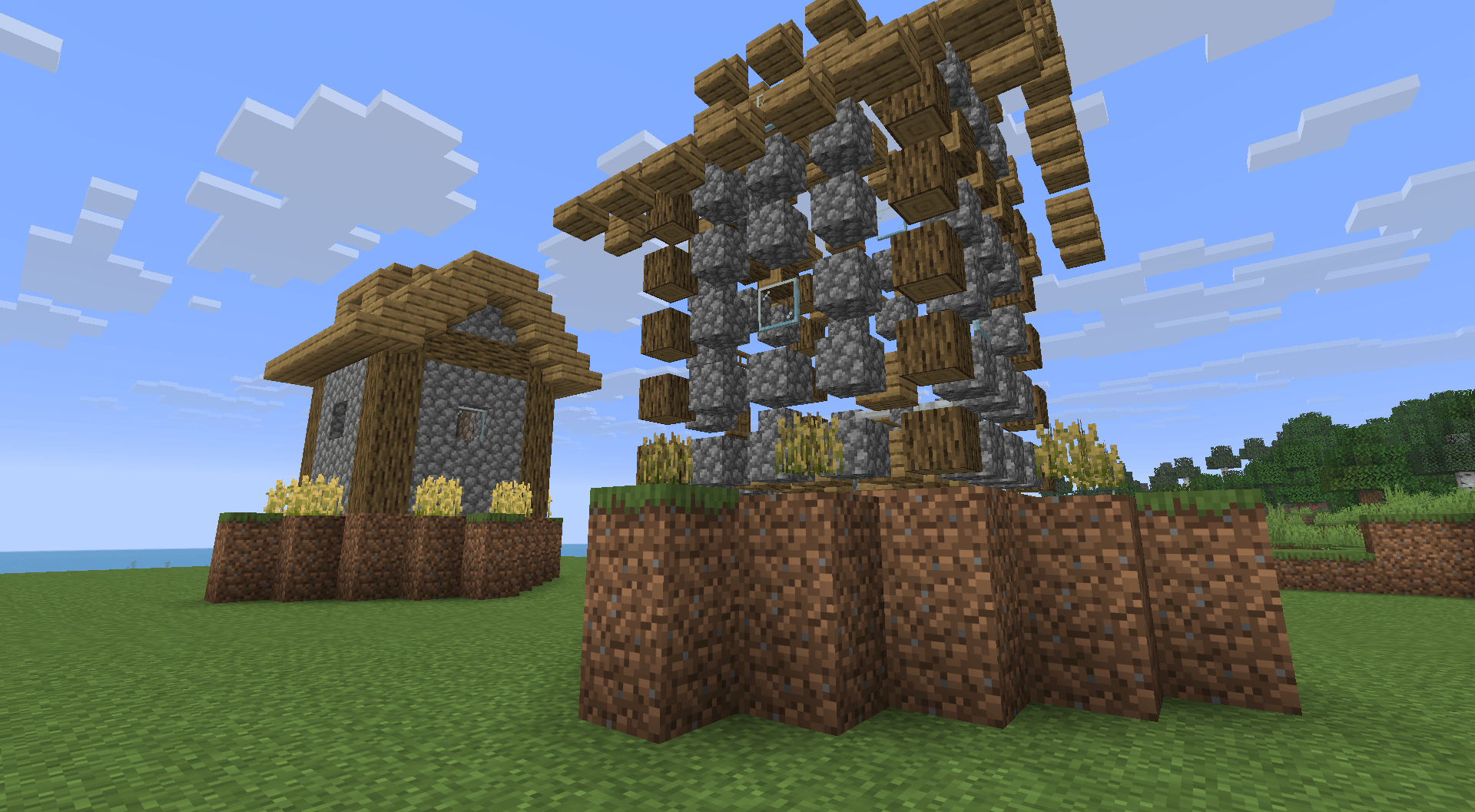
5-blocs-fantomes.png
Description
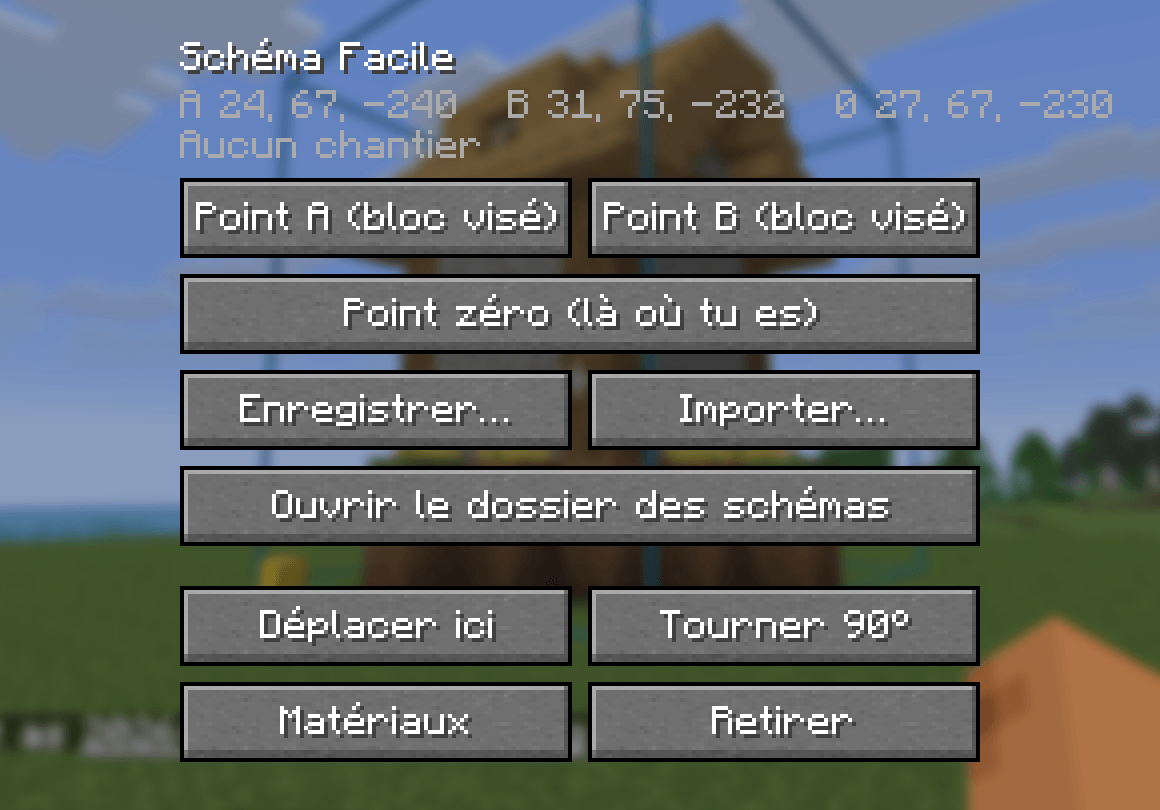
Built an amazing house and want it in another world? Litematica is great but complicated. Schéma Facile does the essentials with one menu and clear buttons: press B.
How it works
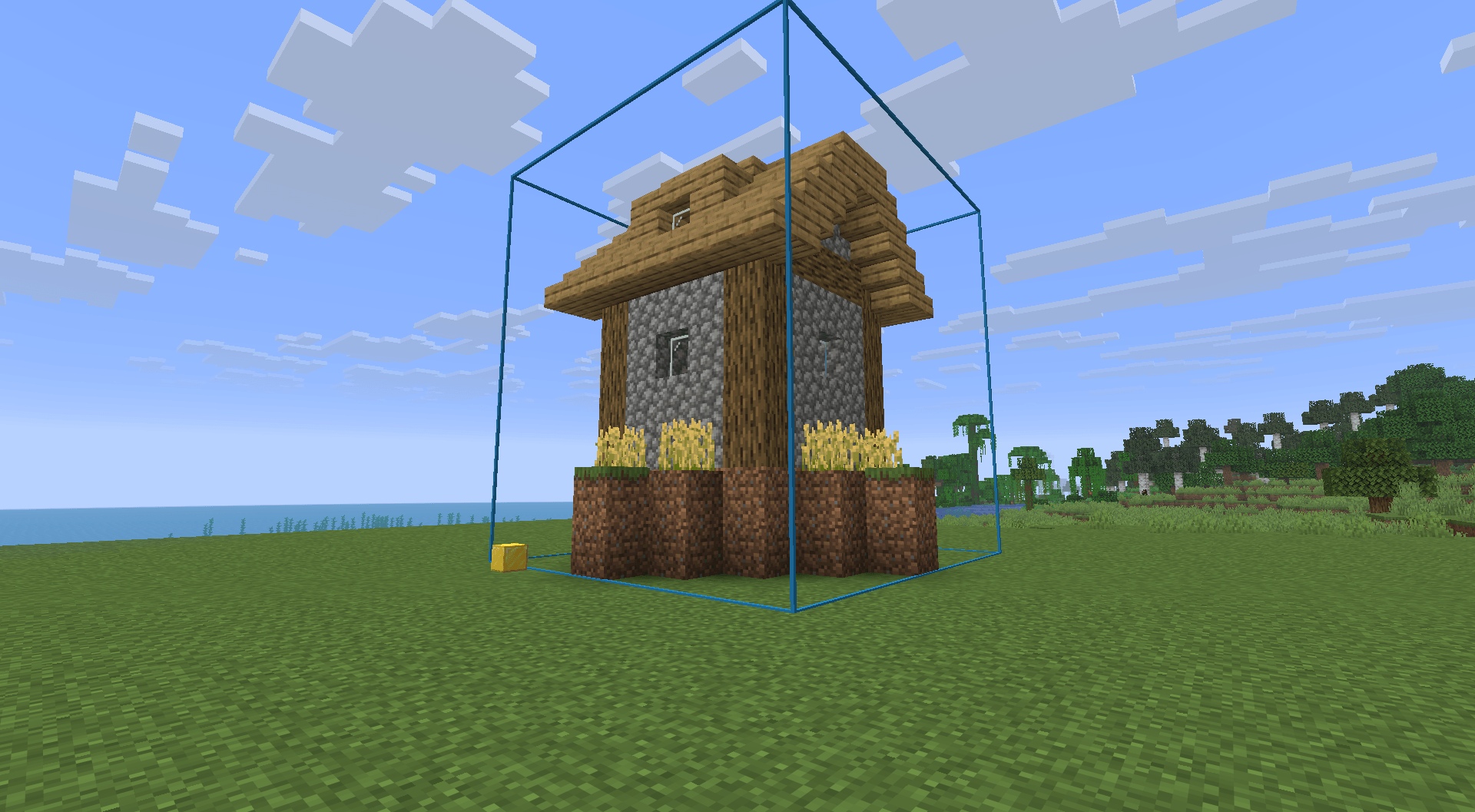
- Point A / Point B: aim at two corners of your build. A blue frame previews the area live.
- Zero point (optional): stand in front of your door and press it. When you import, the house will be placed in front of you, facing the same way.
- Save…: the Windows file explorer opens, pick a name and a place for the
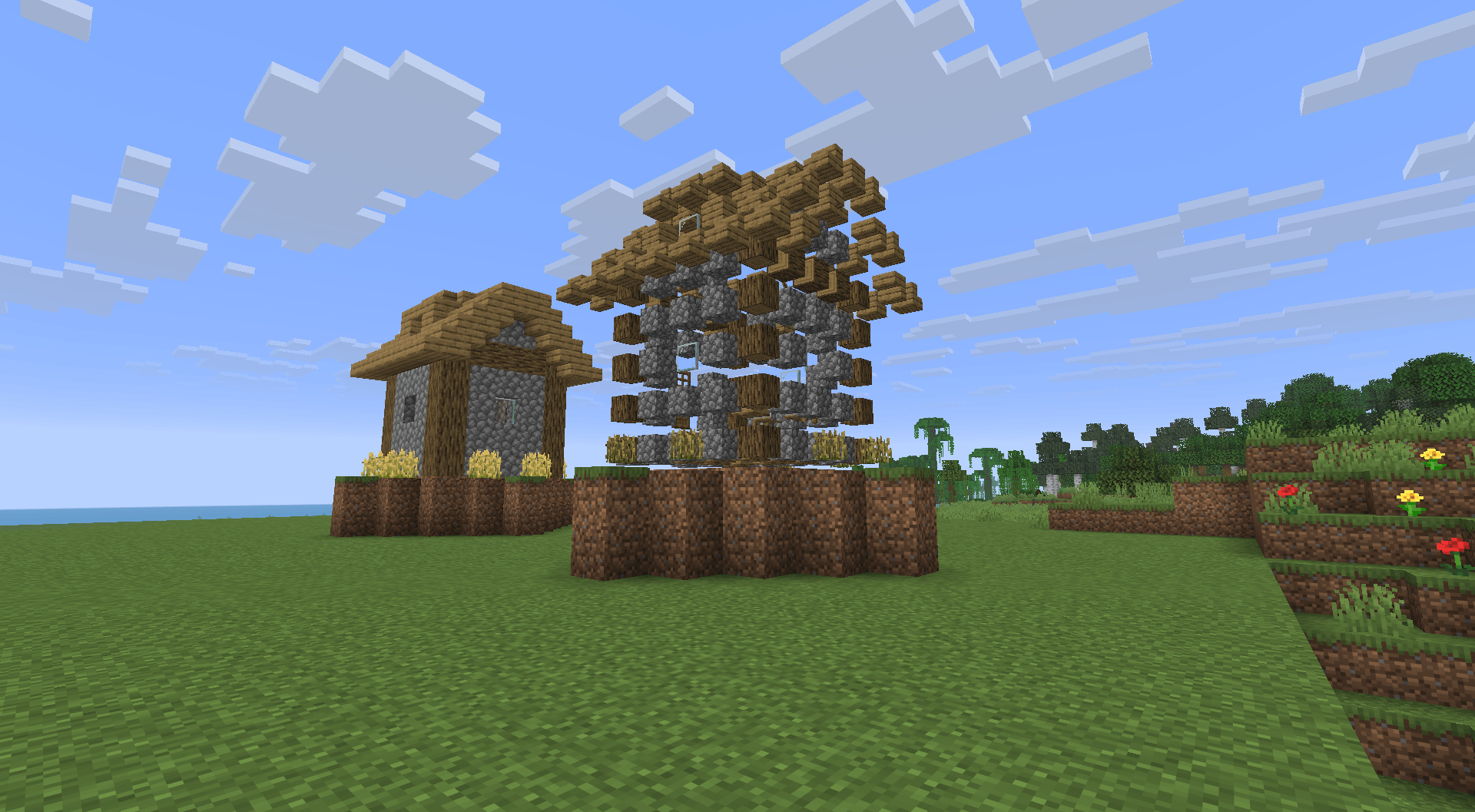
.nbtfile. - Import…: in any world, open your file. The schematic shows up as ghost blocks.
- Build! Each ghost block disappears as soon as you place the right block there.
Other buttons: Move here, Rotate 90°, Materials (what's missing vs. your inventory), Remove, Open the schematics folder.
Good to know
- Client-side only: works in singleplayer and on servers, nothing to install server-side.
- Your build site is kept when you restart the game.
.nbtfiles can be shared with friends.- The mod never places blocks for you: it's a guide, you build it yourself (no cheating in survival).
- Menu in English and French (it follows your game language).
Requirements
- Minecraft 26.2
- Fabric Loader 0.19.5+
- Fabric API
schemafacile Team