Saro´s Hud Hide
- By
Toggle the entire Minecraft HUD or individual parts with simple commands. Lightweight and easy.
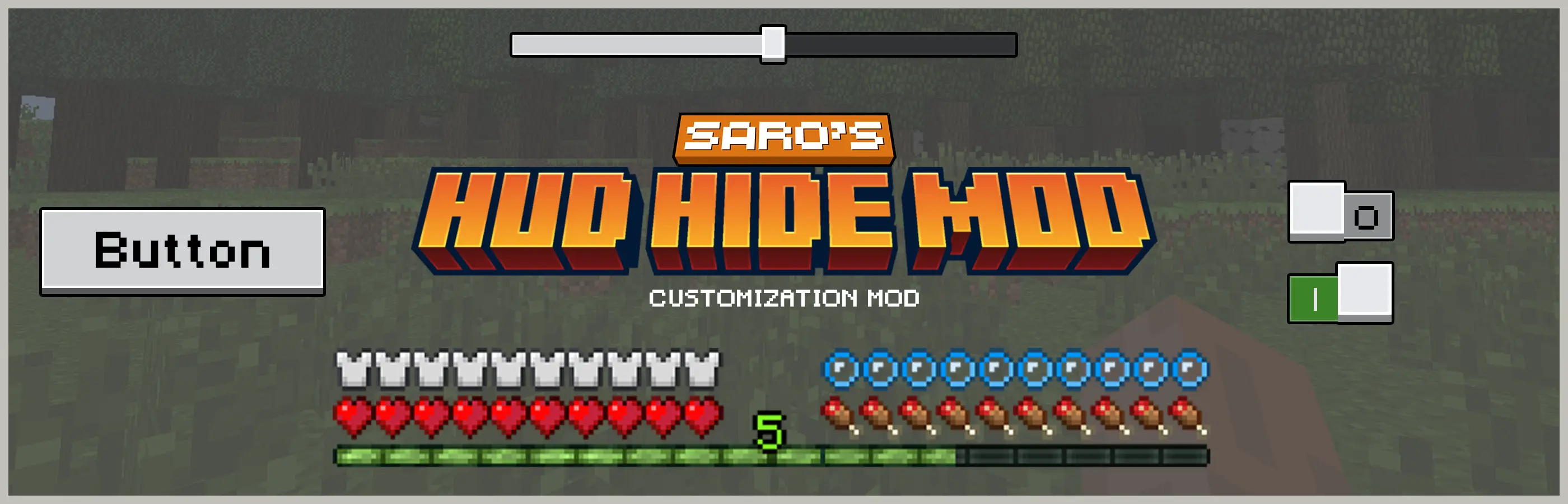
 The Saro's HUD Manager Mod provides players with complete control over their Minecraft HUD.
With a simple set of commands, you can toggle all HUD elements at once or manage individual elements for a cleaner and more customizable screen.

Toggle All Elements 🖥️
- Use
/hud allto enable or disable every HUD element instantly.
- Use
Toggle Individual Elements 🎛️
- Use
/hud <element>to toggle specific HUD components, with auto-suggestions to guide you.
- Use
Hide Specific Scoreboards 📊
- Use
/hud scoreboard <name>to hide or show individual scoreboards by their objective name, with auto-suggestions for all available objectives.
- Use
Clean Interface Control ✨
- Perfect for players who want a minimalistic screen during exploration, combat, or recording.
Accessible for Everyone 👥
- No extra permissions needed – works for all players!

/hud all→ Toggle all HUD elements on/off/hud <element>→ Toggle a specific HUD element (Auto-complete shows all available HUD element IDs)/hud scoreboard <name>→ Hide or show a specific scoreboard by objective name (Auto-complete shows all available scoreboard objectives)

- Soon

Currently Supported
- Forge 1.20.1 ✅
 Join our community on Discord to give feedback and suggestions or report any bugs you find!

Project Support & Usage
Hosting: For the best performance, I recommend using BisectHosting linked in the banner.
Modpacks: You are free to include my work in any modpack. Please ensure proper credit is given by providing a link to this project page.
The Saro´s Hud Hide Team


Owner