Santora
- By
update.png
listening_party.png
artist.png
location.png
Description
A proper music player for Minecraft's own soundtrack.
Browse every track as albums, by artist, or by update. Queue it, shuffle it, crossfade it, and keep it playing wherever you go.





Features
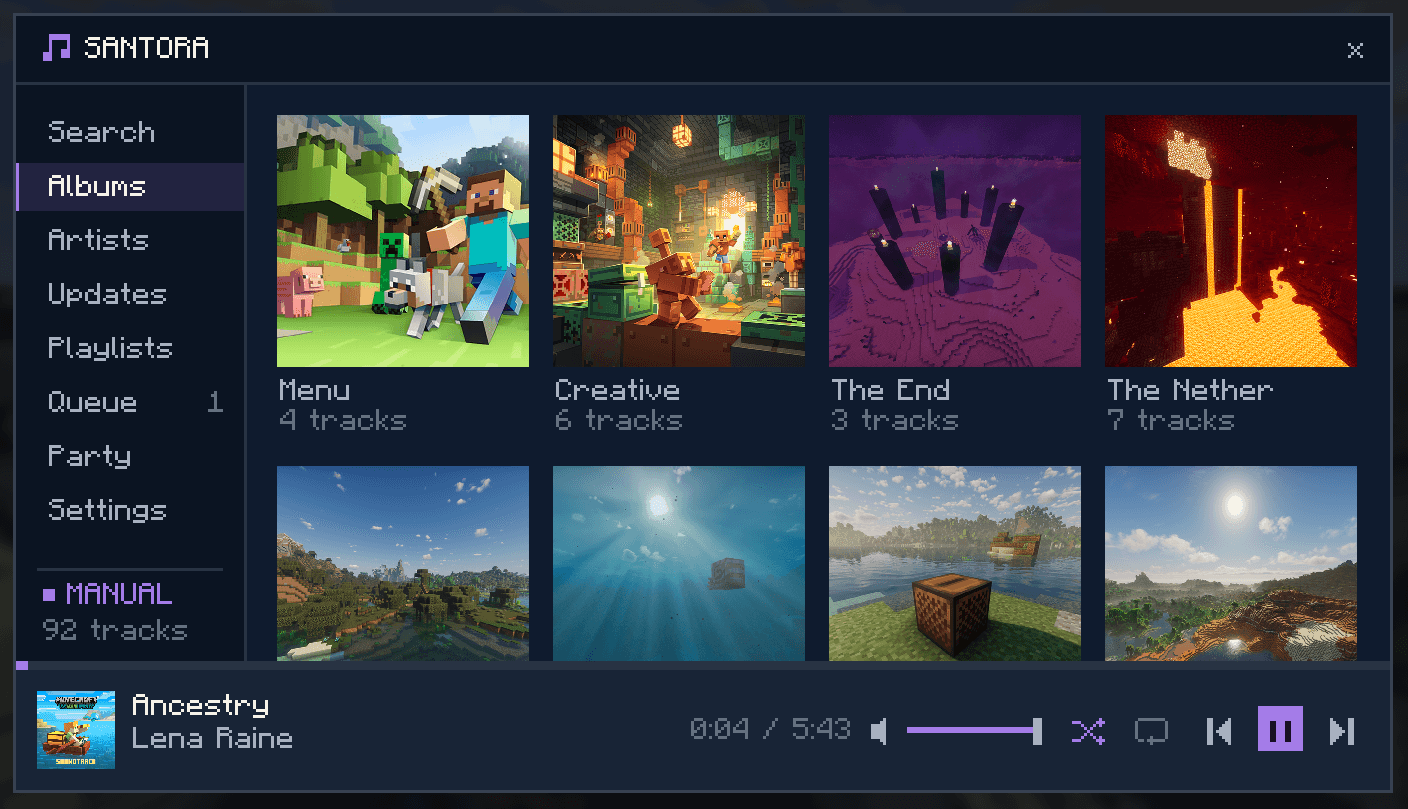
- The whole soundtrack, organized: browse by album, artist, or Minecraft update, or just search.
- Queue & playlists: build a lineup, drag to reorder, save your own playlists, favorite what you love.
- Smooth playback: crossfade tracks into each other, tune fade length, add a delay between songs.
- Now Playing HUD: a draggable overlay that shows the current track anywhere on screen.
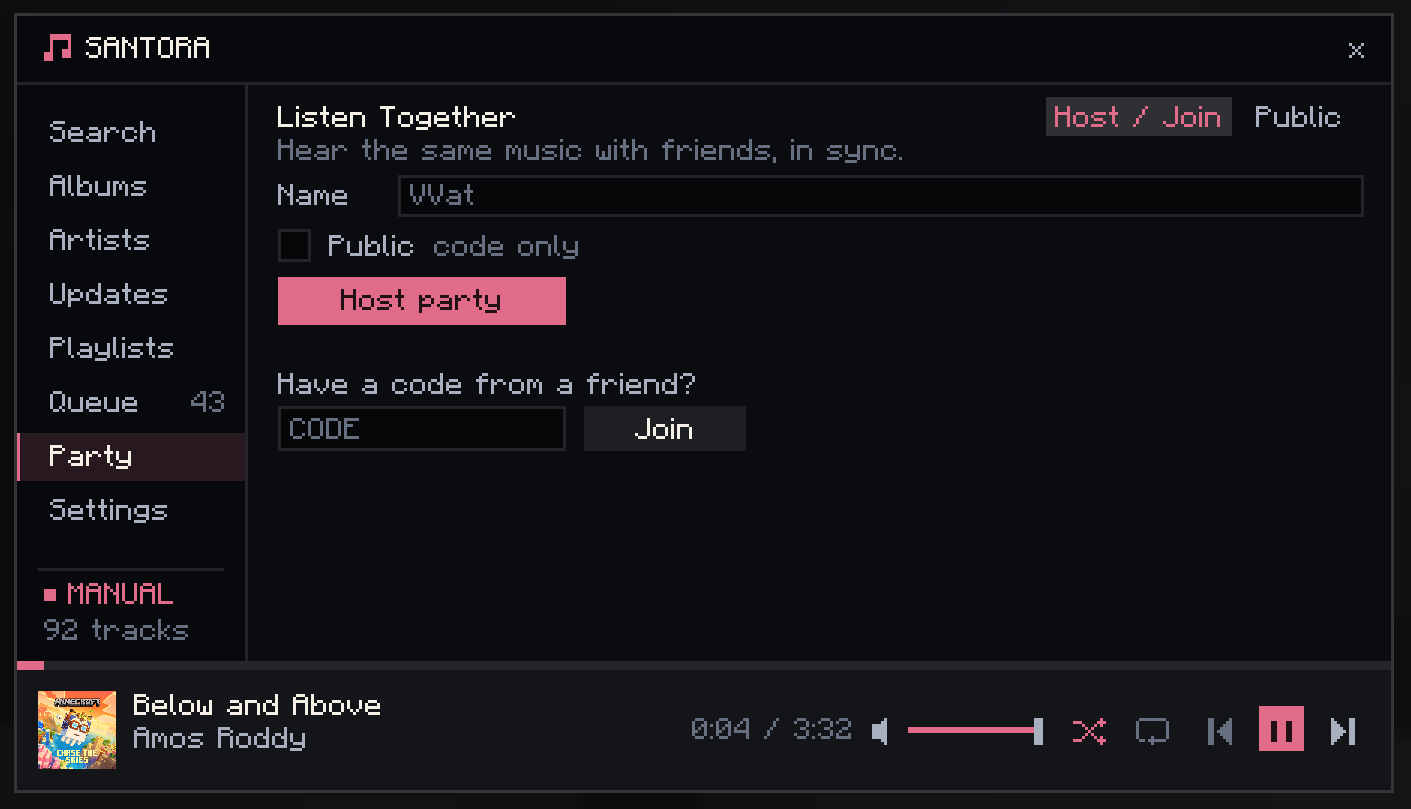
- Listen together: start a party, share a code, and everyone hears the same music in sync.
- Make it yours: pick a background and accent color, and dial the menu's opacity to see the game through it.
- Follows you everywhere: keeps playing across dimensions, deaths, and world swaps.
Browse the soundtrack
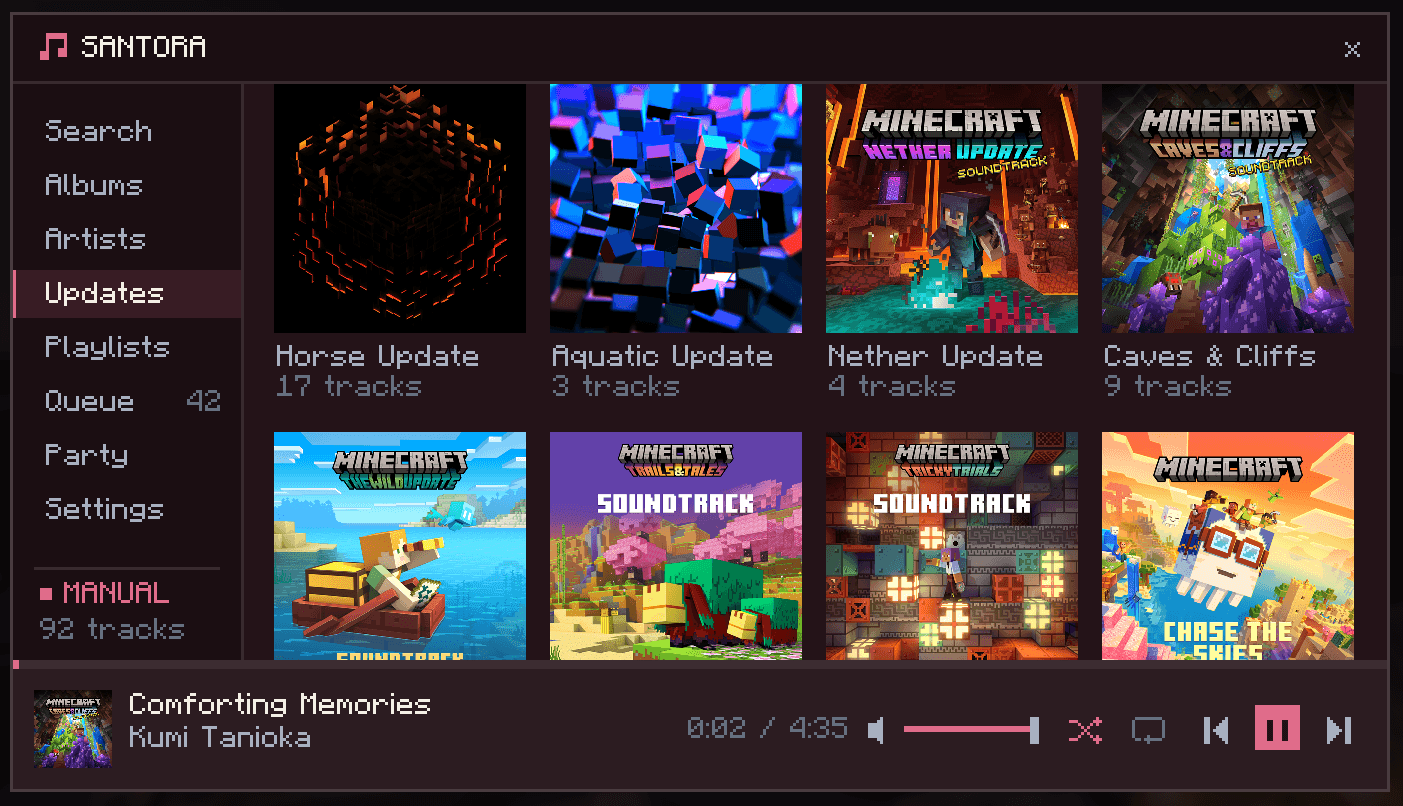
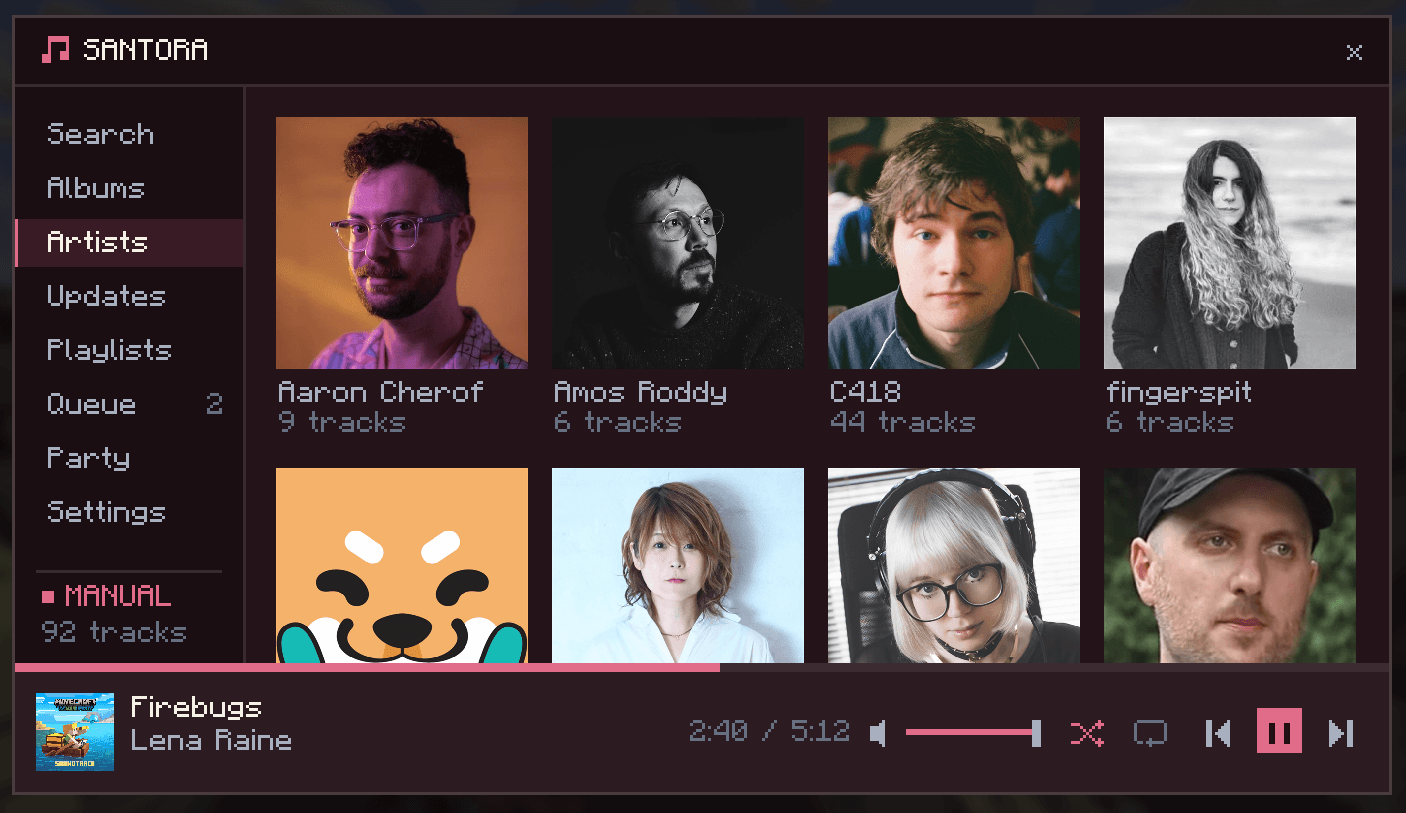
Minecraft's soundtrack has grown huge. Santora lays the whole thing out four different ways so you can always find what you're after.
 |
 |
| Search: type to filter across every song instantly | Artists: Browse by the artists that created the songs |
 |
 |
| Updates: grouped by which update the songs release with | Playlists: Favorites plus any custom playlists you want |
Queue it up
Line up what plays next, drag tracks to reorder them and favorite the ones you love

Listen together
Start a party and everyone hears the same music, in sync. Anyone can add tracks to the shared queue and set their own volume, while the host stays in charge of skipping and pausing.
Open Party, hit Host party, and share the code. Friends paste it into Join and they're listening along, on any server or world.

You can join your friends parties using a code. Everyone can add songs to the queue, but only the host can skip or pause.


Now Playing HUD
Turn on the overlay to keep the current track on screen while you play. Album art, title, artist, and a live progress bar. Drag it anywhere you like and it stays put.
 |
 |
Make it yours
Set a background and accent color, then slide the opacity down to let the world show through the menu. The whole UI recolors to match.
 |
 |
| Background, accent, and HUD colors | Menu opacity turned down to 40% |
Playback
Crossfade every track into the next, set how long the blend lasts, add a gap between songs, and control Santora's volume independently of the rest of the game.

Santora Team