
Zairus Utility Data Pack
Handles common data packs functions for other data packs that depend on it
- 456
- August 7, 2020


Zairus Utility Data Pack
Handles common data packs functions for other data packs that depend on it
- 456
- August 7, 2020

2026-11-19_05.04.30.png
2026-11-19_05.04.50.png
2026-11-19_05.05.26.png
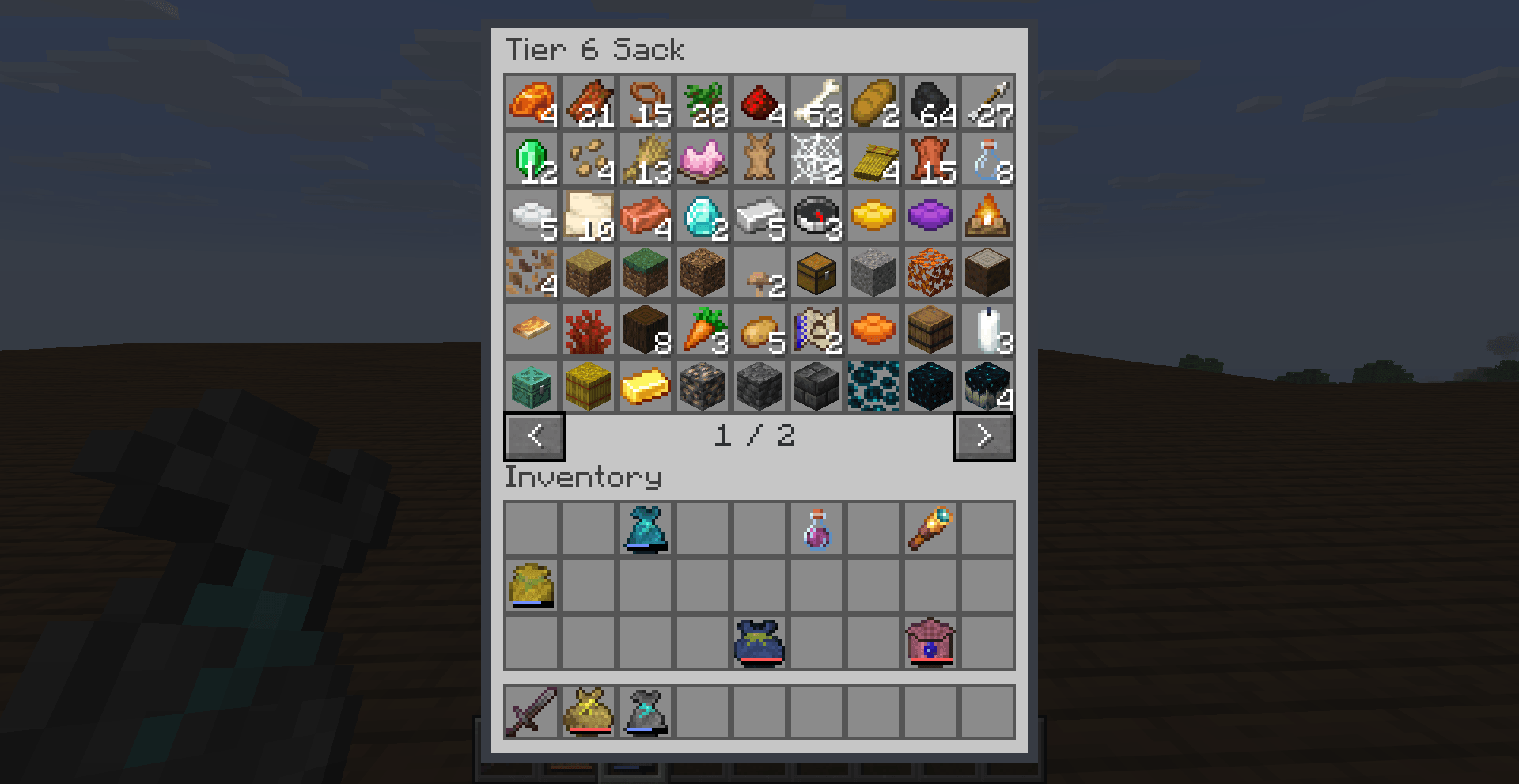
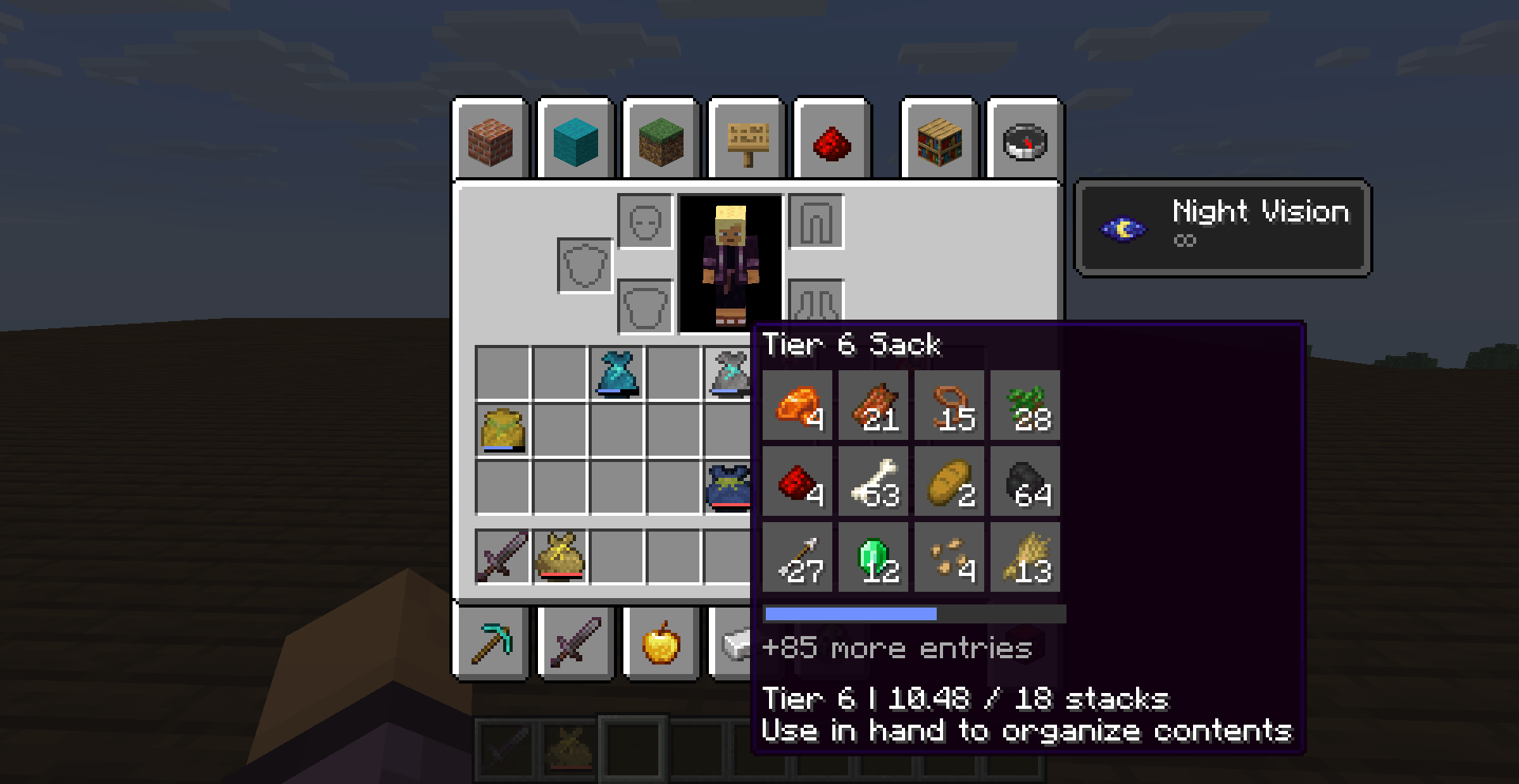
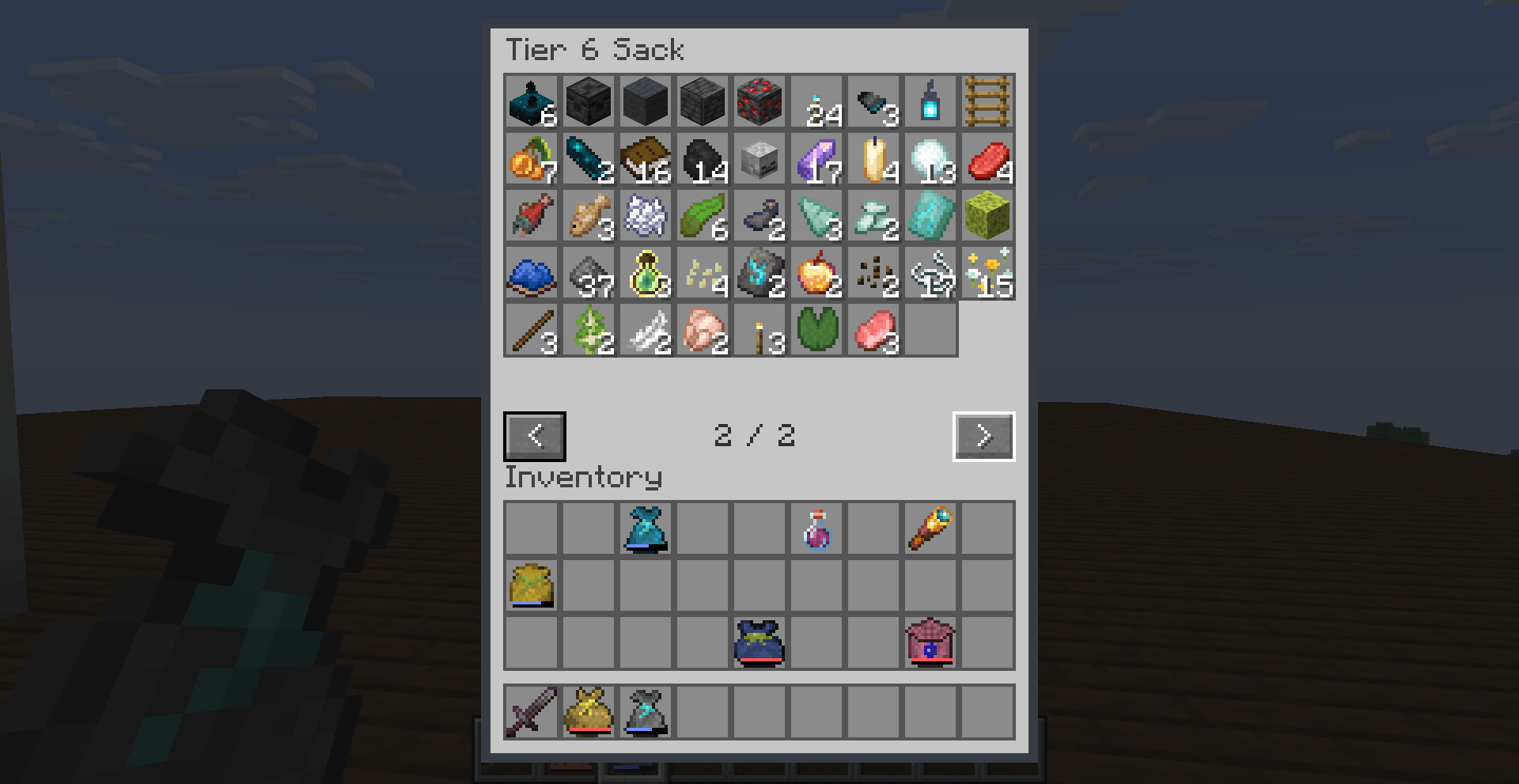
SackNGo adds nine tiers of portable storage sacks to Minecraft. Start with a three-stack sack, then craft upgrades and hunt for smithing schematics to work your way up to 27 stacks. Open a sack from either hand to organize your supplies, or move items in and out directly from your inventory.
The recipe book unlocks SackNGo recipes as you collect their ingredient types. Use the crafting table to upgrade through tier 6.
At a smithing table, combine the schematic for the tier you want, your previous-tier sack, and the matching upgrade material.
| Upgrade | Default schematic location | Upgrade material |
|---|---|---|
| Tier 6 → 7 | Abandoned camp common and secret chests | Gold Block |
| Tier 7 → 8 | Pillager outpost chests | Diamond Block |
| Tier 8 → 9 | Buried treasure chests | Netherite Ingot |
By default, each eligible chest has a 10% chance to generate its schematic. Smithing consumes the schematic. To make two copies from one, craft it with seven diamonds and Sewn Leather for tier 7 or Treated Sewn Leather for tiers 8–9.
After the first launch, edit config/sackngo-loot.json to change schematic drop chances or chest loot tables, or to disable schematic loot. Restart to apply changes. Chest contents that have already generated stay as they are.


Handles common data packs functions for other data packs that depend on it
Handles common data packs functions for other data packs that depend on it