SablePanel
- By
SablePanel is a web management panel for Sable physical structures. It analyzes the consistency of existing structures and handles duplicate copies, distant detached remnants, dangling holding pointers, and stale tracking points.

SablePanel
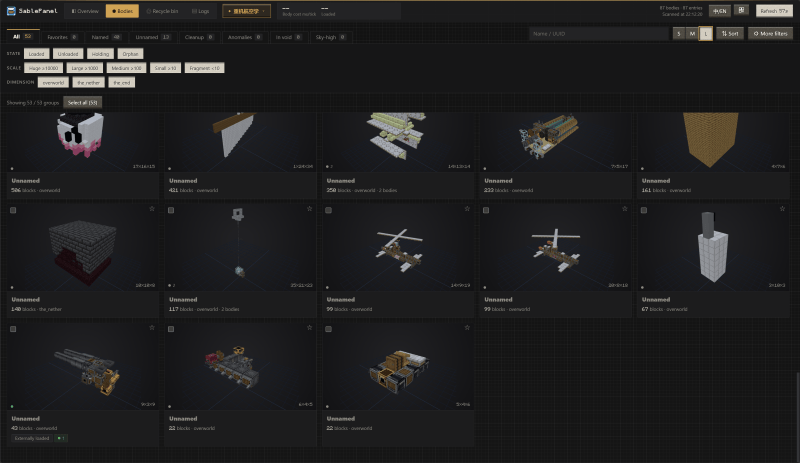
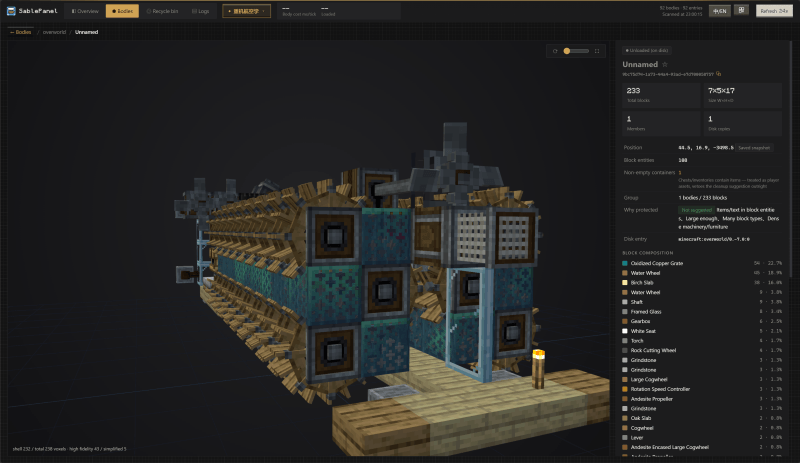
SablePanel is a web management panel for Sable physical structures. It analyzes the consistency of existing structures and handles duplicate copies, distant detached remnants, dangling holding pointers, and stale tracking points. It also provides structure indexing, thumbnails, full 3D previews, teleporting, force-loading, pausing, and recycle-bin restoration. Performance profiling is disabled by default and can be enabled manually.
Core features
- Scans loaded and on-disk Sable bodies and groups them by dependency relationships
- Detects orphaned entries, duplicate copies, distant detached remnants, dangling holding pointers, and stale tracking points
- Displays structure names, positions, runtime states, block statistics, thumbnails, and full 3D previews
- Provides teleporting, force-loading, physics pausing, block-entity tick pausing, and orphan adoption
- Performs safe deletion and restoration through a verified, backed-up recycle bin
- Supports manually enabled performance profiling and multiple server instances on the same machine
Installation and access
- Server installation is required: the server reads and operates on physical structures. The web panel defaults to
http://server-address:25580/, while the TLS data endpoint defaults to port25581. - Client installation is optional: the client only provides a local gateway at
http://localhost:25580/and connects to the server's port25581over TLS. All authoritative data and operations remain on the server. - Access token: the token is the panel password. Its first-run default is
sablepanel;it is stored inconfig/sablepanel/sablepanel-server.jsonand can be changed from the Maintenance page. Port 25580 uses plain HTTP and should only be used locally, on a LAN, or through a tunnel.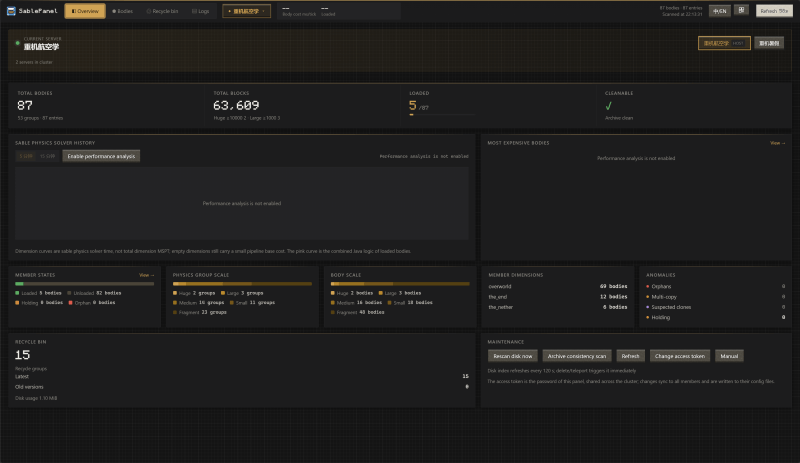
SablePanel Team