Sable Tool
An add-on for Sable and Create mod to facilitate managing so-called "Sub-Levels"/"Simulated Contraptions"
sabletoolsshowcase.png
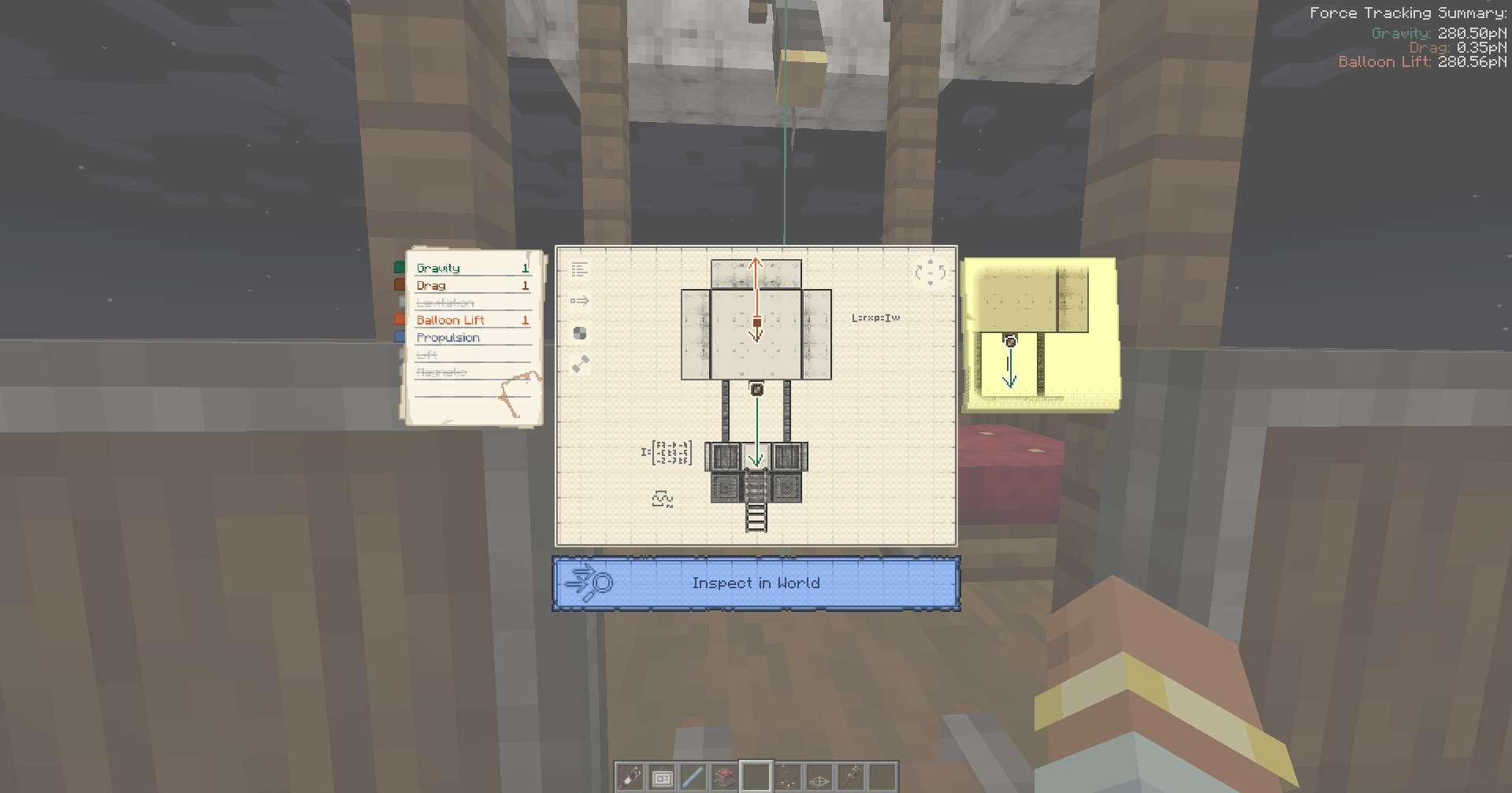
trackbuttonshowcase.png
Description
Controls:
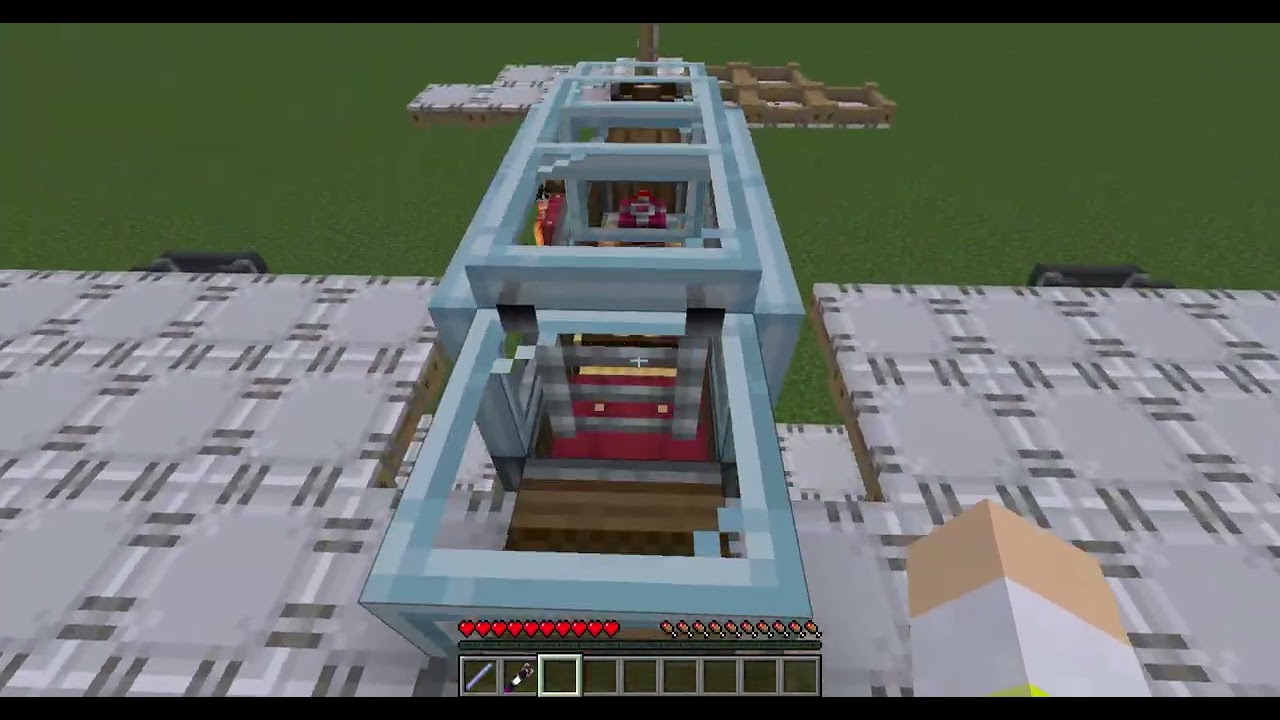
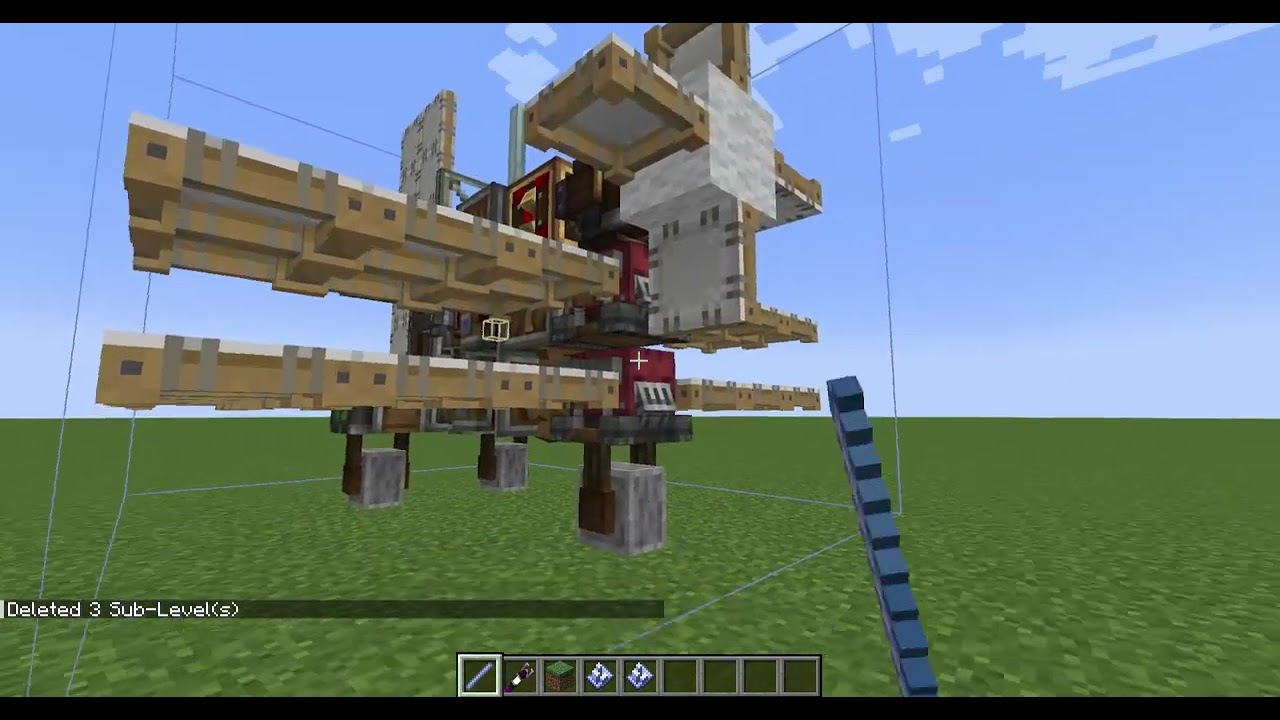
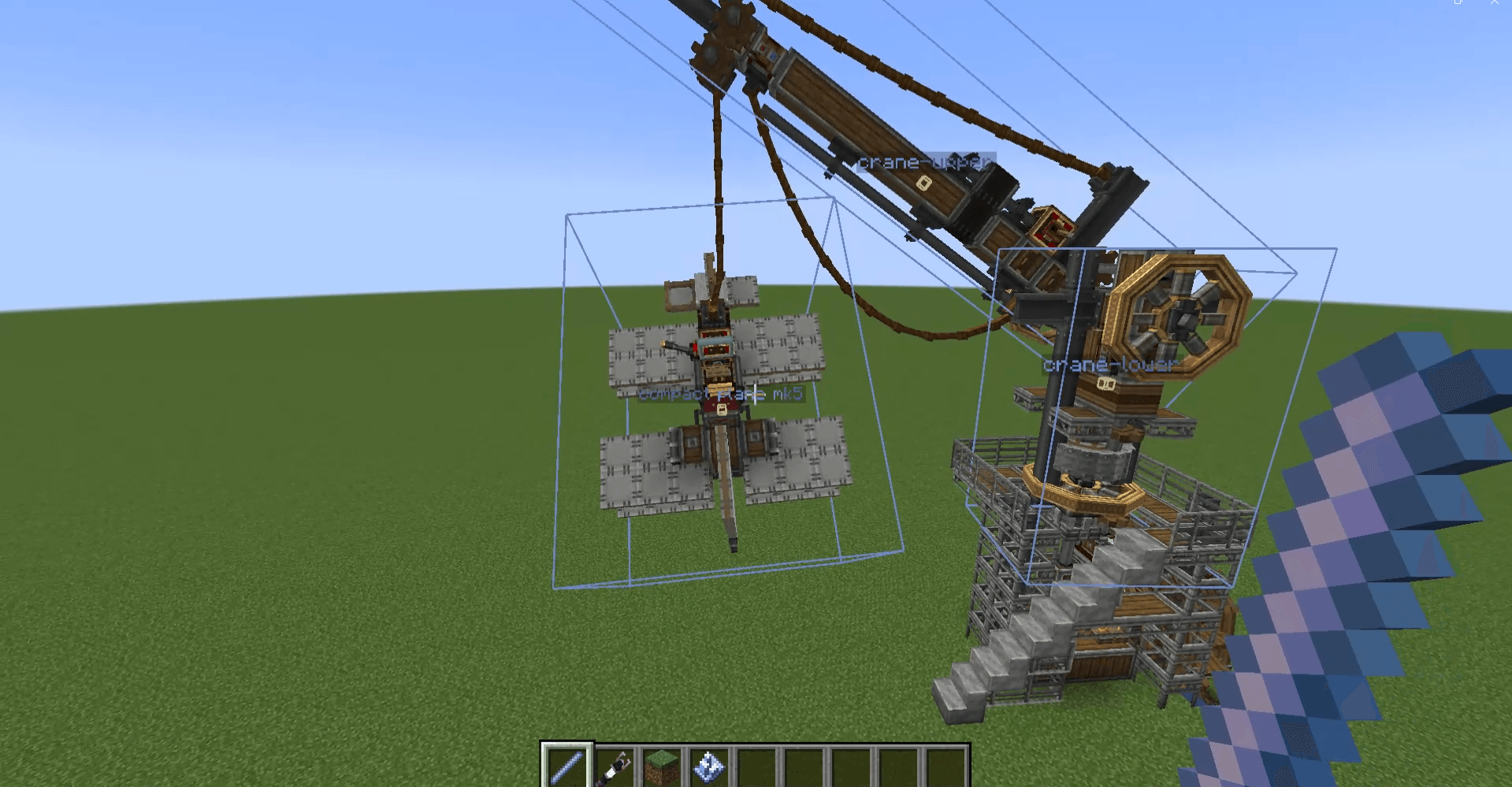
Holding Breeze Rod will show you Sub-Level boundaries and center-of-masses and allow you to do several things.
[Right-Click] - Places single-block Sub-Level. Default Jack O’ Lantern but if you hold any block on your offhand, then that block will be placed.
[Right-Click on Sub-Level] -Creates clone above it.
[Right-Click on Sub-Level while Holding Shift] - Uploads schematic and gives the schematic to the user immediately.
[Hold Alt] (Or Any Key Bound as Create Alt Modifier) - Shows names of the Sub-Levels. Right click on a Sub-Level while holding Alt will allow user to modify the name.
[Left-Click on Sub-Level] - Selects Sub-Level for deletion. Left-Click while not looking at Sub-Level will open menu for confirming deletion.
[Middle-Click on Sub-Level] (Or Any Key Bound As Item Pick) - Will teleport player to the top-center of the Sub-Level that the player is looking at.
[Ctrl-Click on Sub-Level] - It will start to track forces of the looked Sub-Level.
Addition
It adds a button in Contraption Diagram that allows you to track forces of the Contraption(Sub-Level).
Sable Tool Team