2026-04-24_20.51.jpg
Description
Rosetta
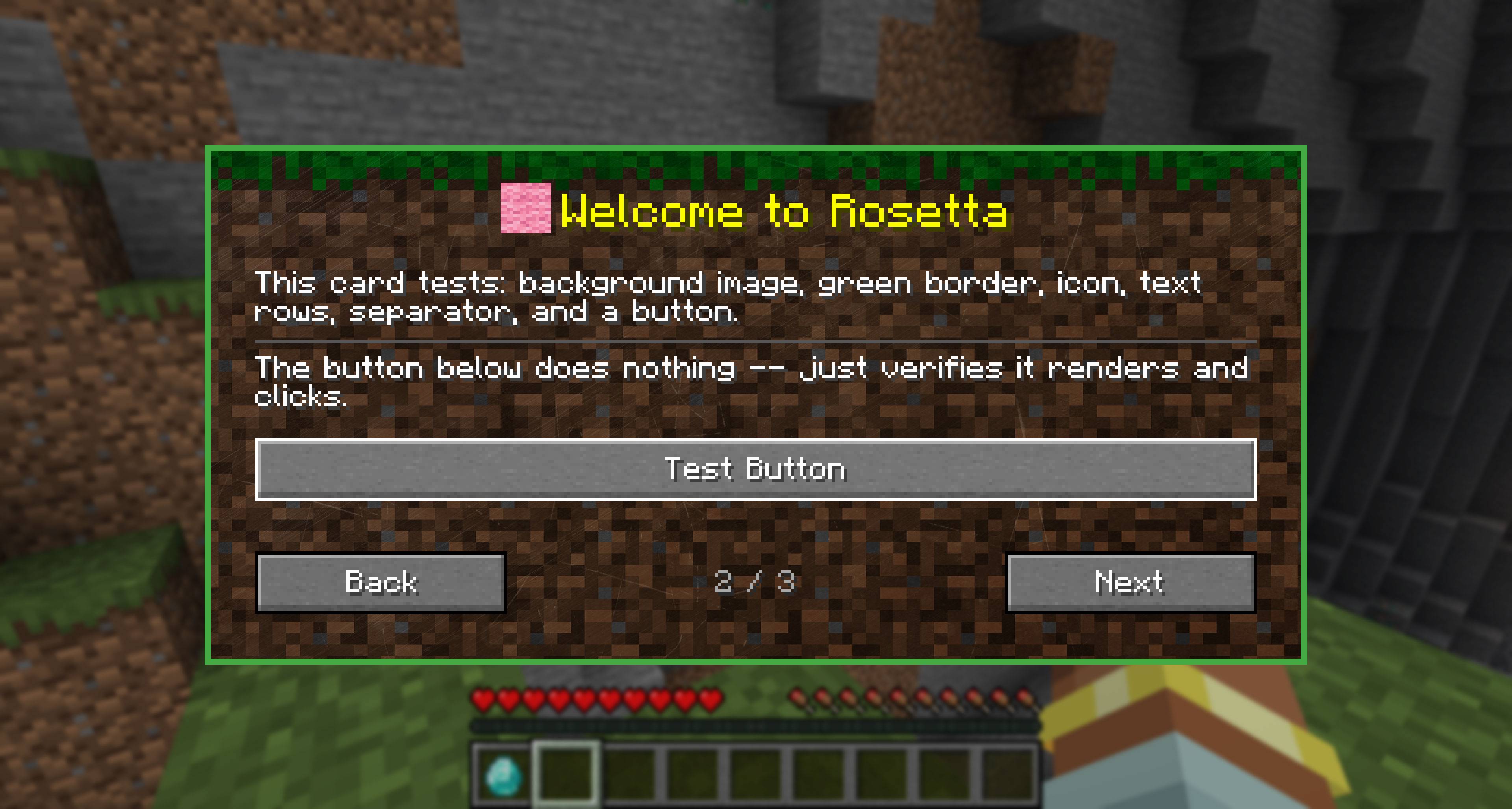
Rosetta is a client-side library mod used to deliver onboarding tutorials, tips, and changelogs in a consistent, polished way.
If you're reading this because you're surprised to find it installed, it's probably because some other mod (build-better, drop-highlighter, etc.) depends on it for onboarding features.
What Rosetta does for you
When a Rosetta-powered mod is installed, you get a unified onboarding system (one-time popups) that help you navigate that mods features, get hints, alerts, and other information that the mod author wants you to see. For authors, the biggest advantage is that the onboarding cards don't step on each other. If every mod implemented its own system, they'd all render at the same time. Rosetta enqueues and manages the order, version tracking, and whether a user has seen any card or indicator.
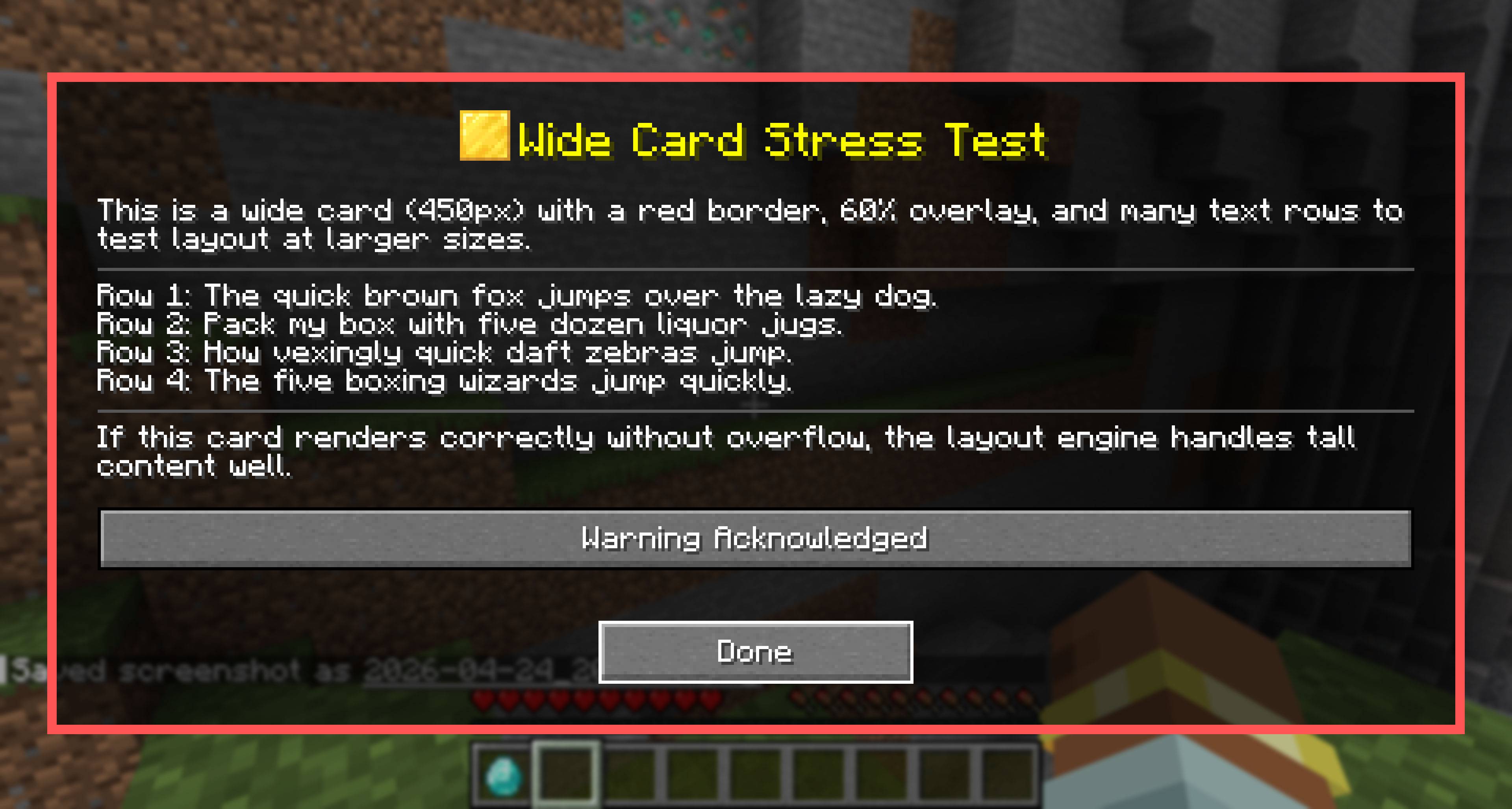
- First-launch cards. Mods can show a full-screen welcome card the first time you load a world after installing them, explaining what the mod does and how to use its main features. One "Acknowledge" button per card. Dismissed cards don't come back unless the mod author has new content for you.
- HUD pop-up hints. Vanilla-styled hint toasts that appear above your hotbar when you do something a mod wants to teach you about ; picking up a new item type, opening a new GUI, triggering a feature for the first time. Optional sound cue.
- Multi-slide tutorials. Step-by-step walkthroughs that dim the background and highlight specific UI regions per slide. Used by mods to teach a feature in depth without dumping a wall of text.
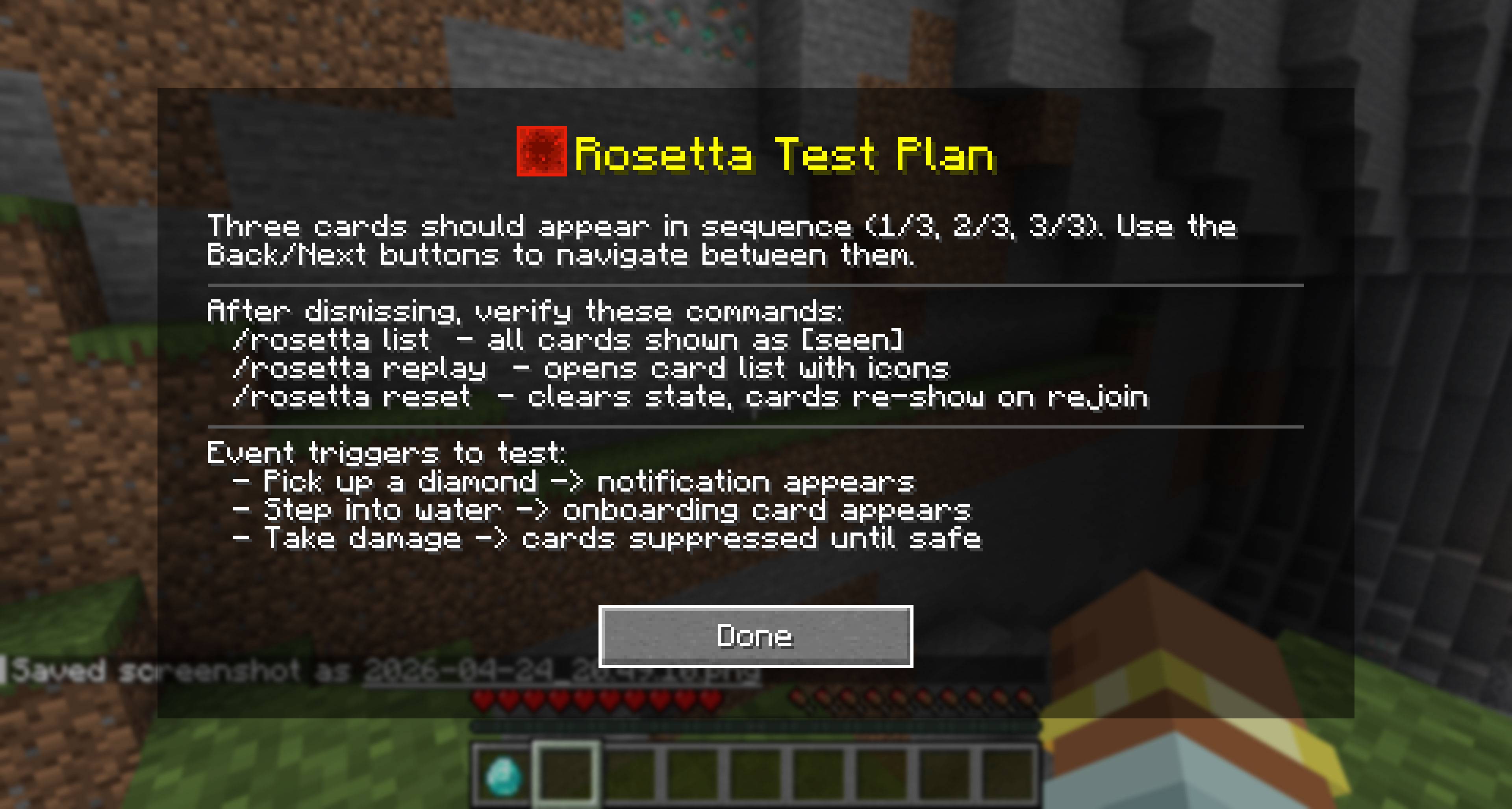
- Replay any card you've seen. Open the Rosetta replay screen at any time to re-read a tutorial you dismissed, browse changelog notes a mod left behind, or refresh yourself on a feature you forgot.
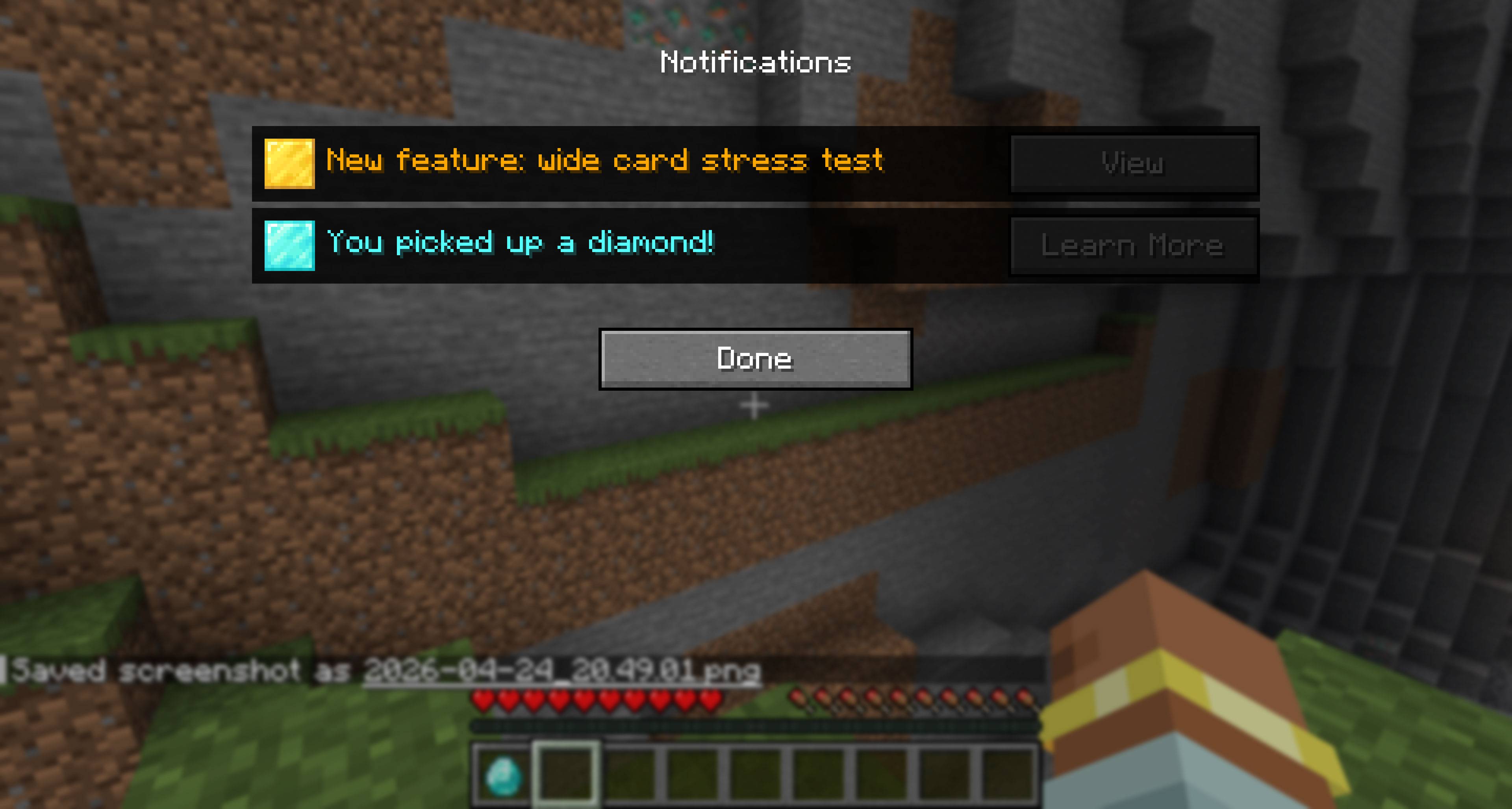
- A unified notification inbox. When a mod tries to teach you something while you're busy (fighting a mob, gliding, sleeping) Rosetta queues the hint instead of interrupting. A small indicator on the HUD lets you open the inbox when you're ready.
How it changes your experience
- Tutorials never interrupt combat. Rosetta automatically suppresses cards while you're taking damage, sleeping, gliding, dead, or in spectator mode. You won't get a "welcome to this mod!" screen mid-fight.
- One UI for every mod. Instead of each mod inventing its own welcome screen with different keybinds, layouts, and dismiss behavior, Rosetta-powered mods share the same look and feel and let's the mods not have to fight for rendering on top.
- Your dismissals stick. Cards you've acknowledged stay acknowledged across game sessions. State lives with your Minecraft install. No cloud, no per-server tracking.
- Cards are categorized for filtering. Tutorials, tips, warnings, what's-new notes, and credits are tagged as such, so the replay screen groups them sensibly.
What Rosetta does NOT do
- Rosetta does not add any in-world content (no blocks, items, mobs, dimensions, recipes).
- Rosetta is client-only. Servers don't need it installed, and servers cannot push messages through it.
- Installing Rosetta on its own will do nothing visible. It requires a mod that uses Rosetta to deliver content.
For mod authors
Rosetta provides a JSON5-based card registration format for common cases (rosetta-onboard.json5 in your mod's resources) plus a Java builder API for advanced cases (custom triggers, in-world pointers, multi-slide tutorials, custom widgets). If you change a card, you can reshow it by modifying the card's version number to re-show it after content changes, or register a new ID per major release for "what's new" notes. Categories (tutorial, tip, warning, news, credits) drive the replay UI grouping.
Supported loaders: Fabric, NeoForge Supported Minecraft versions: 1.21.1 through 26.1.2 Java level: 21 (1.21.x) / 25 (26.x) Doc: https://github.com/Malteas-Games/malt-mods/tree/main/docs/rosetta
Rosetta Team