


RingWorld
- By
ring-snow-arch.jpg
ratio-compact-loop.jpg
ratio-open-ring.jpg
ratio-tight-ring.jpg


Description
RingWorld
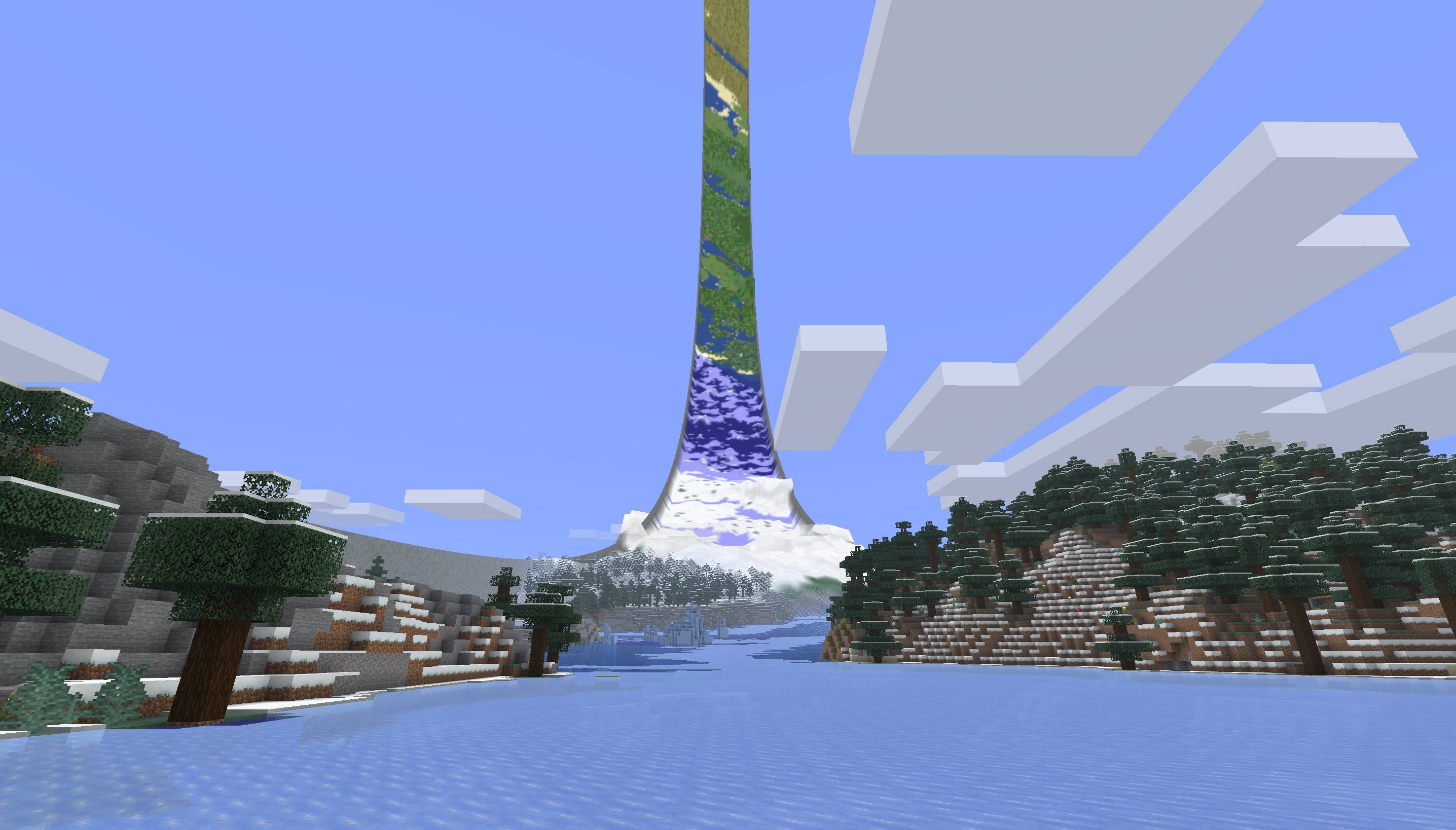
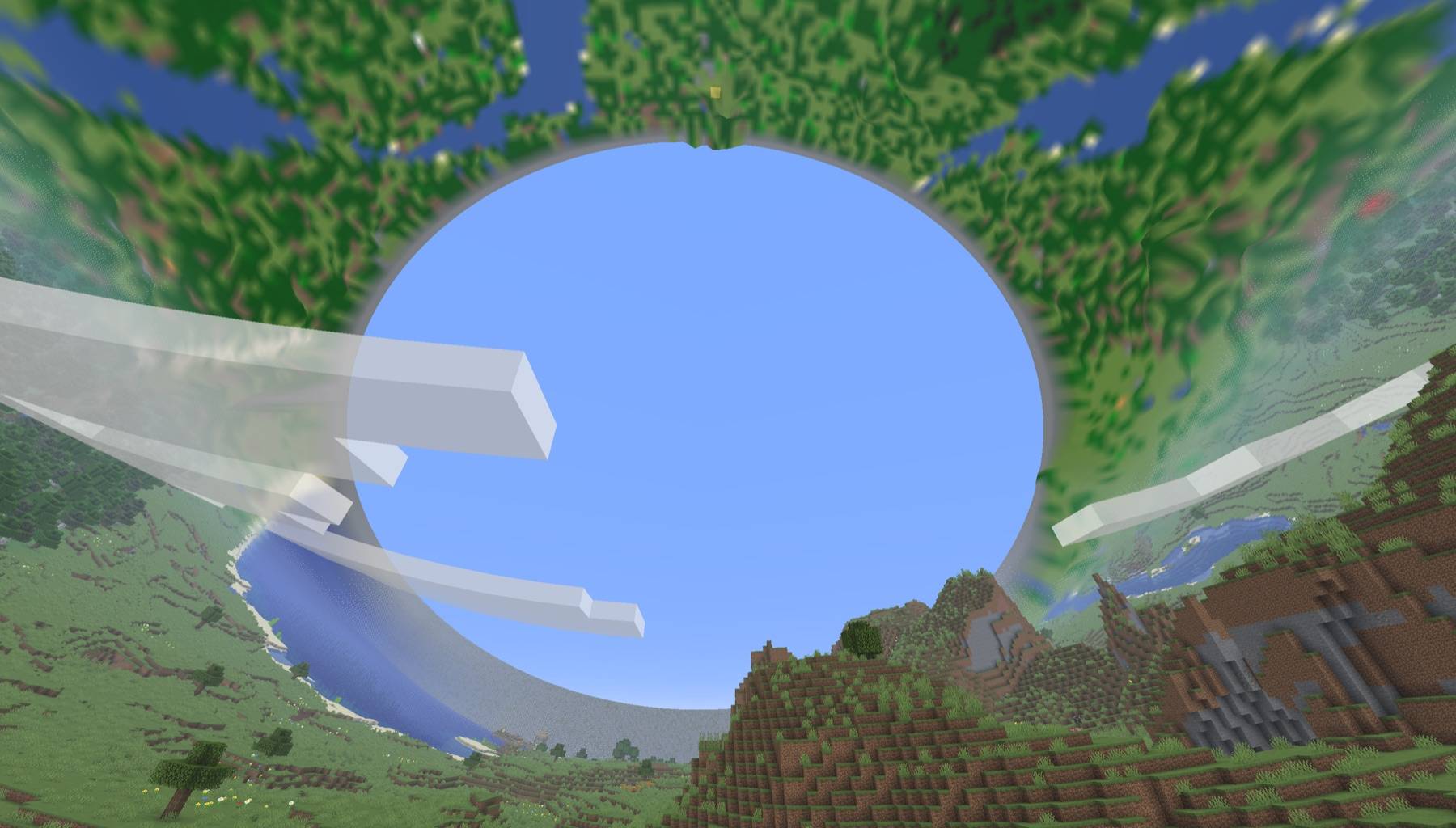
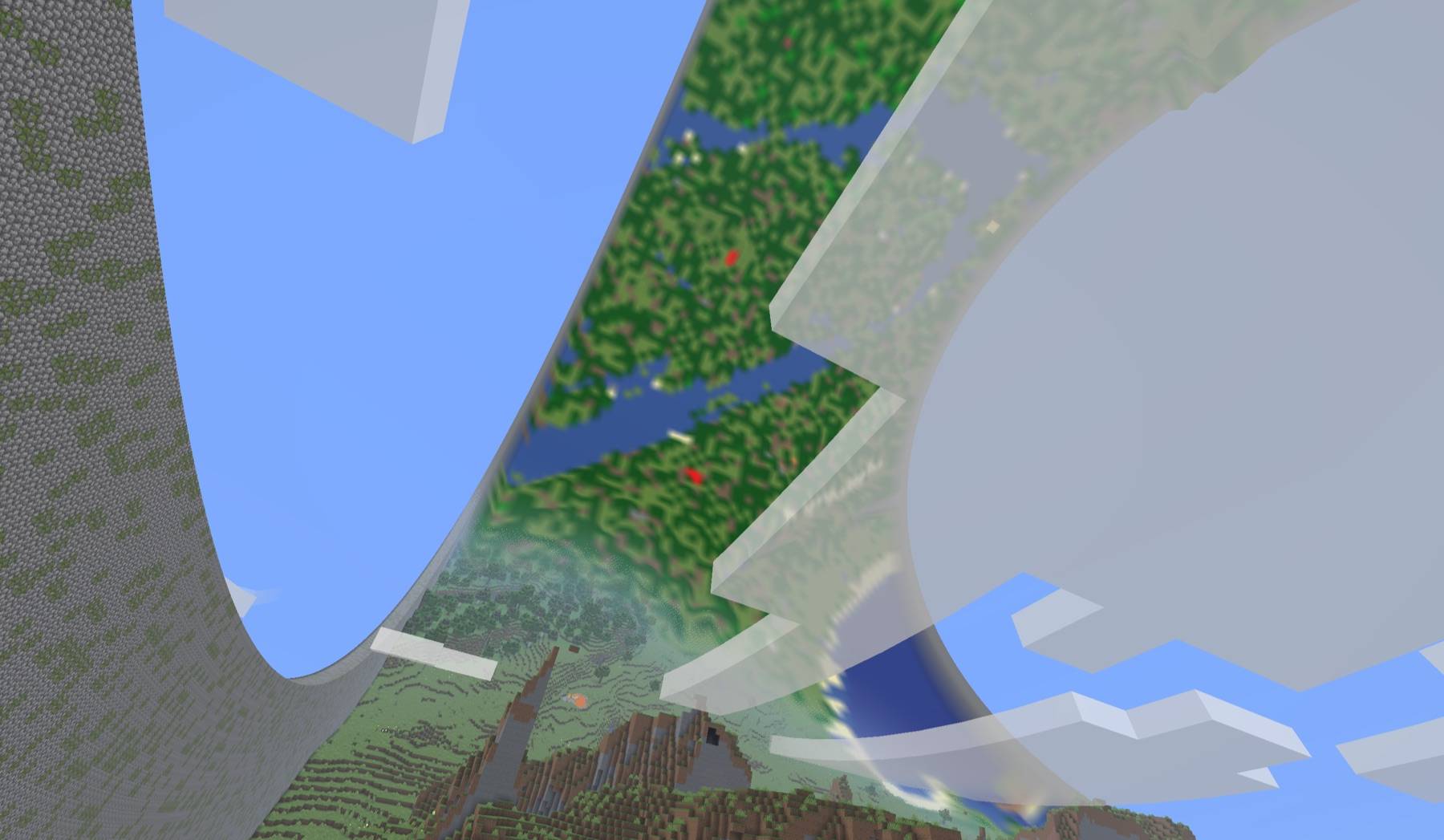
RingWorld wraps the Overworld into a ring. Keep travelling around it and you’ll come back to where you started. Look up and you can see the other side.
Build across the join, sail through it, or chase a mob around the whole ring. Blocks, redstone, water and projectiles work across it too. Walls run along the two edges, while the Nether and End stay unchanged.
Make it your ring
Choose a preset or set your own dimensions:
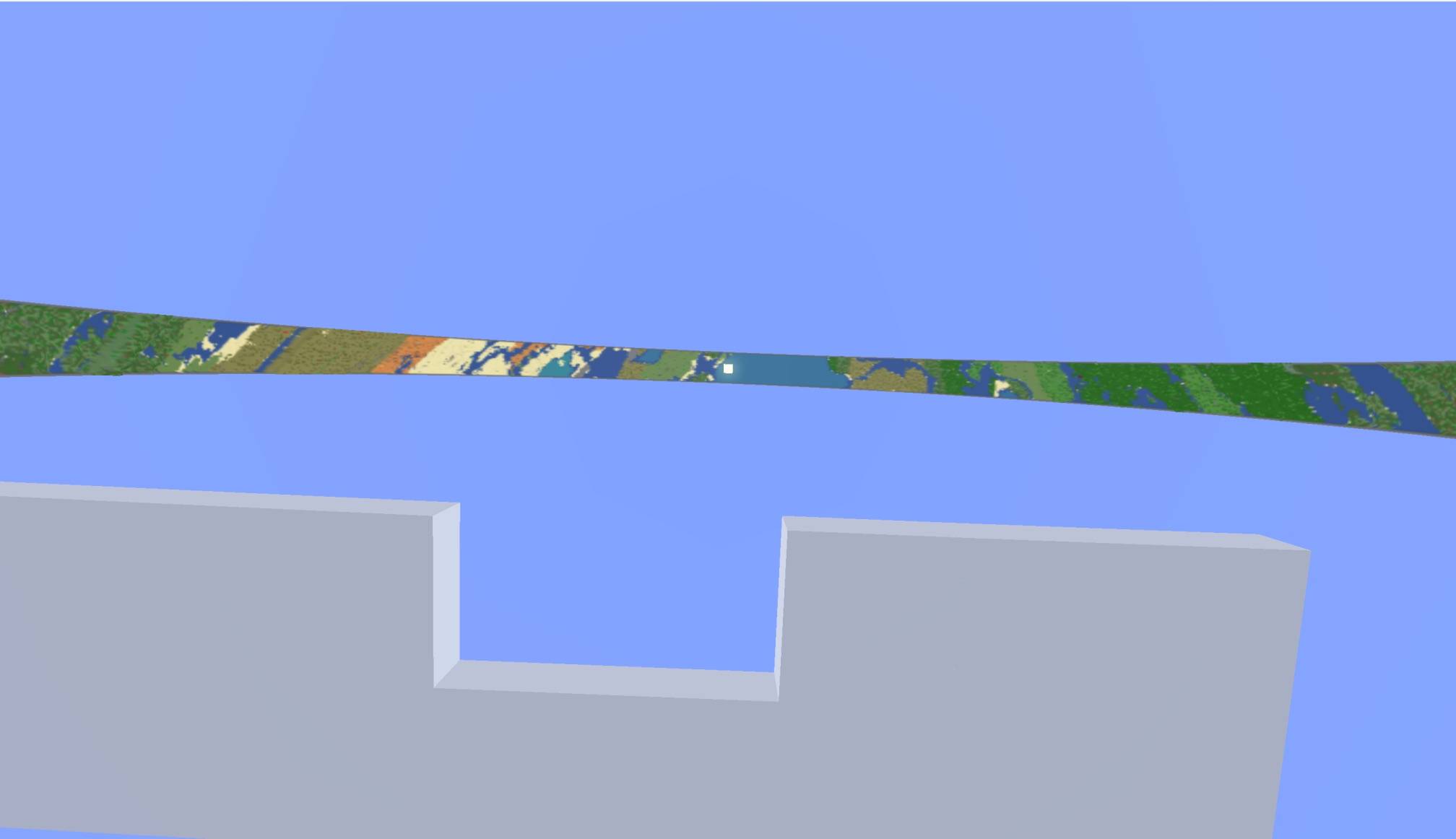
- Small: 2,048 blocks around, 128 across.
- Medium: 16,384 blocks around, 256 across. (We reccomend this one)
- Large: 32,768 blocks around, 512 across.
Preview your seed and wall style before creating the world. Choose wall materials, adjust their height and level of decay, pick a RingWorld Structure, Masonry or Gradient pattern. The default RingWorld Structure walls include embedded machinery, channels and structural details. The underside uses matching materials too.
You can also select presets for the sky and sun, add a continuous river around the ring, or increase structure density.
See the world overhead
The Ring Atlas shows terrain beyond your normal render distance.
This is a low poly 3d model of the world that periodically updates when changes are made, which allows for a fairly convincing way to keep the whole world visible.
When you first launch the world, the ring renders a flat biome map of the seed as a placeholder for the final 3d model. The biome map has several stages of resolution that will load in over the first few minutes.
The full 3d model only pops into existance when the world is 100% generated. This happens in the background automatically, and you can see the % status in the top left corner, or the full details in the RingWorld menu when you hit ESC.
Atlas generation takes processor time and disk space; larger rings take longer and time taken will depend on the hardware of the host machine.
In the menu, you can select the render quality of the Atlas model, and you can also switch at any time with /ringworld lod command. (We've not noticed any major performance differences but we welcome feedback on performance on different hardware).
---
Ringworld is developed for Minecraft version 26.1 onwards with support for for Fabric and NeoForge.
A backported version for 1.21.1 is available (currently Beta).
Open source under MPL-2.0.
Compatibility warning: RingWorld heavily modifies Minecraft’s rendering and world generation. It may conflict with other mods that change those systems, including shaders and rendering or world-generation replacements. See the compatibility notes before adding it to a modpack.
RingWorld Team
