


Rhodium -FPS Stabilizer
- By
Description
``
Rhodium - The catalyst for stable FPS
undefined
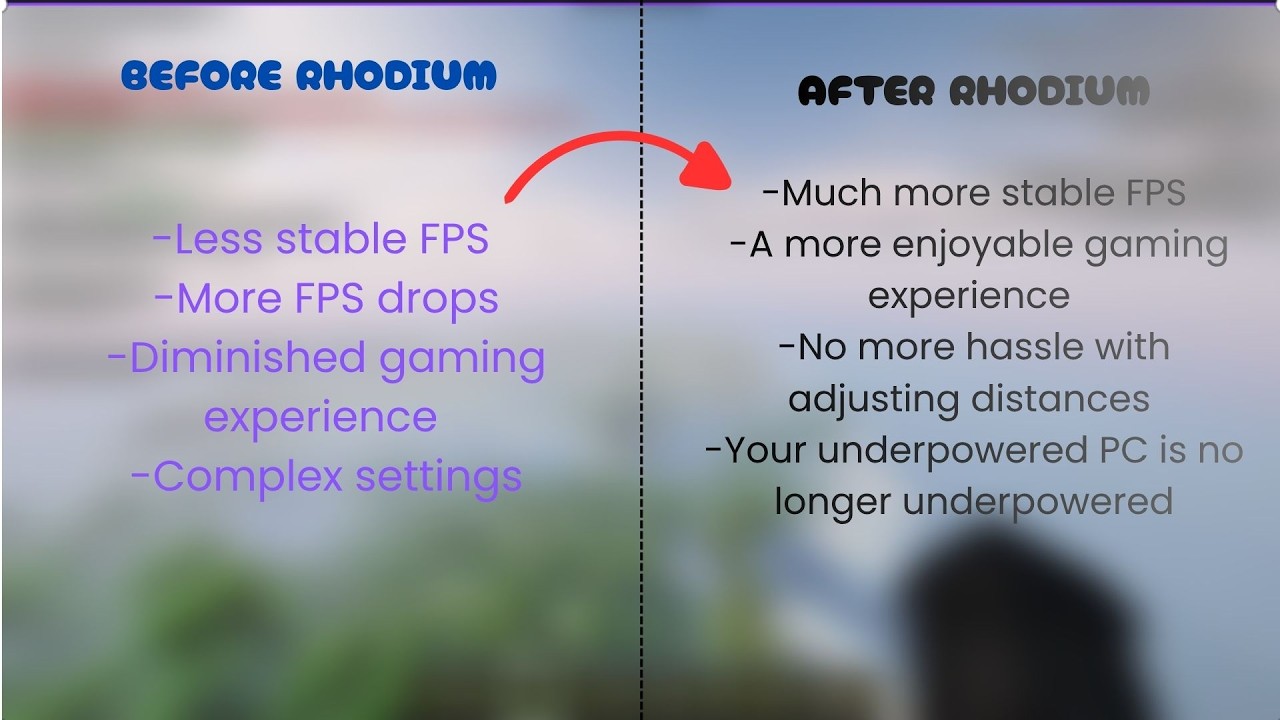
Rhodium is a client-side Fabric mod that watches your frame times and automatically adjusts quality settings, so the game stays smooth when things get heavy and gives quality back when your PC has room to spare.
Please note: Rhodium is not a magic FPS multiplier. Its goal is to reduce sudden FPS drops and stutter, not to double your frame rate. On a PC that already runs the game very fast, it will rarely need to step in.
How it works
Rhodium measures your average frame time over the last few seconds and compares it to your target FPS (60 by default).
- When the game struggles, it lowers quality one step at a time, in this order: particles, entity distance, simulation distance, then render distance.
- When there is stable headroom, it restores quality step by step. Render distance comes back to a moderate value first, then simulation distance, entity distance and particles, and finally the rest of your render distance.
- Changes are gradual and careful: cooldowns between steps, a stability check before raising quality, a rise margin and per-minute limits, so the mod does not flip back and forth.
- It does not measure while the game is paused, a menu is open, a world is loading or the window is not focused. If your frame rate is simply held back by an FPS limit or VSync, it will not lower quality because of that.
Features
- Automatic mode: Rhodium adjusts everything for you.
- Manual mode: turns off all automatic changes and applies only the values you choose.
- Mod Menu settings screen: target FPS, thresholds, minimum values, timings, which settings Rhodium may manage, notifications and more, all adjustable in game.
- F3 panel: a compact section on the debug screen that shows what Rhodium is doing right now: current status, the next step, and the current and maximum values of each setting.
- Notifications: a short message whenever Rhodium changes a setting (can be turned off).
- Languages: English, Turkish and Spanish (Spain and Mexico).
- Hotkey: press K in game to turn Rhodium on or off (rebindable in the controls menu).
Requirements
- Minecraft 26.3
- Fabric Loader 0.19.5 or newer
- Fabric API
- Java 25 or newer
- Optional: Mod Menu (for the settings screen)
Rhodium is client-side only. It is not needed on servers.
Installation
- Install Fabric Loader and Fabric API for Minecraft 26.3.
- Put the Rhodium jar in your
modsfolder. Do not keep older Rhodium versions in the same folder. - Launch the game. Press K to toggle Rhodium, and open the settings from Mod Menu.
Compatibility
- Tested with Sodium. Iris has not been tested yet.
- Rhodium changes settings through the game's own option methods and does not touch rendering code or the graphics API.
- It includes one small Mixin, used only for the F3 panel. If it ever fails to apply, the panel simply does not show and the game keeps running.
Frequently asked questions
Does Rhodium change my saved video settings?
In automatic mode, the reduced values stay saved after you leave the world, so you do not start from scratch each time. Rhodium remembers your original maximum values. To get your original settings back, press K to turn Rhodium off.
Does it work in multiplayer?
Yes, it is client-side. Simulation distance is only changed in singleplayer worlds.
Why not just lower my settings by hand?
You can, but fixed low settings cost you quality in calm areas, and fixed high settings stutter in heavy ones. Rhodium follows what the game is doing at the moment.
Will it double my FPS?
No. Expect a steadier game, not a higher maximum. The benefit is largest on PCs and modpacks that regularly struggle.
Source code and support
The source code is on GitHub: github.com/USLUDUMAN/Rhodium. Please report bugs and suggestions there, or leave a comment here.
Credits and license
Created by USLUDUMAN. Released under the MIT license. This mod was developed with AI assistance.
undefined
NOTE: Rhodium is currently in active early development. While it is designed to work seamlessly alongside Sodium and Iris, it is still a new project compared to established optimization mods. You may encounter minor inconsistencies depending on your setup. If you run into any issues, reporting them via GitHub helps a lot!
Rhodium -FPS Stabilizer Team
