Retrograde
- By
06-explored-overview.png
05-settings-overlay.png
04-visited-chunks.png
03-ore-density.png
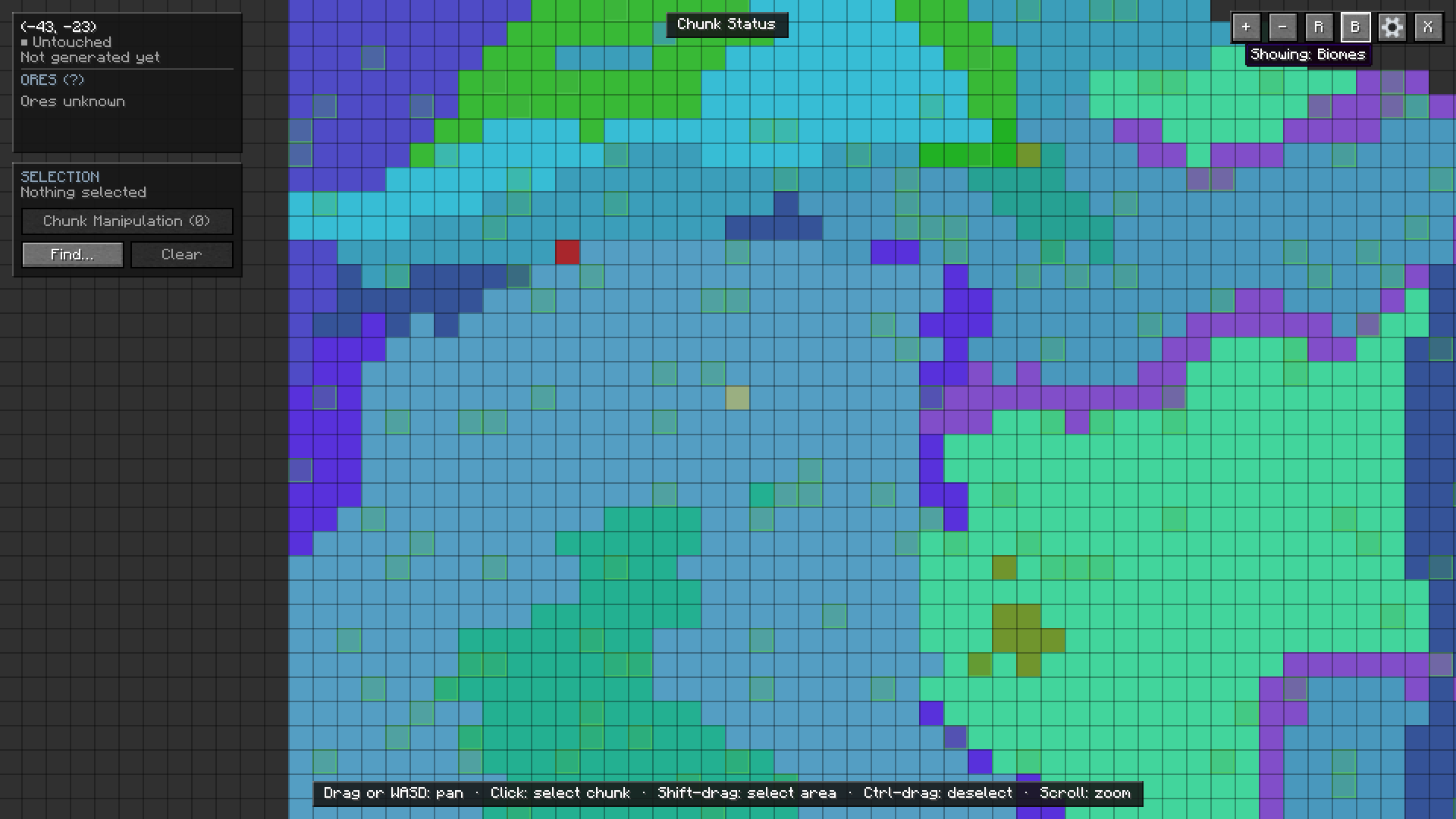
02-biome-mode.png
Description
Retrograde
A full-screen map of everywhere you've explored in a singleplayer world — real terrain, biomes, ore, and where you've actually been — with tools to select chunks and regenerate them.
Retrograde doesn't try to guess what's "missing" from a chunk after you add a mod to an existing world. There's no way to know that without rerunning world generation. What it does instead is show you exactly what's there right now, and let you act on it: select a region and regenerate it, hand it to another mod's retrogen, rebuild its ore, or change its biome.
Singleplayer only. This is a beta, and regeneration rewrites chunks — back up any world you care about before you point this at it.
The map
Press O to open it. Drag or WASD to pan, scroll or +/- to zoom.
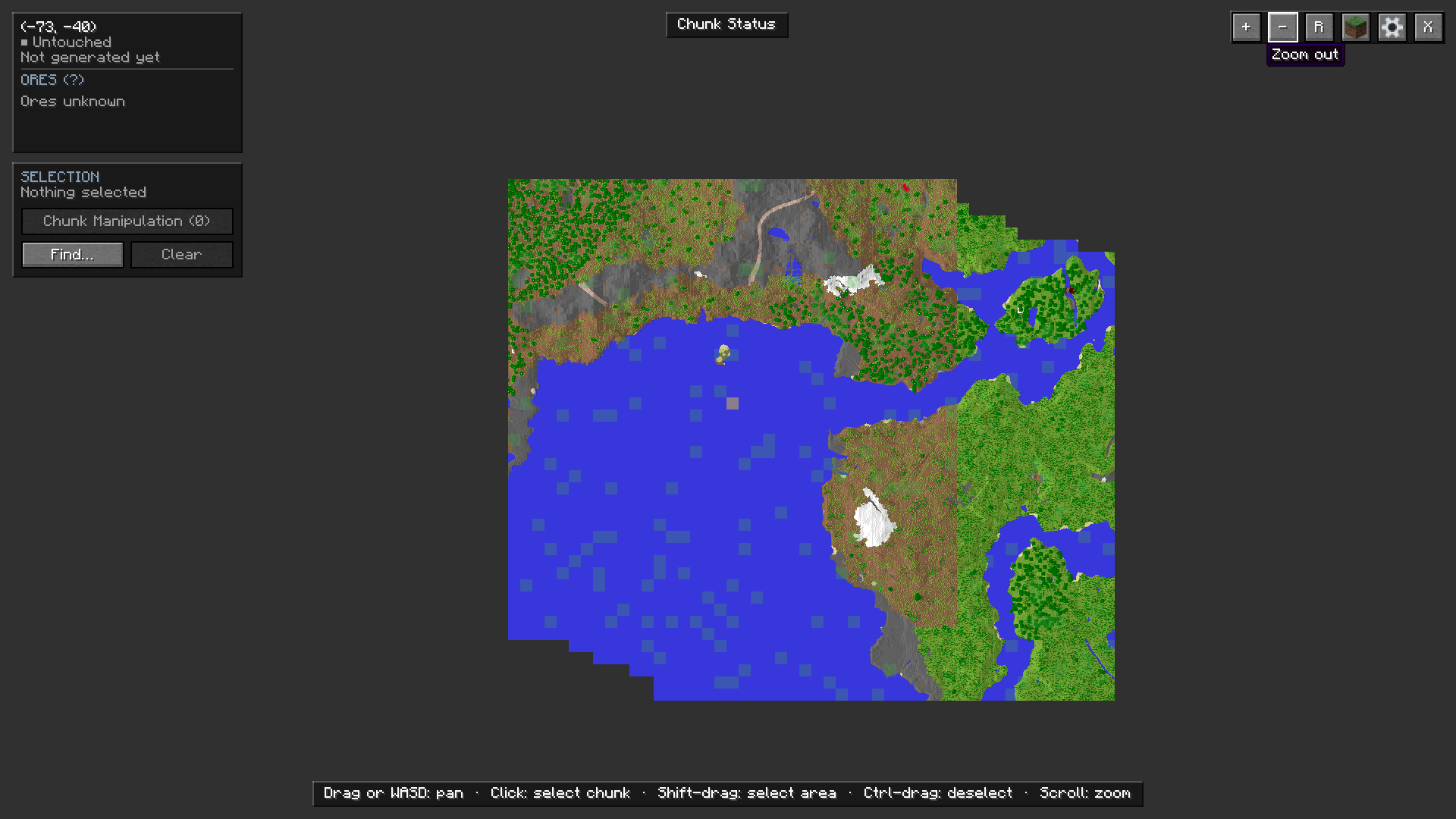
Terrain is colored per block, the same way vanilla's map item does it, and it covers your whole explored world rather than just what's around you — loaded chunks are read live, everything else comes straight from the region files. Grey means it's never generated.
Four modes, switchable from the toolbar:
- Terrain — full color-per-block rendering
- Biome — every biome gets its own color, including ones added by other mods
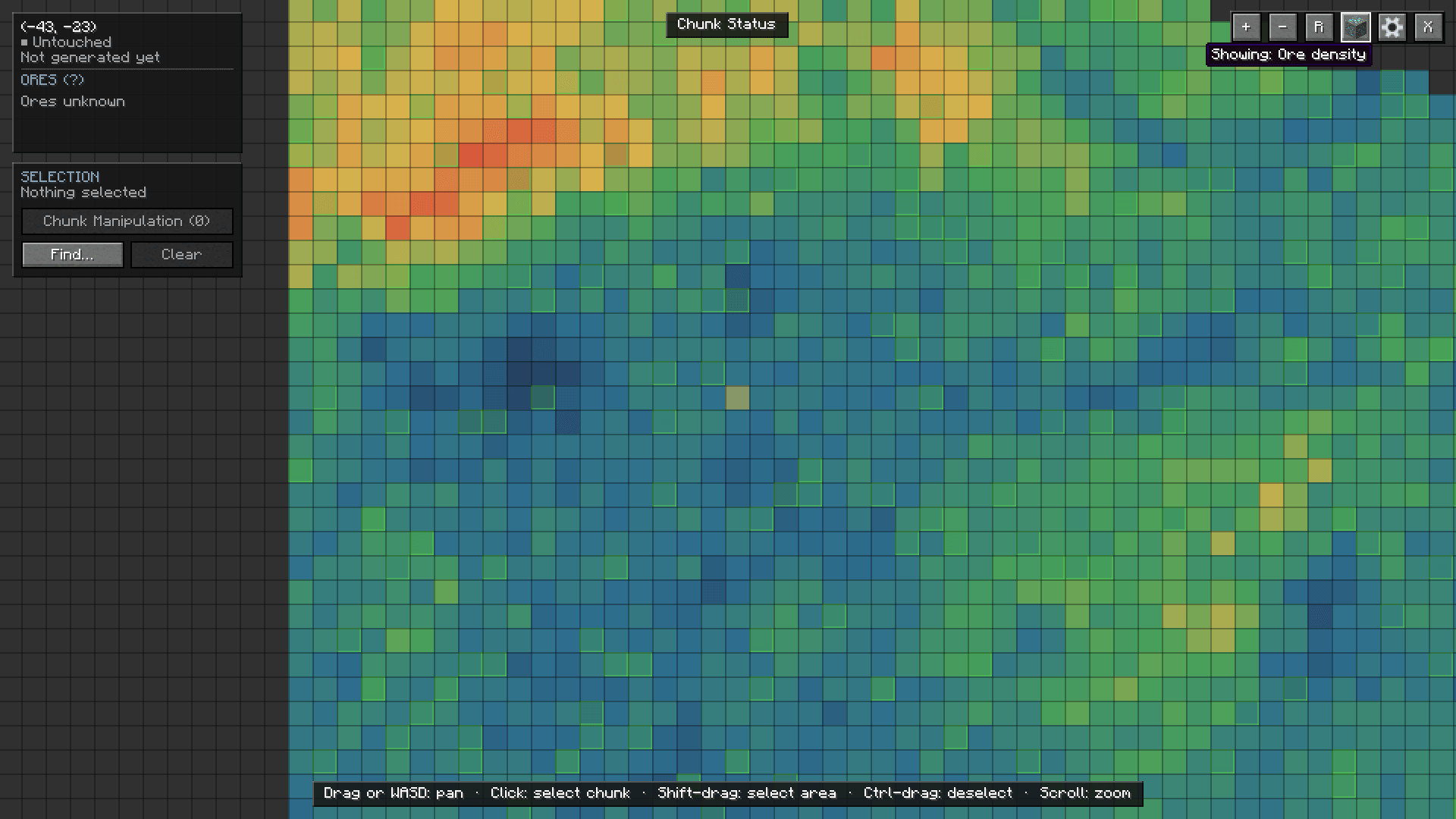
- Ore density — see which chunks have the most ore, scaled against what's on screen
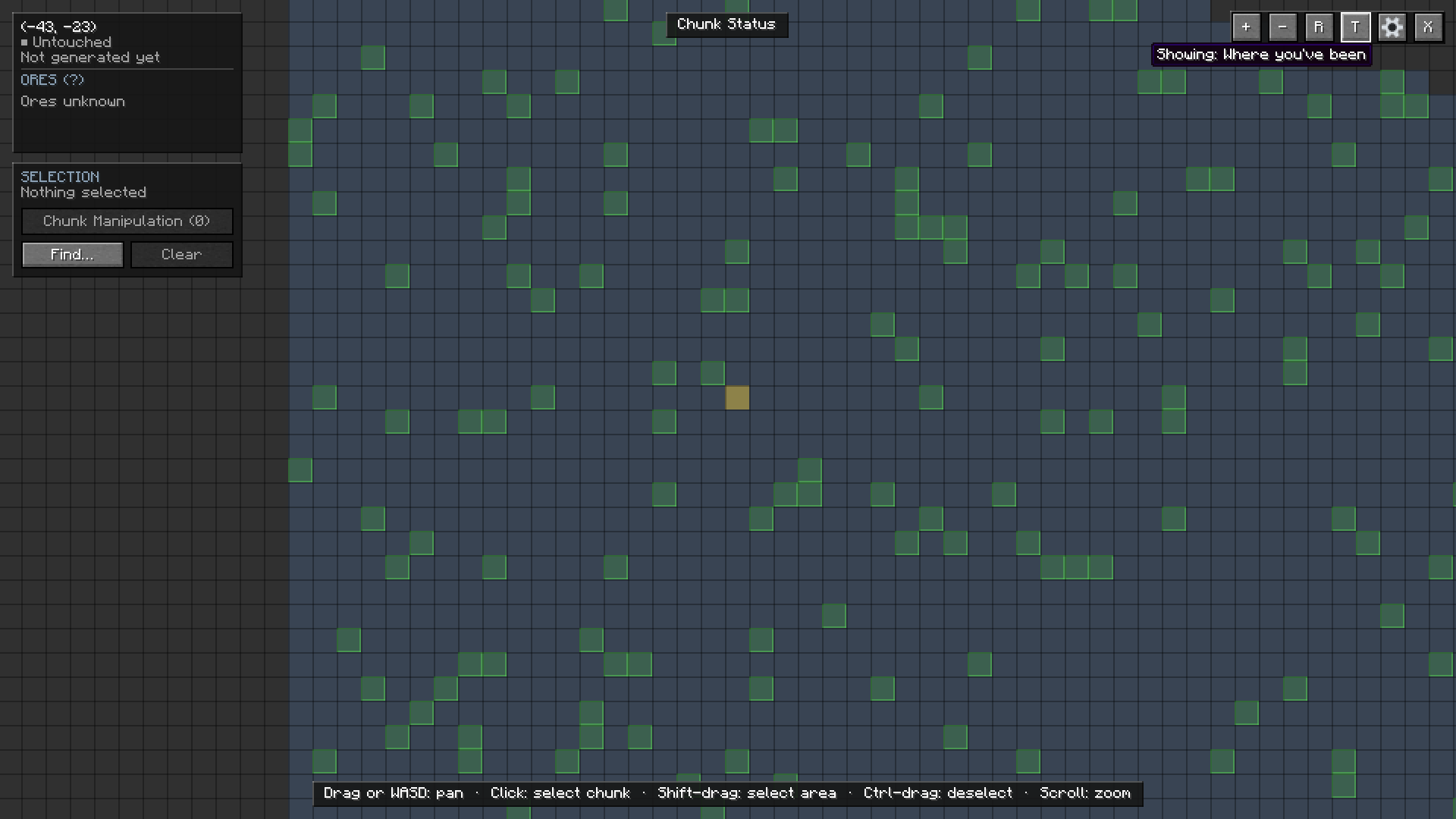
- Explored — visited chunks against unvisited ones
Slime chunks are marked on the map and called out in the info panel. Overworld only.
Finding chunks
Hover any chunk for its coordinates, biome, visited status, and a full, scrollable list of every ore in it.
Find searches by area (on screen, nearby, or everywhere the map has read), visited state, slime chunk, biome, or ore. Matches light up on the map as you filter, and you can select all of them at once, nearest first.
Selecting and changing chunks
Click a chunk to select it, shift-drag for an area, ctrl-drag to remove chunks from the selection. Up to 256 at a time.
Chunk Manipulation opens over the map and shows totals for your selection — built chunks, available undos, combined ore, biomes present — along with the actions:
- Regenerate — rebuild the selection from scratch with vanilla's generator, previewed first so you know what you'd gain and lose. Undo afterward.
- Retrogen — run another mod's own retrogen over the selection (Mekanism is supported today).
- Regen ores — rerun the world's ore generation so ore from a mod or datapack added later shows up properly. Off by default.
- Set biome — change the selection's biome without touching the terrain underneath.
Long jobs move you safely clear of the area and bring you back when they finish, with a progress bar the whole way. Cancel always works — it stops cleanly if it can, immediately if you ask twice, and lets you leave regardless if a job ever gets stuck.
Settings
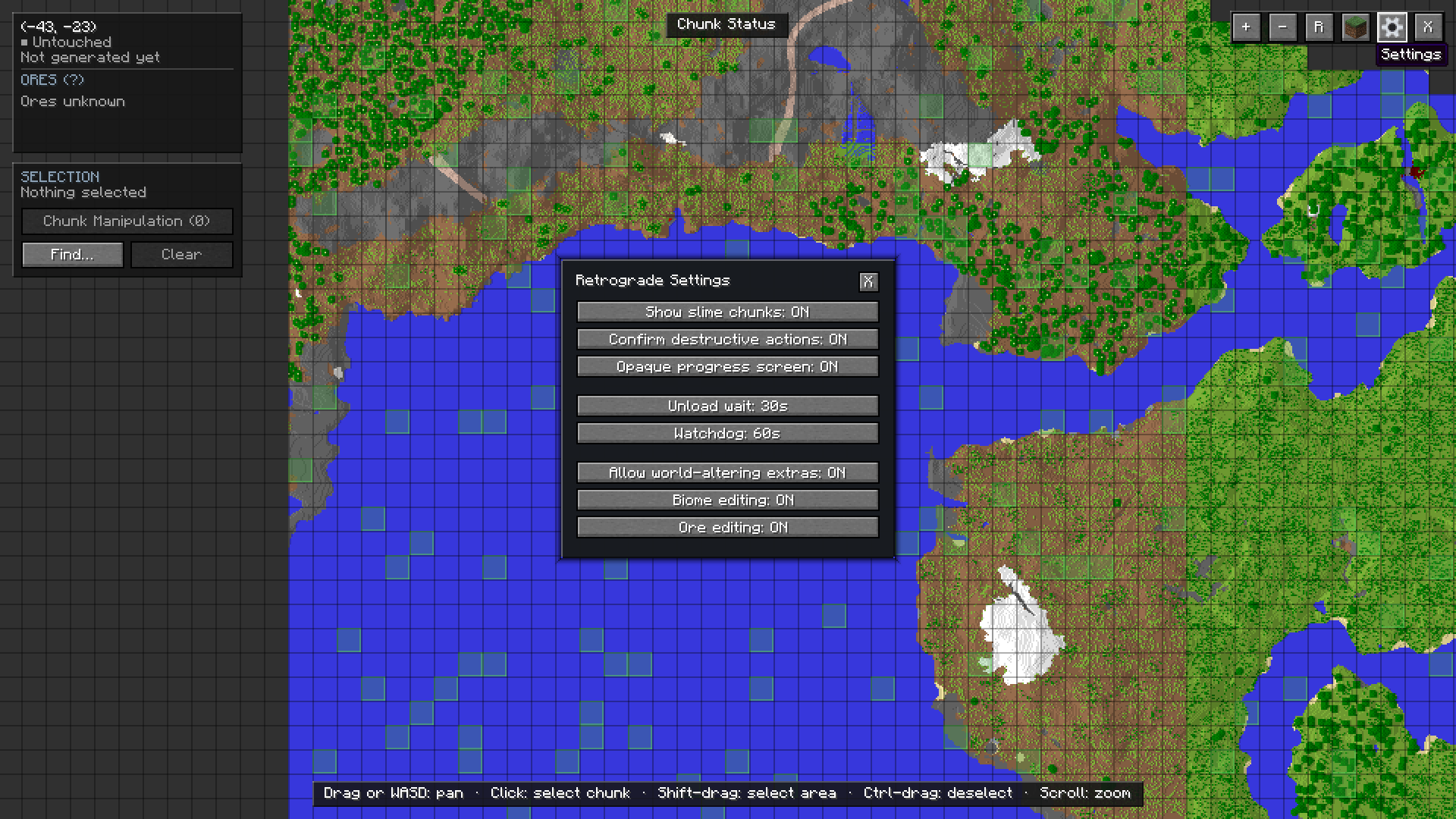
Toggle slime chunk markers, confirmations on destructive actions, and job timeouts from the gear icon on the map. Saved to config/retrograde.properties.
Supported versions
| Minecraft | Loaders |
|---|---|
| 1.20.1 | Fabric, Forge |
| 26.1 | Fabric, NeoForge |
| 26.3 | Fabric, NeoForge |
Fabric builds need Fabric API.
Known limitations
- Singleplayer only.
- Find can only search chunks the map has already read.
- Regeneration is all-or-nothing.
- Mekanism is currently the only retrogen integration.
- Regenerating ore can add ore that wasn't there before, but it can't be undone or removed.
Source and issues: github.com/SirStig/Retrograde. MIT licensed.
The Retrograde Team