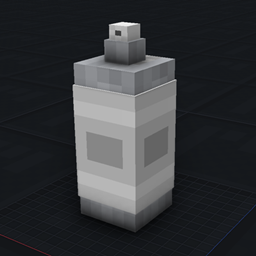
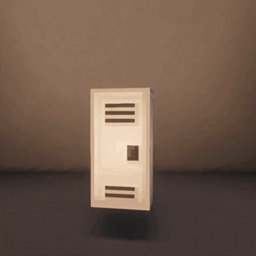
A simple tool for configuring the render distance of any mob or block considered an entity, such as signs, beds, and banners, to name a few, and of course, actual mobs.
(specifically, the distance at which these entities remain visible on screen).
-----------------------------------------------------------------------------------------------------------------------
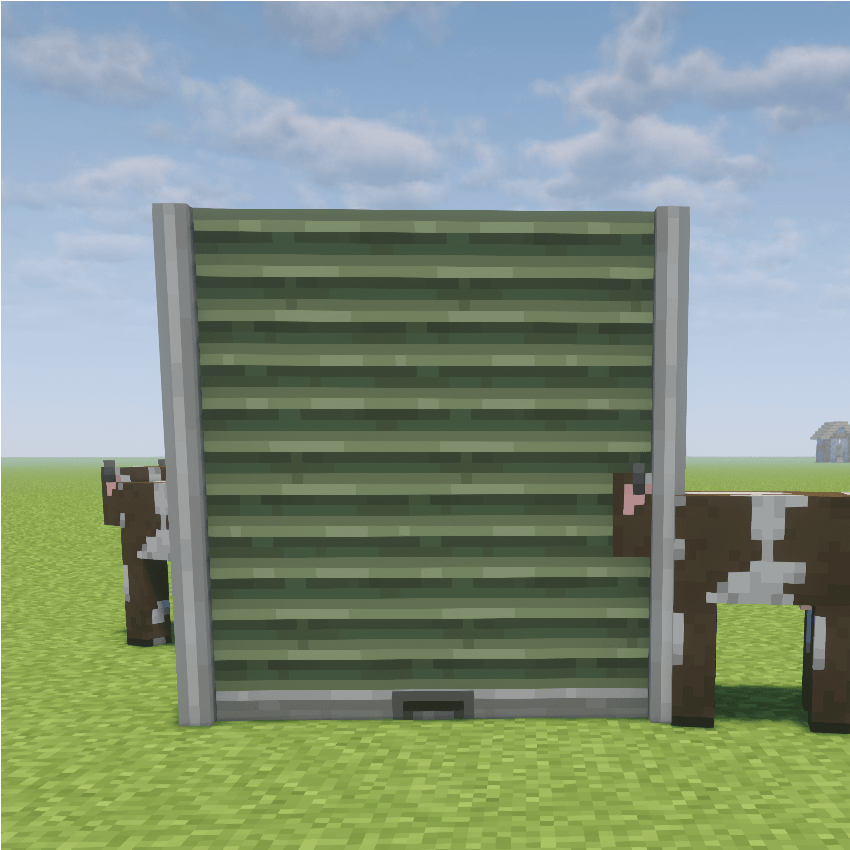
I don't think I'm the only one who has frequently run into issues with certain mods (especially furniture mods) where entities can't be seen from a reasonable distance because their visibility is limited to just a few blocks; that’s why I decided to create this mod.
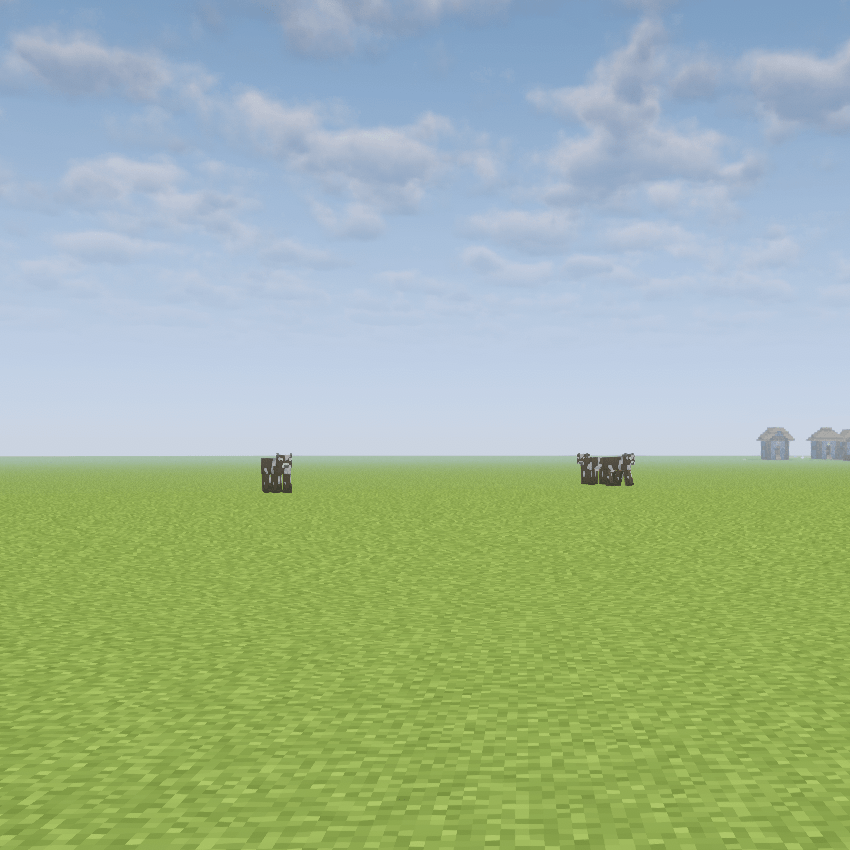
a garage door its "vanilla" set to 200 blocks with the mod
from a mod maximum render distance zoom
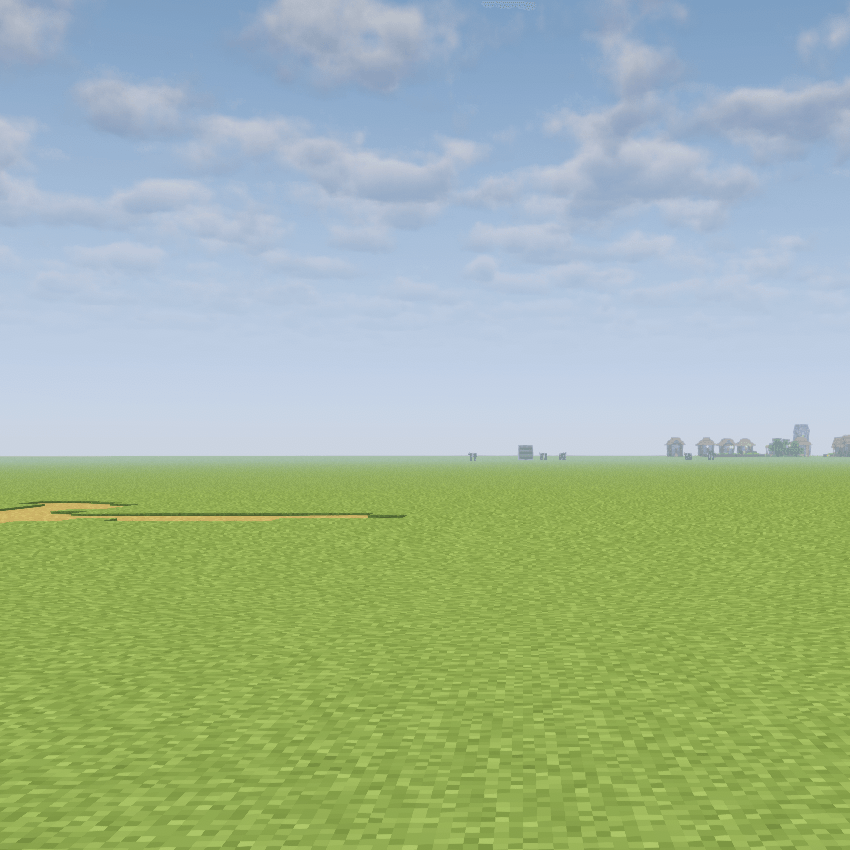
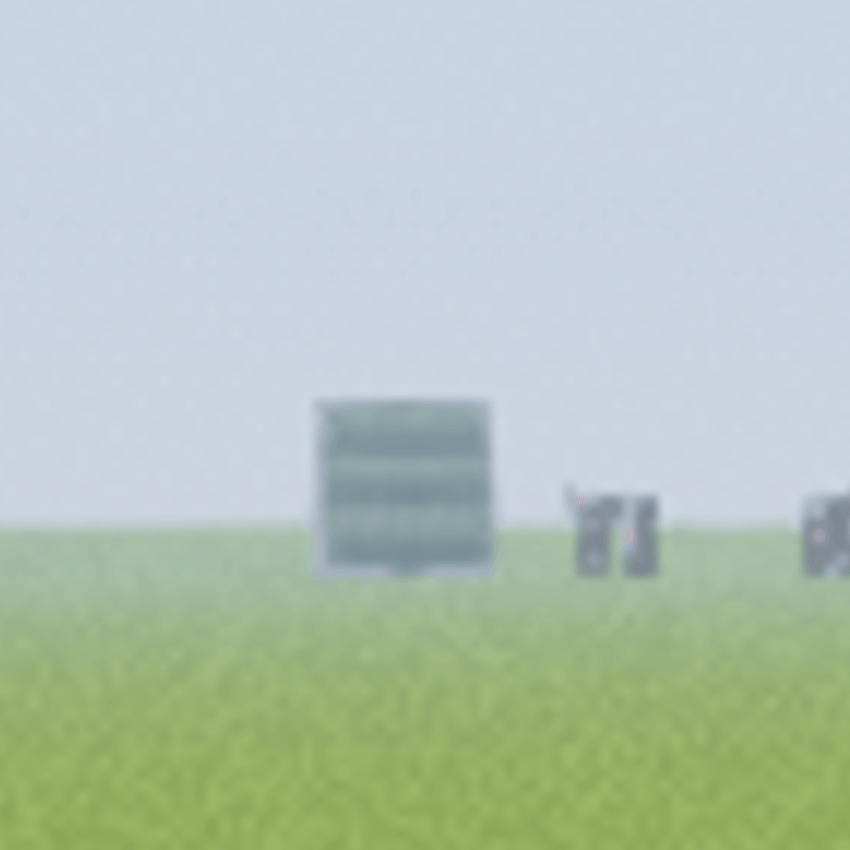
To use it, press the F8 key and search for the entity ID; simply typing the name will show all matching results. As I mentioned, it works with 100% of mods or at least it should work, haha.
obviously, I haven't tested it with every single mod out there XD.
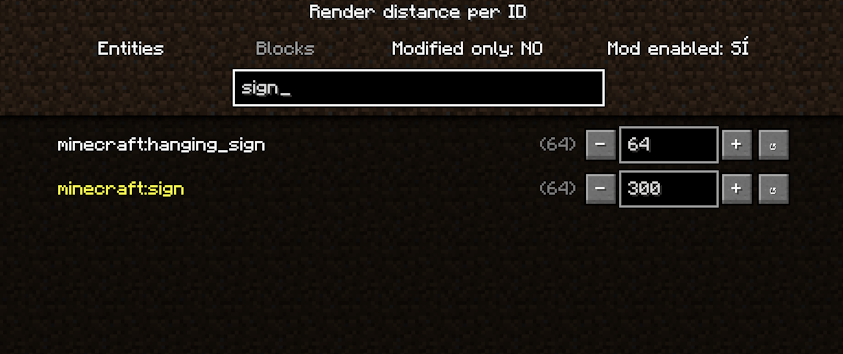
Don't forget to select whether your entity is a block or a creature.

It works with most mods of any type, though it may conflict with others that do essentially the same thing, since it modifies client-side (not server-side) rendering. However, as a safeguard, I designed it to automatically disable itself if another mod is already modifying that "render distance."
So far, I have only found an incompatibility with one mod: "Sodium/Embeddium Dynamic Lights." I plan to fix this, although it is not an absolute priority for me.

*Tabs: one for Entities (all registered EntityTypes, including those from other mods) and one for Blocks—specifically block entities with their own renderers (signs, banners, beds, chests, mob heads, etc.).
*Each row: displays the exact ID, the default distance (in parentheses), and the current distance. You can type in the distance or adjust it up/down. The ↺ button resets the value.
*Top bar: includes an ID search bar, a "modified only" filter, and a toggle to enable or disable the entire mod.
*Compatibility: since settings are saved by exact ID, mods that add new entities or blocks automatically appear in the list. Settings are saved in `config/renderdistancetuner.json`, and IDs for mods that aren't currently loaded are preserved.
How to open: press the F8 key (configurable in Controls) or go to Mods → Config.
Internal mechanics:
*Entities: a mixin targeting `Entity.shouldRender` replaces the standard distance with your chosen value.
*Block entities: a mixin redirects the renderer's distance check.
Value 0: hides that ID.
Note:
*Entities cannot be seen beyond the range at which the server sends them to the client (tracking range). The default value in the list is an approximation, as some entities use their own specific rules.
*Block entities also won't render beyond the chunk distance set in your video options.
*Some renderers have their own internal limits, so increasing the number doesn't always change what you see.
*If another mod also redirects that same block renderer check, the mixin disables itself without crashing the game, and the blocks stop responding to the interface.
Render Distance Tuner Team