


photo_5210819521294310043_w.jpg
Description
Description
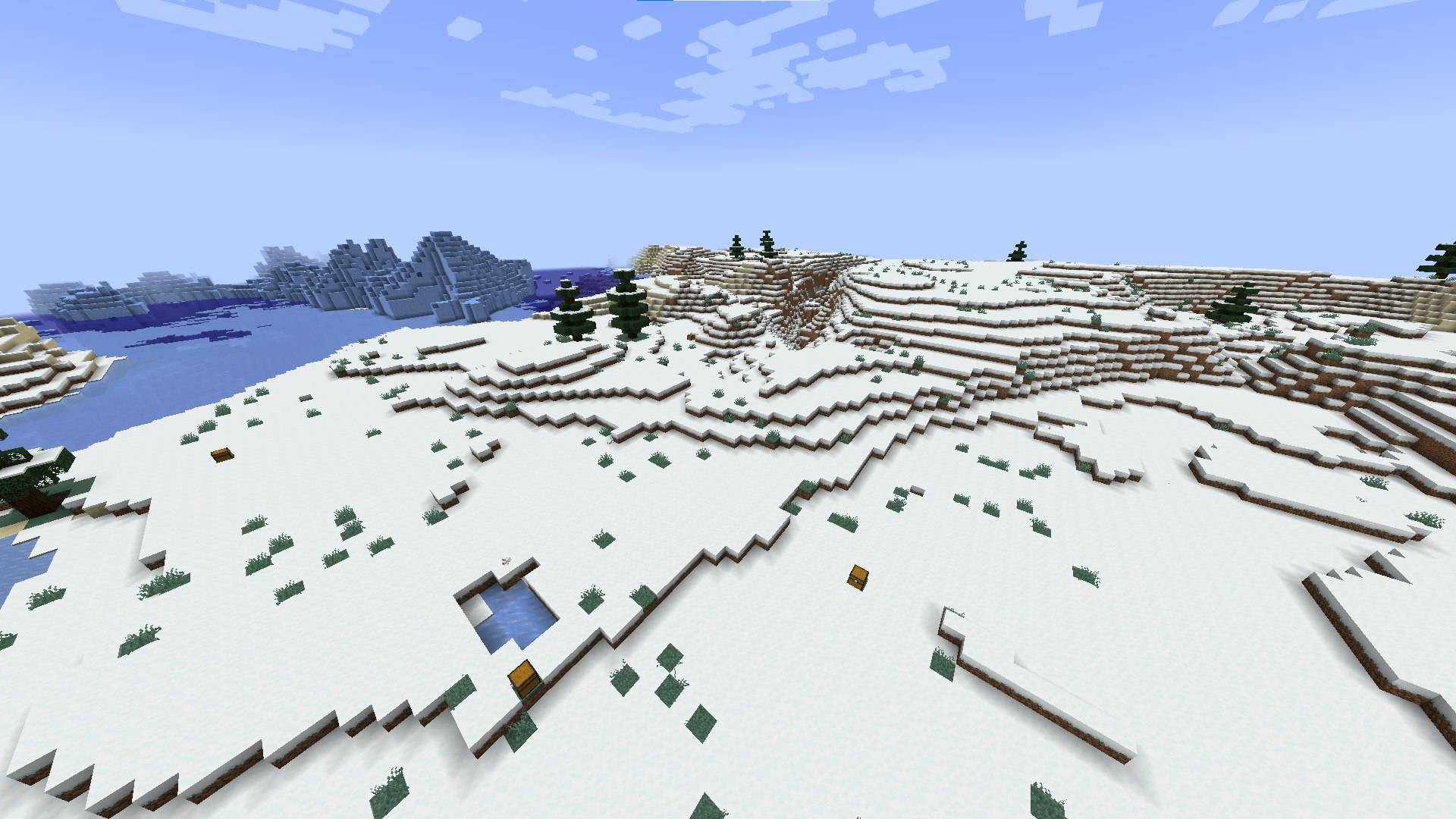
This simple mod will help you organize a battle royale with your friends.
Has only 3 commands (the other 3 are still in development).
Functions
/spawnloot auto [chests count] [loot table name] [minimal distance between chests] [radius] Example: /spawnloot auto 20 relootmod:chests/battle_royale 15 100 Spawn 20 loot chests from a table called battle_royale with a minimum distance between chests of 15 blocks and a radius of 100 blocks. /relootall Regenerates all loot in all chests with a loot table (which were created by the /spawnloot command) /clearchests Deletes all chests created by the /spawnloot commandLoot tables
How to Create Custom Loot Tables (Guide)
Reloot Mod allows you to use any custom loot table for the/spawnloot command. You don’t need to make a new mod; you can add them directly to your world using the Minecraft Data Pack system.
Folder Structure
Navigate to your world folder (saves/your_world_name/) and create the following directory tree:
datapacks/
└── MyCustomLoot/
    ├── pack.mcmeta
    └── data/
        └── custom/
            └── loot_tables/
                └── super_chest.json
Create pack.mcmeta
In theMyCustomloot folder, create a file named pack.mcmeta and paste this code:
{"pack": {"pack_format": 15,"description": "Loot tables for Reloot Mod"}}
(Note: For Minecraft 1.20.1, the pack_format is 15).
pack_format is 15).Create the Loot Table File
In theloot_tables folder, create a JSON file (e.g., super_chest.json). Here is a simple template:
{
  "pools": [
    {
      "rolls": { "min": 2, "max": 5 },
      "entries": [
        { "type": "minecraft:item", "name": "minecraft:diamond", "weight": 10 },
        { "type": "minecraft:item", "name": "minecraft:golden_apple", "weight": 5 },
        { "type": "minecraft:item", "name": "minecraft:netherite_ingot", "weight": 1 }
      ]
    }
  ]
}
How to Use in Game
-
Open your world or type the command
/reloadif the world is already running. -
Your custom loot table now has the ID:
custom:super_chest. -
Use it with the mod command (example):
/spawnloot auto 10 custom:super_chest 5 50
Enjoy!
WARNING!!!
The mod is in beta, so there may be bugs, report them in the comments.
Also, if you have any advice, I'll read it all.
The LootScatter Team

![Napoleon's Weaponry [FORGE/FABRIC] project image](https://media.forgecdn.net/avatars/thumbnails/1664/557/256/256/639059871671334685.jpg)