

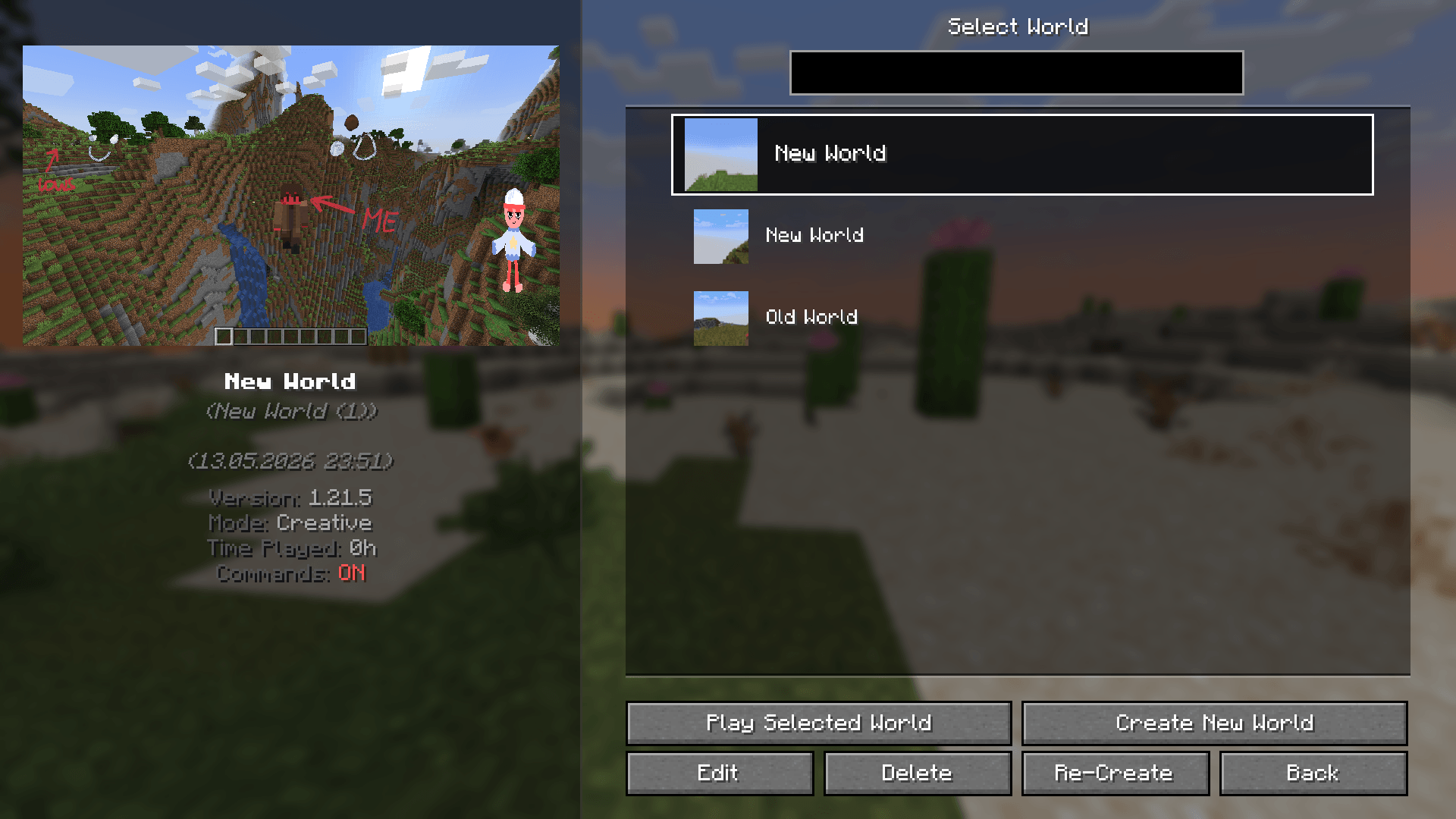
You can change order of information in the panel and set custom large icon that won't be changed (it can be changed only by you)
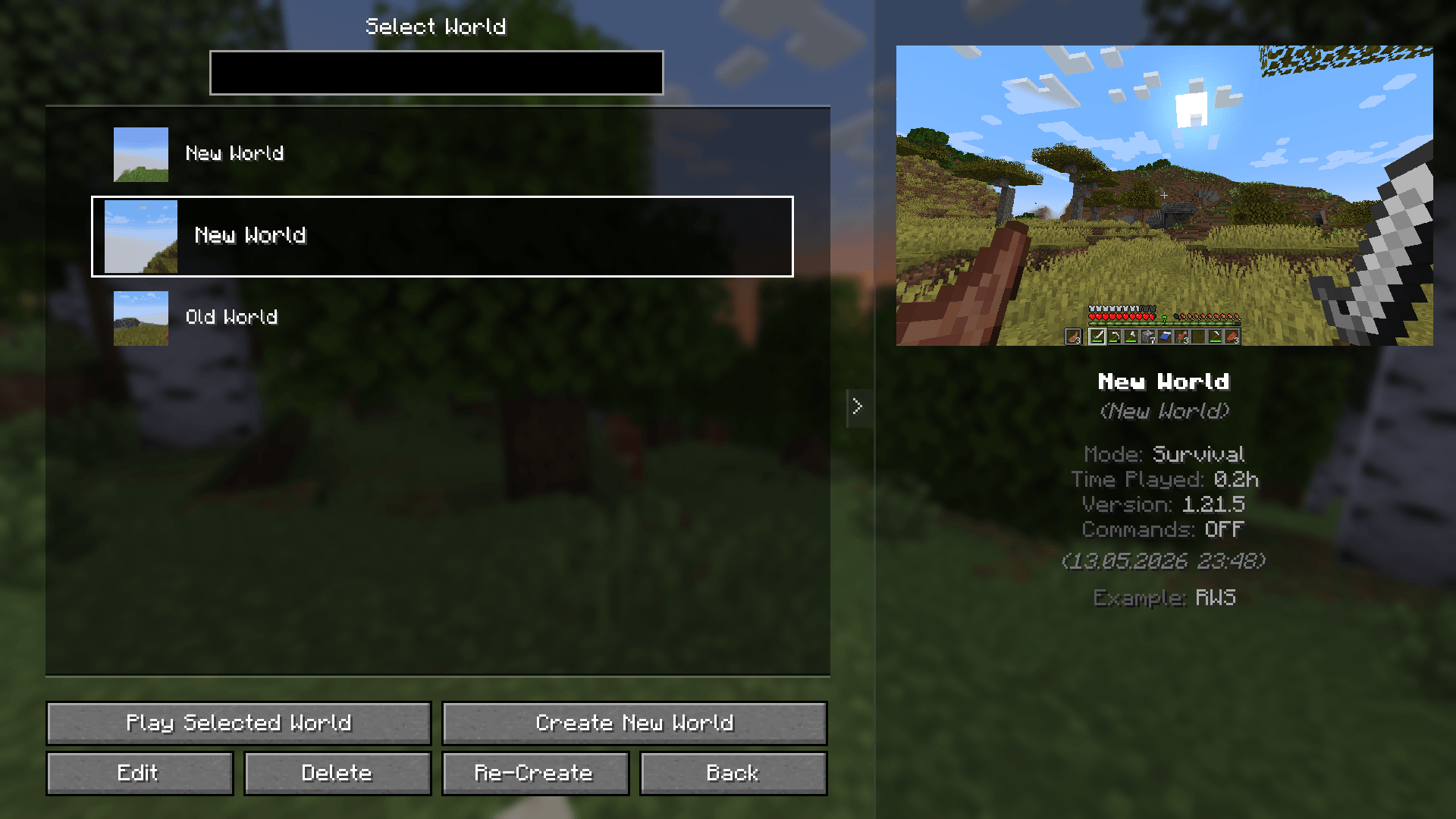
You can reposition panel and change it behaviour. Also you can add custom information in the panel (KubeJS Integration)
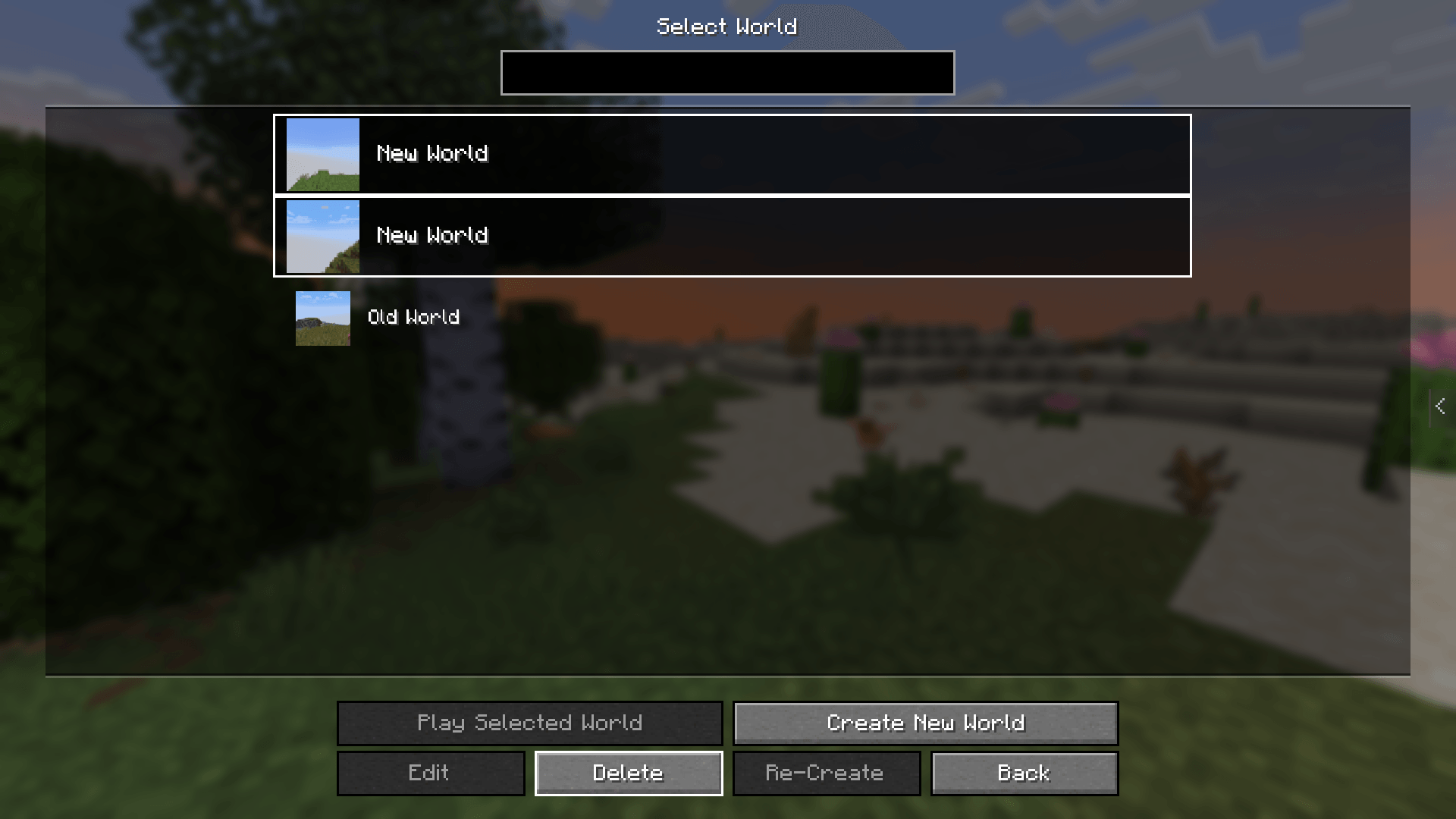
You can select a bunch of worlds (by holding CTRL) and delete them all at once
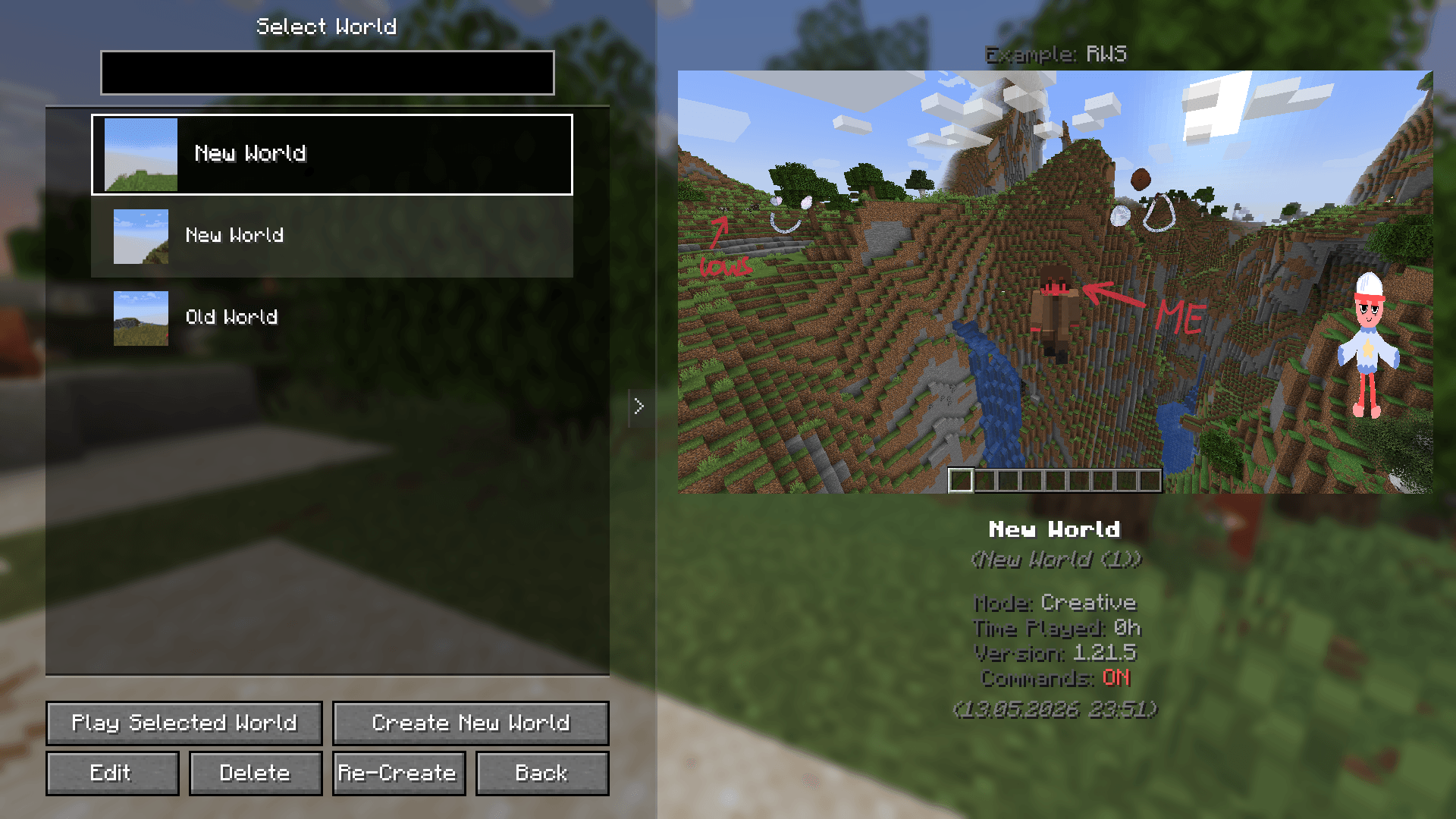
You can change panel width and it's background transparency
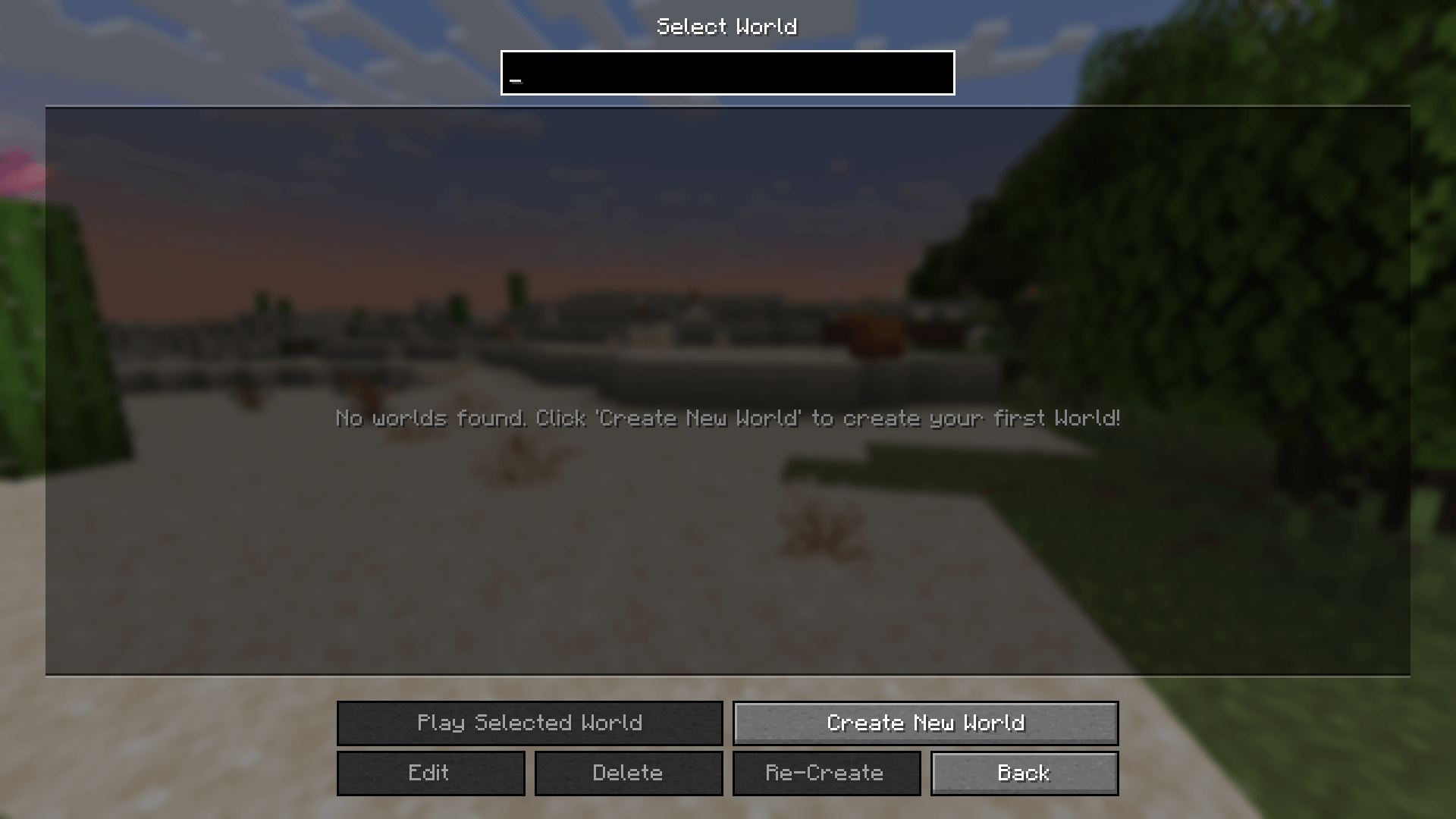
RWS feature that make MC open empty world list instead of world creation screen if you have no worlds
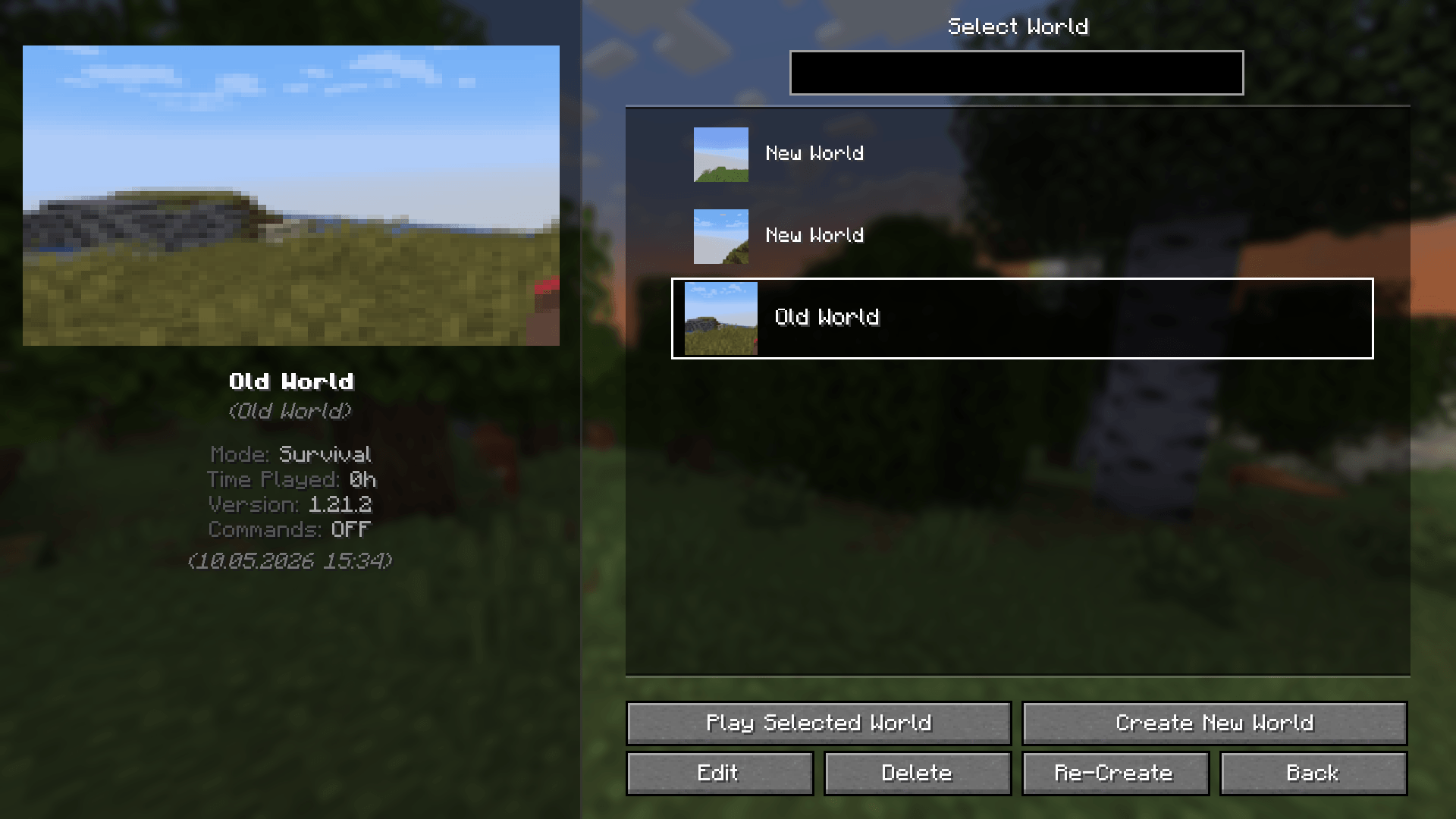
If your world have not large icon, RWS will use default icon instead
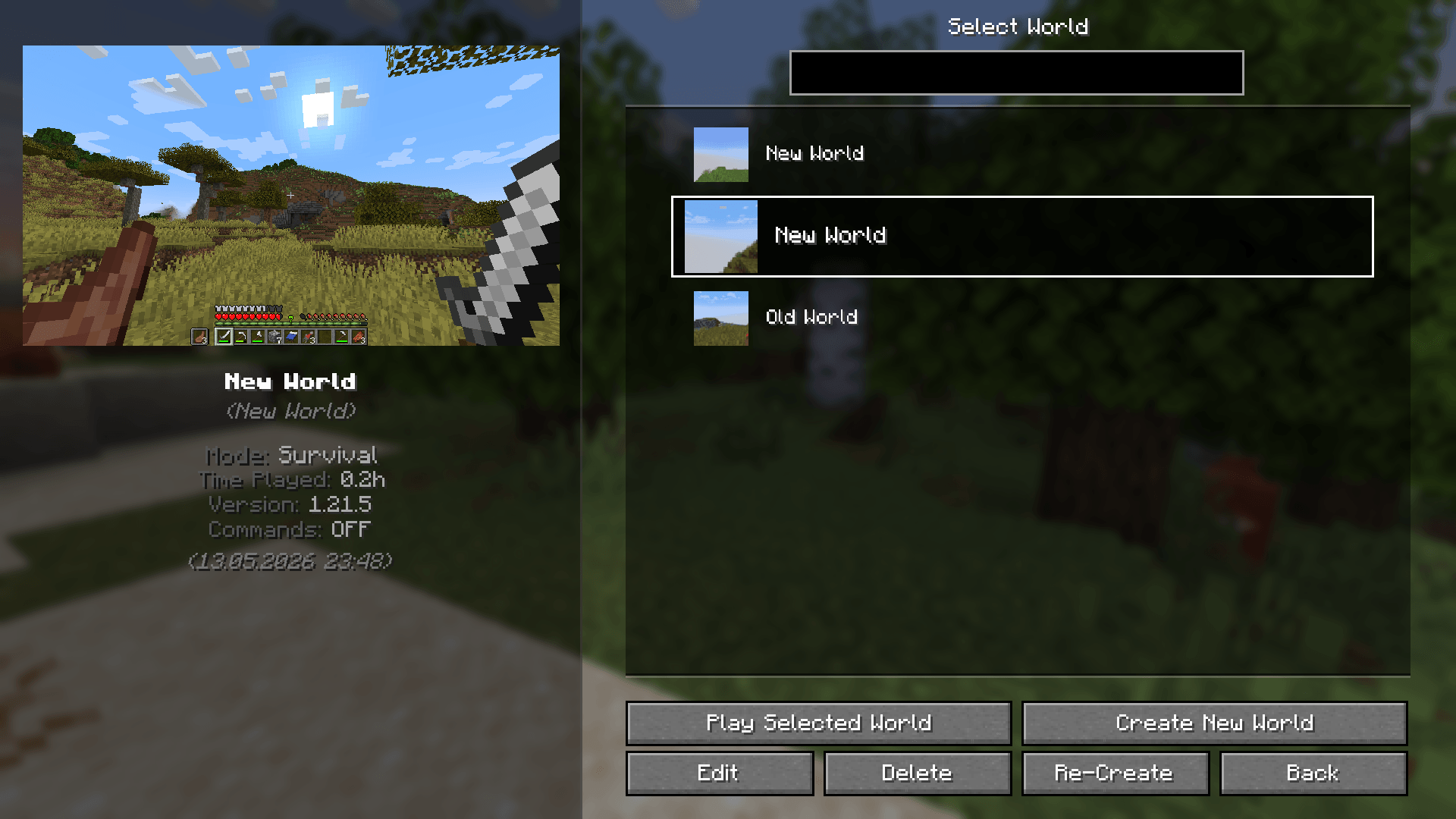
This how this screen look by default when a world selected