


Recrive
- By
3.png
2.png
1.png
Description
# ☁ Recrive
**Never lose a Minecraft world again.** Recrive automatically backs up your singleplayer worlds to your own Google Drive — no subscriptions, no third-party servers, just your cloud account.
## ✨ Features
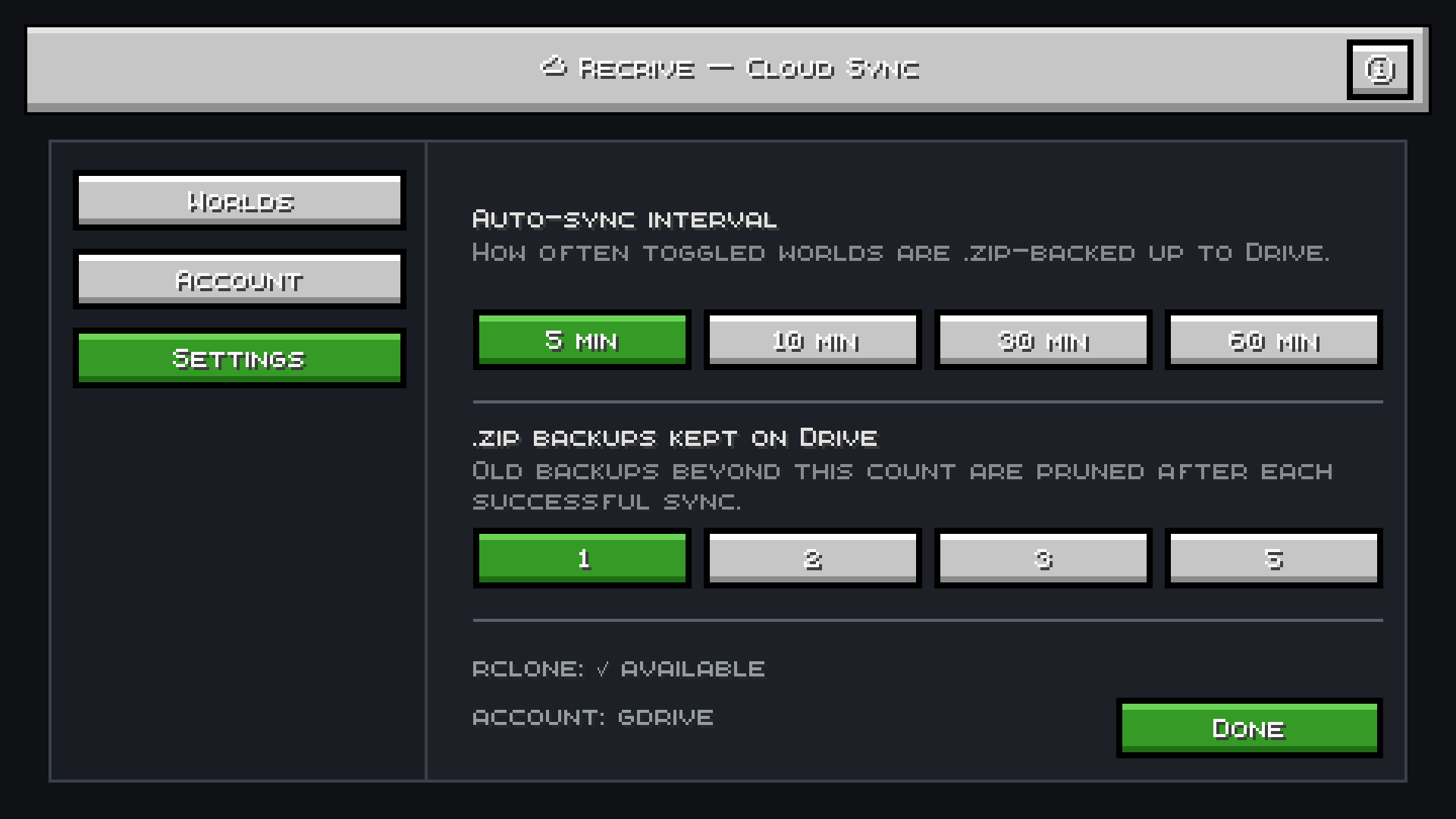
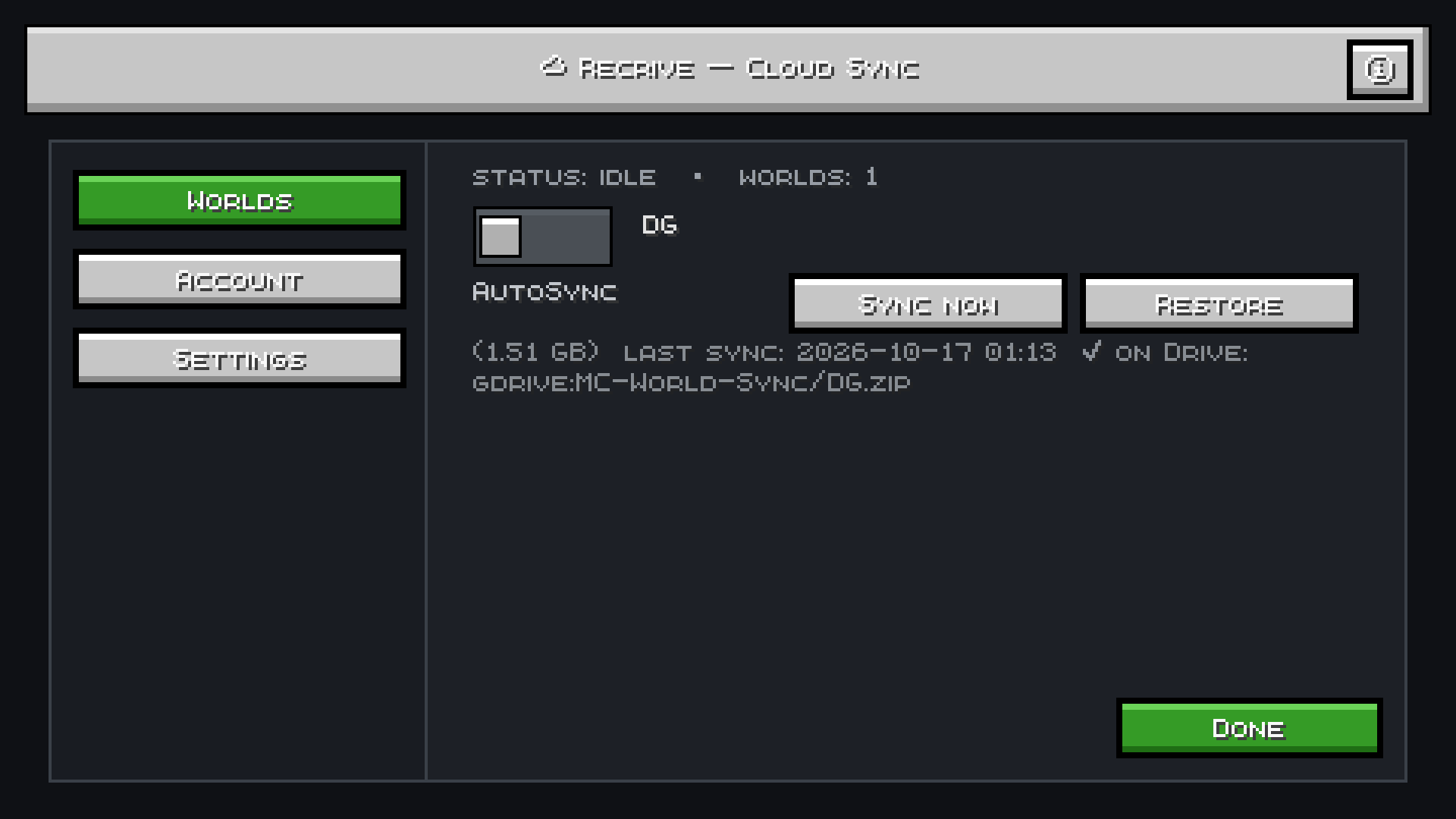
- **🔄 AutoSync** — backup your world to Google Drive every 5/10/30/60 minutes (your choice)
- **⚡ Sync Now** — one-click instant backup anytime
- **♻️ One-Click Restore** — pull any backup back from Drive in-game
- **📦 Backup Retention** — choose how many old backups to keep (1/2/3/5) so Drive never fills up
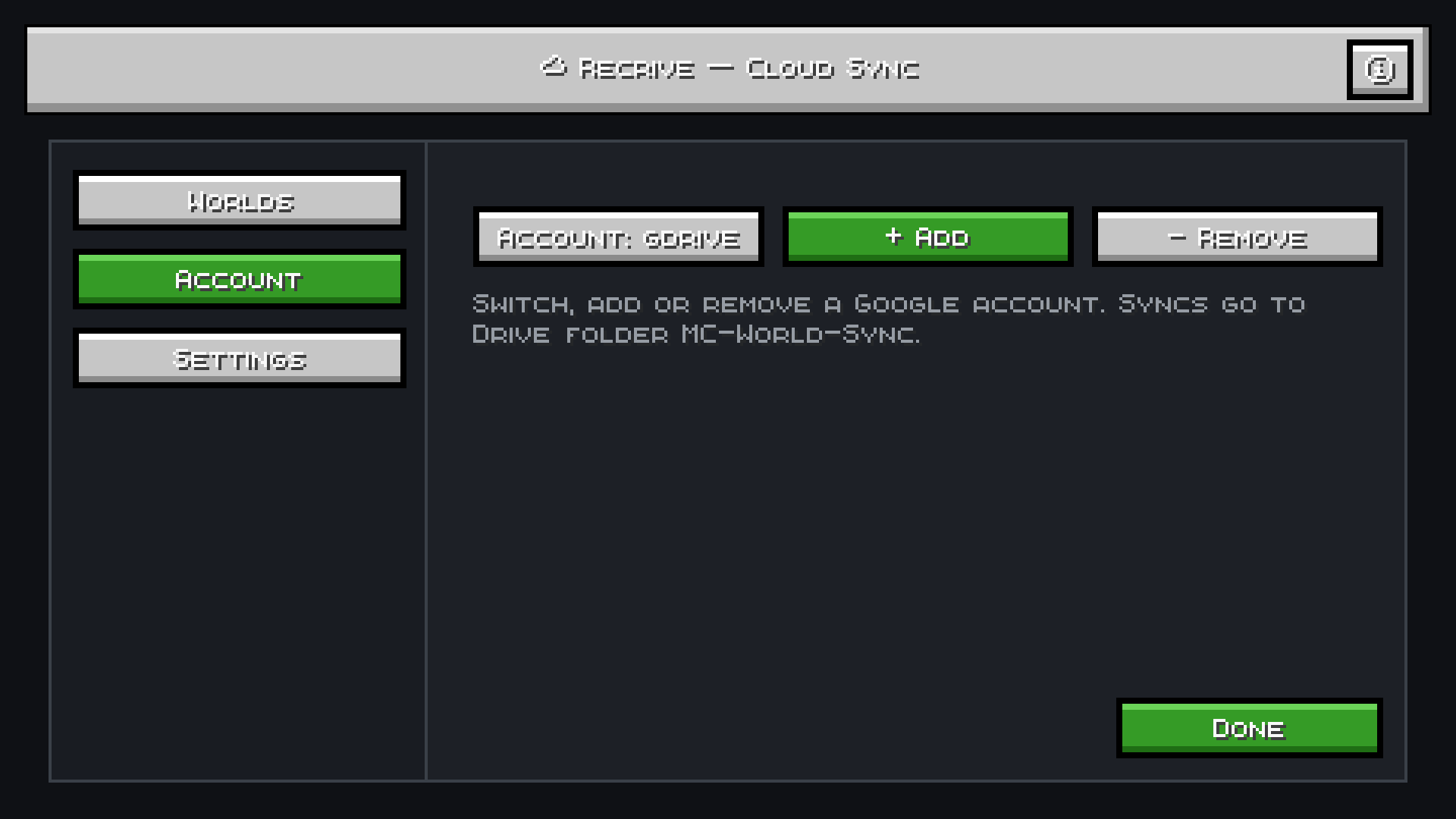
- **👤 Multi-Account** — add and switch between multiple Google accounts
- **🔒 Safe Restores** — every restore saves a local `.bak` copy first, so nothing is ever lost
- **📊 Live Progress** — see sync progress, world size, and last-sync time in-game
- **💡 Built-in Guide** — scrollable Info & Precautions screen explains everything
## 🚀 How to Use
1. **Install rclone** (free, open-source) and add a Google Drive remote
2. Open the **☁ Sync** button (top-right on title screen or pause menu)
3. Click **Account** to select your Google account
4. Toggle **AutoSync** on your worlds — done!
Backups are stored as `.zip` files in your Drive under **MC-World-Sync** folder.
## 📋 Requirements
- Minecraft Java Edition
- [Fabric Loader](https://fabricmc.net/use/installer/)
- [Fabric API](https://modrinth.com/mod/fabric-api)
- [rclone](https://rclone.org/downloads/) installed
## Install rclone (one-time setup)
rclone is the only dependency for Google Drive access. No API keys, no Google Cloud project.
### Windows
1. Download `rclone-v*-windows-amd64.zip` from [rclone.org/downloads](https://rclone.org/downloads/)
2. Extract it to `C:\rclone\`
3. Add `C:\rclone` to your **PATH**:
- Press Win → search "Environment Variables" → "Edit the system environment variables"
- Click **Environment Variables** → under "System variables" find `Path` → **Edit** → **New** → paste `C:\rclone`
- Click OK on all windows
4. Verify: open a new Command Prompt and run `rclone version`
### macOS
```bash
brew install rclone
# or without Homebrew:
curl -O https://downloads.rclone.org/rclone-current-osx-amd64.zip && unzip rclone-current-osx-amd64.zip && sudo cp rclone-current-osx-amd64/rclone /usr/local/bin/
```
### Linux
```bash
# Debian / Ubuntu
sudo apt install rclone
# or universal installer
curl https://rclone.org/install.sh | sudo bash
```
### Verify
```bash
rclone version
```
## ❓ FAQ
**Why rclone?**
Your Google credentials never touch us. Everything runs locally on your machine — Recrive just automates the process.
**Will it slow down my game?**
No. Backups run in the background on a separate thread. Zipping a 1.6 GB world takes ~2 seconds.
**Can I use it on servers?**
Recrive is client-side only and works with singleplayer worlds.
**What if I lose internet?**
AutoSync skips missed cycles. Use Sync Now when you're back online.
## ⚠️ Precautions
1. Close the world before syncing for a perfect backup
2. Ensure you have enough space on Google Drive
3. Don't delete `.zip` backups from Drive unless you have a local copy
---
📄 **License:** MIT | 🐛 **Issues:** [GitHub](https://github.com/pgaming343/RecriveFabric26.3)
Recrive Team
