Realistic TNT Physics
- By
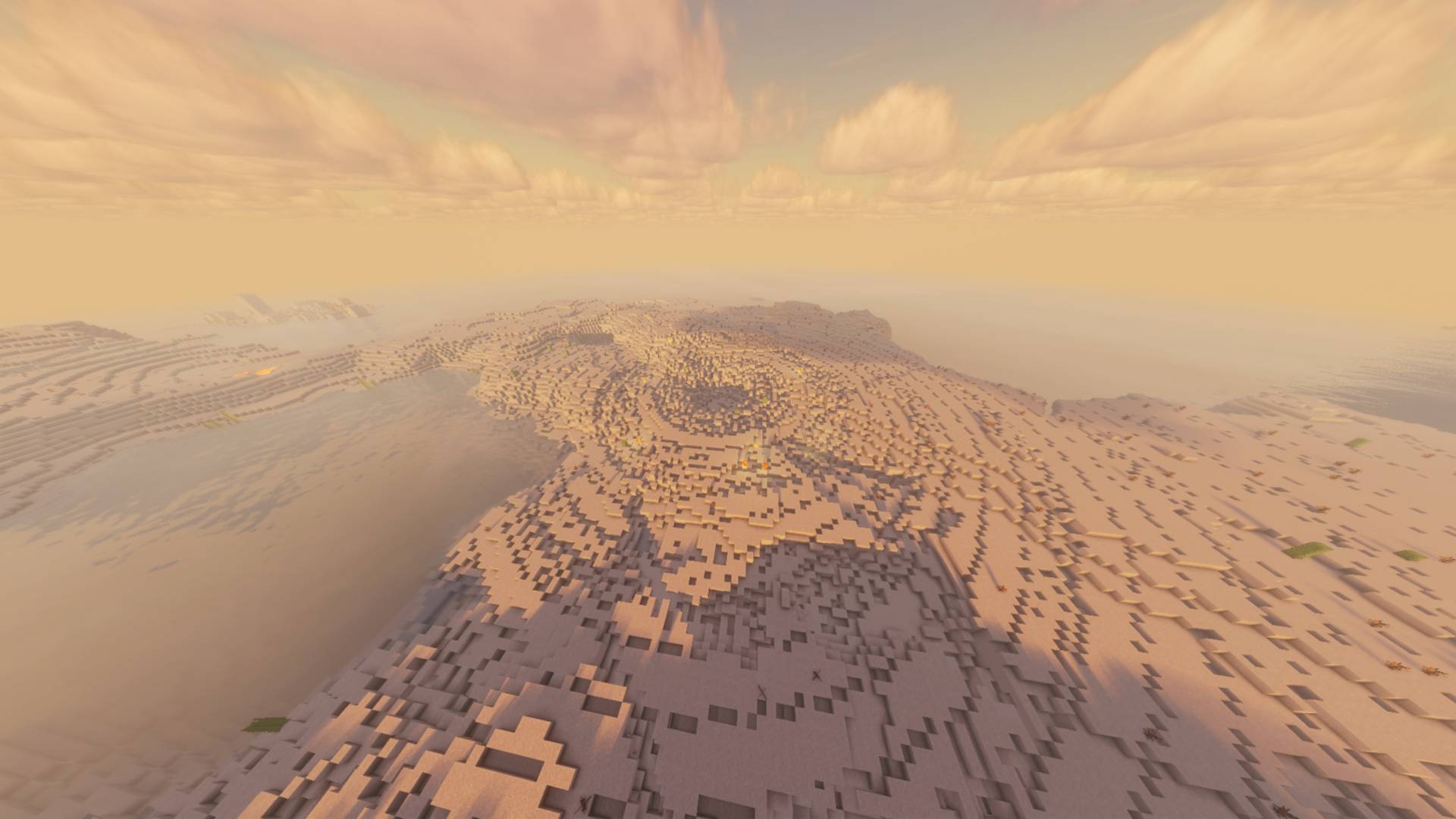
Adds realistic TNT explosions with scalable shockwaves, debris physics, linked charges, and remote detonation.
1(2).jpg
2(1).jpg
Description
# Realistic TNT Physics
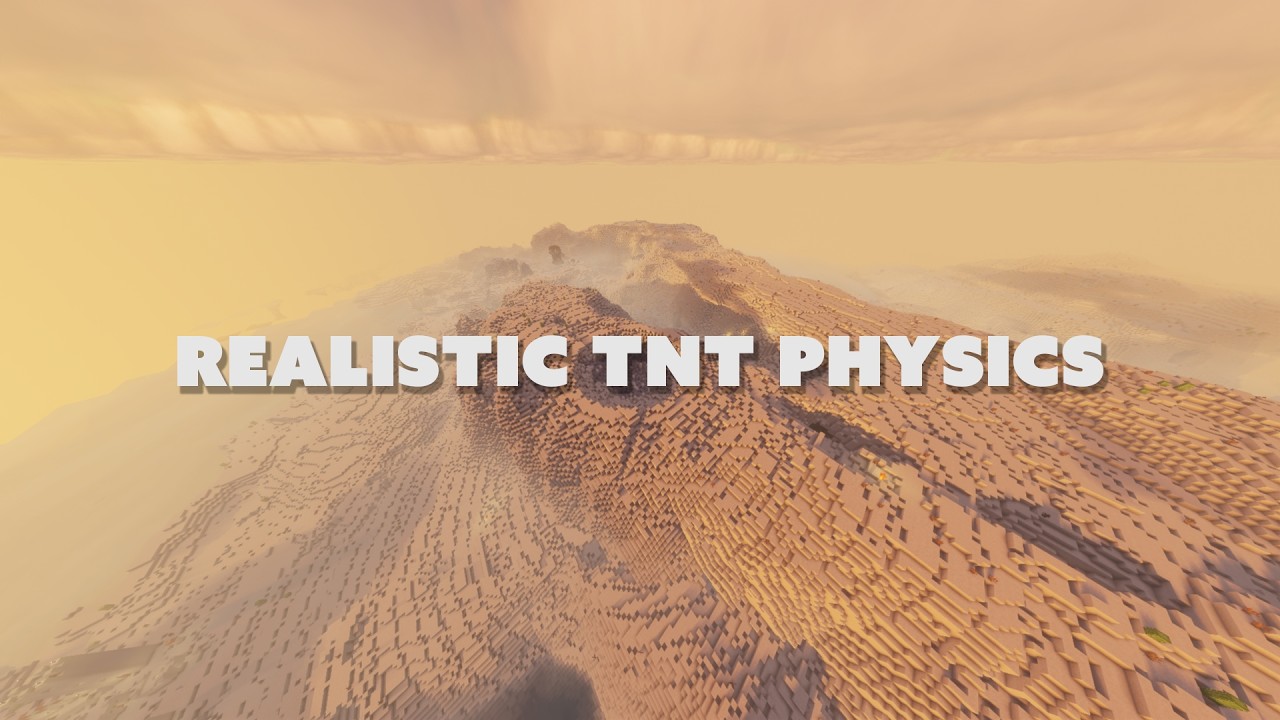
Realistic TNT Physics transforms vanilla TNT explosions into large-scale, physics-inspired blast events with expanding shockwaves, debris, heat, smoke, fire, distance-based damage, and realistic explosive interactions.
The mod also includes specialized explosive weapons, blast-resistant equipment, remote detonation systems, and a fully controllable Junkers Ju 88 A-4 bomber aircraft.
## Main Features
- Treats each TNT block as approximately 1,600 kg of explosive mass.
- Replaces the normal TNT explosion with a scalable, physics-inspired blast.
- Supports linked TNT groups with a maximum combined yield of 65,536 tonnes.
- Includes an Individual TNT Linker for manually selecting TNT blocks.
- Includes an Area TNT Linker that connects every TNT block inside a cuboid selected with point 1 and point 2.
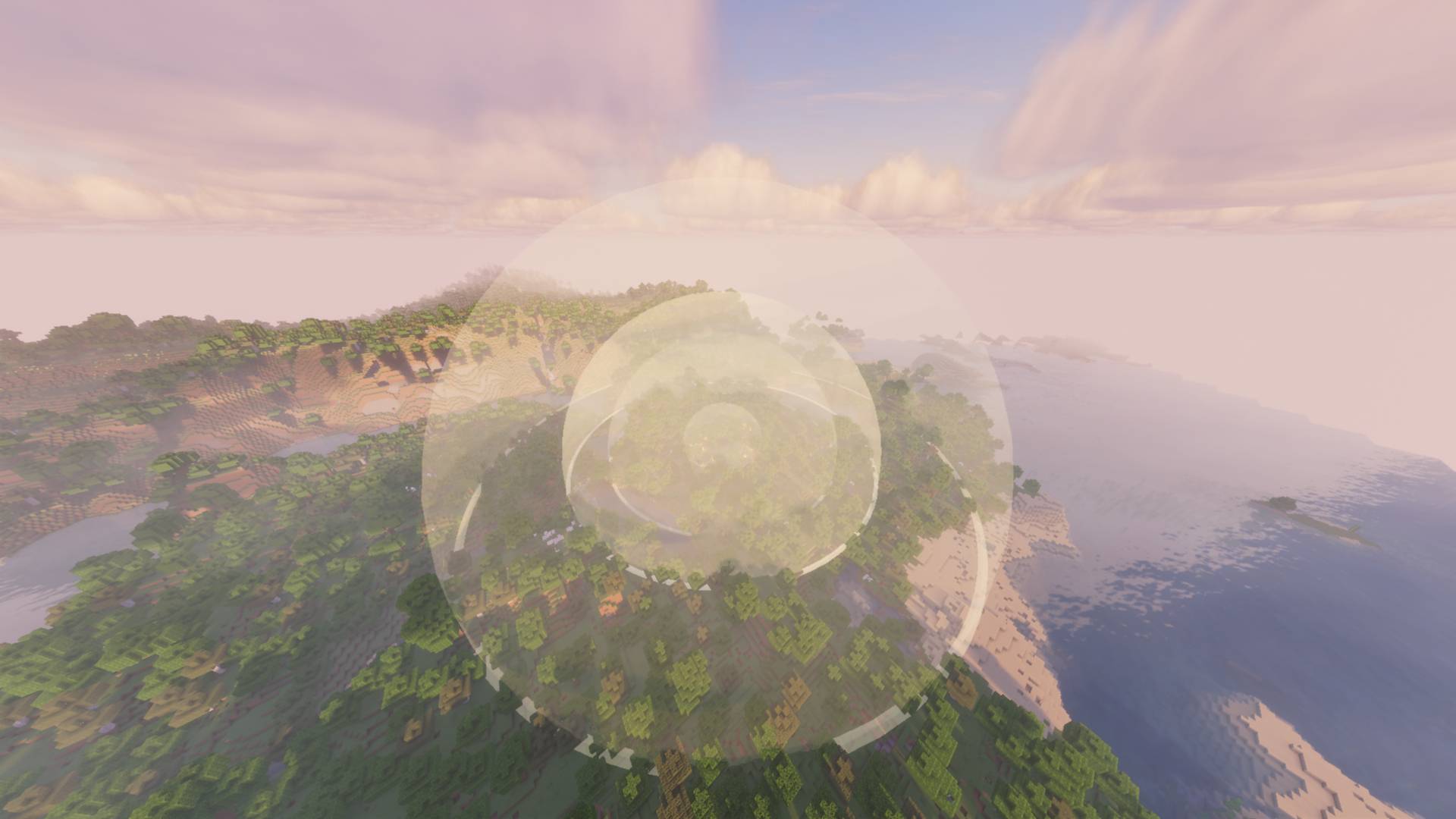
- Generates an expanding air-pressure shockwave dome.
- Generates a separate ground shockwave with dust and debris.
- Applies distance-based blast damage, knockback, and temporary deafness.
- Delays explosion sounds based on the distance between the explosion and the player.
- Produces bright, hot smoke during the early explosion stage and darker smoke afterward.
- Ignites nearby flammable areas.
- Breaks and launches blocks according to estimated resistance, mass, distance, and blast energy.
- Flying debris can damage entities and break weaker blocks on impact.
- Supports large explosions across unloaded or distant areas.
- Includes a Remote Trigger Block and a handheld Detonator.
- The Remote Trigger Block outputs redstone power in every direction when activated remotely.
- Includes blast-resistant blocks, doors, glass, glass panes, armor, tools, and weapons.
- Includes a fully controllable Junkers Ju 88 A-4 bomber with fuel, flight physics, bomb loading, damage, and physical wreckage.
## TNT Linker
1. Shift-right-click the first TNT block.
2. Right-click additional TNT blocks to add them.
3. Shift-right-click air or another block to confirm the group.
4. Ignite one TNT block to detonate the linked group as one combined explosion.
The combined explosive mass is calculated from every TNT block in the linked group.
## Area TNT Linker
1. Right-click a block to select point 1.
2. Right-click another block to select point 2.
3. Every TNT block inside the selected cuboid will be linked automatically.
4. Shift-right-click air to clear the current selection.
The Area TNT Linker is intended for quickly connecting large TNT structures without selecting every TNT block individually.
## Remote Detonation
1. Place a Remote Trigger Block next to TNT or a redstone circuit.
2. Shift-right-click the Remote Trigger Block with the Detonator to link it.
3. Right-click the Detonator to open its interface.
4. Press the red detonation button.
When activated, the Remote Trigger Block produces redstone power in every direction.
## Blast-Resistant Equipment
The mod includes equipment designed to provide improved protection against powerful explosions.
Available equipment includes:
- Blast-resistant blocks
- Blast-resistant doors
- Blast-resistant glass blocks
- Blast-resistant glass panes
- Blast-resistant armor
Blast-resistant materials have greater resistance to explosion pressure, debris impacts, and destructive shockwaves than standard Minecraft materials.
## Explosive Weapons
The mod includes several specialized explosive weapons and ammunition types.
Available weapons include:
- Tactical Rocket Launcher
- High-Explosive Tactical Rocket
- Aerial Bomb
- Attachment Bomb
These explosives use the mod's custom blast system instead of standard vanilla explosion behavior.
## Junkers Ju 88 A-4
The Junkers Ju 88 A-4 is a large, controllable bomber aircraft with custom flight physics, fuel consumption, bomb loading, detailed collision areas, damage, and physical destruction.
### Aircraft Features
- Maximum passenger capacity: 2
- Front seat: pilot
- Rear seat: passenger
- Only the front-seat pilot can control the aircraft.
- The rear-seat passenger cannot control the aircraft.
- Supports ground movement, takeoff, flight, gliding, stalling, landing, and crashes.
- Uses the aircraft's pitch and direction to determine its movement direction.
- Includes gravity, lift, aerodynamic drag, momentum, and reduced lift at low speed.
- Continues moving forward instead of hovering or reversing in mid-air.
- Loses speed and altitude when engine output is reduced.
- Falls under gravity when insufficient speed and lift are available.
- Includes retractable landing gear.
- Uses coal as fuel.
- Supports up to 2 loaded aerial bombs.
- Includes detailed collision regions for the fuselage, wings, engines, cockpit, and tail.
- Receives damage from impacts, crashes, projectiles, and explosions.
- Displays aircraft speed, throttle, durability, fuel, and altitude.
- Altitude is measured relative to the terrain below the aircraft.
- Supports two synchronized passenger positions inside the cockpit.
- Can be destroyed even while passengers are mounted.
### Controls
- `W`: Increase engine output
- `S`: Decrease engine output
- `A`: Turn left
- `D`: Turn right
- `Space`: Raise the nose
- `Ctrl`: Lower the nose
- `G`: Extend or retract the landing gear
- `Enter`: Drop a loaded aerial bomb
- `E`: Open the aircraft storage and fuel inventory
- `Shift`: Dismount the aircraft
### Fuel System
The aircraft requires coal in its storage inventory to operate.
Engine output consumes fuel while the aircraft is running. When fuel is depleted:
- Engine power stops.
- The aircraft no longer receives engine thrust.
- Remaining momentum is preserved.
- Air resistance gradually reduces speed.
- Lift decreases as airspeed falls.
- Gravity causes the aircraft to descend.
- The aircraft may stall if its speed becomes too low.
### Loading Aerial Bombs
Aerial bombs can only be loaded while:
- The aircraft is on the ground.
- No player is mounted on the aircraft.
- The player is holding an Aerial Bomb.
Right-click the unoccupied aircraft with an Aerial Bomb to load it.
Right-clicking the aircraft loads the bomb directly into the aircraft and does not place or drop the bomb into the world.
A loaded bomb remains attached to the aircraft until the pilot presses `Enter`.
### Dropping Aerial Bombs
When the pilot presses `Enter`:
- One loaded bomb separates from its actual mounting position.
- The bomb inherits the aircraft's position, direction, rotation, and movement.
- The bomb falls naturally under gravity.
- The bomb explodes after impact or according to its configured detonation behavior.
A new bomb is not created above the wing. The visible loaded bomb itself is released from the aircraft.
### Aircraft Damage and Destruction
The aircraft has its own durability value and can receive damage from:
- Explosions
- Shockwaves
- Projectiles
- Direct attacks
- Terrain collisions
- Hard landings
- High-speed crashes
When durability reaches zero:
1. All mounted passengers are forcibly dismounted.
2. The aircraft is not converted into a dropped item.
3. Every separate model object becomes an independent wreckage entity.
4. Each wreckage piece inherits the aircraft's existing momentum.
5. Additional destruction force is applied to the wreckage.
6. Wreckage is affected by gravity and terrain collision.
7. Wreckage pieces rotate and fall independently.
8. All wreckage entities are removed after 20 seconds.
Large components such as the fuselage, wings, engines, cockpit sections, landing gear, and tail surfaces separate into visible physical debris instead of the aircraft simply disappearing.
## Explosion Effects
Custom explosions can generate several different effects depending on explosive mass and distance.
These effects can include:
- Initial directional flash
- Expanding air-pressure shockwave
- Ground-level dust shockwave
- Hot glowing smoke
- Black smoke
- Fire
- Flying block debris
- Entity knockback
- Blast damage
- Hearing impairment
- Delayed explosion sound
- Damage to vehicles and aircraft
Explosion intensity scales according to explosive yield and distance.
## Debris Physics
Destroyed blocks may become moving debris entities instead of disappearing immediately.
Debris behavior can include:
- Initial velocity based on explosion direction
- Gravity
- Air resistance
- Collision with blocks
- Collision damage to entities
- Destruction of weaker blocks on impact
- Automatic removal after its lifetime expires
Very large explosions can create a significant number of debris entities.
## Supported Languages
- Korean
- English
- British English
- Russian
- Ukrainian
- German
- French
- Italian
- Arabic
- Simplified Chinese
- Traditional Chinese
- Japanese
- Spanish
- Brazilian Portuguese
## Requirements
- Minecraft 1.20.1
- Minecraft Forge 47.4.10 or a compatible Forge 47.x version
- Java 17
## Performance Warning
Large explosions can modify thousands of blocks and create many moving debris entities.
Very large linked detonations may temporarily reduce client FPS or server TPS. Aircraft destruction can also create many independent wreckage entities.
Always test high-yield explosions in a copied world and allocate sufficient memory.
Do not test extremely large explosions near important builds without making a backup first.
## Author
Created by NerivoOne.
Realistic TNT Physics Team