


Realistic Lighting
- By
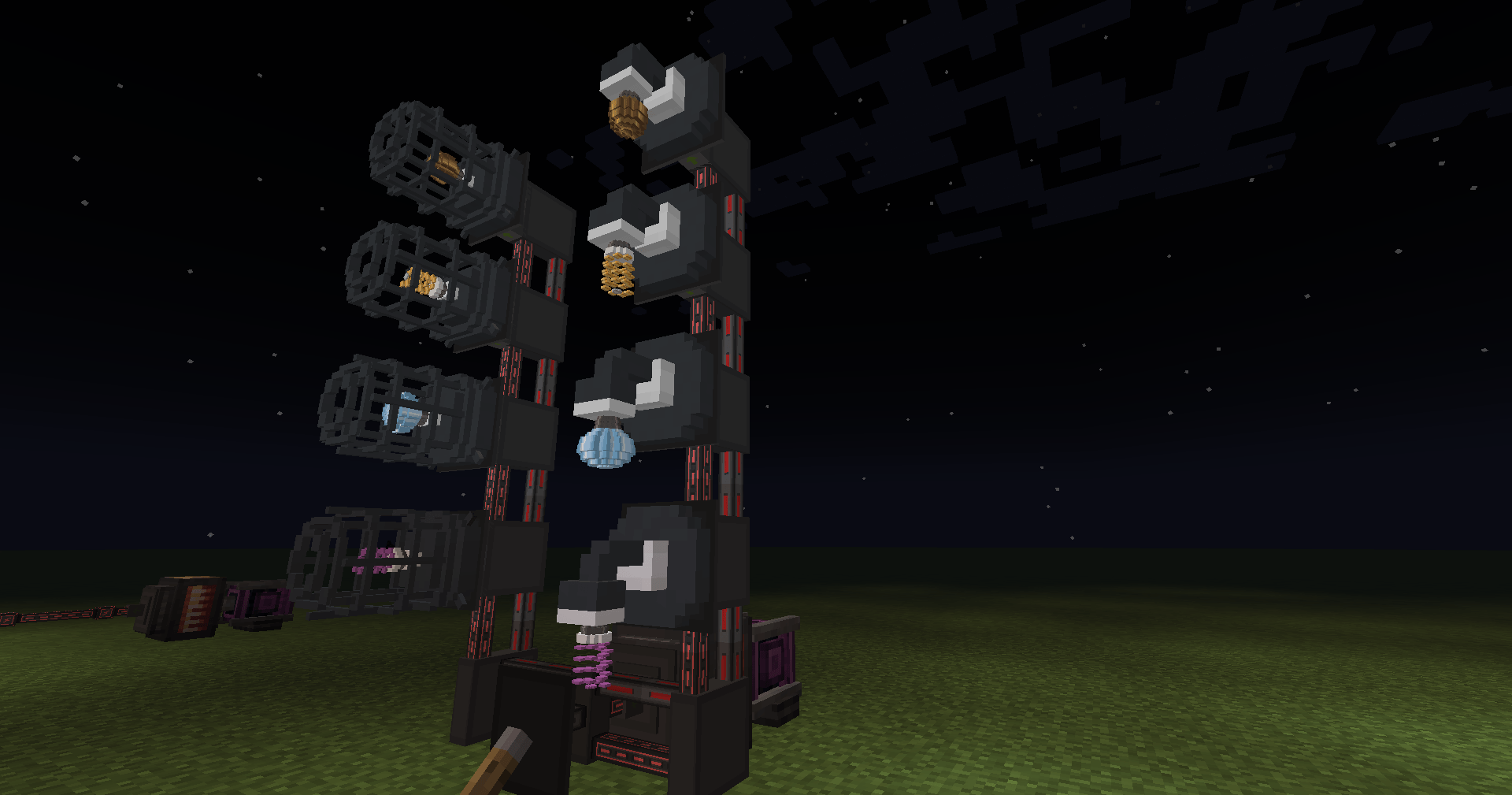
2026-10-16_07.55.49.png
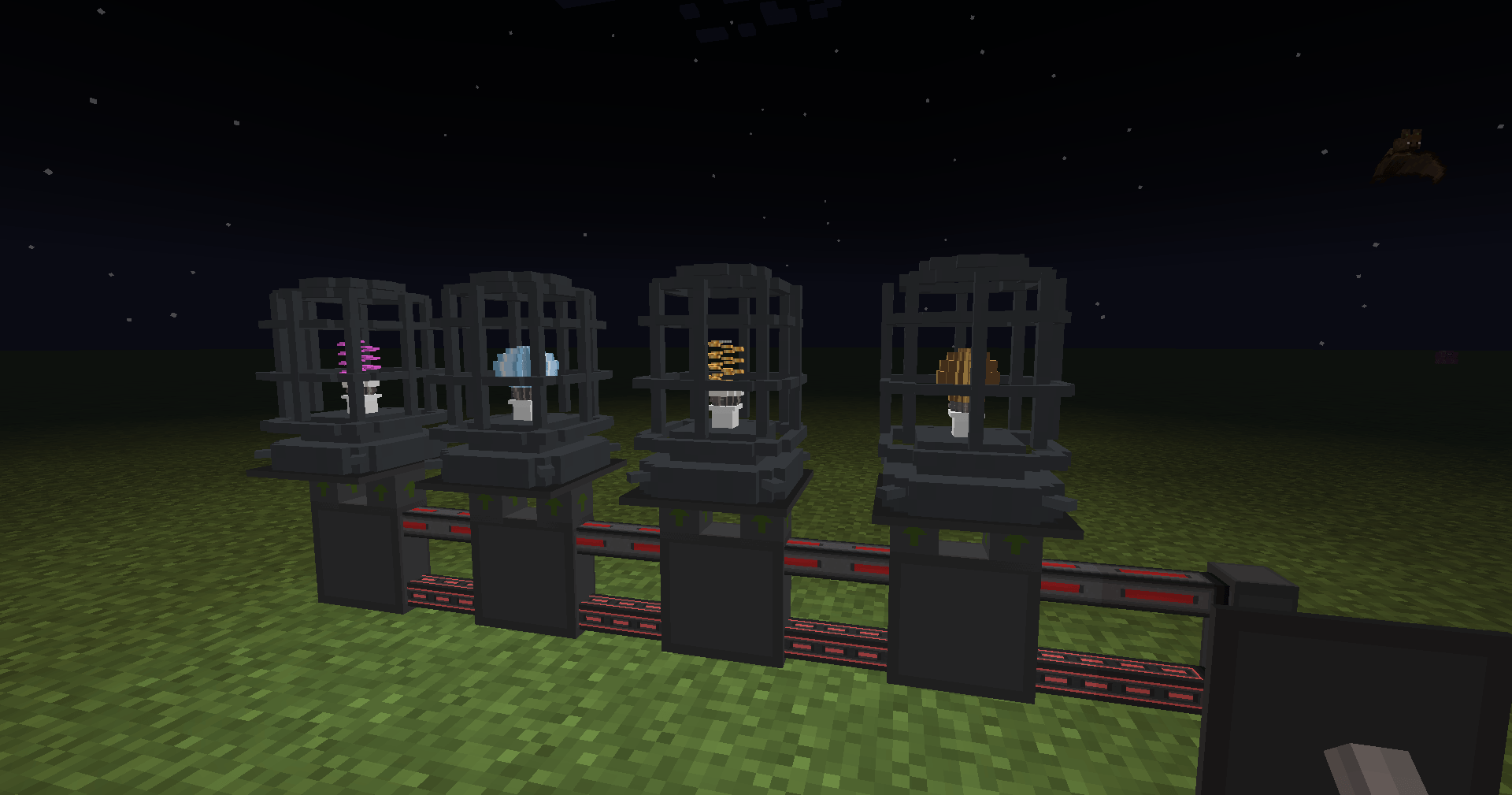
2026-10-16_07.55.57.png
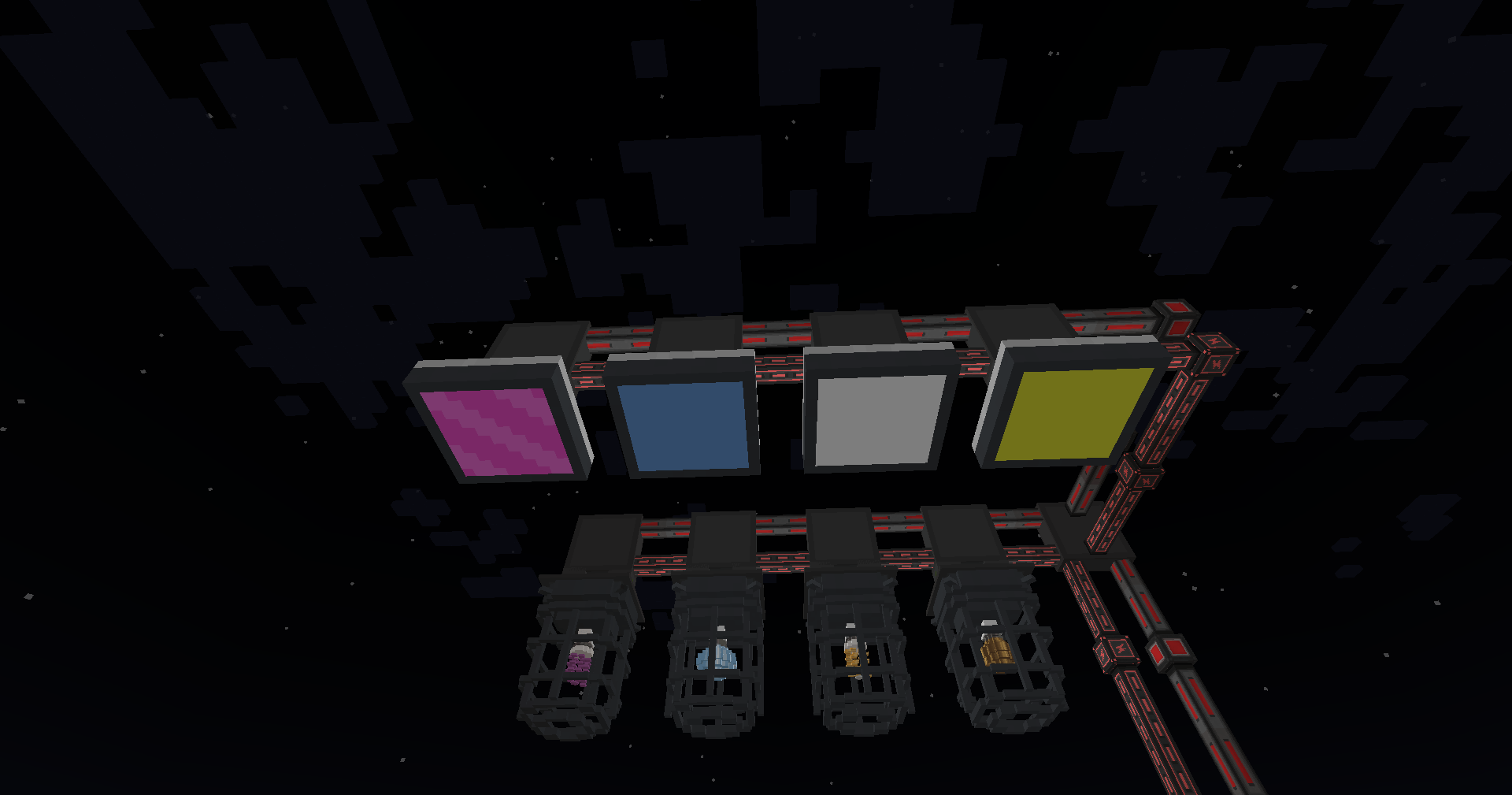
2026-10-16_07.56.15.png
2026-10-16_07.58.13-s.png
2026-10-16_08.09.43.png
Description
Realistic Lighting
Bring realistic electrical lighting to your Minecraft world!
Realistic Lighting introduces powered light fixtures, replaceable bulbs, realistic energy consumption, and electrical controls to Minecraft Java Edition.
Designed for builders, engineers, and technology enthusiasts, the mod adds functional lighting that integrates with Immersive Engineering and Ender IO while remaining usable without either mod installed.
Three Customizable Light Fixtures
- Industrial Cage Fixture — An industrial-style light with a protective cage, suitable for factories, workshops, and warehouses.
- Square Flush-Mount Ceiling Light — A compact ceiling fixture for modern interiors, offices, and laboratories.
- Wall-Mounted Sconce — A decorative wall light featuring a curved arm and exposed bulb.
All three fixtures are available in 16 dye colors.
Four Realistic Bulb Types
| Bulb | Energy Usage | Active Lifespan |
|---|---|---|
| Incandescent | 20 FE/t | 30 Minecraft days |
| Fluorescent | 10 FE/t | 90 Minecraft days |
| LED | 5 FE/t | 300 Minecraft days |
| Grow Bulb | 15 FE/t | 90 Minecraft days |
Bulbs wear out only while illuminated and can be replaced through the fixture's interface.
Each fixture has a 100 FE internal energy buffer.
Lighting Controls
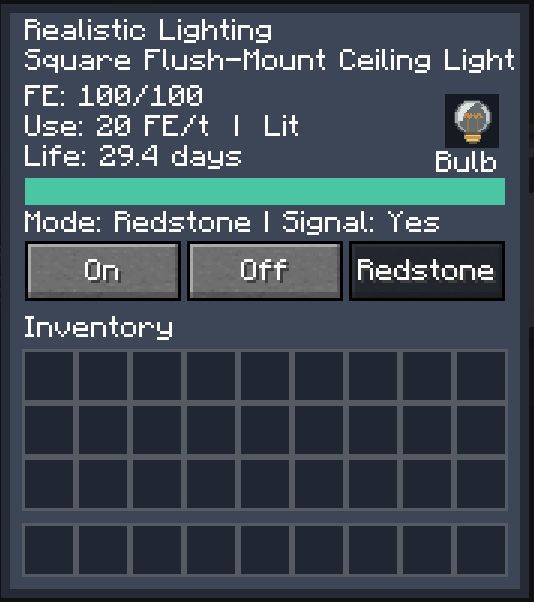
Every fixture includes an interactive GUI with:
- Replaceable bulb slot
- Energy storage and consumption information
- Remaining bulb lifespan
- On, Off, and Redstone operating modes
- Redstone signal status
Technology Mod Integration
Immersive Engineering
Connect compatible fixtures directly to Immersive Engineering LV wires, without separate wire connectors.
Ender IO
Power fixtures using Ender IO energy conduits and control lighting using redstone conduits.
Both integrations are optional.
Adaptive Crafting Recipes
Realistic Lighting automatically adjusts its crafting recipes based on your installed technology mods.
Supported configurations:
- Immersive Engineering + Ender IO
- Immersive Engineering only
- Ender IO only
- Neither mod (vanilla-material recipes)
All six crafting recipes adapt to the installed mods, creating a more integrated technology progression.
Language Support
- English
- Spanish (Spain)
- Russian
Requirements
- Minecraft Java Edition 1.20.1
- Minecraft Forge 47.2.0 or newer
- Java 17
Optional integrations: Immersive Engineering, Ender IO, and Just Enough Items (JEI).
Tested integration versions include Immersive Engineering 10.2.0-183 and Ender IO 6.2.18-beta.
Installation
-
Install Minecraft Forge for Minecraft 1.20.1.
-
Download Realistic Lighting.
-
Place the mod JAR in your Minecraft
modsfolder. -
Optionally install Immersive Engineering, Ender IO, and JEI.
-
Launch Minecraft and enjoy your new lighting options!
Credits
Created by Gunner76th.
Immersive Engineering by BluSunrize and its contributors.
Ender IO by its respective development team and contributors.
Realistic Lighting is an independent mod and is not officially affiliated with either project.
License: MIT.
Realistic Lighting Team
