


2026-11-10_11.28.33.png
2026-11-10_11.37.16.png
Description
Real Elevator
Real Elevator brings realistic, Japanese-style elevators to Minecraft.
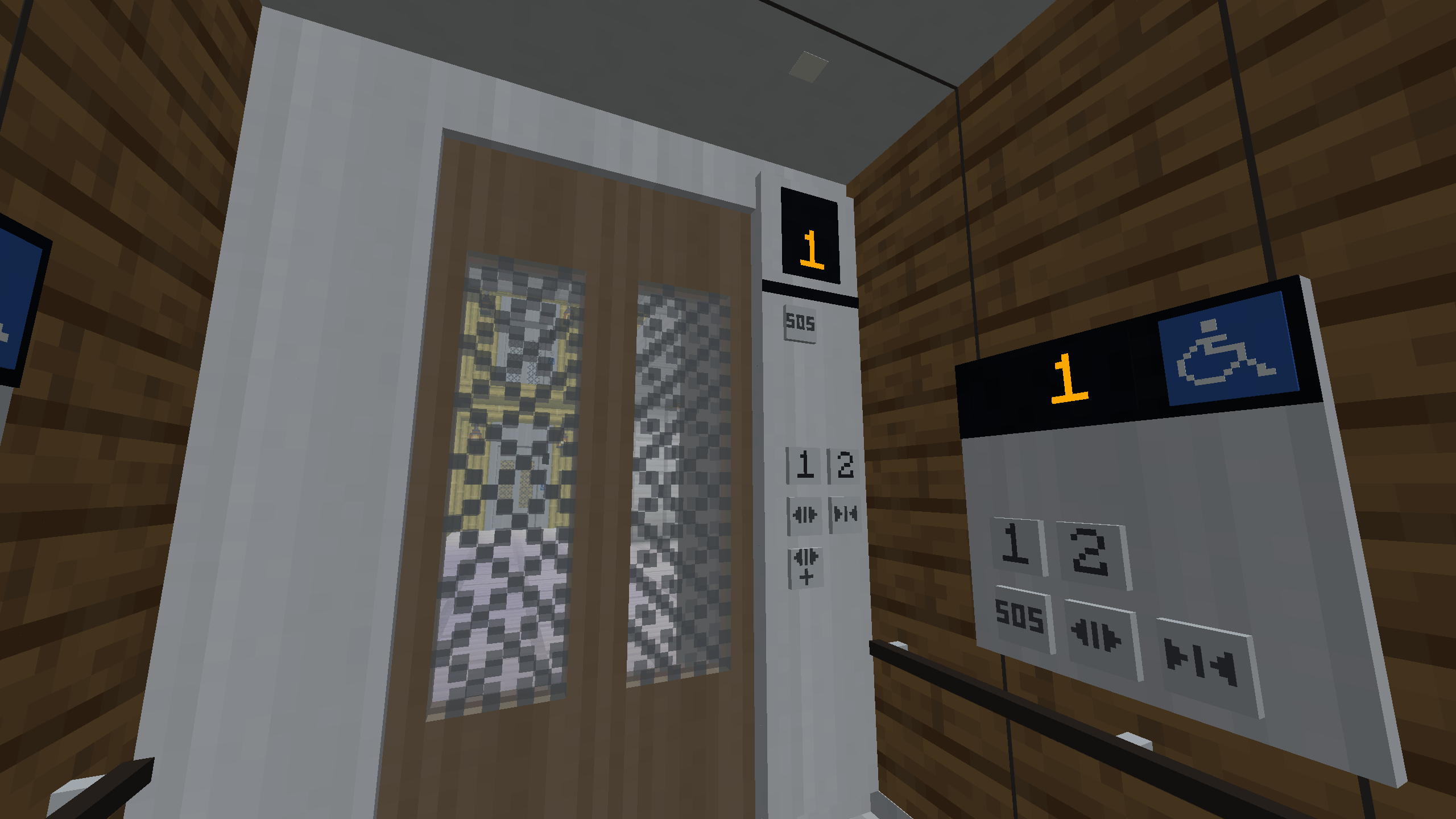
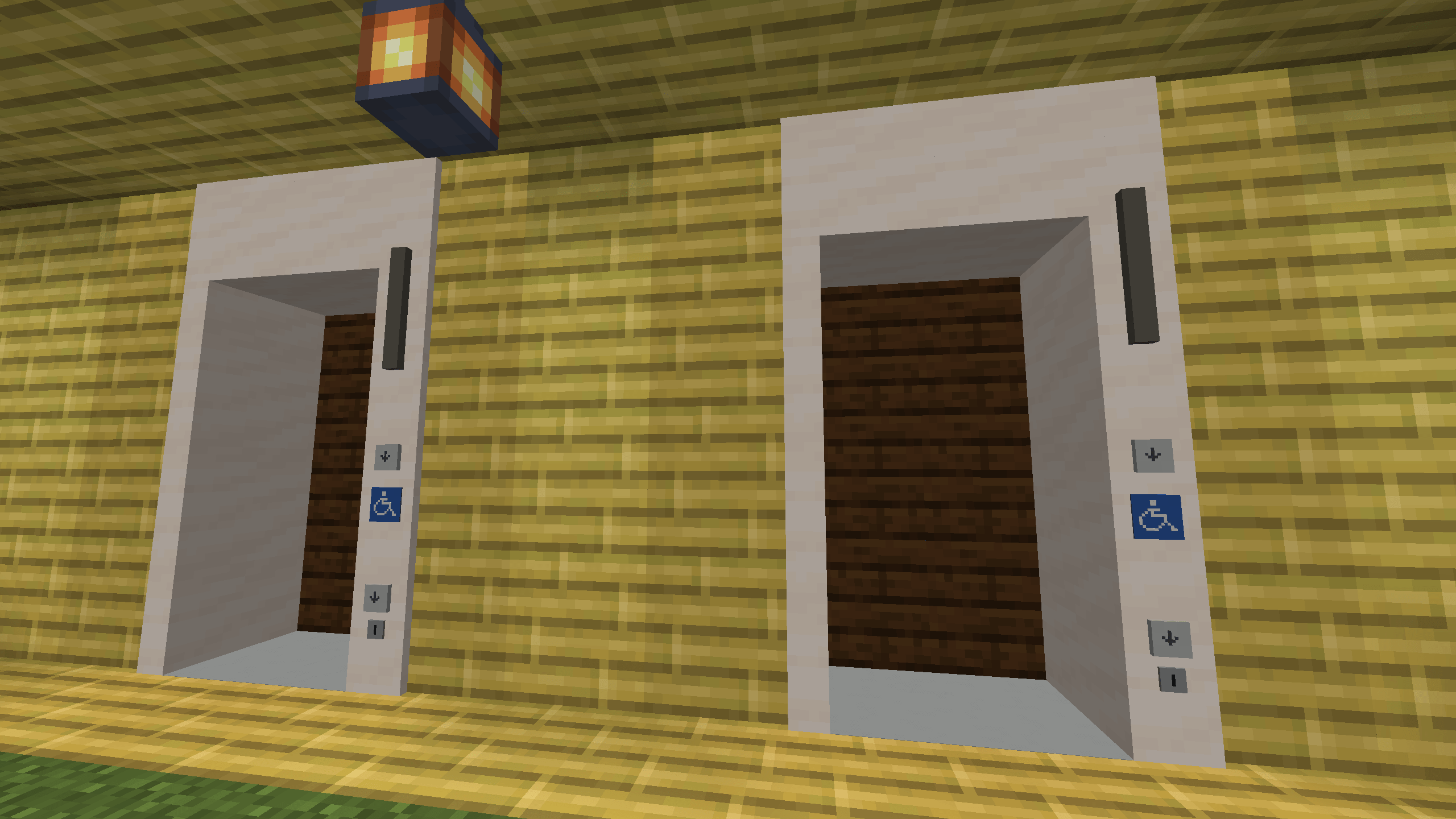
Hall buttons, car buttons, door open/close buttons, cancelling a destination by pressing it twice — everything works the way it does on real elevators in Japan, while the look stays true to Minecraft's 16px pixel-art style.
⚠️ This mod is currently in beta (1.0.0-beta). Please back up your worlds and report any issues you find.
Features
Realistic operation
- Collective control: the car answers hall calls and car calls in order along its direction of travel, just like a real elevator.
- Double-press to cancel a destination, door-open extension button, and an operation/rest switch controlled by redstone.
- Group control of up to 8 cars: each hall call is assigned to the car that will arrive first, with an instant hall-lantern forecast.
- Smooth rides: the car follows a deterministic S-curve motion profile (acceleration and jerk limits), carrying players and mobs with it.
Doors
- Center-opening, two-speed side-opening and four-panel center-opening doors.
- Through-type (front and rear) and adjacent-side entrances.
- Multi-beam door sensors, safety shoe reopening, forced slow closing (nudging), and landing open (doors start opening just before the car stops).
- Wheelchair control panels with longer door-open times — positioned as an accessibility option for players who find quick timing difficult.
Models and installation
- Car sizes from P-6 to P-30, normal and high-speed specifications, and an observation (glass) car.
- Wizard-style installation: place the Installer, register stop floors with the Floor Marker, choose the model and design in the settings screen, check the hologram preview, and press Install. Guide rails, landing doors, buttons and indicators are placed all at once.
- Hold a block in your off-hand while installing to automatically build the shaft walls.
- Use the Maintenance Wrench after installation to renew the design, change settings, manage permissions or dismantle the elevator (all materials are returned).
- High-speed specifications are unlocked with a Power Module, crafted from Compressed Redstone, Blaze Rods, Nether Quartz and Gold.
Design
- Choose materials part by part: walls, front wall, transom, doors, floor, baseboard, ceiling lighting, handrails, security windows, landing frames, landing walls and more.
- Built-in presets (Standard, Mansion, Office, Luxury, Observation) and data-pack presets.
- Different landing designs per floor.
- Original building blocks: woodgrain panels, stainless steel (hairline, mirror, etched), bronze and black stainless, vinyl flooring.
- Save and share settings with the Specification item or profile files.
Indicators, chimes and announcements
- Floor indicators, hall lanterns and arrival chimes, with amber, white or blue lights.
- Four chime types — a soft bell and three melody-IC style electronic chimes — with a short shaft reverb baked in, so they sound like they are ringing in a real elevator hall. Chime settings are shared across a group.
- Japanese voice announcements ("◯階です。", "上へ参ります。", "ドアが閉まります。").
- VOICEVOX integration (optional): connect a locally running VOICEVOX engine to read announcements in any speaker's voice, including free-form floor names. Falls back to the bundled voice when the engine is not running.
Getting started
- Craft an Installer and place it in the landing wall of the lowest floor.
- Right-click the Installer with a Floor Marker to link it, then stand on each floor and right-click to register it as a stop (up to 18 floors, at least 4 blocks apart).
- Right-click the Installer to open the settings screen and choose the model, doors, speed, floor names and design.
- Check the preview for obstructions and press Install.
All recipes use vanilla materials only and appear in the recipe book once you have the ingredients.
Compatibility
- Minecraft 1.21.1, NeoForge 21.1.x
Credits
- Bundled voice: VOICEVOX:冥鳴ひまり (VOICEVOX: Meimei Himari)
- When using the VOICEVOX integration, please follow the terms of use of each character.
- This mod is not affiliated with any real elevator manufacturer. No real manufacturer logos or sounds are used — all chimes are synthesized from scratch.
License
MIT License — source code on GitHub.
Real Elevator Team


