


Random Area Blocks
- By
1.png
3.png
2.png
Description
Random Area Blocks
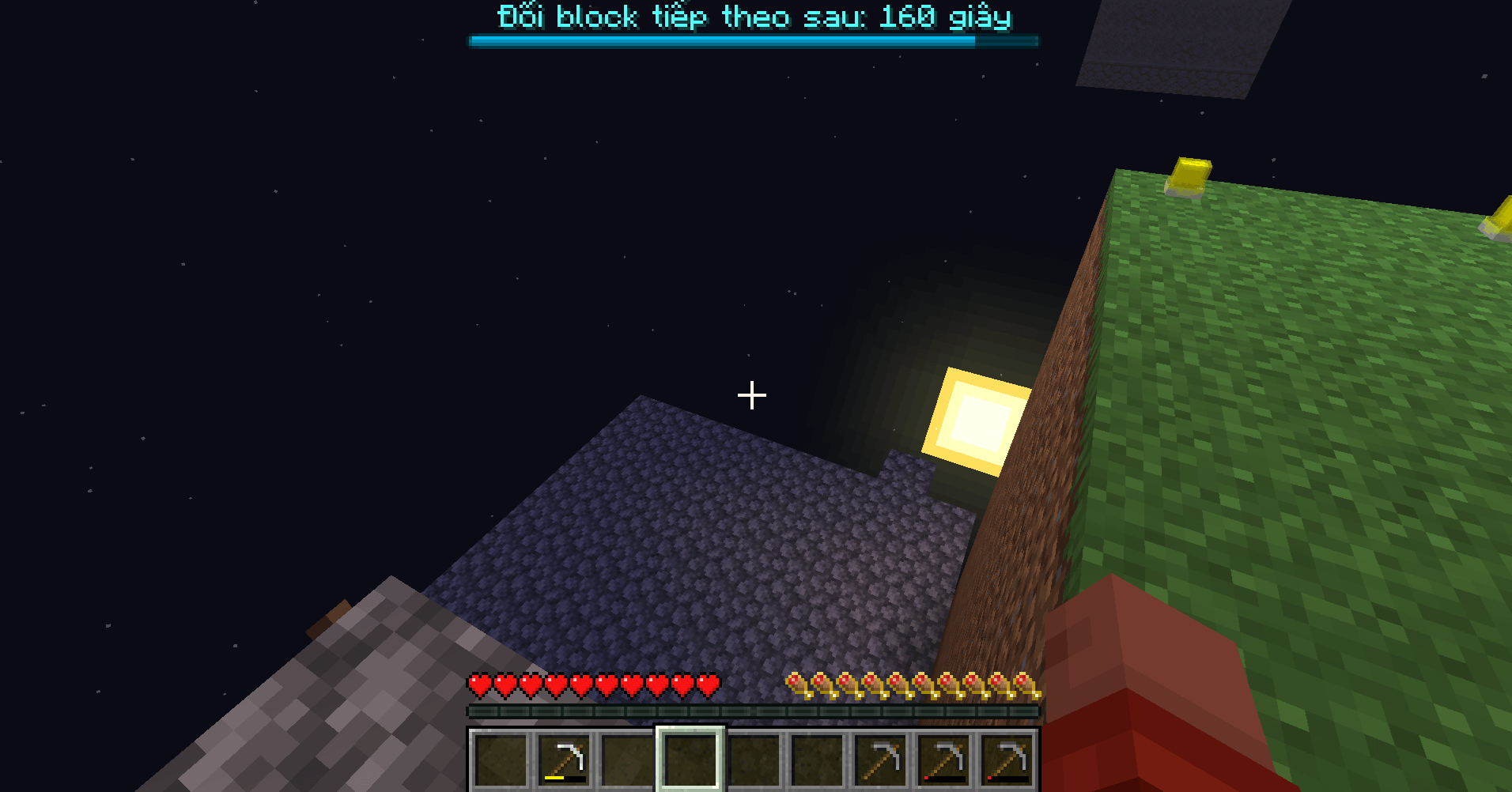
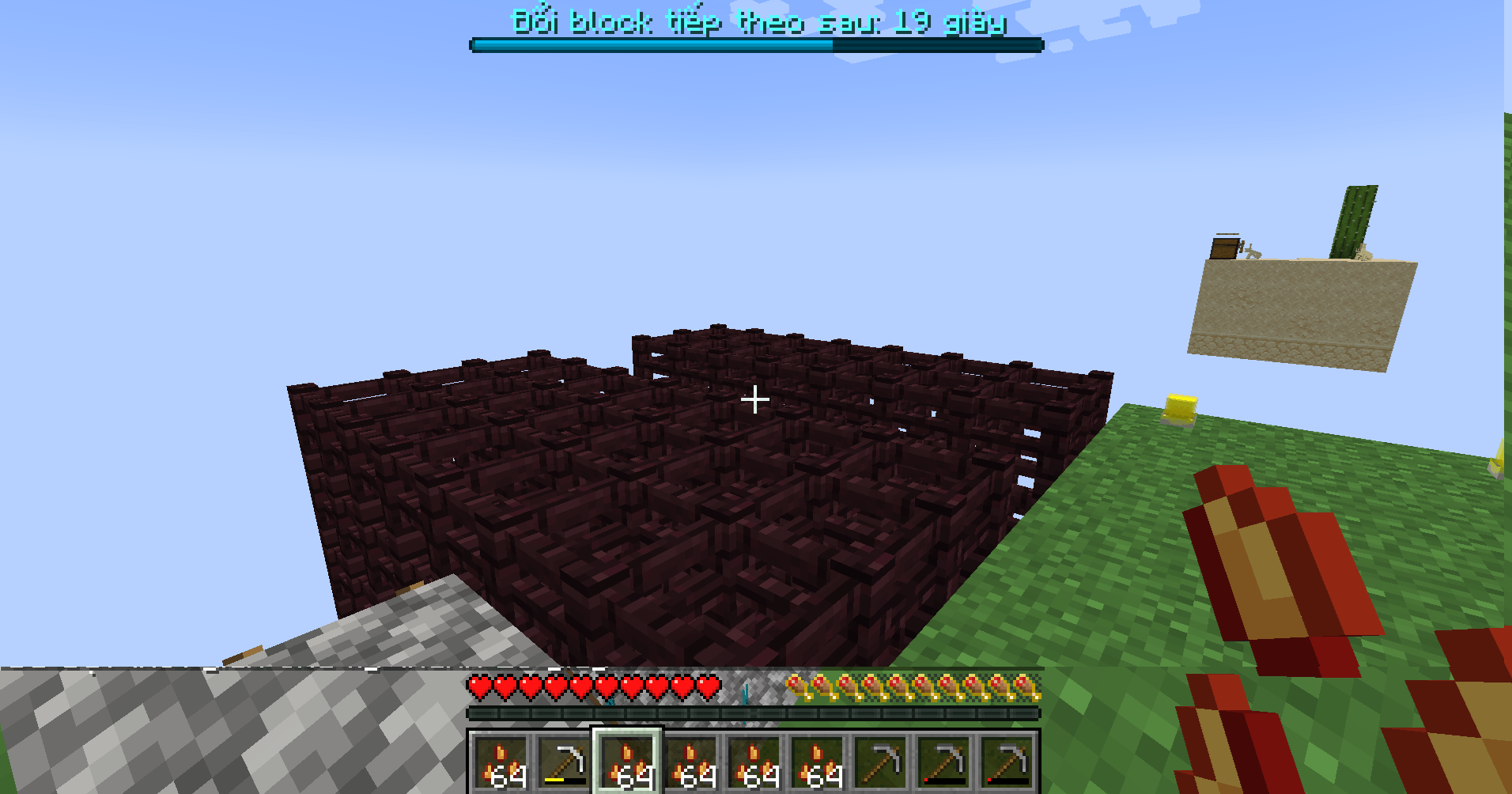
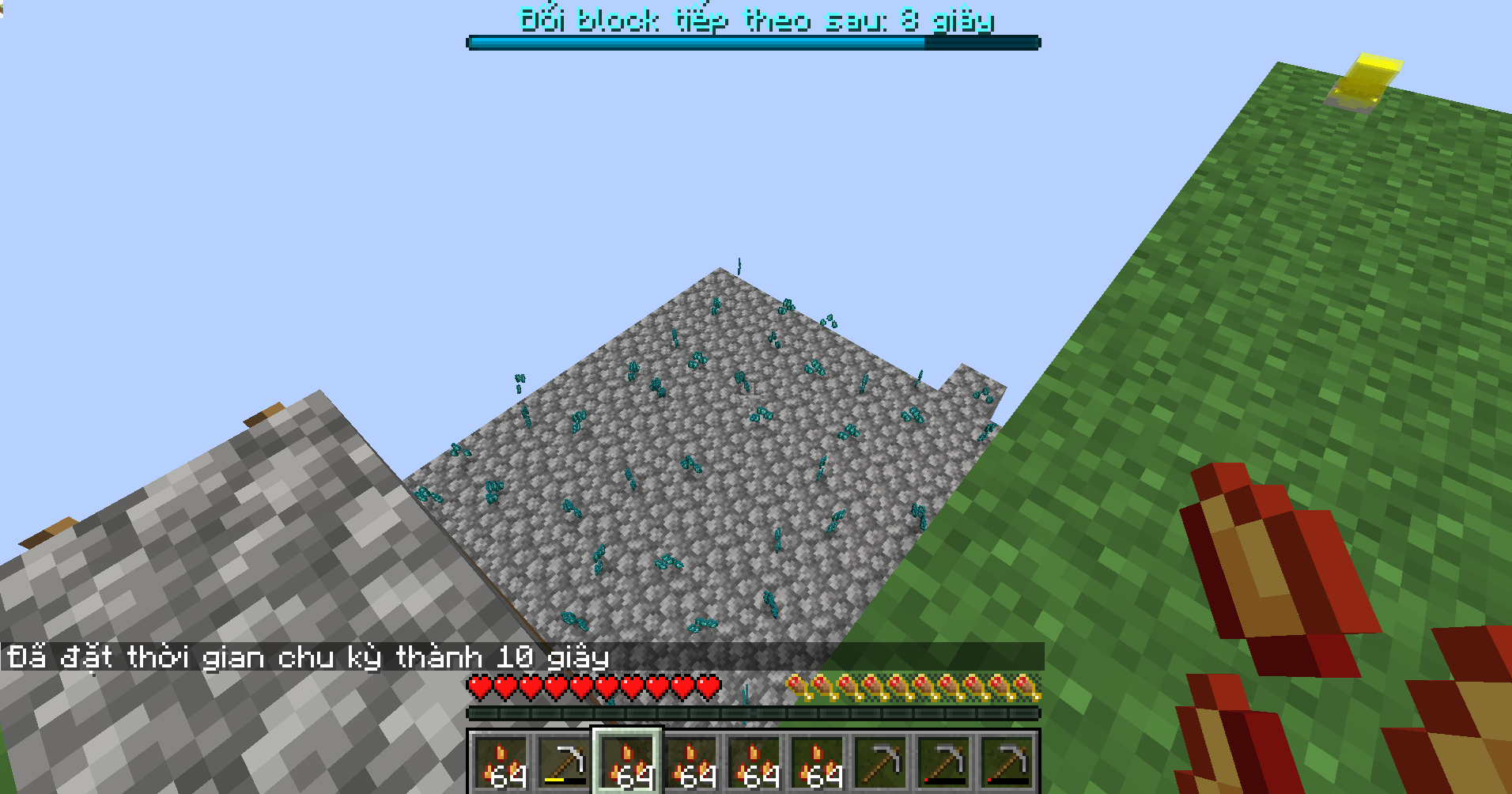
Random Area Blocks is a Minecraft mod that transforms blocks in a selected area into randomly chosen block types and spawns random mobs in a separate area.
Customize your areas, mob spawn chance, and transformation interval to create unpredictable gameplay challenges.
Features
Random Block System
-
Select a block transformation area using Pos1 and Pos2.
-
Randomly select one block type for each transformation cycle.
-
Replace eligible blocks throughout the selected area with the same block type.
-
Support registered vanilla and modded blocks.
-
Avoid repeating the previous block type.
-
Configurable transformation interval.
Random Mob System
-
Select a separate mob spawning area using Pos3 and Pos4.
-
Spawn randomly selected mobs from vanilla Minecraft and installed mods.
-
Configure the probability of mob spawning.
-
Configure the number of mobs spawned.
-
Support boss entities.
-
Mob spawning uses the same timer as the block transformation system.
Timer & Performance
-
Shared timer for block transformation and mob spawning.
-
Configurable timer from 1 second to 86,400 seconds (24 hours).
-
Boss Bar countdown and operation status.
-
Controlled block processing to help reduce server lag.
-
Mob spawning is processed in controlled batches.
Commands
All commands require permission level 2.
| Command | Description |
|---|---|
/randomarea pos1 |
Set the first corner of the block transformation area. |
/randomarea pos2 |
Set the second corner of the block transformation area. |
/randomarea pos3 |
Set the first corner of the mob spawning area. |
/randomarea pos4 |
Set the second corner of the mob spawning area. |
/randomarea info |
Display current area and system information. |
/randomarea start |
Start the random area system. |
/randomarea stop |
Stop the system. |
/randomarea change |
Manually trigger a transformation cycle. |
/randomarea clear |
Clear the selected areas. |
/randomarea config |
Display or manage the mod configuration. |
/randomarea mobchance <0-100> |
Set the mob spawning probability in percent. |
/randomarea time <seconds> |
Set the interval between cycles in seconds (1–86400). |
How to Use
1. Select the Block Area
Stand at the first corner:
/randomarea pos1
Stand at the opposite corner:
/randomarea pos2
2. Select the Mob Spawn Area
Stand at the first corner of the mob area:
/randomarea pos3
Stand at the opposite corner:
/randomarea pos4
3. Configure the System
Set the transformation interval:
/randomarea time 180
Set the mob spawning chance to 40%:
/randomarea mobchance 40
Check the current configuration and area information:
/randomarea config
/randomarea info
4. Start the System
/randomarea start
The system runs the following cycle:
-
The timer counts down.
-
The selected block area is transformed into one randomly selected block type.
-
After the block transformation finishes, the system checks the mob spawning probability.
-
If successful, random mobs spawn inside the designated mob area.
-
The next countdown begins after the current cycle finishes.
Both systems share the same timer and start/stop controls.
5. Stop the System
/randomarea stop
Compatibility
-
Minecraft 1.21.1
-
NeoForge
Feedback & Bug Reports
Found a bug or have a suggestion? Please leave a comment on the project page.
Random Area Blocks Team
