i-made-a-client-side-fabric-mod-that-lets-you-listen-to-v0-8cif1ujxx8lg1.png
557760809-d6c97d23-3701-46df-b0af-adf944fd126c.png
557761120-b6826517-2af6-488a-a58d-c325c25270c8.png
Description
📻 Fabric Radio Mod
A fully-featured, client-side Internet Radio mod for Minecraft Fabric (1.21.4). Listen to thousands of real-world radio stations directly in your game without any external software!
✨ Features
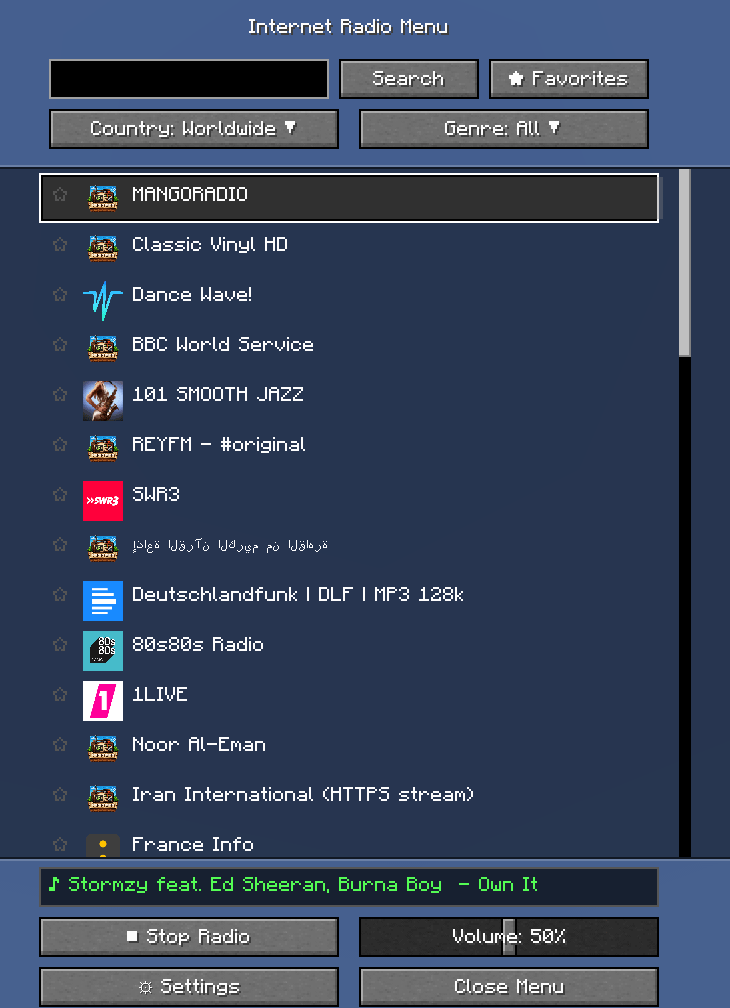
- Live Station Search: Powered by the free Radio Browser API, giving you access to thousands of stations globally.
- Background Audio Engine: Plays MP3 streams seamlessly in a separate background thread. It will never lag or stutter your game!
- Advanced Filters: Easily sort stations by Country or Music Genre using built-in dropdown menus.
- Favorites System: Save your preferred stations with one click (★) for quick access. Export and import your favorites as a JSON file.
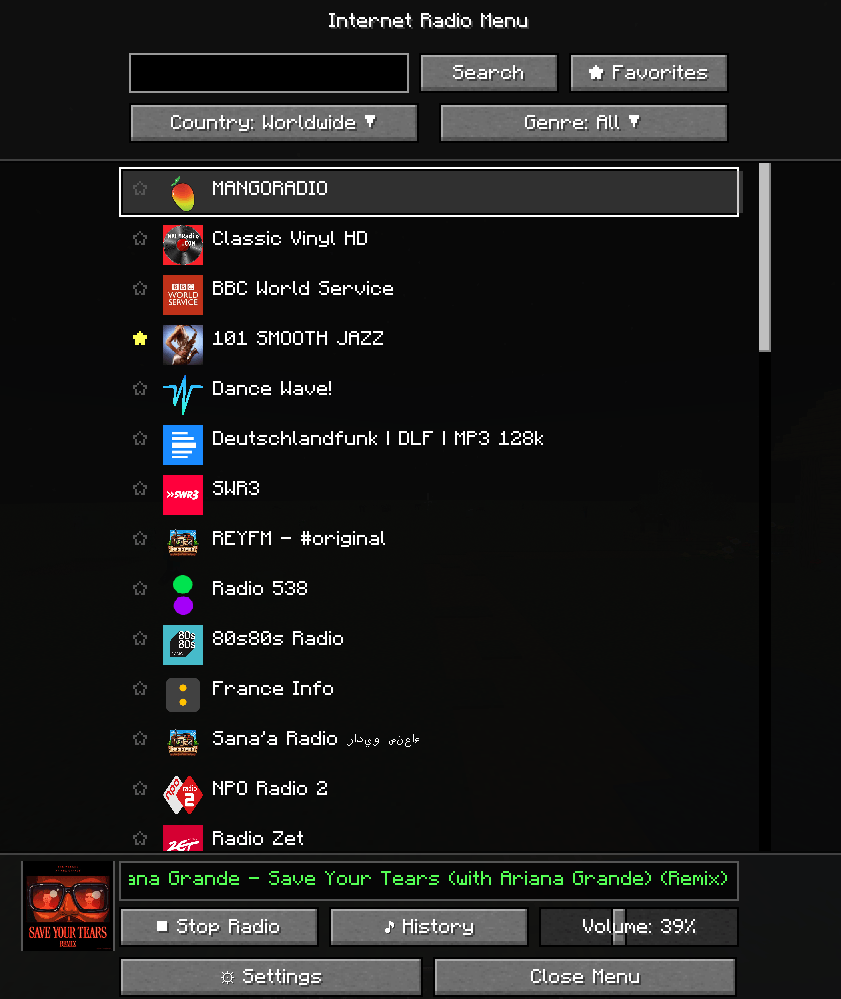
- Album Art: Automatically fetches and displays the current song's album cover via the iTunes API — shown in both the toast notification and the main menu.
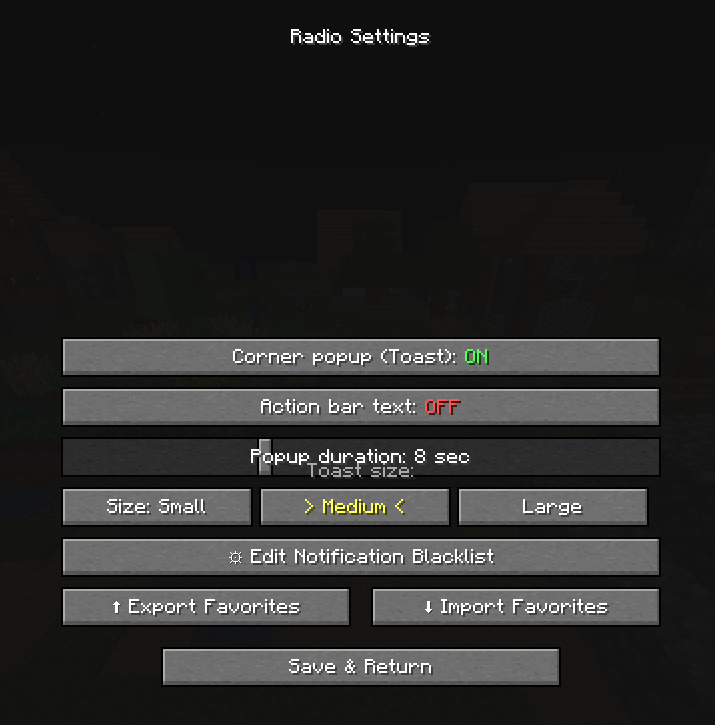
- Interactive Metadata Toasts: See the currently playing song in an elegant, resizable corner popup (Small / Medium / Large). Click the ⛔ button to permanently blacklist annoying songs or ads.
- Song History: Browse the last 20 played songs in a dedicated screen. Click any entry to copy it to your clipboard.
- Dynamic Icons: Automatically downloads and displays station logos — supports PNG, JPEG, WEBP and ICO formats.
- Highly Customizable: ModMenu integration lets you tweak volume, toast size, popup duration, and manage your notification blacklist.
⚙️ Installation & Requirements
This is a Client-Side only mod. You do not need to install it on your server.
- Install Fabric Loader.
- Download and drop the
radio-mod-1.2.0.jarinto your.minecraft/modsfolder. - Required: Fabric API
- Recommended: ModMenu (to access the settings screen).
🎮 Controls
- Press
R(Default) in-game to open the Main Radio Menu. - Use the slider in the menu to adjust the radio volume independently from the game's master volume.
🌐 Languages
The mod automatically adapts to your Minecraft language settings!
- English (Default)
- Polish (Polski) - CZYTAJ PO POLSKU (README_pl.md)
📝 Changelog
v1.2.0
- NEW: Album art fetched automatically from iTunes API — displayed in toast and main menu
- NEW: Song history screen (last 20 songs) — click any entry to copy to clipboard
- NEW: Toast size selector in settings (Small / Medium / Large)
- NEW: Export & Import favorites as JSON (
config/radiomod_favorites_export.json) - FIX: Station icons now support JPEG, WEBP and ICO formats (previously only PNG worked)
- FIX: Crash (NullPointerException) when icon download failed
- IMPROVED: Main menu button layout — evenly spaced and aligned
v1.0.0
- Initial release
📝 Credits
- Developed by AnonBOT.
- Uses MP3SPI / JLayer for audio decoding.
- Station database provided by Radio Browser.
- Album art provided by iTunes Search API.
RadioPlayer Team