
QuickPOT / PVP Potion / Pvp Potion Optimizer
- By

Curse Maven Snippet
What's new
🧪 QUICKPOT — More Than Just a Potion Wheel
QUICKPOT is a PvP-focused potion management mod that makes accessing potions faster while giving you the freedom to customize your radial menu.
Quickly access your favorite potions during combat, or personalize the menu with your own visuals using the new Edit Mode. Add images, animated GIFs, and even create drawings directly in-game to make your radial menu truly yours.
Whether you're optimizing your PvP setup or creating a unique menu design, QUICKPOT gives you control over both functionality and appearance.
⚠️ Disclaimer
Some multiplayer servers may consider this mod an unfair advantage or classify it as cheating. Always check your server's rules and ask administrators before using QUICKPOT. Use at your own risk.
⚔️ Built for Combat
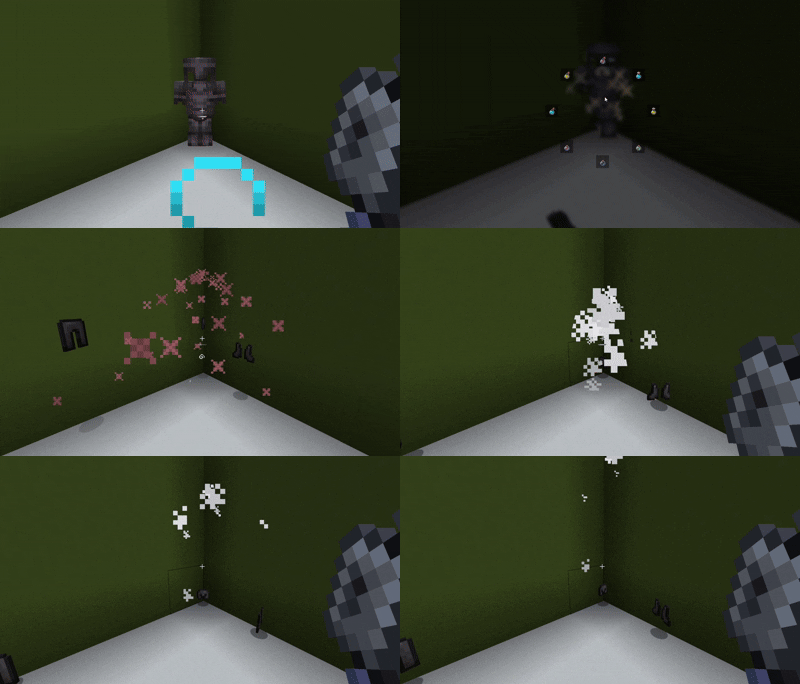
-
Instant Potion Access — Quickly select healing, strength, speed, fire resistance, and other potions during combat.
-
No Inventory Switching — Access your potions without opening your inventory or scrolling through hotbar slots.
-
Radial Menu Selection — Hold your keybind, aim at your desired potion, and release to select it.
-
All Potion Types Supported — Works with drinkable, splash, and lingering potions.
-
Custom Potion Loadout — Organize your essential PvP potions exactly where you want them.
🎨 NEW: Radial Menu Edit Mode
QUICKPOT introduces Edit Mode, a new way to personalize the appearance of your in-game radial menu.
<video style="display: table; margin-left: auto; margin-right: auto; width: 435px; height: 220px;" poster="" controls="controls" width="435" height="220"> <source src="" rel="noopener nofollow" target="_blank">https://www.youtube.com/embed/H2fzbZIxHzg" data-mce-fragment="1"></video><video style="display: table; margin-left: auto; margin-right: auto; width: 433px; height: 219px;" poster="" controls="controls" width="433" height="219"> <source src="" rel="noopener nofollow" target="_blank">https://www.youtube.com/embed/Rb-GzrwLK6Q" data-mce-fragment="1"></video>
Make your radial menu more than just a potion selector!
How to Open Edit Mode
-
Hold your radial menu keybind to open the menu.
-
While holding it, press E to enter Edit Mode.
Customize Your Menu
-
Add Images — Place your own images in the menu.
-
Animated GIF Support — Add animated GIFs to bring your menu to life.
-
In-Game Drawing — Draw directly inside the menu using the in-game drawing feature.
-
Creative Freedom — Personalize your radial menu with your own visual style.
Your radial menu is no longer limited to a standard interface. Turn it into something unique!
🎯 Potion Wheel Customization
Configure your potion wheel with anywhere from 1 to 8 slots.
-
Automatic Detection: The wheel automatically detects and displays potions in your inventory.
-
Hide Unwanted Potions: Hover over a slot and press X to hide that potion type.
-
Restore Hidden Potions: Press U to restore all hidden potions.
-
Lock Important Potions: Hover over a slot and press L to permanently reserve its position.
🔒 Smart Slot Locking
-
Permanent Slot Position: Locked potions keep their assigned positions, even when you run out.
-
Empty Slot Indicator: A greyed-out "?" appears when a locked potion is unavailable.
-
No Accidental Selection: Empty locked slots cannot be accidentally selected.
-
Automatic Restoration: The potion reappears when you restock it.
-
Easy Unlocking: Press L while hovering over a locked slot, even when it is empty.
Locked slots always take priority, keeping your essential PvP loadout organized.
💾 Automatic Saving
Your customization changes are saved automatically and persist between game sessions. Your preferred setup will be ready whenever you log in.
🔧 Controls
| Action | Key |
|---|---|
| Open Radial Menu | R (Configurable) |
| Enter Edit Mode | Hold R + E |
| Hide / Show Hovered Potion | X |
| Lock / Unlock Hovered Potion | L |
| Restore All Hidden Potions | U |
Keybinds can be configured through Minecraft's Controls settings where supported.
QUICKPOT — Your potions. Your creativity. Your menu.
This mod has no additional files