Tutorial
Embed Removed: https://www.youtube-nocookie.com/embed/EzYdxJmf148
Quick Widgets
38 HUD widgets you can switch on, drag anywhere, resize and restyle — without touching a config file.
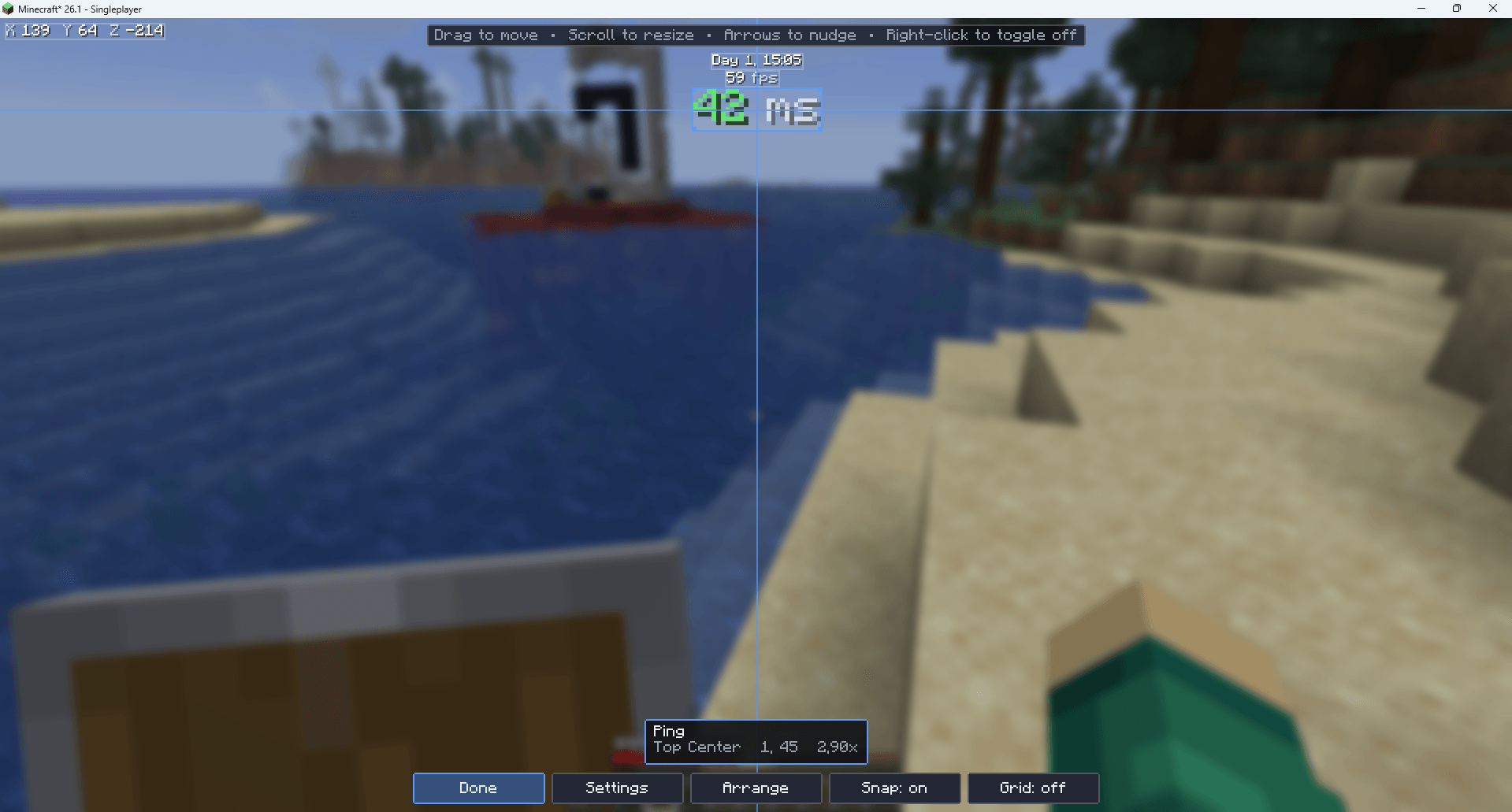
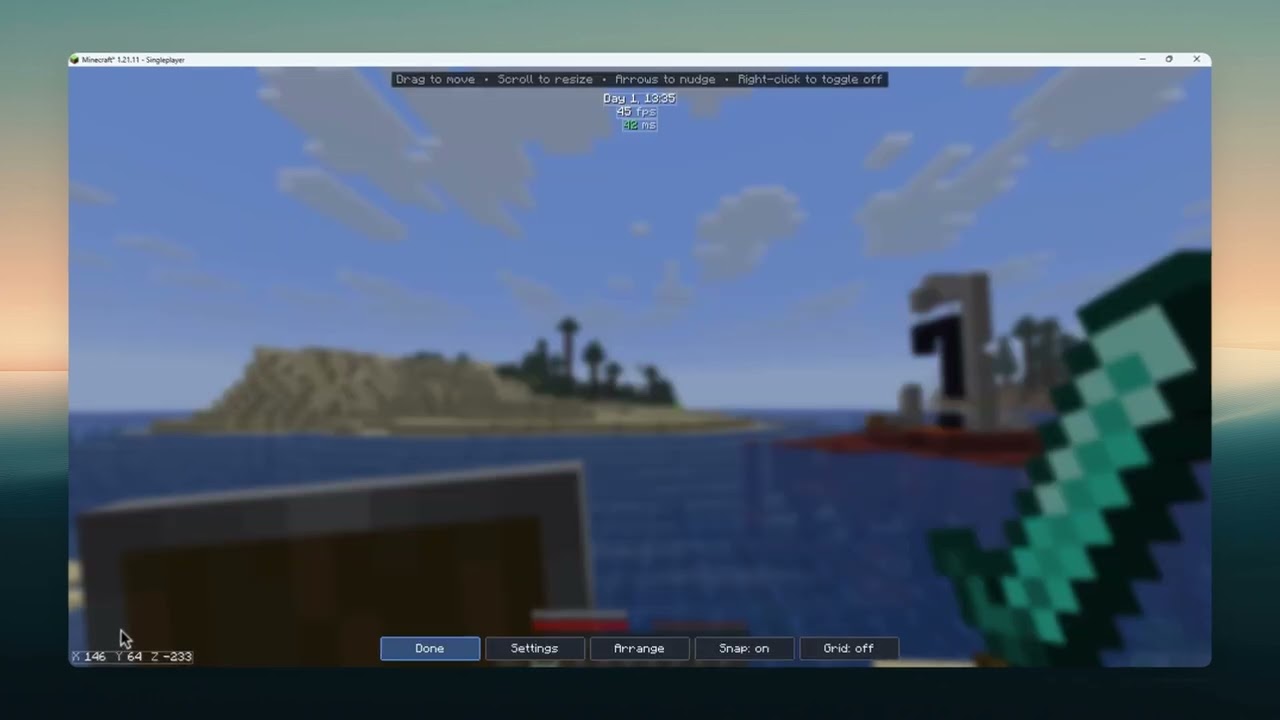
Press Right Shift, click a switch, and it's on your screen. Press Edit Layout and drag it wherever you like. That's the whole learning curve.
Quick Widgets is client-side only, uses no mixins, and runs on 1.20.1, 1.21.11, 26.1 and 26.2 from one codebase.
Screenshot
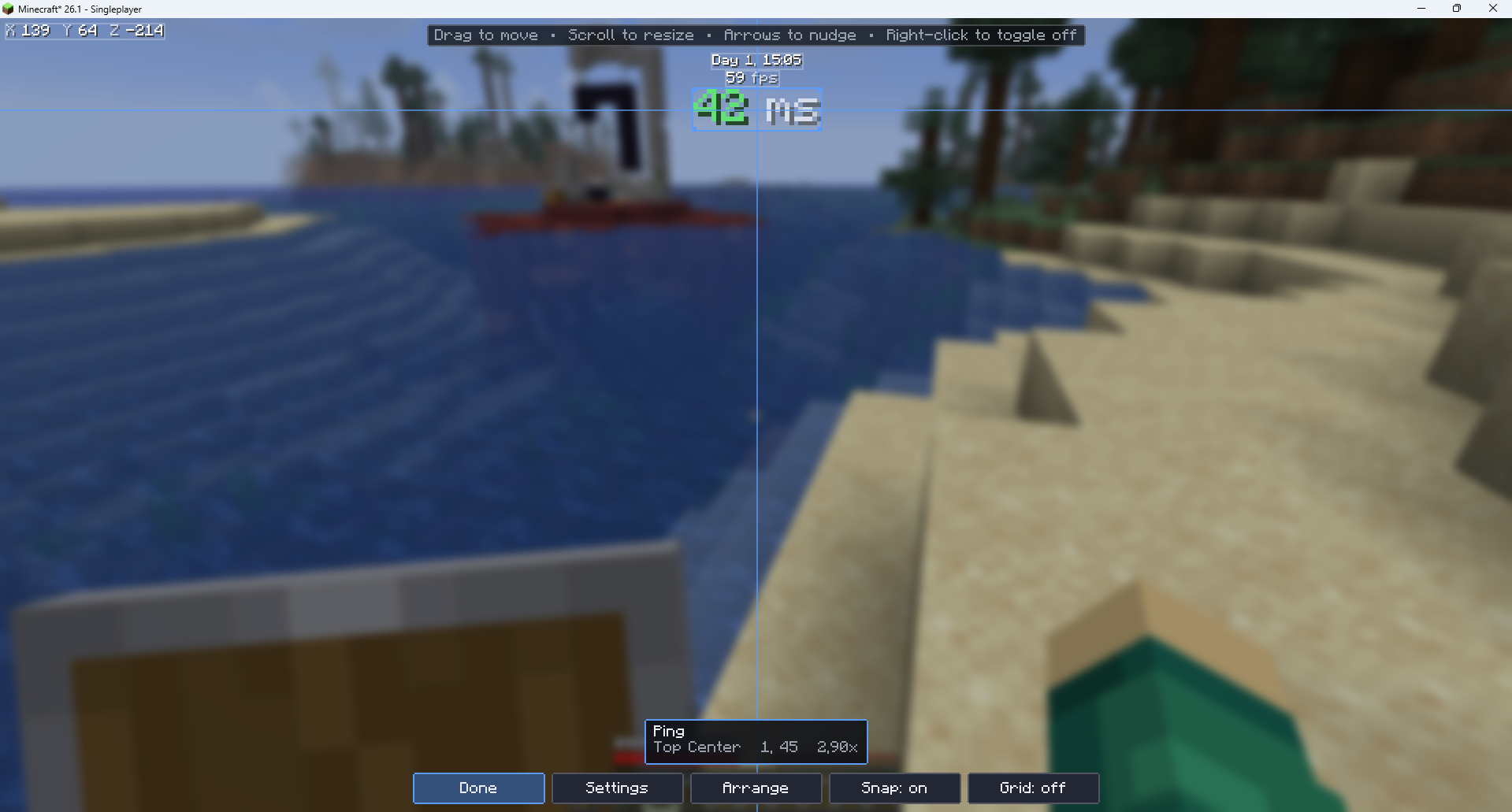
The widgets
Performance
- FPS Counter — frame rate, optionally with min/max/average over the last 5 seconds
- Memory Usage — Java heap in use against the maximum, with an optional bar
- Ping — round-trip latency, colour-coded
- TPS Indicator — server tick rate
- Chunk Updates — sections rebuilt per frame and the size of the pending queue
- GPU Memory — video memory in use, where the driver reports it
Player
- Coordinates — X, Y, Z, with optional facing and chunk position
- Biome — the biome you're standing in
- Speed — blocks per second
- Armor Status — equipped pieces as icons, with durability
- Held Item Durability — what's left on the thing in your hand
- Potion Effects — active effects with level and time remaining
- Saturation — the hidden value behind the hunger bar
- Health Indicator — exact HP instead of counting hearts
- Attack Cooldown — how charged your next swing is
- XP Info — level, exact points, and points to the next level
World
- In-Game Time — "Day 4, 14:30"
- Day Counter — days survived
- Real-Time Clock — your system clock, so you know when to stop
- Weather — clear, rain or thunder
- Light Level — block light, with a mob-spawning verdict
- Moon Phase — with a drawn moon
- Slime Chunk — whether slimes can spawn where you're standing
PvP / Combat
- CPS Counter — left and right clicks per second
- Reach Display — distance to the last entity you hit
- Combo Counter — hits landed without being hit back
- Hit Detection — flashes whether your swing connected
- Keystrokes — WASD and mouse buttons, with a Badlion-style press animation
- Sprint / Sneak Indicator — including whether they're set to toggle
Server
- Server IP — with an option to censor it for streaming
- Player Count — online out of the maximum
- Server Name / MOTD
Misc
- Stopwatch — start, stop and reset on a keybind
- Inventory Alerts — warns you before you run out of room
- Item Counter — track arrows, pearls, blocks, anything
- Pack Display — which resource packs are loaded
- Screenshot Indicator — confirms the shot was saved
- Direction Compass — a compass strip across the top of the screen
On by default: FPS Counter, Ping, Coordinates and In-Game Time. Ping hides itself in singleplayer, so it costs nothing.
Getting started
- Install Fabric Loader and Fabric API.
- Drop Quick Widgets in your
mods folder.
- Launch, then press Right Shift.
- Turn on what you want, then hit Edit Layout and drag it into place.
There's a How to use page in the settings screen if you'd rather read it in-game. The mod also says hello once in chat when you join, naming the key you have bound.
Keybinds live under Options → Controls → Quick Widgets, where you can rebind the settings key and set optional keys for the stopwatch and for hiding the overlay.
Compatibility
| Minecraft |
Loader |
Requires |
| 1.20.1 |
Fabric |
Fabric API |
| 1.21.11 |
Fabric |
Fabric API |
| 26.1 |
Fabric |
Fabric API |
| 26.2 |
Fabric |
Fabric API |
No mixins. Quick Widgets patches nothing — every widget gets what it needs from public client API. That makes it unusually well-behaved in a large modpack, and it's why one codebase covers both an obfuscated 1.20.1 and an unobfuscated 26.2.
Works in singleplayer and multiplayer.
Suggestions? Issues? Add me on discord: nemyxxx