Quick Replant
- By
Quick Replant automatically replants crops immediately after harvesting them. Simply break your fully-grown crops as usual, and the mod instantly replants them using seeds or crops from your inventory.
Quick Replant
Harvest crops faster and never waste time replanting again with this lightweight auto-replant mod for Minecraft!
What This Mod Does
Quick Replant automatically replants crops immediately after harvesting them. Simply break your fully-grown crops as usual, and the mod instantly replants them using seeds or crops from your inventory.
Perfect for farming large fields without the repetitive extra clicks.
Features
Instant Replanting – Automatically replants crops after harvesting
Fortune Supporting - Works with Fortune enchantment.
Simple Toggle – Press R to enable or disable the mod anytime
Supports Multiple Crops – Works with:
Wheat
Carrots
Potatoes
Beetroot
Nether Wart
Lightweight – Minimal performance impact
Clean & Simple – No complicated setup required
How to Use
Quick Start
1. Harvest fully-grown crops normally
2. The crop is instantly replanted automatically
3. Press R anytime to toggle Quick Replant on or off
Installation
Requirements:
-Minecraft 1.21+
-Fabric Loader
-Fabric API
Steps
1. Install Fabric Loader for Minecraft 1.21+
2. Download and install Fabric API
3. Download Quick Replant
4. Place both mods into your `mods` folder
5. Launch Minecraft and enjoy easier farming!
Perfect For
Large Survival Farms – Harvest huge crop fields quickly
Multiplayer Servers – Speed up farming tasks
Villager Trading – Farm crops more efficiently
Technical Worlds – Simplify automated manual farming
Casual Survival – Remove repetitive replanting
Technical Details
Client-side lightweight utility mod
Fabric 1.21+ compatible
Low resource usage
Simple keybind support
Easy to use with no configuration needed
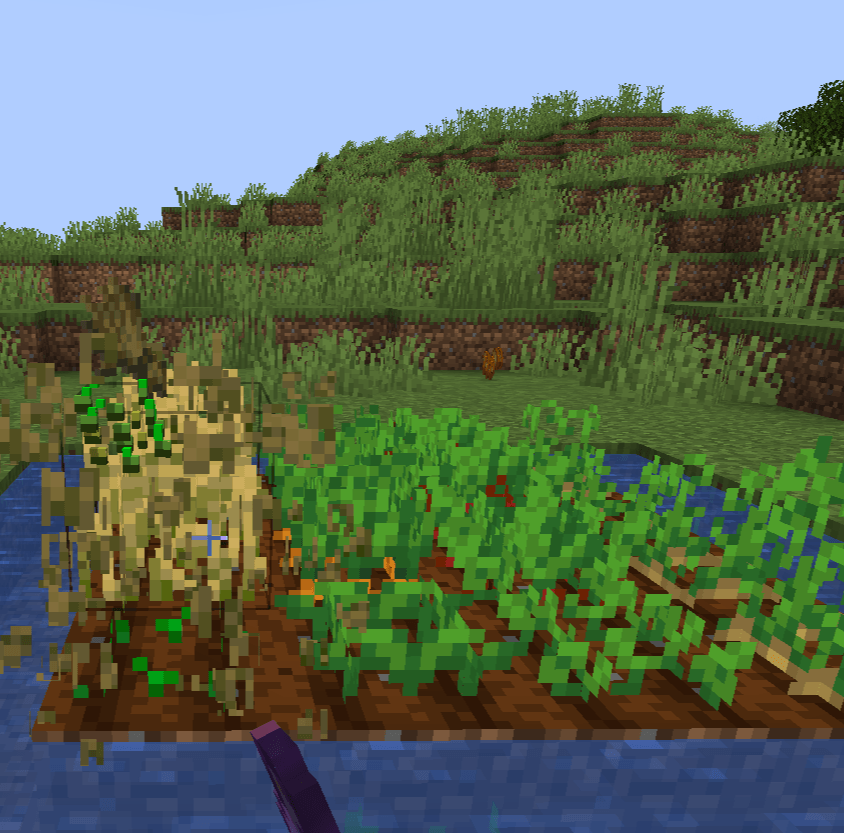
##Sample Images

Also Check: AutoMLG+
Donation: Buy Me Mo:Mo
Saurav Khanal,
Quick Replant Team
The Quick Replant Team