QuickBelt
A Fabric mod for Minecraft 26.3 that gives every player two belt slots. Each belt slot has its own
keybind that can be pressed to use the item in that slot as if you had right-clicked it while holding it.
Using it
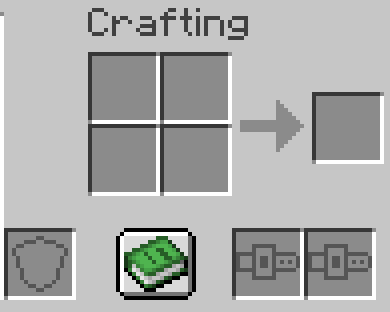
- The belt slots are in the inventory screen, on the bottom-right of the crafting area.
- Default keys: R for belt slot 1, V for belt slot 2.
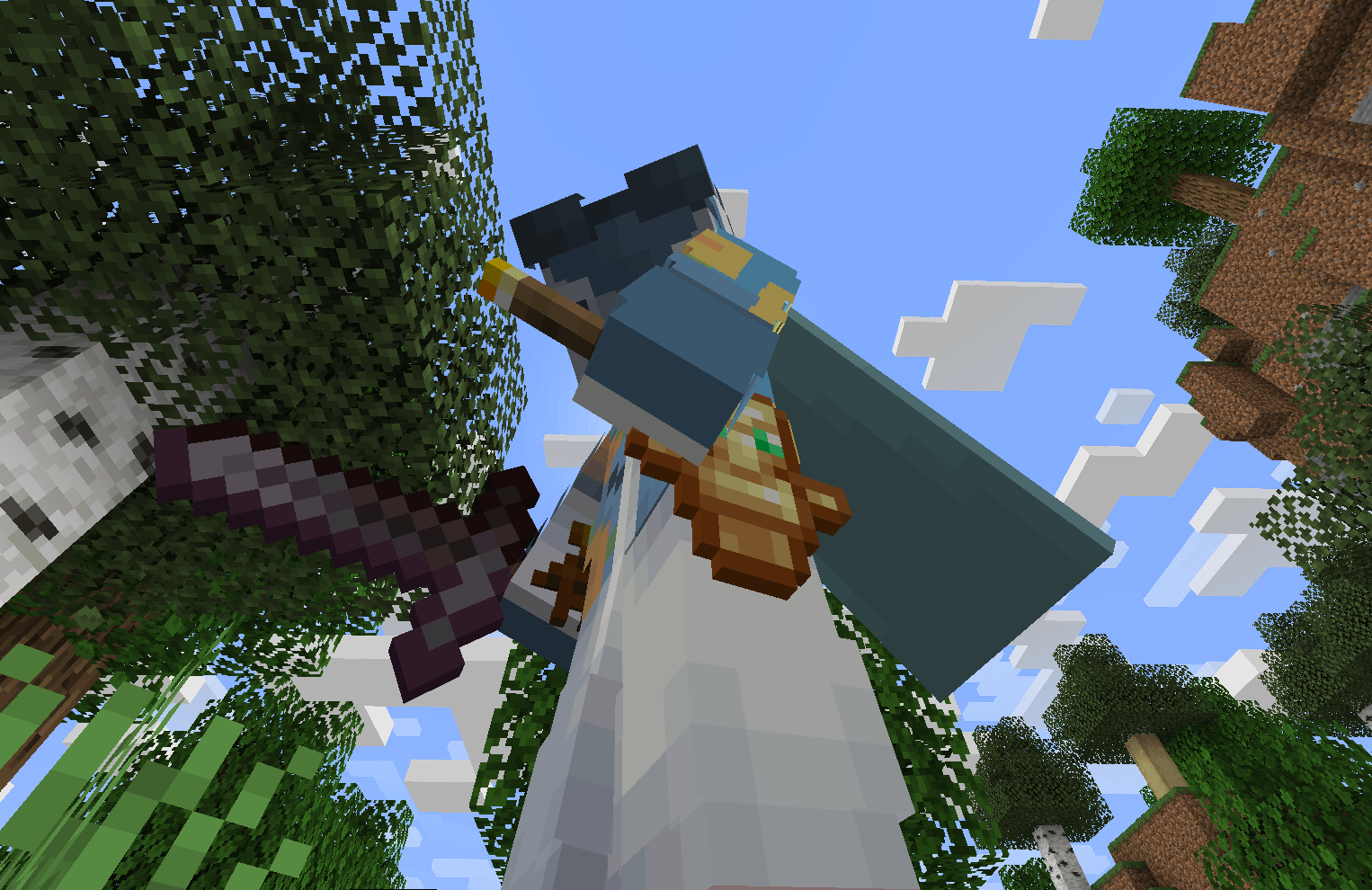
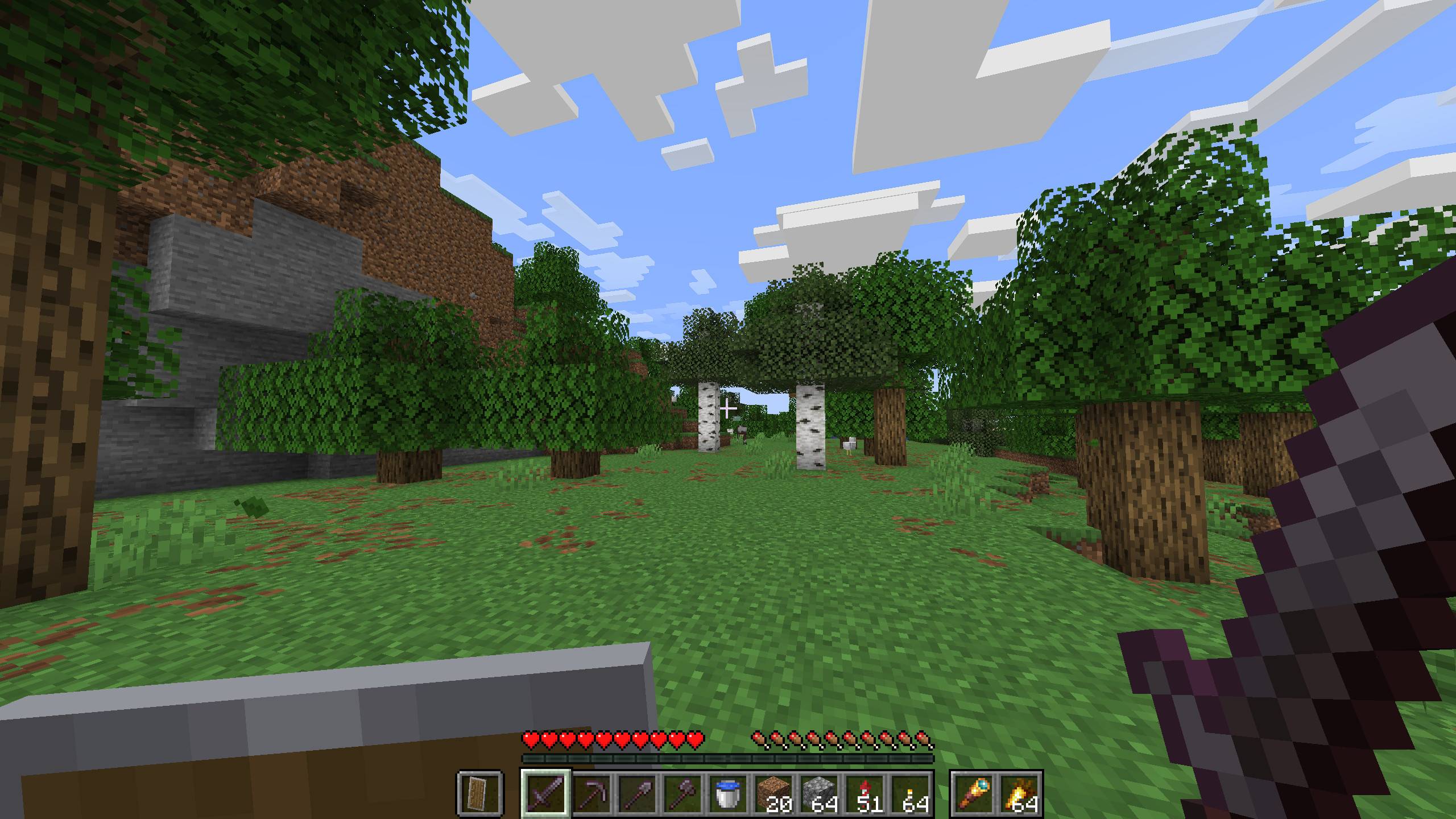
- Filled belt slots are shown on the HUD to the right of the hotbar, and their items hang at your hips (slot 1 on your left, slot 2 on your right) where other players can see them.
- Thrown items that can be picked up again remember which belt slot they came from and return to it if possible.
- Totem of undying works in belt slots.
The mod must be installed on both the client and the server.
Config
config/quickbelt.json to control keybinds and the in-world visuals. It is live editable, and keybinds can also be changed in game.
{
  "keybinds": {
    "belt_slot_1": "key.keyboard.r",
    "belt_slot_2": "key.keyboard.v"
  },
  "hip_items": {
    "side_offset": 4.0,
    "height": 11.0,
    "depth": 0.0,
    "item_scale": 0.5,
    "block_scale": 0.3
  }
}
keybinds: what keys activate what belt slots. Rebinding the keys in game updates this file.hip_items: where the belt items hang on the player model, in pixels (1/16 of a block):
side_offset: how far out from the center of the body. height: how far down from the shoulders.
depth: how far towards the back. item_scale: size of flat items. block_scale: size of items that are drawn as 3D blocks.