Quality of Queso
- By
A Fabric/(Neo)Forge mod that adds various different QoL features, including container searching, precise inventory management, cool visual effects, and so much more!

Chest searching, precise inventory management, and more!
Features include:
- An easy-to-use search bar for your inventory and chests
- Precise Inventory Management, building upon other inventory management mods
- Container Filtering and Sorting
- Locked slots
- Item Counter and Armor Status
- Remove fog
- And more!
📃 Main Features 📜

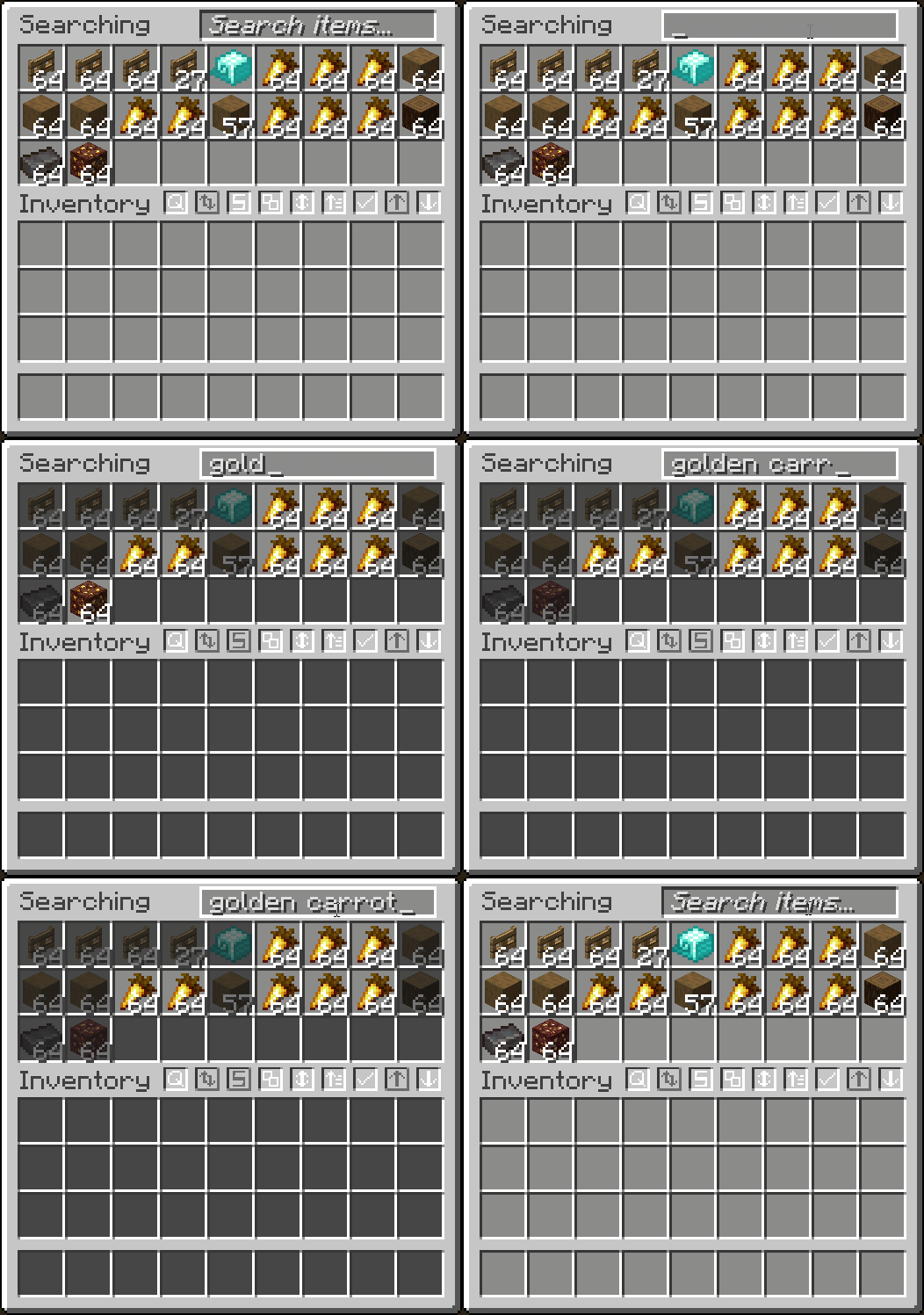
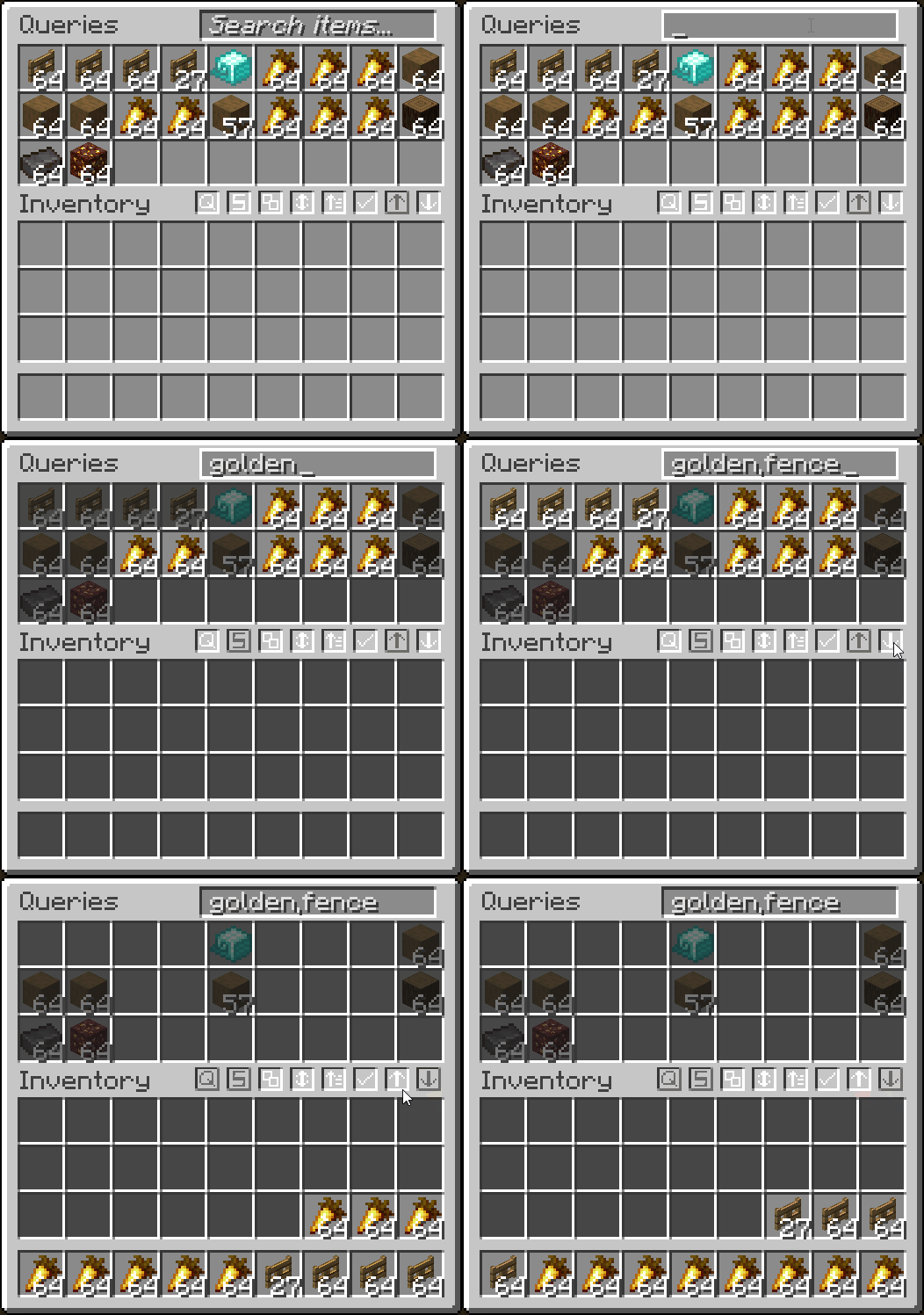
- Search for items in a container or your inventory
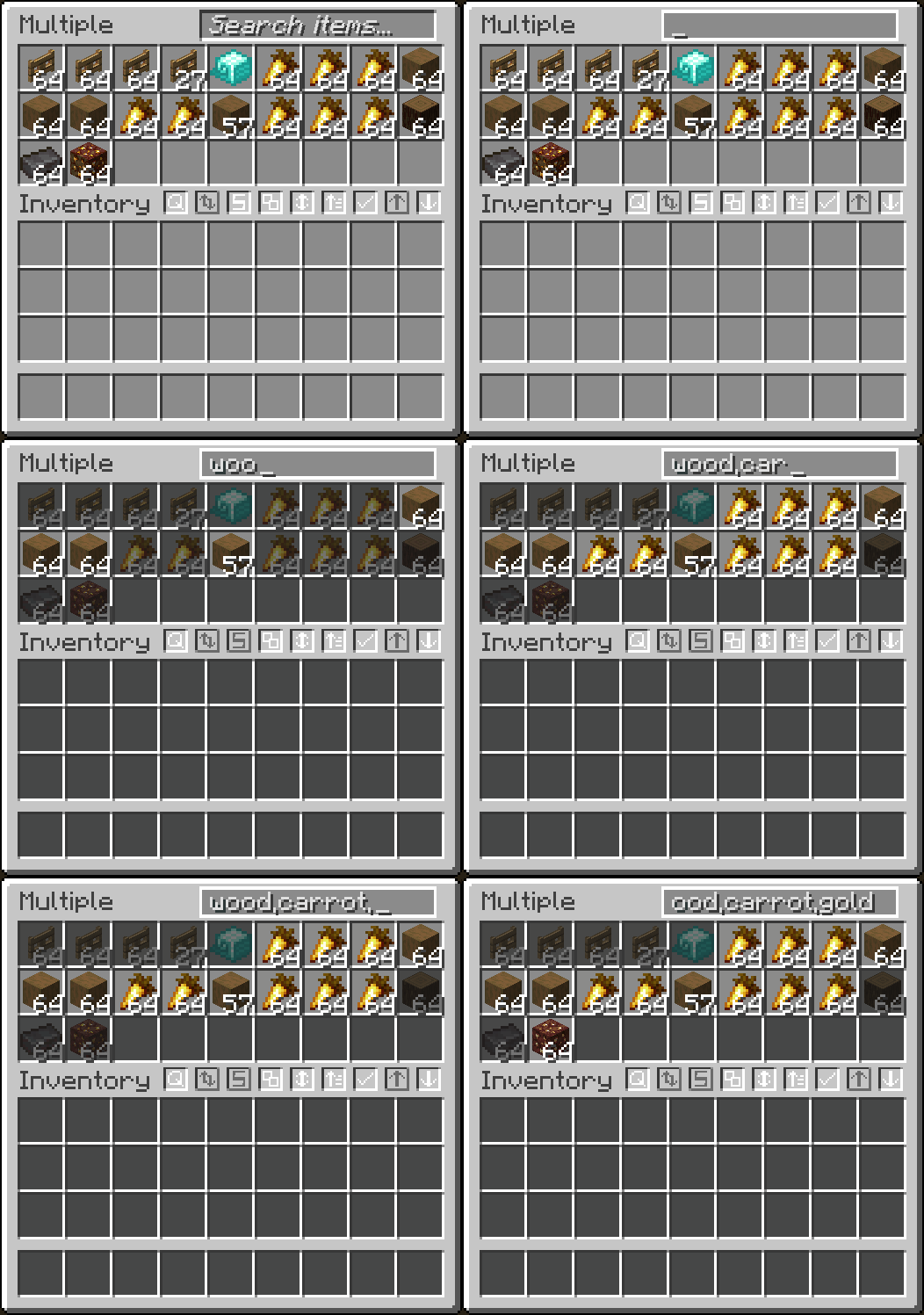
- Search multiple items at once by separating each query with a ,
- Search items by tag by starting query with #
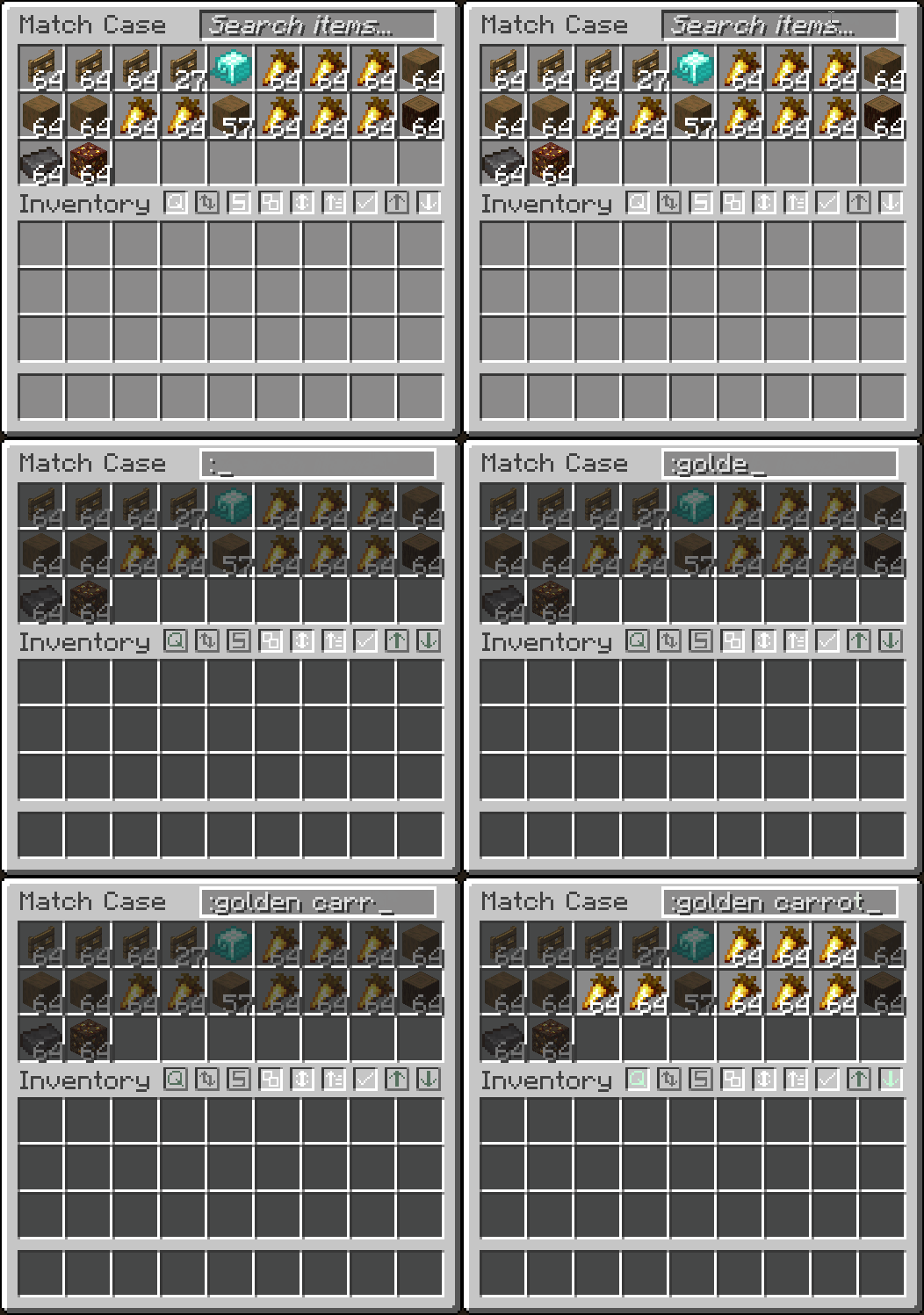
- Match case by starting query with :
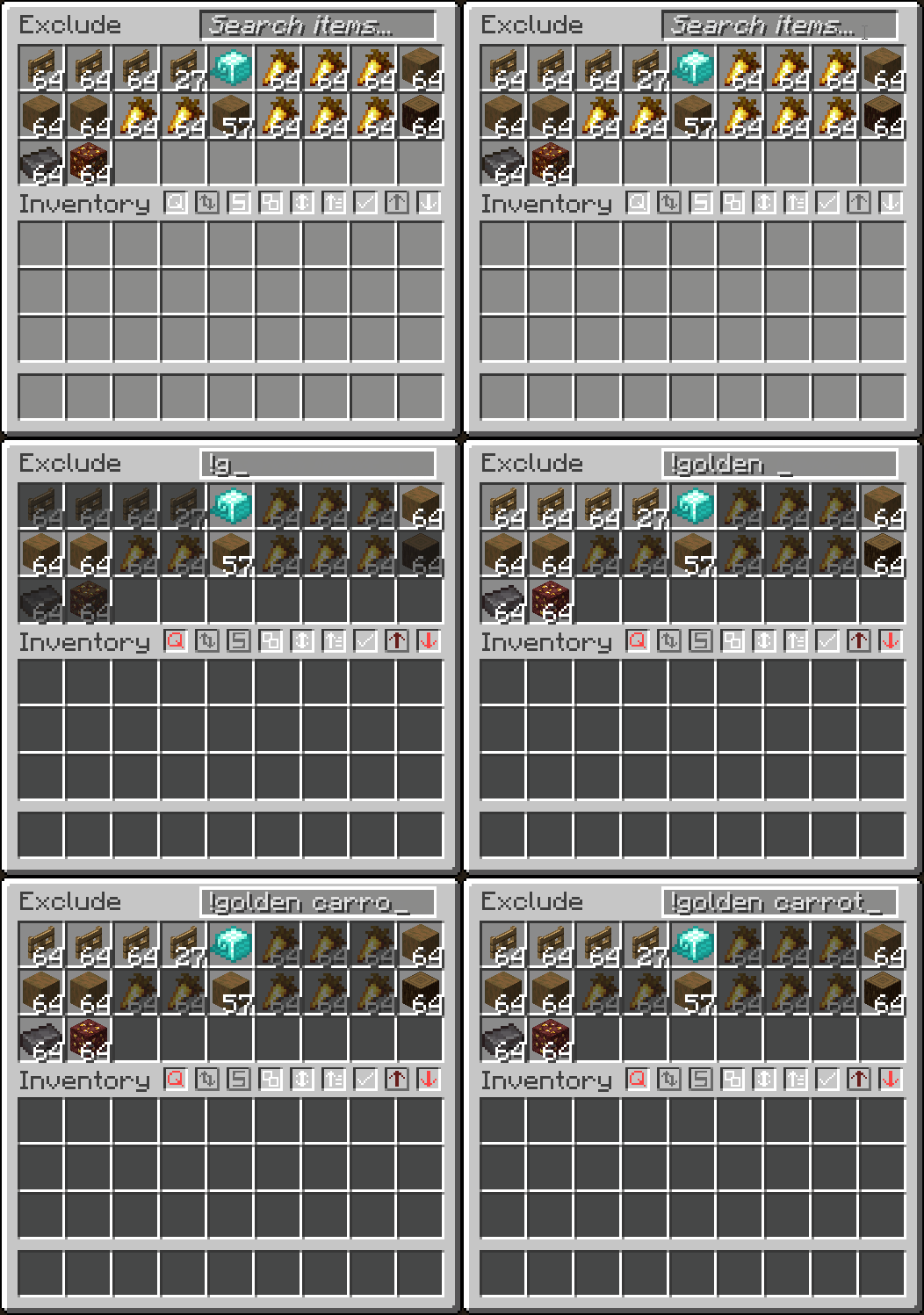
- Exclude items from searching with a !
- Search by mod name with @
- Searches inside transportable containers
- Right-click to clear the search bar
- Fully configurable in the mod's
Searchingtab
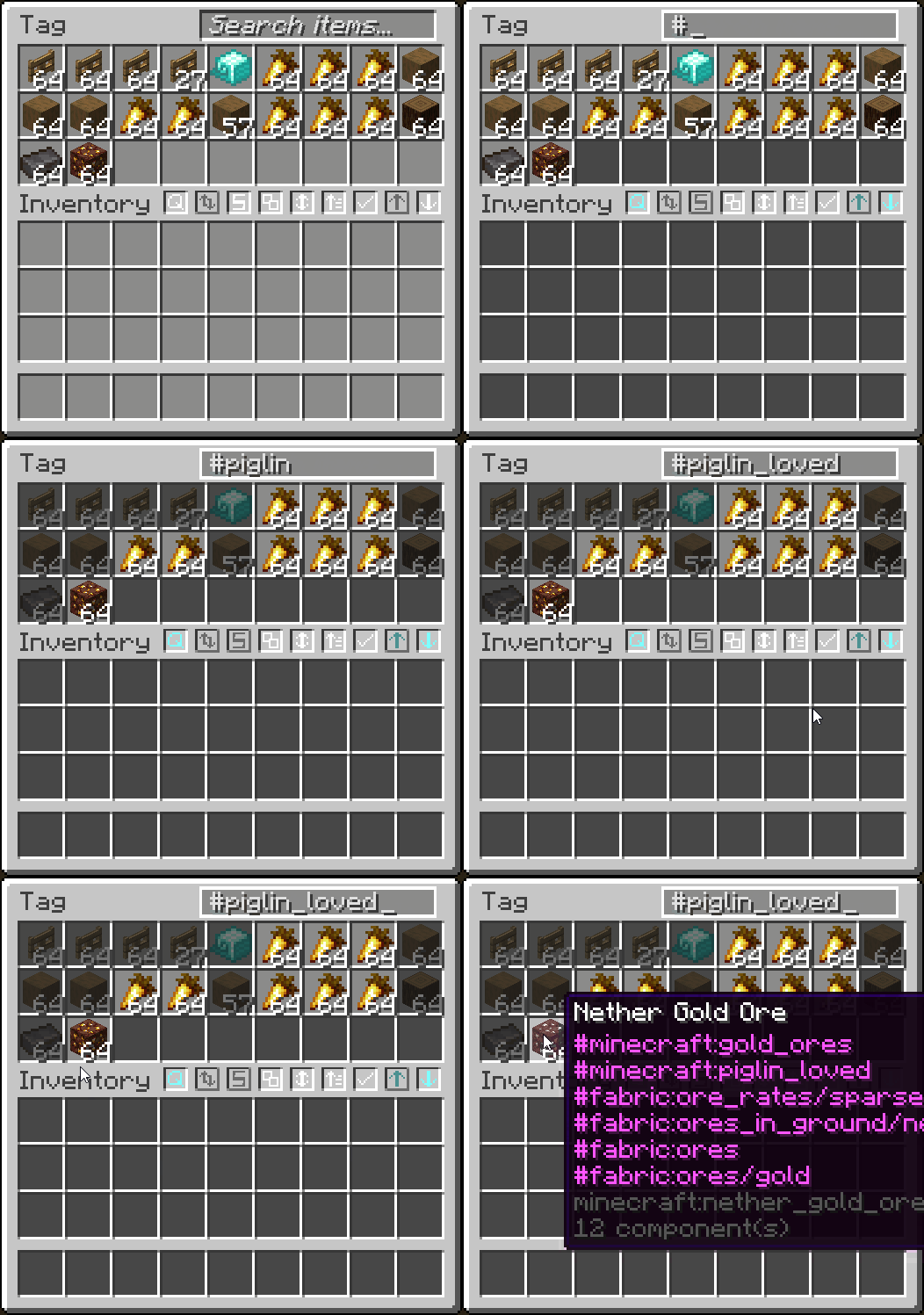
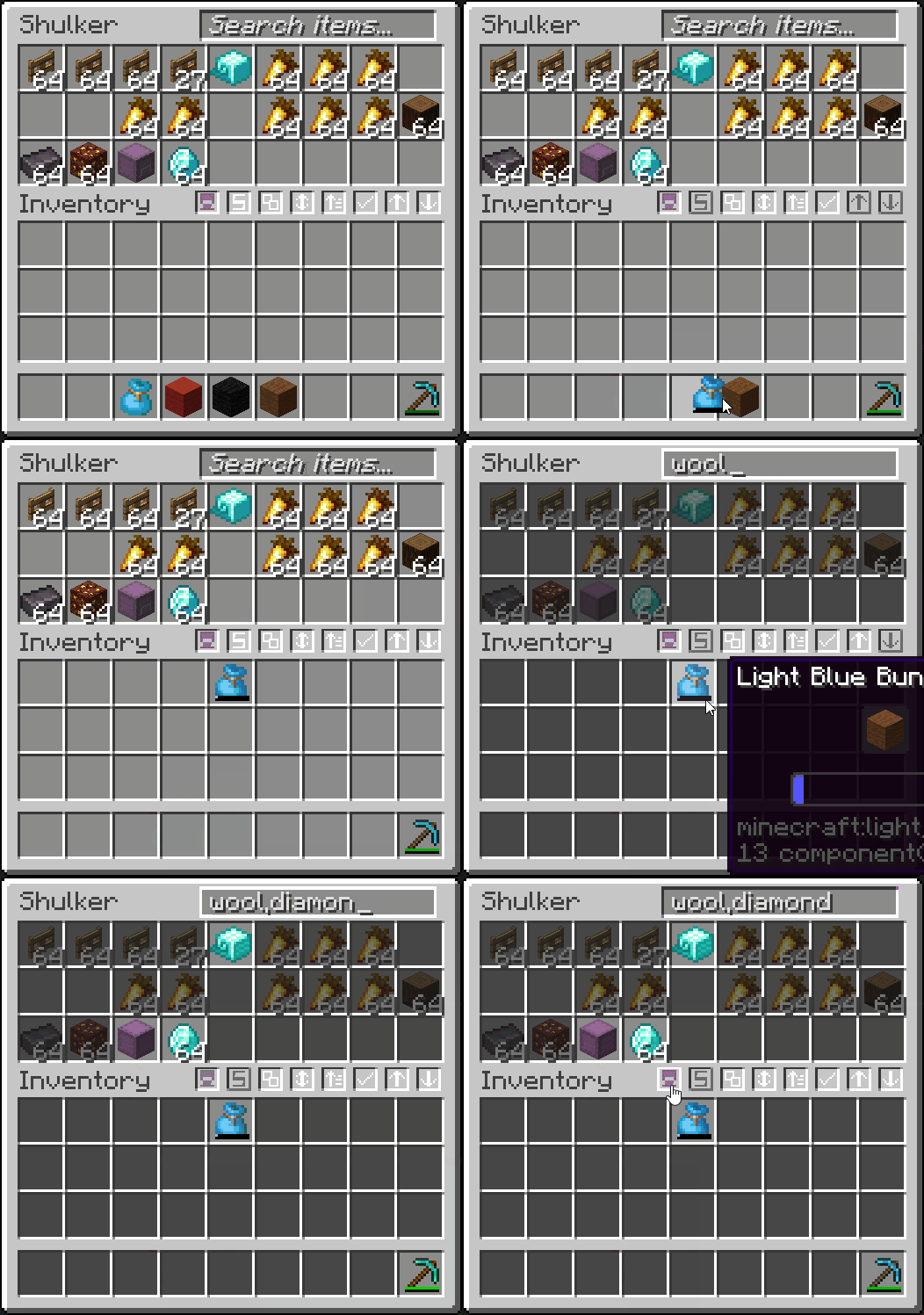
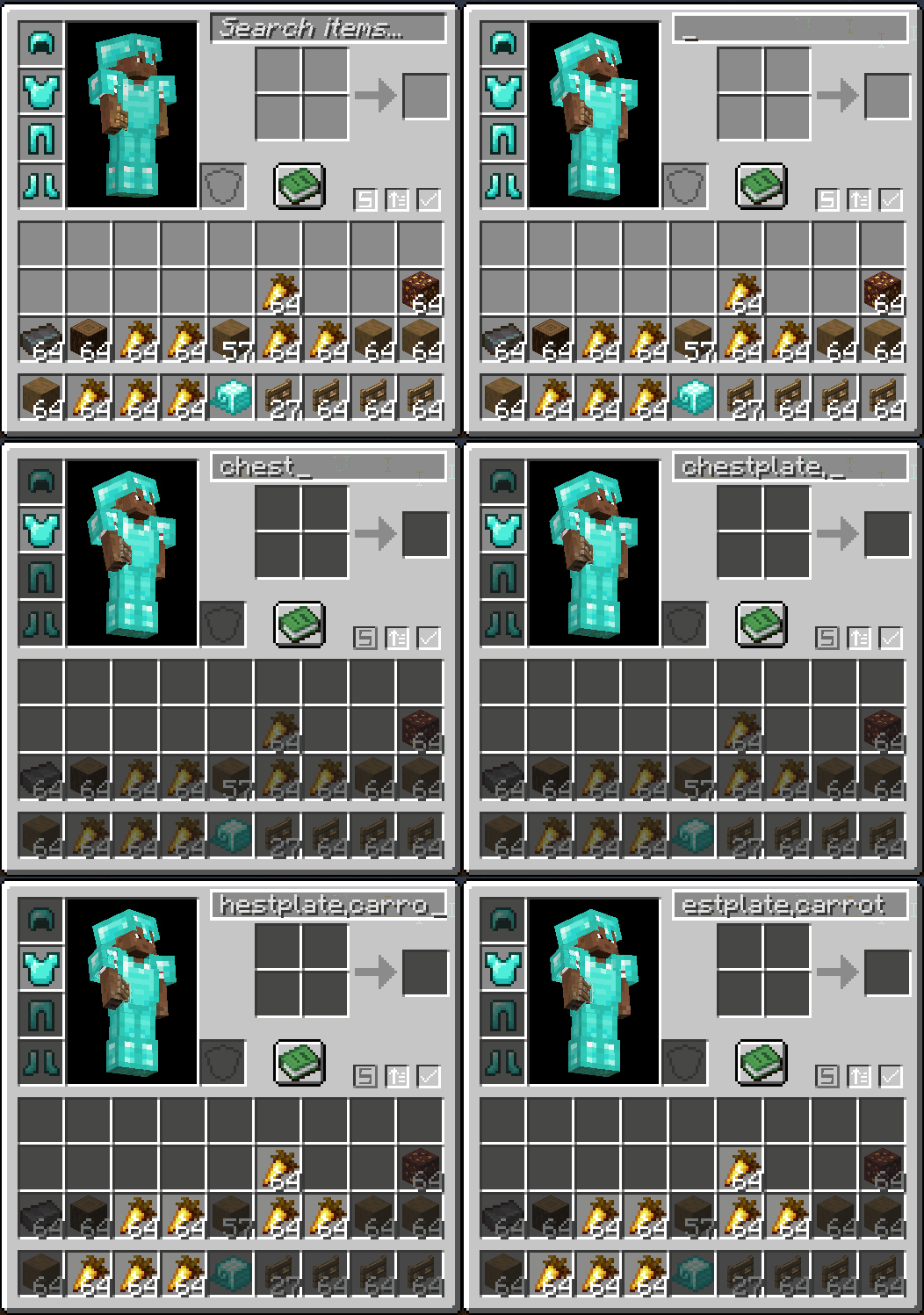
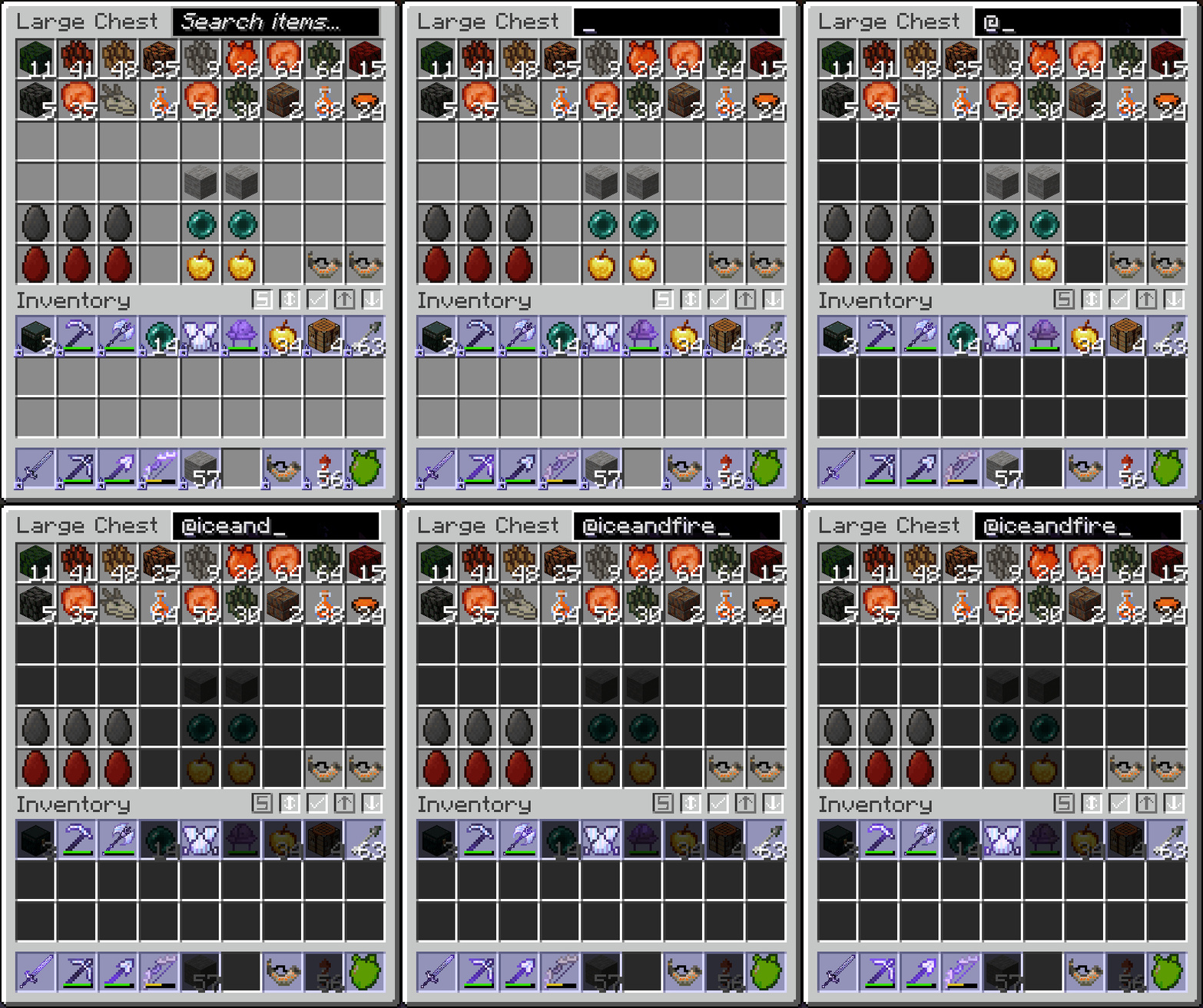

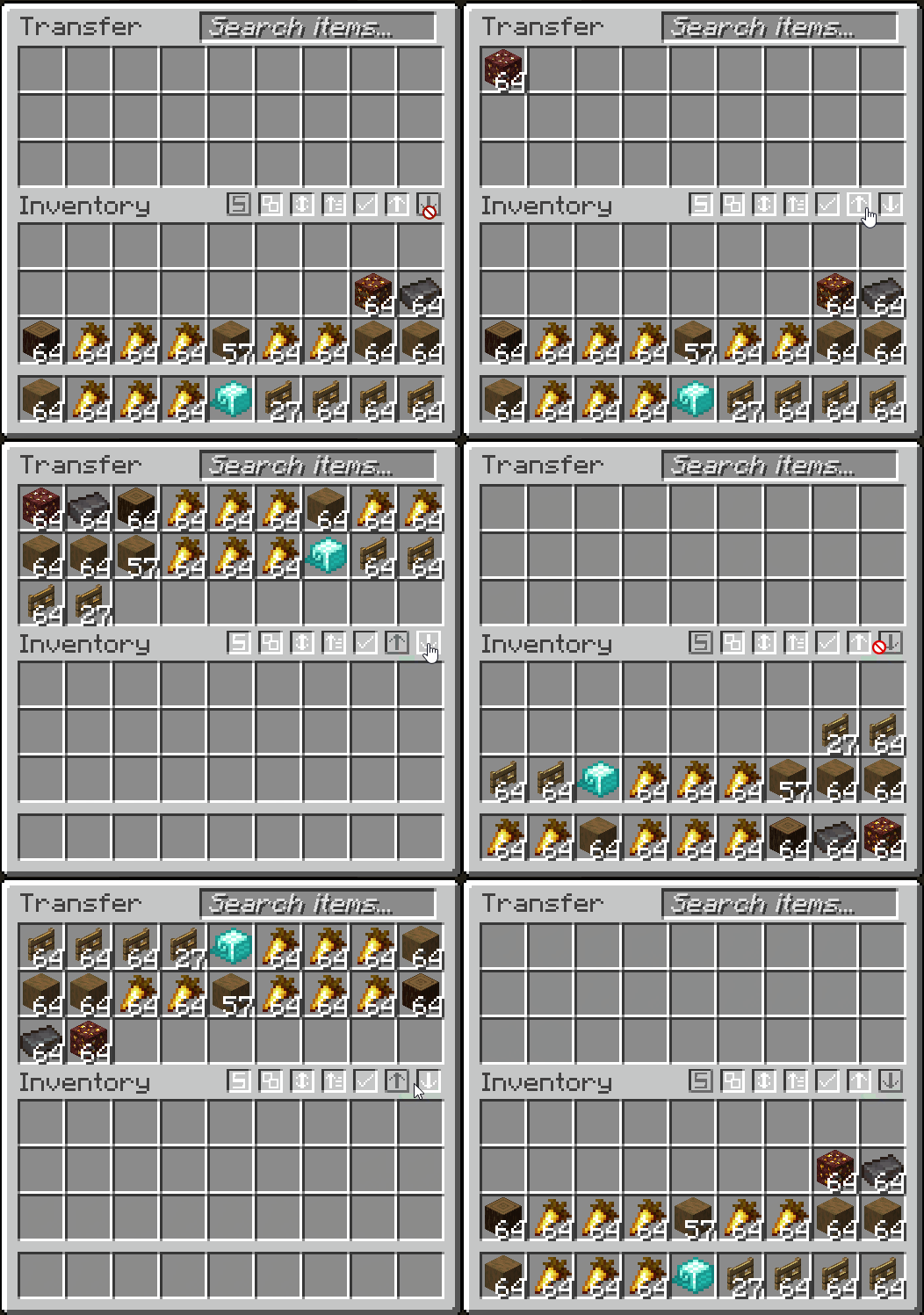
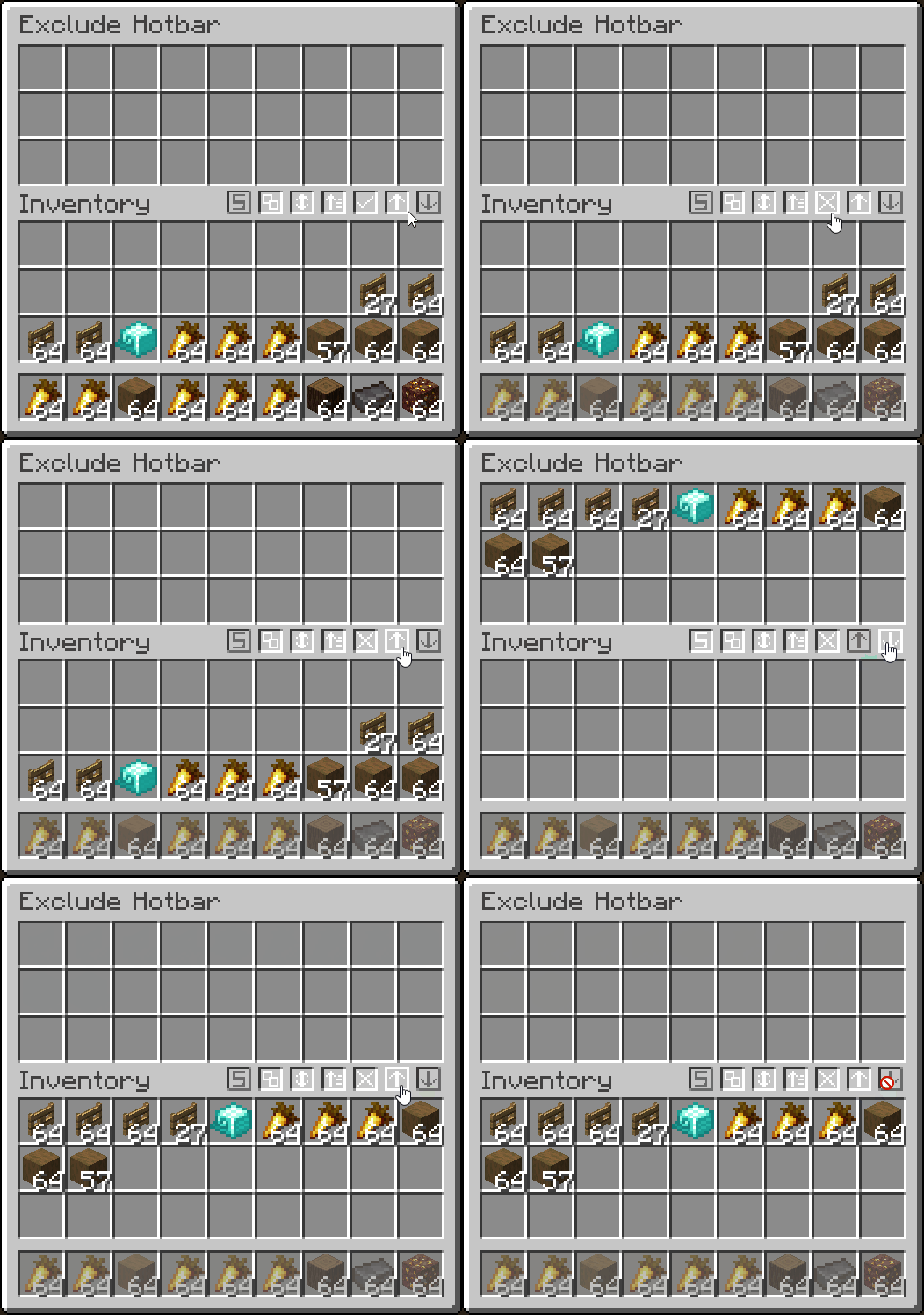
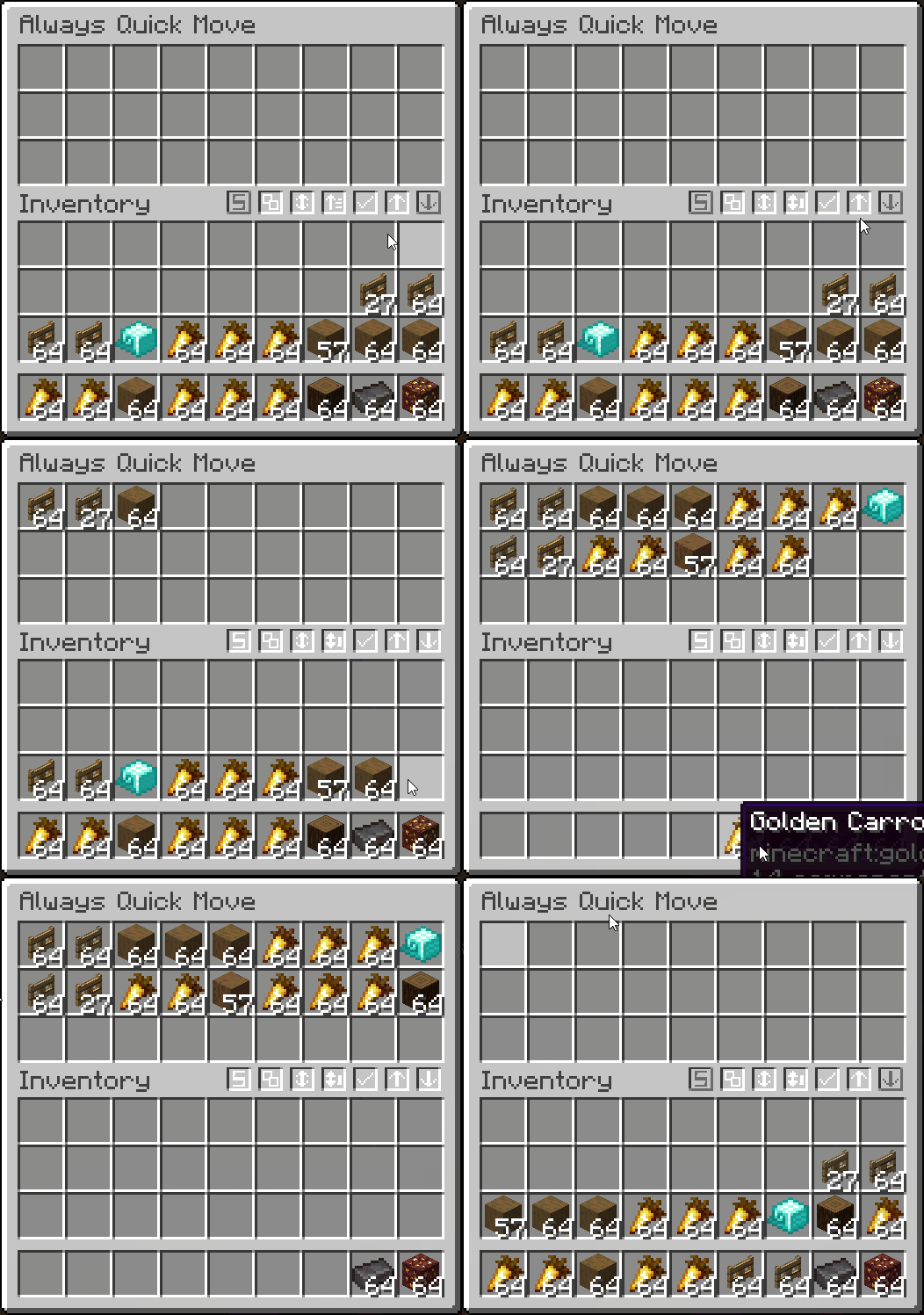
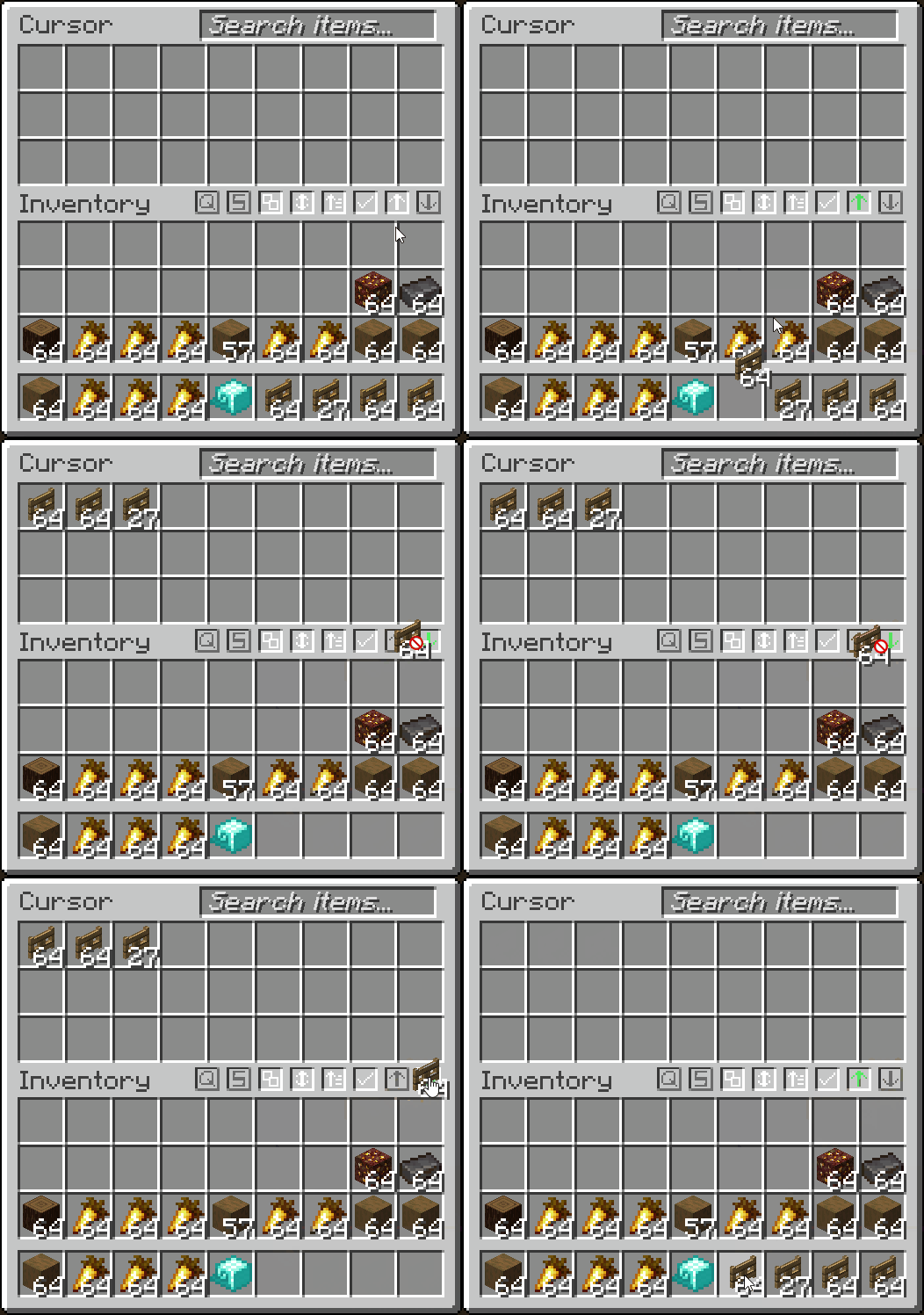
- Quickly transfer items from inventory -> container, and vise-versa
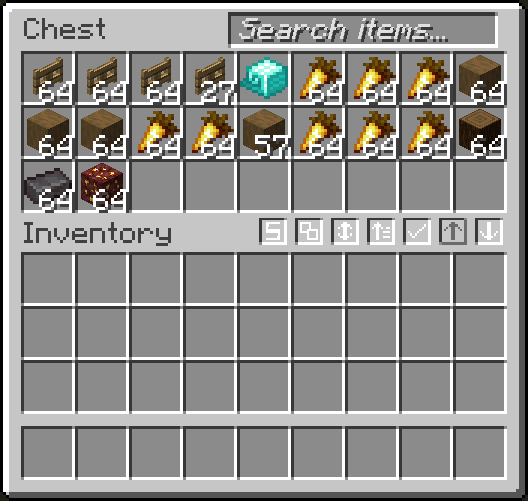
- Fully client-side container filtering by adding your filtered items into a container GUI
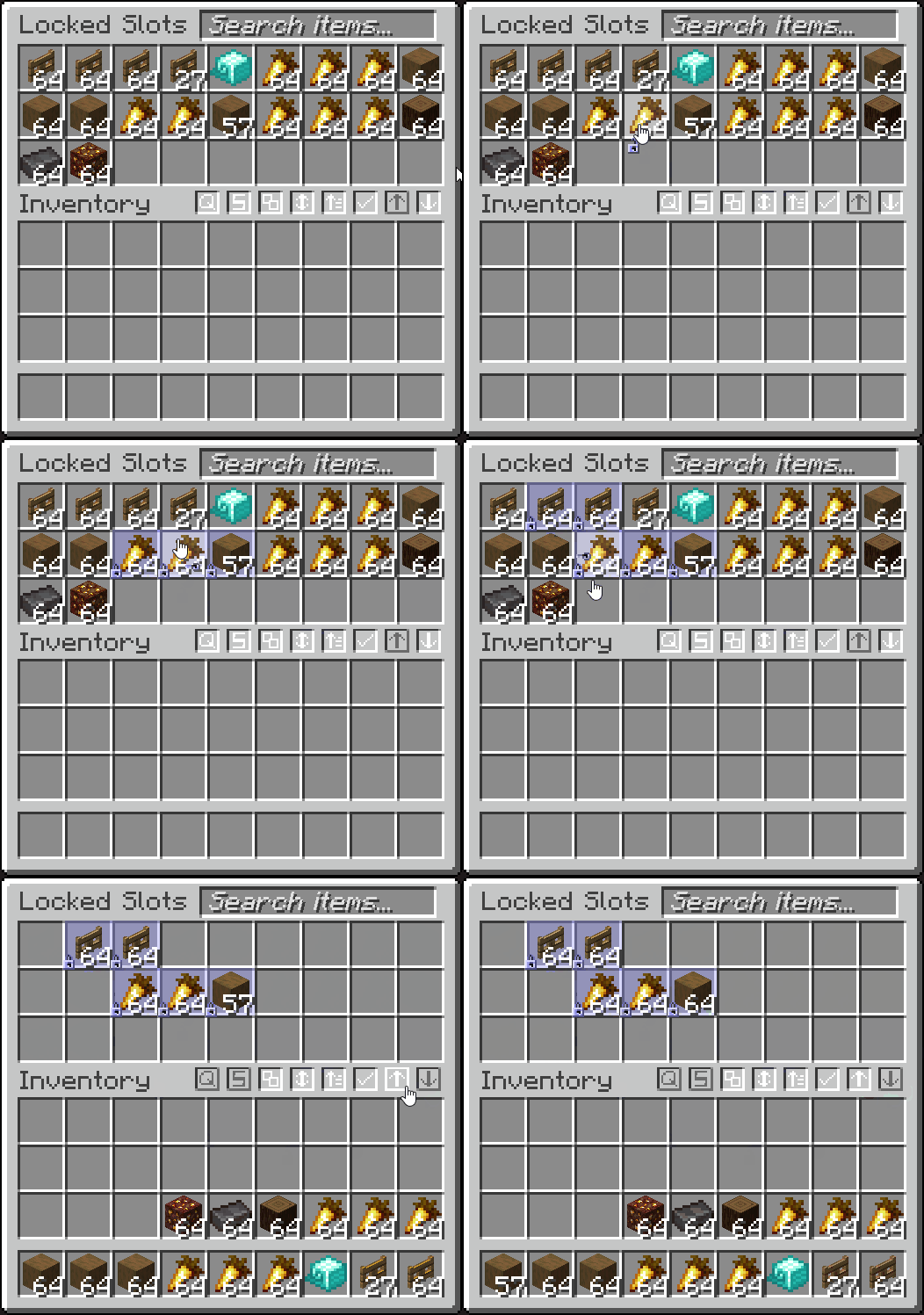
- Lock slots, to prevent them from being affected by transferring or sorting (ALT + MIDDLE CLICK)
- Lock your inventory to prevent items from being picked up
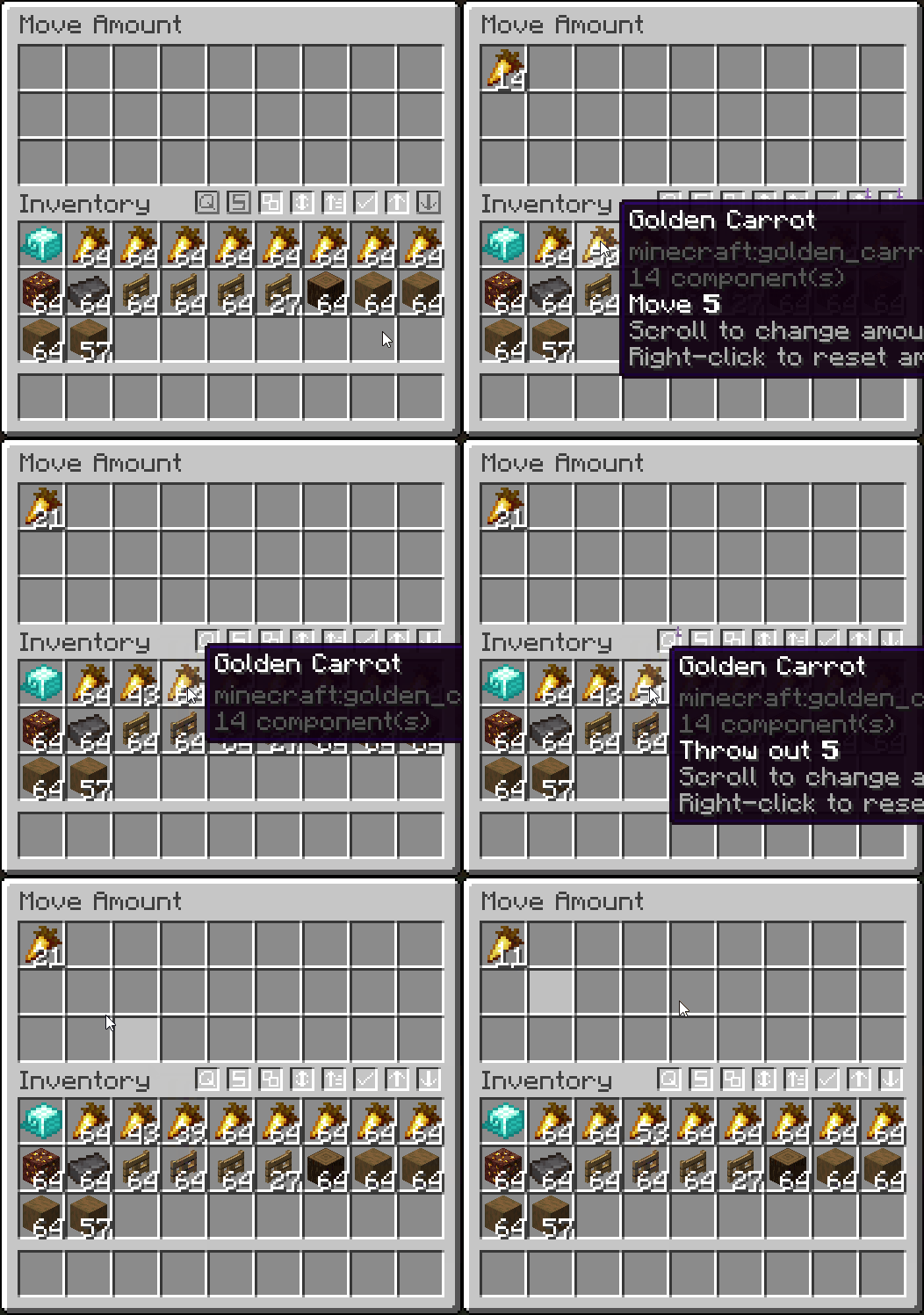
- Quick move one item out of a stack (CTRL to move, SHIFT to drop, scroll to increase/decrease amount)
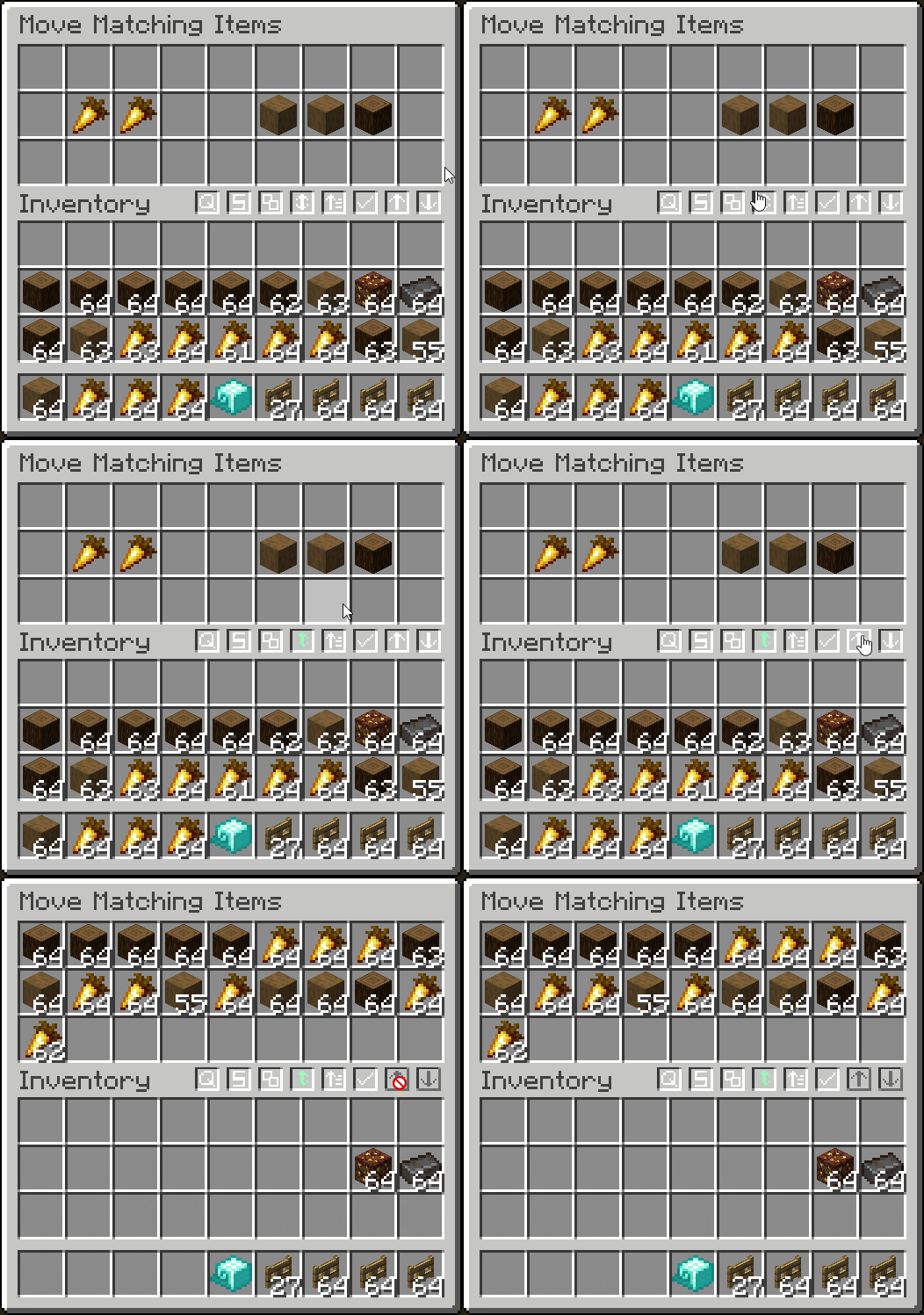
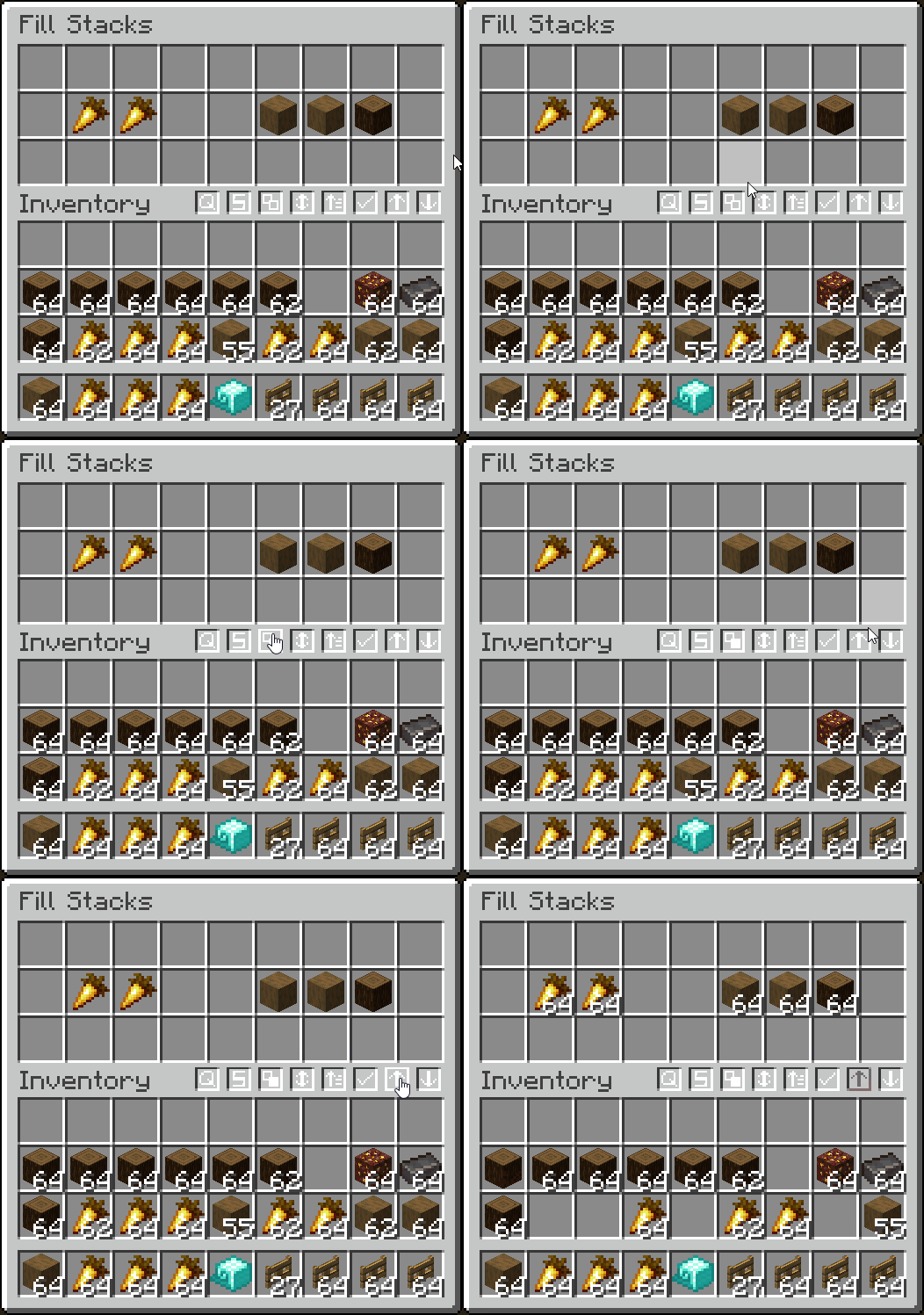
- Move only matching items and fill stacks
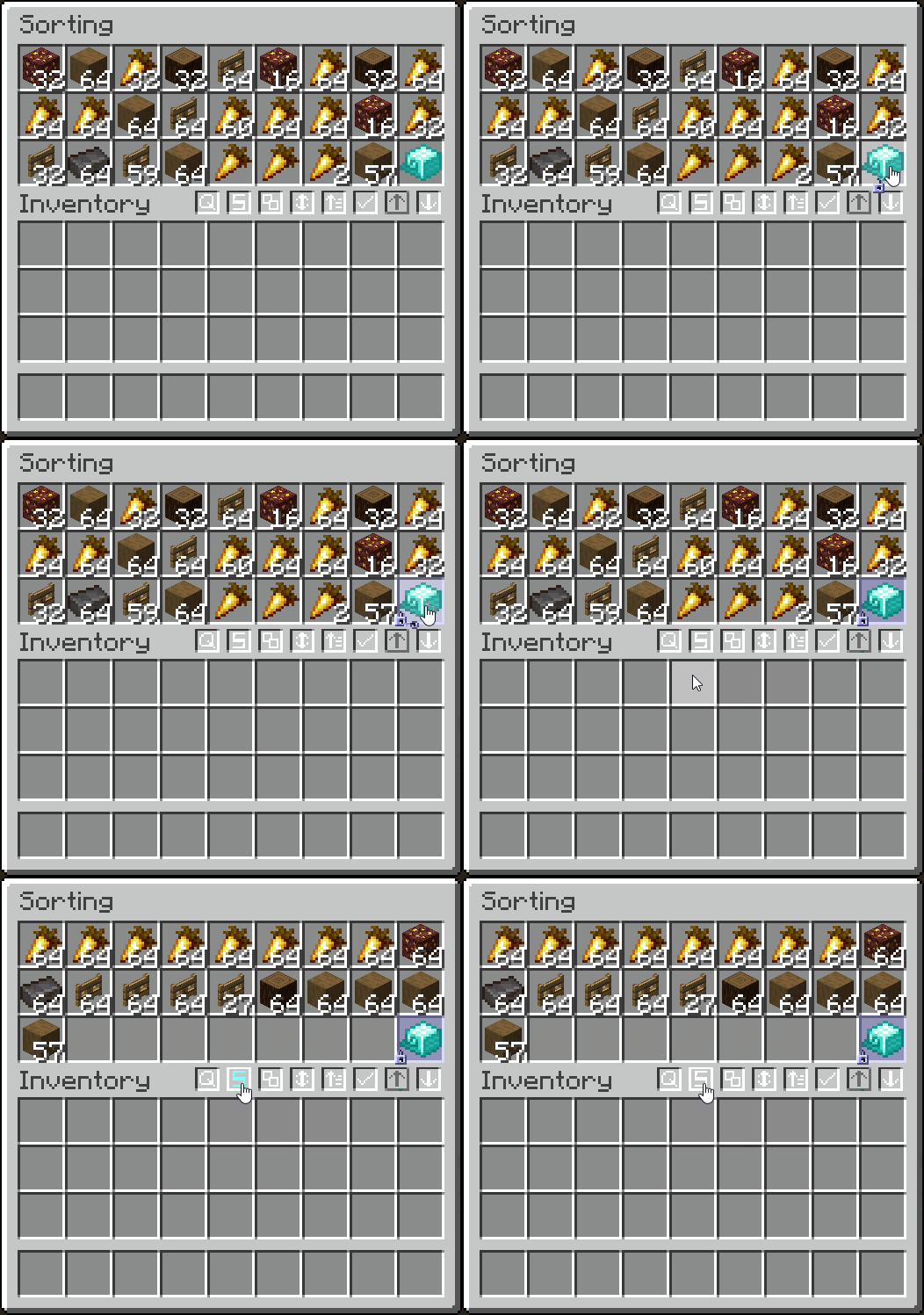
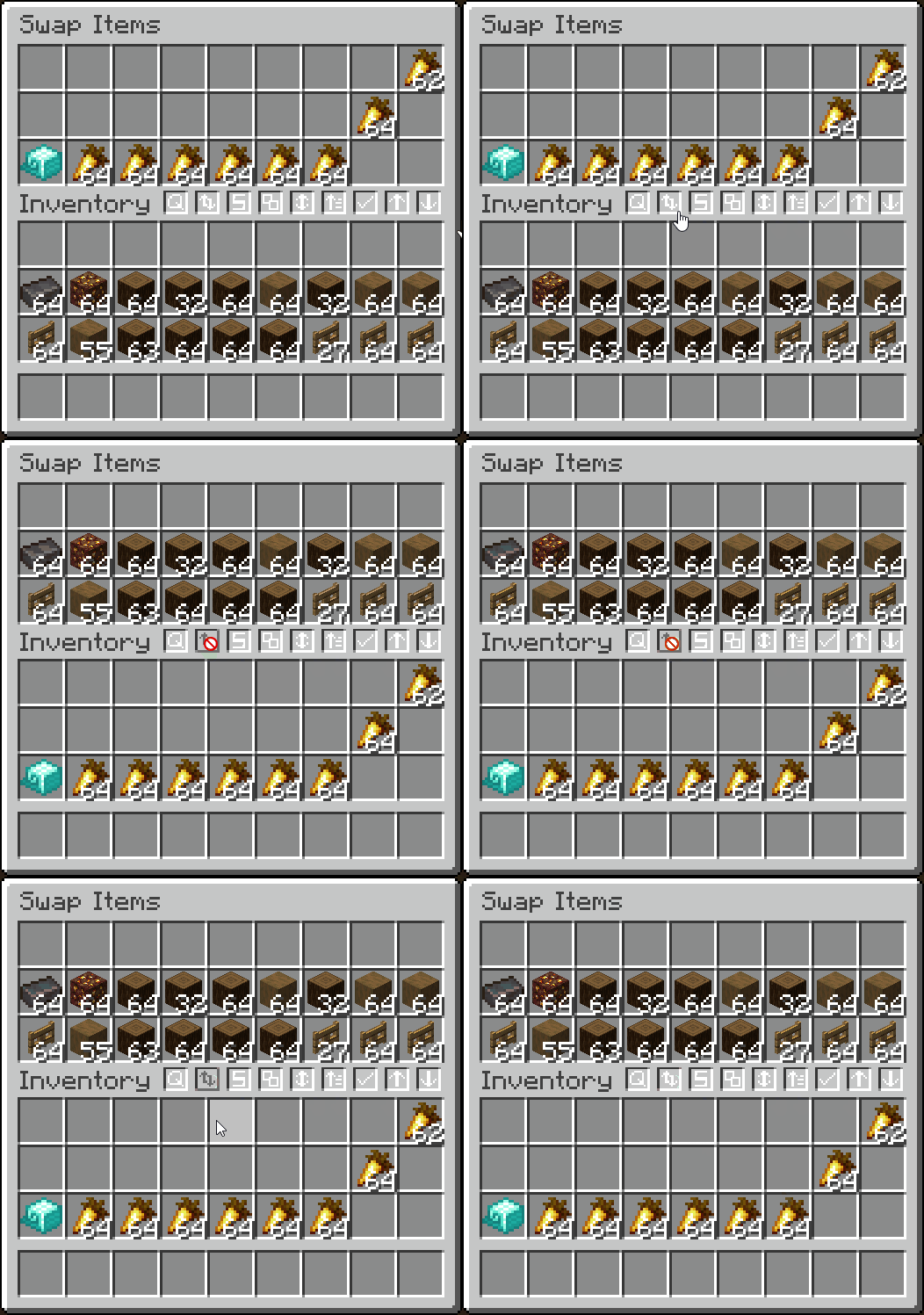
- Sort alphabetically, by item tag, ascending/descending, or by the creative menu order
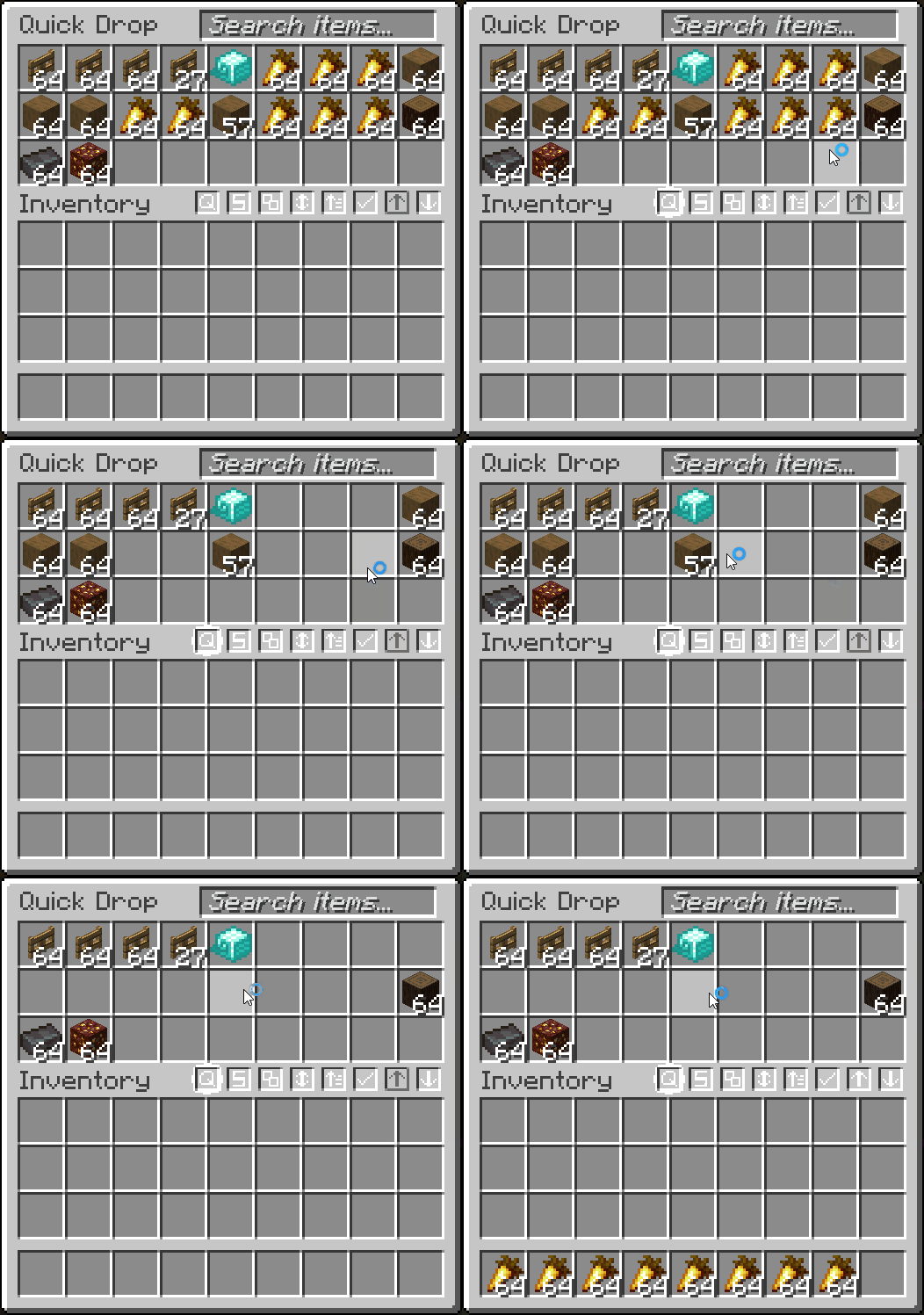
- Quickly drop items (CTRL + ALT + Q)
- And more!
- Fully configurable in the mod's
Managementtab


- Display the total count of an item you are holding (in stacks or just exact amount, configurable)
- Counts contents inside transportable containers
- Shows arrow count when using a bow
- Shows when throwing/picking up an item
- Configurable in the mod's
Item Countertab



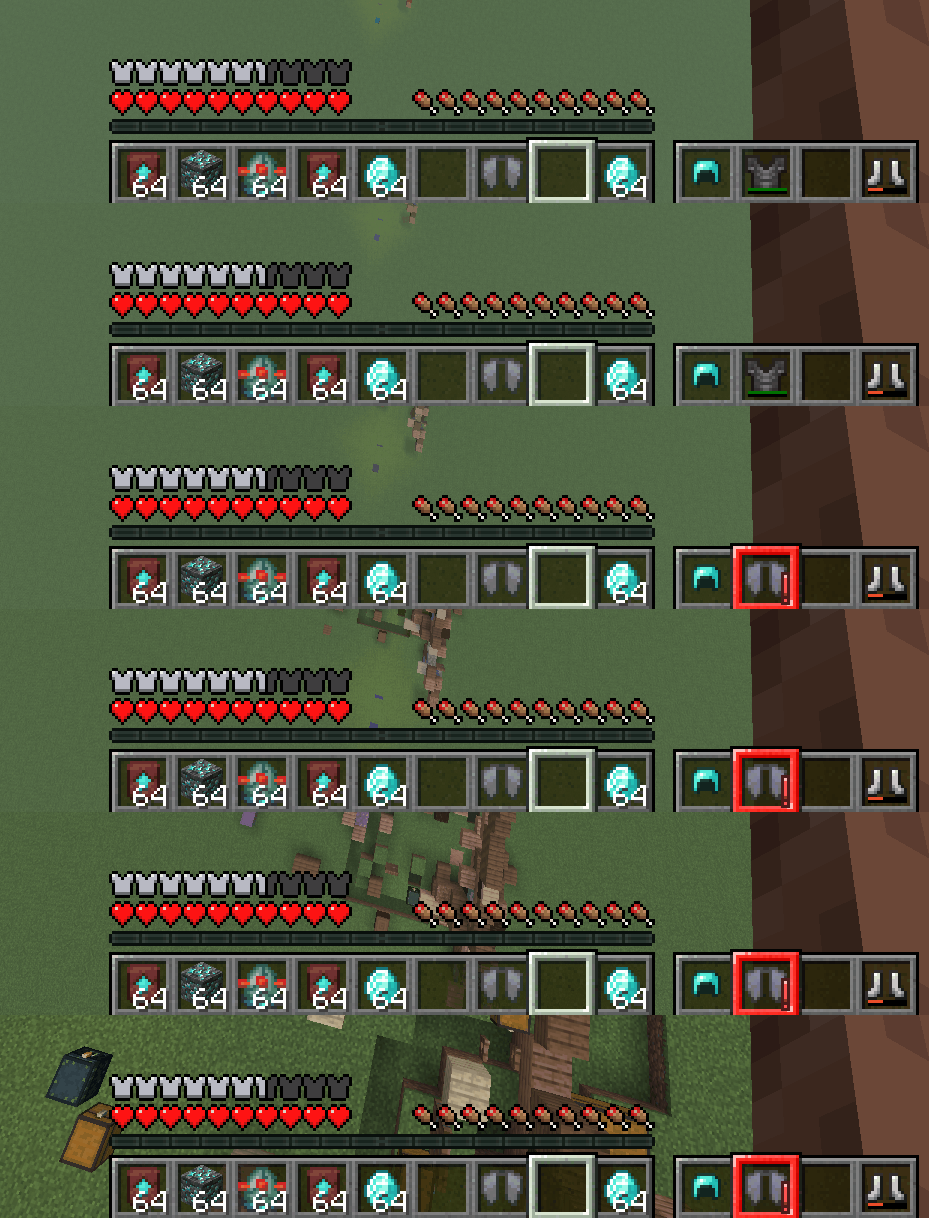
- Display your armor's status in-game
- Option to always display or only when updated
- Highlights with a color, depending on armor durability (configurable)
- Configurable in the mod's
HUDtab


- Search for an item in all nearby item frames
- Search different radiuses, with timers to remove glow
- Configurable in the mod's
Searchingtab


- Set what can change your FOV
Toggle sprinting, potion effects, flying, bow pulling, and submerged in fluid to change FOV
- Configurable in the mod's
FOV Effectstab


- Plays the "player hit" sound when hitting a mob from at least 15 blocks away
- Plays the "level up" sound when killing a mob
- Configurable in the mod's
Miscellaneoustab


- Plays an alarm when you fall far enough without an elytra equipped
- Configurable in the mod's
Miscellaneoustab
Other Features
🎨 Configurable Themes
- Configure Quality of Queso widgets to use a vanilla theme, dark theme, or transparent theme
- Works really well with VanillaTweaks dark and transparent theme
- Configurable in the mod's
Generaltab
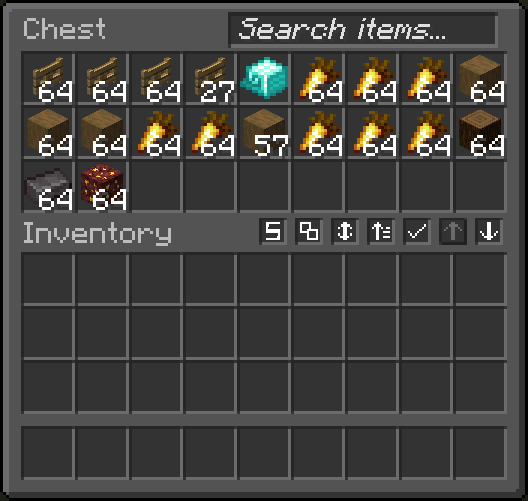
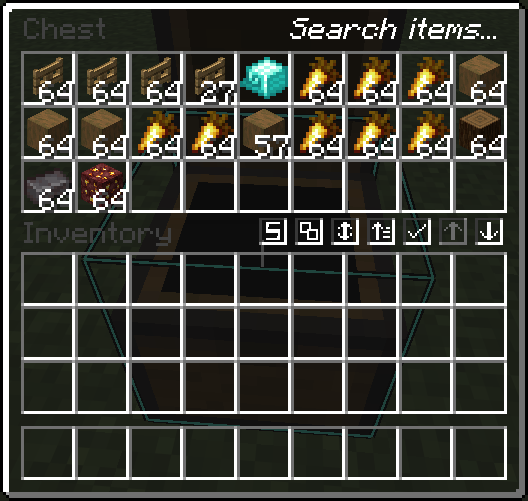
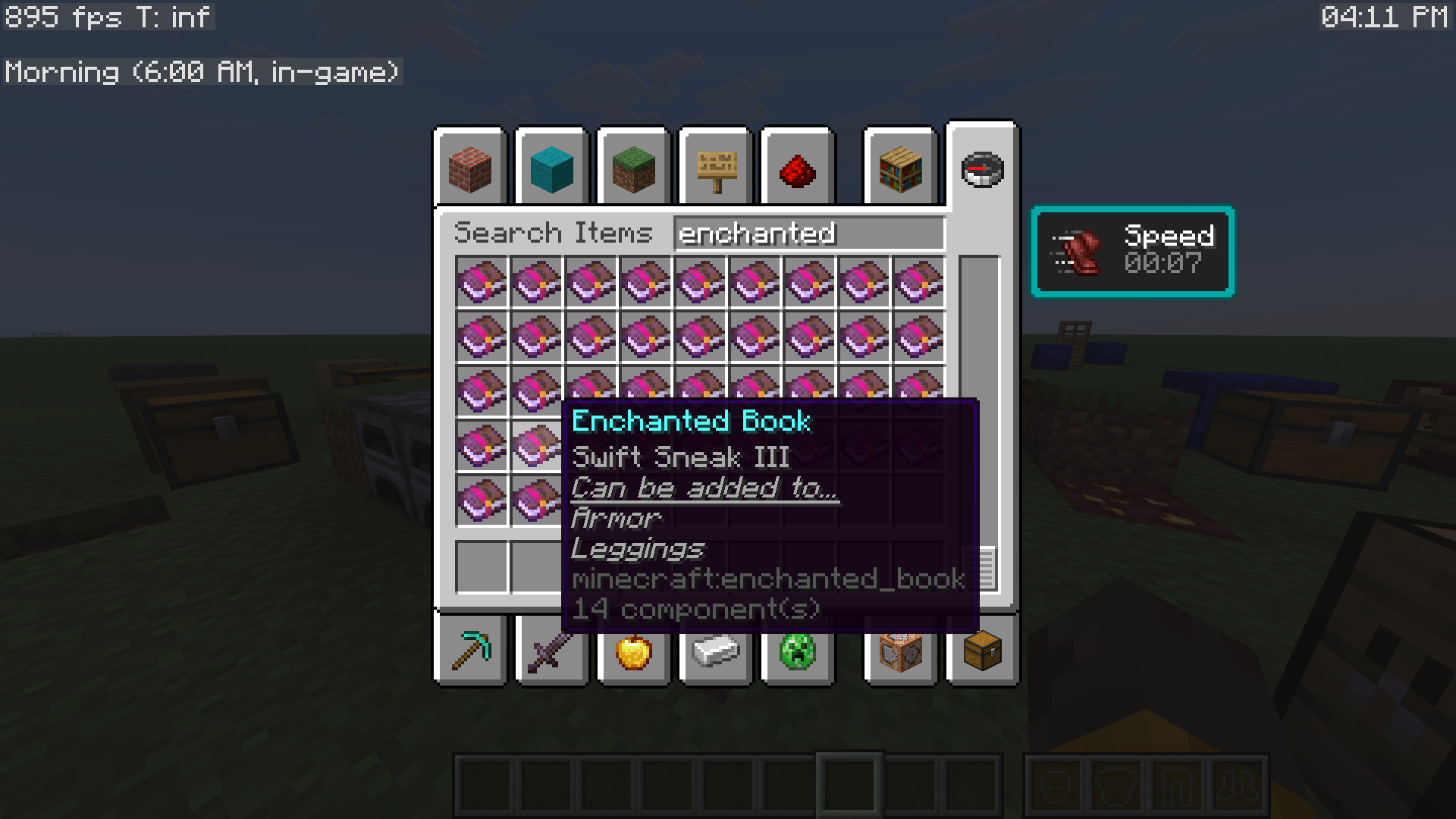
🚨 Enchantment Helper
- Displays what items enchanted books can be applied to
- Configurable in the mod's
Miscellaneoustab
🖱️Enhanced Cursor
- Enhances the cursor by relating it to things you are doing
- Configurable in the mod's
Miscellaneoustab
🌙 Visual Time
- Allows you to change the client-side time, as a visual effect
- Configurable from the
Main menutab

🕒 Display Local Time
- Display your local time, in-game
- Display the world's in-game time, with descriptions of what time of day it is
- Comes with other helpful things to display, using Minecraft's debug entries
- Configurable from the mod's
Main menu

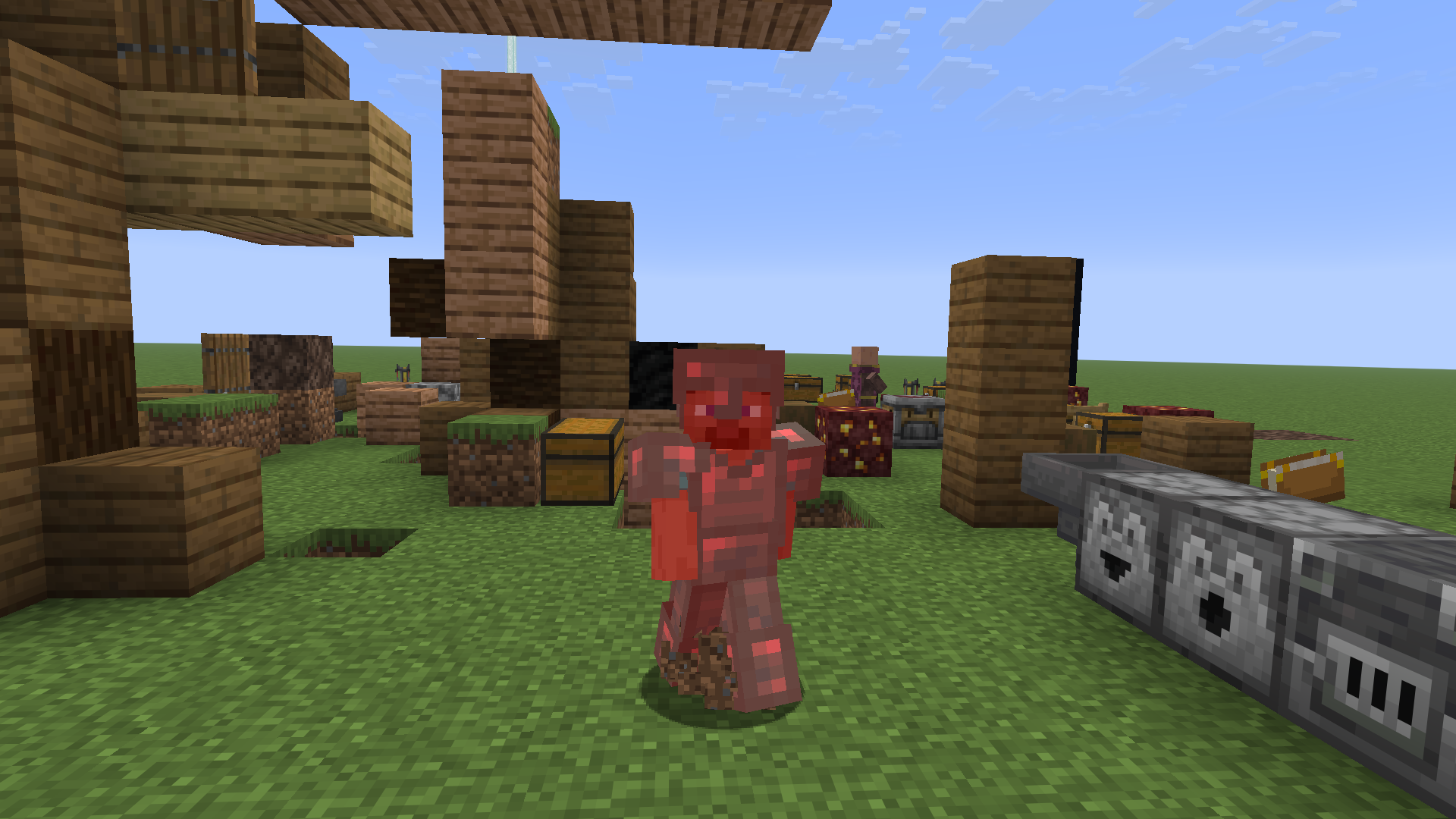
🖌️ Red Armor Tint
- Brings back Minecraft's old red armor tint when the player takes damage
- Configurable in the mod's
Misctab
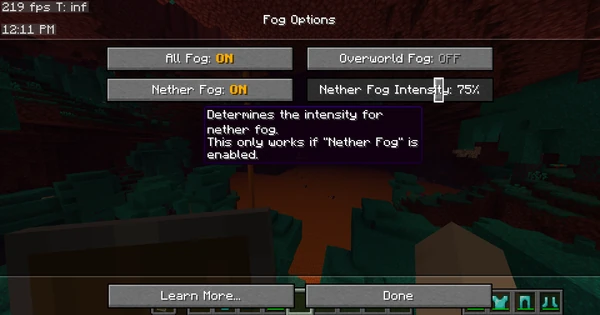
☁️ Remove Fog
- Remove Minecraft's annoying fog with the click of a button!
- Set nether fog intensity and overworld fog intensity
- Configurable in the mod's
Fogtab

🔔 Armor Ding
- Plays a ding sound whenever your armor gets low
- Configurable in the mod's
Miscellaneoustab
🚫 No Recipe Book Shift
- Prevents the recipe book from shifting the inventory screen over
- Configurable in the mod's
Miscellaneoustab
🔄 Auto-Close Recipe Book
- Automatically close the annoying recipe book when closing your inventory
- Configurable in the mod's
Miscellaneoustab
🔎 Quick Searching
- Type anywhere on your screen to auto-focus into a search bar
- Works with recipe book search bar, and this mod's search bar
- Configurable in the mod's
Searchingtab
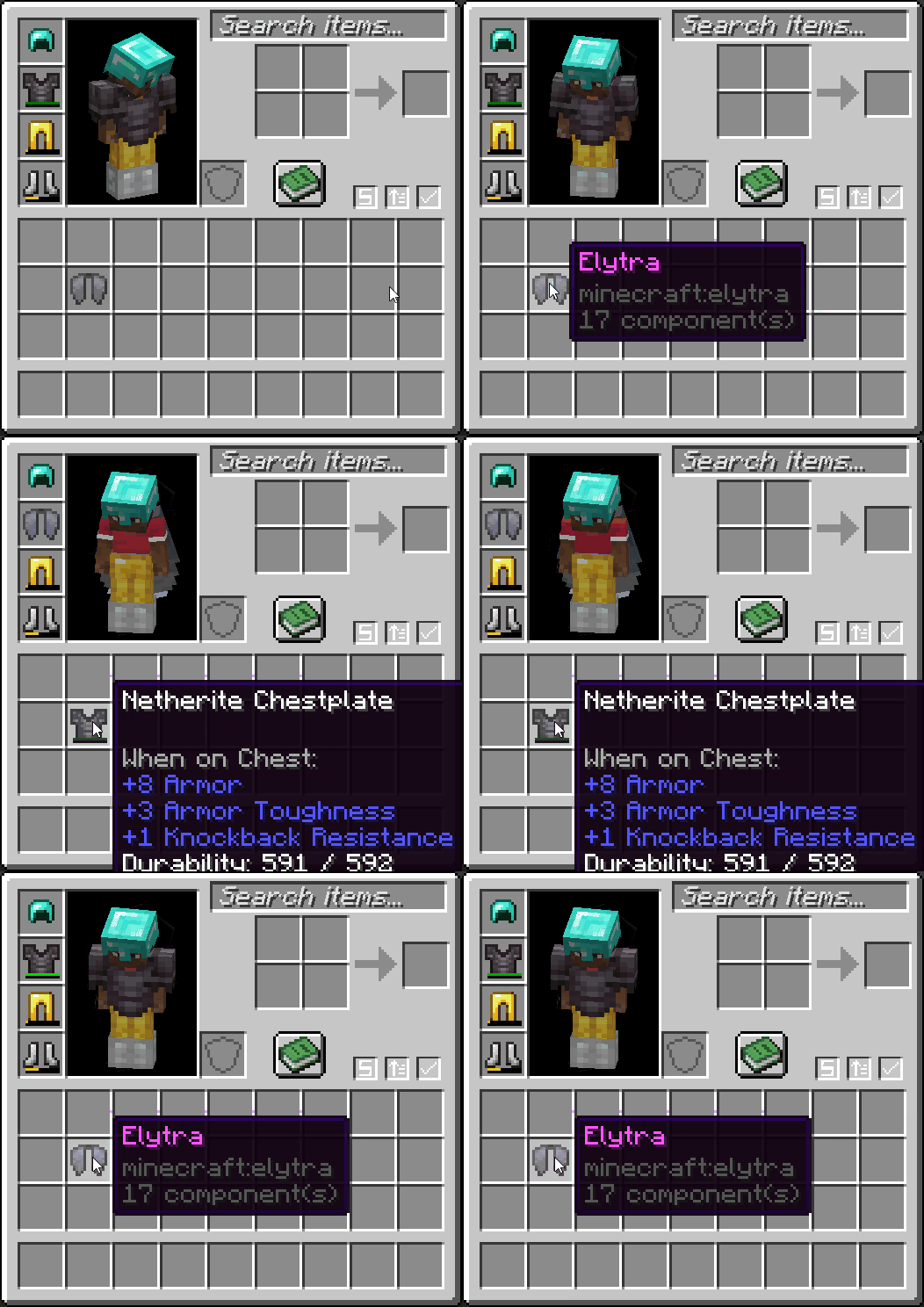
ᯓ★ Quick Equip
- Right-click an armor item to swap it out with whatever you're wearing
- Configurable in the mod's
Miscellaneoustab
ᯓ➤ Quick GUI Exit
- Click anywhere out-of-bounds of a GUI to close it
- Configurable in the mod's
Miscellaneoustab
😡 Anti-Rage Quit
- Prevents the player from quickly pressing the disconnect button!
- Configurable in the mod's
Miscellaneoustab

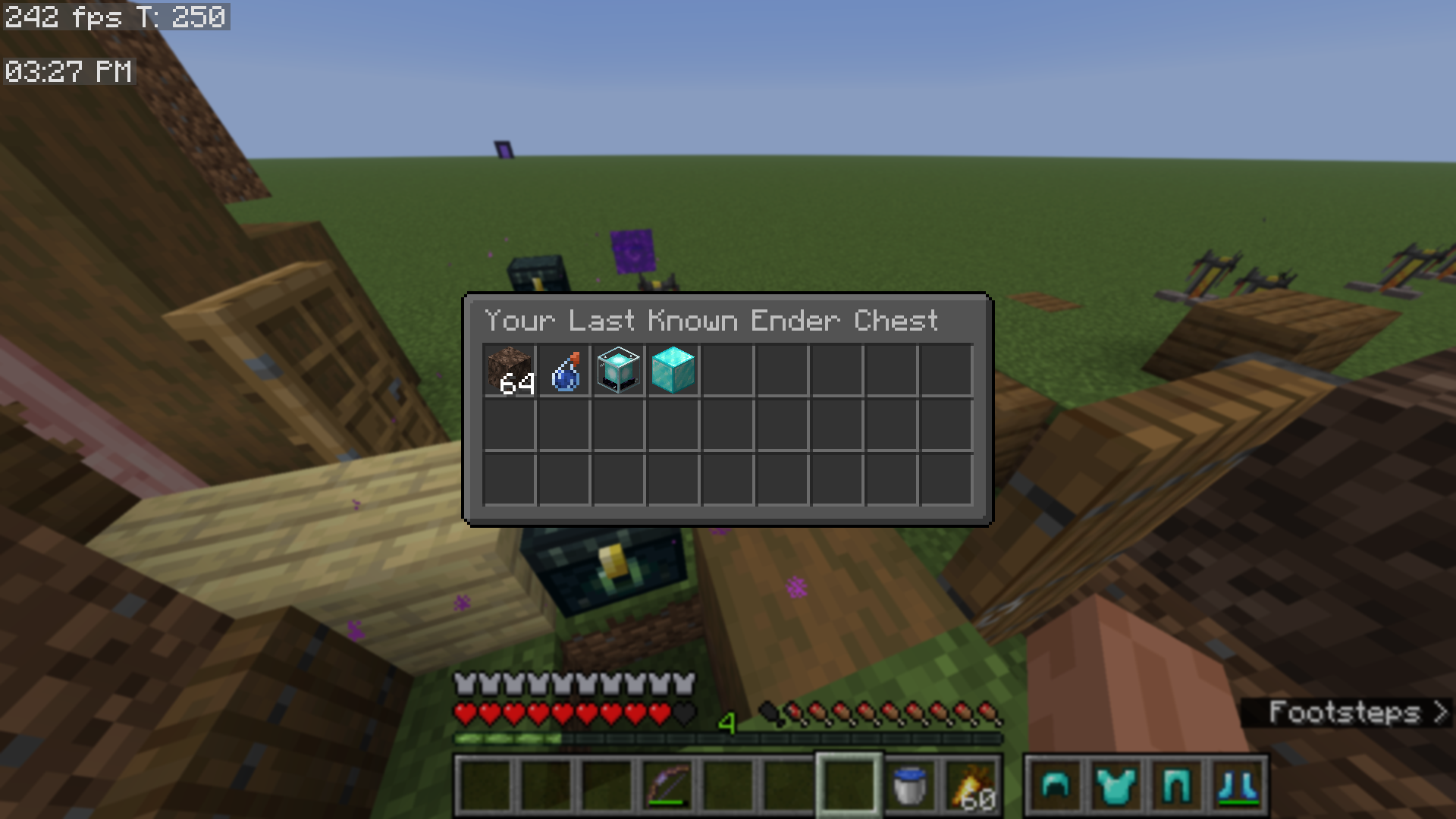
📊 View Last Known Ender Chest
- Adds a button to the Quality of Queso main menu, which lets you view your last known ender chest
- Configurable via the mod's
Accessibilitytab
🖼️ Open Screenshots Folder
- Adds a button to open your screenshots folder
- Found in the mod's
main menu
- Found in the mod's
🗃️ Open World Directory
- Adds a button to open your world directory folder for singleplayer worlds
- Found in the mod's
main menu
💾 Multi-Server Configs and Blacklisted Servers
- Create separate Quality of Queso configurations for each server that you play on
- Additionally, you can block the mod from working on certain servers
- Configurable in the mod's
Accessibilitytab
Requires DillonLib, Balm and YetAnotherConfigLib!
🌐 This mod is mostly client-side. The only features that are server-dependent are:
- Item Frame Searching
- Locking Slots in shulker boxes (locking slots in any other container is 100% client-side and stored per world, per server)
- View more information about this here.
- Locking the player's inventory
⚠️ Older Version Support
➜ Currently, Quality of Queso does support older versions of Minecraft, however, certain features are currently unsupported.
❌ MC 1.21.11 (and below) Unsupported Features
❌ MC 1.21.1 (and below) Unsupported Features
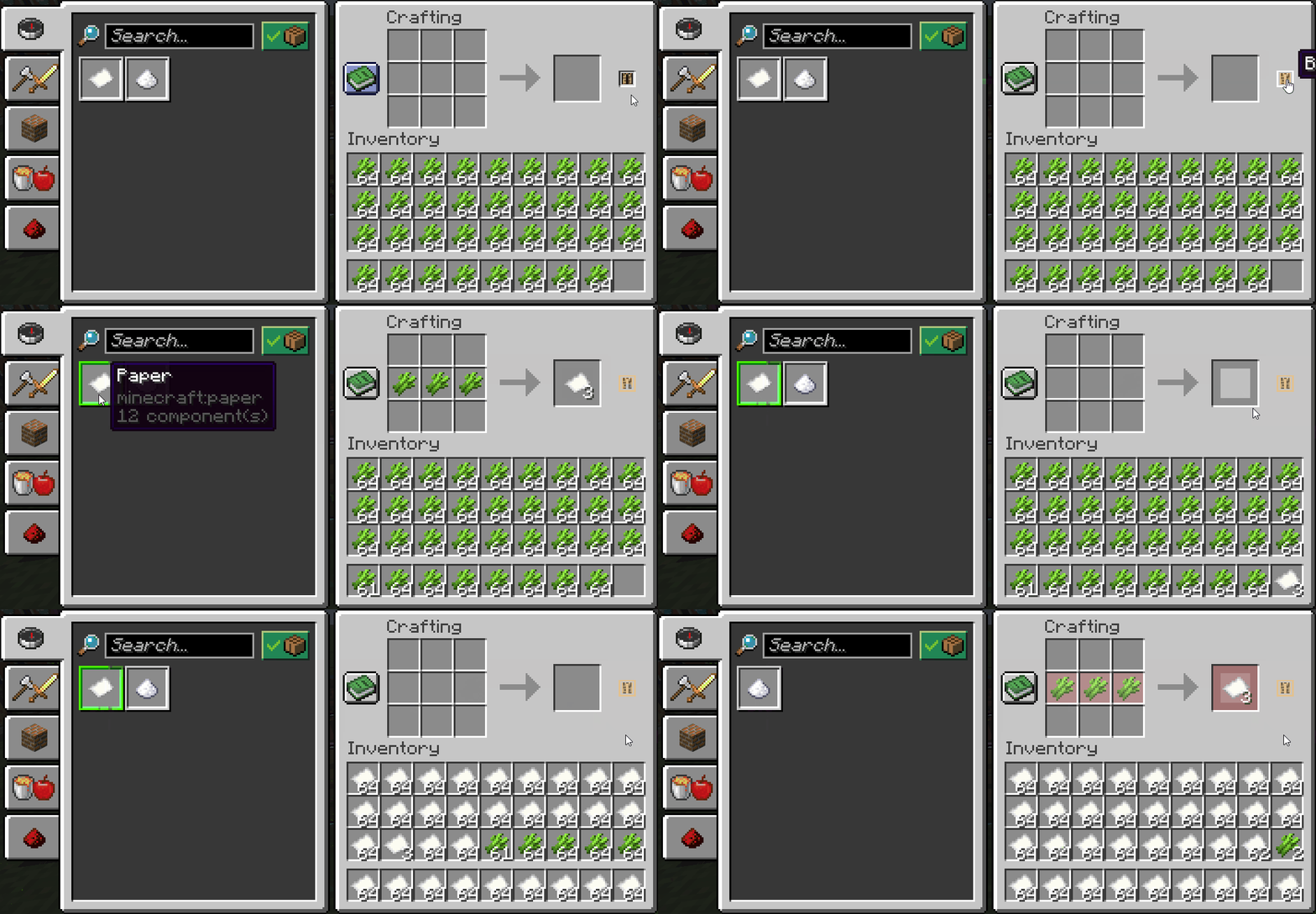
- Craft All (aka. bulk crafting)
- Red Armor Tint
- Transparent Search Bar
- Overworld Fog Intensity
- Enhanced Cursor
- Darker Overlay setting
- Fading Animations with the armor status
Keybind Modifiers
❌ MC 1.20.1 (and below) Unsupported Features
- Colored Highlighting
- Warning Indicators
- Slot Highlighting on Armor Status (outline when armor piece gets updated)
Created by Dillon8775 and MannyQUESO.
All rights reserved unless explicitly stated.
Some ideas were inspired by other mods, which include:
- Inventory Management and Client Sort (fill stacks feature)
- Quark (armor status and item count)
All management sounds are not mine, they are Mojang's. These include:
- The bundle noises
- The old opening/closing of door sounds (for locking slots)
Quality of Queso Team

Owner