qModeling 2.0 RP
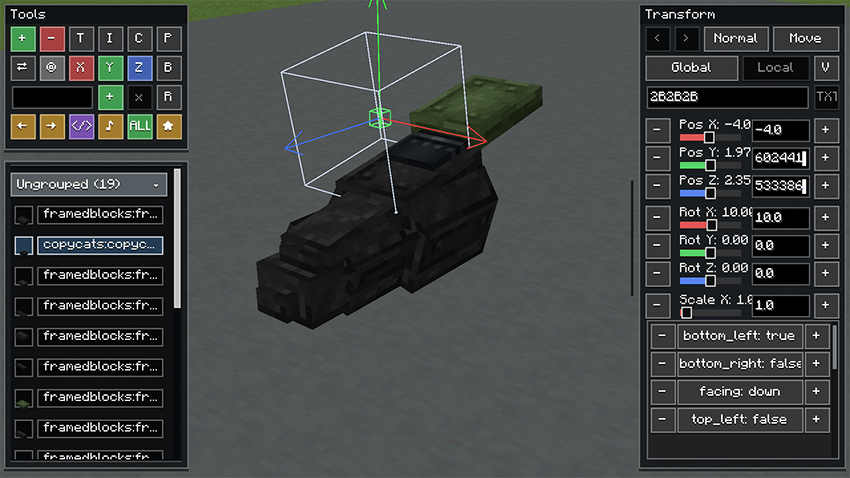
qModeling 2.0 RP lets you assemble models from blocks and adjust their position, rotation, and scale using an in-game editor. Create decorations, furniture, and architectural details with vanilla blocks and supported blocks from other mods.
What’s New in 2.0 RP
-
Reworked rendering powered by Flywheel. Optimized model rendering, especially for scenes with many elements.
-
Create Copycats and FramedBlocks support. Render applied materials and custom geometry for supported blocks.
-
Framed Collapsible Copycat editing. Adjust the block’s shape directly in the editor using face offsets.
-
Connected textures for copycats. Control texture connections in individual directions.
-
Improved editor interface. Material-aware model icons, corrected local movement axes, and support for GUI Scale 3× and 4×.
Building Tools
Use a Workspace as the foundation for your model, customize its elements, and create custom doors, trapdoors, and seats. Switch between local and global axes for convenient editing.
Survival crafting recipes are included for the Workspace, hammer, doors, trapdoors, and seat. Use the hammer to collect Workspaces, doors, and trapdoors while preserving their saved structures.
Performance
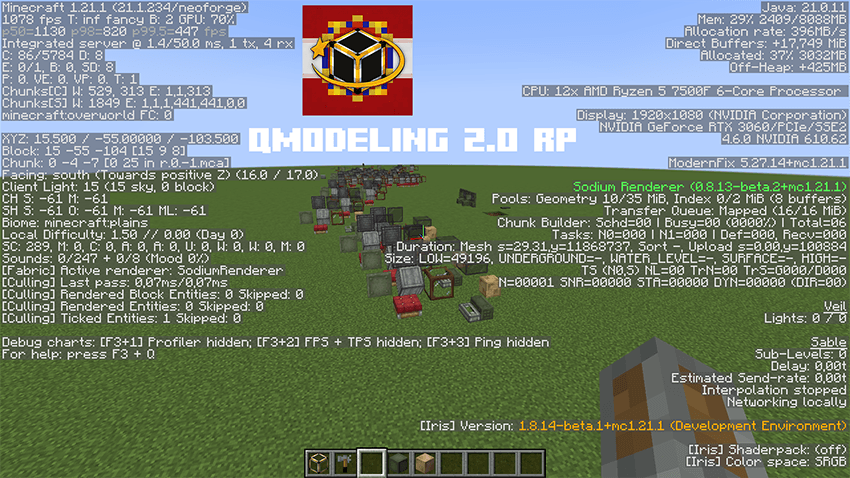
The new renderer is designed to handle complex models more efficiently. Actual performance depends on model complexity, block types, shaders, and hardware. Blocks with dedicated renderers or animations may introduce additional rendering overhead.
Comparison qModeling/qModeling 2.0 RP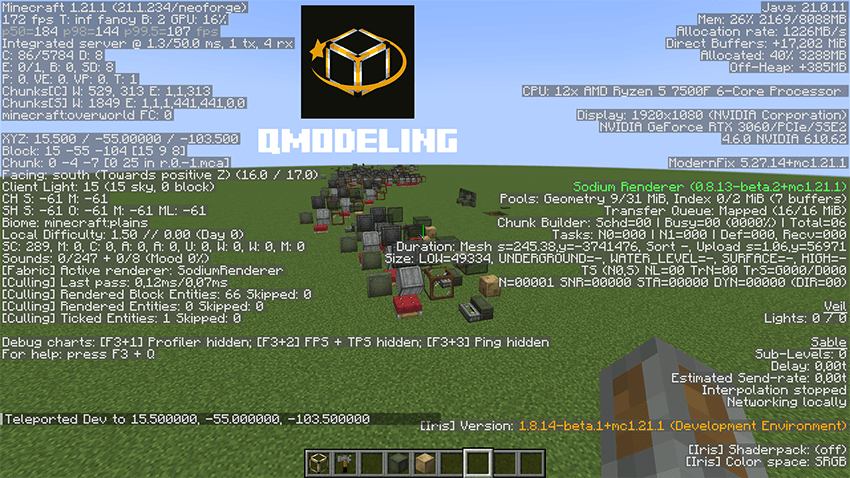
qModeling 2.0 RP Team