screenshot0.png
screenshot1.png
screenshot2.png
screenshot3.png
Description
🐍 PyCraft
PyCraft is a lightweight utility mod that integrates a Python interpreter directly into the Minecraft client.
It is not designed to replace Java modding or create complex content mods. Instead, it serves as a flexible scripting tool to automate chat interactions, create custom keybindings, and execute expressions on the fly without restarting the game.
✨ Features
- Hot Reloading: The mod watches
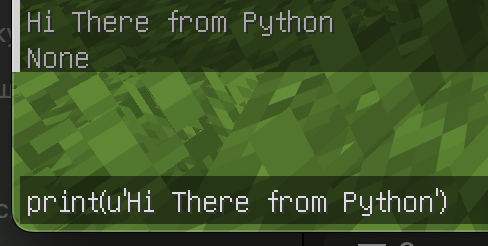
main.pyin yourmodsfolder. Changes are detected and reloaded automatically within 1 second. - In-Game Console:
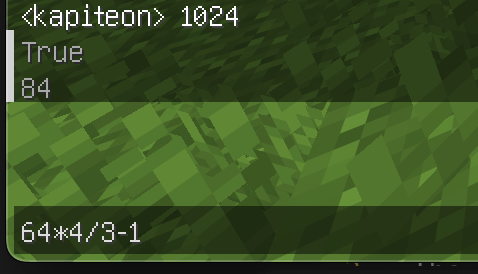
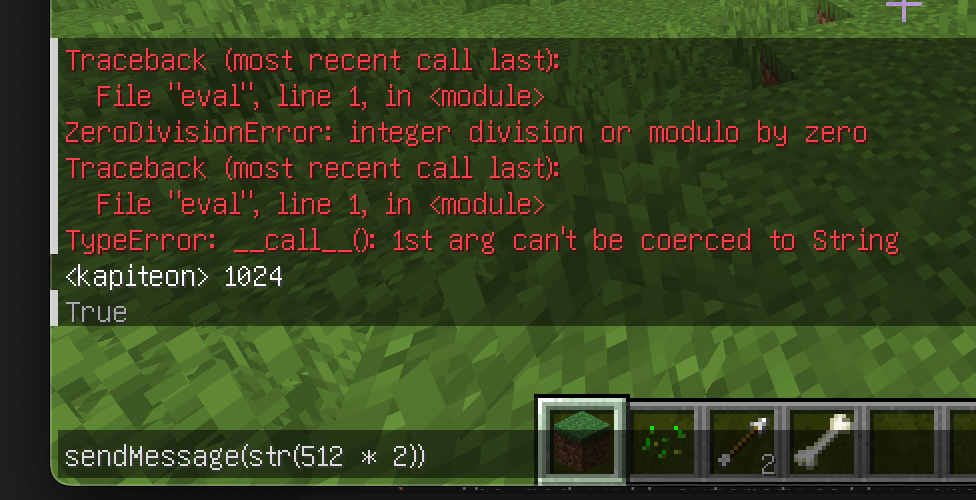
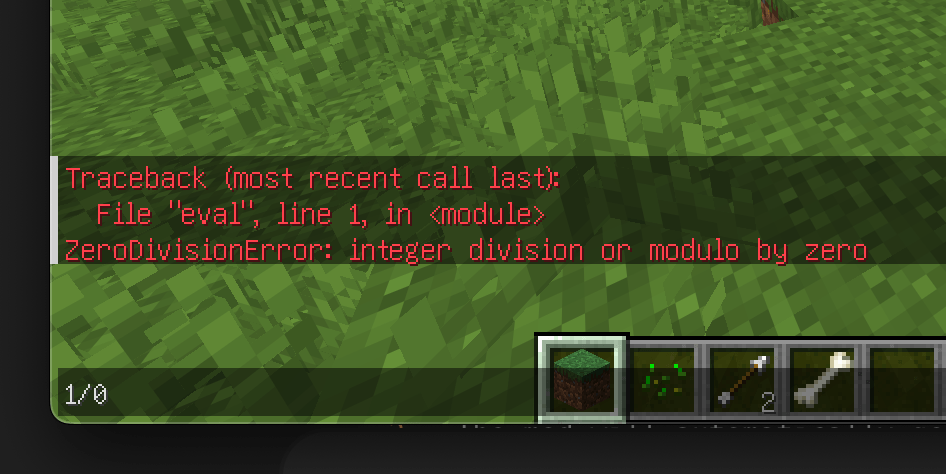
Press Yto open a Python REPL console. You can run one-off expressions, test math, or call API functions directly from the game. - Chat Interception: Hook into the chat stream to filter messages or trigger auto-responses.
- Input Handling: Bind Python logic to keyboard events (press, release, hold).
- GUI Automation: Open the chat window with pre-filled text (useful for command prefixes).
🚀 Getting Started
- Install PyCraft (requires Fabric API).
- Launch Minecraft.
- The mod will automatically generate a
main.pyfile in your.minecraft/mods/folder. - Open
main.pyin any text editor (VS Code, Notepad++, etc.). - Write your code and save. The mod will reload it instantly.
📖 Scripting API
PyCraft runs on Jython (Python 2.7). You can use standard Python syntax and libraries.
Global Functions
These functions are available to call from your script or the in-game console:
| Function | Description |
|---|---|
sendMessage(text) |
Sends a message to the server. If text starts with /, it is executed as a command. |
openChat(text) |
Opens the player's chat GUI with the text already typed in. |
Event Hooks
Define these functions in your main.py to handle game events:
onChat(message)
Called whenever a chat message is received by the client.
message(str): The content of the chat message.
onKey(state, key, modifiers)
Called whenever a keyboard key is interacted with.
state(int): The action type.0: Key Released (Unpress)1: Key Pressed2: Key Held (Long press)
key(int): The GLFW key code (e.g.,85is 'U').modifiers(int): Bitmask for modifier keys (Shift, Ctrl, Alt).
📝 Example: main.py
This example demonstrates how to create a "Global Chat" hotkey and a simple auto-responder.
# -*- coding: utf-8 -*-
import re

# Event: Key Input
def onKey(state, key, modifiers):
    # Check if key is 'U' (85) and action is Press (1)
    if key == 85 and state == 1:
        # Open chat with '!' prefix for global chat
        openChat('!')

# Event: Chat Received
def onChat(message):
    # Search for "Hello" in the incoming message
    result = re.findall(u'Hello', message)

    # If found, reply automatically
    if (len(result) > 0):
        sendMessage('Hi')

print('PyCraft main.py loaded!')
⚠️ Technical Notes
- Python Version: This mod uses Jython 2.7. Python 3 features (like f-strings
f"{var}"orasync/await) are not supported.
PyCraft (Python) Team

Owner