


PyComputer
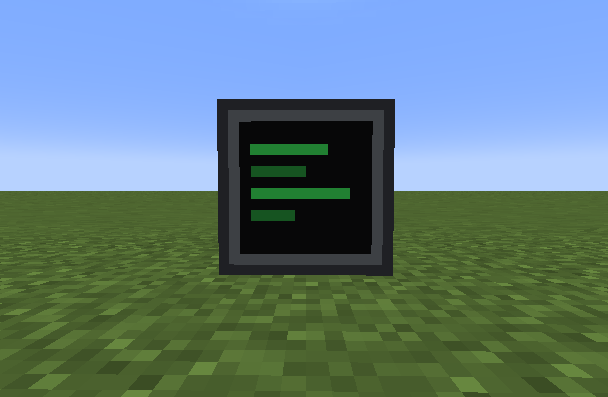
Basic Computer
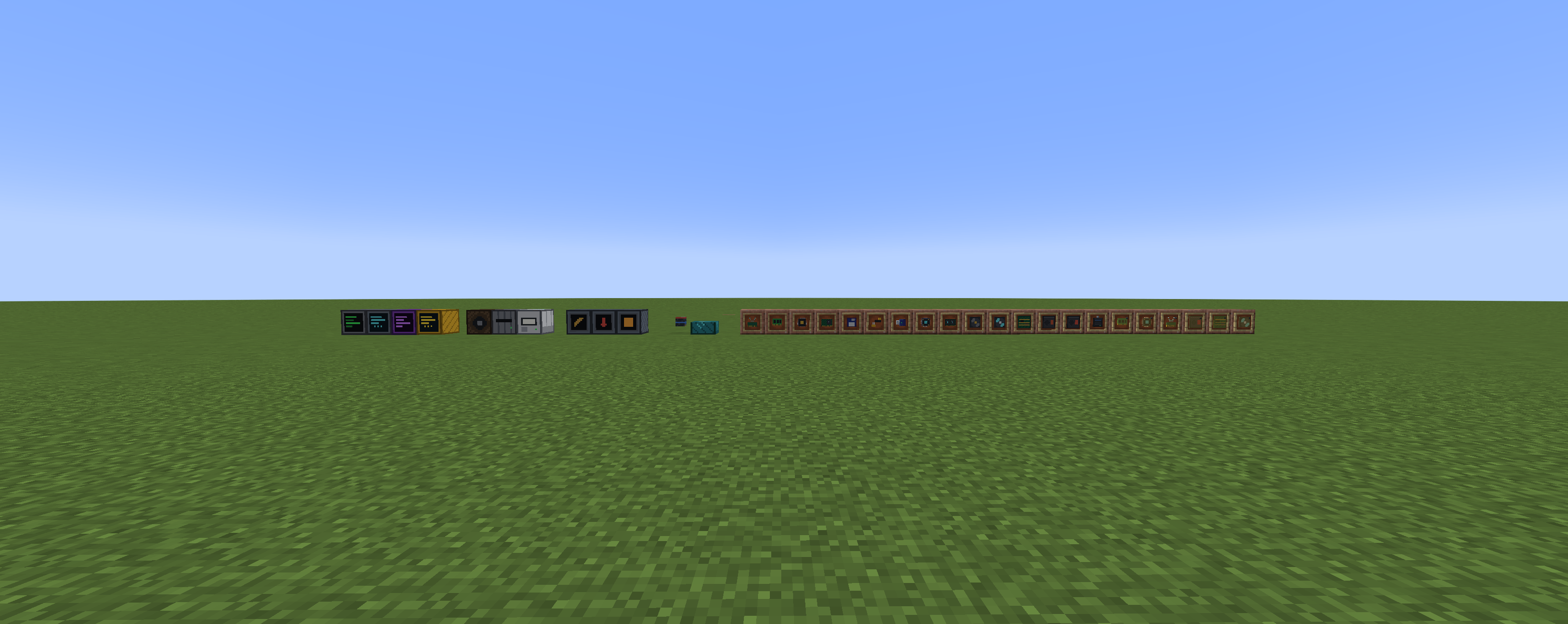
PyComputer blocks and items

Opening screen
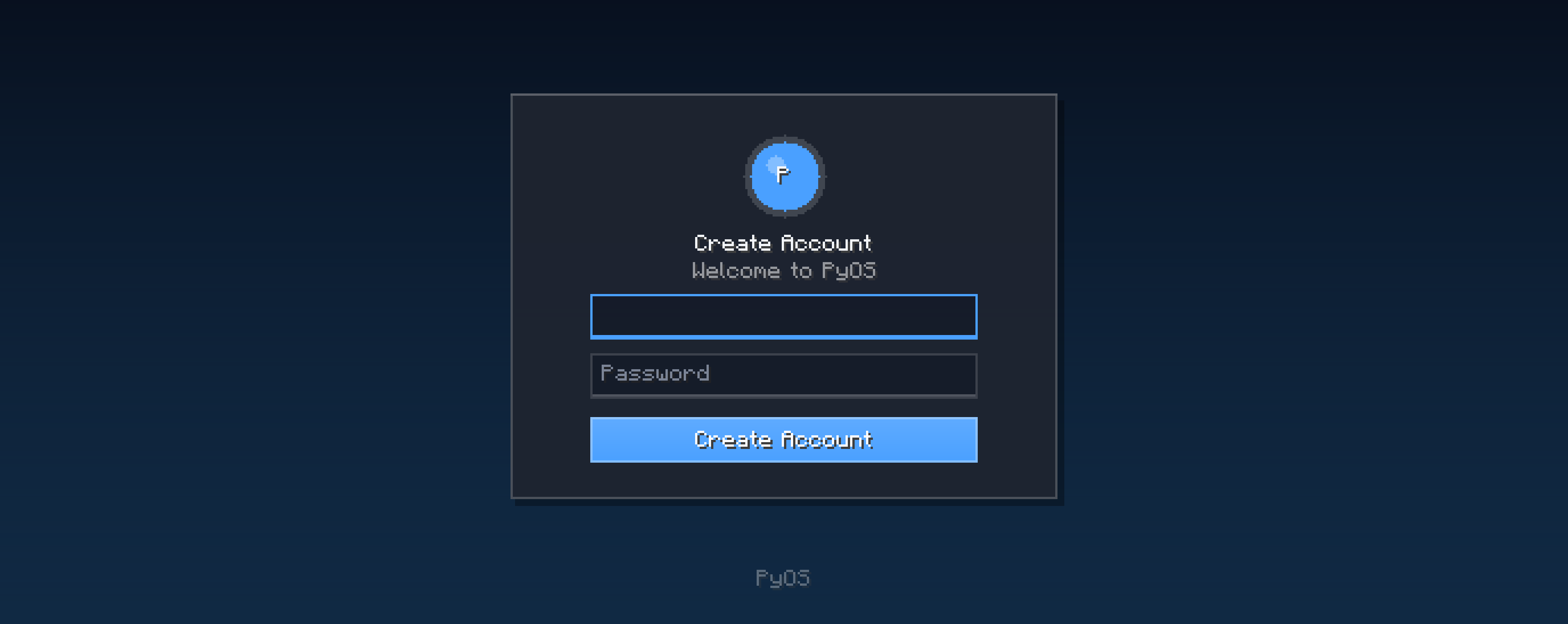
Account Creation
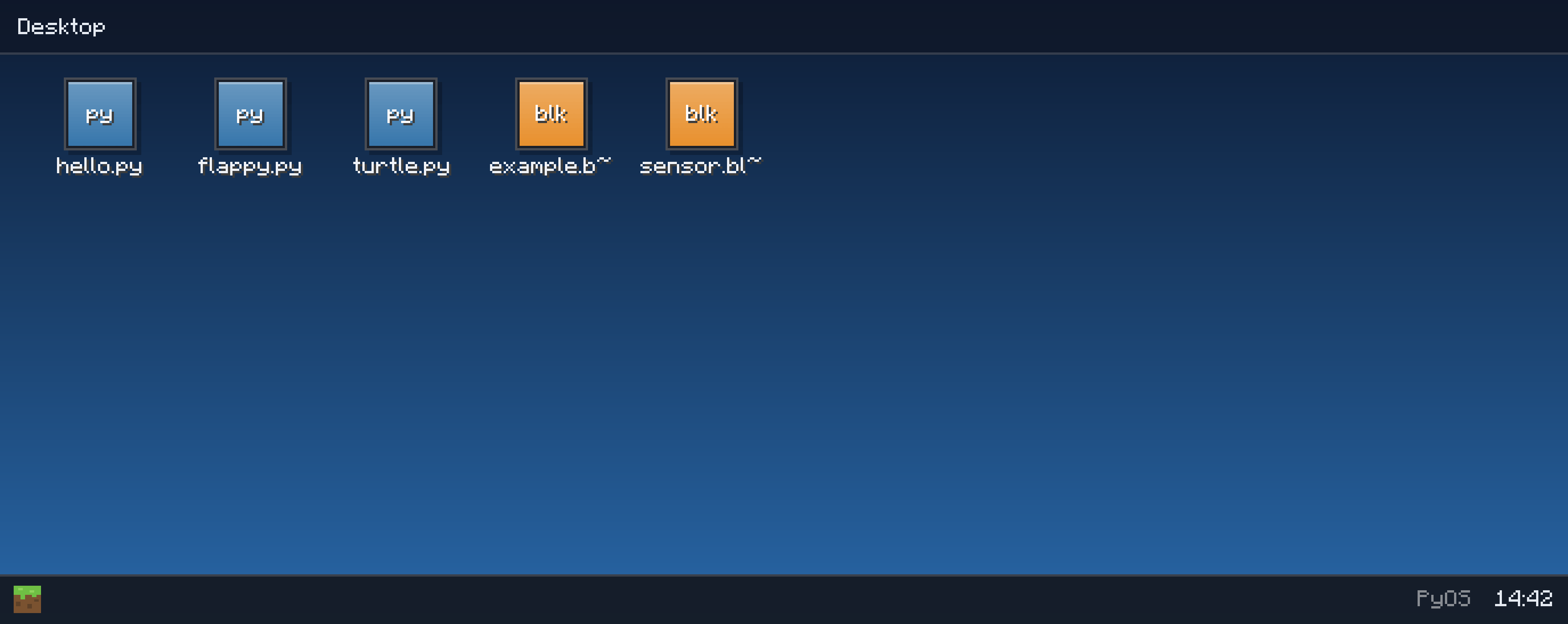
Desktop
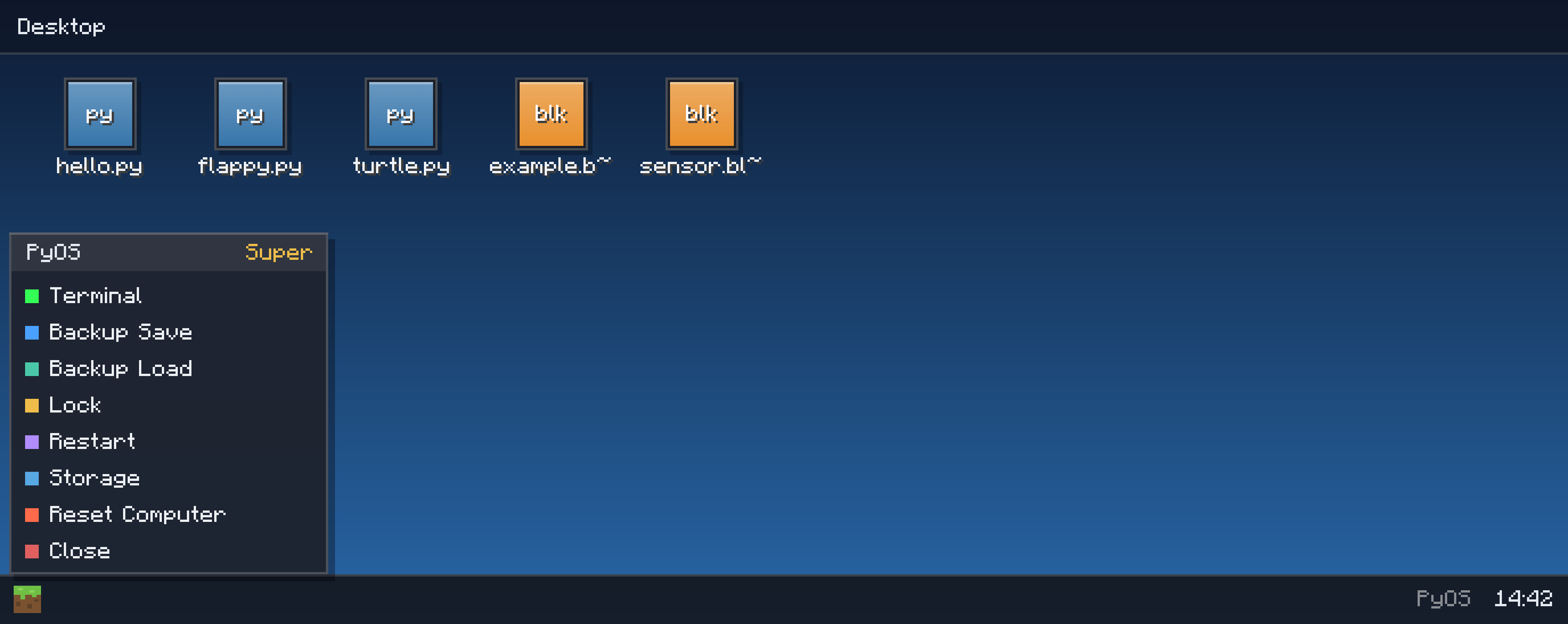
Desktop with menu
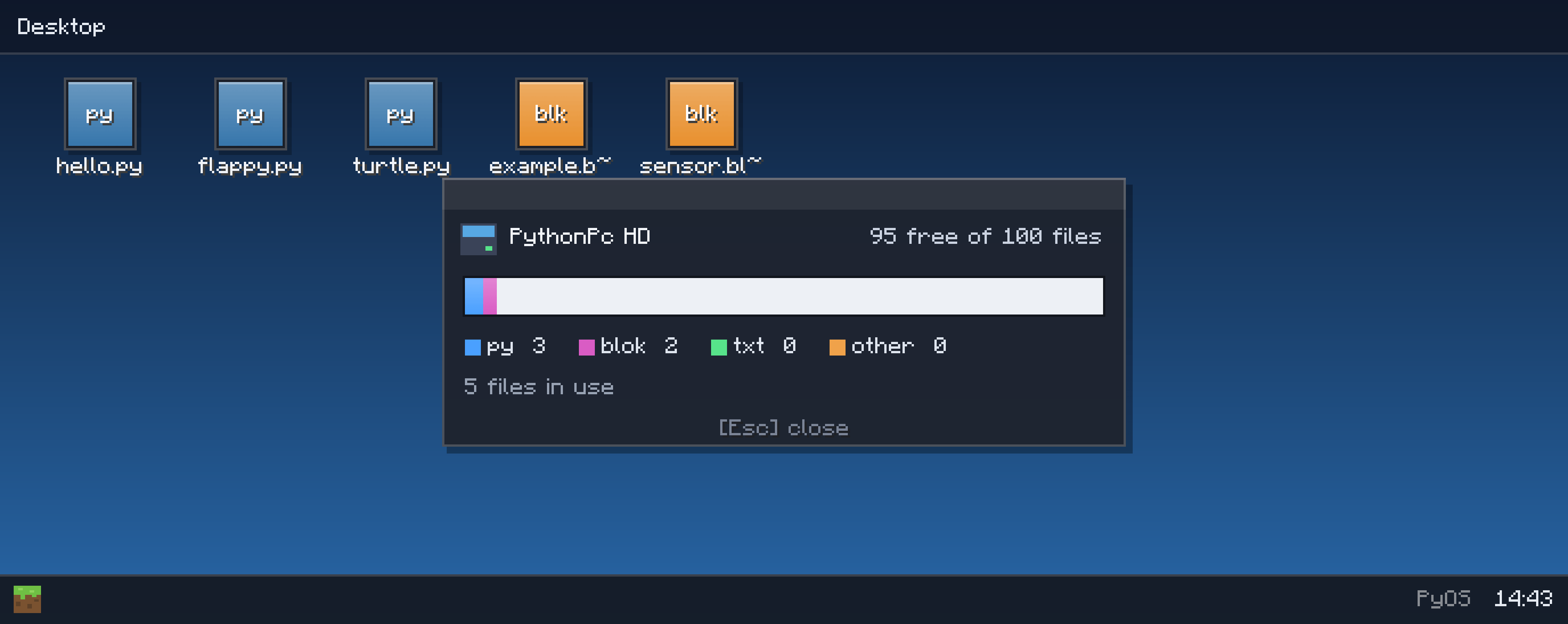
Storage
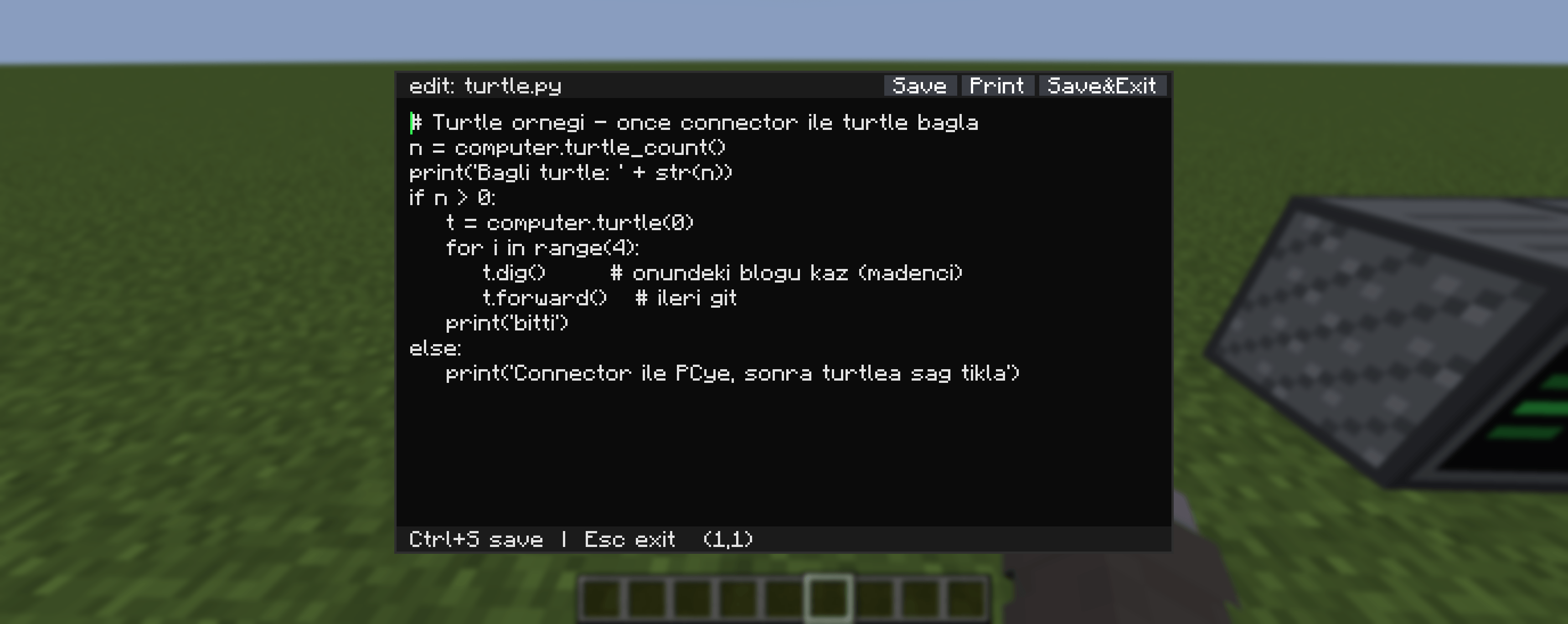
Python Editor in turkish (there is also english version)
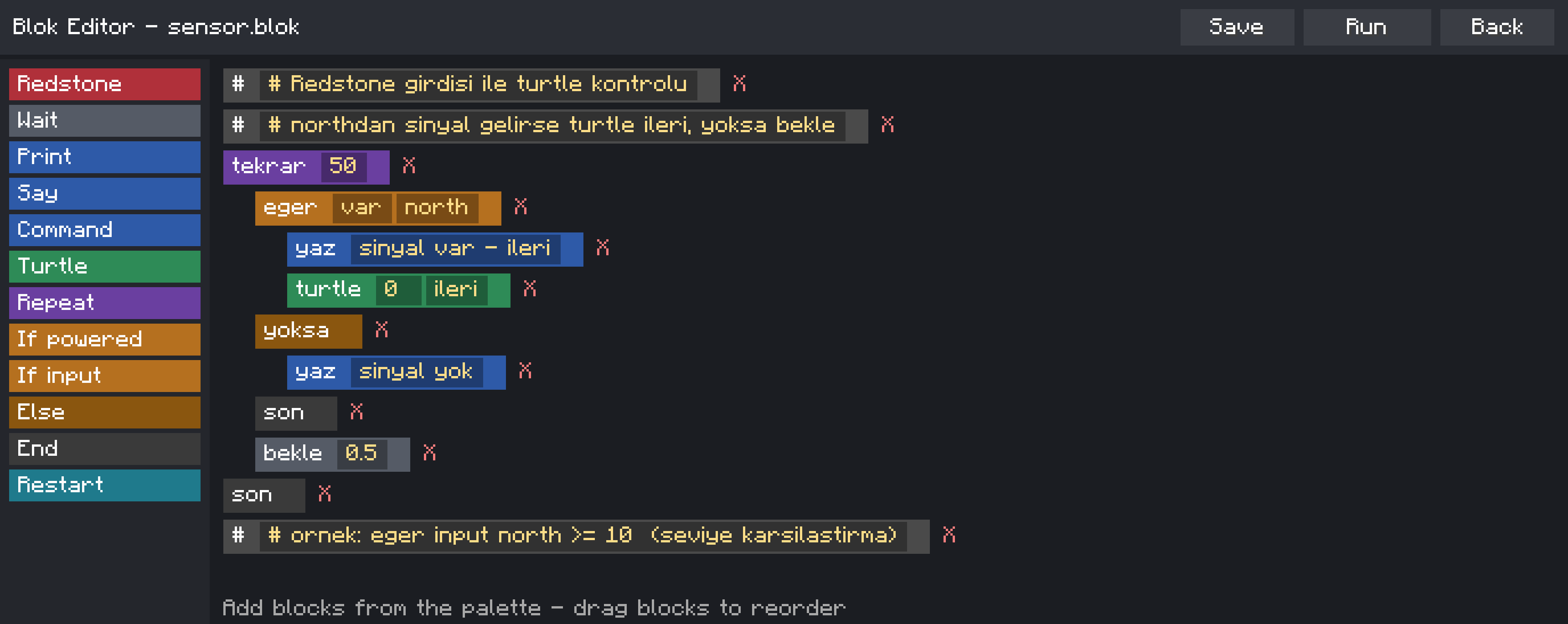
Block coding editor in turkish (there is also english version)
Description
- Redstone API — read and emit signals, build smart farms, locks, elevators
- Graphics API — draw shapes, handle mouse & keyboard... a playable
Flappy Bird sample is pre-installed on every new computer! .blokblock-coding language — a beginner-friendly command language
for kids and non-programmers, with samples includedstartup.pyruns automatically on boot — make your computer greet you
⚠️ Python 2.7 syntax (embedded Jython) — perfect for learning the basics.
💻 Four tiers of computers — climb the tech tree
| Computer | Specialty | Storage | Boot |
|---|---|---|---|
| 🩶 Basic | Terminal + PyOS desktop | 10 files | 10s |
| 🩵 Advanced | WiFi file sharing, faster | 30 files | 5s |
| 💛 Super | Netherite-tier: everything loads INSTANTLY | 100 files | 5s |
| 💜 Creative | Runs Minecraft commands, unlimited storage | ∞ | — |
Every single one is craftable in survival from realistic components:
RAM, CPU, GPU, motherboard, power supply, fans, WiFi module — then upgrade
them with Fast parts (diamond) and Ultra parts (netherite)!
💎 Bonus: put an Advanced Computer in the middle of a crafting table,
surround it with netherite and diamonds → instant Super Computer upgrade.
🌐 Networking that feels REAL
🔗 Bendable cables — they visually connect and turn corners like real
wiring, linking computers to peripherals across your base
🤝 PC-to-PC connections with double security — connecting to a friend's
computer sends them a connection request popup; you enter YOUR password,
they confirm with THEIRS. Once linked, each computer appears on the other's
desktop as a USB drive with a status LED — browse and even edit each
other's files live, like a network drive!
📡 WiFi file sharing — Advanced and Super computers can beam files to
each other by username, with accept/reject popups and loading bars
🛑 One click on "Stop Connection" in the start menu cuts everything.
🔌 Peripherals & portable storage
- 🖨️ Printer — physically prints your files onto paper items
- 🔊 Speaker — compose note-block melodies from Python code
- 💾 Floppy Disk + Disk Drive — retro portable storage (10 files)
- 🔑 USB Stick — plug it STRAIGHT into a computer (15 files)
- 💽 Portable Hard Disk — diamond-grade, 50 files
- 🗄️ Storage Block — a server rack that adds +300 file capacity
to any computer on the cable network - 🐢 Turtles — mining, fighting and building robots you pair wirelessly
and command from your computer - 💿 USB backups — back up an entire computer (password-protected!)
and restore it anywhere
Files live inside the items — carry them, chest them, trade them.
🔒 100% Safe — fully sandboxed
The embedded Python interpreter cannot touch your real computer. Period.
All OS, process, network and file-system modules are physically removed from
the jar AND blocked at runtime. In-game code only sees the mod's virtual
files stored in your world save. Play (and let your kids play) with total
peace of mind.
🌍 Languages
Full English + Turkish support — the OS automatically follows your
game language. (Türkçe tam destek!)
🚀 Getting started (30 seconds)
- Craft a Basic Computer (redstone + RAM + CPU + GPU + PSU + motherboard + fan)
- Place it, right-click, create your account
- Double-click flappy.py on the desktop... and lose an hour 🐦
- Open the Terminal and type your first
print("hello!")
PyComputer — Where redstone meets real programming.
Found a bug? Have an idea? Leave a comment!
The PyComputer Team
