Propwash FPV
- By
2026-09-25_11.04.47.jpeg
2026-09-25_11.07.45 Medium.jpeg
2026-09-25_11.08.54.jpeg
2026-09-25_11.05.29 Medium.jpeg
Description
Propwash FPV
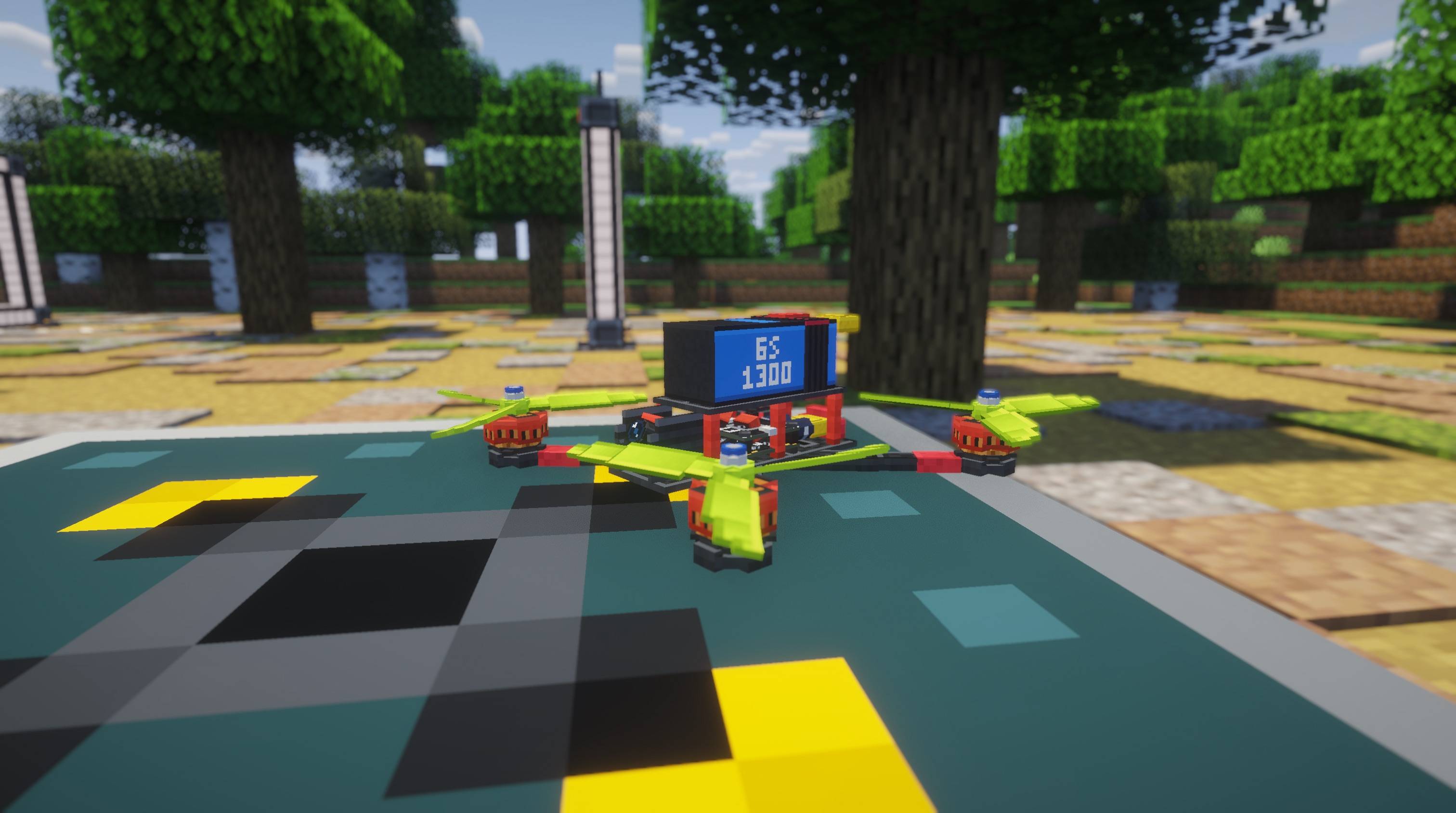
Propwash turns Minecraft into a realistic FPV drone simulator. Build and fully customize your own quadcopter from real drone parts, strap on your goggles, and fly it in first person with a proper flight model, a Betaflight-style flight controller and video that breaks up like a real analog or digital link. Race it through gates, learn the ropes in the built-in Flight School, and craft your way there in survival.
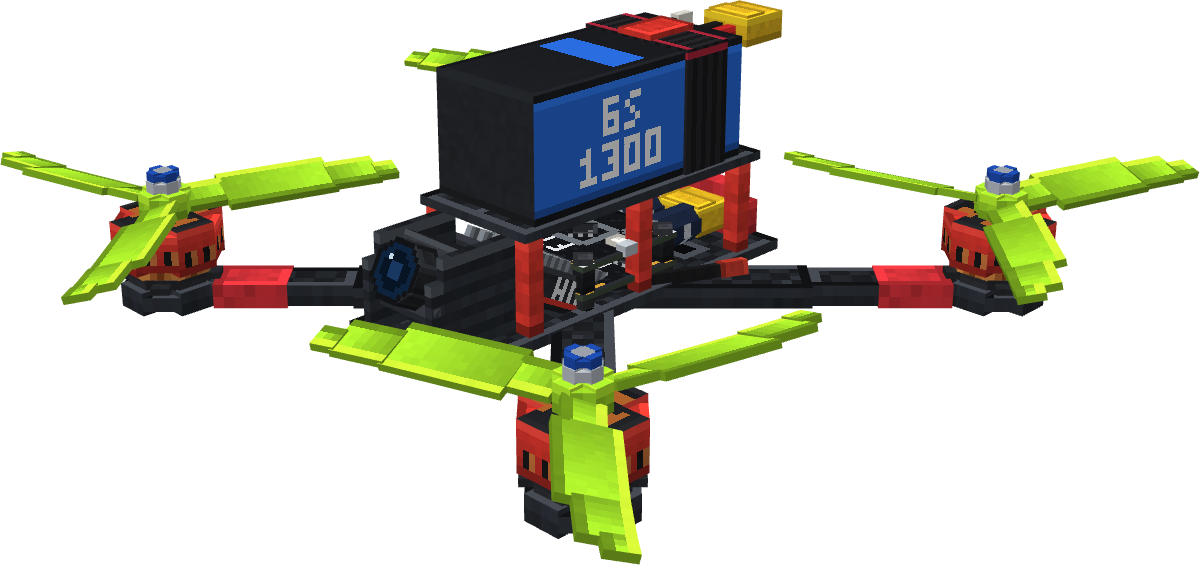
Propwash isn't a reskinned elytra. Every drone is assembled part by part at the Drone Workbench, and its weight, thrust and flight time follow from what you actually built. Fly with your own transmitter, a gamepad or the keyboard, watch it through goggles that degrade the way a real video link does, and race it through gates with lap timing and ghosts.
Features
Realistic flight and flight controller
- Rigid-body flight model with motor/ESC/battery physics, rotor aerodynamics, ground effect, prop wash, wind and gusts
- Betaflight-style FC: PID with feed-forward, TPA, airmode, Acro/Angle/Horizon, arming checks, failsafe, flip-upright, GPS Rescue
- The tune lives on the drone, just like on a real flight controller
Fully customizable drones
- Five frames (65 mm whoop to 7" long range), six motors, five props, flight controllers, batteries and video units, each swap changes weight, thrust and handling
- Live 3D preview and build analysis at the workbench
- Twelve paintable parts per drone: dyes, five finishes, hex colors, presets
- Crashes wear parts down; swap props in the field, repair the rest at the workbench
FPV, video and racing
- Your real RC transmitter, a gamepad or the keyboard, with SDL3 joystick support and a setup wizard
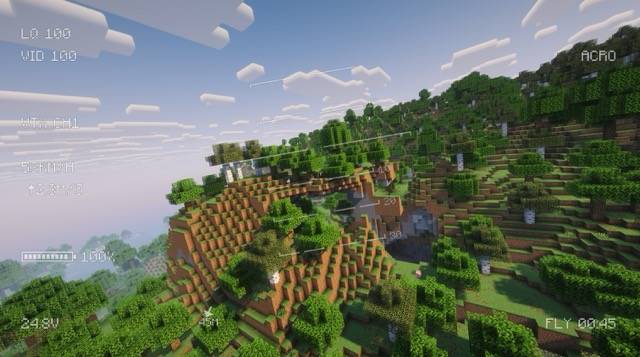
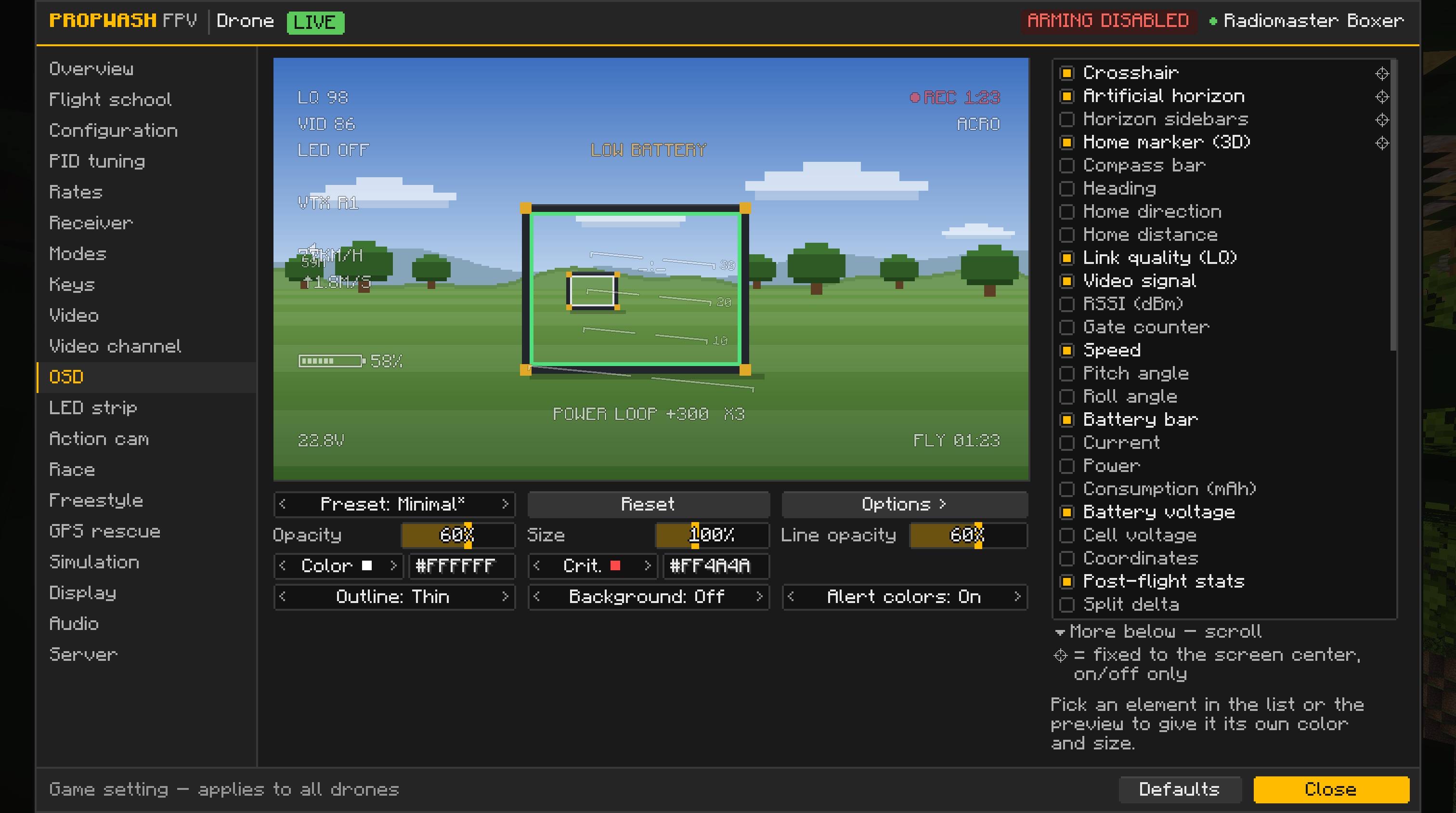
- Analog and digital goggles that break up realistically with range and obstacles, plus a Betaflight-style OSD
- Action cams that record real MP4 clips (H.264, up to 1440p60)
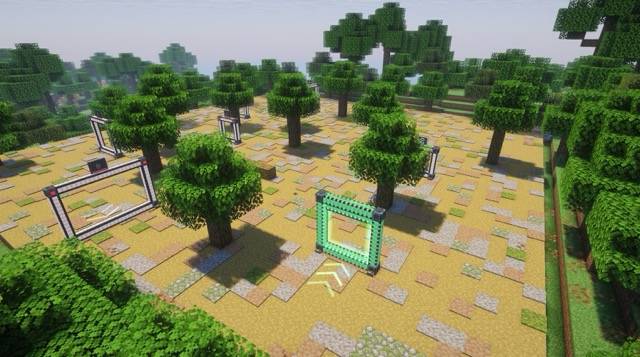
- Race gates, lap timing, ghosts, leaderboards, and four kinds of ready-made race courses generating in the world
Flight School
- Twelve animated 3D lessons that teach every system in-game, from your first build to racing and GPS Rescue
- Hold a key over any Propwash item to jump straight to its lesson
Survival friendly
- Everything except the creative goggles can be crafted at a normal crafting table
- Vanilla resources connect to drone parts through five crafting materials, the recipe book unlocks as you go, and loot chests hold parts, batteries and the occasional ready-to-fly drone
Freestyle and multiplayer
- Flips, rolls, power loops and more are recognized live, with a combo scoring system
- Server streams terrain around the drone instead of the pilot, with configurable rules, permissions and server-validated racing
Getting started
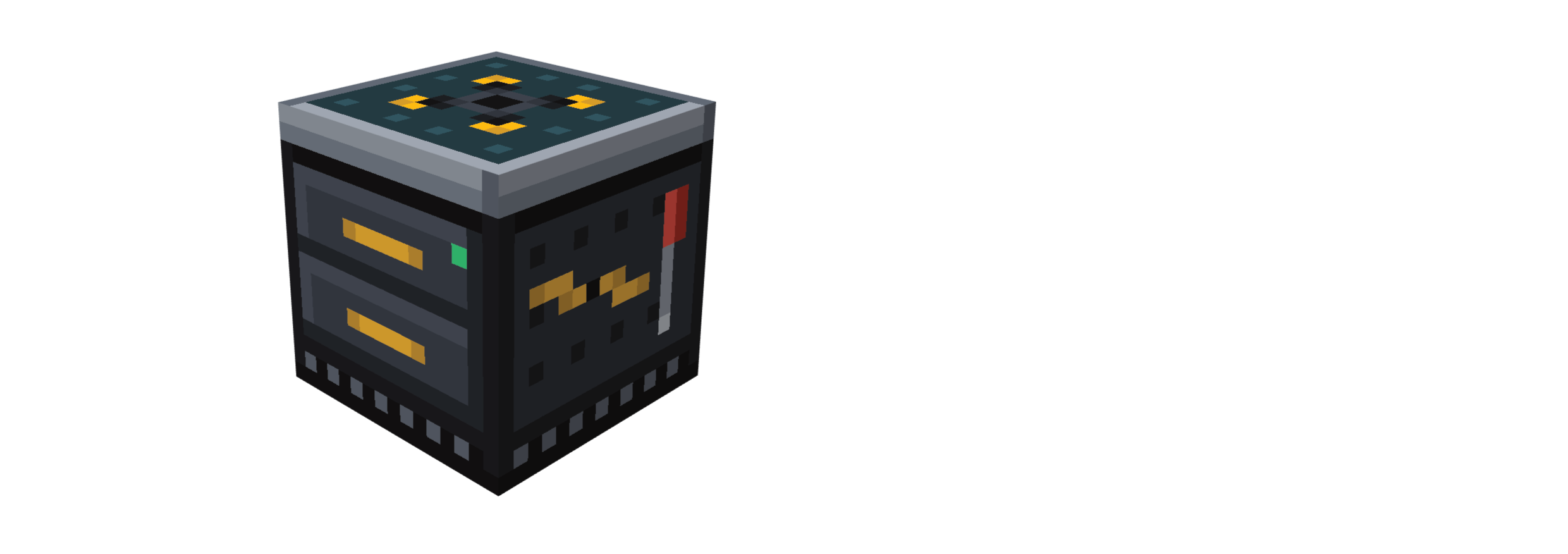
- Place a Drone Workbench and build a drone: frame, flight controller, four matching motors, four props, a video unit and a battery.
- Place the finished drone, then bind a FPV Remote and goggles to it (right-click each on the drone).
- Wear the goggles, hold the radio, and right-click into the air to arm and take off.
- No goggles bound? You'll fly line-of-sight instead, with a compact radio HUD.
Full setup, all key bindings and every tuning option live in the in-game Configurator (K), and every item has a matching Flight School lesson, just hold M over it.
Requirements
| Minecraft | 26.3 |
| Fabric | Fabric Loader 0.19.5+, Fabric API 0.161.0+26.3 |
| NeoForge | 26.3.0.10-beta+ |
| Java | 25 |
Required on both client and server.
Known limitations
- Minecraft 26.3 only, for now
- Radios must run in USB Joystick (HID) mode; no direct receiver/protocol support
- With Iris/Oculus or another renderer active, the video effect falls back to a simpler overlay
- One pilot per drone
Feedback and bug reports
Join the Discord. Bugs, tuning feedback and suggestions all get read there.
About AI
I design this mod myself: every feature, how the systems fit together, the flight feel and the tuning. All models and textures are made by hand. I use AI tools to help turn those designs into code, and I review and test everything in-game.
The Propwash FPV Team