


PrismCraft: Dyeable Blocks
- By

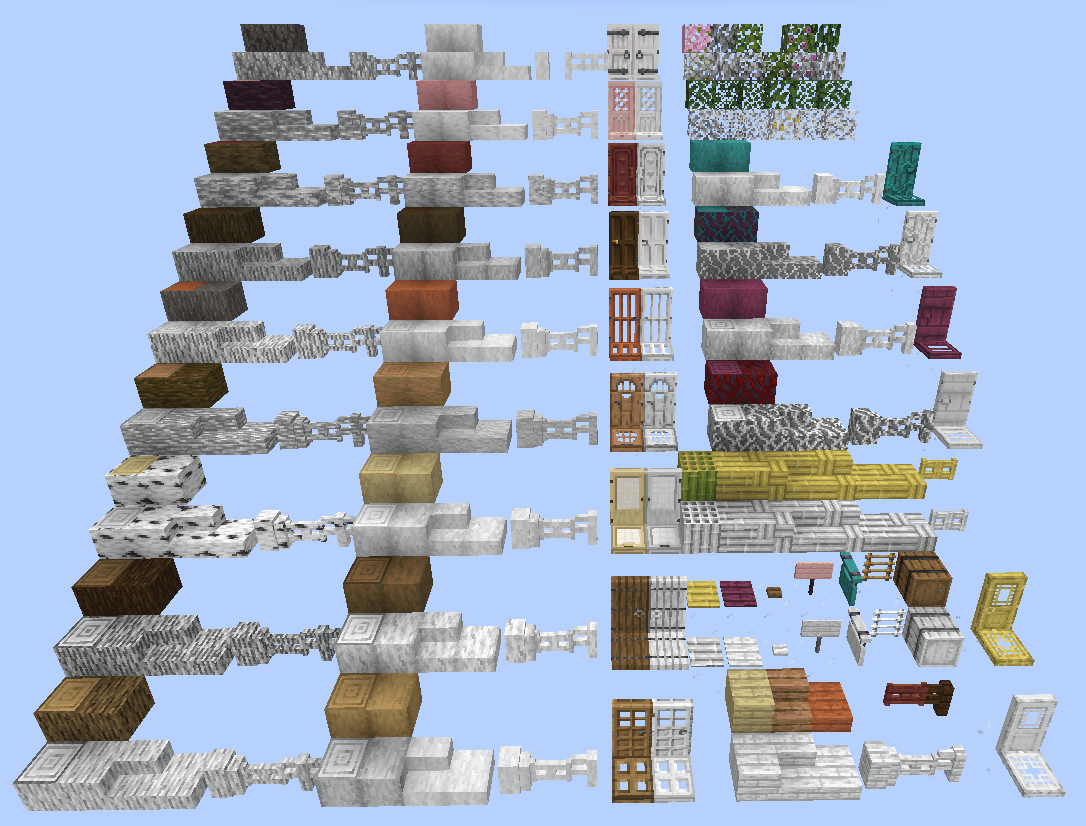
All the white Prism Blocks that are currently added with more to come. (Part 1)
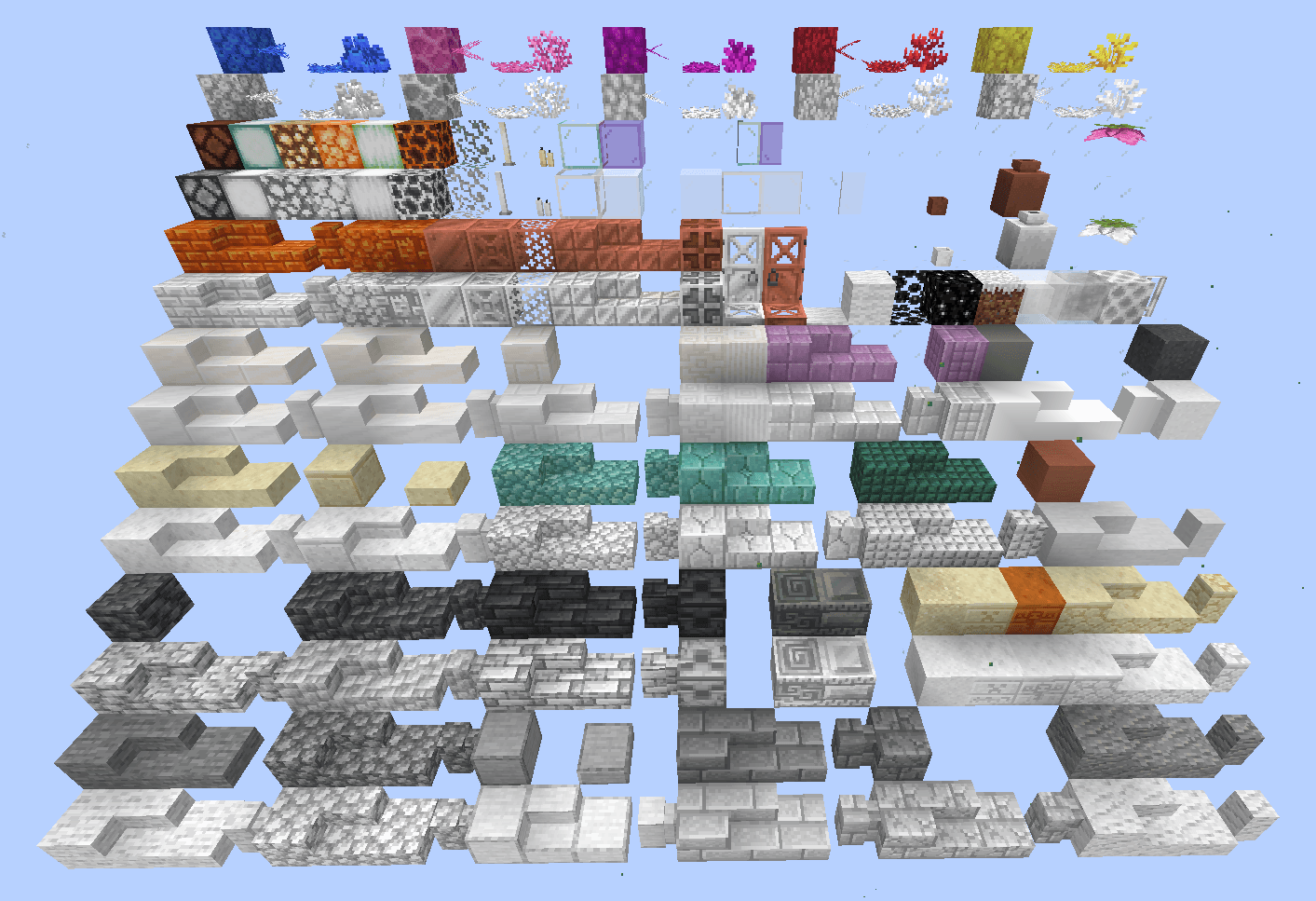
All the white Prism Blocks that are currently added with more to come. (Part 2)
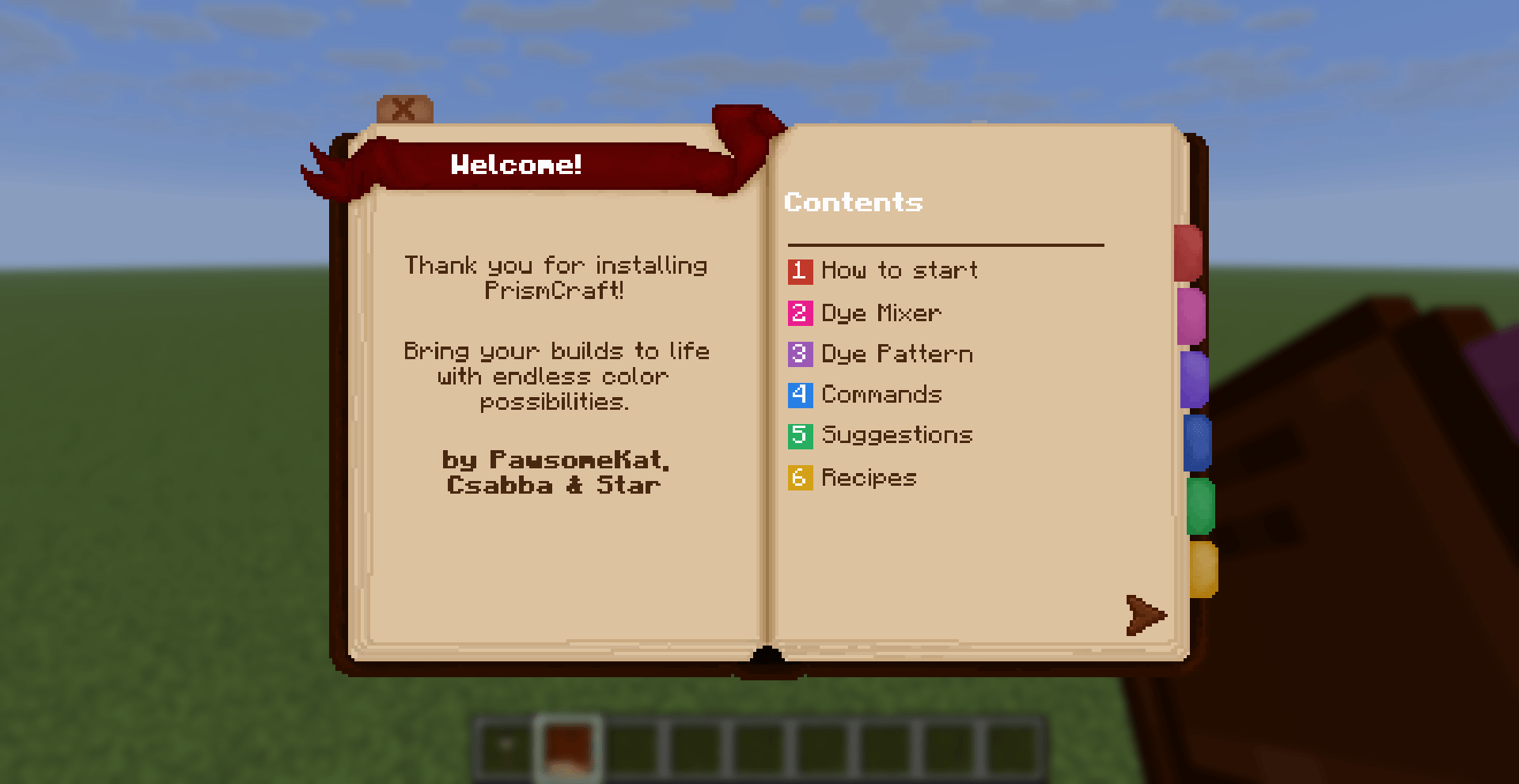
Our Guidebook where we explain the basic functions to get you started!
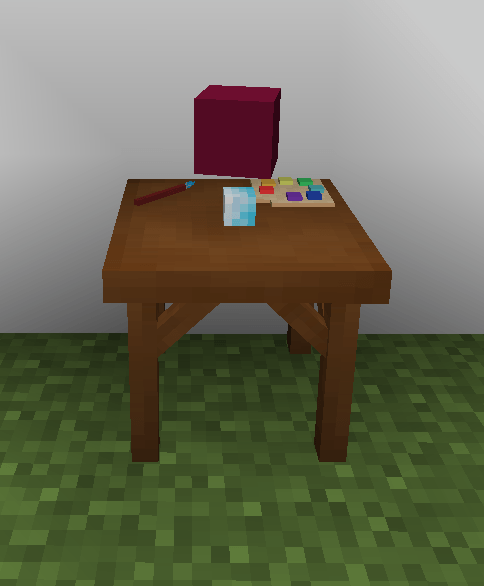
The Dye Mixer will render the block that is currently in the workstation.
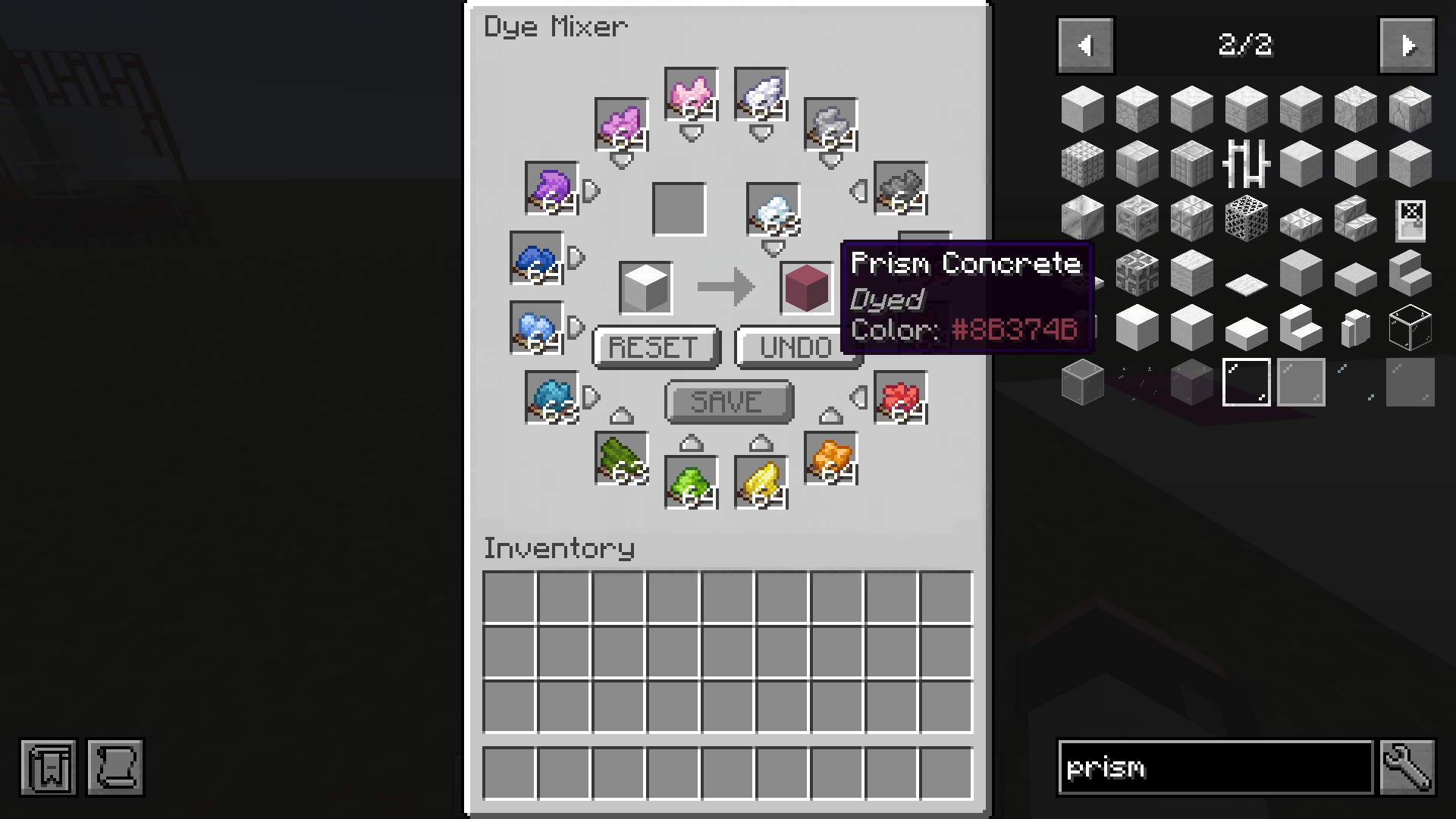
All the dyes can be stored here (up to 1 stack per colour) and used for dyeing. Blocks will then have the Hex code of the color in the tool tip.
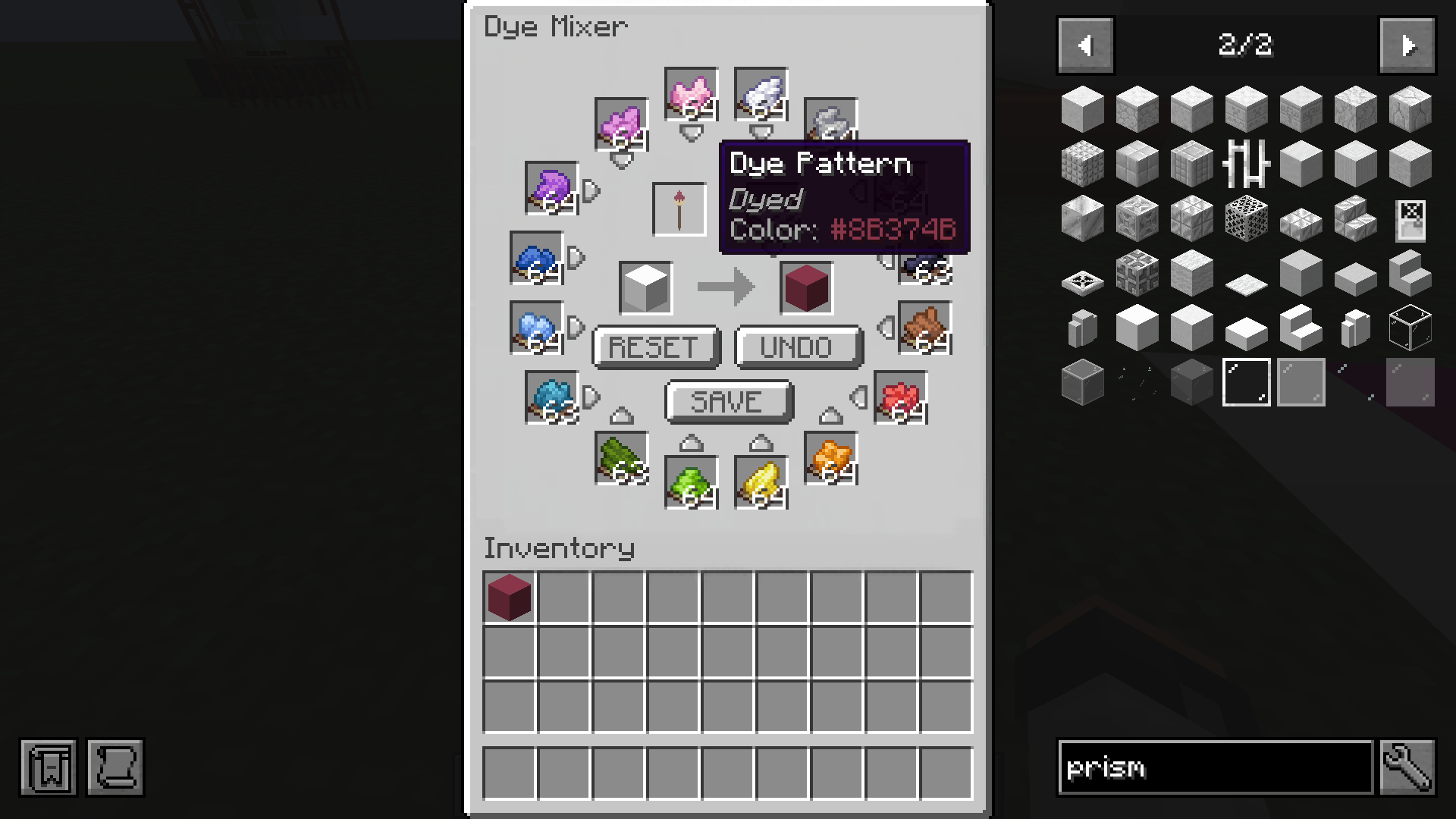
Use a dyed block to save the color to the Dye Pattern brush, this can be then used to bulk craft the same color (up to a stack each time) without having to manually add the dyes one by one.
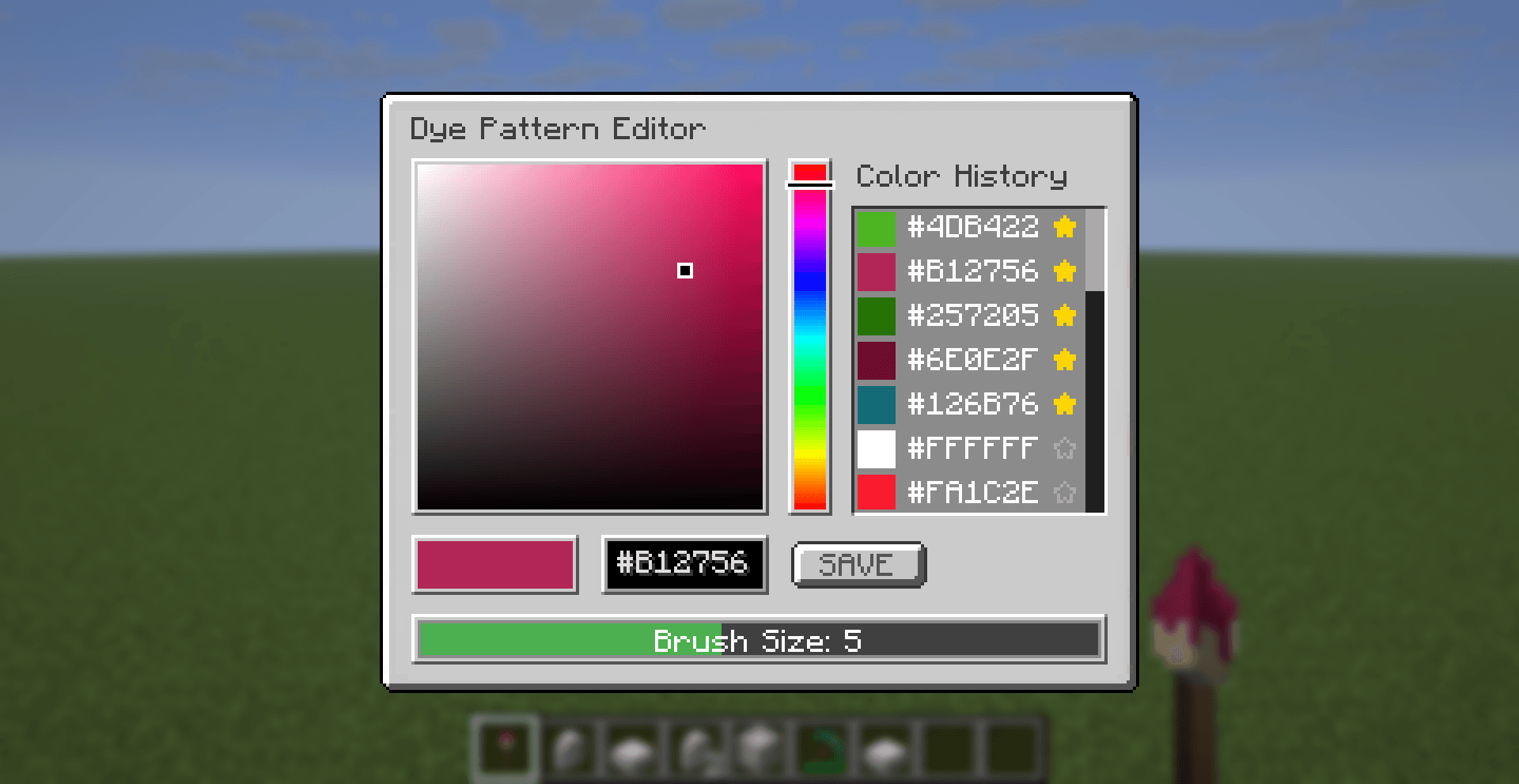
Pick a color by typing in the Hex code or using the hue selector and color bar. Saved colors will be shown in the color history,favourite colors can be selected with the star icon and will always be disyplayed at the top. Select a brush size here.
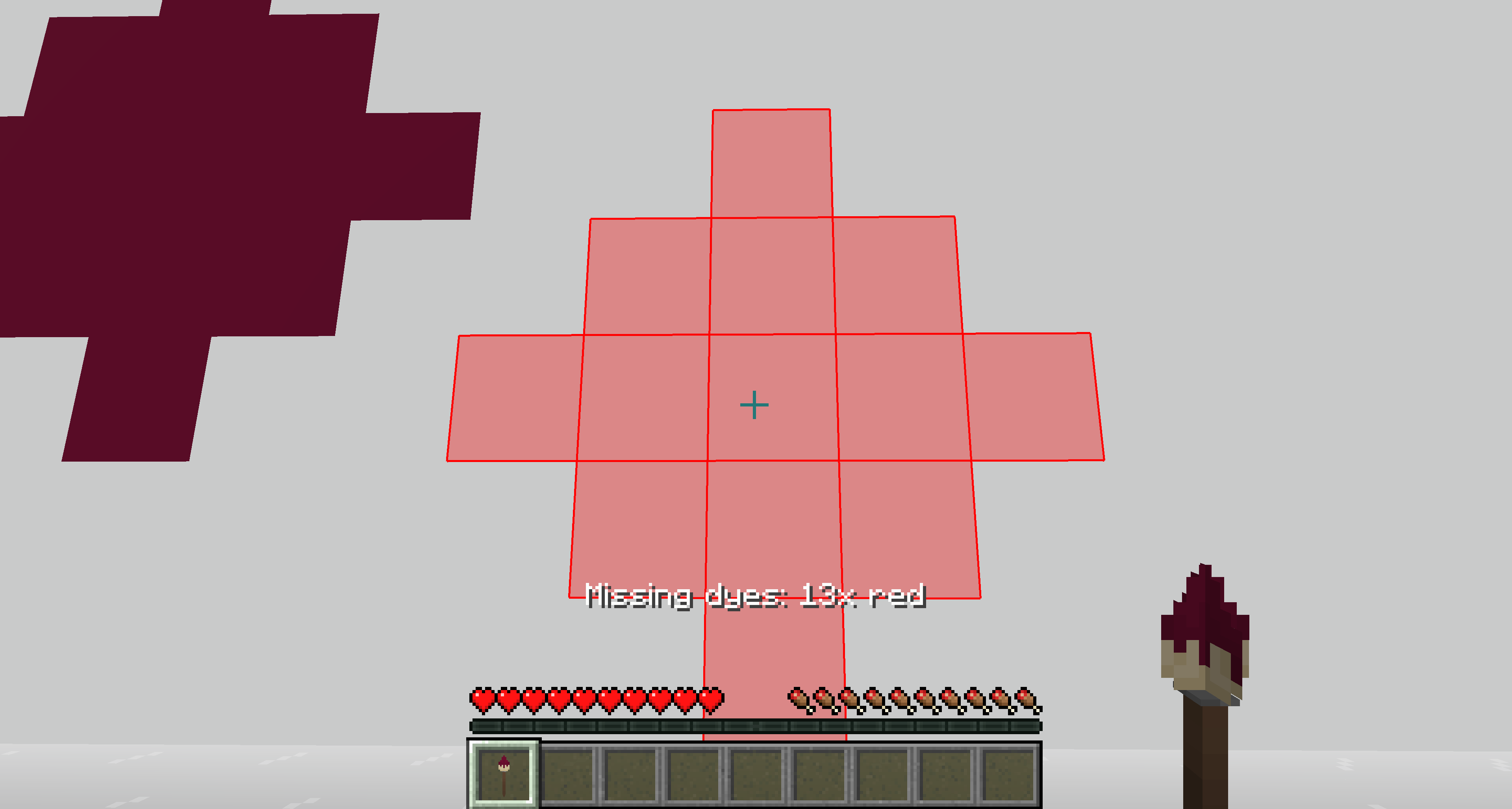
Brush Overlay will show the area the dye will apply; red overlay will show if dyes are missing (Survival only).
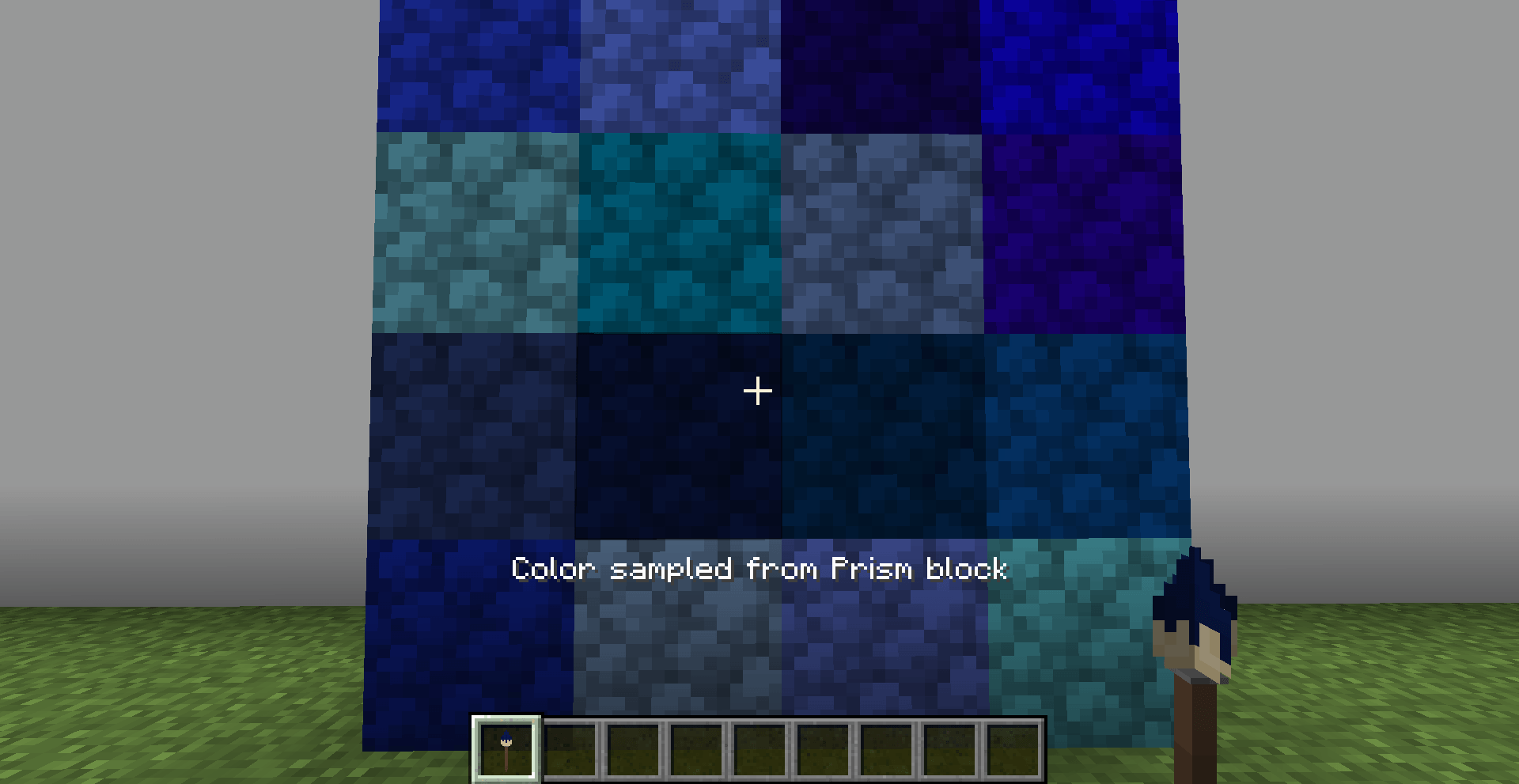
Pick up a color of dyed Prism Blocks in your world by using the middle mouse button while holding the Dye Pattern.
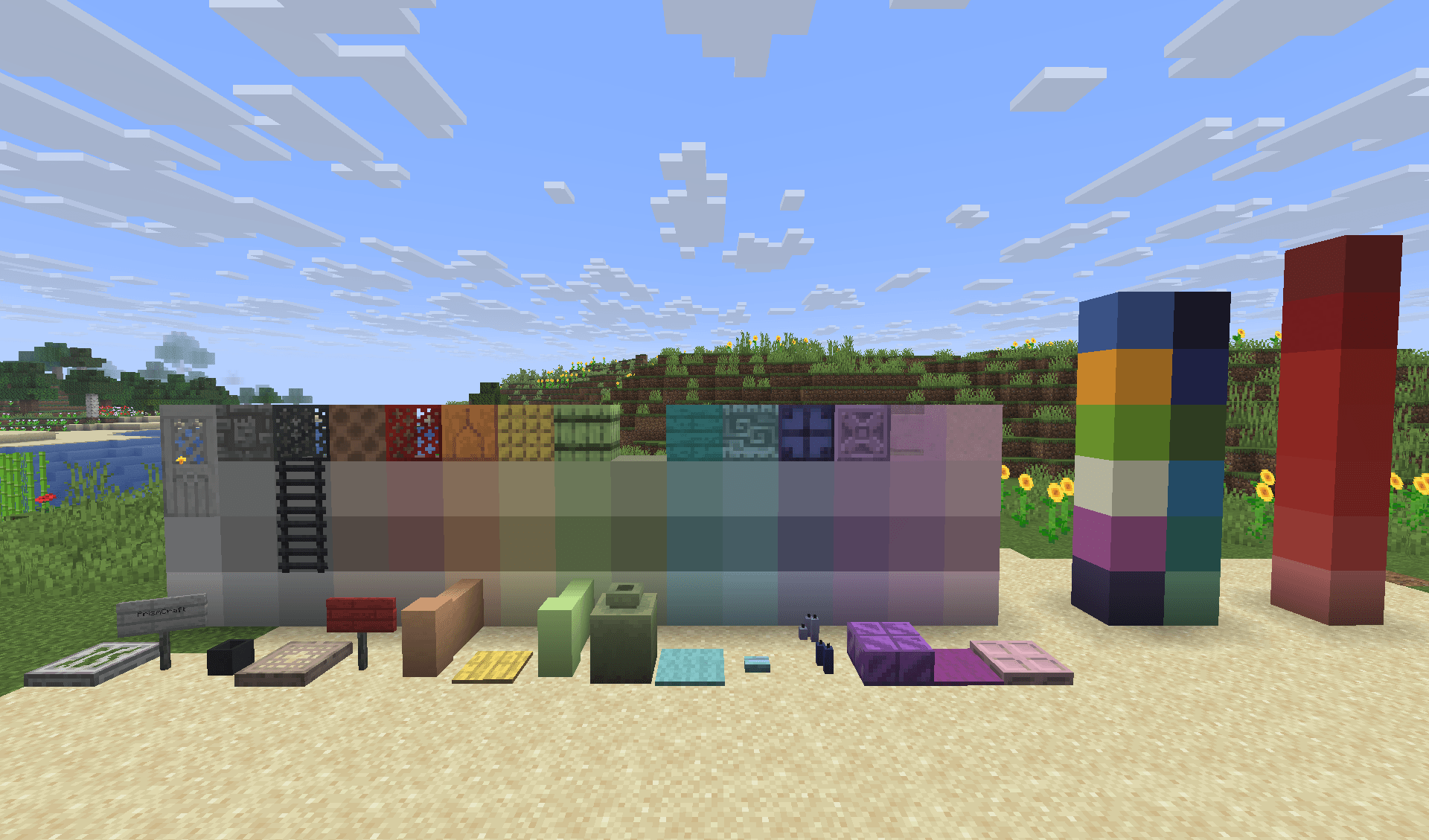
A few examples of dyed blocks in various colours.
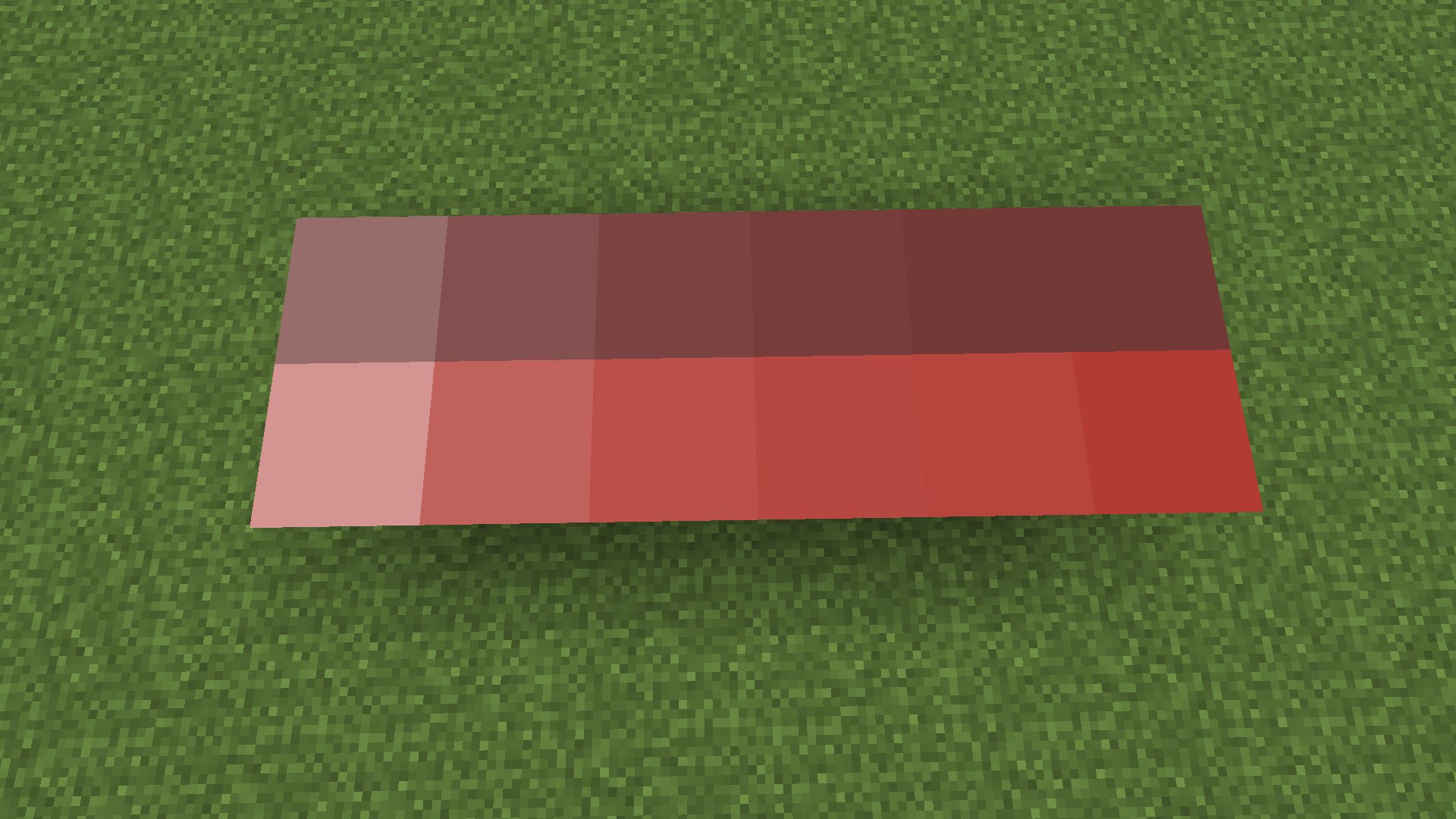
Make perfect gradients for your builds, perfect for pixel art or structures.
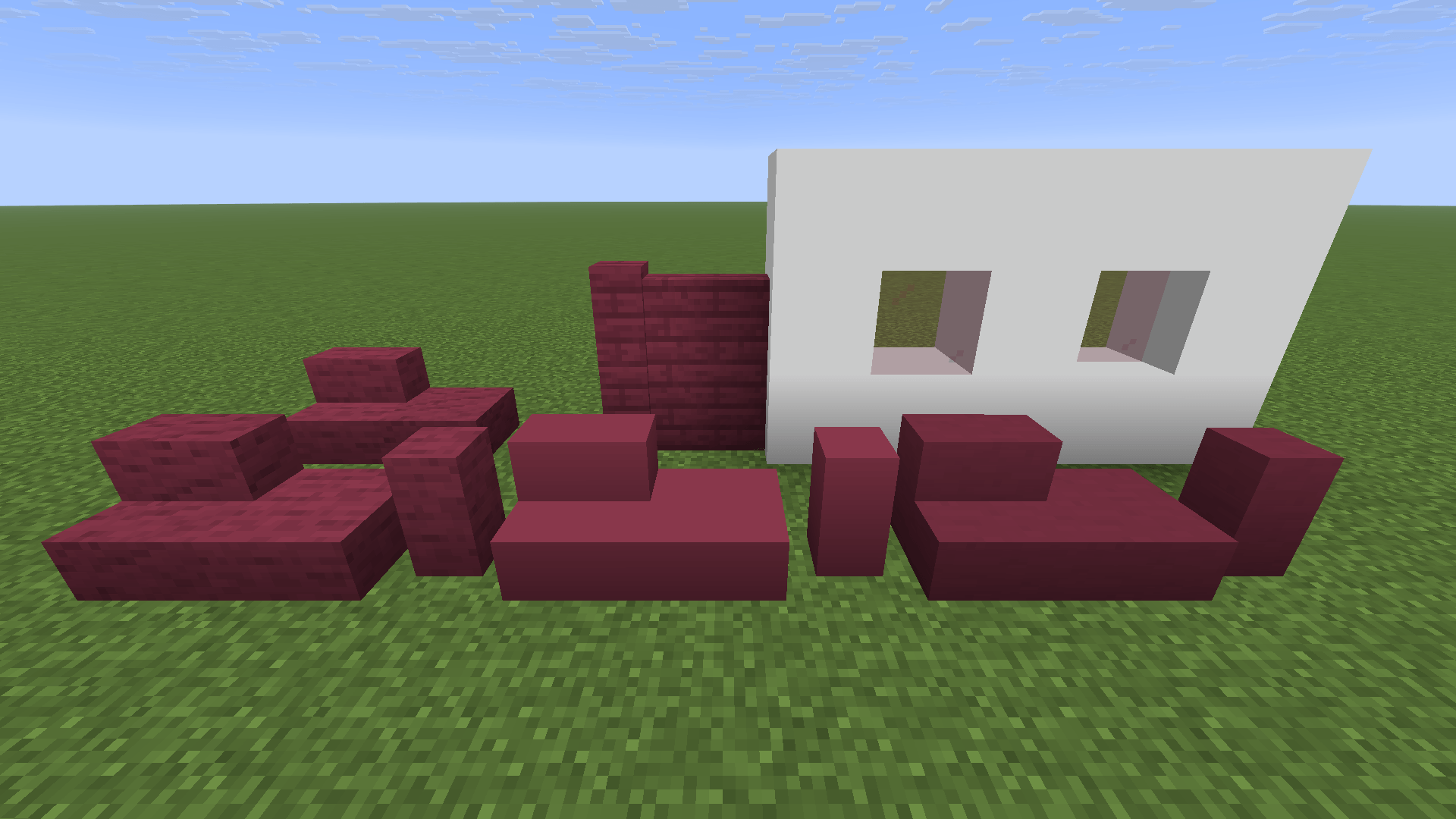
Frameless Glass; Plank Walls; Stairs, Slabs and Walls for Blocks like Concrete, Teracotta etc.
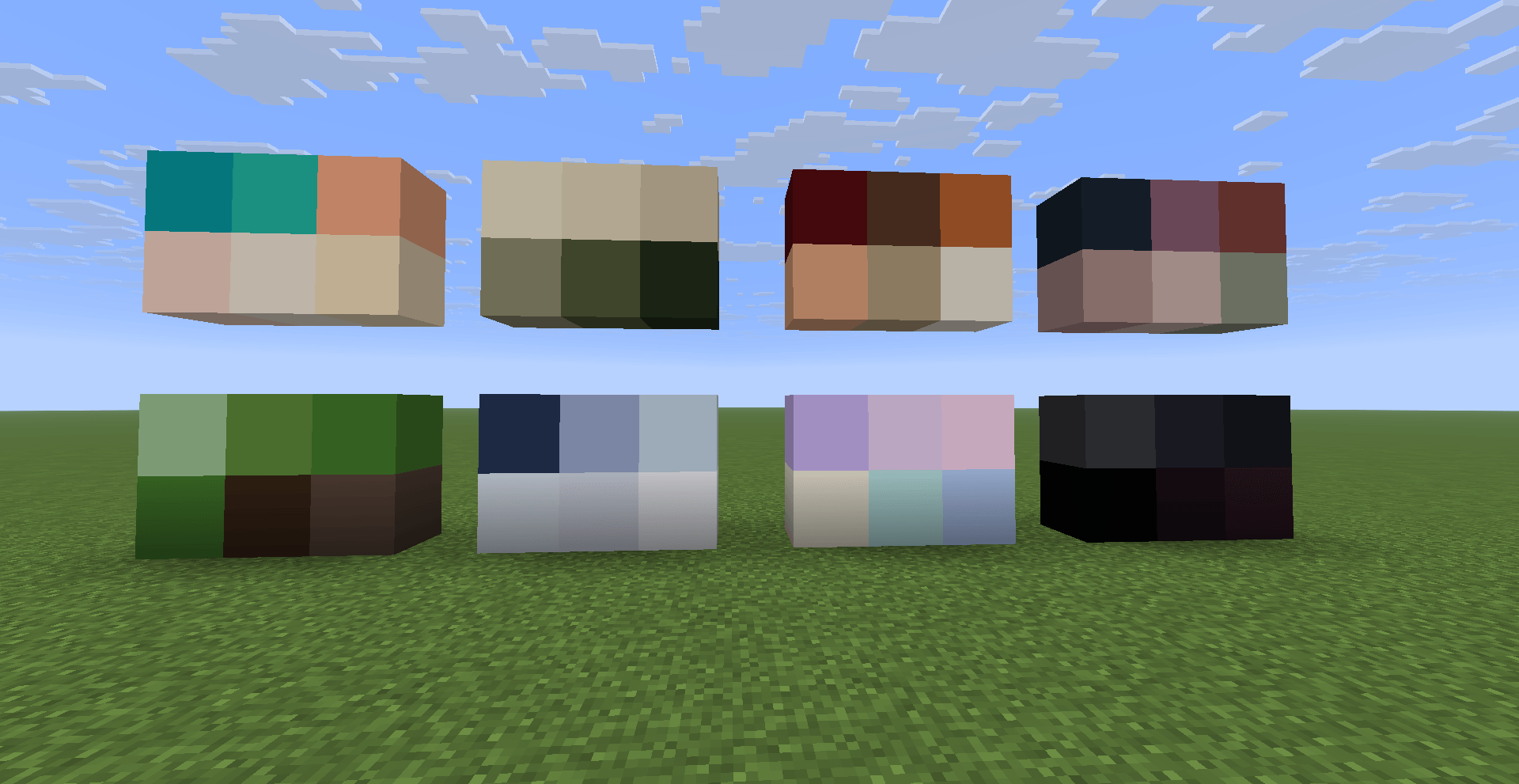
Try out the color palettes from the Guidebook, just click on the hex code to copy the color and then paste it into the Dye Pattern Editor.
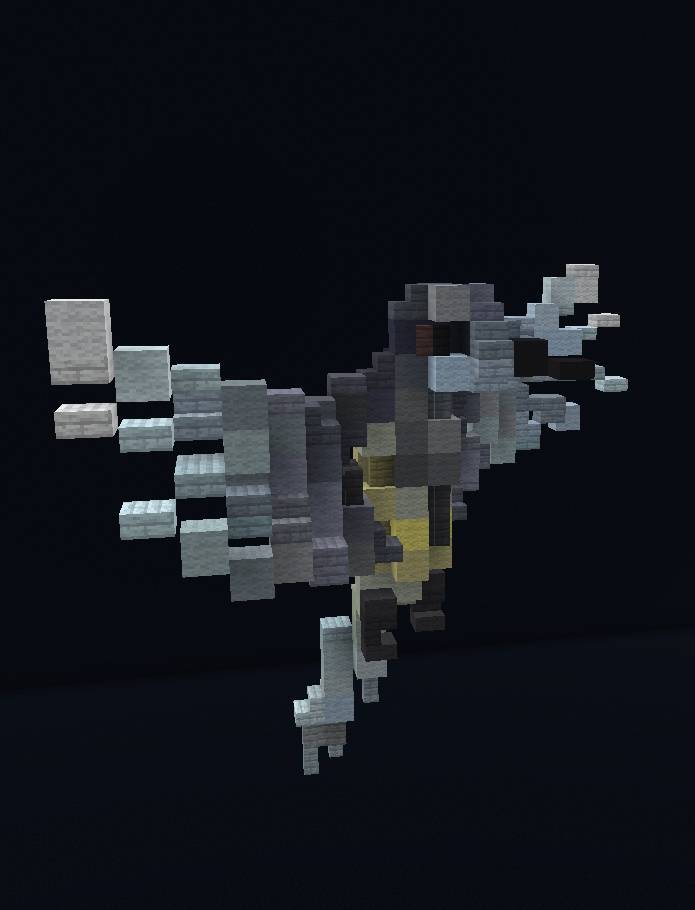
A beautiful bird made by our Builder Huabun.
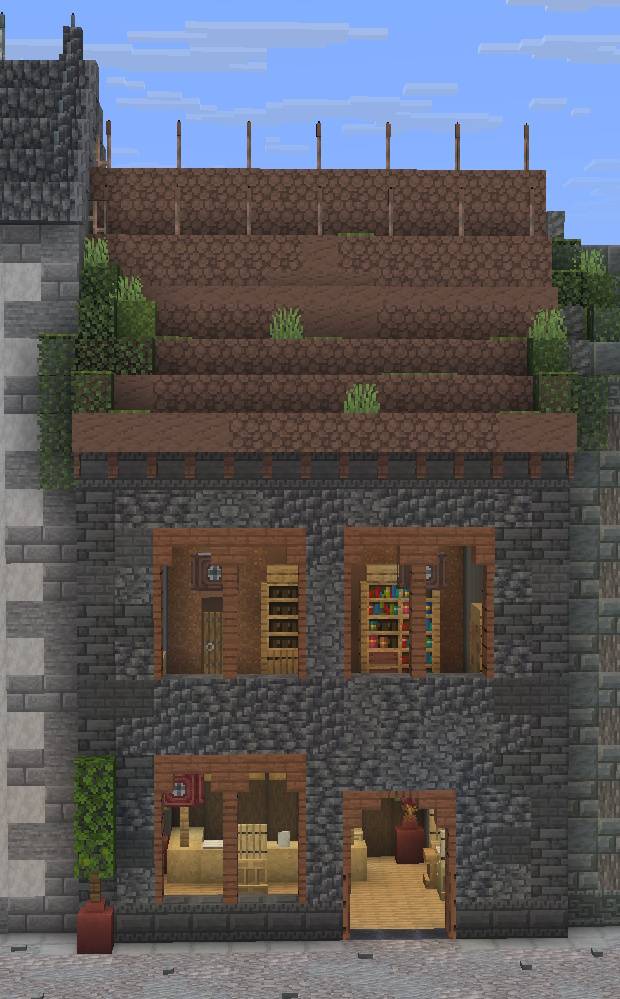
A nice townhouse made by our Builder Huabun.
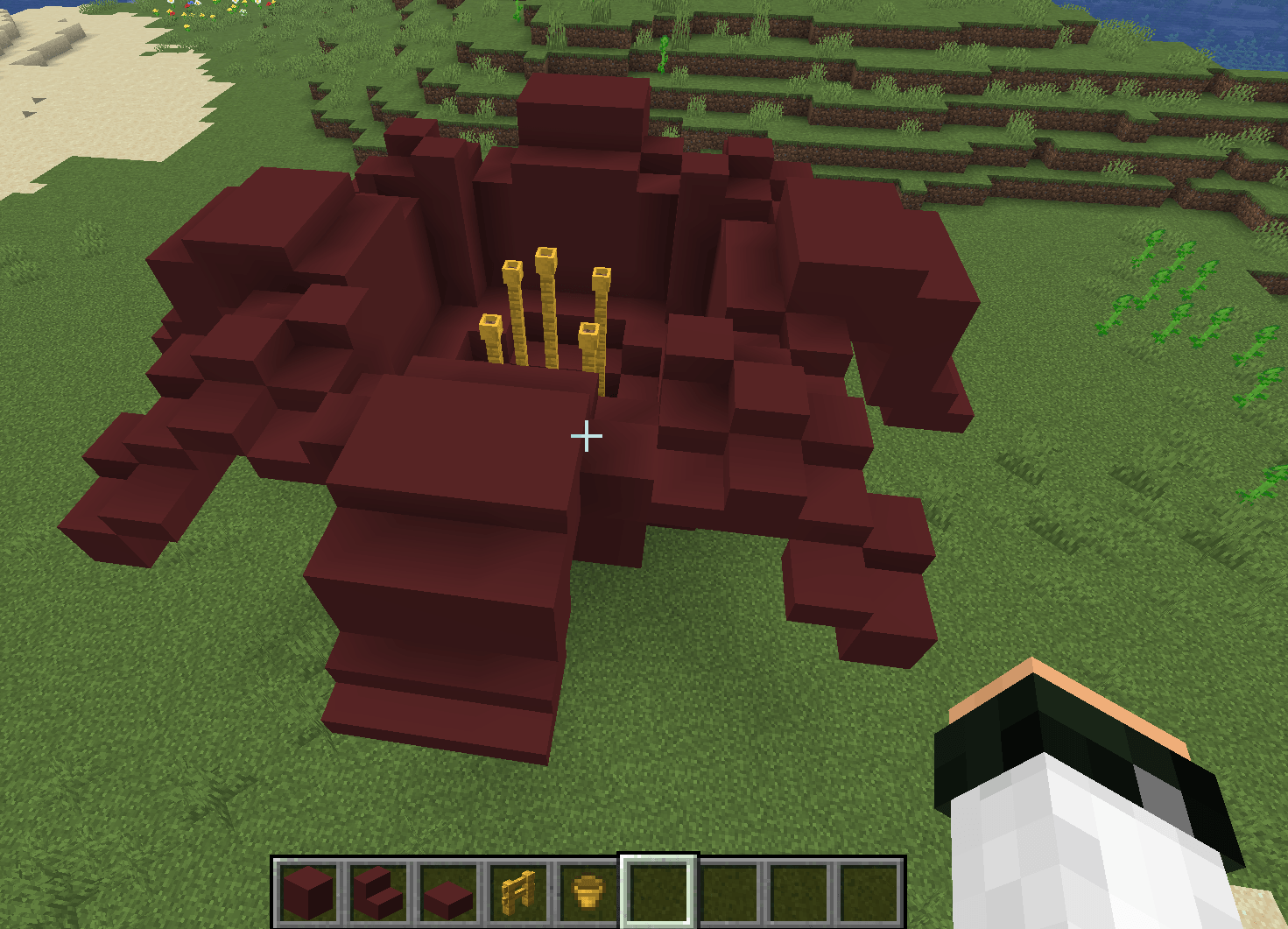
Beautiful flower made with concrete, fences and flower pots.