Powerworks
- By
Build a powered workshop with generators, LV/HV networks, batteries and electric machinery. Standalone electricity, with optional vehicle and fuel-system integrations.
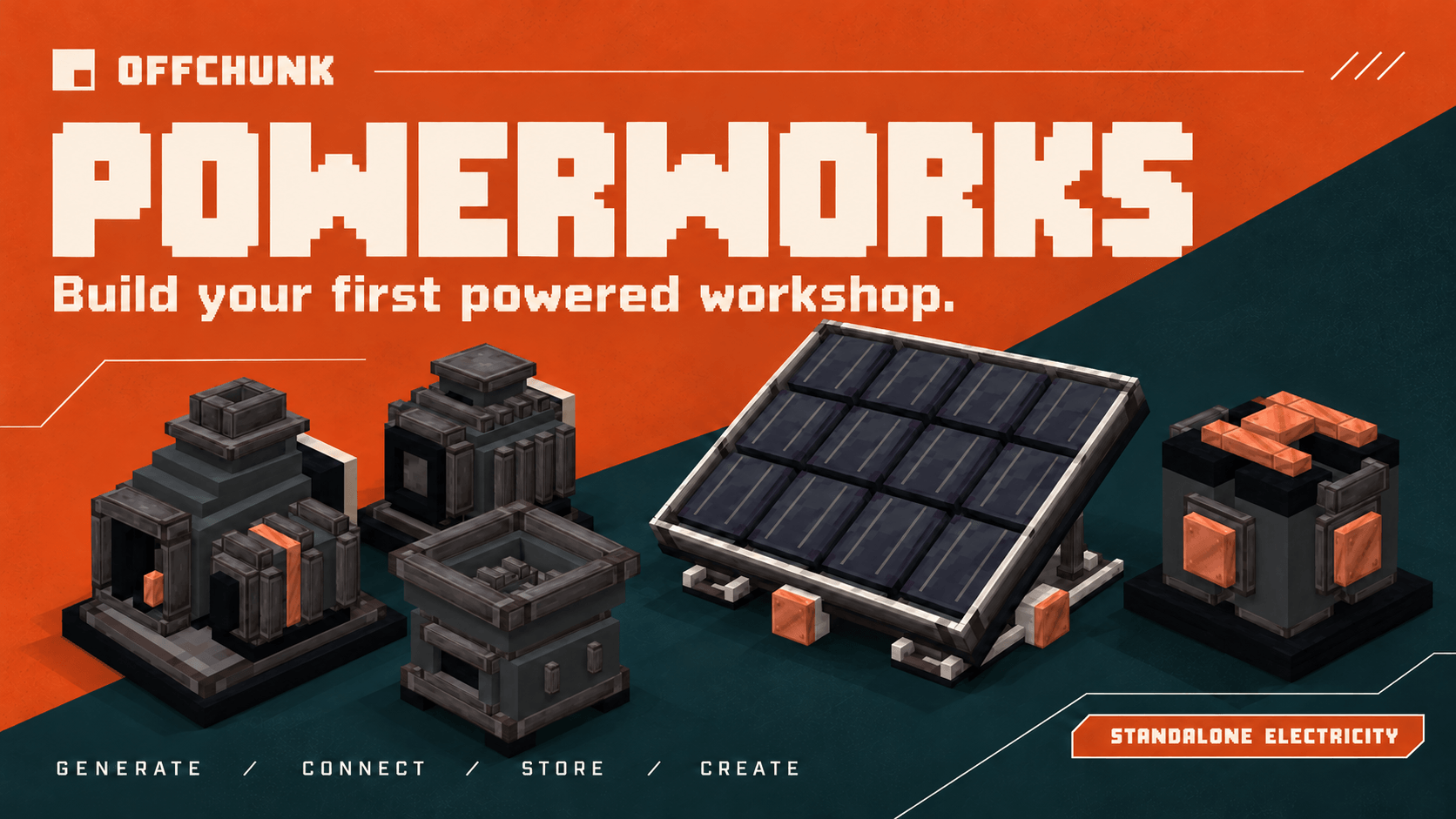
Generate electricity, connect your network, store energy and put it to work.
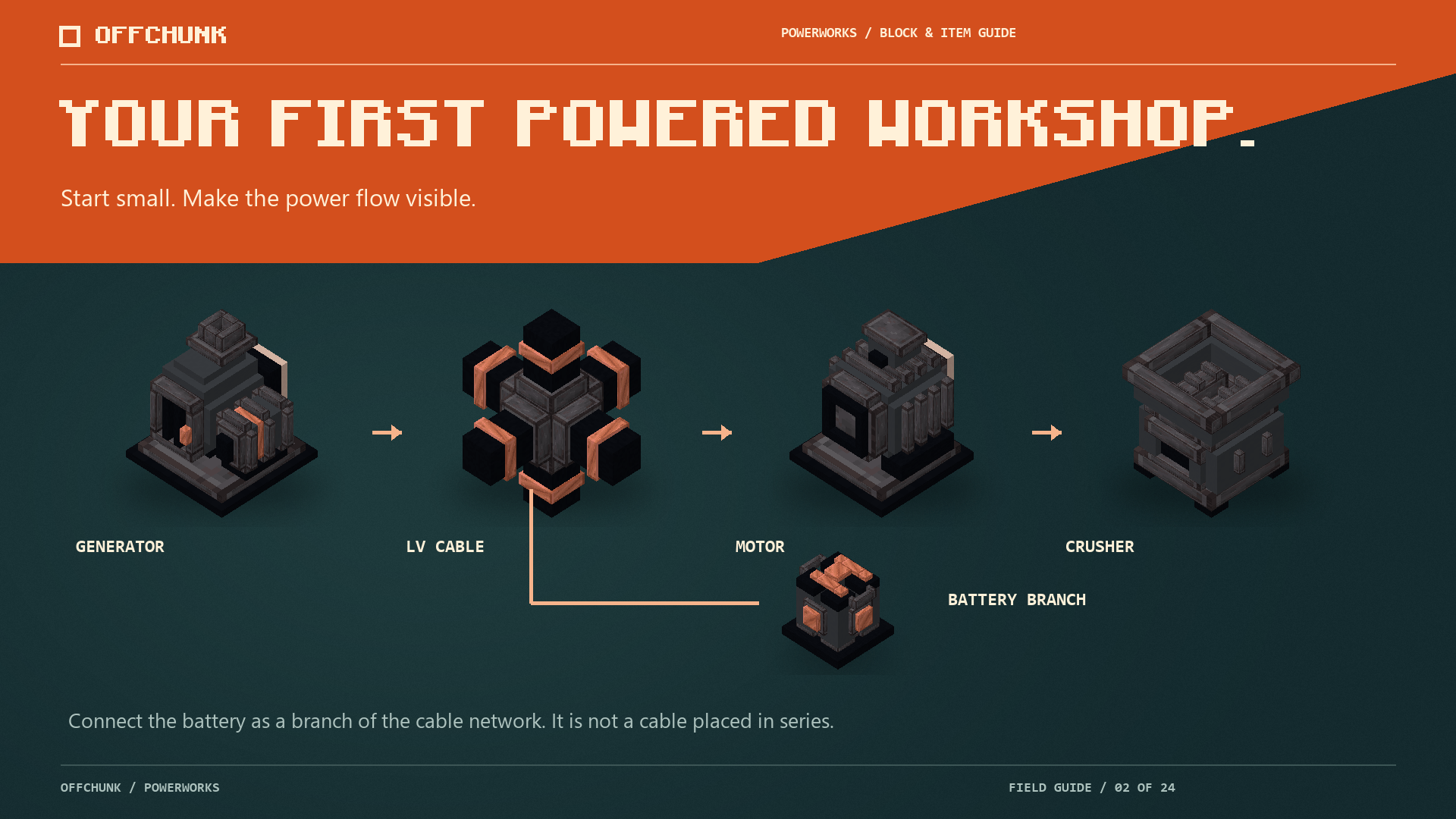
Start with a small generation, storage and machinery setup, then expand it as your workshop grows.
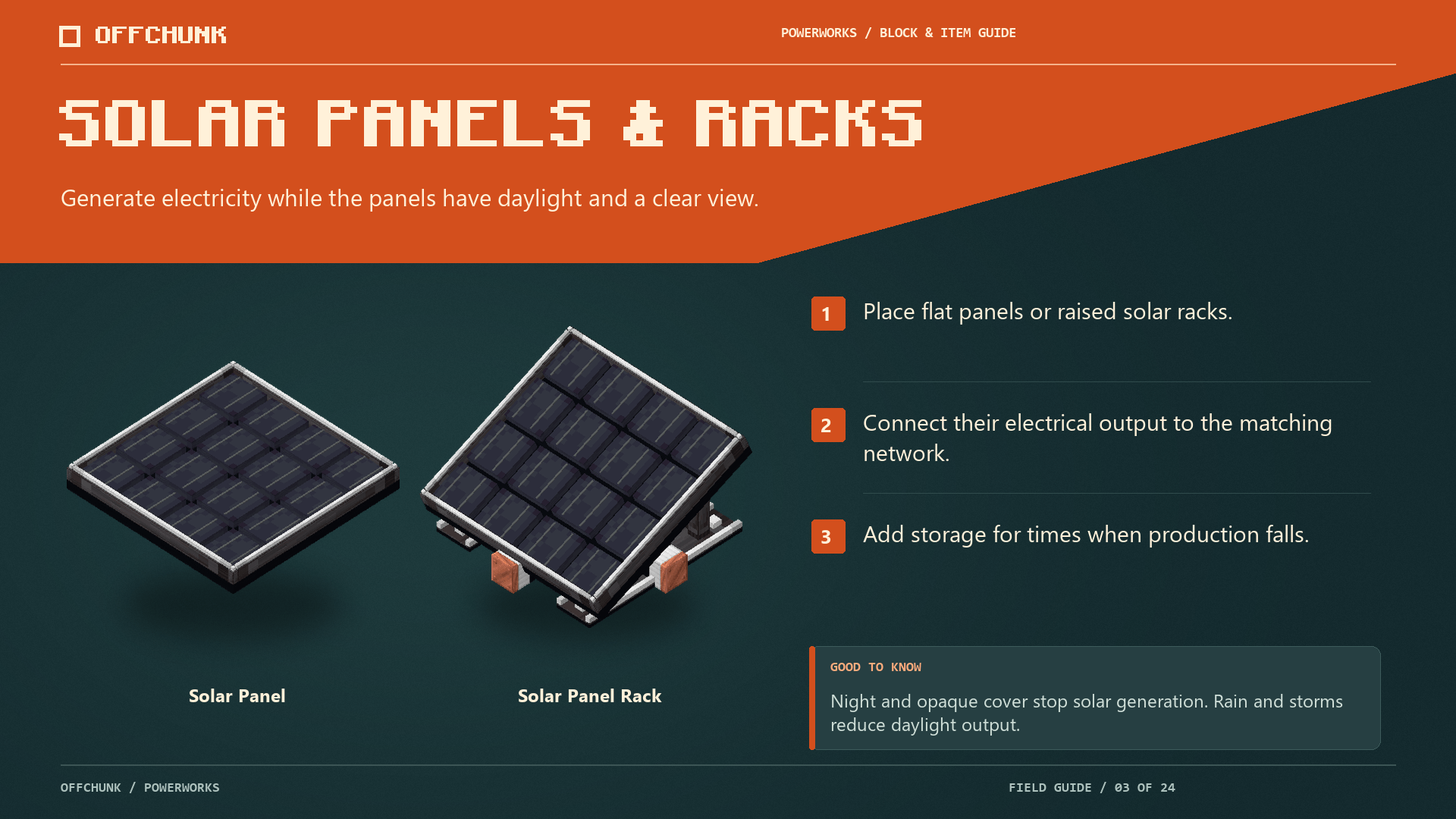
Build solar generation into your roof or arrange panels on purpose-built racks.
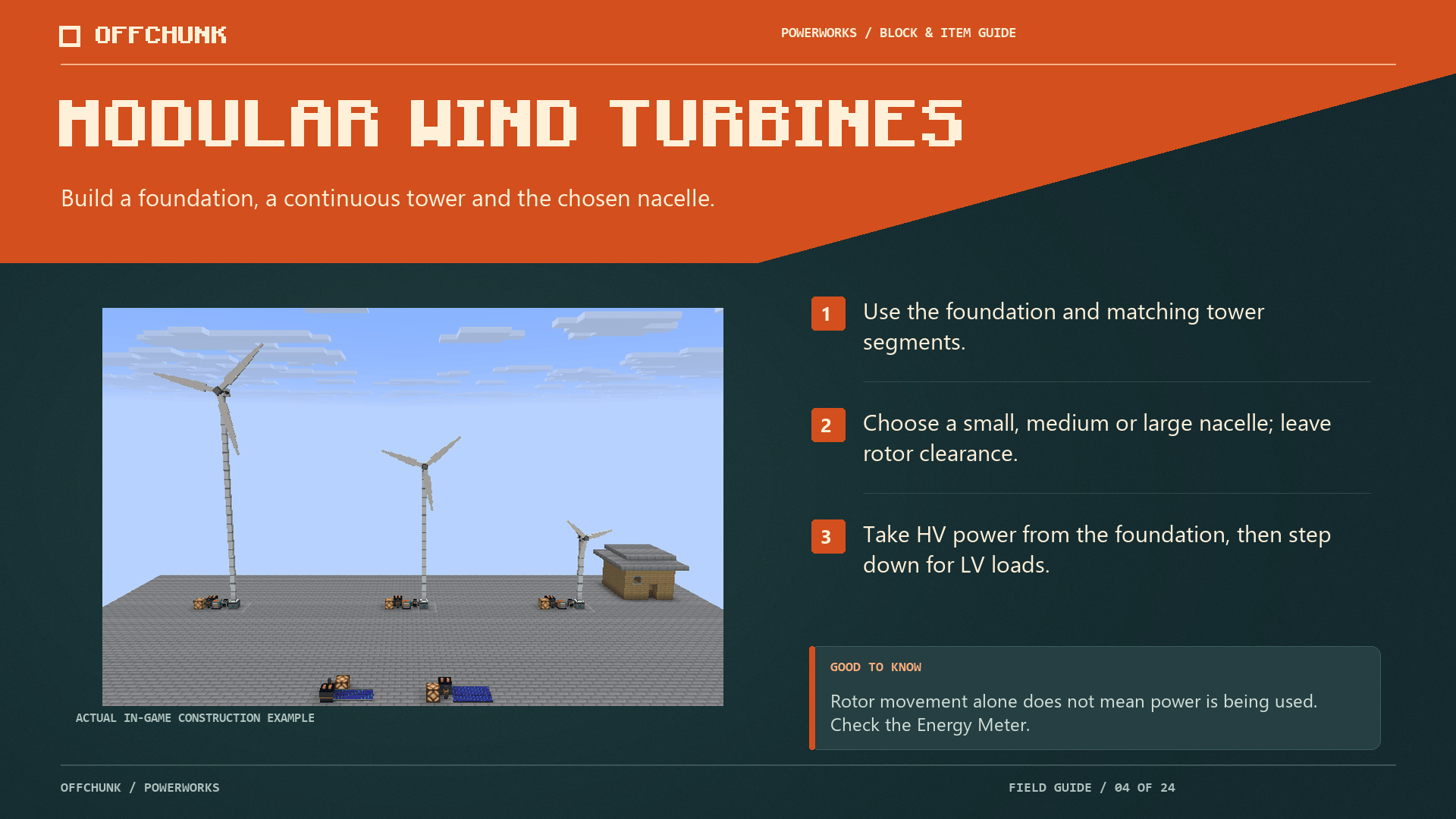
Give your power network a wind-powered landmark.
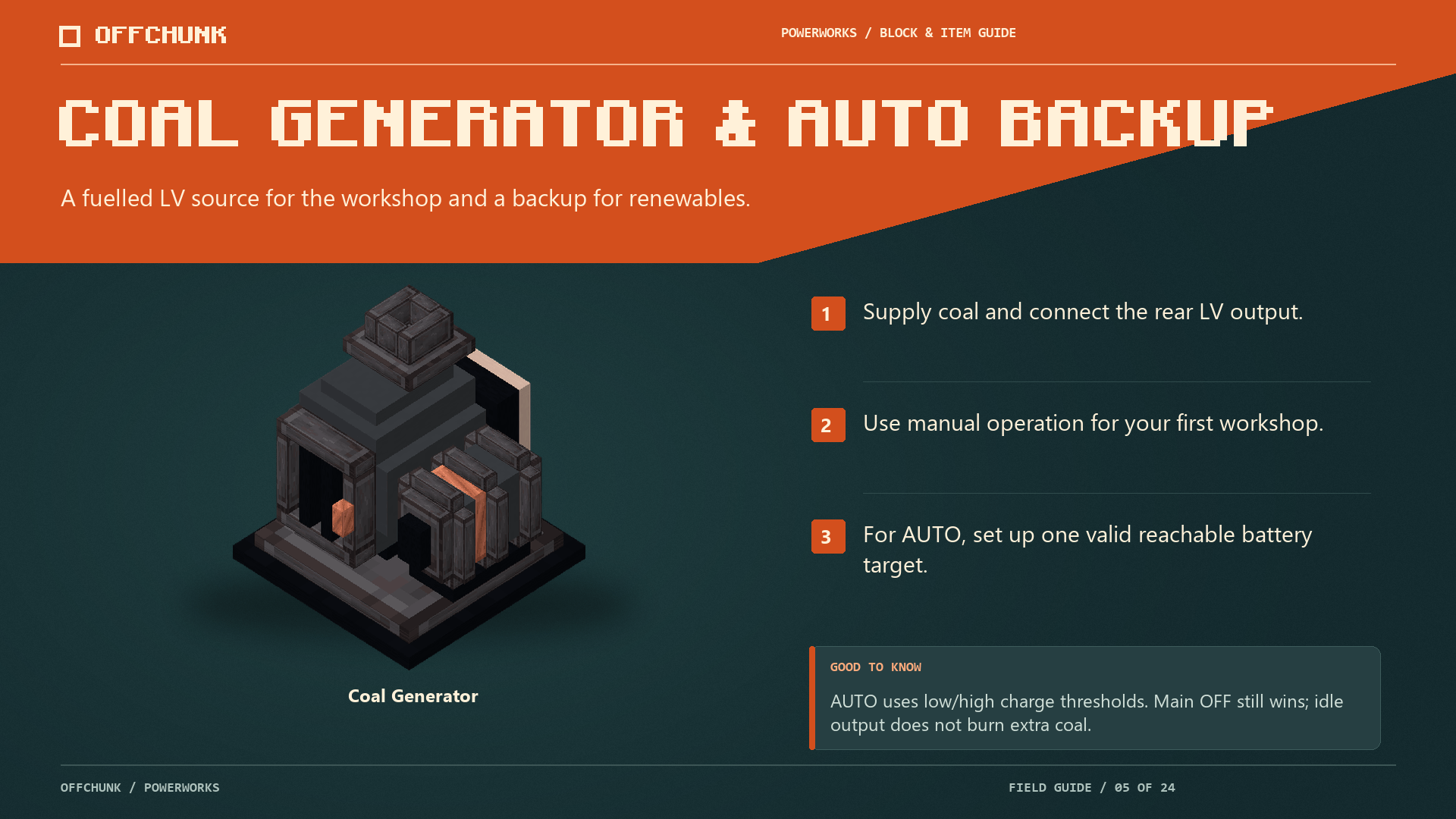
Add coal-powered generation and an automatic backup for your network.
Description
Powerworks
From your first generator to a workshop that runs on its own.
A lamp beside the workbench is a good start. Then comes a furnace, a pump, a battery bank — and a reason to connect them all. Powerworks brings electricity to Fabric survival, with generation, LV/HV networks and machines you can build into a growing workshop.
Available for Minecraft 26.1.2, 26.2 and 26.3, with 21 interface languages. Powerworks is standalone; Automobility and Pumps & Pistons add optional ways to put the power to work.
Build your power network
- Choose your generation. Combine solar panels and racks, modular wind turbines, coal generators and steam generation.
- Move power where it is needed. Connect LV/HV networks with overhead wires, transformers, switches and circuit breakers.
- Keep a reserve. Store energy in batteries and modular battery banks, use redstone control and configure automatic coal backup.
- Put machines to work. Power electric motors, a crusher, an electric furnace and lamps, with handheld diagnostics to help understand the network.
- Move water too. Connect pumps, hoses and tanks, or plan surface-grid drainage within the pump’s limits.
Your first workshop
Start small: one source, a suitable connection and one machine. Add storage and expand once you understand where the power goes. The English/Czech First workshop guide is available through /powerworks_guide, and machine help is close at hand.
Better together
- Automobility — electric vehicle engines, traction batteries, charging and vehicle-to-load power.
- Pumps & Pistons — compatible liquid-fuel generation and machinery for a working production chain.
Both are optional. Choose companion files for the same Minecraft version. Automobility includes Momentum; do not add the old standalone Momentum JAR.
Install and update
Install the matching Powerworks JAR on the server and clients with Fabric Loader, Fabric API and Java 25 or newer. Each version’s notes list its minimum dependencies.
Keep a backup of your world and configuration before installing or updating, and use matching builds across a multiplayer setup.
Help and credits
Something not behaving as expected? Send your Minecraft and mod versions, the relevant log and a short description of the network or machine involved.
Report an issue · Source · Offchunk
Licensing and attribution
Copyright © 2026 Nickynicolaus (Offchunk). These licences apply to different materials; they are not an either/or choice for every file.
- Original implementation, tooling, associated documentation and game logic/data definitions (com/offchunk/powerworks/, data/powerworks/ and project metadata): MIT. Full MIT licence.
- Original models, textures, icons, sounds and asset definitions (assets/powerworks/): Creative Commons Attribution 4.0 International. Full CC BY 4.0 legal code. Attribute Nickynicolaus (Offchunk), name Powerworks, retain the source and licence links, and indicate modifications as the licence requires.
- Third-party material retains its own terms.
LICENSING.md identifies the exact path scopes. The download includes LICENSE and LICENSE-ASSETS for both complete licence texts, and NOTICE for attribution. Minecraft and optional companion mods are separate dependencies, not Powerworks-owned works.
Powerworks Team