Postcard Camera
- By
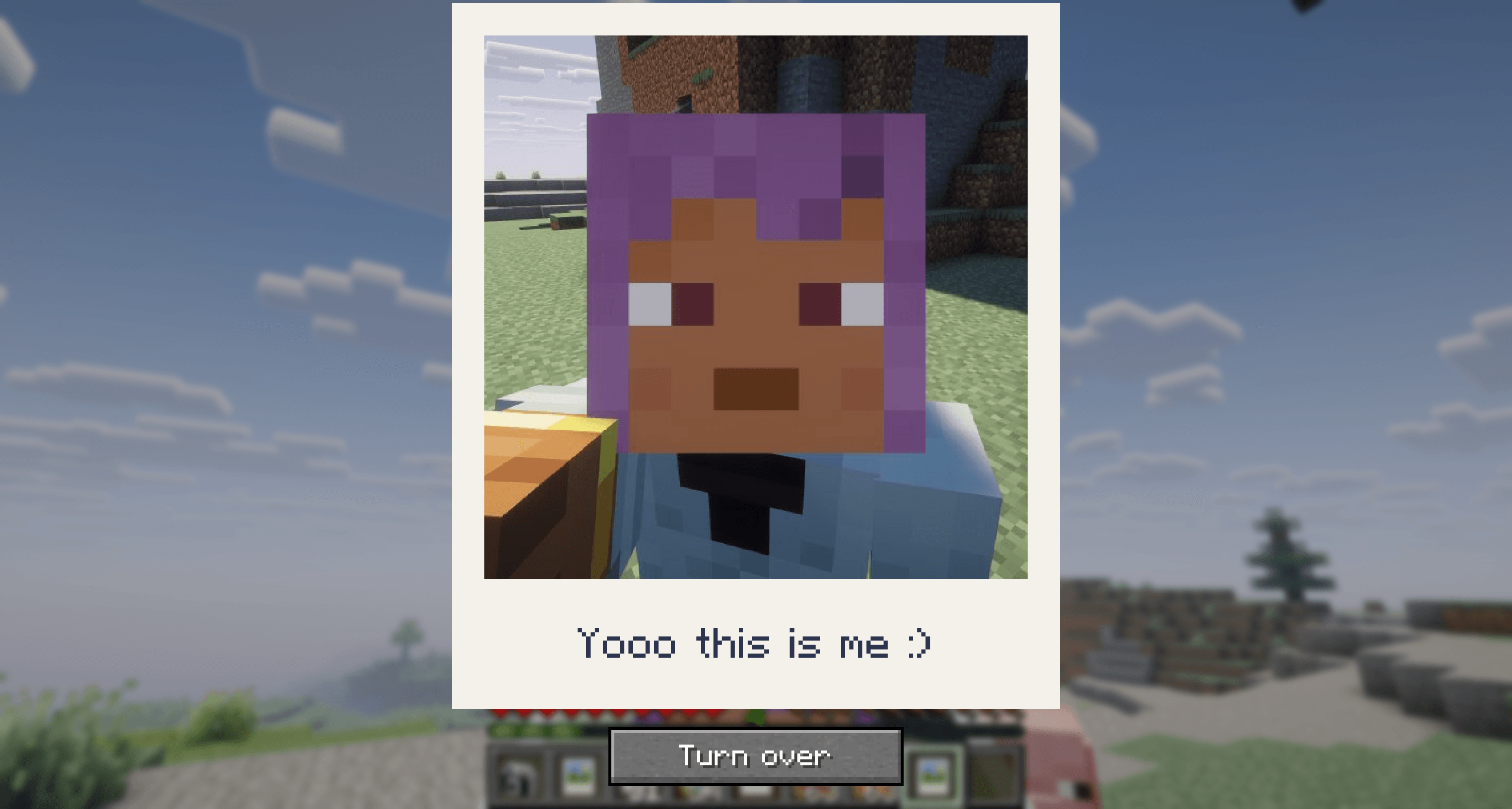
Take instant photos of your world, write on the back like a postcard, and hand them to your friends.
Description
Postcard Camera
Take instant photos of your world, write on the back like a postcard, and hand them to your friends.
This is an early version. Postboxes to post photos to your friends, printing pictures from your computer, hanging photos on walls and a photo album come in later versions.
Features
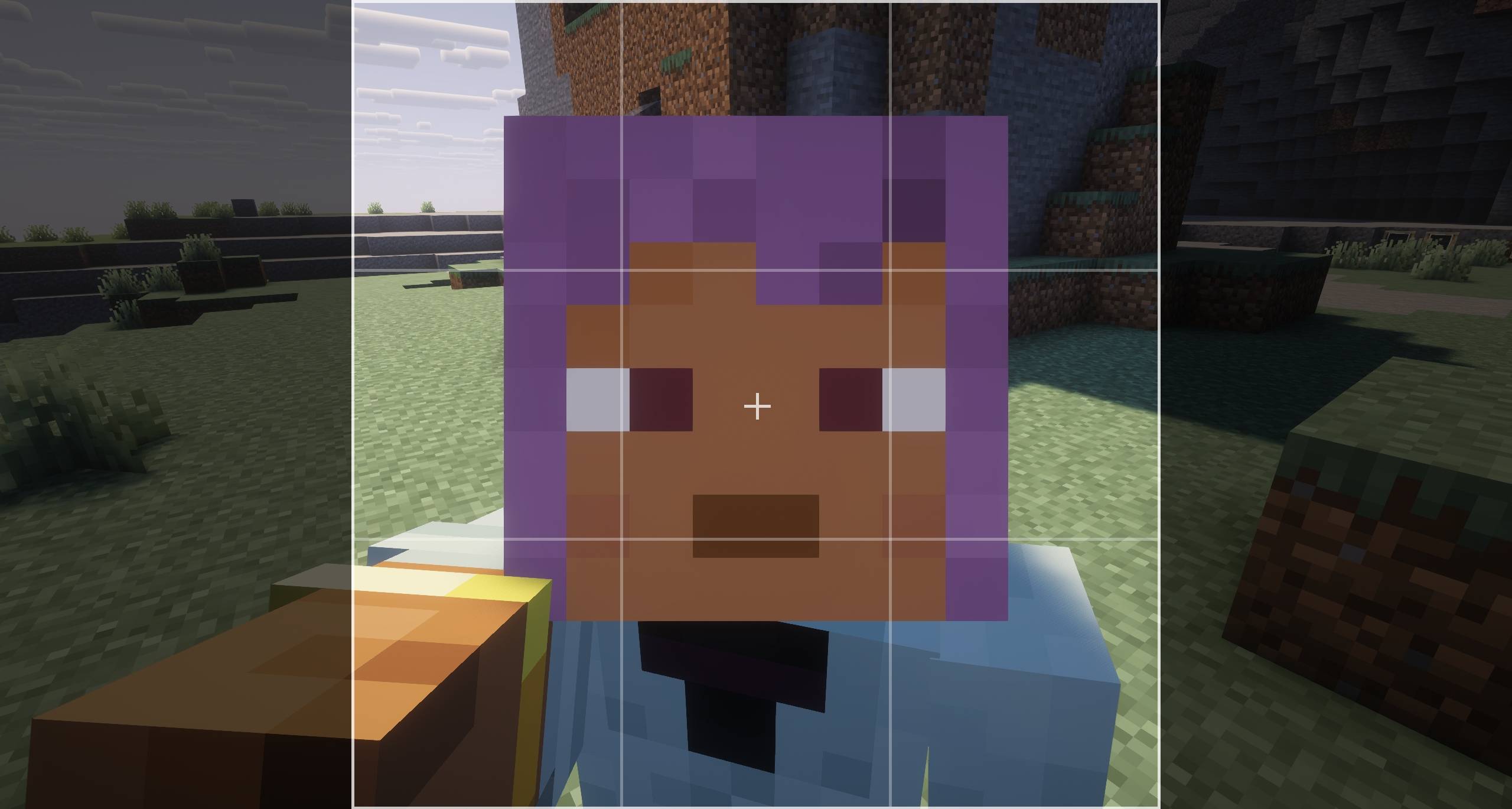
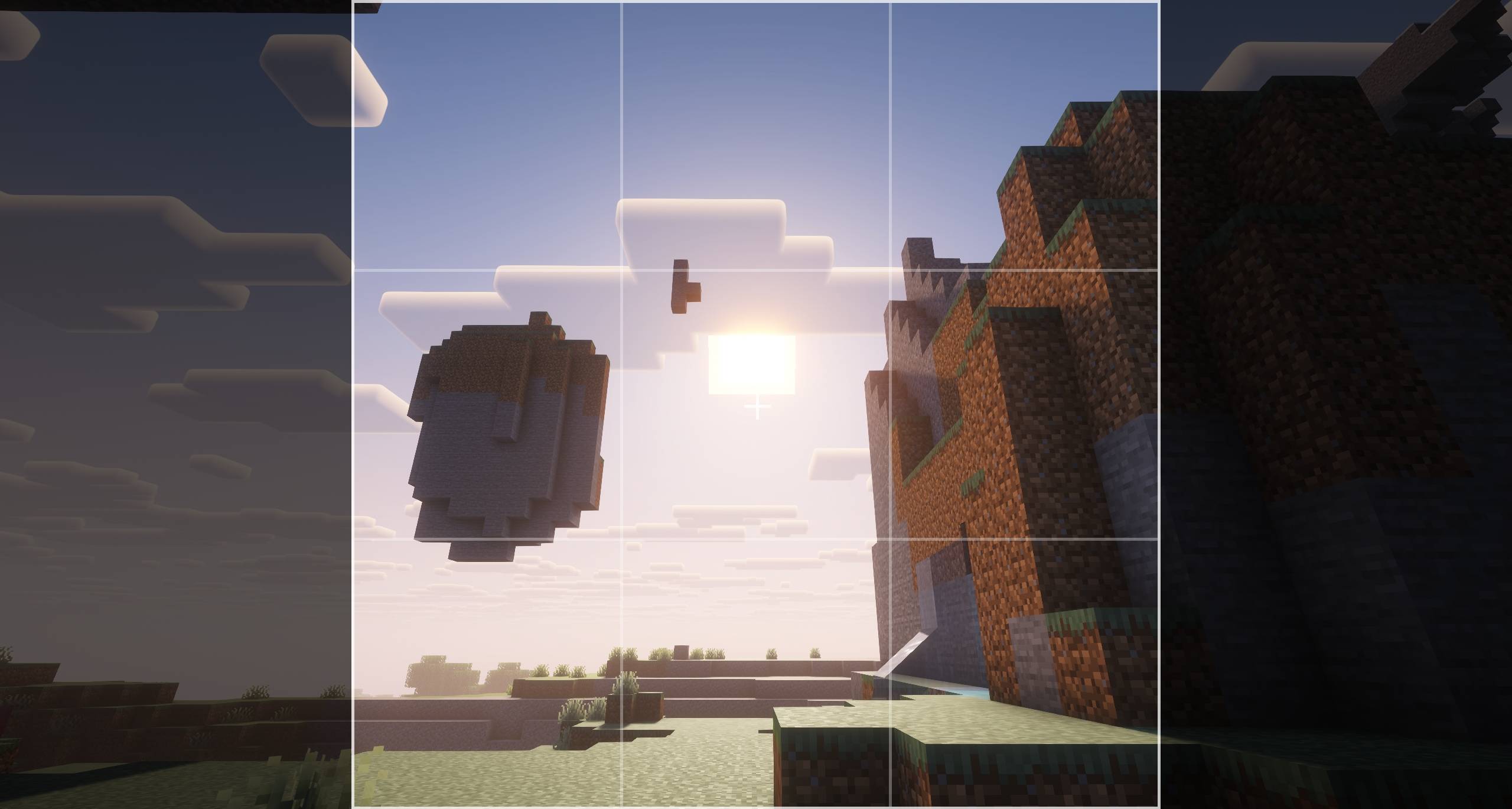
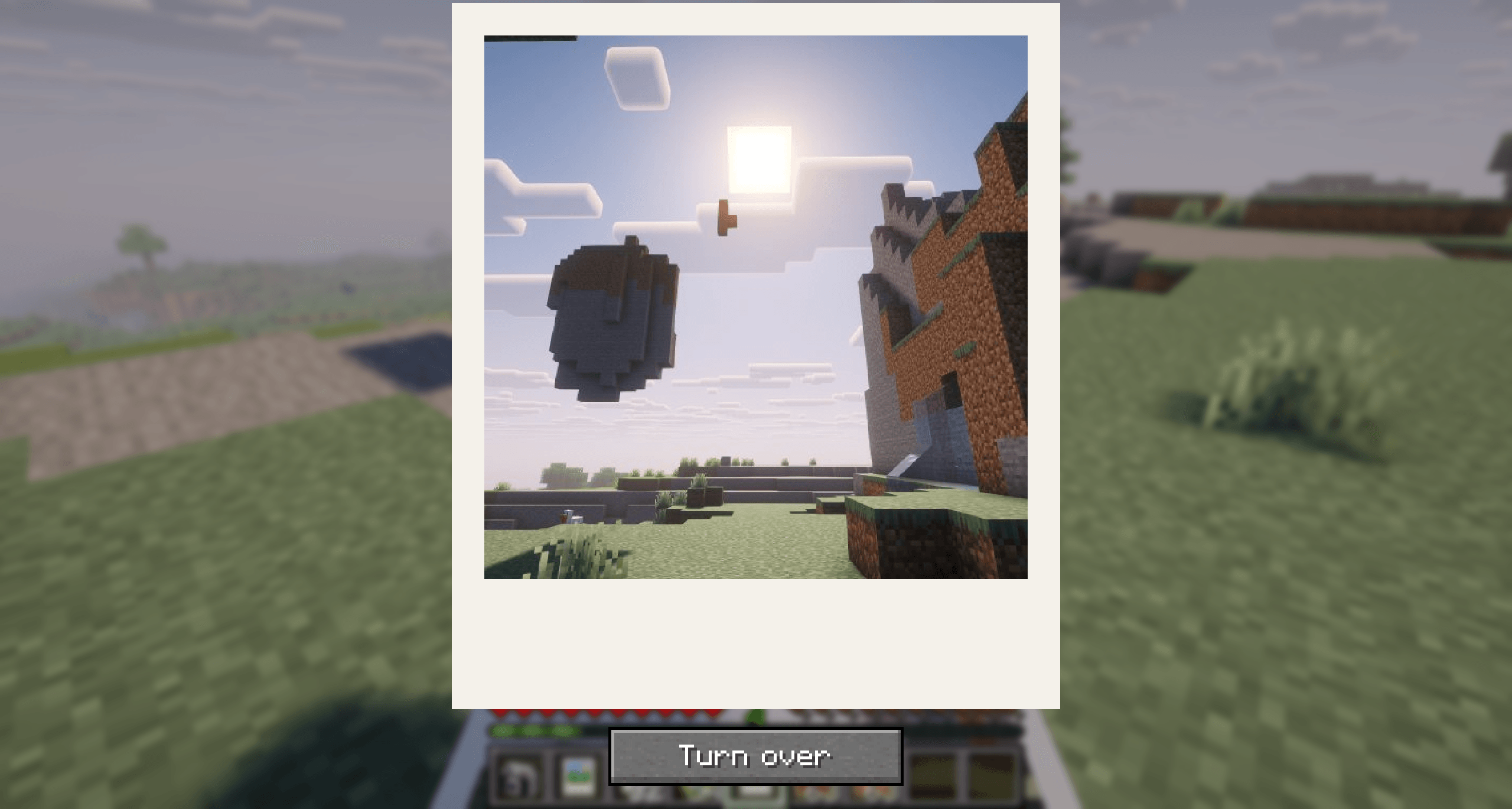
- Instant Camera: look through the viewfinder and take a photo of what you see. It comes out right away and develops in your hand. Press the perspective key (F5) in the viewfinder to turn the camera round for a selfie.
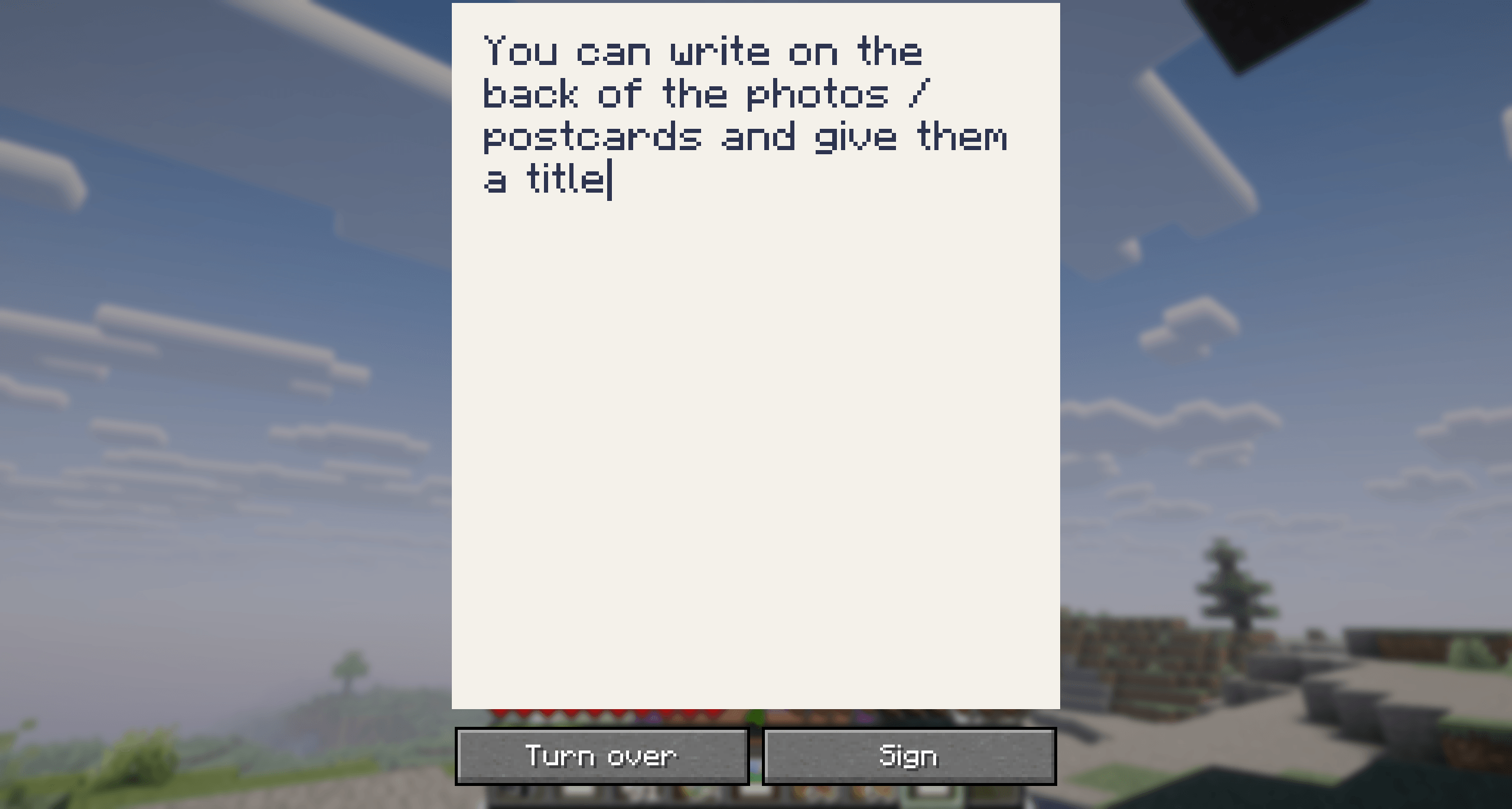
- Postcards: turn a photo over and write a message on the back, then sign it so nobody can change it, and give the photo a title.
- Show them off: hold one up like a map or put it in an item frame. A photo's title, or a name from an anvil, is written under the picture.
- Share them: give a photo to a friend, and they see the same picture, also on a server.
Crafting
Instant Camera
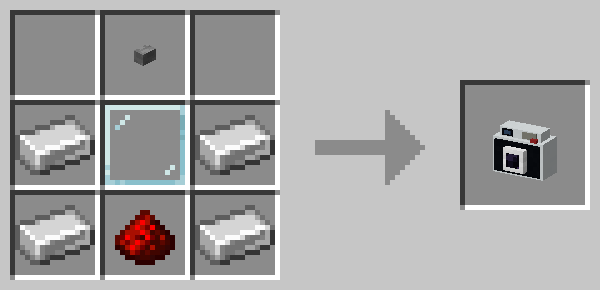
Instant Film: 3 paper and 1 black dye, in any arrangement, make 3 Instant Film.

Dependencies
Required:
- YetAnotherConfigLib (YACL), on every loader: 3.8.2 or later for 1.21.1, 3.9.7 or later for 26.3.
- Fabric API on Fabric and Quilt.
Optional: Mod Menu on Fabric and Quilt, to open the config screen from the mod list.
Quilt on 26.3: for now, clients need Quilt Loader 0.31.0 (a beta). YACL crashes the current stable release, 0.30.1, at startup. 1.21.1 runs on the stable release.
Config
Open the settings from Mod Menu on Fabric and Quilt, or from the Config button in NeoForge's mod list. In a world, operators and the world's owner change them there for everyone.
| Setting | Default | |
|---|---|---|
| Photo size | 256 × 256 | Size of new photos in pixels, 128 to 512. Larger is sharper and takes more space. |
| Photo quality | 85 | JPEG quality of new photos, 50 to 100 |
| Film | Instant Film | What each photo uses up: Instant Film or paper |
| Back of a photo | Postcard | How much can be written on the back: Sign (4 lines), Postcard (6 lines) or Book page (14 lines) |
| Photos per hour | 60 | How many photos each player may take in an hour, up to 1000; 0 for no limit. Operators, and the owner of a singleplayer world, have no limit. |
For operators
All under /postcardcamera. Photo IDs in the answers can be clicked to fill in the next command.
| Command | |
|---|---|
list <player> [<page>] |
A player's photos, newest first |
info [<id>] |
Everything about a photo, or the one in your hand: who made it and when, and its title, message and signature |
remove [<id>] |
Removes a photo for good, or the one in your hand. Everyone then sees it as removed. |
removeall <players> |
Removes every photo those players made |
blacklist add|remove|list |
Players on the blacklist can't take photos |
whitelist on|off|add|remove|list |
While the whitelist is on, only players on it, and operators, can take photos |
The server log also names each photo's ID and who took it. The photos and their records are in postcard_camera/photos/ in the world folder, the lists in postcard_camera/access.json; edit that file only while the server is stopped.
Credits
- The camera's shutter and motor sounds are cut from Polaroid Taking Picture by satanicupsman (Freesound), from Pixabay, under the Pixabay Content License.
Postcard Camera Team